

Wireless Call Devices and Button Systems One touch calls your Waiter.
Speed up service and send your team exactly where they’re needed. No one waits, and nothing slows you down.
- Businesses
- 500+
- Industries
- 20+
- Countries
- 10+
- Products
- 40+
Start with what you need to call.
 Waiter and Staff Calling Restaurant · Hotel / Beach Club · Office / Executive · Yacht · Factory / Retail
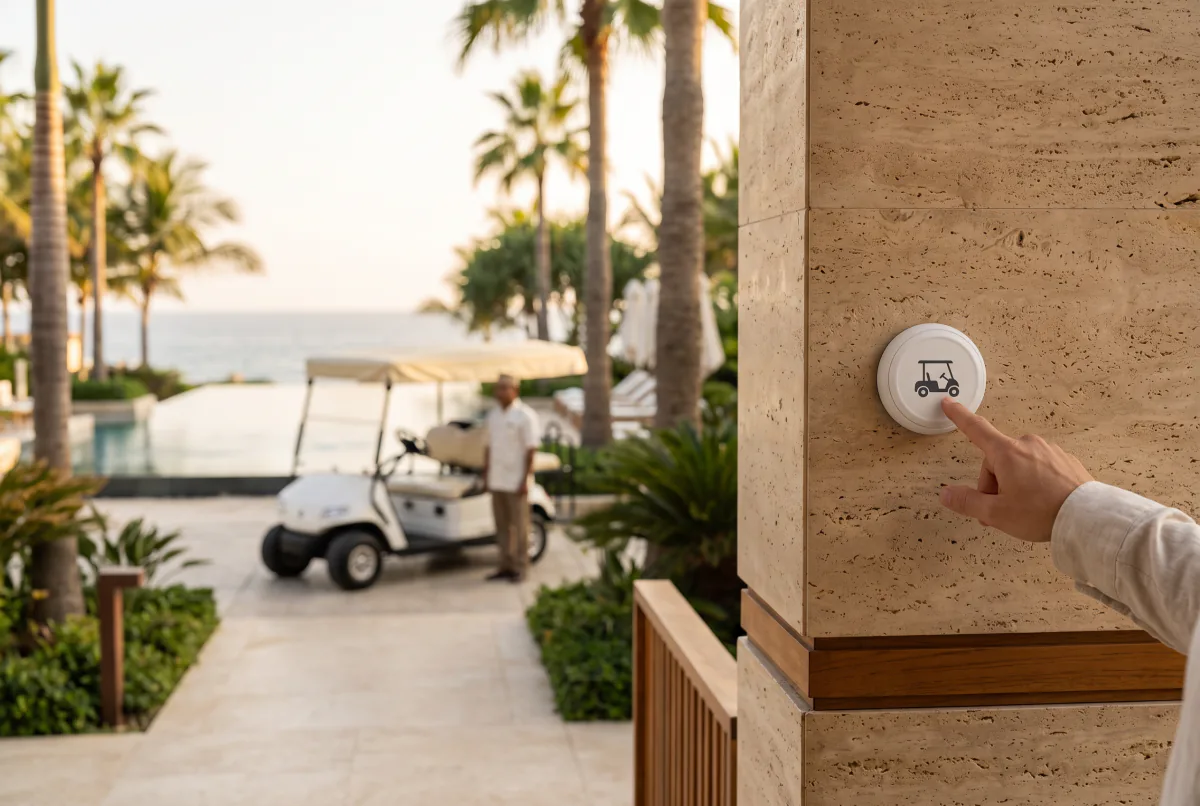 Vehicle and Buggy Calling Buggy · Forklift · Valet · Custom vehicle requests
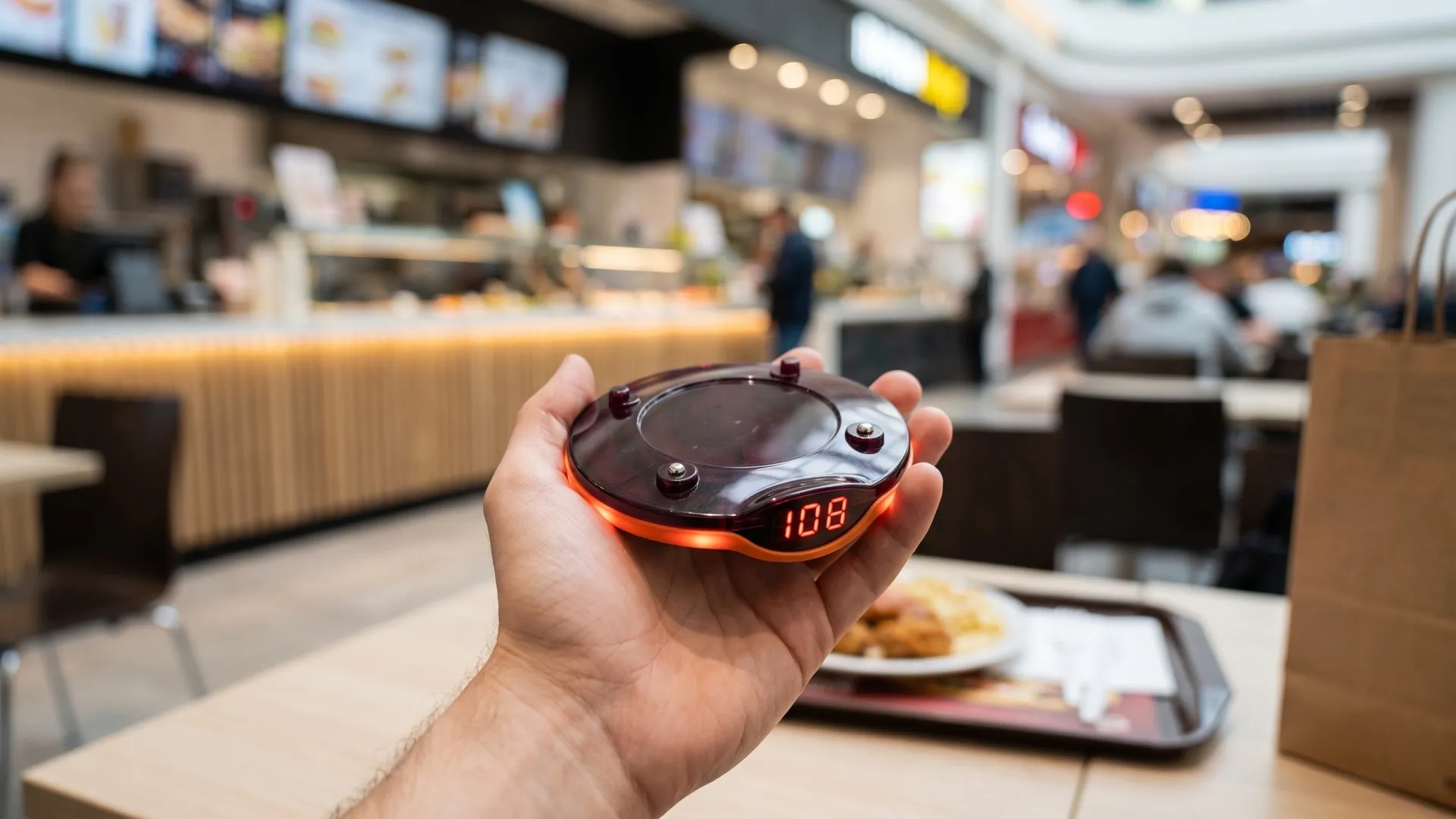 Customer Paging and Notification Self-Service · Food Court · Waiting Areas · Clinics
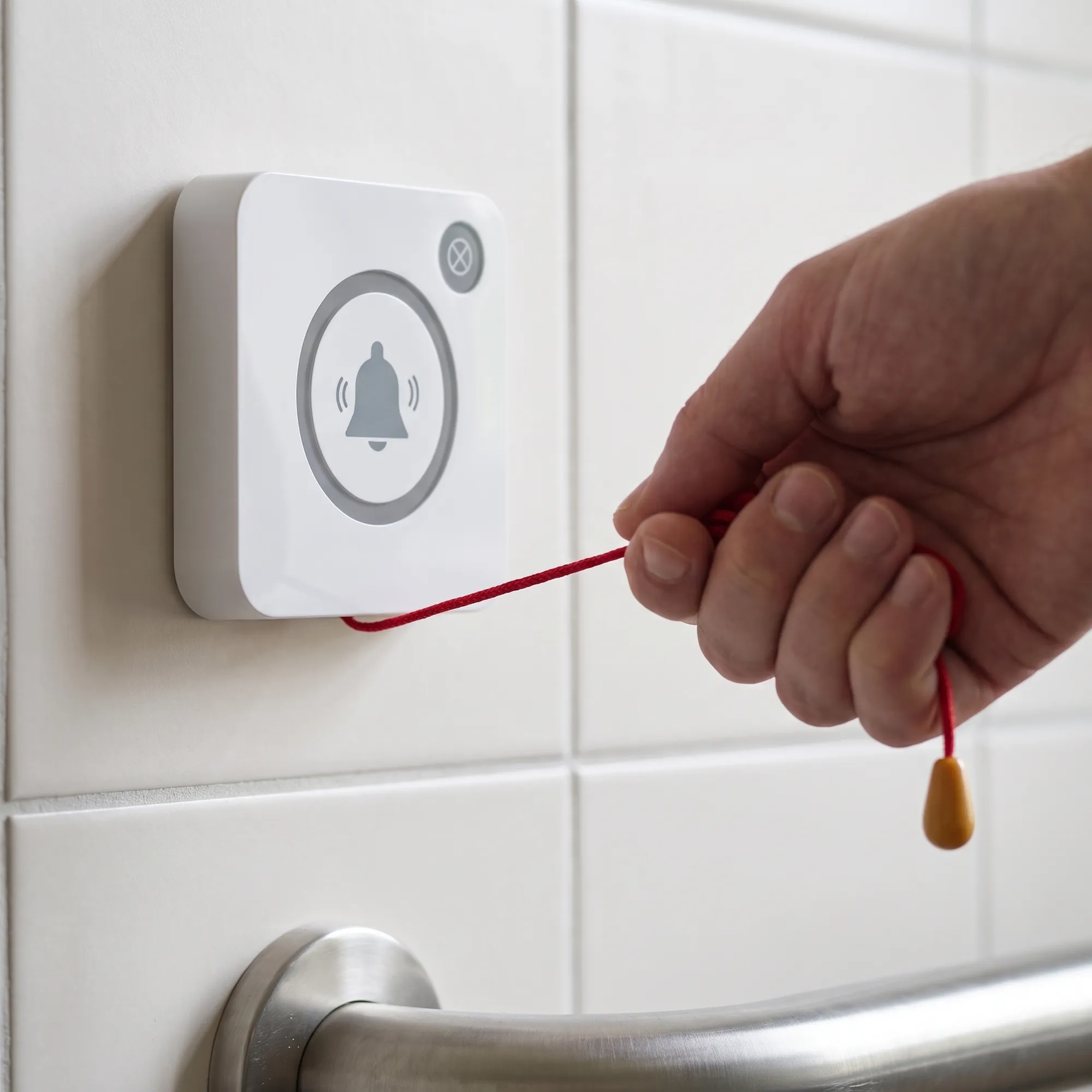 Accessible Help Calling Toilets · Entrances · Ramps
Let’s choose the right system for you together.
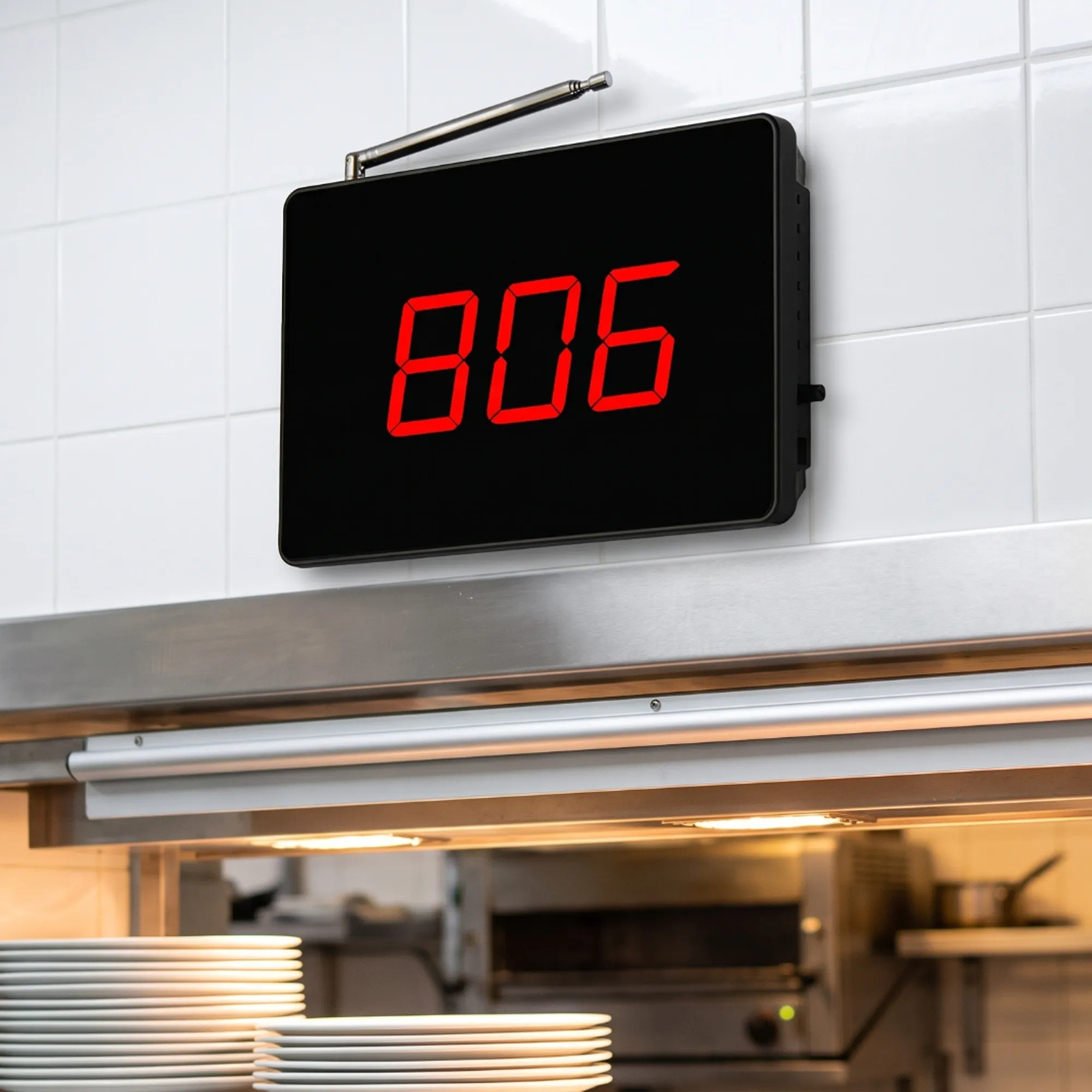

Let customers know the moment their order is ready.
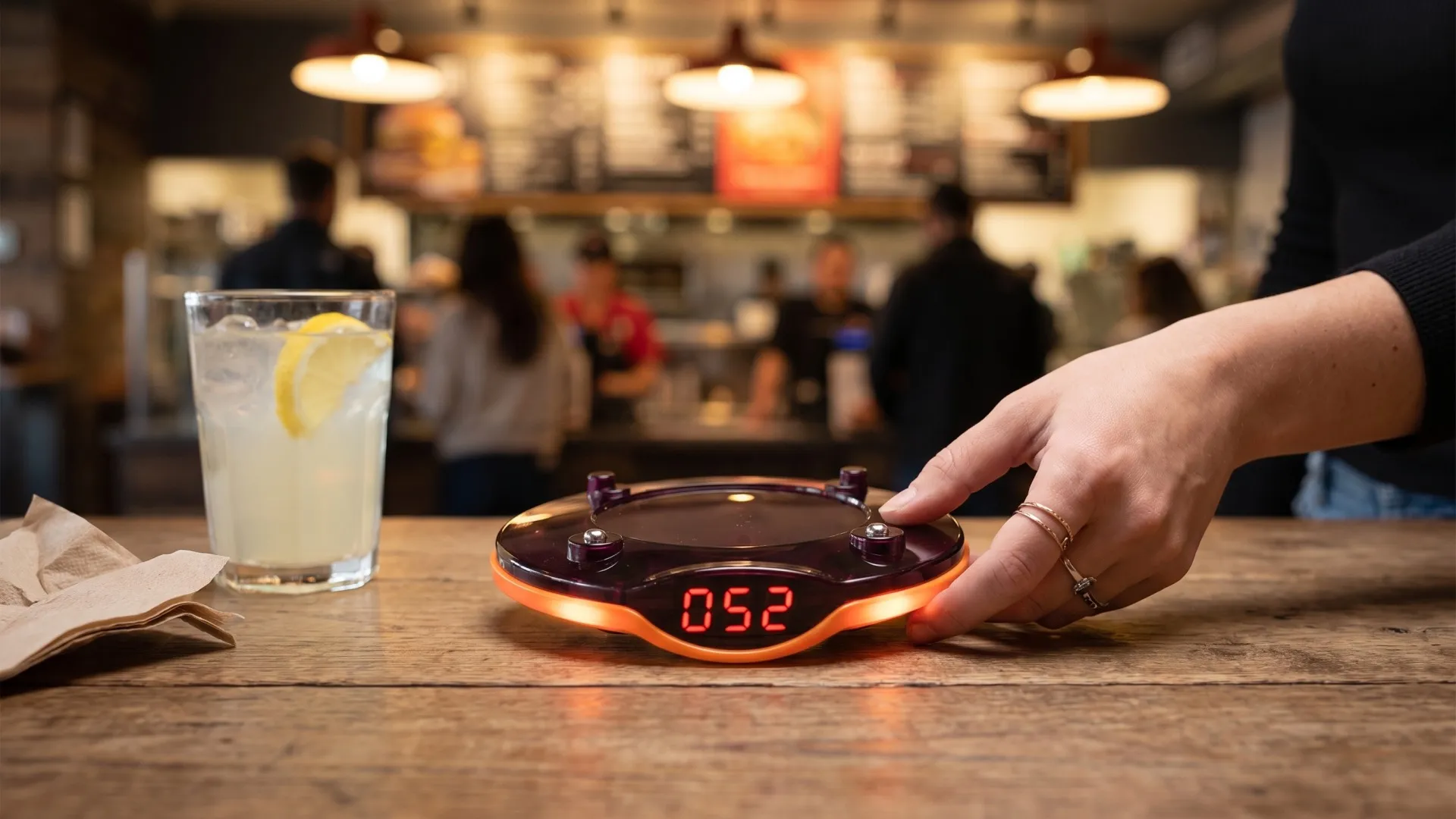
At self-service counters, food courts and pickup points, the customer pager alerts with sound, light and vibration, so no one has to wait in line.
Explore the Customer Paging SystemOne touch to call. An instant alert to the right person.

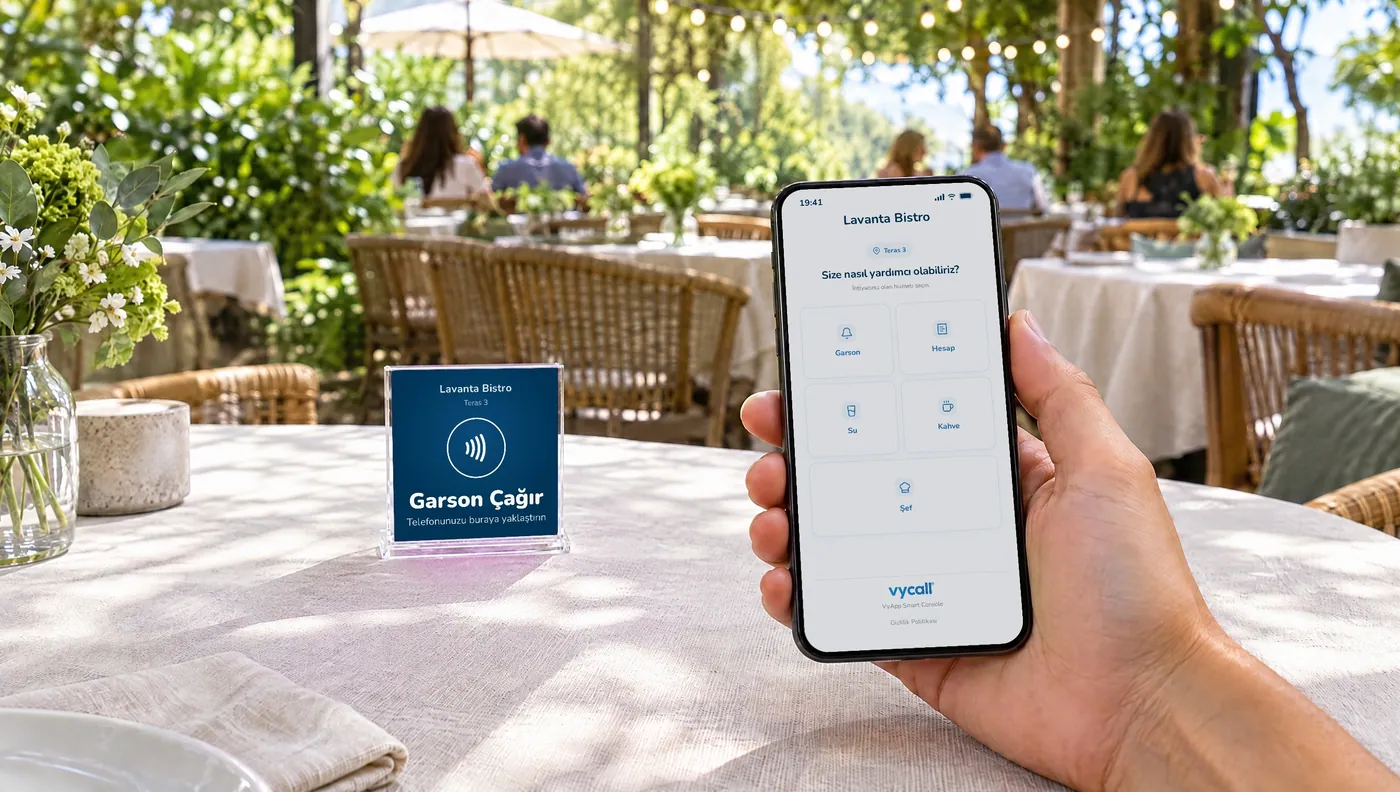
Guests call from where they are.
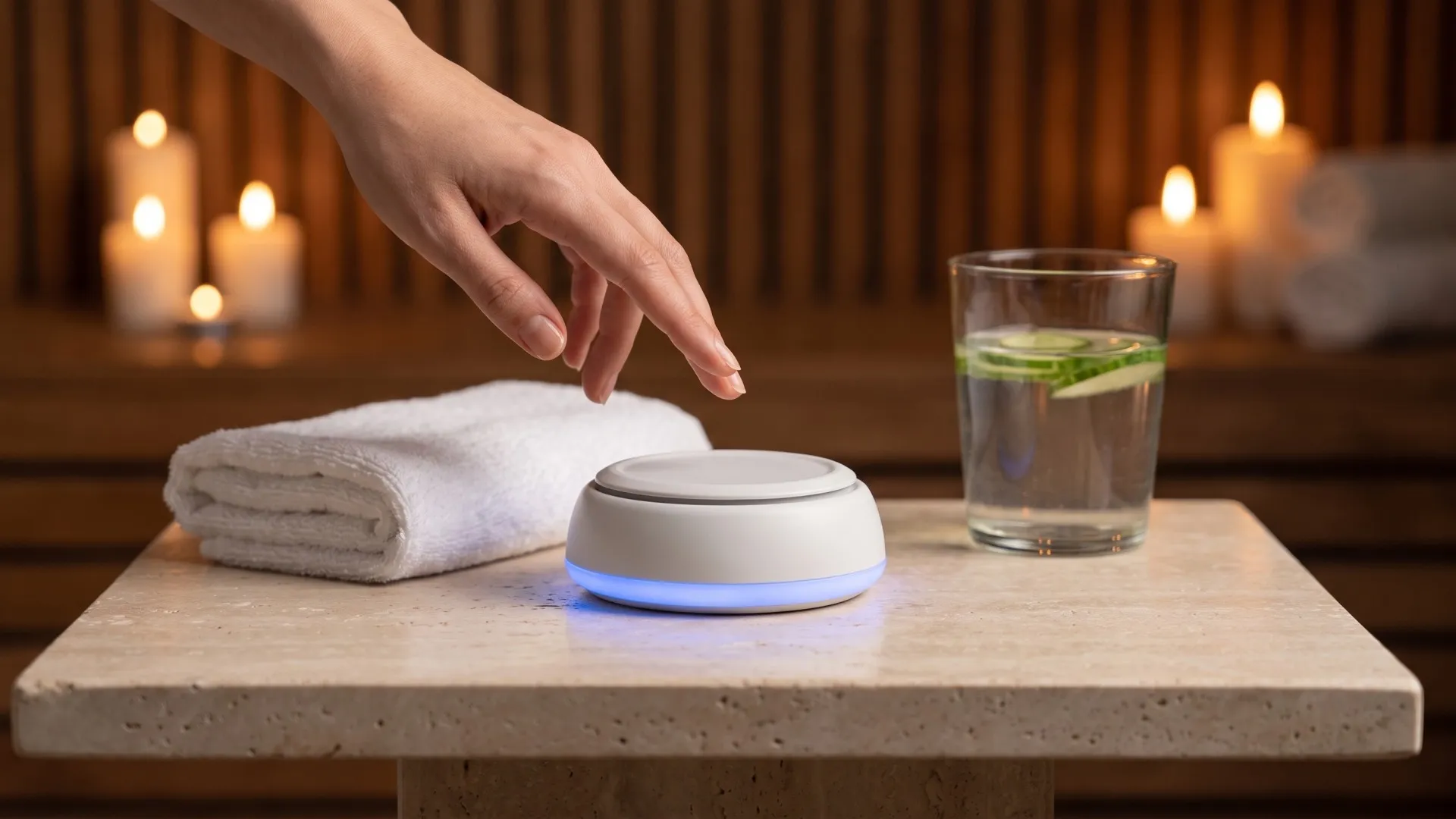
A call button on the table, sun lounger, cabana or in the room creates a service request with one touch, so guests never have to look for staff.

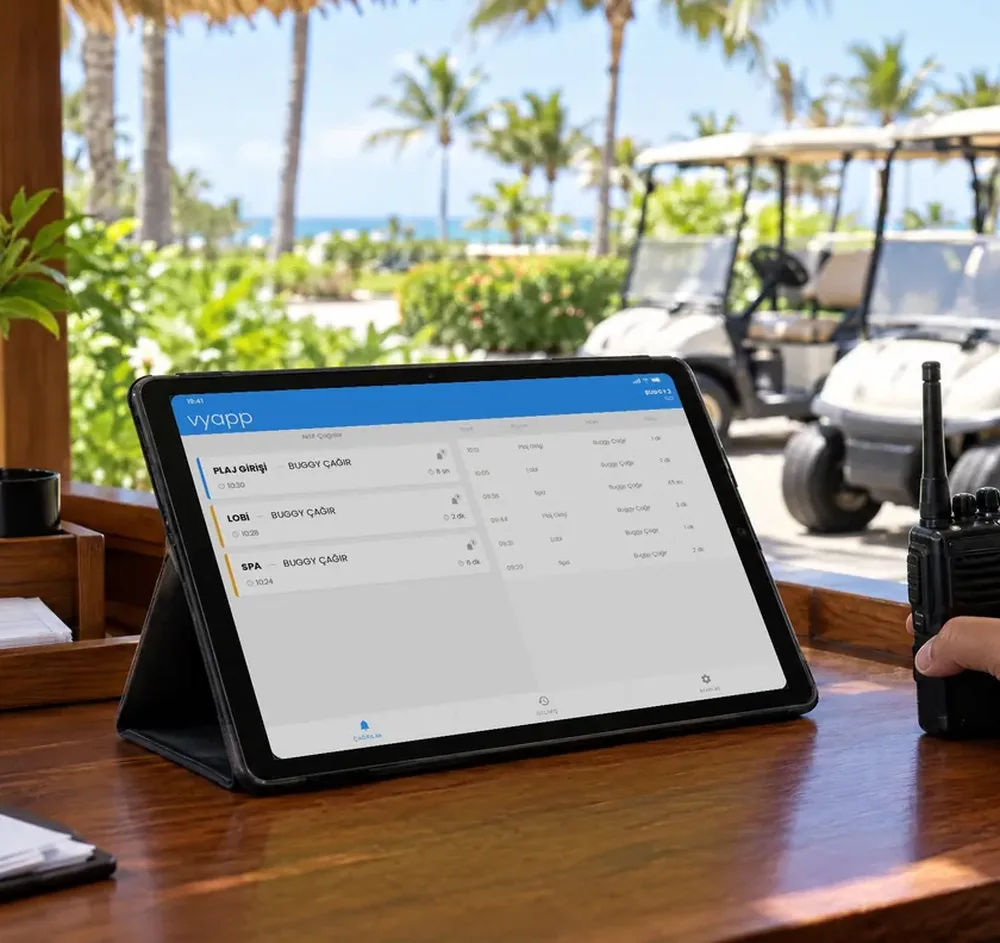
Staff see exactly where the call comes from.
The call arrives instantly on the service team’s watch or phone, with the table or lounger number and the request type.

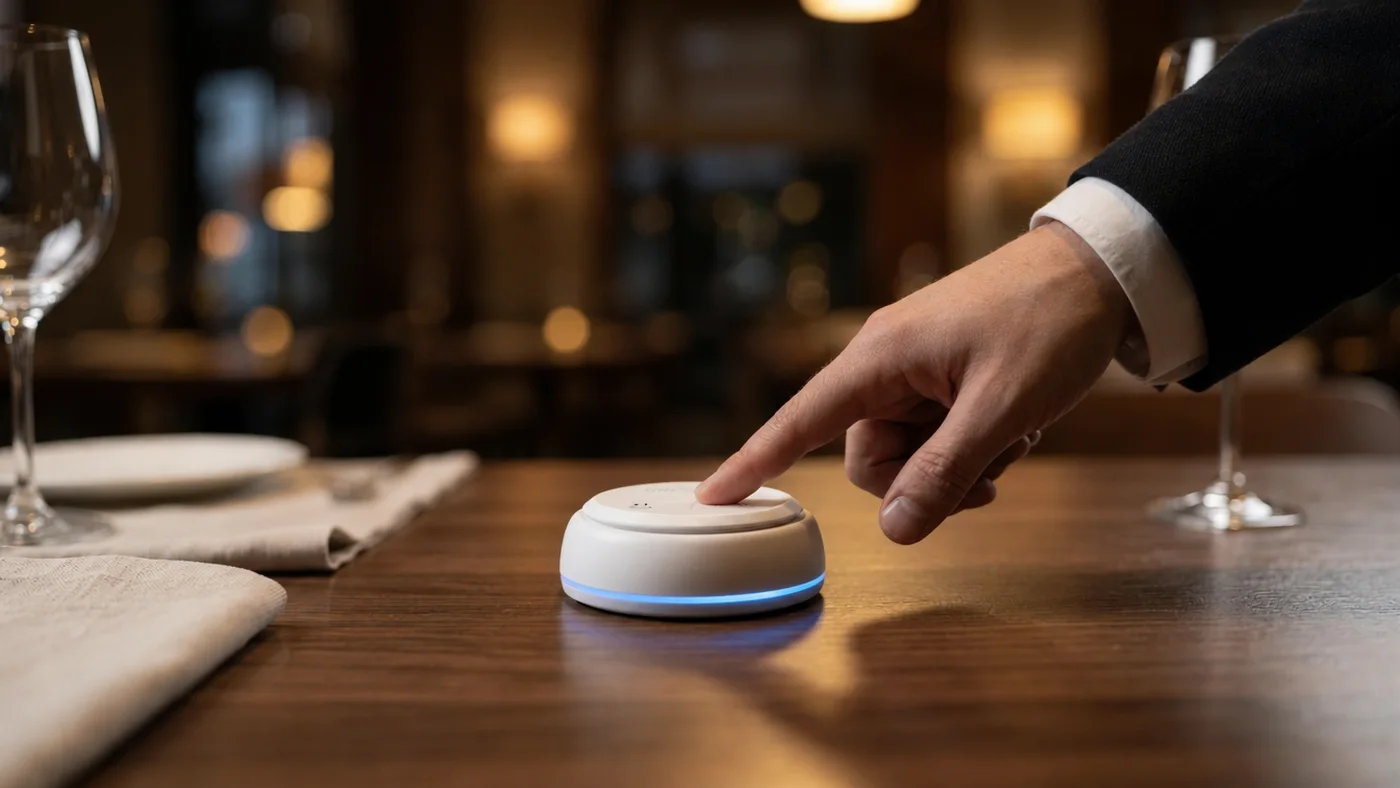
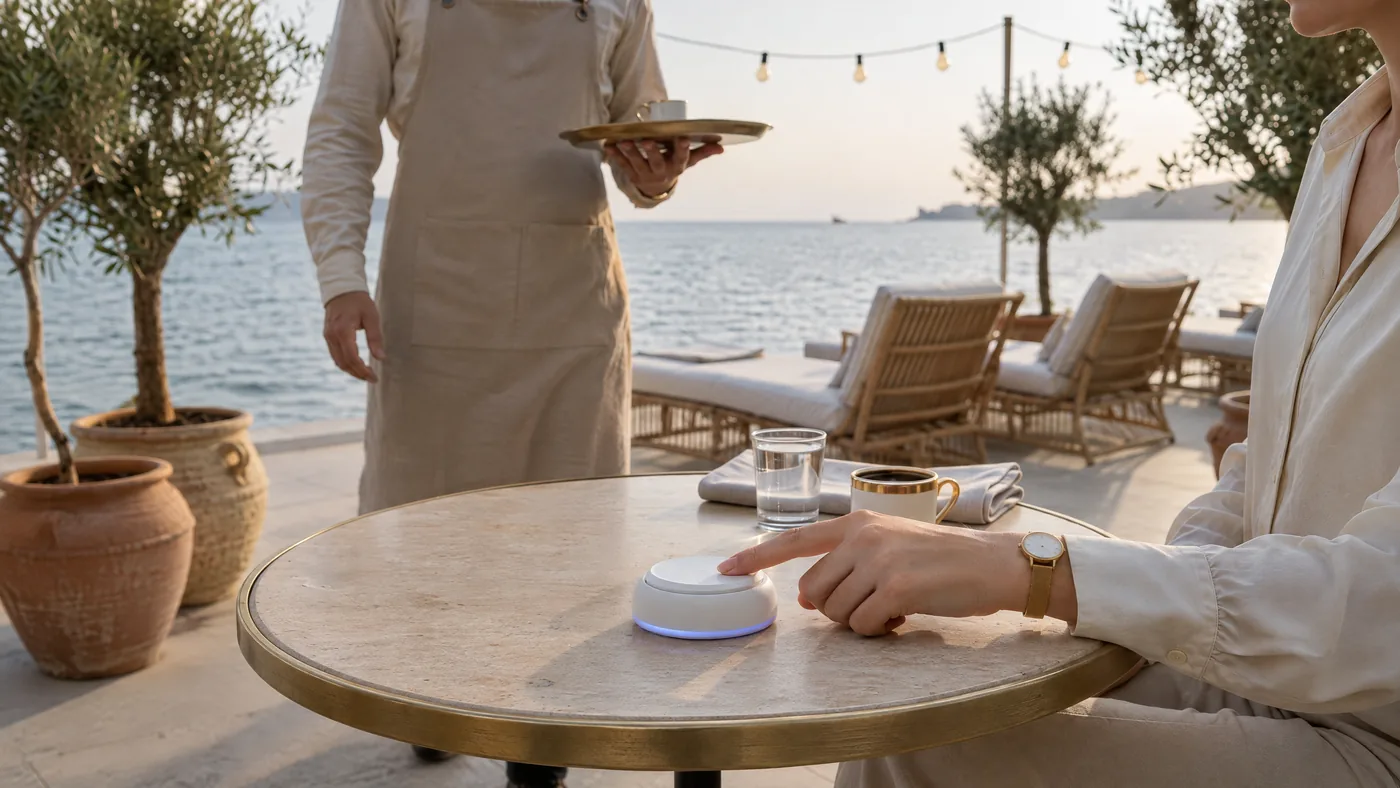
Guests call from the table with one touch.
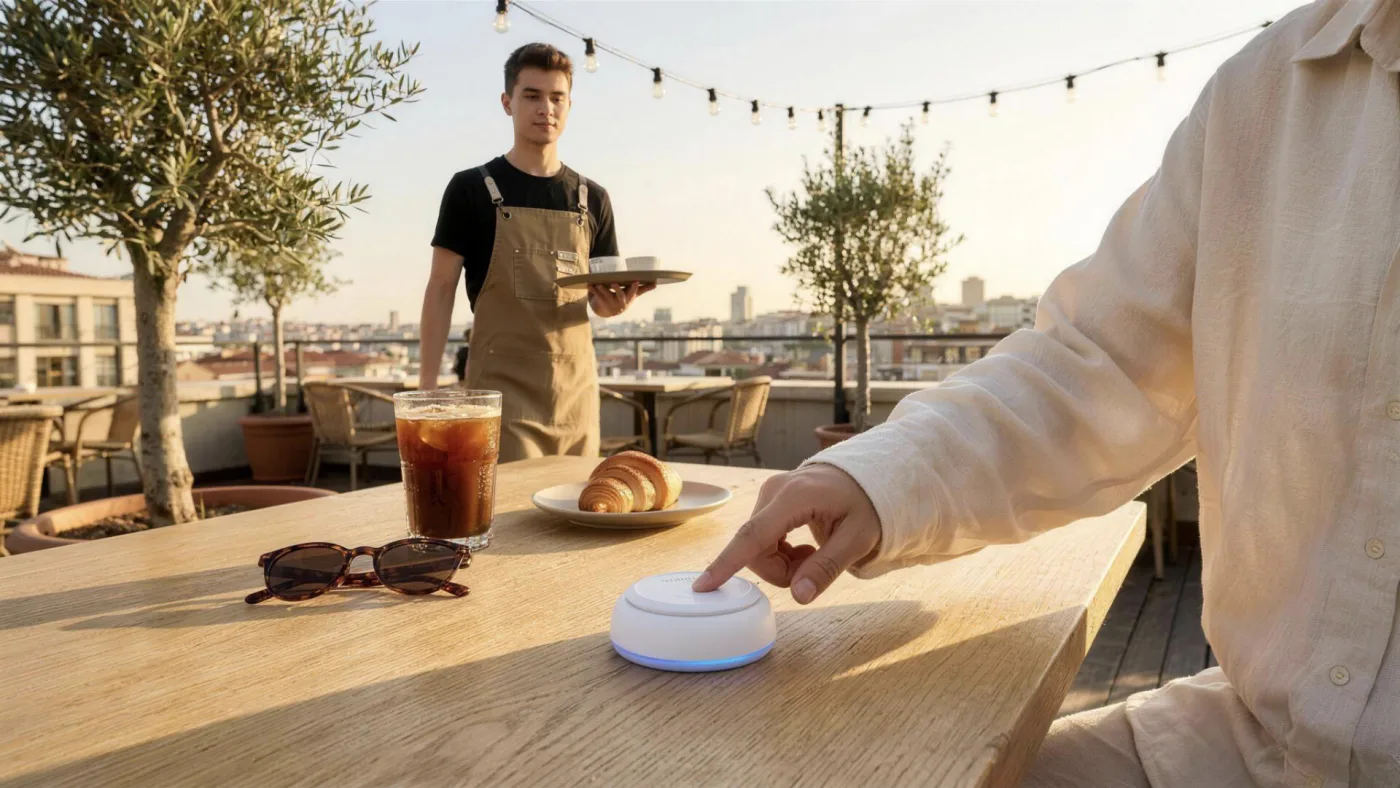
The table call button sends a request for the waiter or the bill, so guests don’t have to raise a hand and wait.

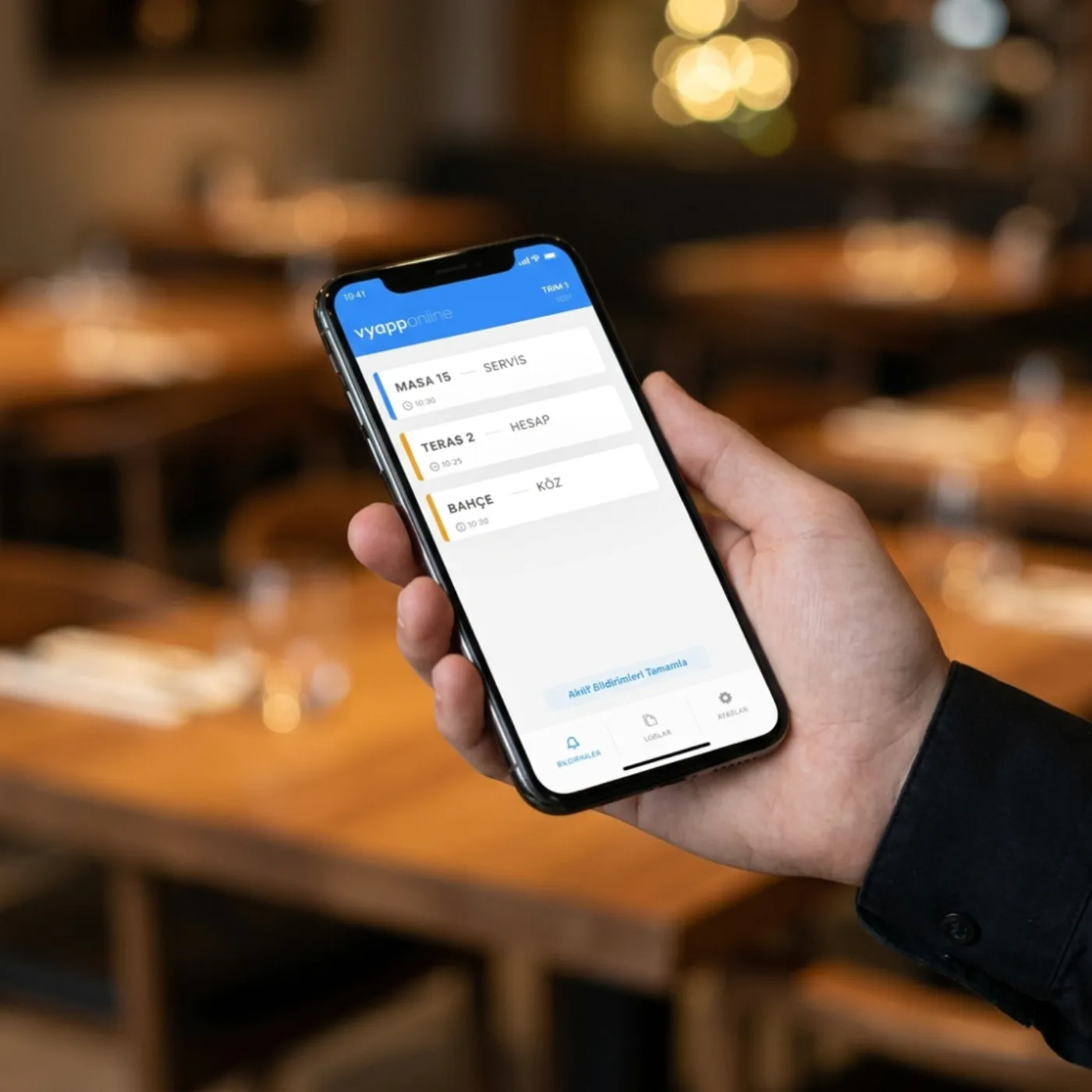
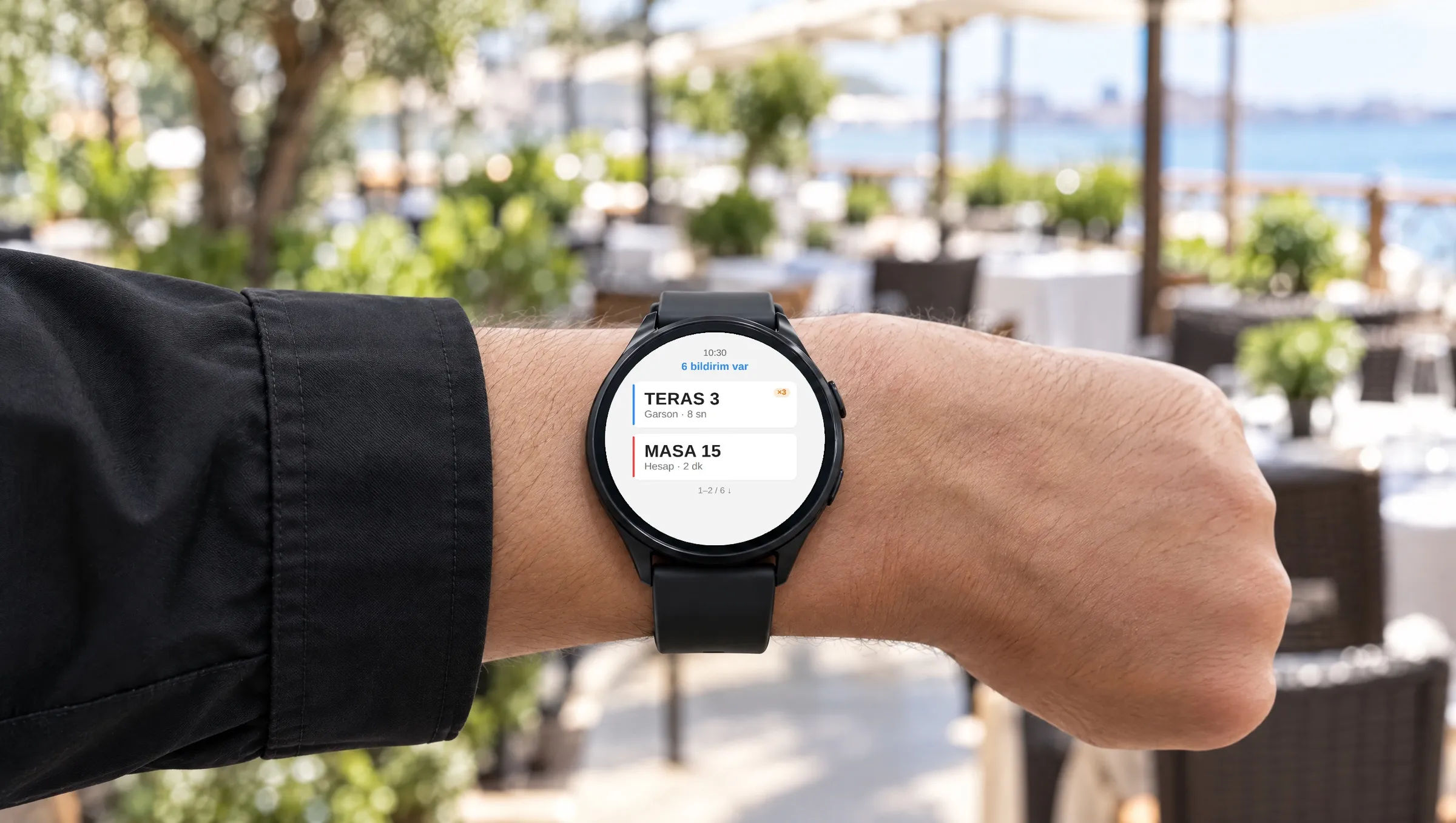
The waiter sees the call on their wrist.
The table number and request type appear on the watch or phone, so the waiter goes to the right table knowing what’s needed.
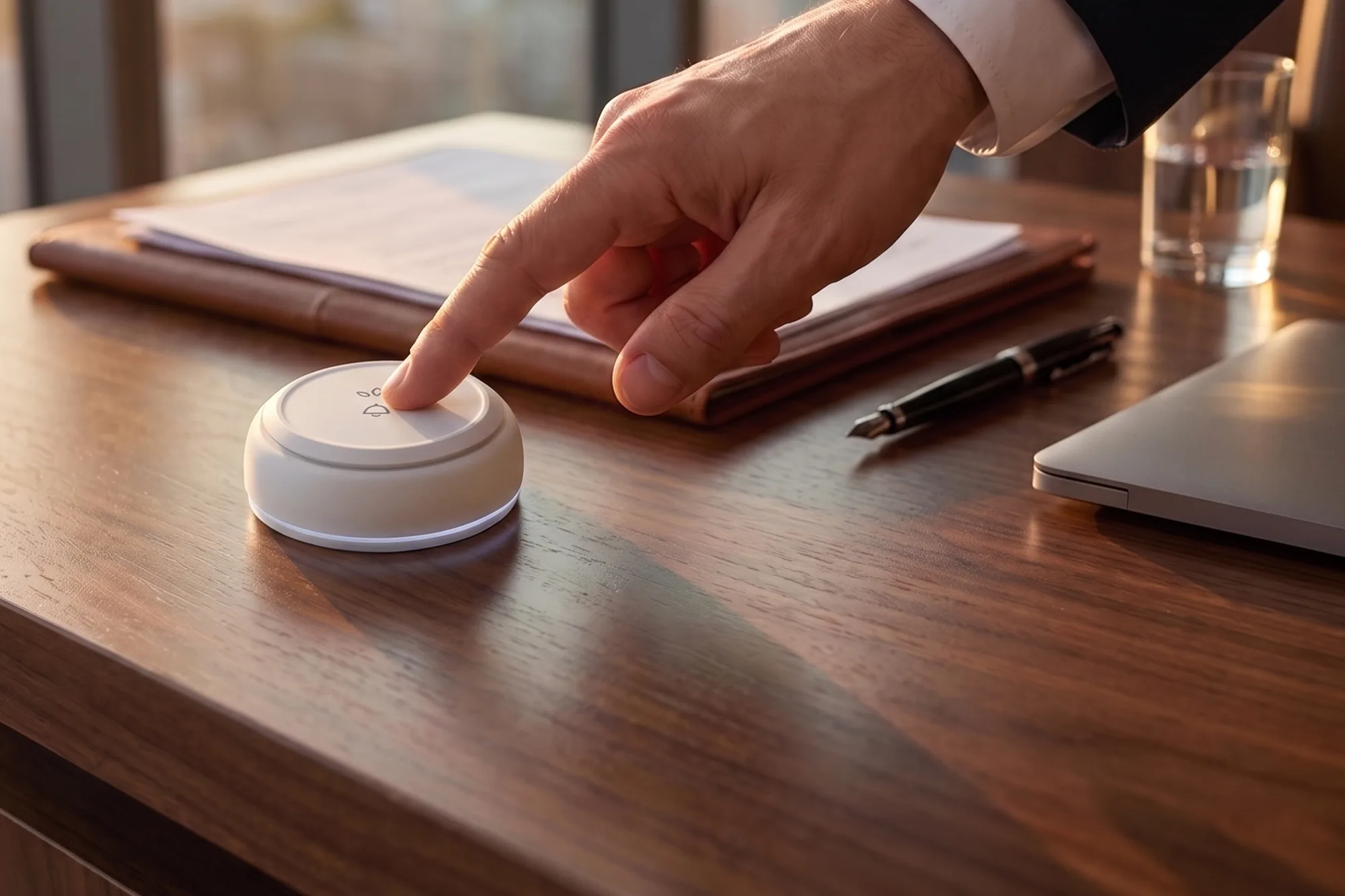
Executives send requests from their desk.
A button on the executive desk sends a request for refreshments, the assistant or the driver without interrupting the meeting.
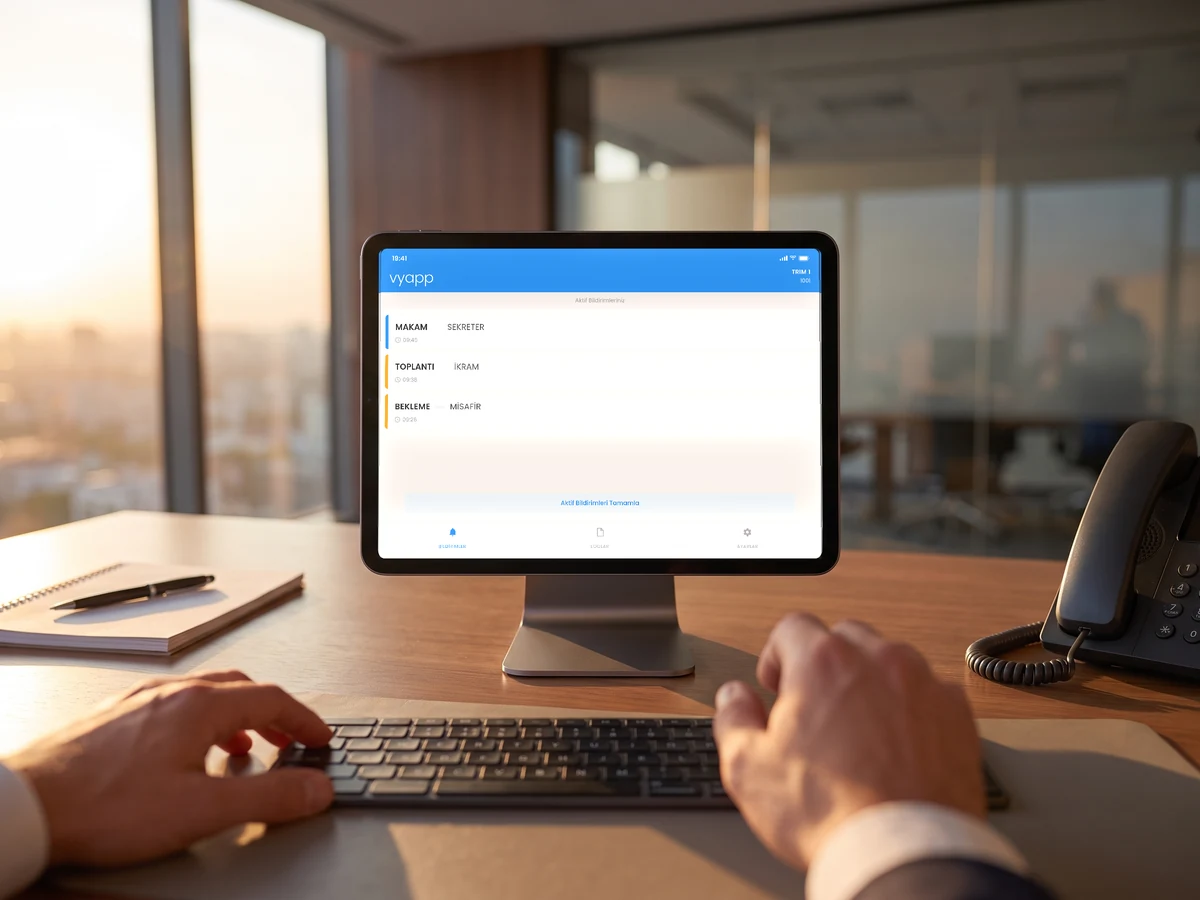
The assistant sees the request on screen.
The assistant’s tablet, phone or watch shows which office sent which request.
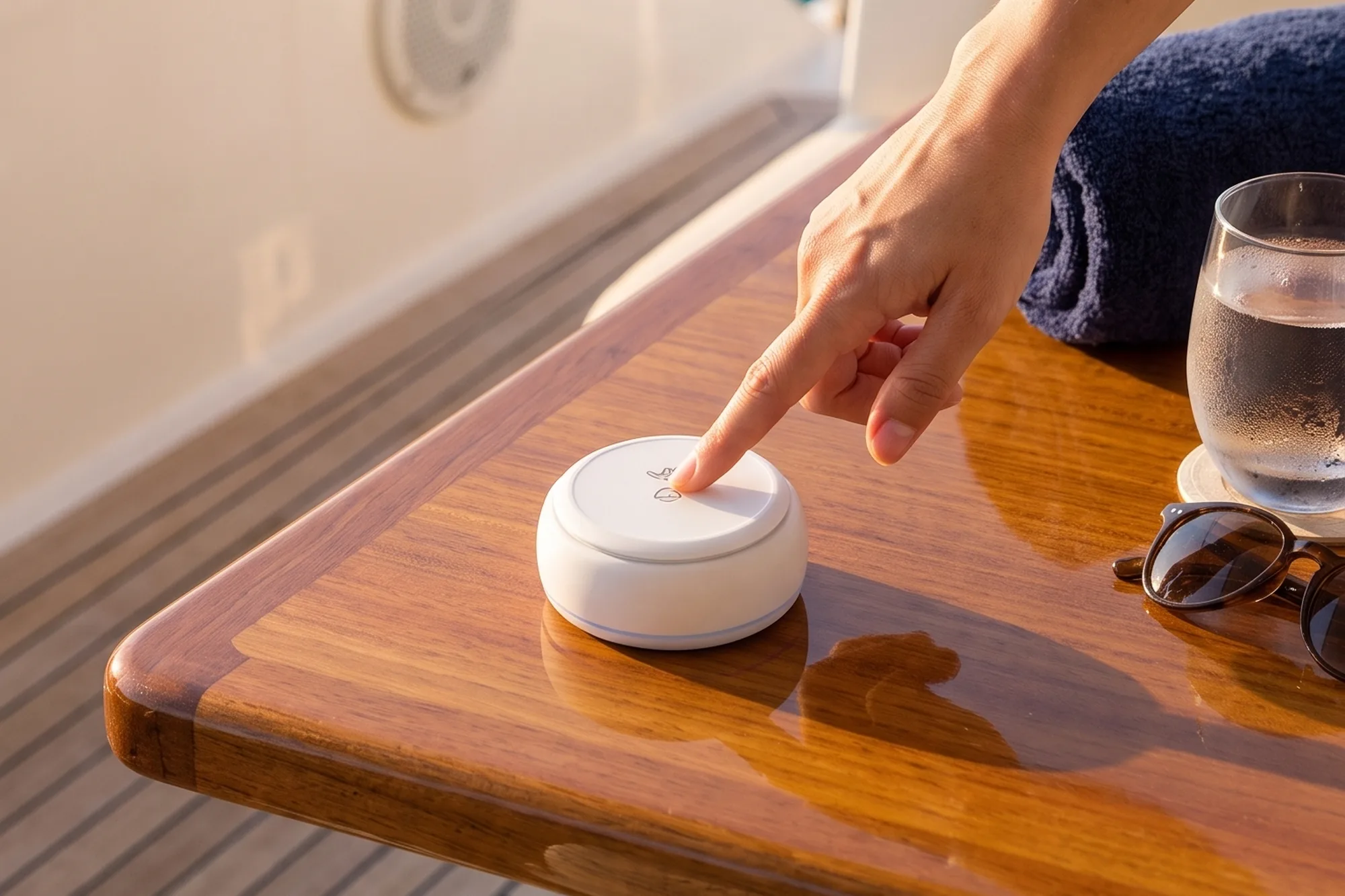
Guests call the crew from where they are.
A button in the cabin, on the flybridge or on deck creates a service request, so there’s no need to go looking for the crew.
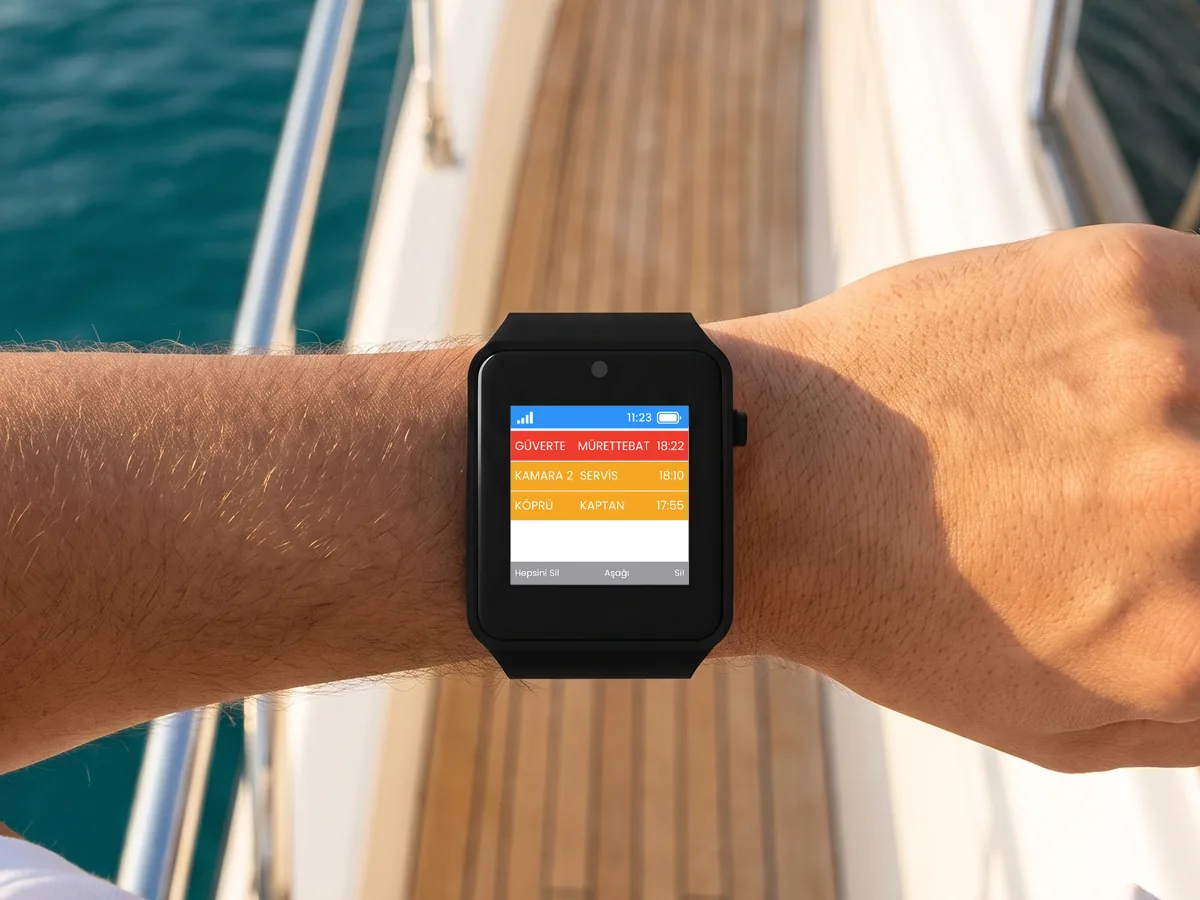
The crew knows where the call comes from.
The call reaches the crew’s watch or phone with the location and the request.

Customers get a pager when they order.
At the counter, each customer receives a numbered pager and takes a seat instead of waiting in line.

Customers are alerted when the order is ready.
When the order is ready, staff call that number from the system; the pager alerts with sound, light and vibration, and the customer comes to collect the order.
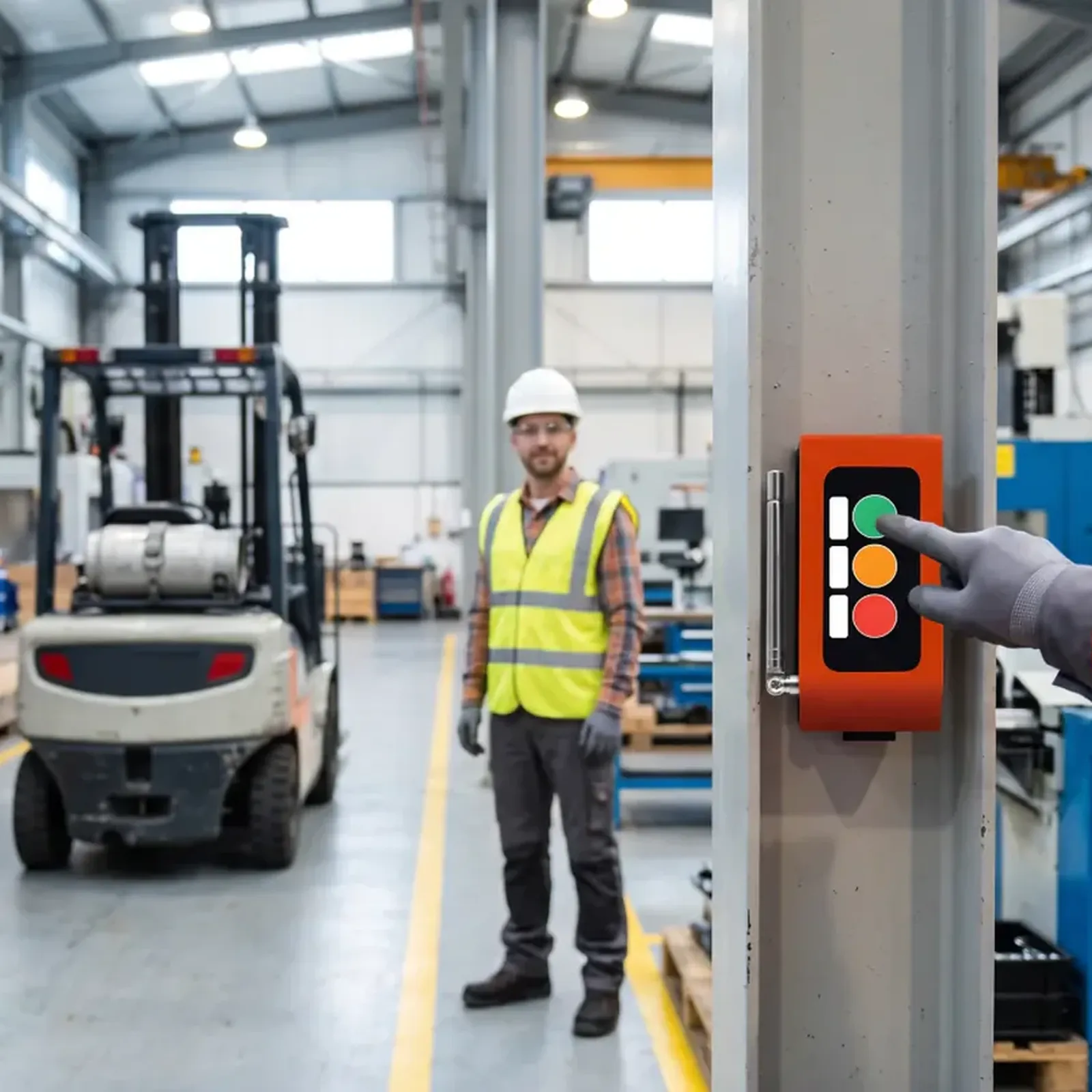
Operators send requests from their station.
An industrial button on the line or station sends a forklift, material or maintenance request with one touch.

The right team knows which line to go to.
The request reaches the phone or watch of the forklift operator, warehouse or maintenance team with the line or station details.
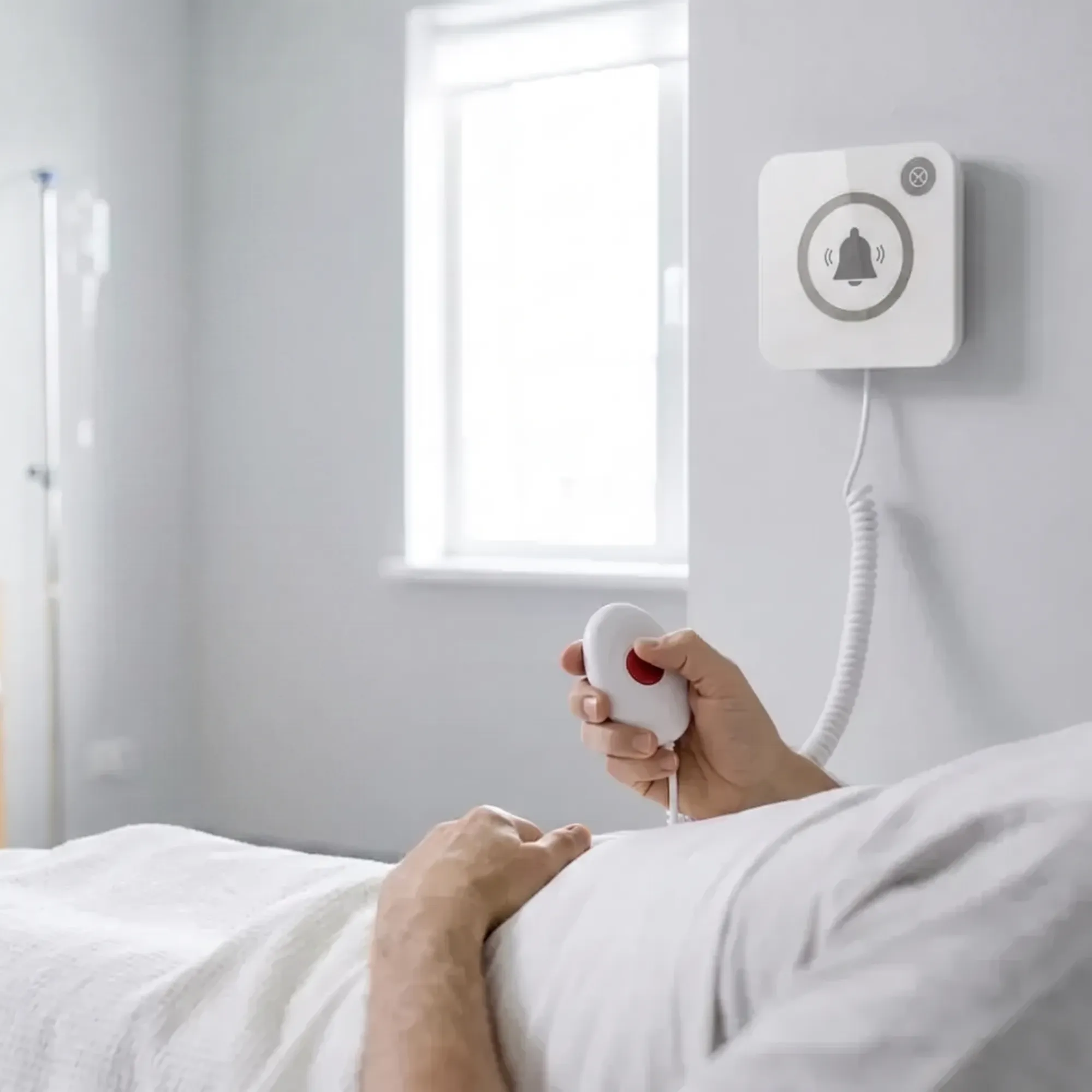
Patients or companions ask for help.
A bedside call button or a corded handheld button creates a help request, so no one has to call out for the nurse.

Staff see which room is calling.
The call reaches staff watches, phones or tablets with the room and bed number.
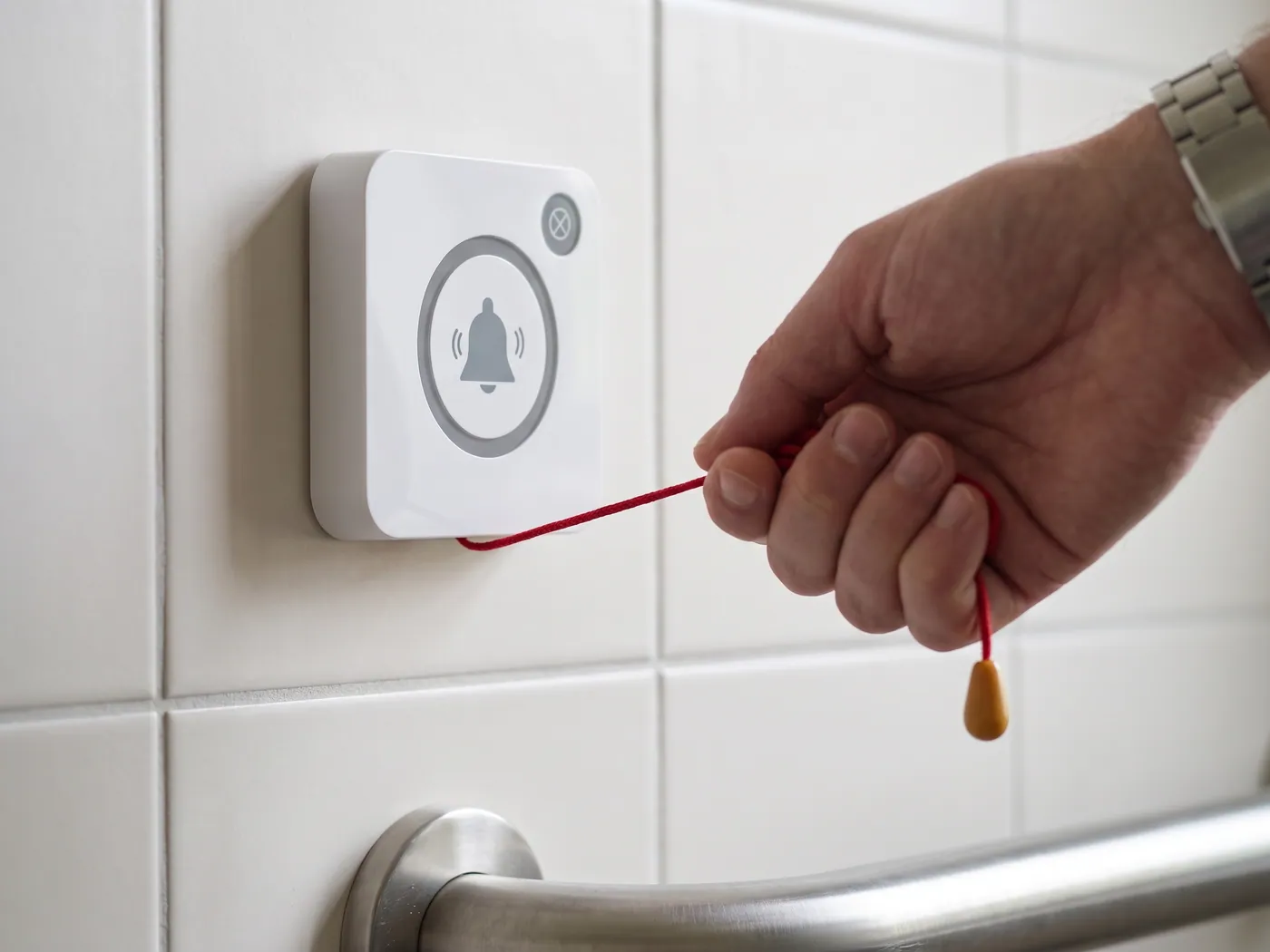
Users ask for help with a pull-cord button.
The pull-cord help button lets people ask for assistance in accessible areas without having to call out.
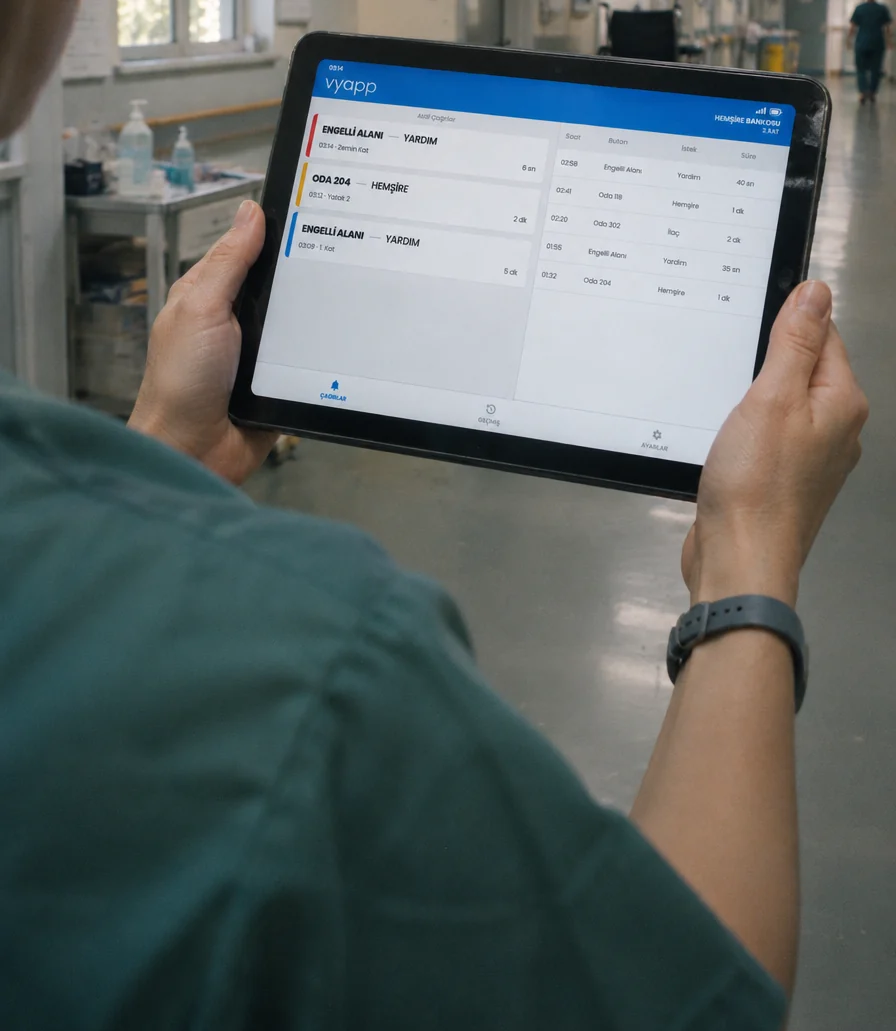
Staff see where the call comes from.
The call reaches staff watches, phones or tablets with the floor and area.
Solutions used by 500+ businesses. We stay with you after installation.








-
2-Year Like-for-Like Replacement Warranty
Eligible hardware under warranty is replaced like-for-like, without delay.
-
Ongoing Support
From installation onwards, our technical team is available throughout use.
-
Easy Installation
We plan the right setup for your distances and site conditions together with you.
- CE Conformity
- ISO 9001Quality
- ISO/IEC 27001Information security
- ISO 20000IT service
- ISO 22301Business continuity
- ISO 14001Environment
- ISO 45001Occupational health
- ISO 10002Customer satisfaction
- ISO 31000Risk management
Common questions about wireless call systems.
01What is a wireless call system and how does it work?
02What is the range of a wireless call button?
03How long does the call button battery last?
04Do the buttons need cables or wiring?
05Which devices show call notifications?
06What determines the price?
Let’s build the right system for your needs together.
Tell us about your space and we’ll pin down the buttons, receivers and installation options.
Technology solutions Vayotek builds for businesses.
 VayotekCustom Projects For Your Custom Projects Let’s talk about a technology project tailored to your business. We’ll review your needs together and build the solution that fits. Explore Vayotek
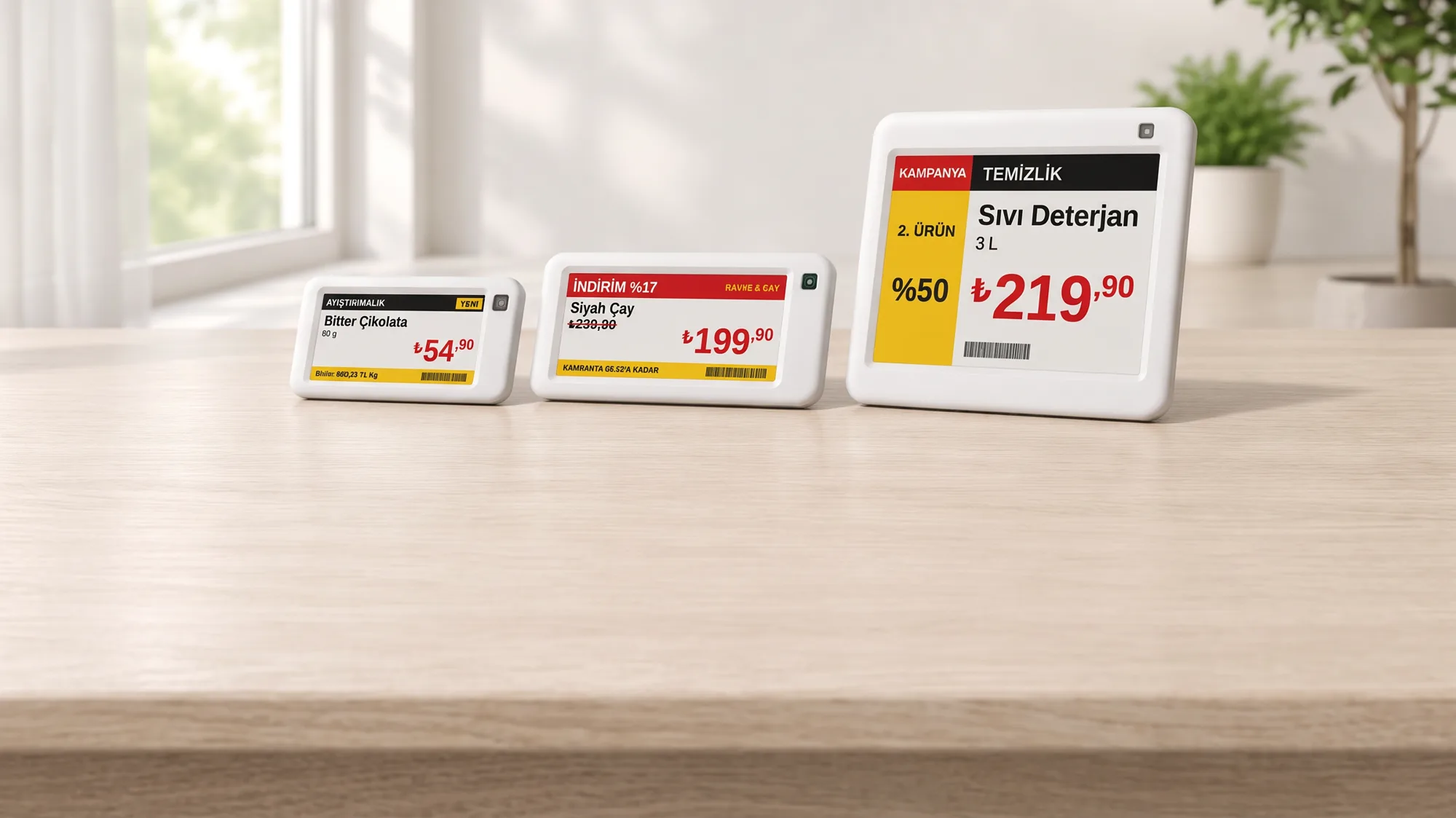 VyTagElectronic Shelf Labels Electronic Shelf Labels and Digital Information Displays Manage prices, promotions, product and information content on digital displays. Explore VyTag