

PAGER WATCH · CALL DISPLAY · WARNING LIGHT
ReceiverDevices
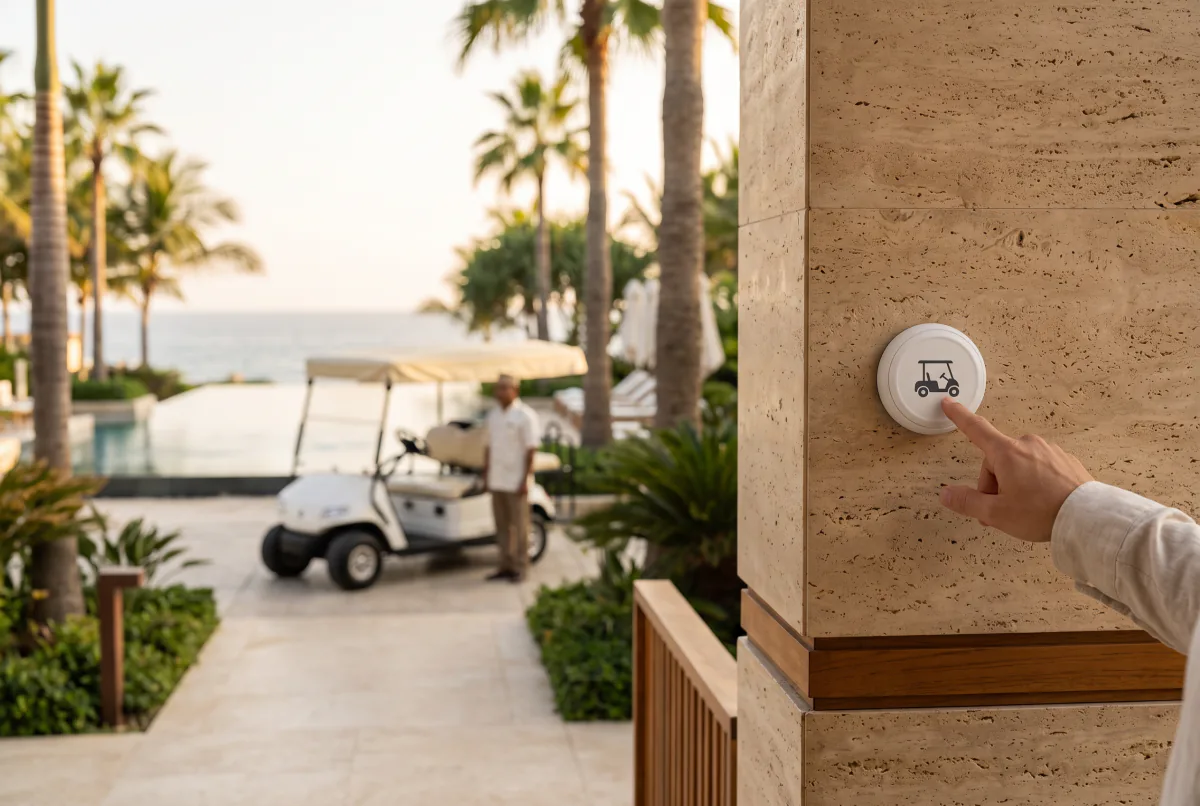
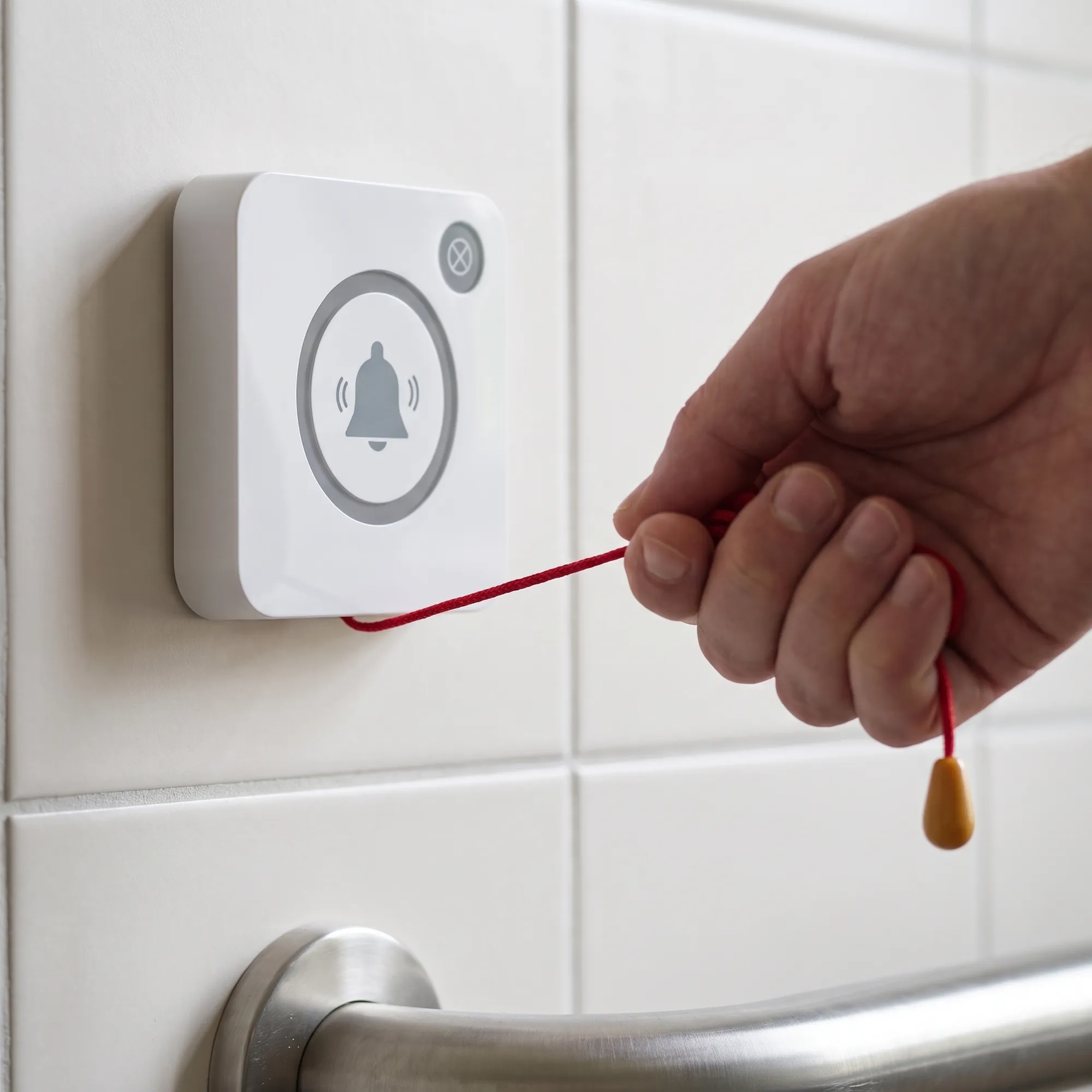
Press the button and the call reaches the receiver. Deliver requests from compatible RF call buttons to the receiver your staff use.
Where should the call appear?
Mobile staff, a fixed point or a visual alert: choose the receiver that fits your needs.
-
 01
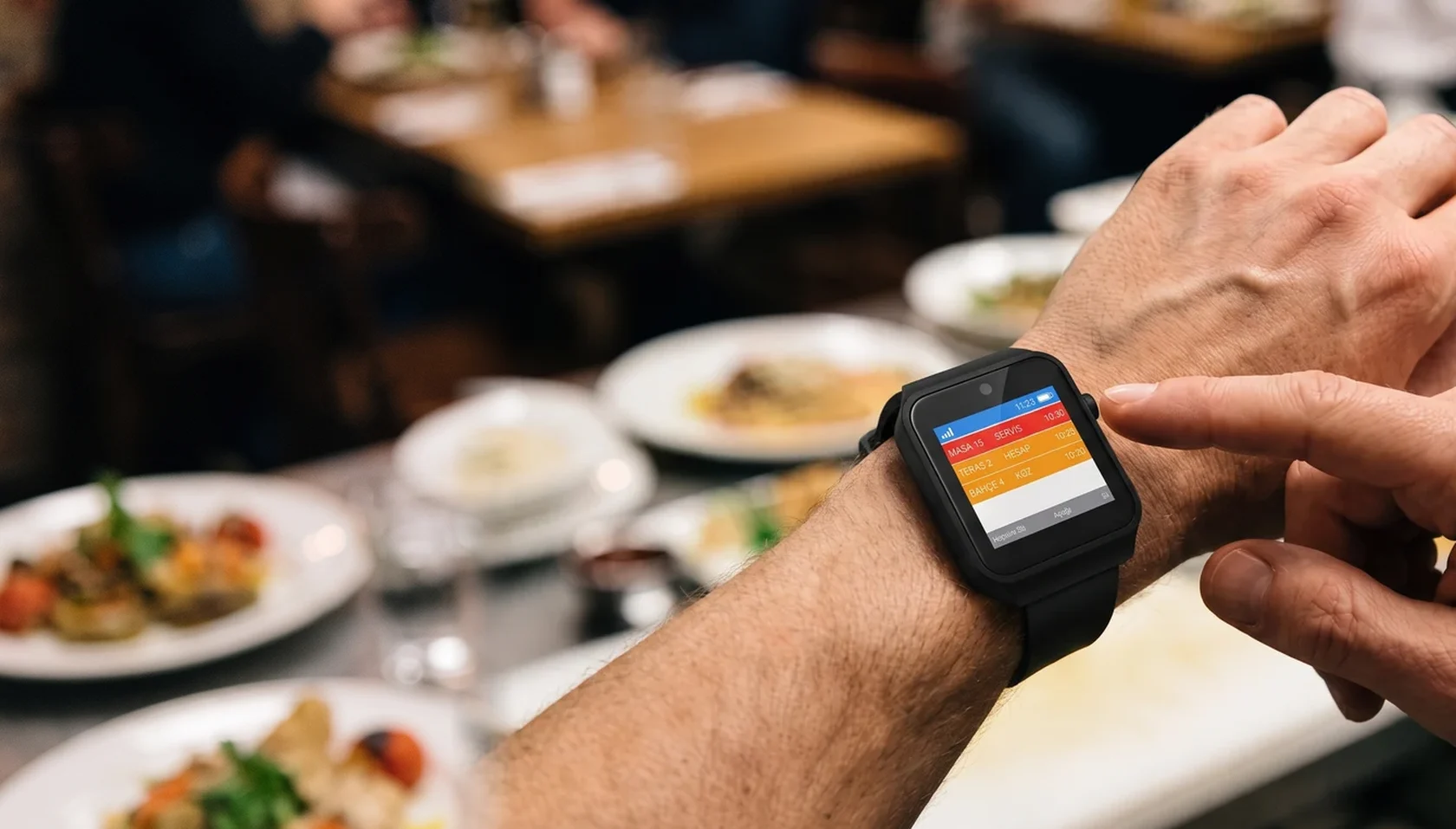
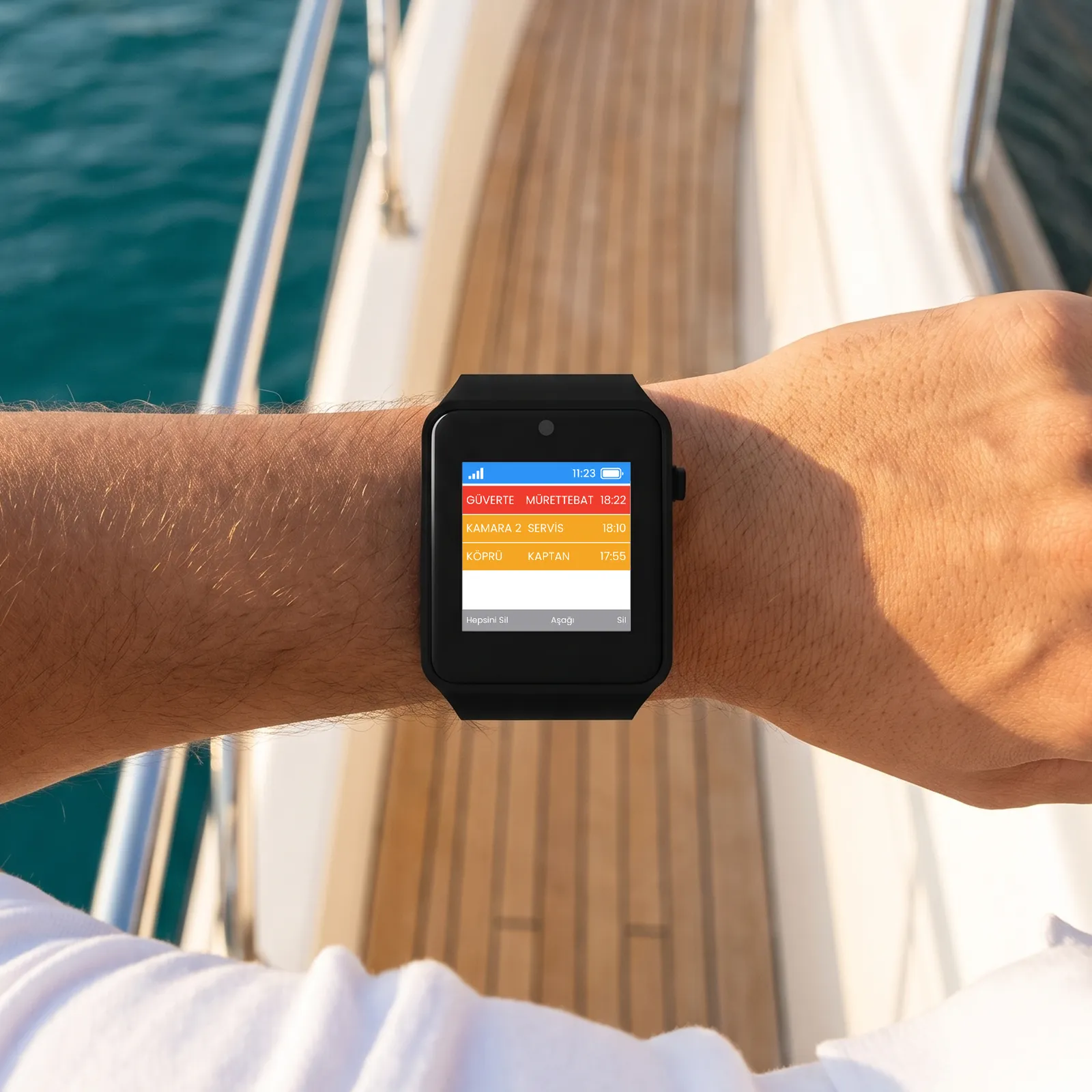
Pager Watch
For mobile staff to see calls on a receiver they carry with them.
-
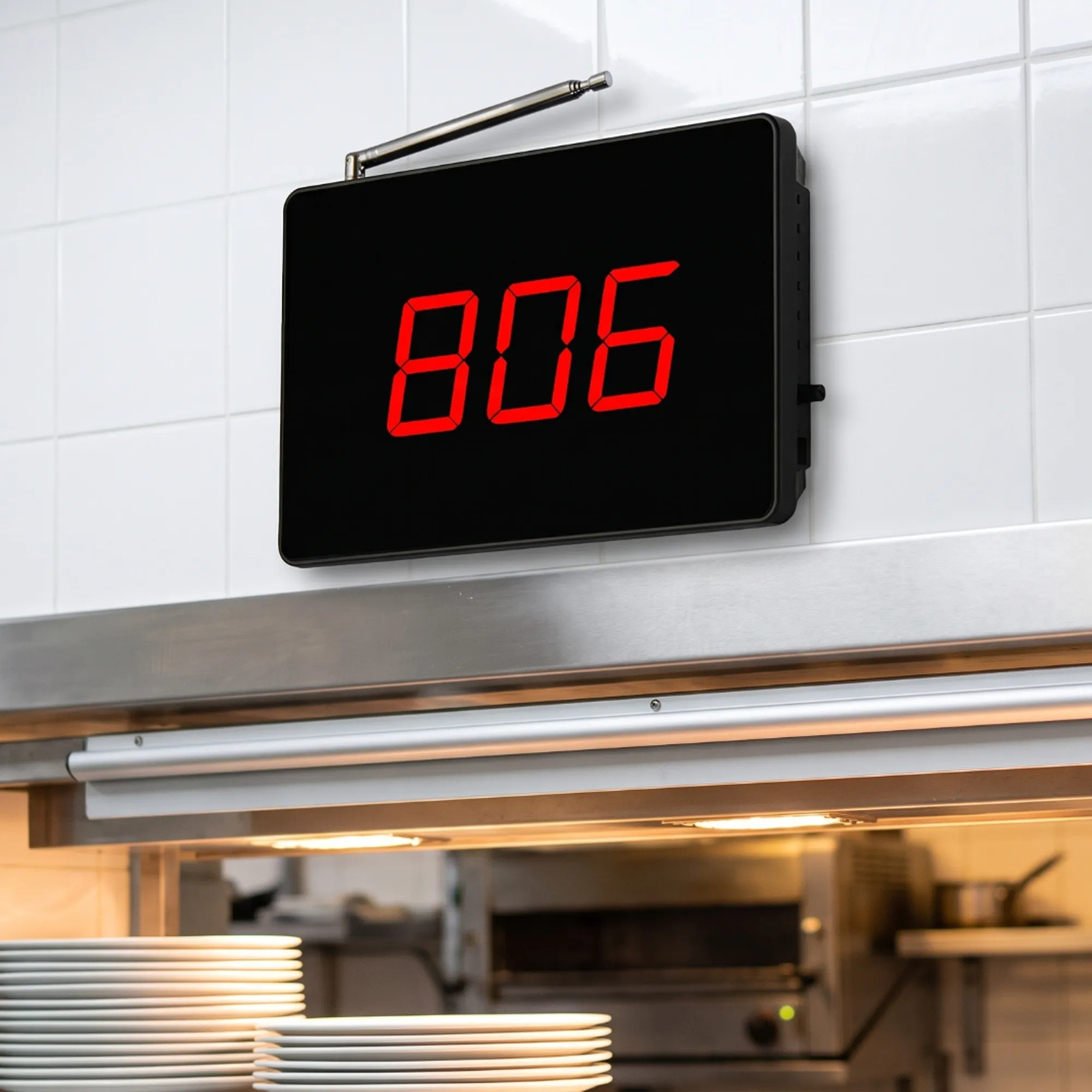 02
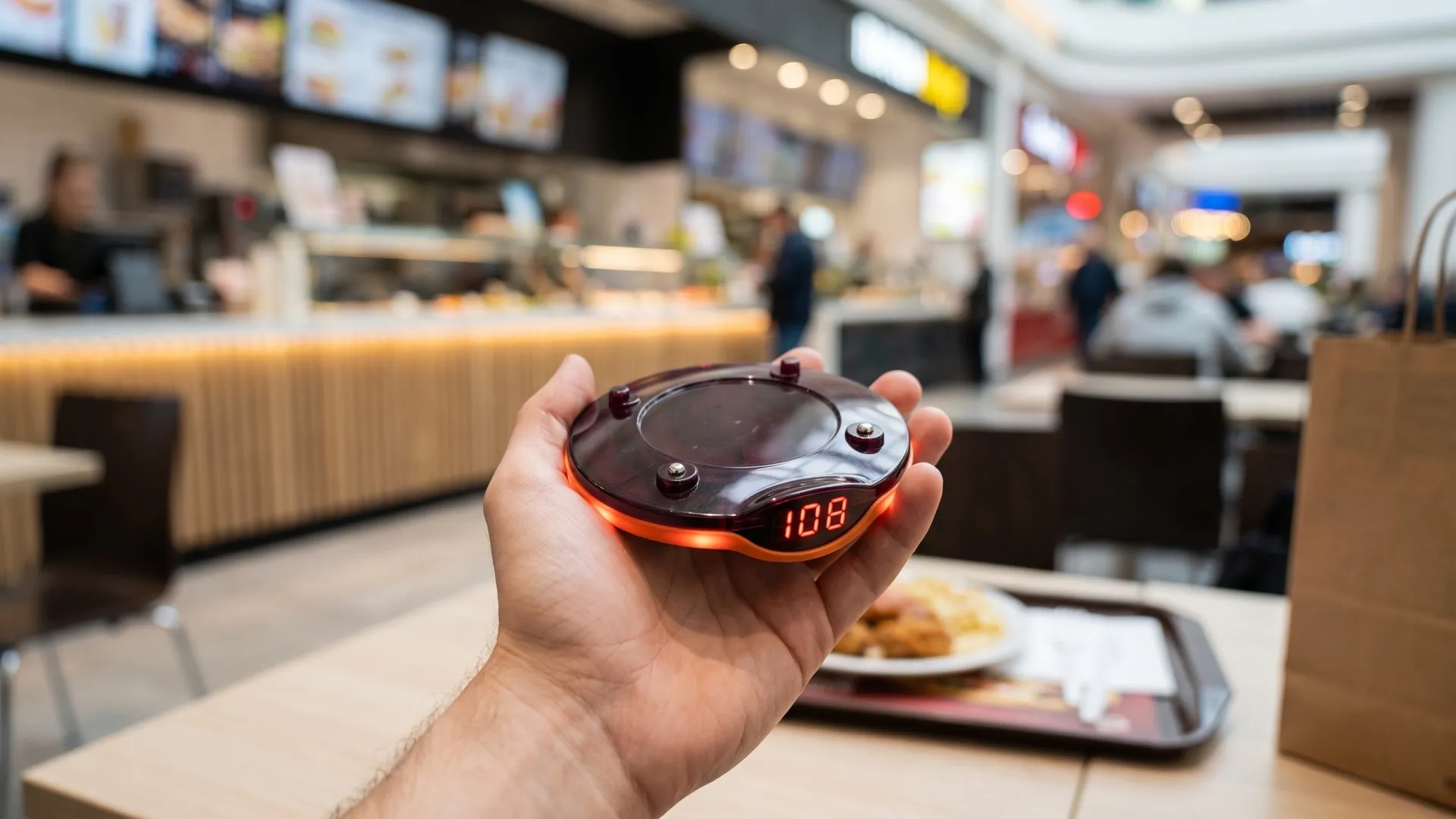
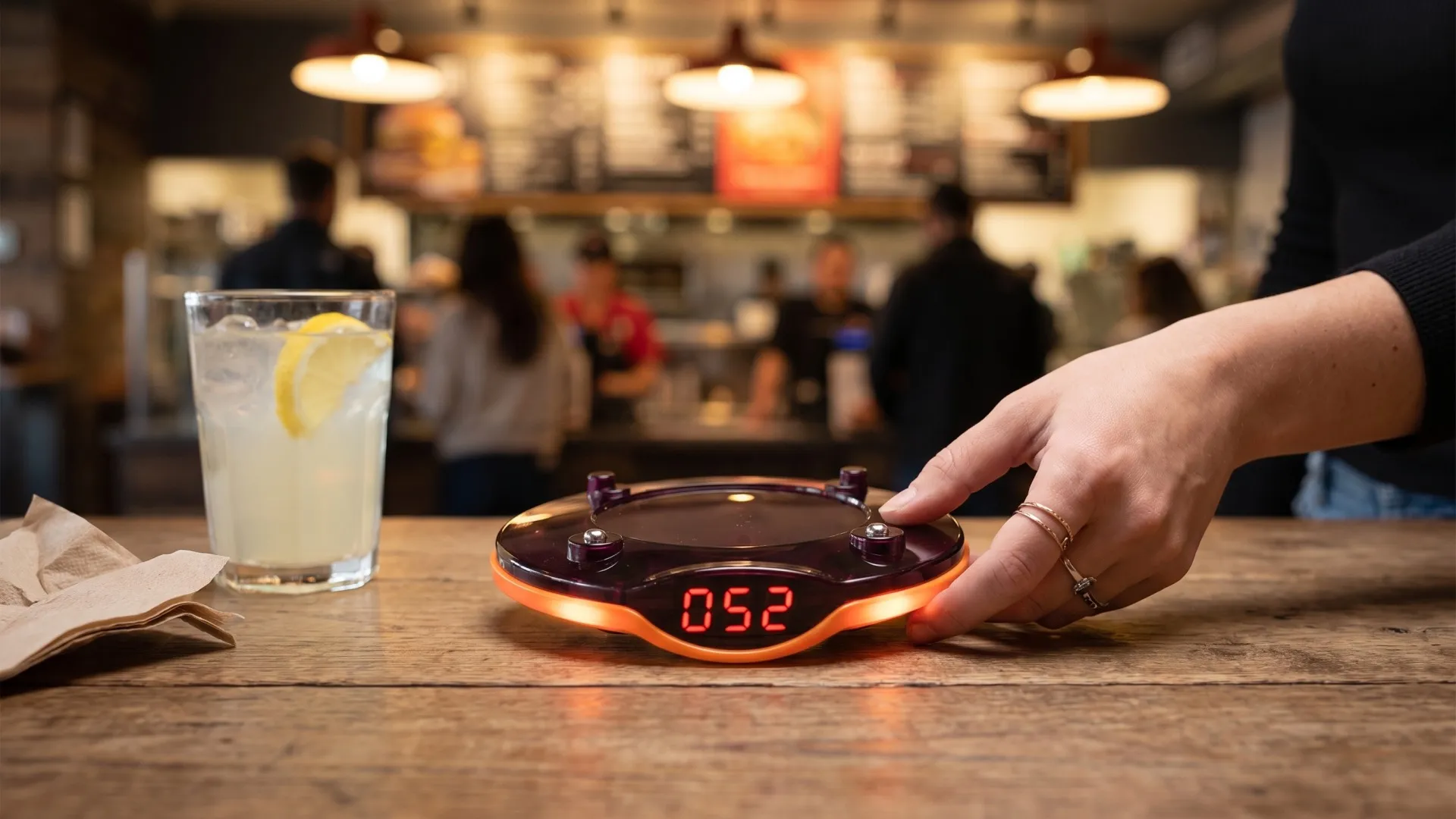
Number Display
For the call number to appear at a fixed point.
-
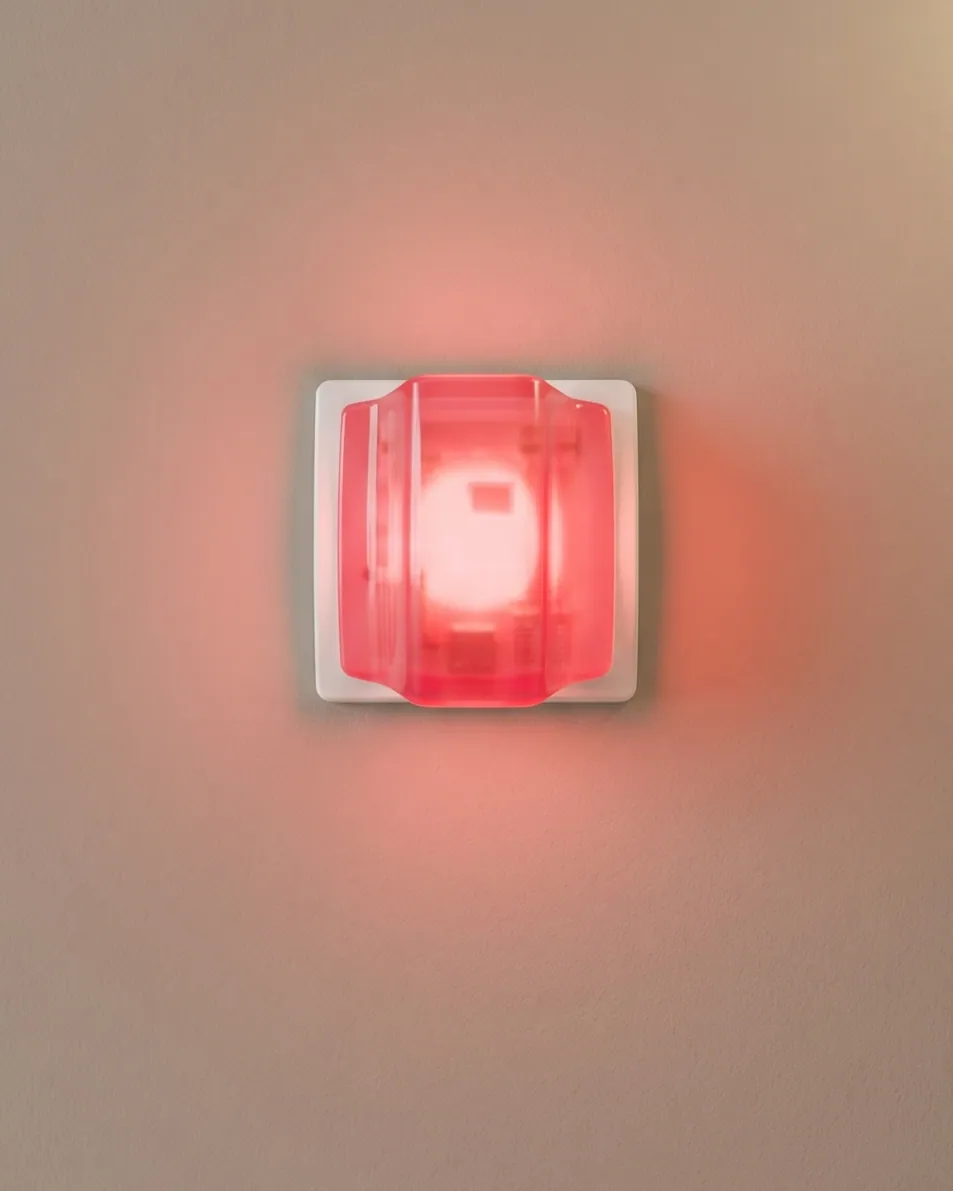 03
Warning Light
For points where a call needs to draw attention with a visual alert.
We pair the buttons and receivers as one system and plan the setup for your space.
WhatsApp Get a Quote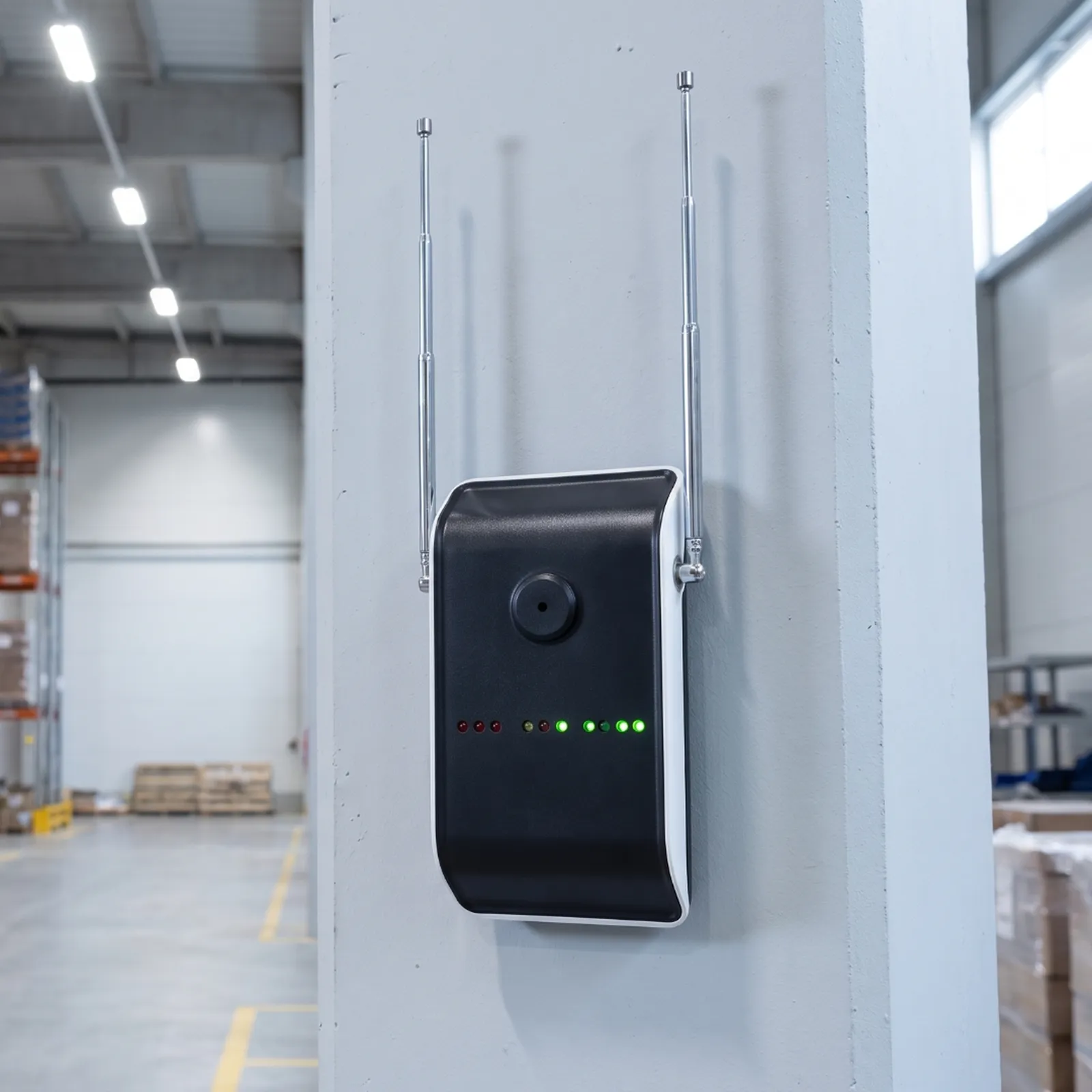
Carry calls to more distant points.
In suitable conditions, the R1000 repeater can support RF signal reach of up to 2 km in open areas. Actual reach is planned according to the layout and environmental conditions.
- R1000 Repeater
- Up to 2 km
A call is sent. It appears on the receiver device.
-
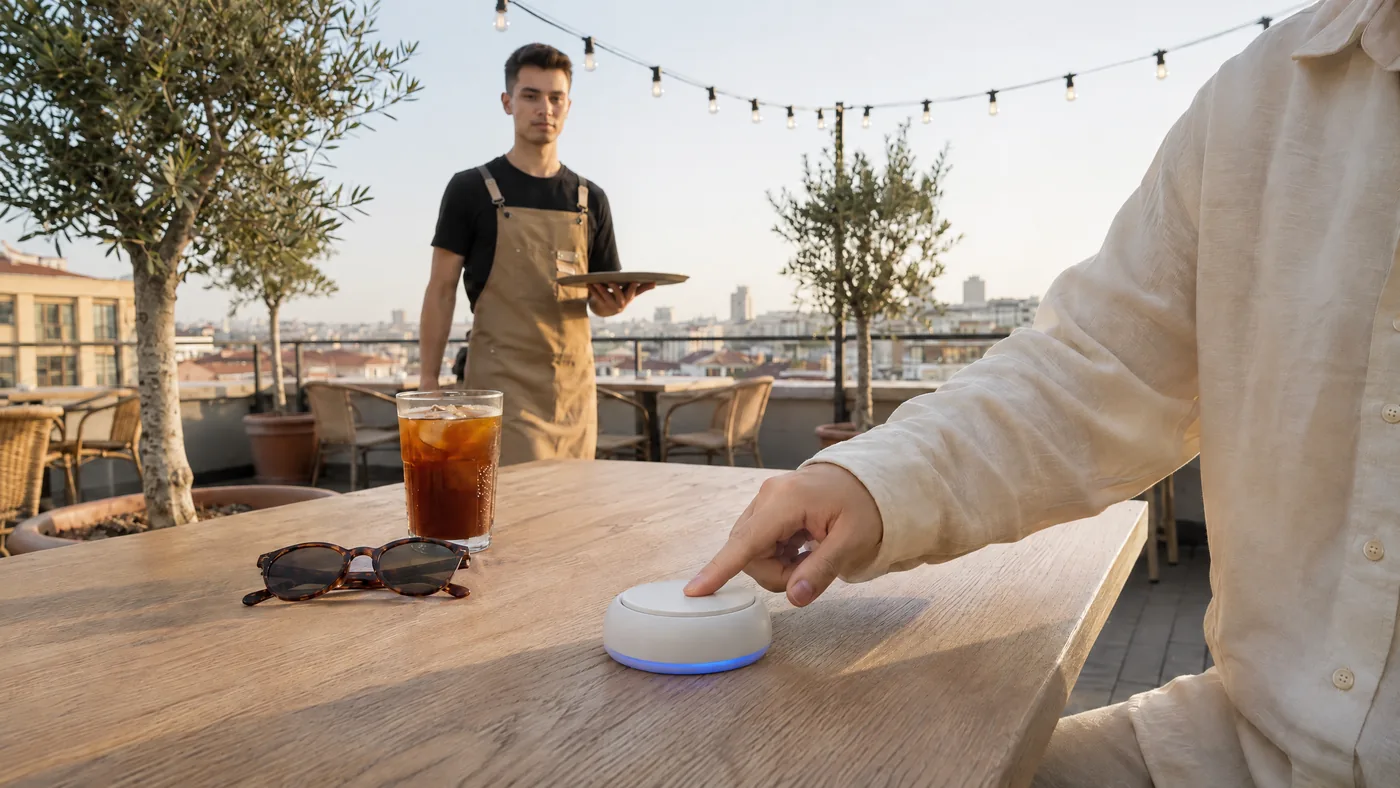 STEP 01
A call is sent
A call is sent by pressing a compatible RF call button placed at the call point.
-
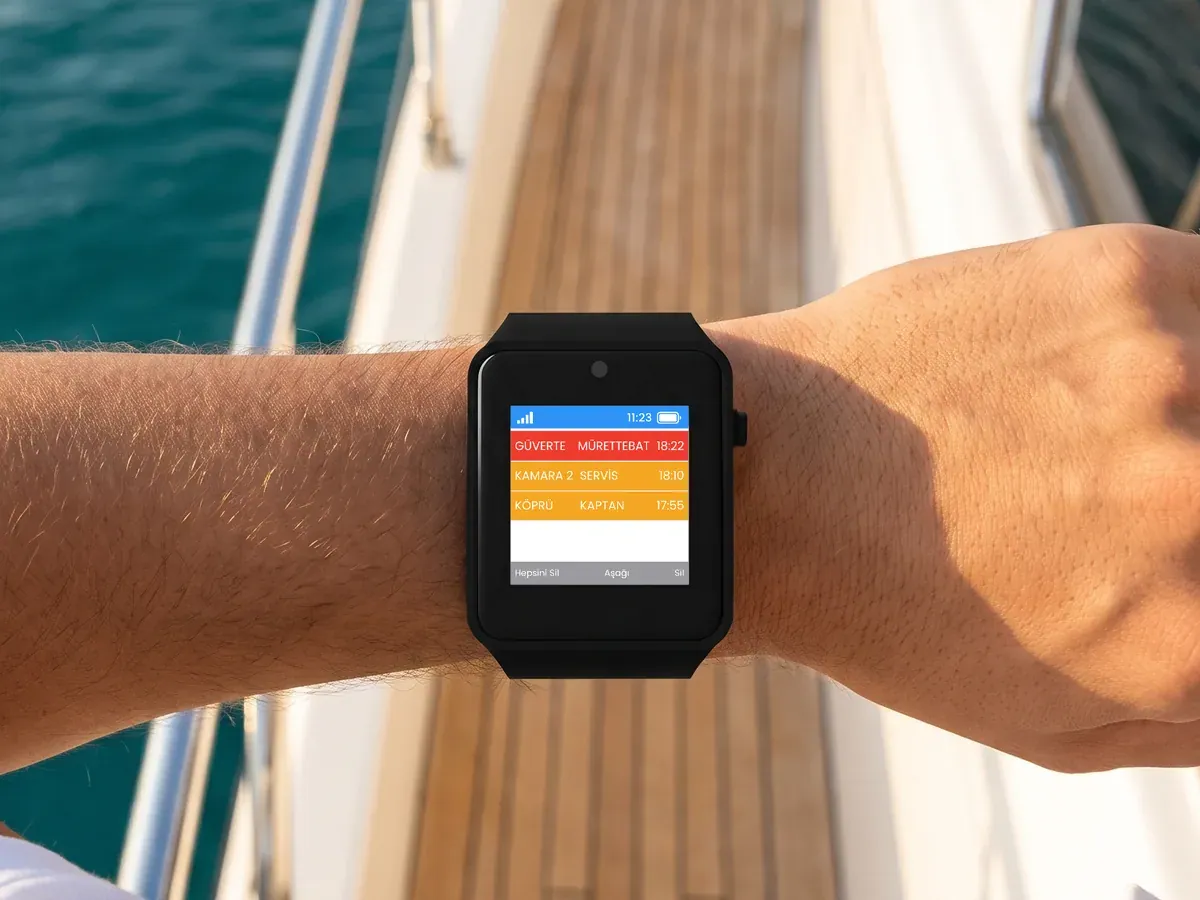 STEP 02
It appears on the receiver device
The call from the button reaches the receiver device your team uses.
What you want to know about the product.
01What is a receiver device and what does it do?
02Should I choose a pager watch, a display receiver or a warning light?
03How does the pager watch announce a call?
04How long does the pager watch battery last?
05What does the D20 display receiver show?
06When is the L20 warning light used?
07How many buttons can be paired with one receiver?
08What is the range?
09Can I add a receiver to my existing system?
10Do I need a physical receiver if I already use the phone app?
11How is it installed?
12What does the warranty cover?
Let’s choose the receivers your team will use together.
Tell us who should see the calls and where, and we will choose the right receivers together.
Solutions used by 500+ businesses. We stay with you after installation.







-
2-Year Like-for-Like Replacement Warranty
Eligible hardware under warranty is replaced like-for-like, without delay.
-
Ongoing Support
From installation onwards, our technical team is available throughout use.
-
Easy Installation
We plan the right setup for your distances and site conditions together with you.
- CE Conformity
- ISO 9001Quality
- ISO/IEC 27001Information security
- ISO 20000IT service
- ISO 22301Business continuity
- ISO 14001Environment
- ISO 45001Occupational health
- ISO 10002Customer satisfaction
- ISO 31000Risk management
Technology solutions Vayotek builds for businesses.
 VayotekCustom Projects For Your Custom Projects Let’s talk about a technology project tailored to your business. We’ll review your needs together and build the solution that fits. Explore Vayotek
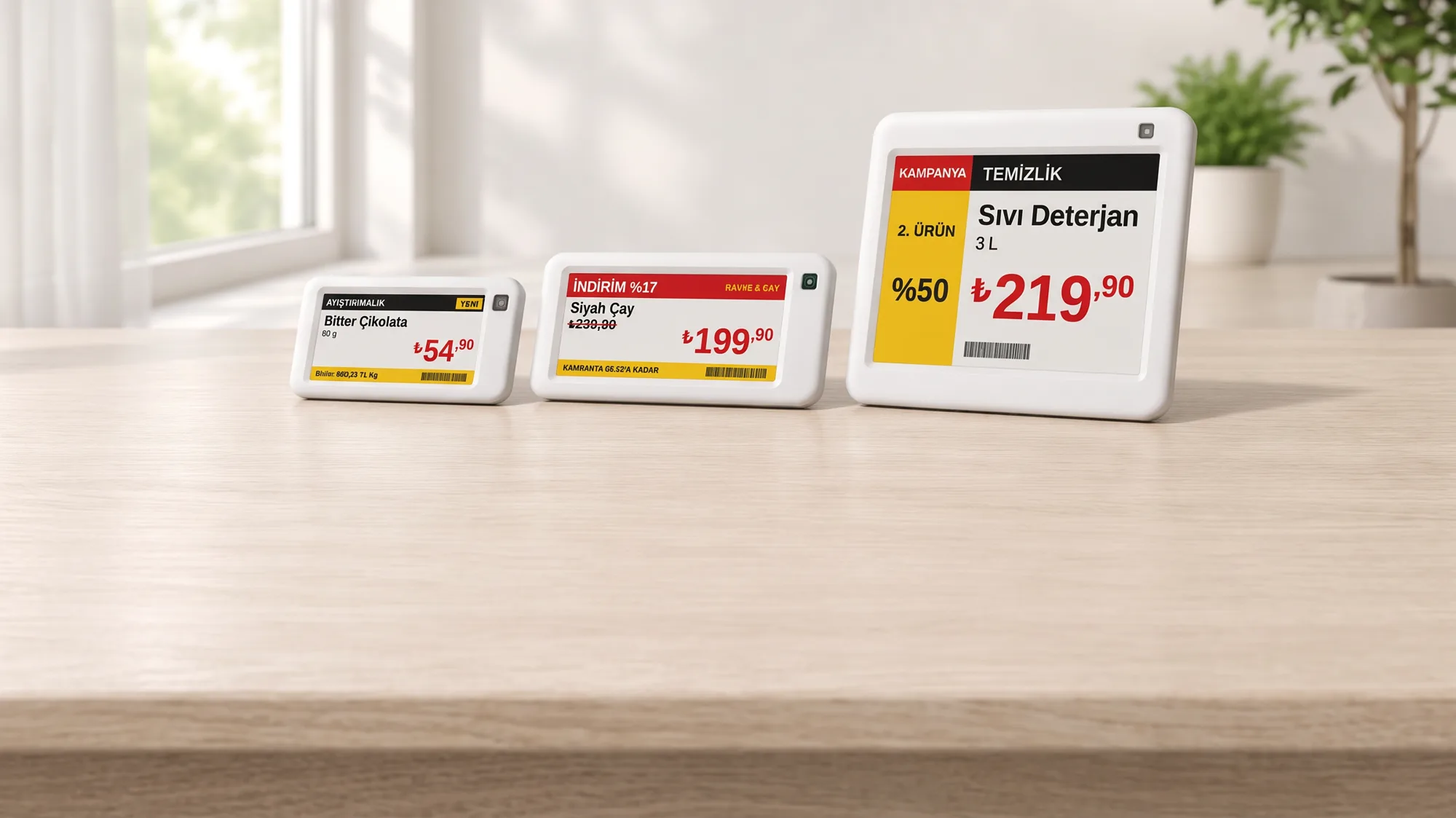 VyTagElectronic Shelf Labels Electronic Shelf Labels and Digital Information Displays Manage prices, promotions, product and information content on digital displays. Explore VyTag