

PHONE · TABLET · SMARTWATCH
VyAppSmart Call
See staff and vehicle calls on phones, tablets and supported smartwatches, so your team sees where each call comes from on the screen they choose.
Answer calls on the screens your team already uses.
Phone, tablet and smartwatch are different notification surfaces of the same call flow.
-
 01
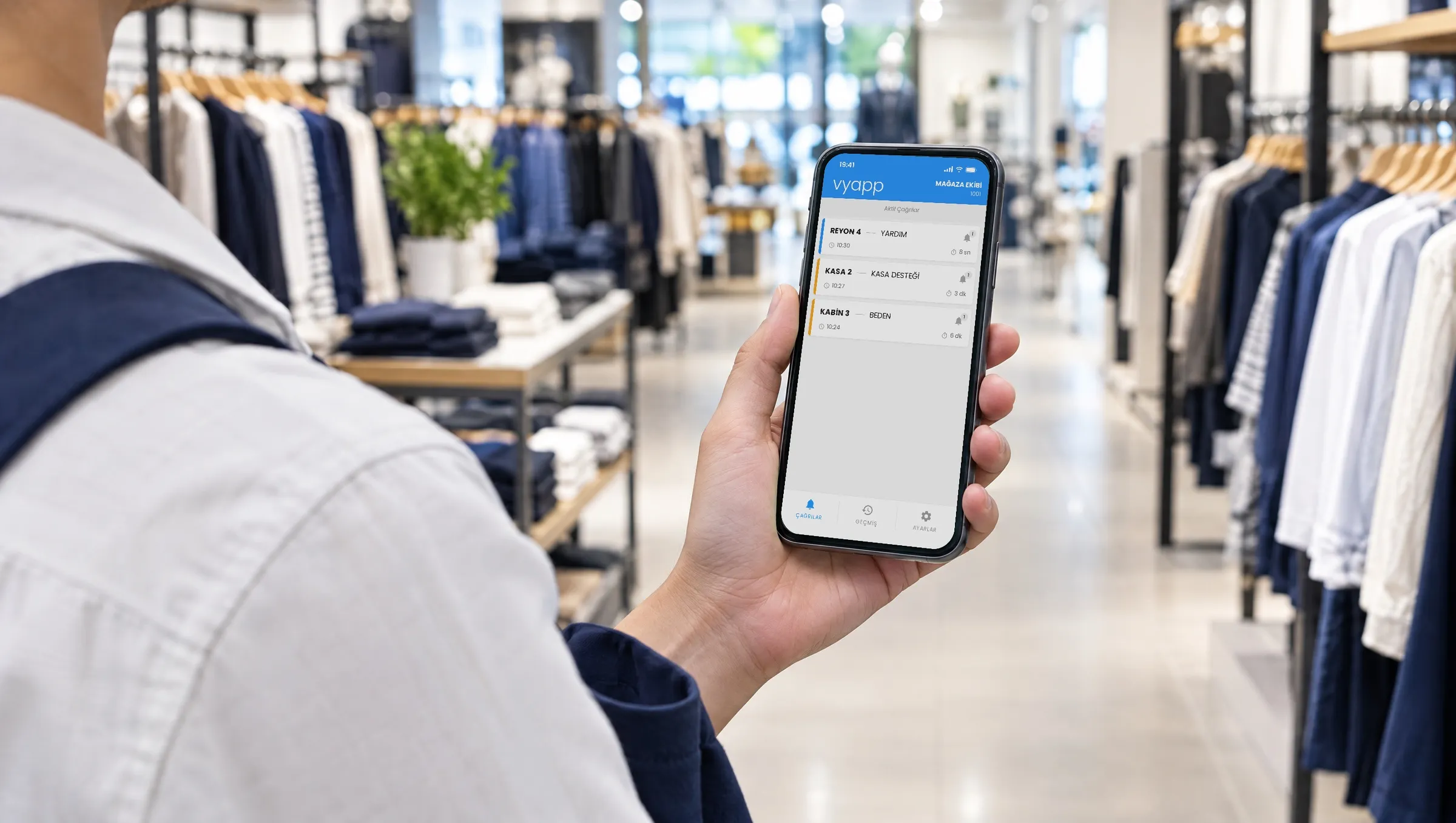
Phone
For mobile staff to see calls on their phones.
-
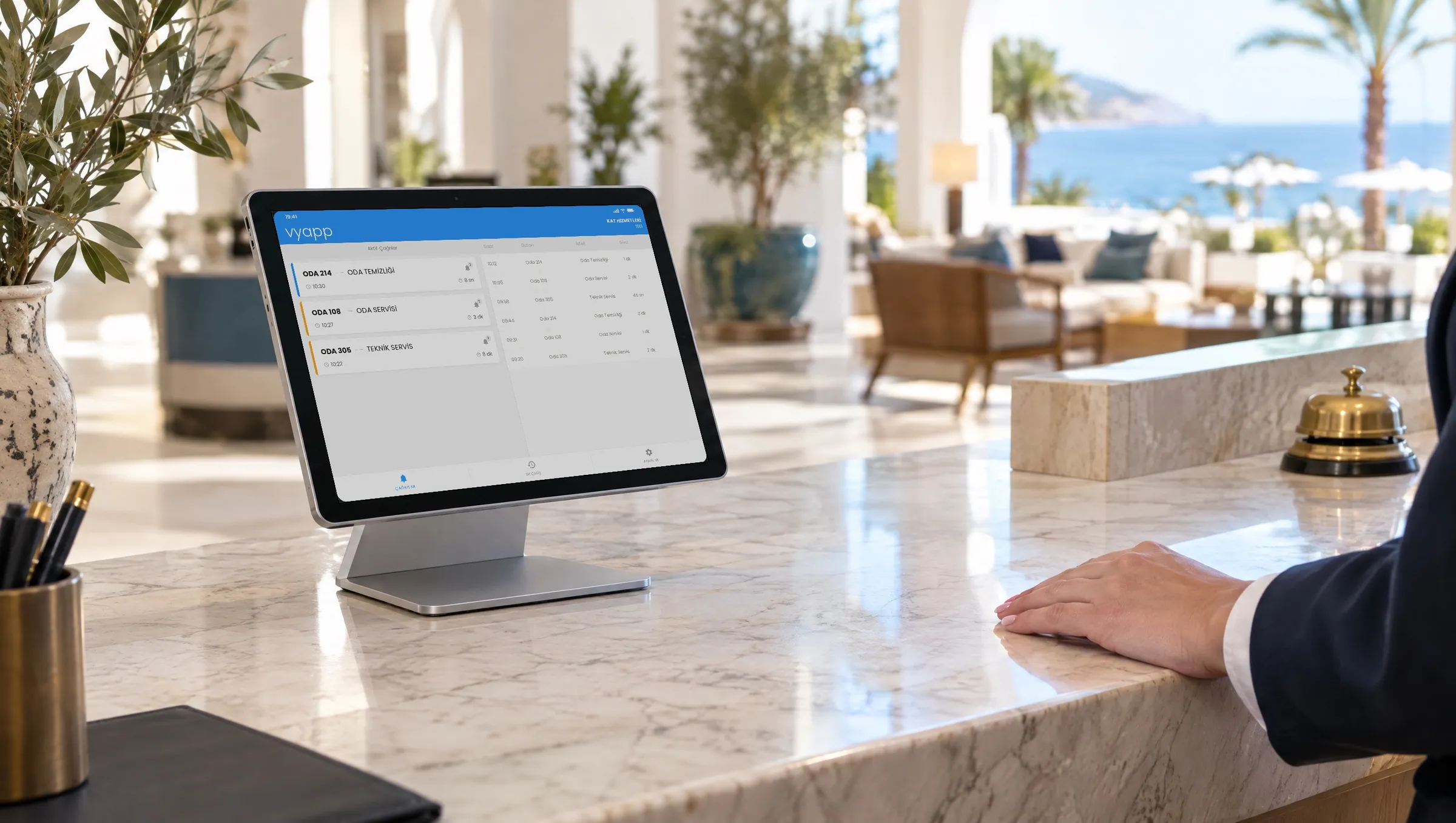 02
Tablet
For points where calls are followed on a tablet.
-
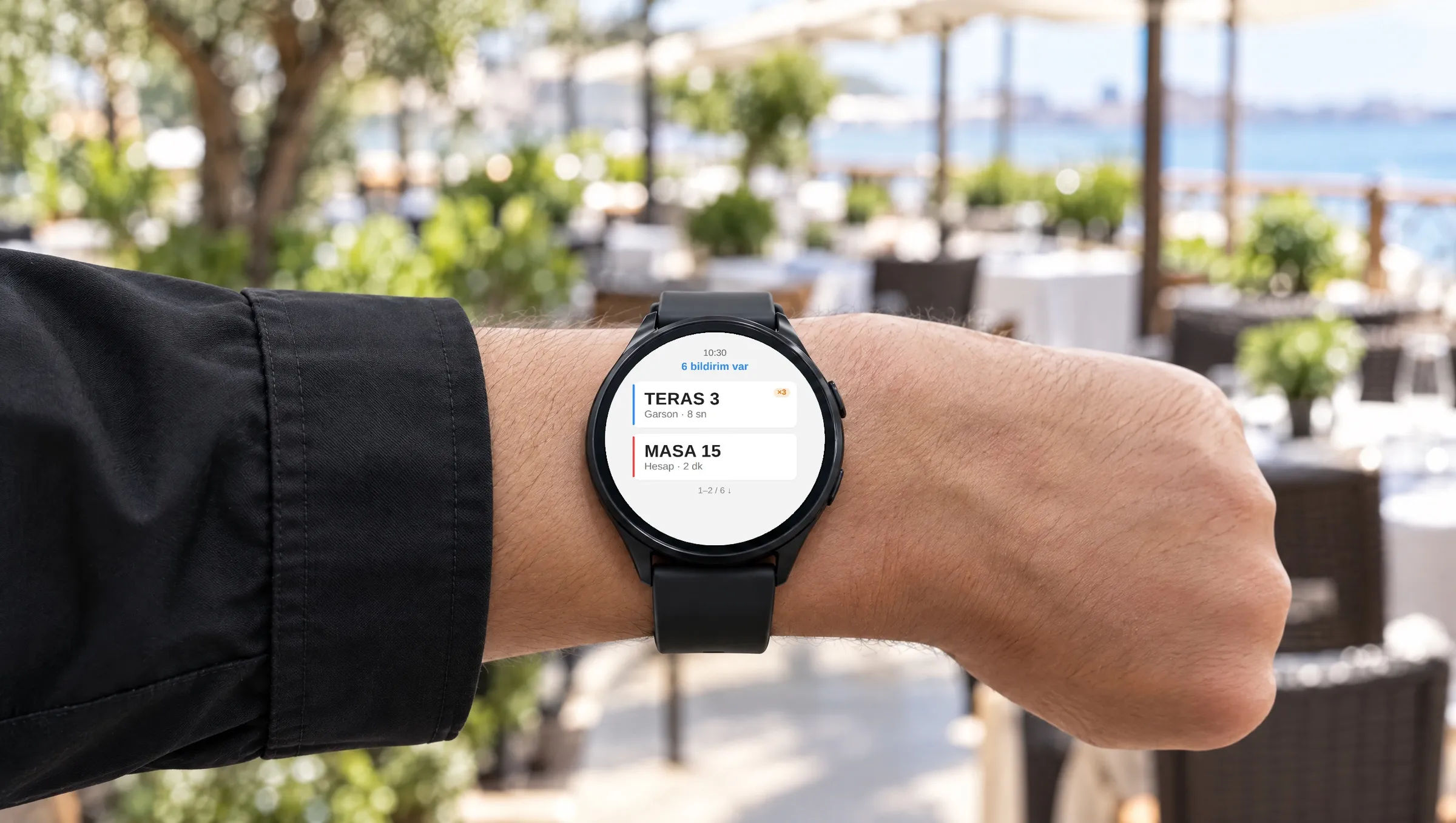 03
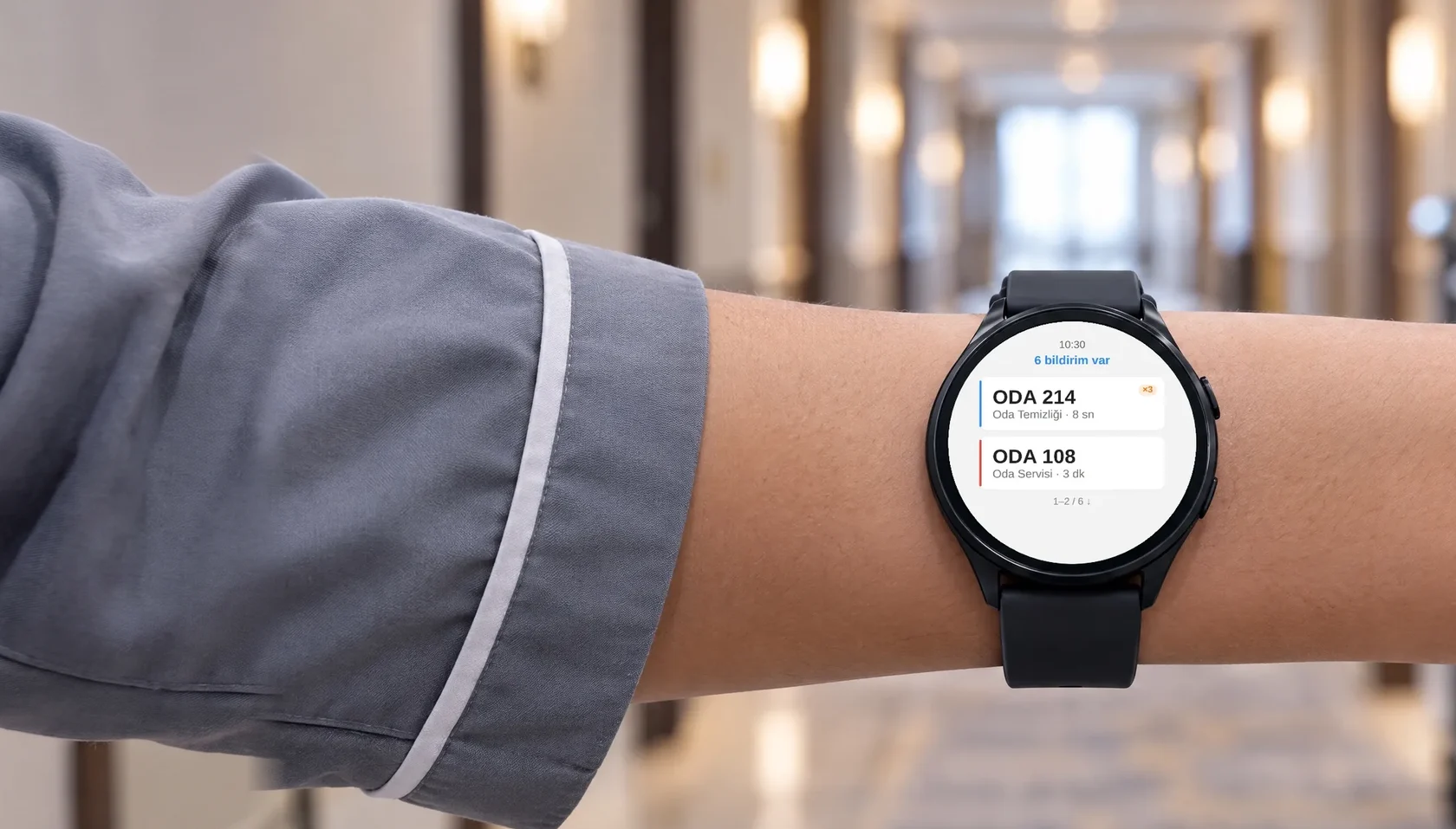
Smartwatch
The option to receive call notifications on a supported smartwatch.
Choose together the screens that suit how your team works.
WhatsApp Get a QuoteA call is sent. It appears in the app.
-
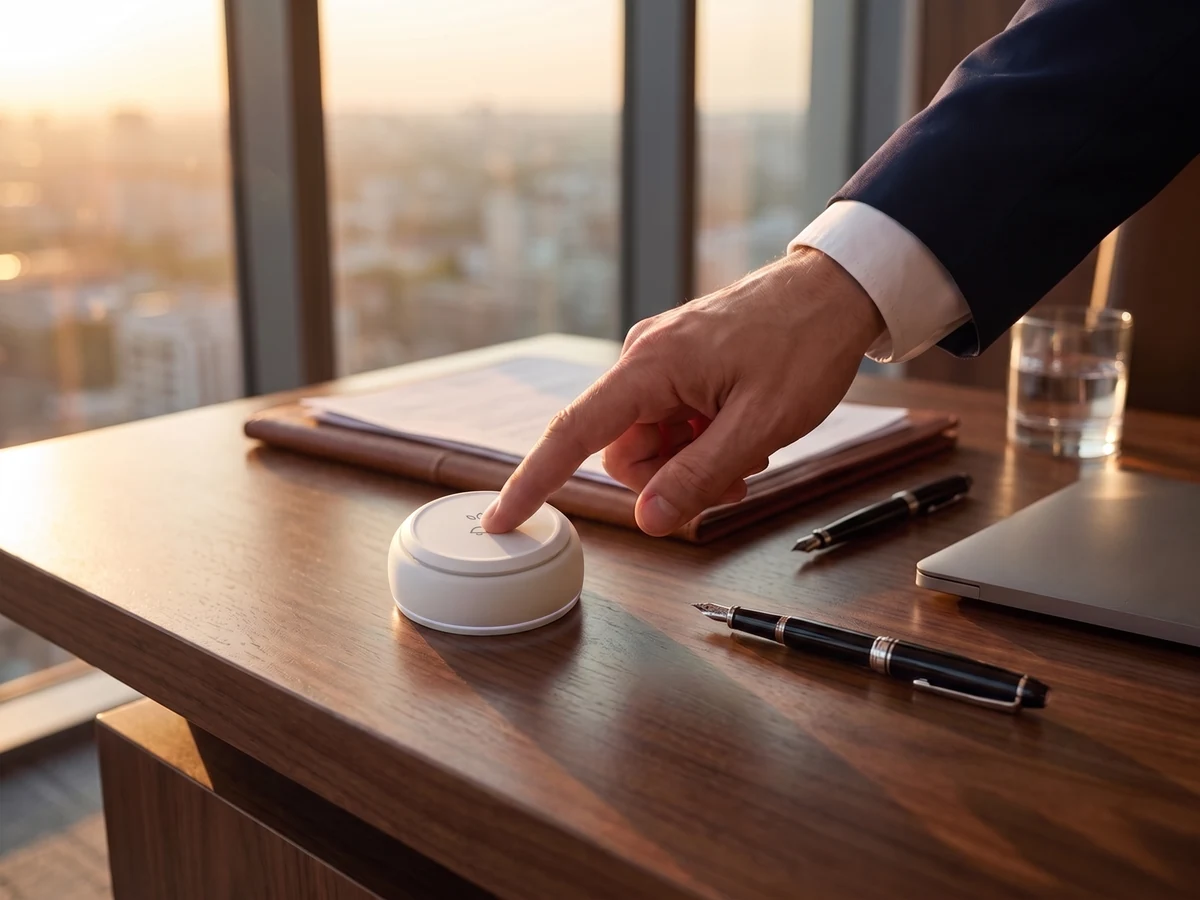 STEP 01
A call is sent
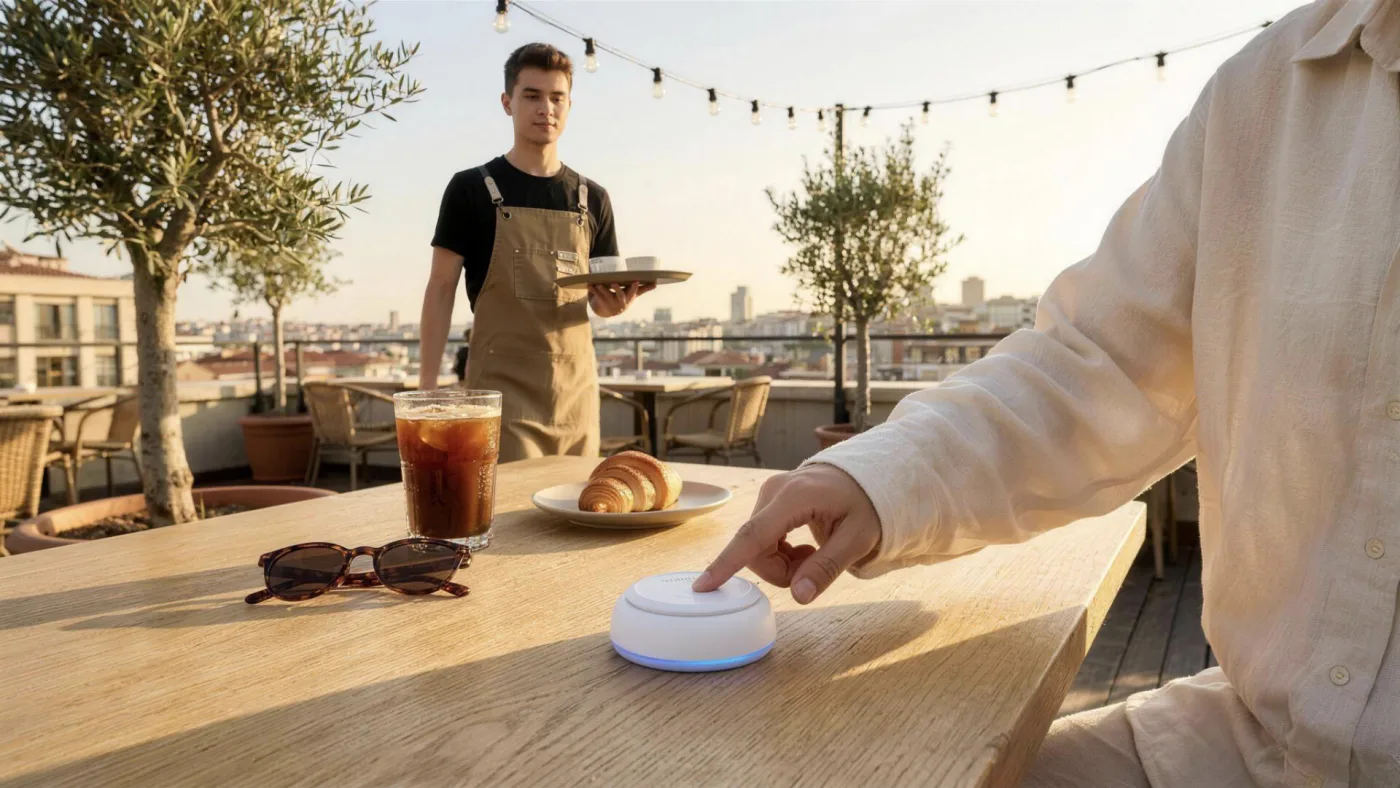
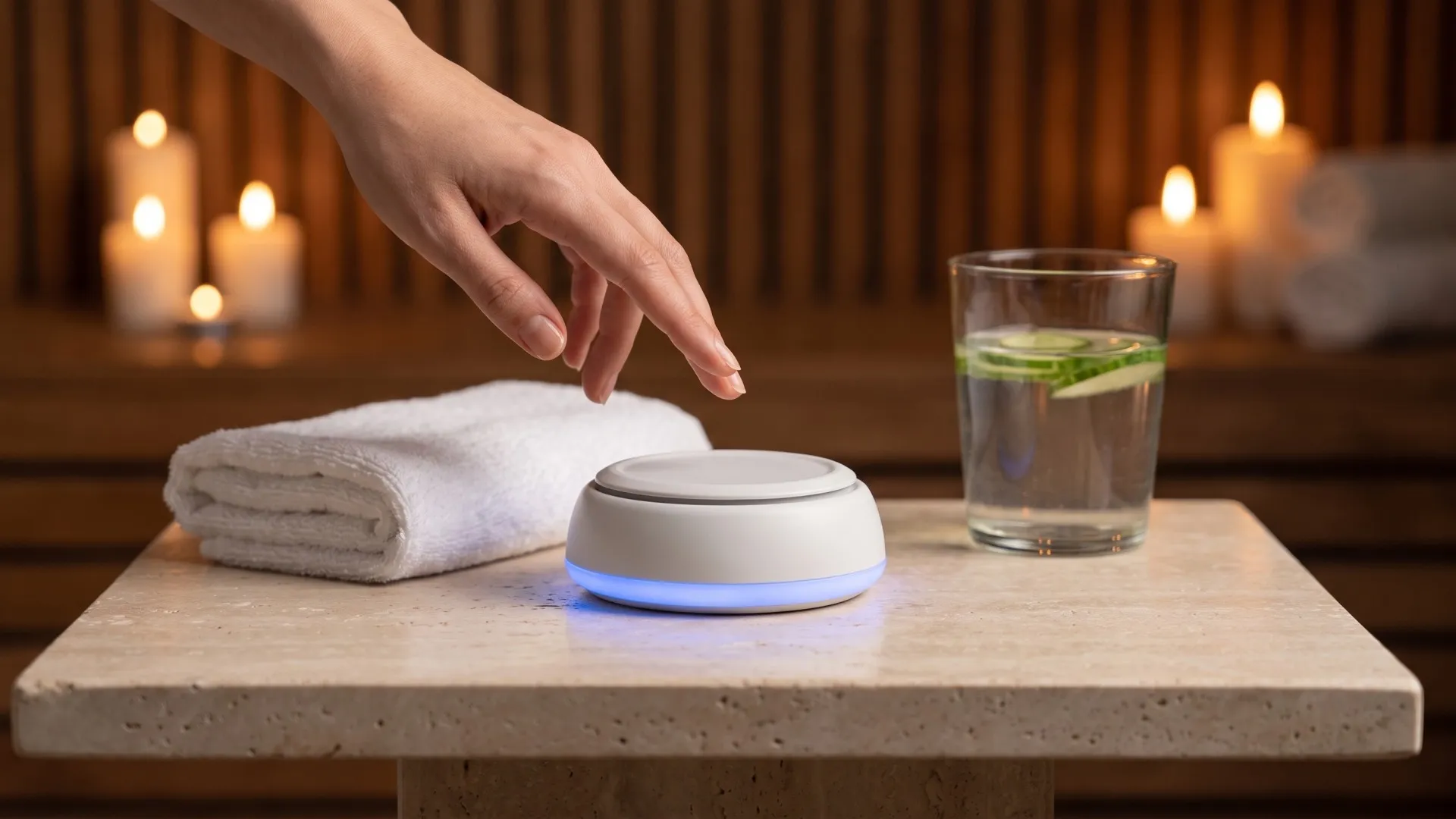
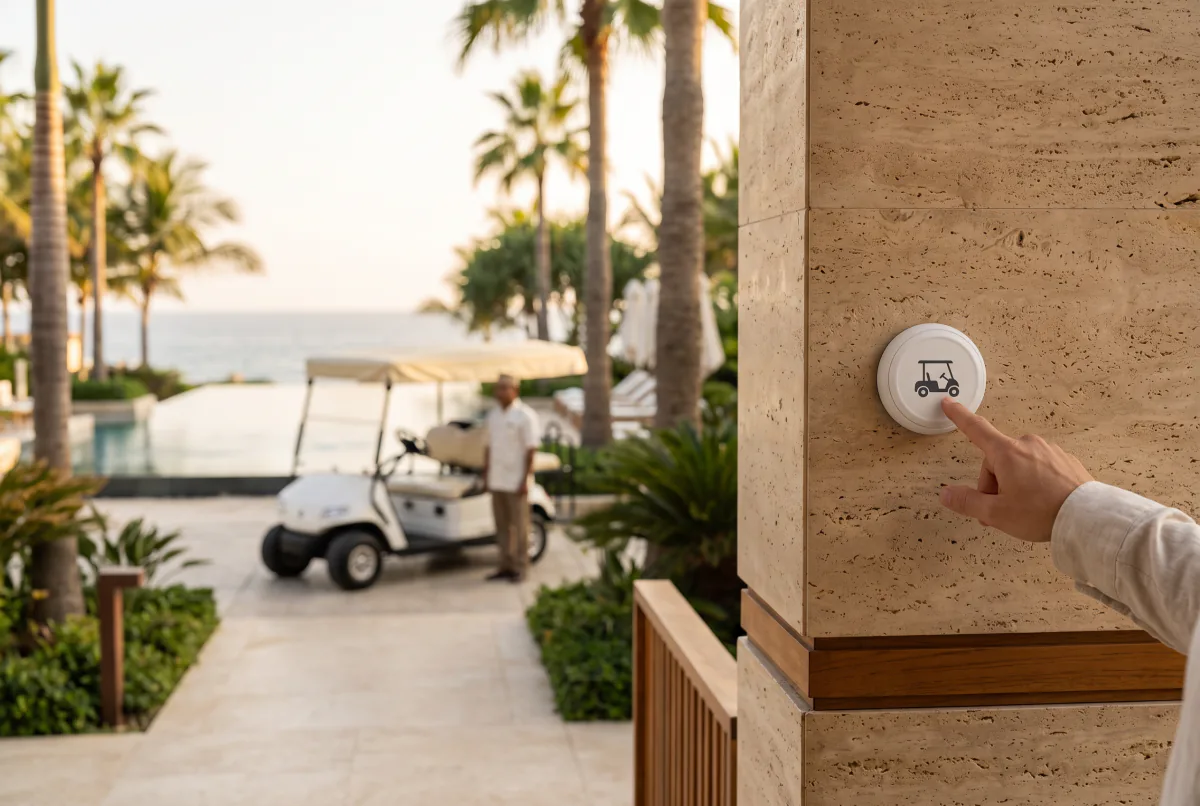
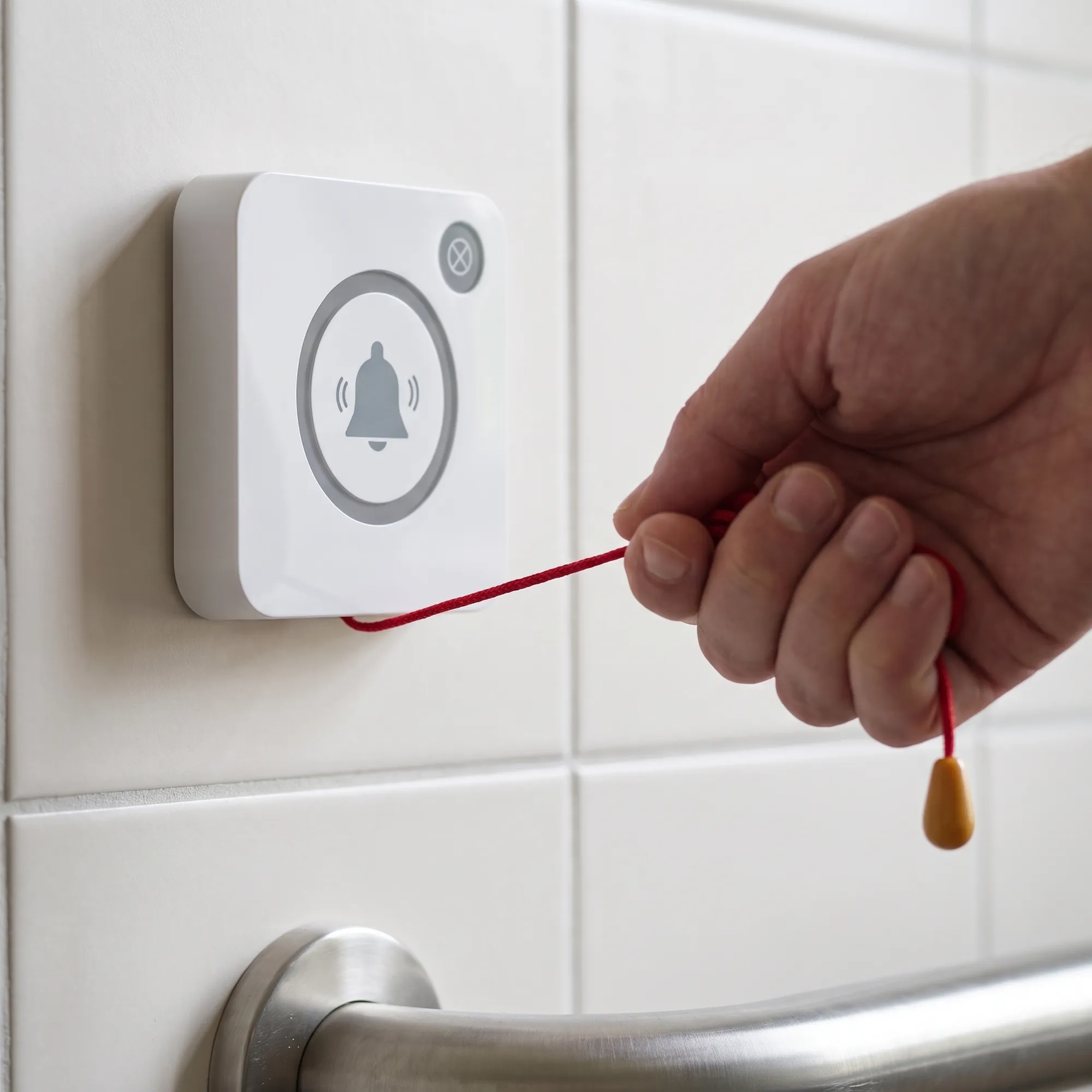
A call is sent from a compatible call button or a virtual call point.
-
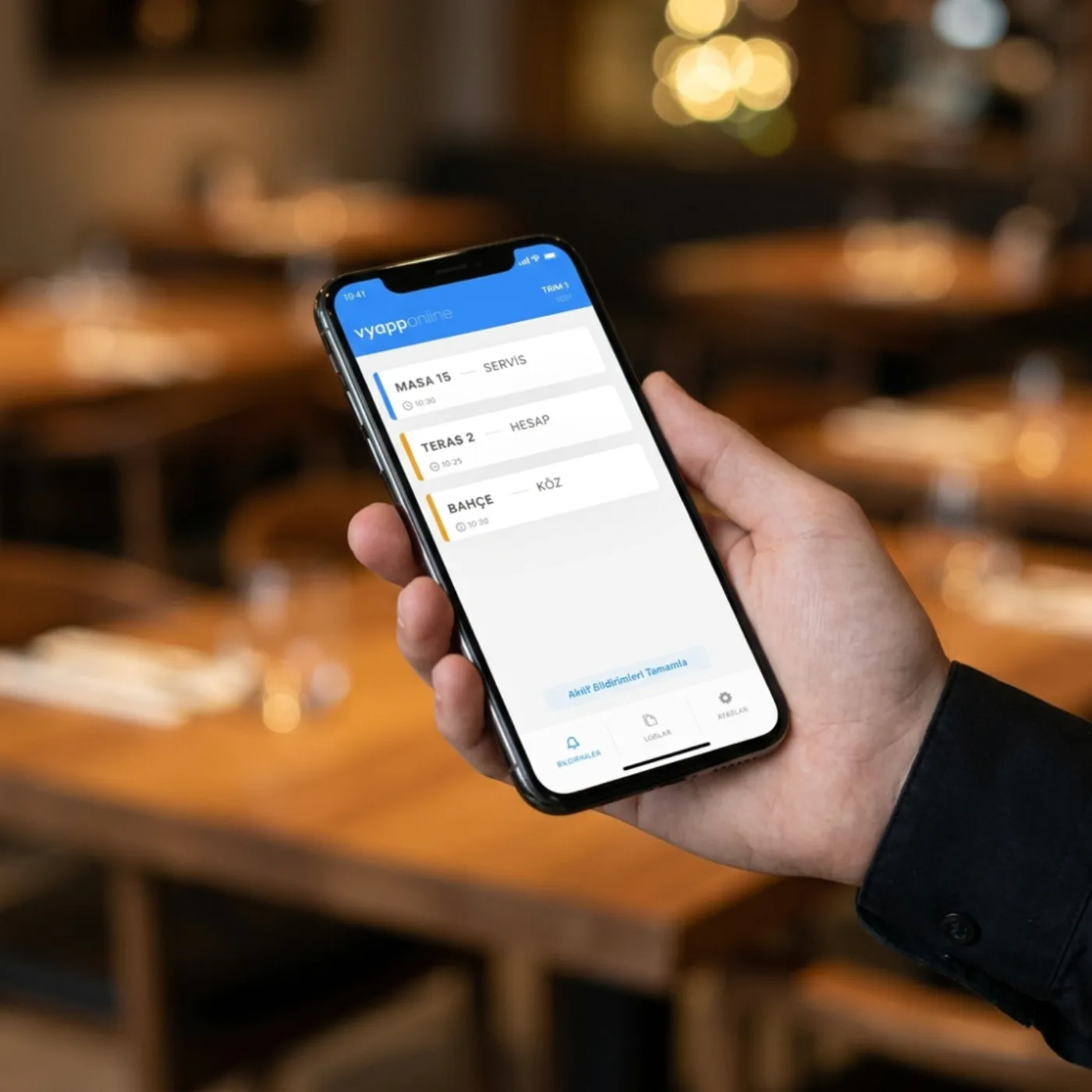 STEP 02
It appears in the app
During setup, each call point is assigned to the person the call should go to. The call is sent over the internet, and the call point and request appear on the phone, tablet or compatible smartwatch with VyApp installed.
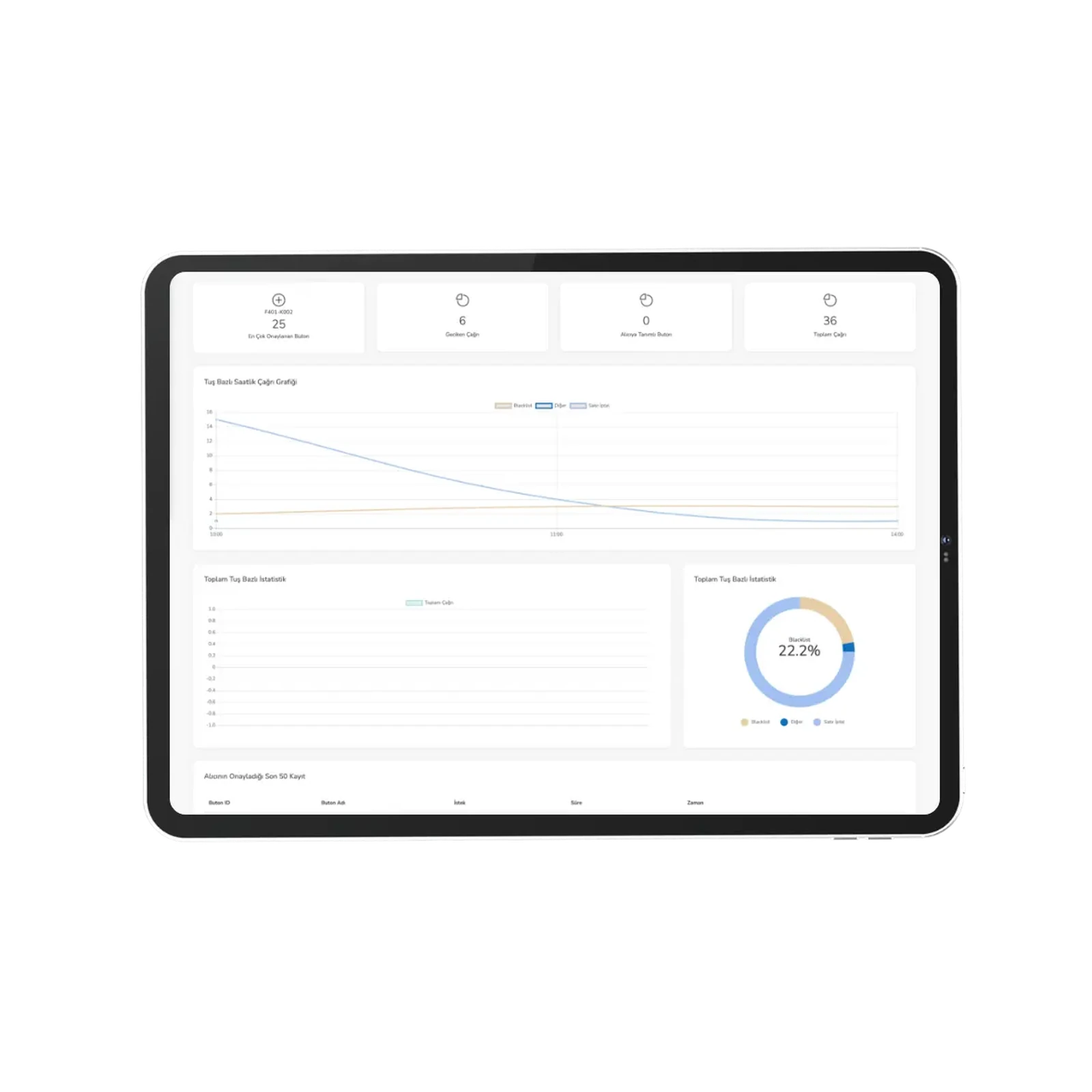
Receive calls. Track them with reports.
In suitable setups, follow call records from the management and reporting screens.
- Call records
- Management panel
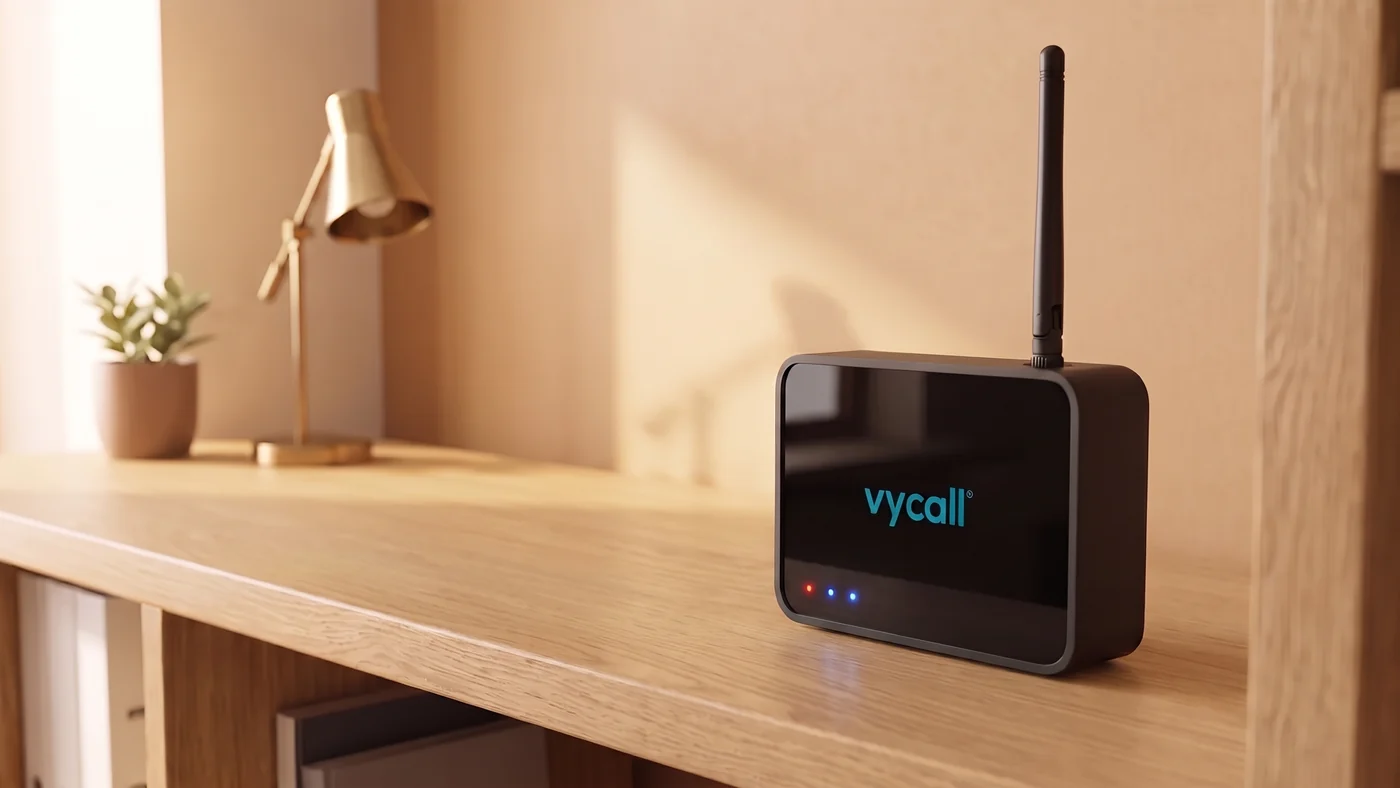
See physical button calls in VyApp too.
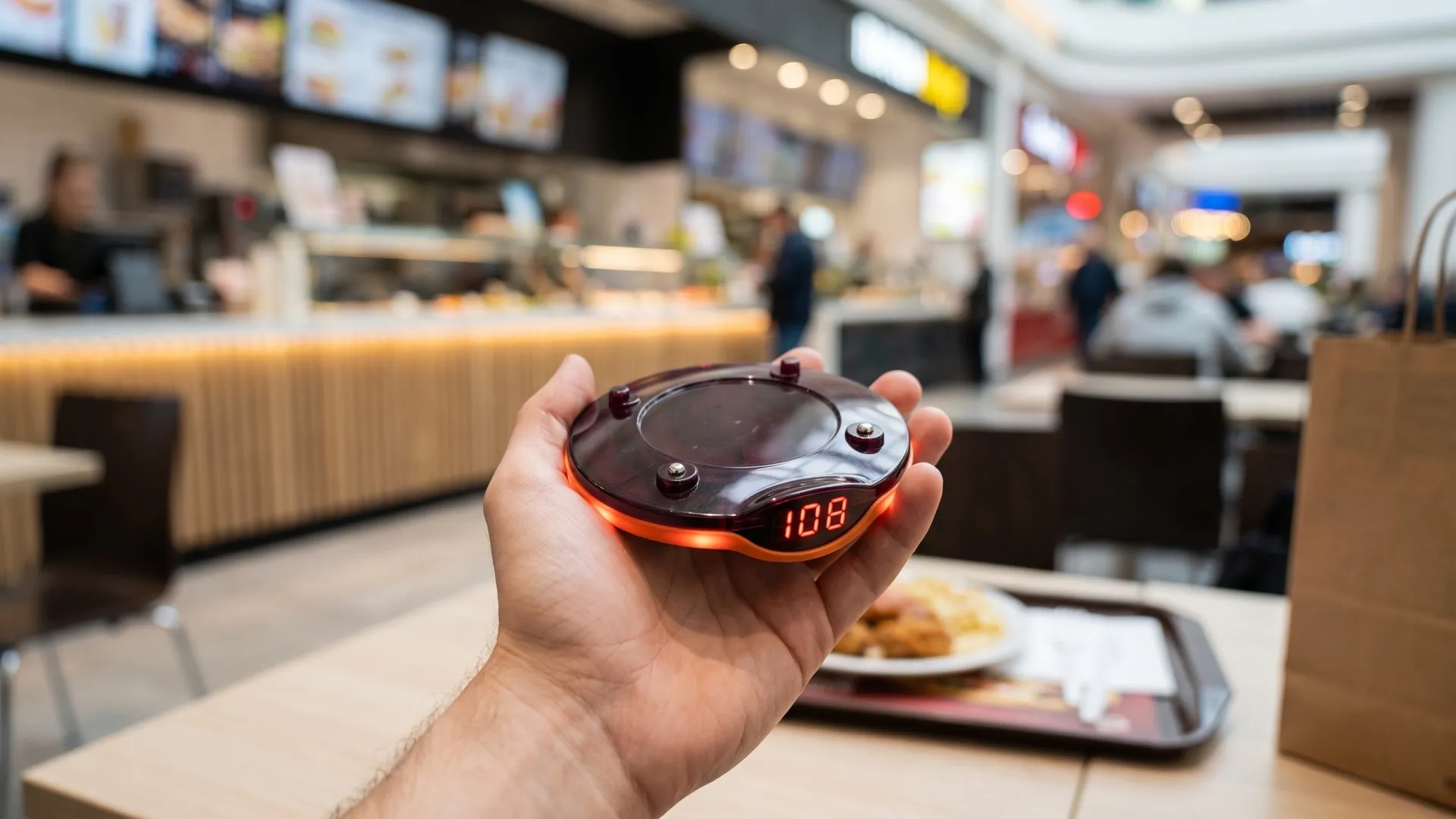
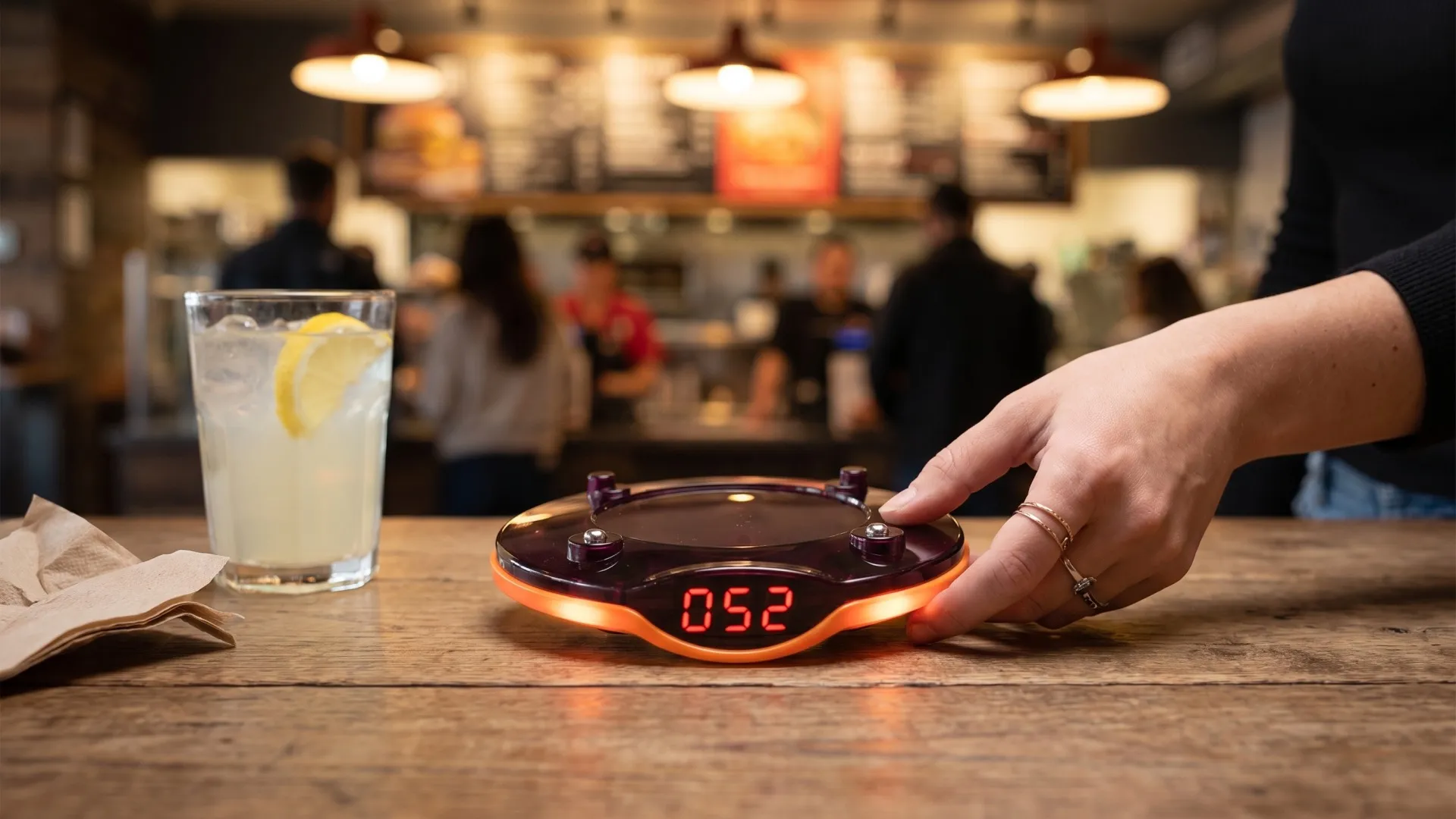
Bring calls from physical buttons to your team’s phones, tablets or watches as well.
- Smart Gateway
- Physical button compatibility
What you want to know about the product.
01What is VyApp Smart Call?
02Which devices does it work on?
03How do calls reach the app?
04Is a gateway required?
05How many gateways are needed?
06How do you know who took the call?
07Can notifications be customised?
08Are call history and reports kept?
09Which languages does it support?
10How does licensing work?
11How is it installed?
Let’s plan together which screens the calls will appear on.
Tell us which team should see the calls and on which screens, and we will decide on the right setup.
Solutions used by 500+ businesses. We stay with you after installation.







-
2-Year Like-for-Like Replacement Warranty
Eligible hardware under warranty is replaced like-for-like, without delay.
-
Ongoing Support
From installation onwards, our technical team is available throughout use.
-
Easy Installation
We plan the right setup for your distances and site conditions together with you.
- CE Conformity
- ISO 9001Quality
- ISO/IEC 27001Information security
- ISO 20000IT service
- ISO 22301Business continuity
- ISO 14001Environment
- ISO 45001Occupational health
- ISO 10002Customer satisfaction
- ISO 31000Risk management
Technology solutions Vayotek builds for businesses.
 VayotekCustom Projects For Your Custom Projects Let’s talk about a technology project tailored to your business. We’ll review your needs together and build the solution that fits. Explore Vayotek
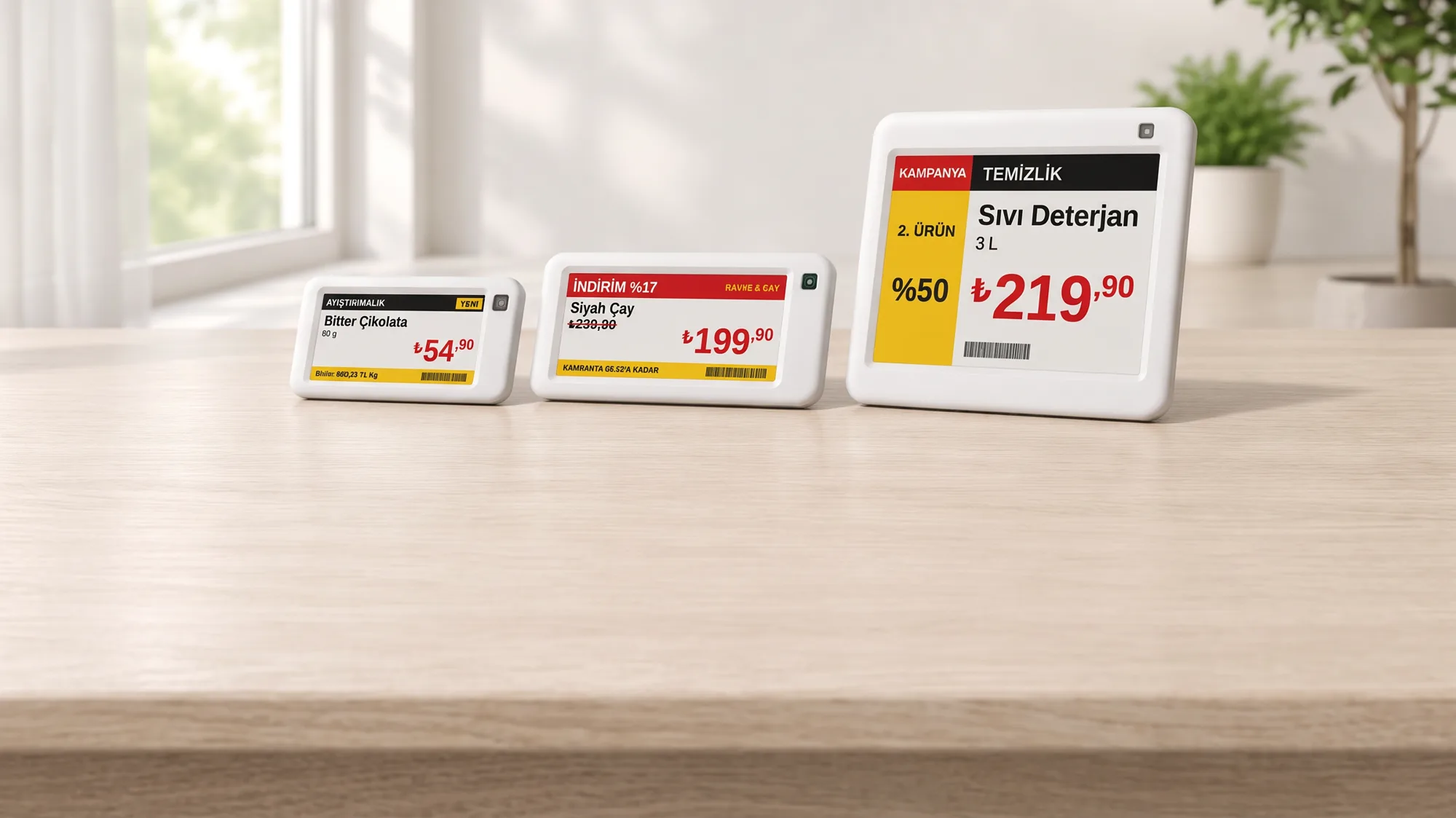 VyTagElectronic Shelf Labels Electronic Shelf Labels and Digital Information Displays Manage prices, promotions, product and information content on digital displays. Explore VyTag