


PREMIUM · INDUSTRIAL · HELP
Physical WirelessCall Buttons
Call the right person with a single touch. Send staff and vehicle requests from the table, the room or the work area.
Let’s choose the right button for your space.
Explore call button options for tables, offices, production lines and help points.
-
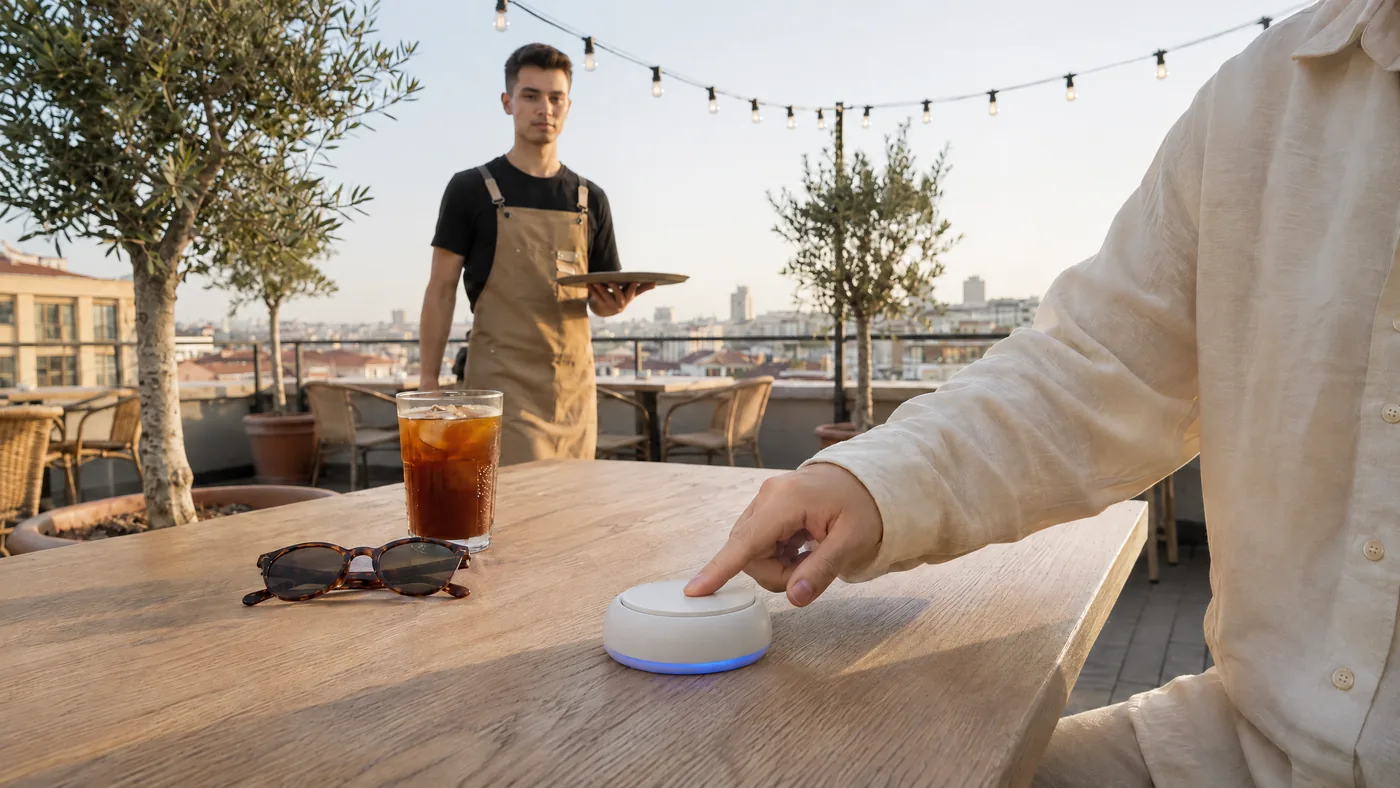 01
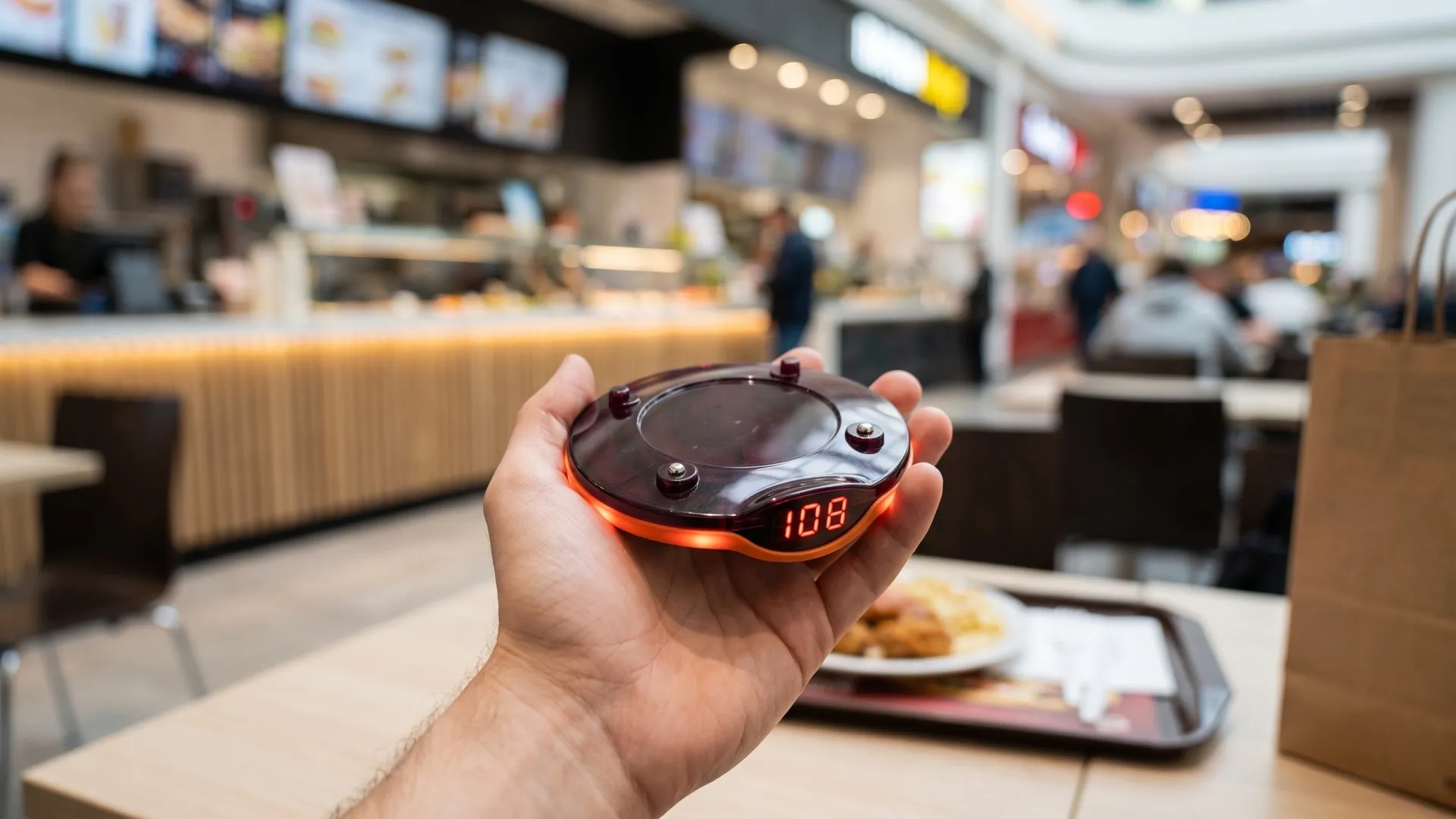
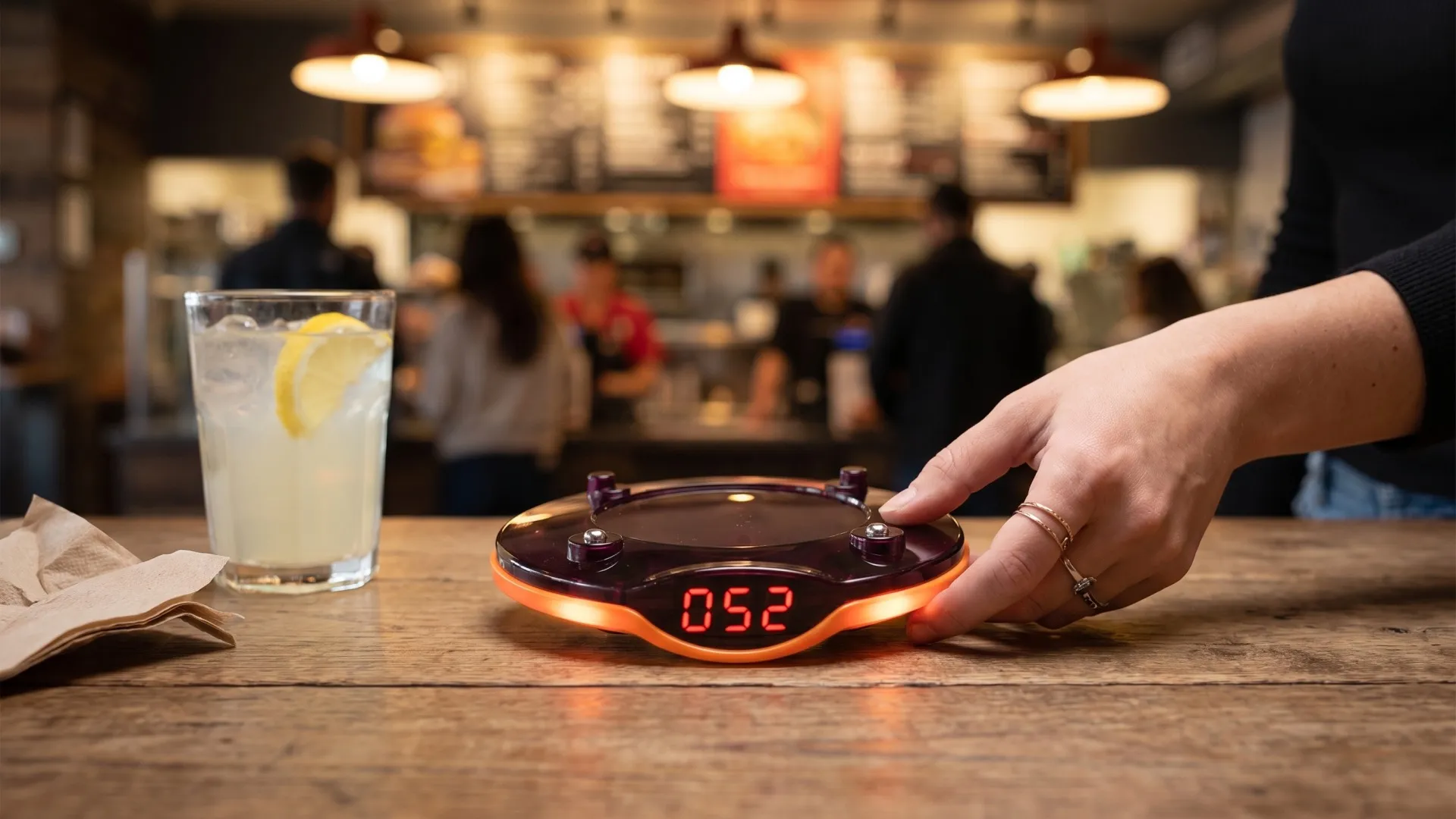
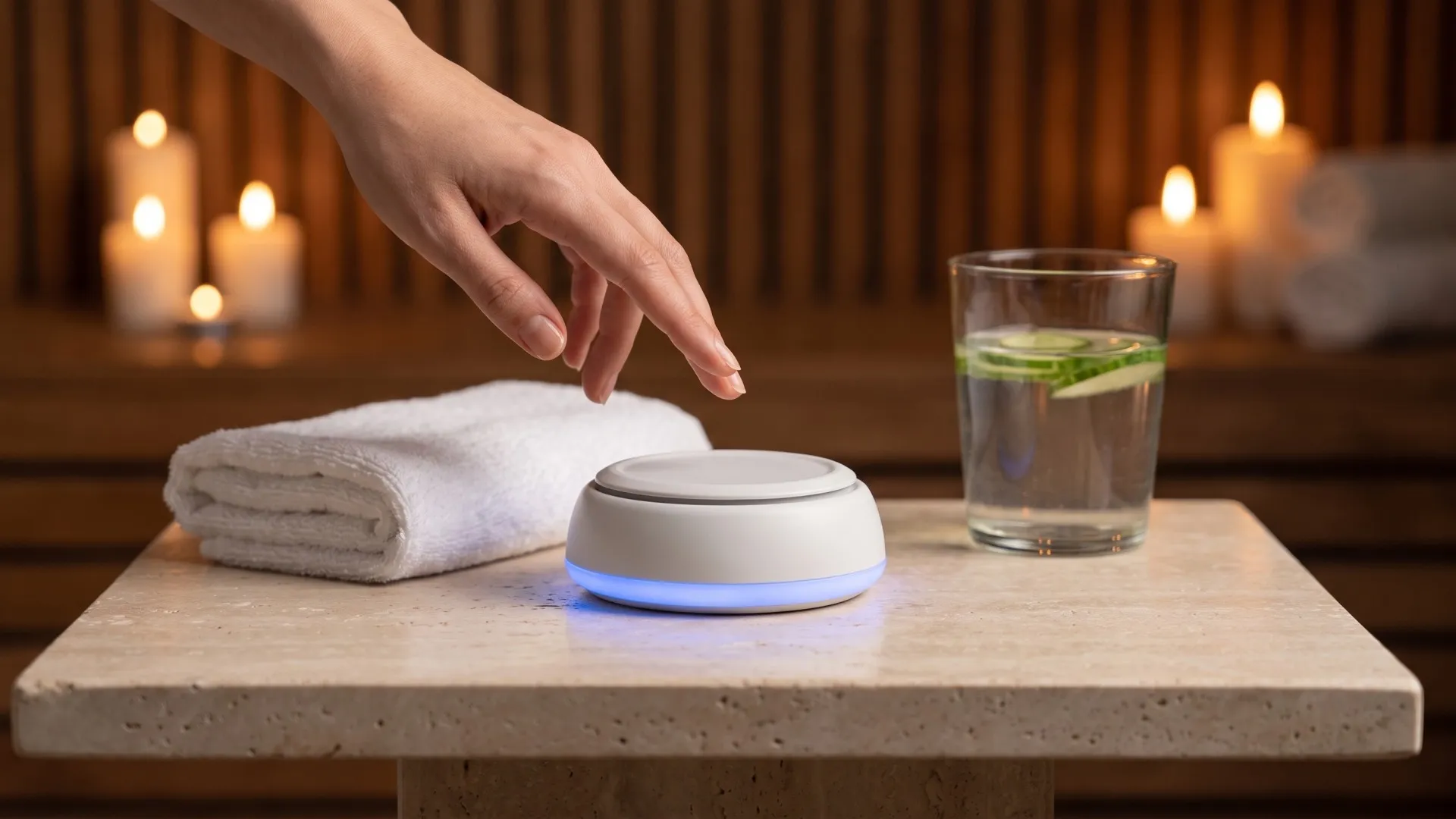
Premium Buttons
Start a call with a single touch at tables, offices and guest areas.
-
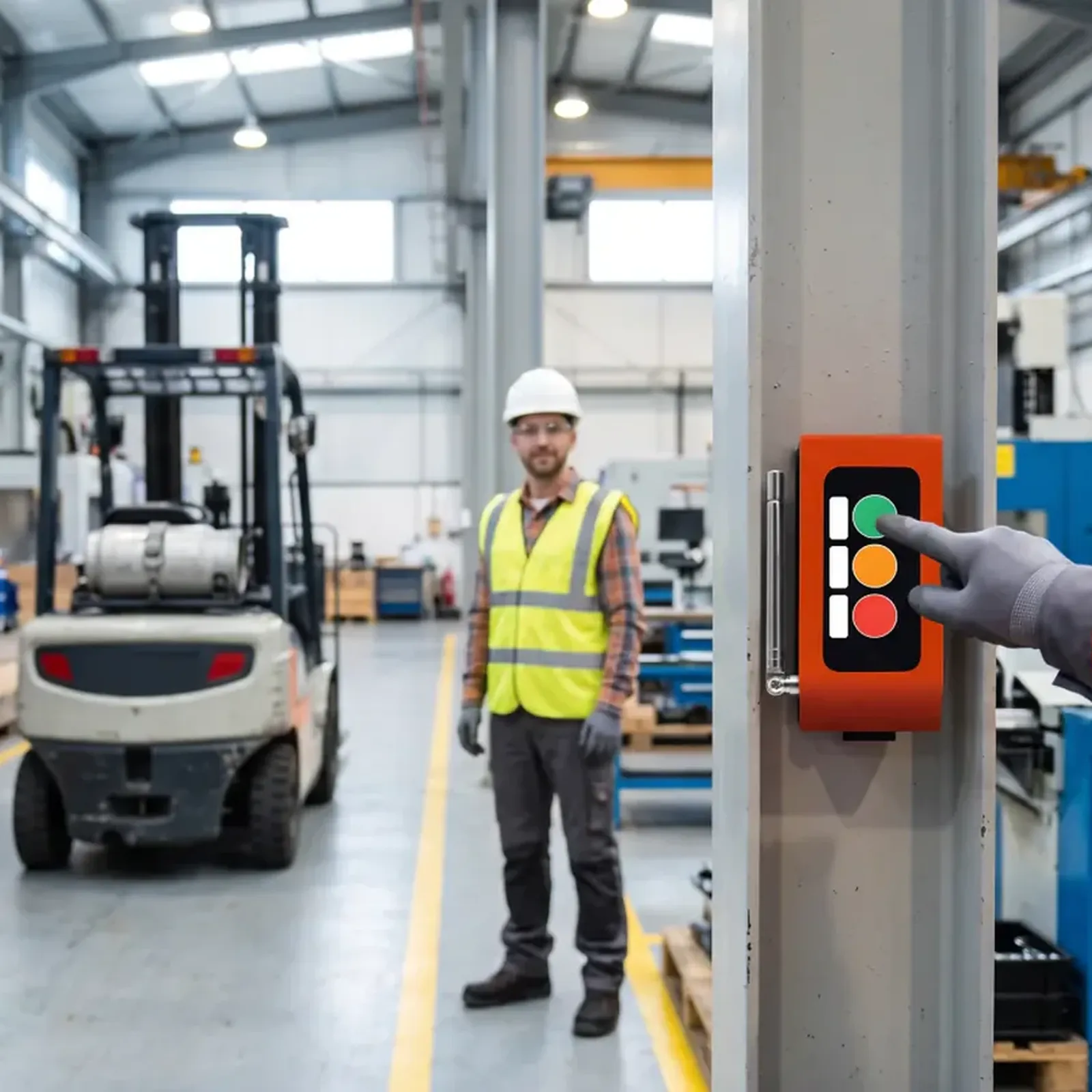 02
Industrial Buttons
Send calls from production and operations points with buttons chosen for the working conditions.
-
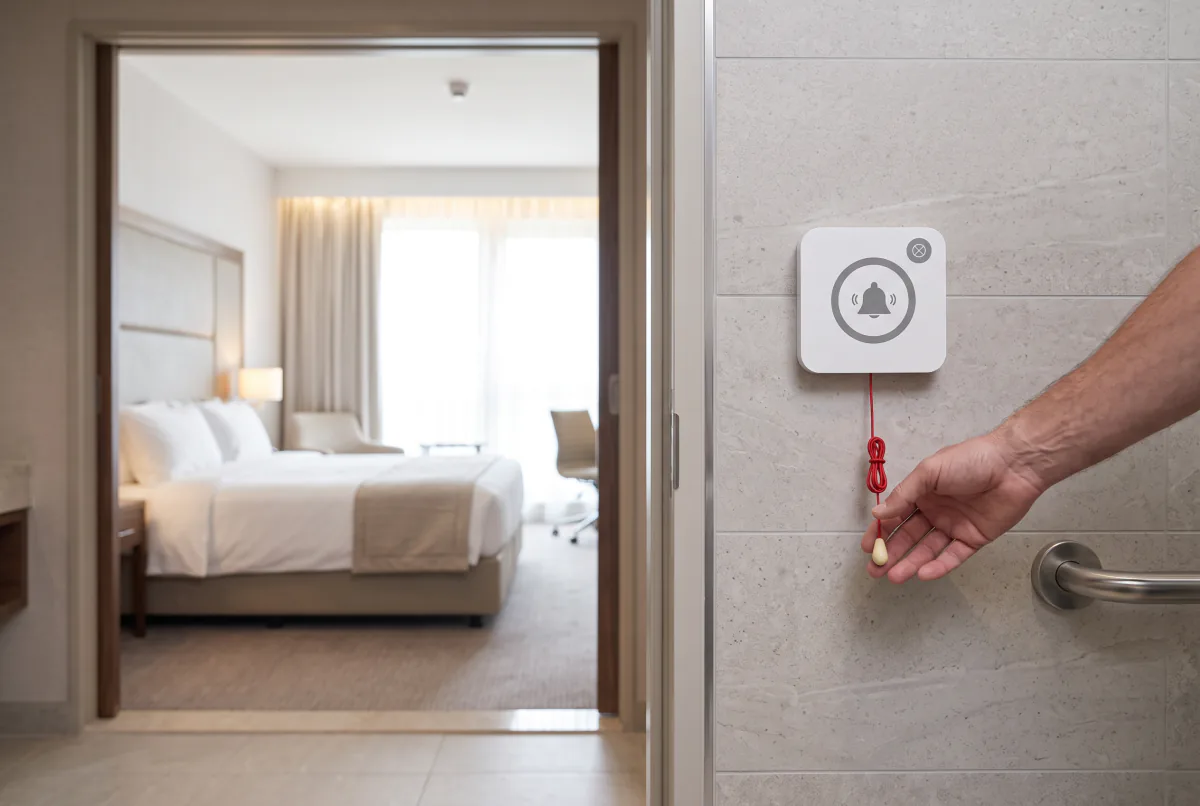 03
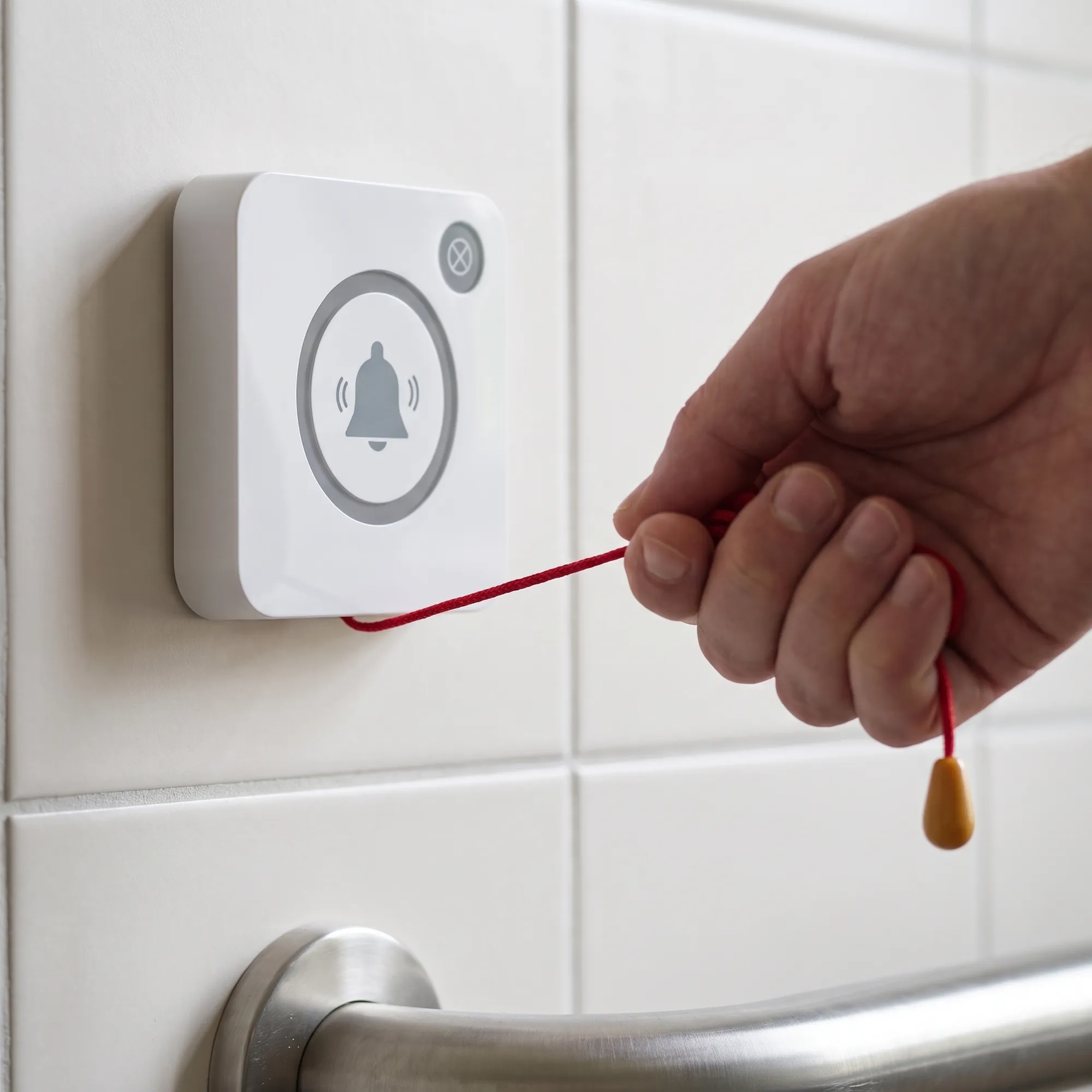
Help Buttons
Send help requests to the assigned staff.
Tell us about your call points and we will choose the right button together.
WhatsApp Get a Quote
Let your button tell your story.
Choose the logo, custom text and key labels for your business, so the button matches your brand.
- Brand logo
- Custom text
- Key labels
A call is sent. It appears on the receiver.
-
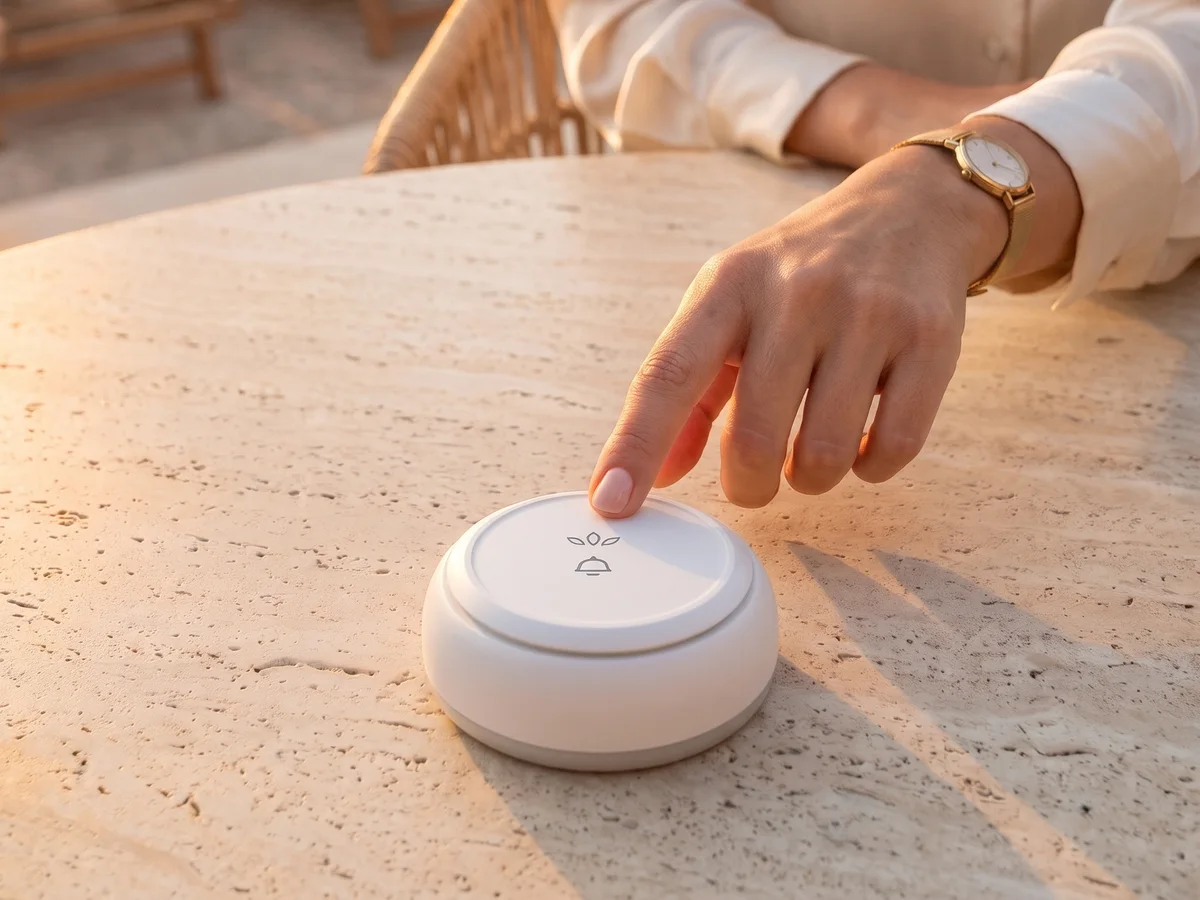 STEP 01
A call is sent
A call is sent by pressing a wireless call button placed at a call point such as a table, room, executive office or production station.
-
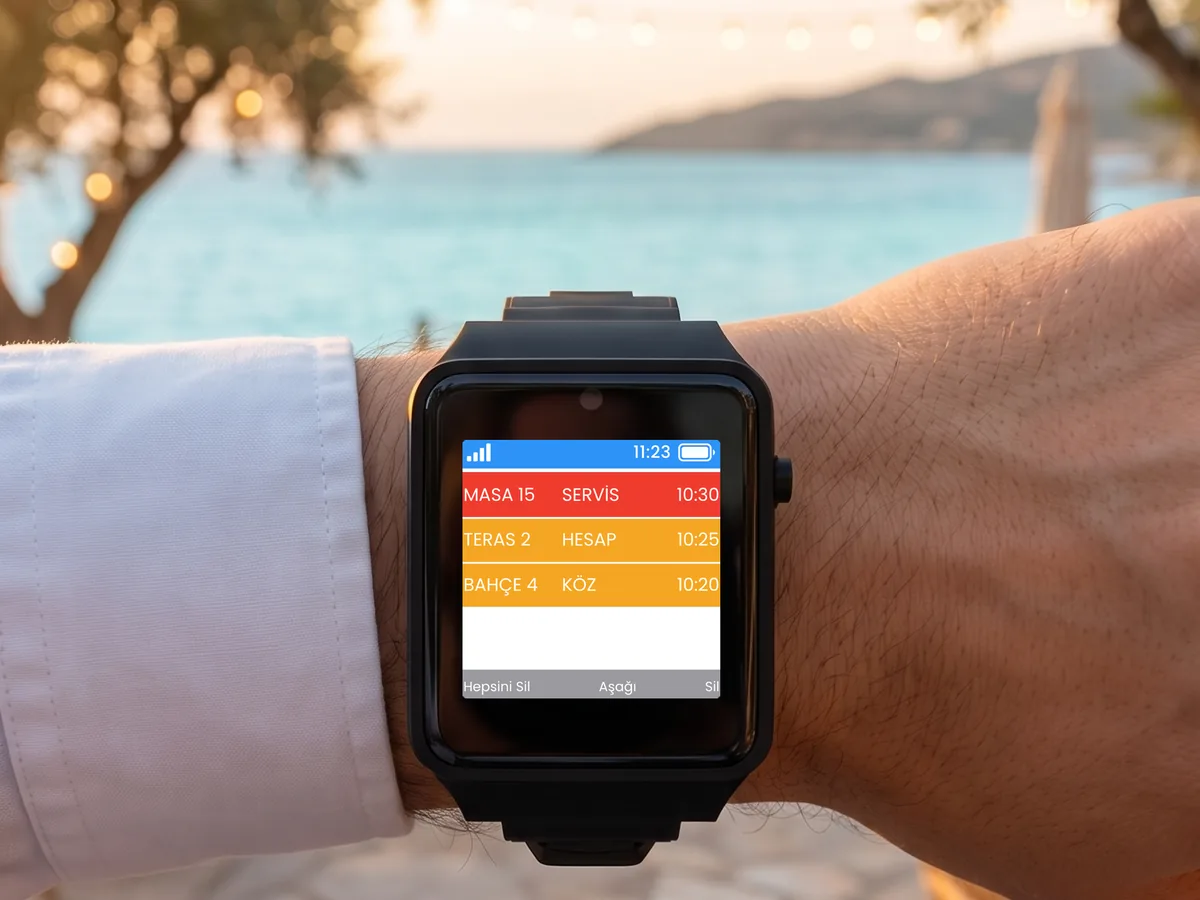 STEP 02
It appears on the receiver
Press the button, and the call reaches the right team’s phone, tablet or watch.
Where will calls be sent from in your business?
-

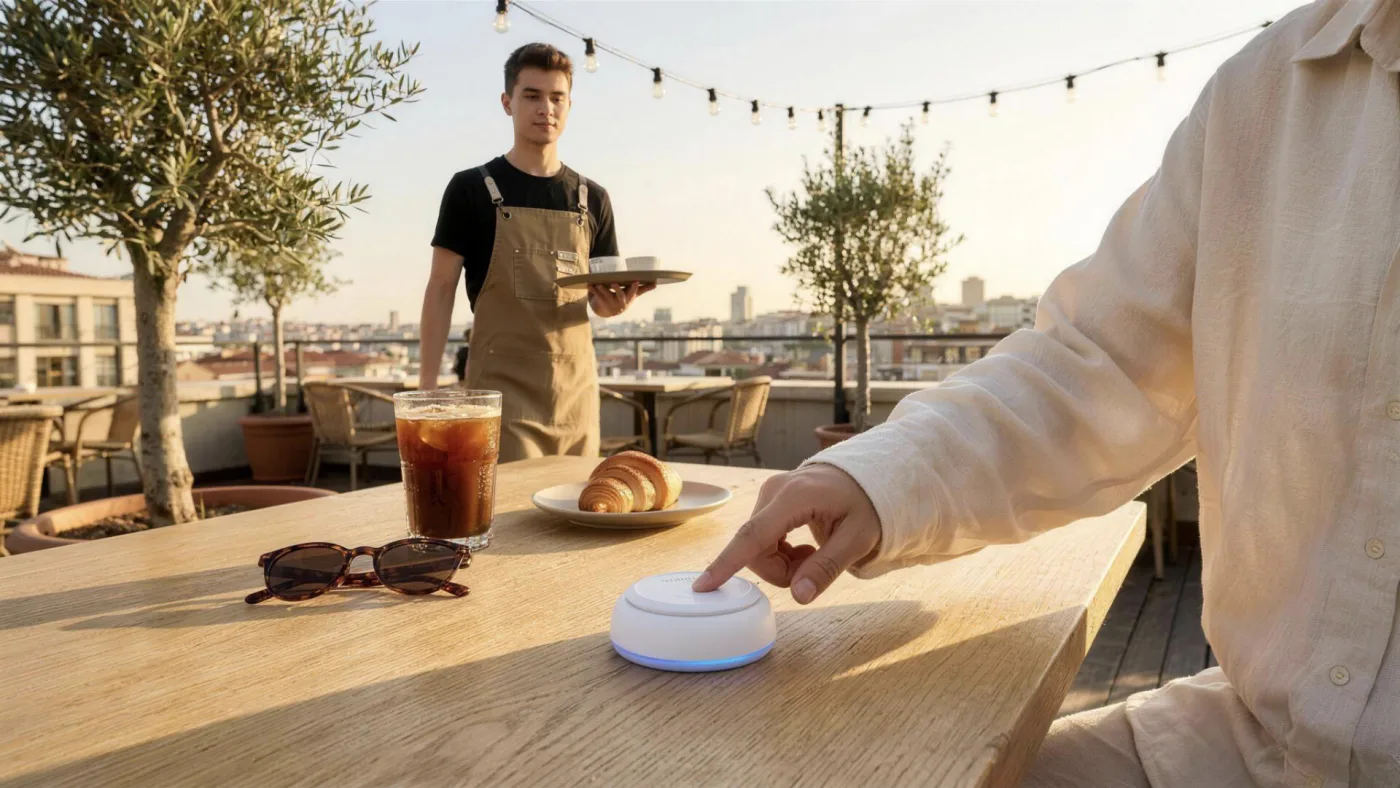
Waiter and Staff Calling
-
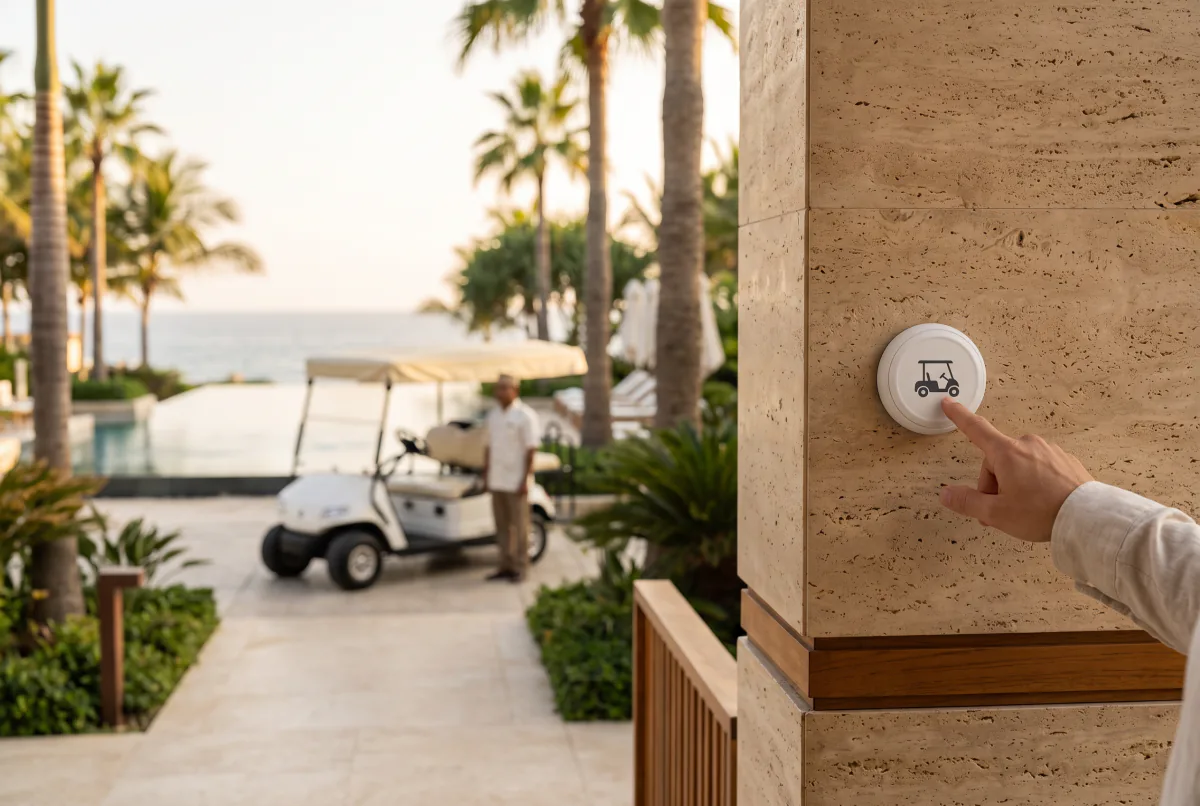
Vehicle Calling
What you want to know about the product.
01What is a wireless call button and how does it work?
02What is the range of a wireless call button?
03How long does the call button battery last?
04Does a call button work on its own?
05Are the buttons suitable for outdoor use and water resistant?
06Can a logo, custom text and key labels be added to the button?
07Which button should I choose for which area?
08How is it installed?
09What does the warranty cover?
10Where can I see wireless call button prices?
Let’s choose the right buttons for your call points together.
Share your call points and we will choose the right button for your business together.
Solutions used by 500+ businesses. We stay with you after installation.








-
2-Year Like-for-Like Replacement Warranty
Eligible hardware under warranty is replaced like-for-like, without delay.
-
Ongoing Support
From installation onwards, our technical team is available throughout use.
-
Easy Installation
We plan the right setup for your distances and site conditions together with you.
- CE Conformity
- ISO 9001Quality
- ISO/IEC 27001Information security
- ISO 20000IT service
- ISO 22301Business continuity
- ISO 14001Environment
- ISO 45001Occupational health
- ISO 10002Customer satisfaction
- ISO 31000Risk management
Technology solutions Vayotek builds for businesses.
 VayotekCustom Projects For Your Custom Projects Let’s talk about a technology project tailored to your business. We’ll review your needs together and build the solution that fits. Explore Vayotek
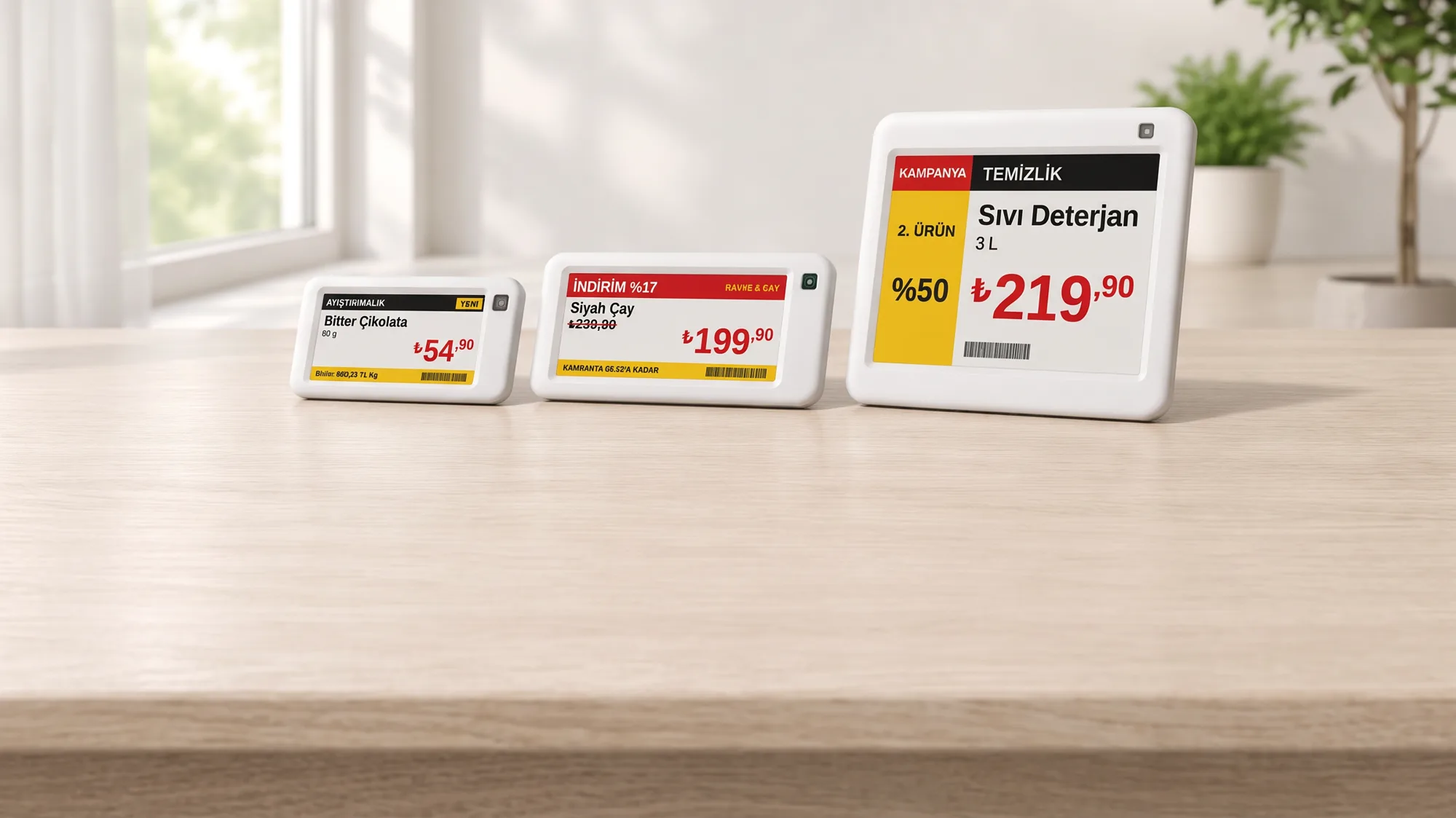 VyTagElectronic Shelf Labels Electronic Shelf Labels and Digital Information Displays Manage prices, promotions, product and information content on digital displays. Explore VyTag