
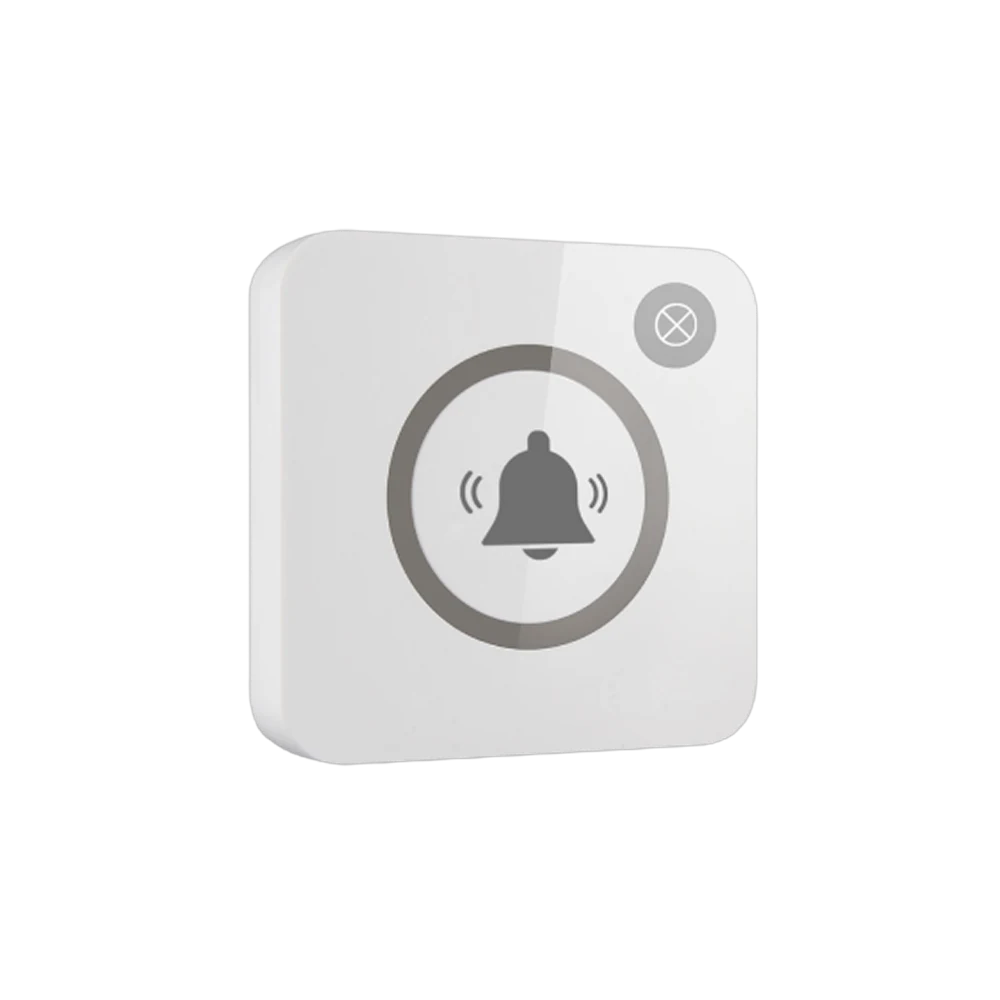
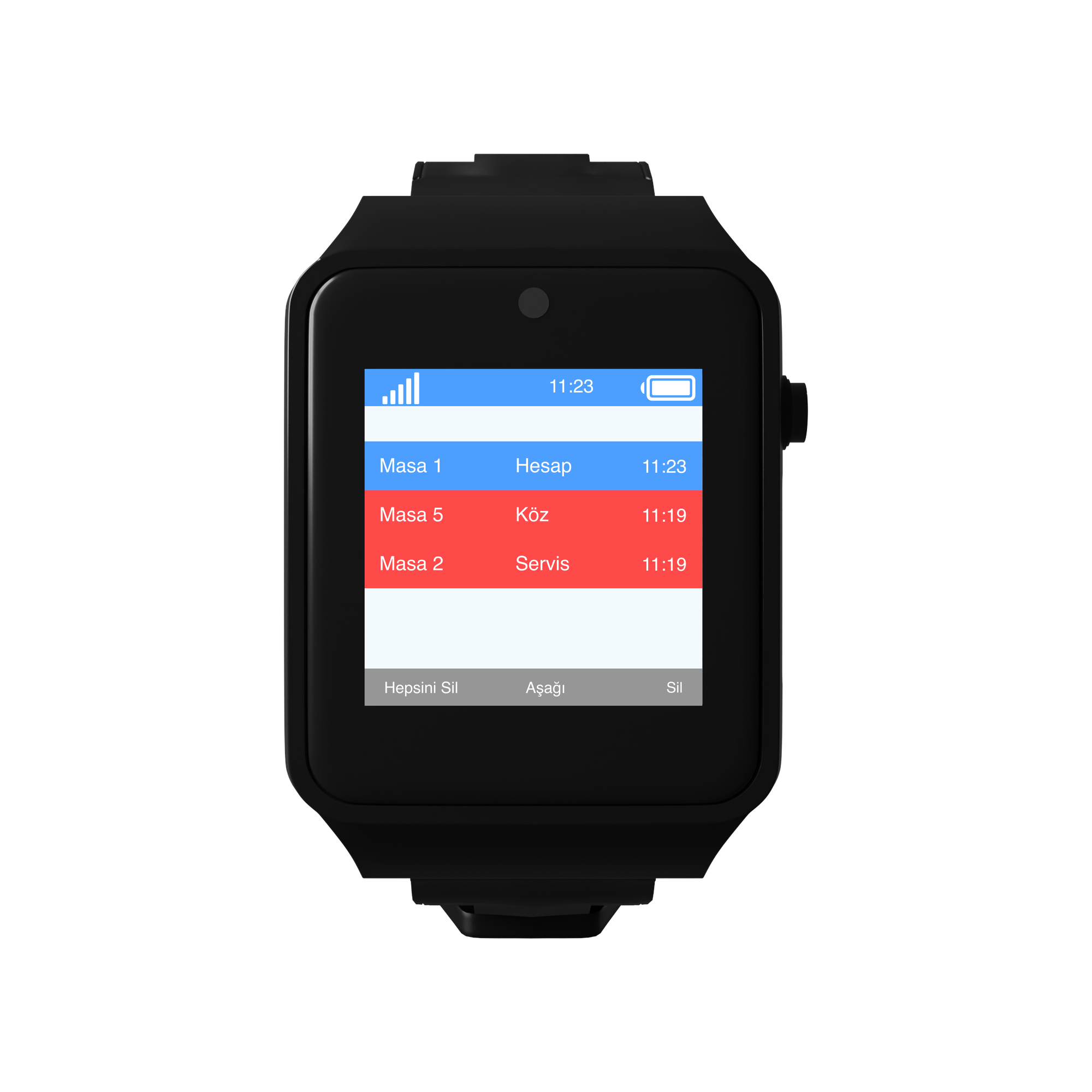




 Waiter Calling System
 Staff & Executive Calling System
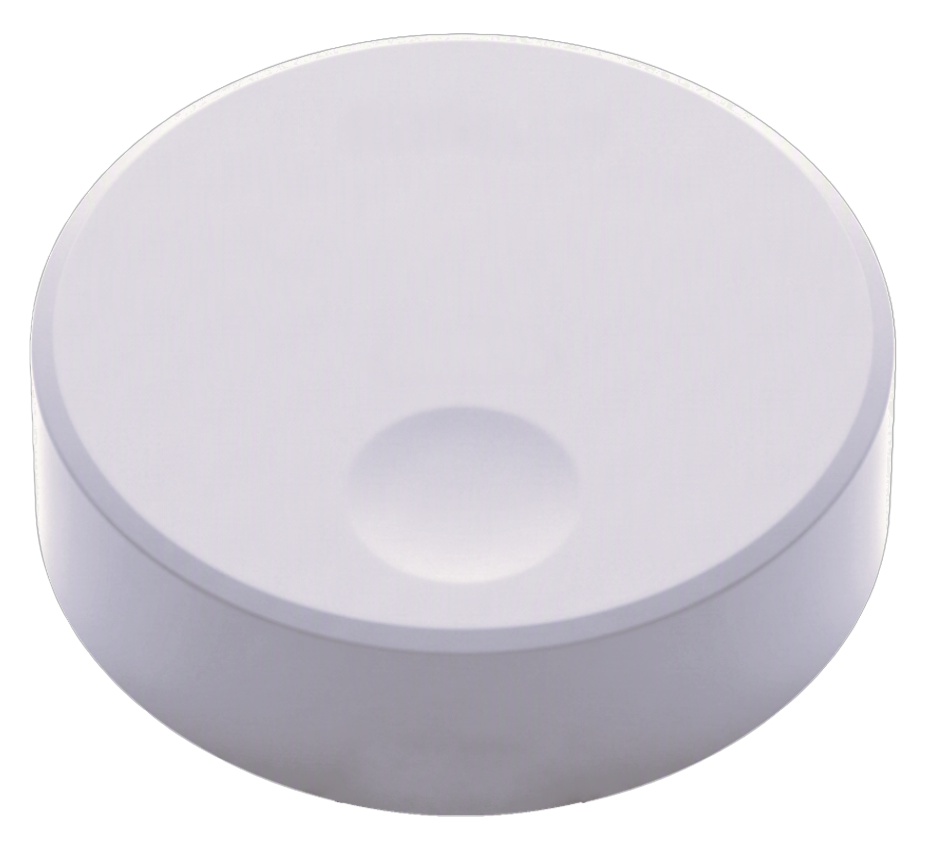
 Self-Service Customer Calling System
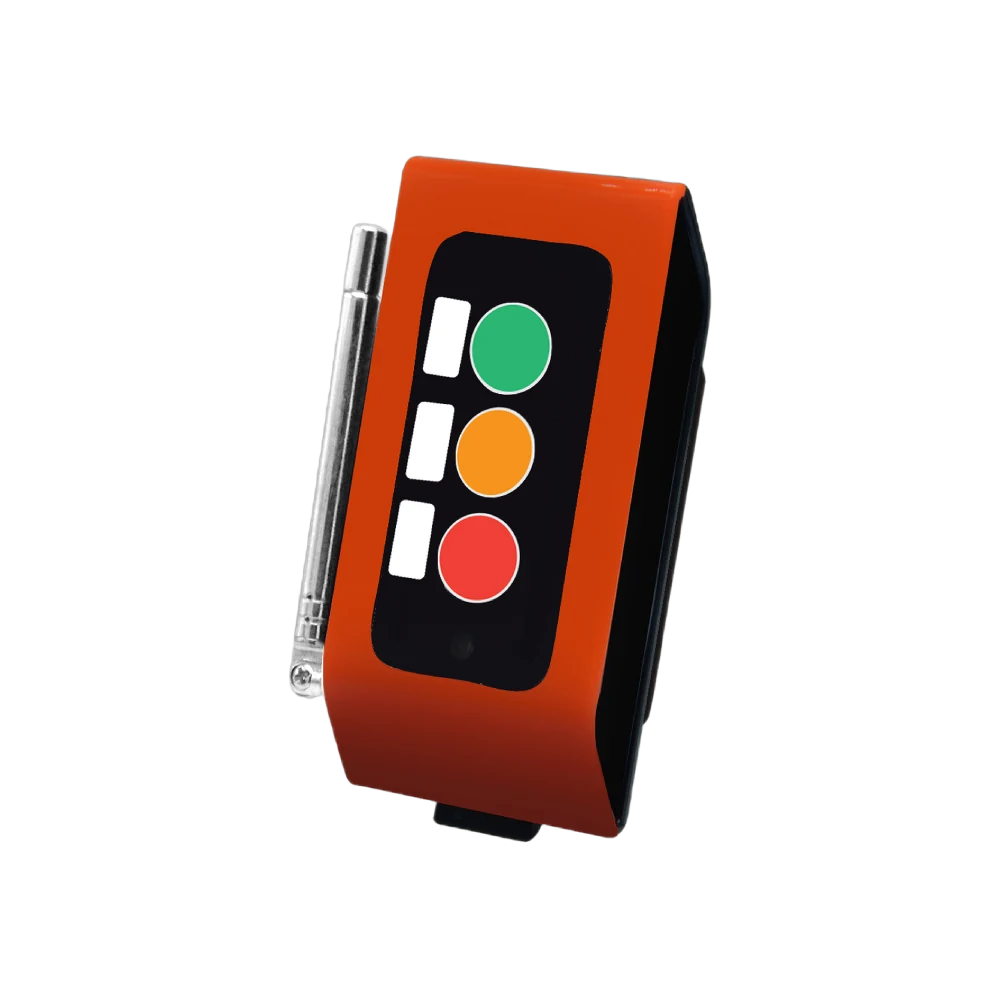
 Factory Personnel Calling System
 Disabled Help Calling System
 Yacht Crew Calling System
 Buggy Vehicle Calling System
 Nurse Calling System
 Self-Service Customer Calling SystemSound, light and vibration tell the customer their order is ready.
Solutions
 VyTag Electronic Shelf LabelsOverview · products and solutions
Products
 All Shelf Labels
 Standard Shelf Labels
 Water-Resistant Shelf Labels
 Freezer Shelf Labels
 Information Displays
 Gateway & Software
 Accessories
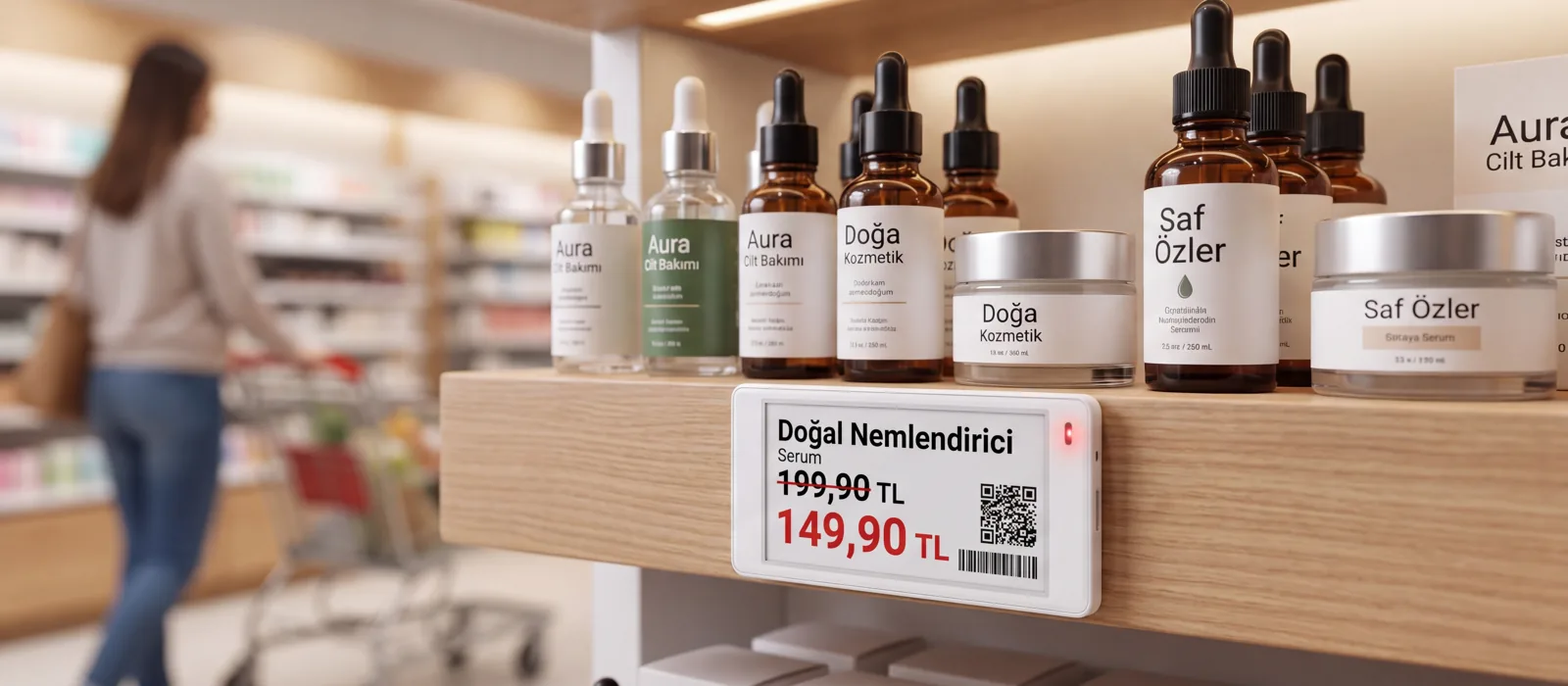
Price changes in a single actionWhen the new price list arrives, don’t change thousands of labels by hand. A single gateway manages 3,000 labels across 300 m²; installation and support from Türkiye.
QR and Virtual Call Button
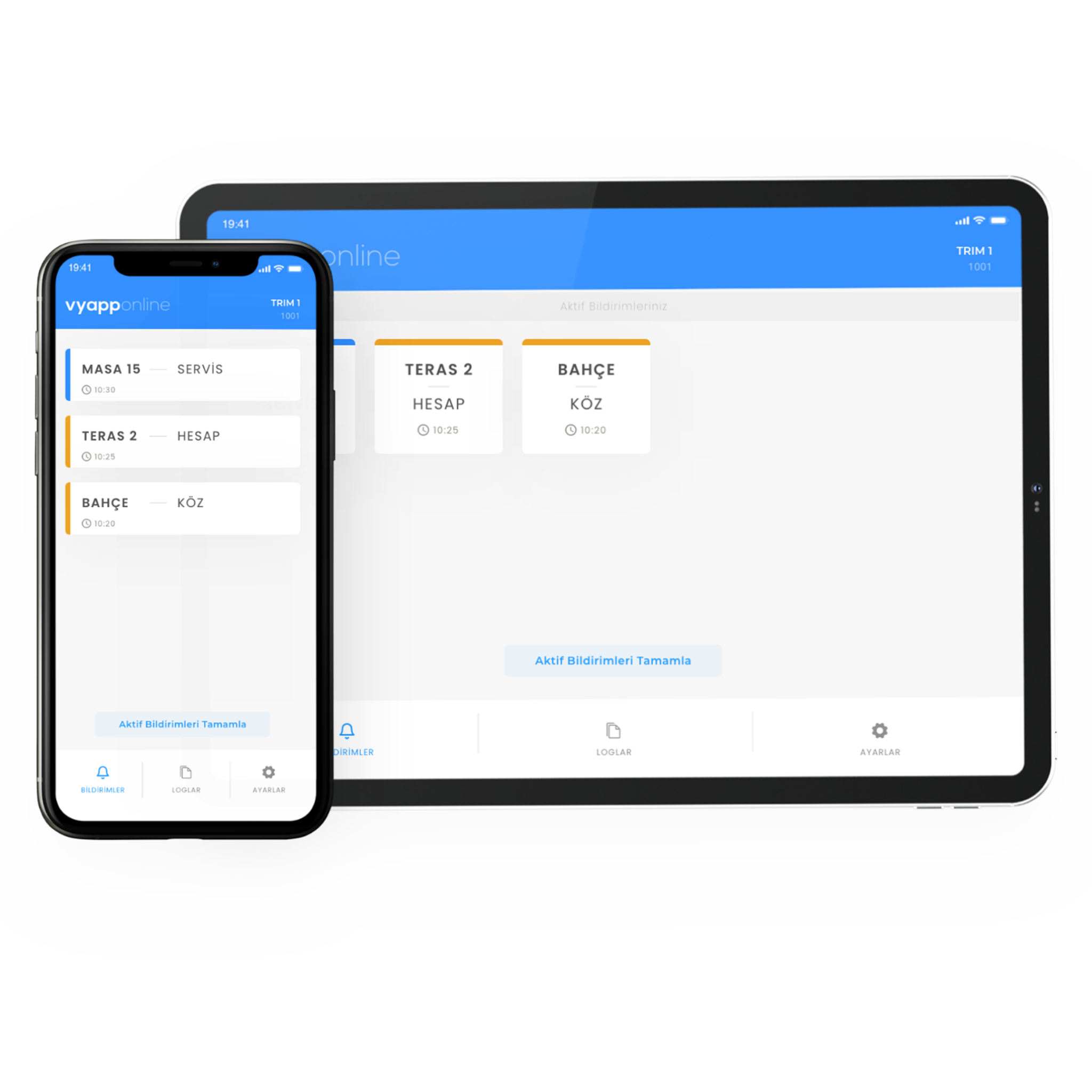
Take calls without installing a physical button. The guest scans a QR code or presses a button in the app; the call goes straight to VyApp Smart Call.
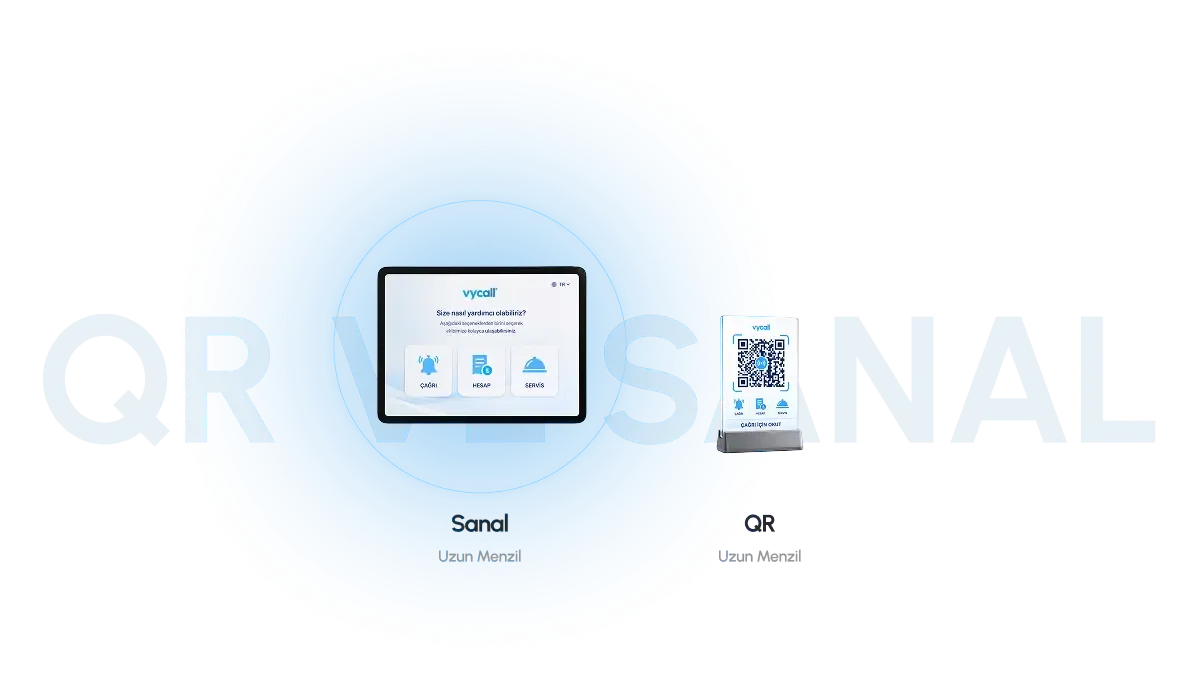

QR or Virtual Button?
Both send the call into the same system; the difference is who starts it.
Calling by QR
A QR code stuck to a table, a door or a shelf is scanned; the browser opens on the phone and the call is sent from there. The guest does not need to install an app.
- No app to install
- A separate QR for every point — you always know where the call came from
- Duplicating a code costs nothing: a new table, a new label
- Suitable for guests to use
Virtual Button
The call is sent from buttons defined inside the VyApp Smart Call app. The staff member's own phone takes the place of a physical button.
- Keys defined inside the app
- A separate function and name for each key
- Suited to staff calls — nothing extra to carry
- It works in the same flow as the physical buttons
How the Call Gets Through
No physical button, no RF signal and no gateway — the call is born directly on the internet.
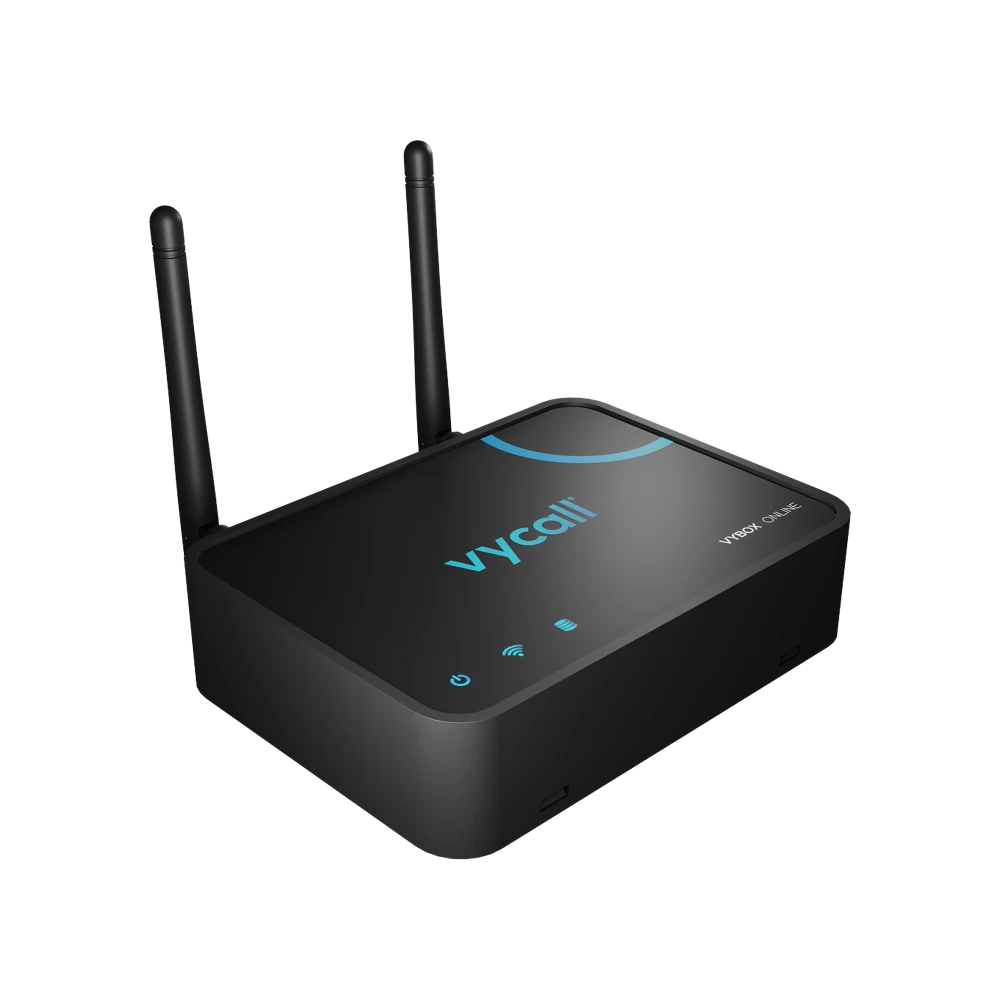
That is the one difference the diagram shows: with wireless buttons an RF signal carries the call and a gateway sits in the middle. With QR and virtual buttons that layer does not exist at all — but an internet connection is required.
Which One Fits Your Business
QR and virtual buttons are not the answer everywhere. The distinction below is worth settling before installation.
| Konu | Wireless (RF) button | QR and virtual button |
|---|---|---|
| Internet | Not needed — the call travels over RF | Required |
| Hardware | Button, receiver and gateway | None |
| Kurulum | Device mounting and a coverage test | A code or a definition — same day |
| Adding a point | A new device is needed | A new QR code is enough |
| Who uses it | Guests and staff | Guest (QR) · staff (virtual) |
| Battery and maintenance | Battery changes have to be tracked | None |
| Where it fits | Fixed venues with a defined coverage area | Multi-point sites where the internet is reliable |
Where It Is Used
Where QR and virtual buttons fit first — many points, internet zaten kurulu.
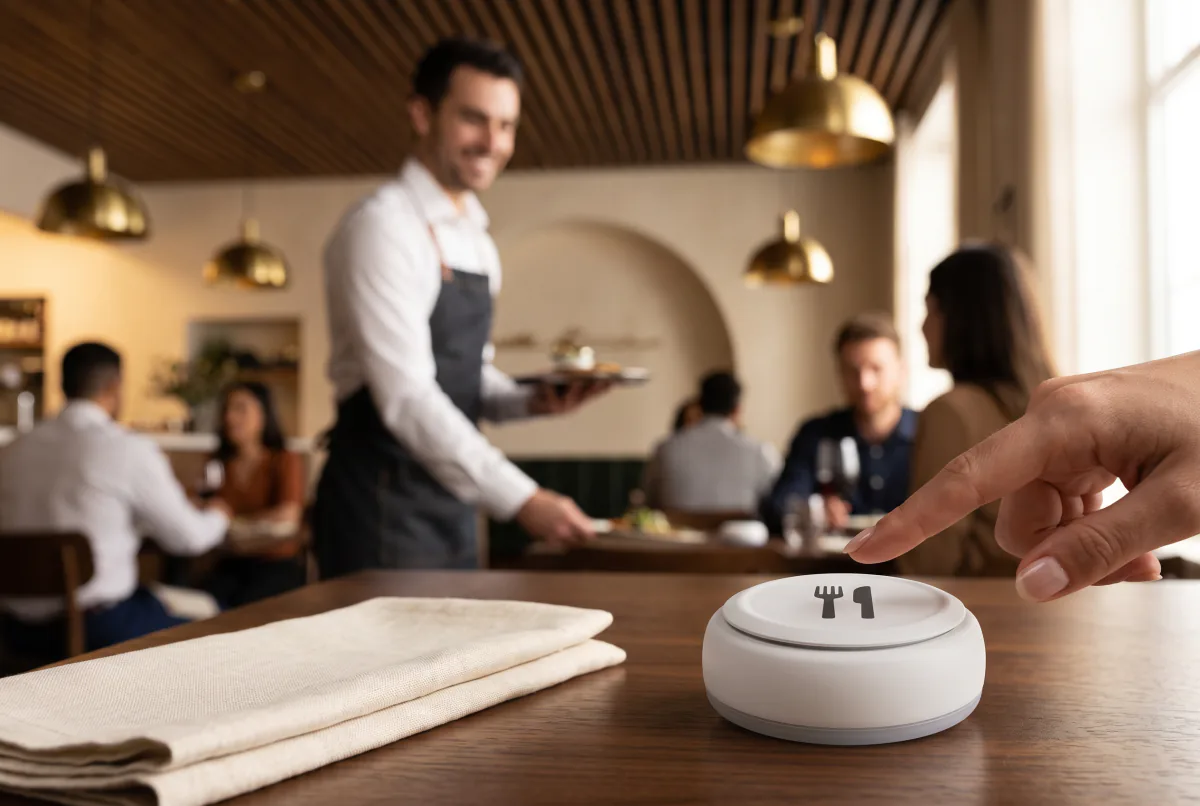 Waiter Calling SystemService called from the table with one touch
Customer Calling SystemAn instant alert to the customer whose order is ready
Waiter Calling SystemService called from the table with one touch
Customer Calling SystemAn instant alert to the customer whose order is ready
 Staff and Executive Calling SystemA silent call in offices and executive rooms
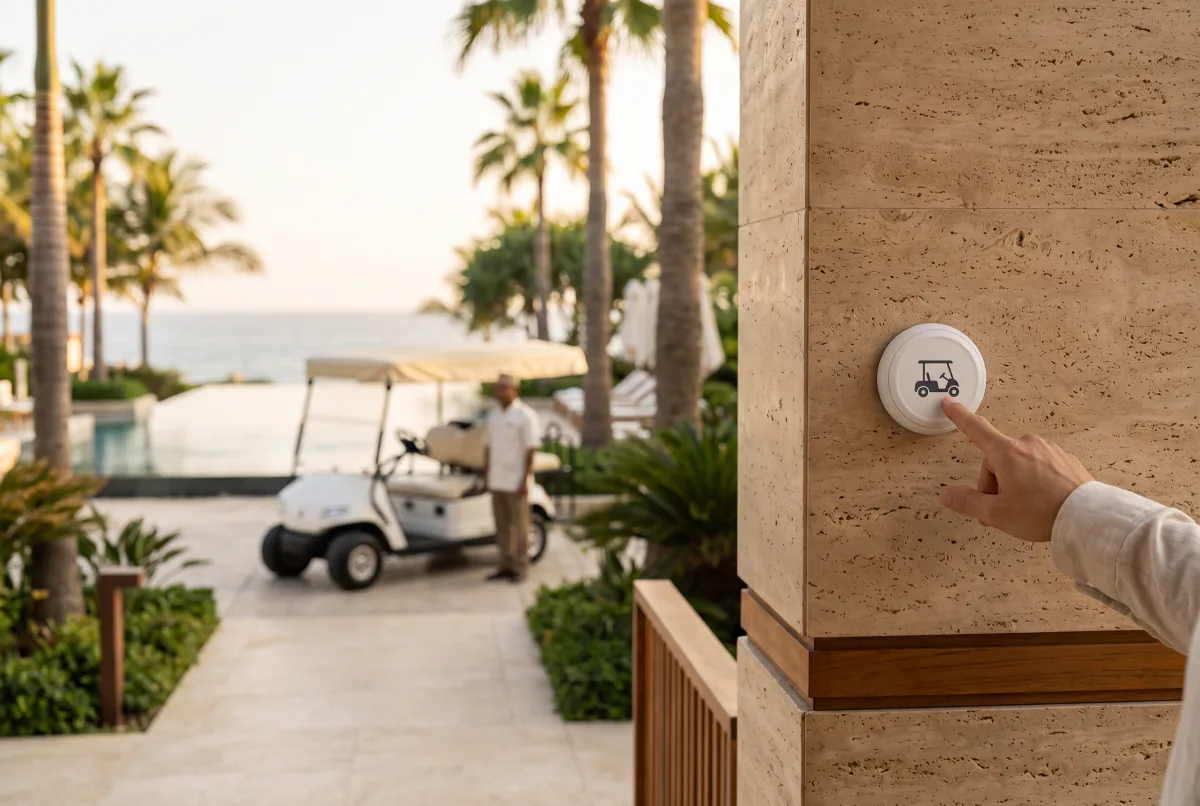 Buggy and Vehicle Calling SystemA service vehicle at one touch across a large site
Frequently Asked Questions
The questions we hear most before a quote.
A QR code stuck to a table, a door or a shelf is scanned with the phone camera; the browser opens on the phone and the call is sent from the keys there. The call reaches VyApp Smart Call over the internet. The guest does not need to install an app.
The virtual button lives inside the VyApp Smart Call app and is mostly used by staff; the QR code needs no app and is suited to guests. Both send the call into the same system.
No. QR and virtual buttons carry the call over the internet. Where the internet is unreliable, wireless (RF) call buttons should be chosen instead — they work independently of the internet.
Yes. Both land in the same call flow inside VyApp Smart Call, so one business can use physical buttons at some points and QR codes at others.
There is no hardware limit on the number of points; each point is defined as its own code so you always know which point the call came from.
Get a Quote
We will respond to your request as soon as possible.
Would you rather not fill in a form?
Reach us directly — the same team answers.
Call Us Send an Email Contact UsTürkiye Office · HQ
İzmir Technology Base, Gülbahçe Mah. İçmeler Cad. No:14/1 Office B05
Bilişim Vadisi, Urla / İzmir 35433, Türkiye
MENA Office · Dubai
Level 21, Al Habtoor Business Tower
Dubai Marina, Dubai, UAE
Get a Quote
We will respond to your request as soon as possible.
Talebiniz alındı
Ekibimiz en kısa sürede size dönecek. Teşekkür ederiz.