

EXECUTIVE OFFICES, OFFICES, MEETING ROOMS AND PUBLIC INSTITUTIONSEXECUTIVE · OFFICE · MEETING · PUBLIC
Executive CallingSystem
Send the request an executive makes from their office or the meeting room to the assistant, secretariat or the relevant attendant.

Deliver the executive’s request to the right team from the room they are in.
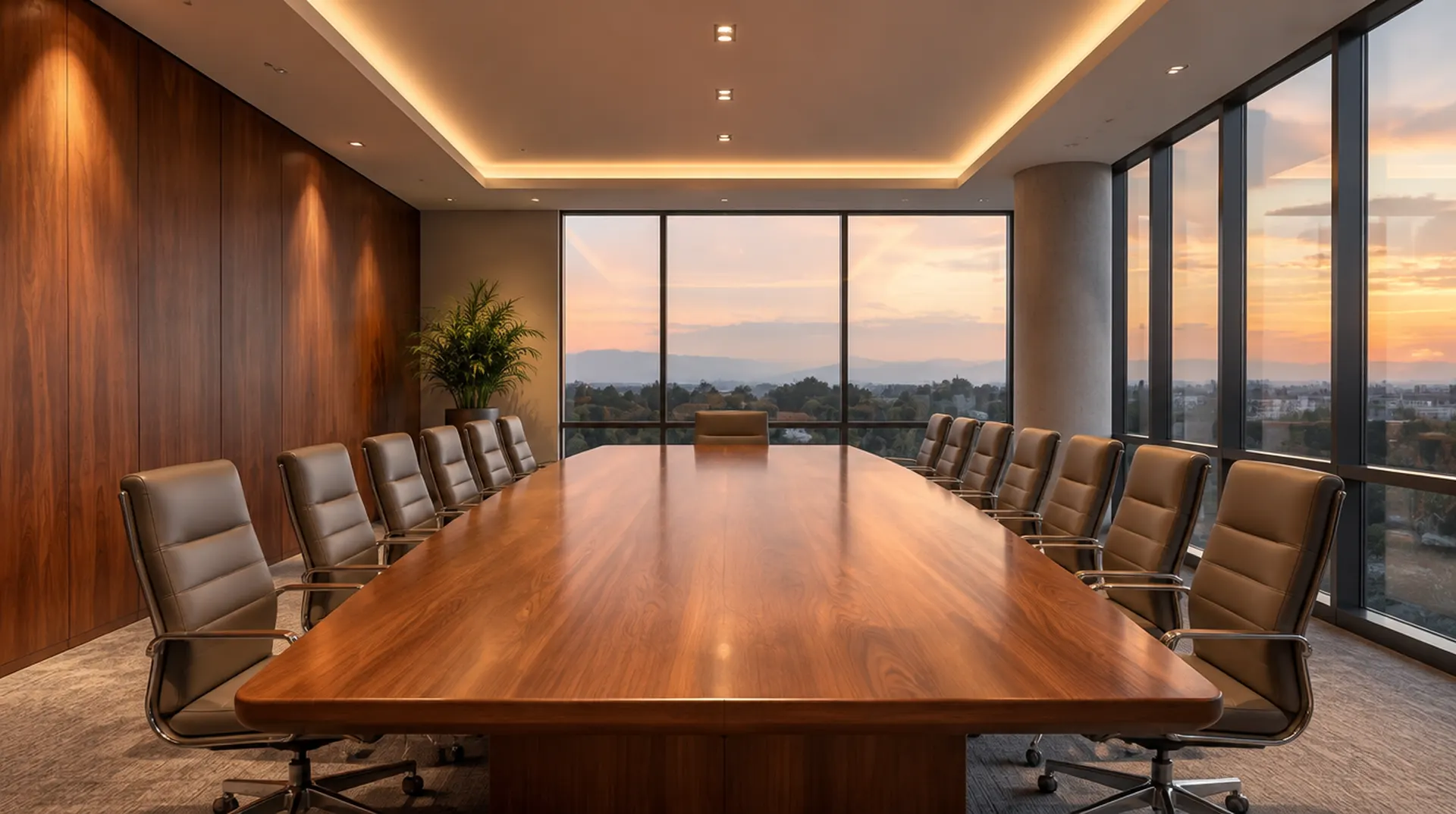
Plan a flow around your organisation that shows which room each call comes from and what it is for, in executive offices, management floors, meeting rooms and public institutions.
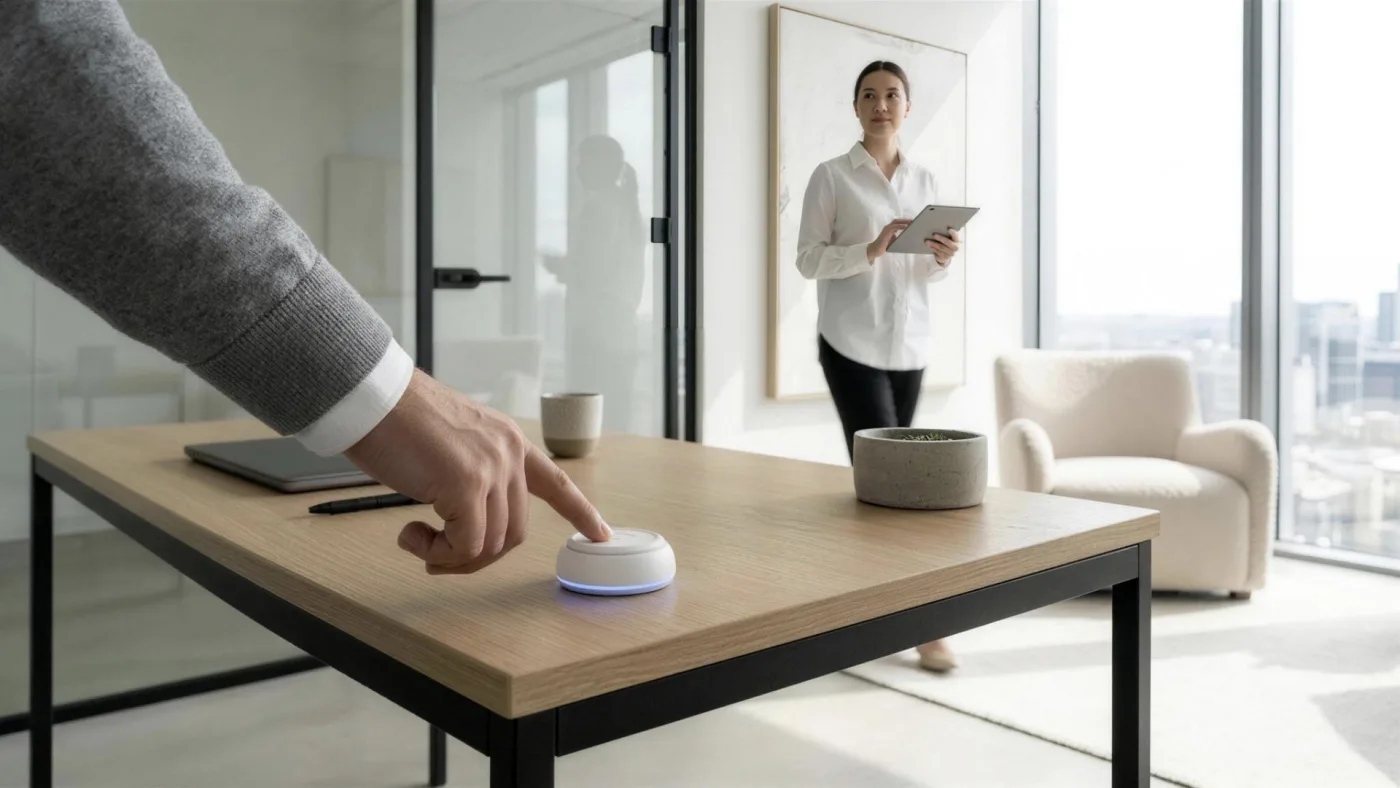

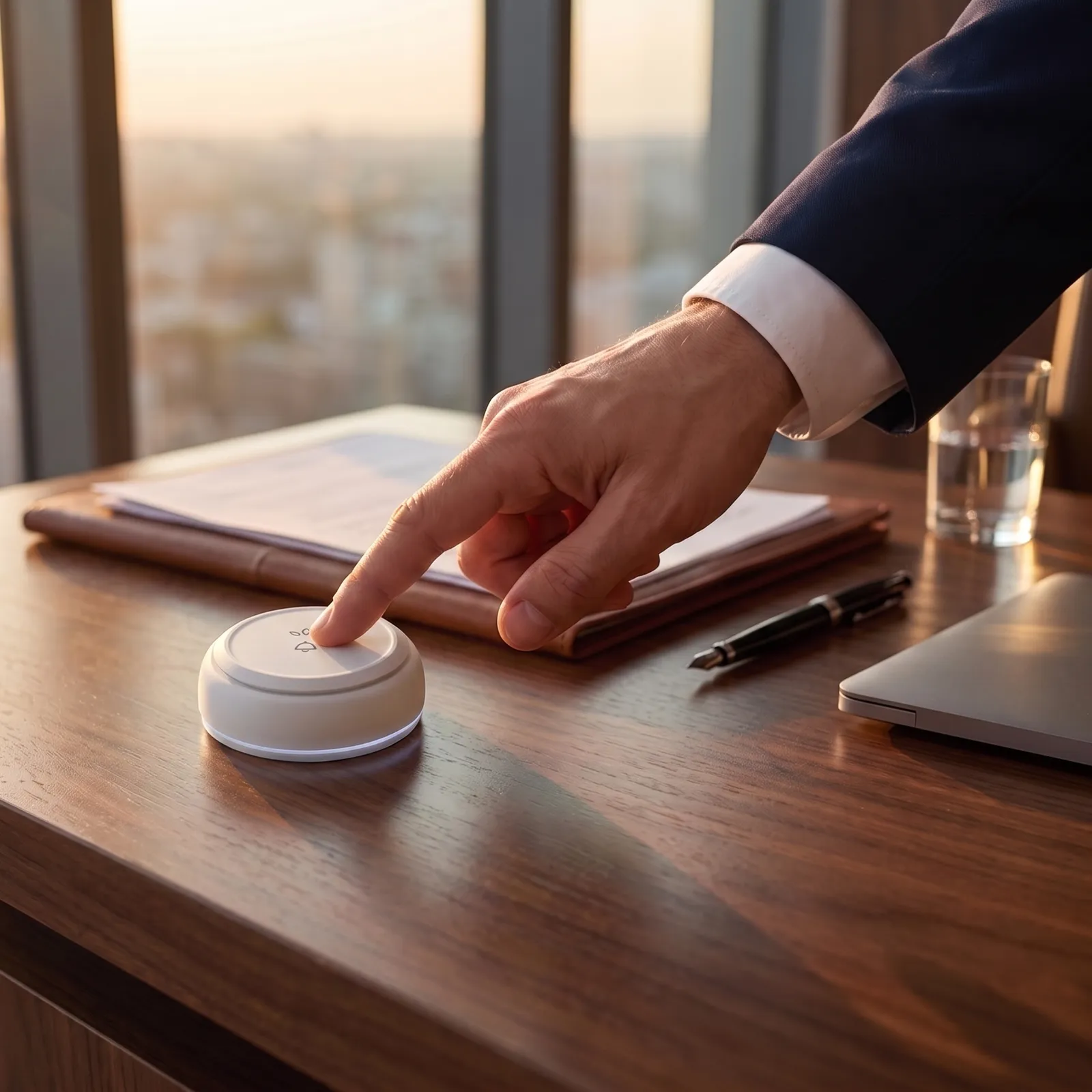
The executive’s request reaches the right team in three steps.
- Executive Office
- Meeting Room
- Management Floor
- Office
-
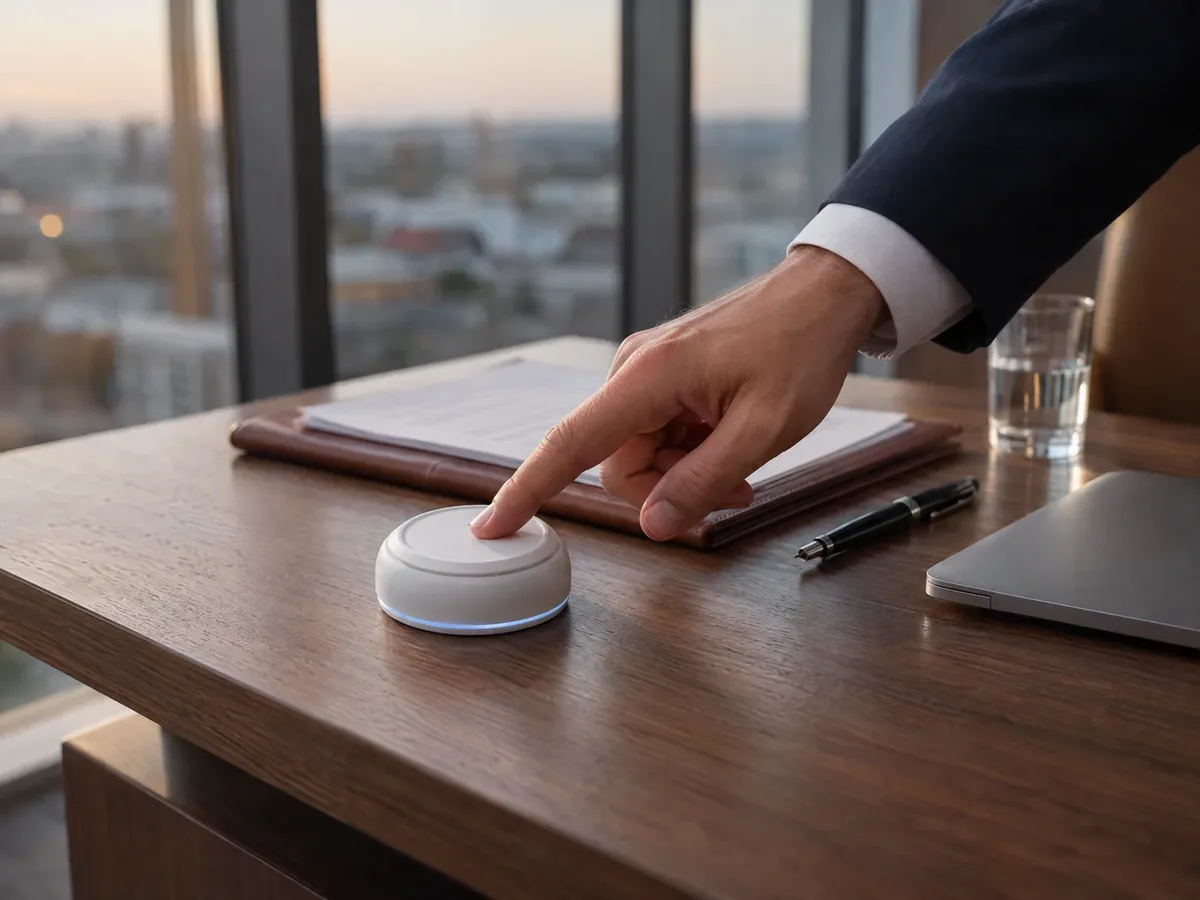 Step 01
The executive sends a call
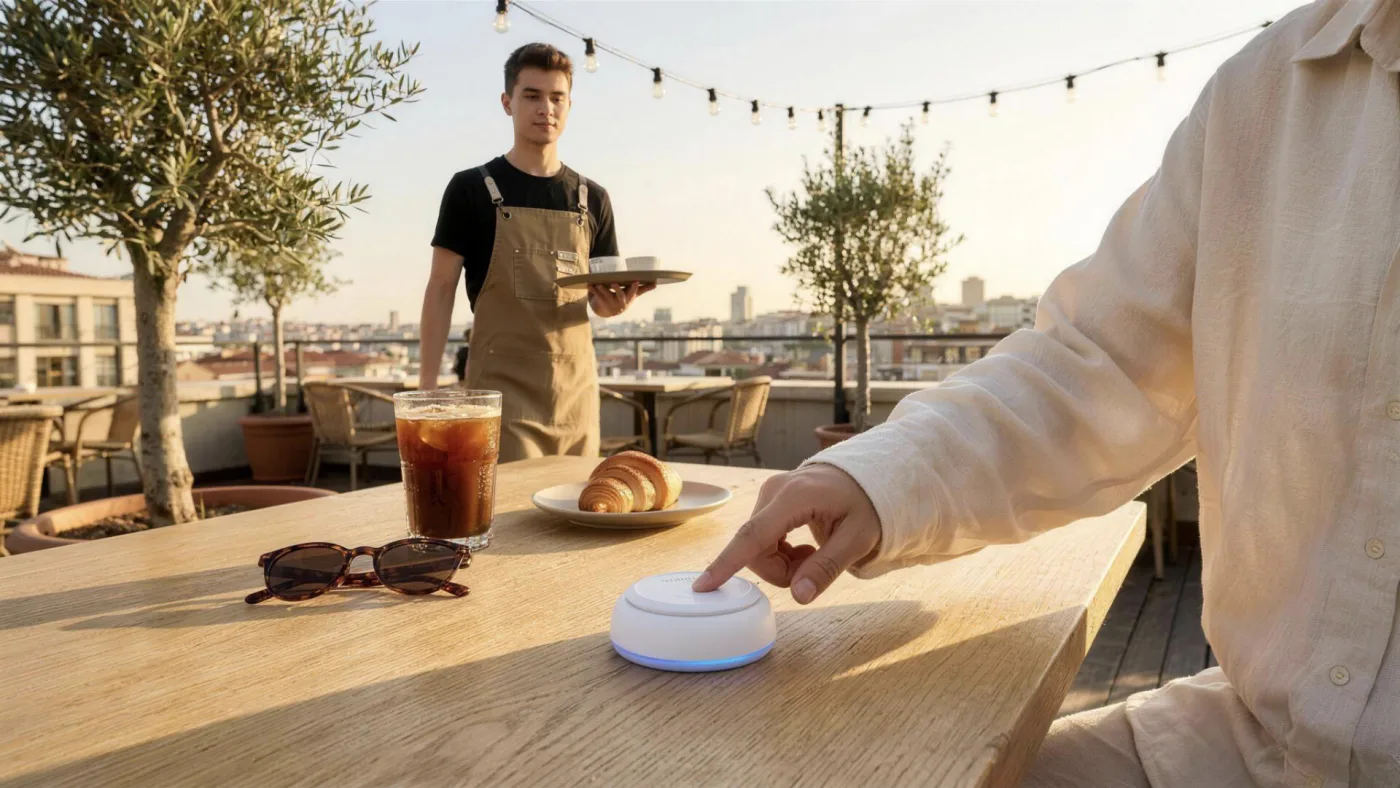
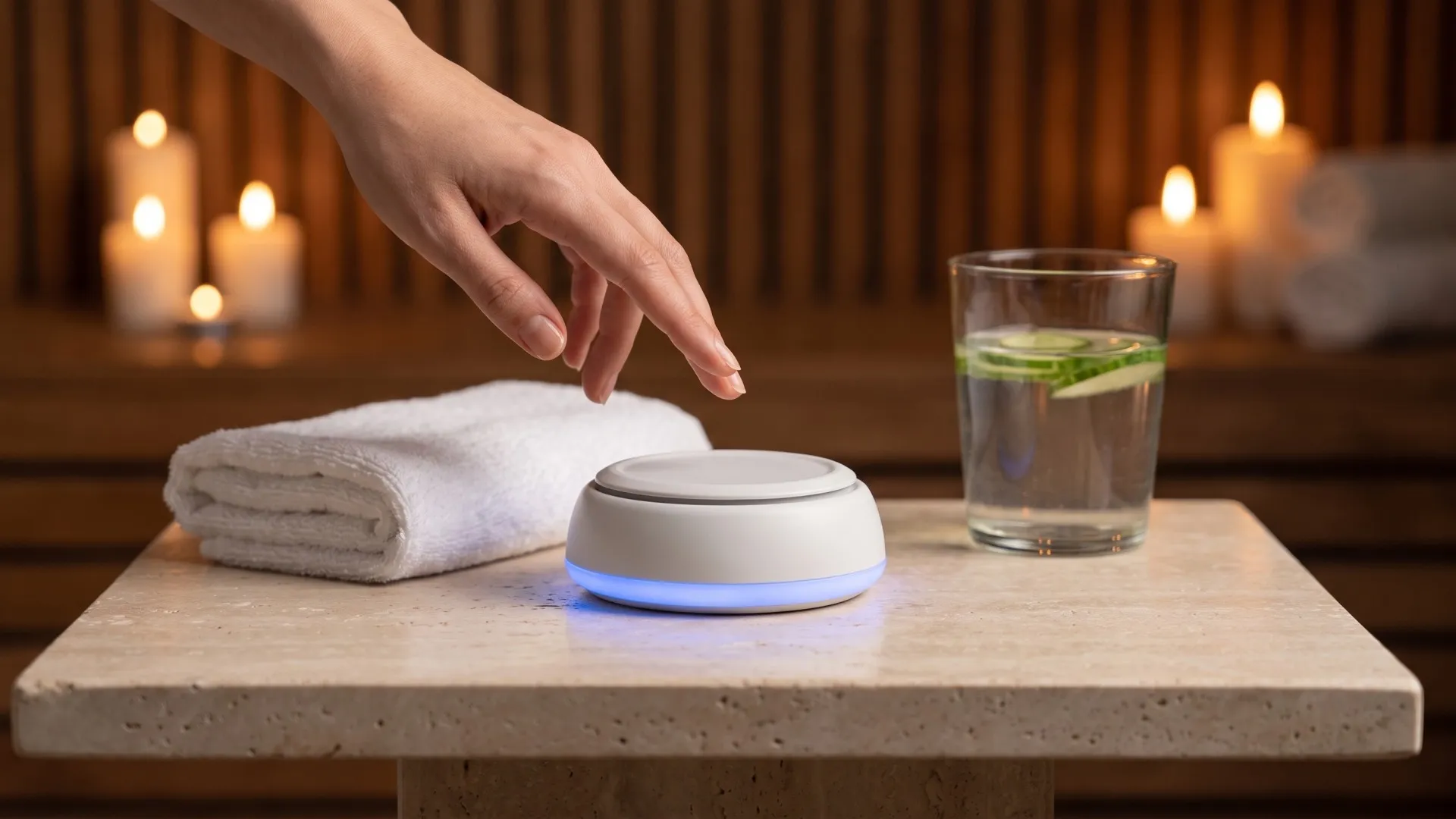
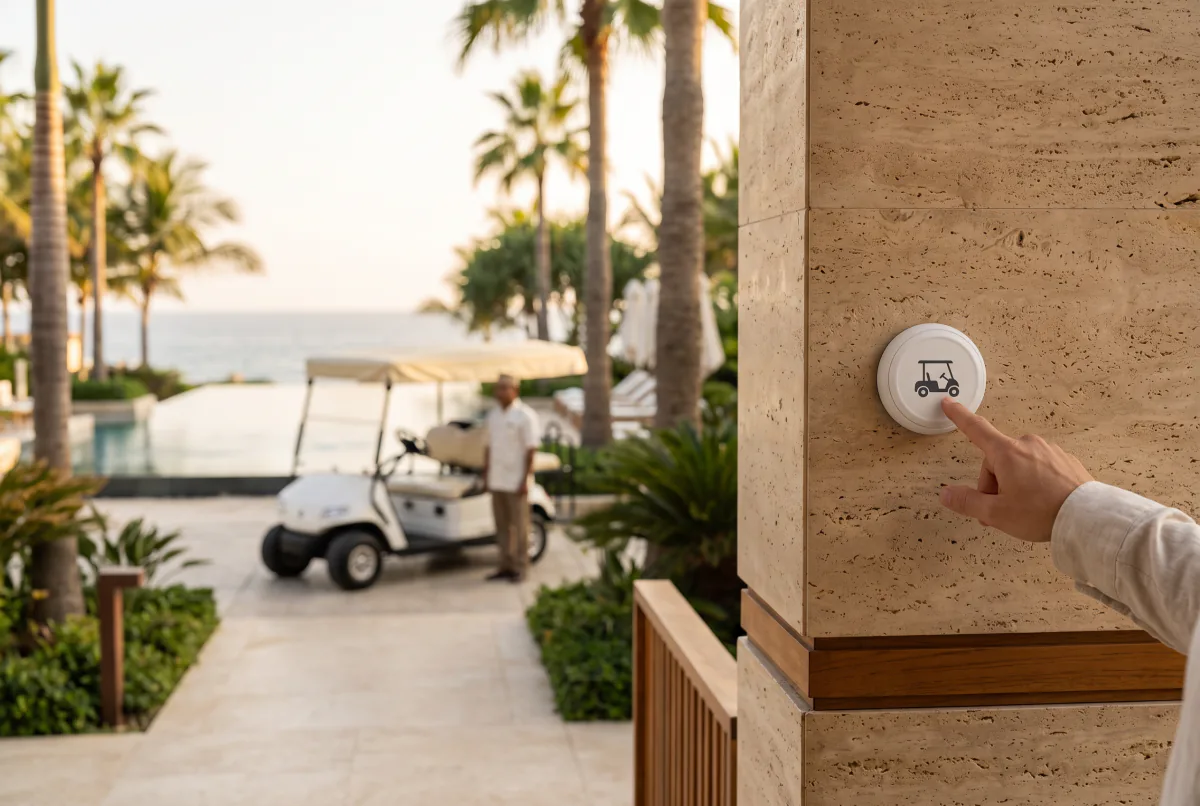
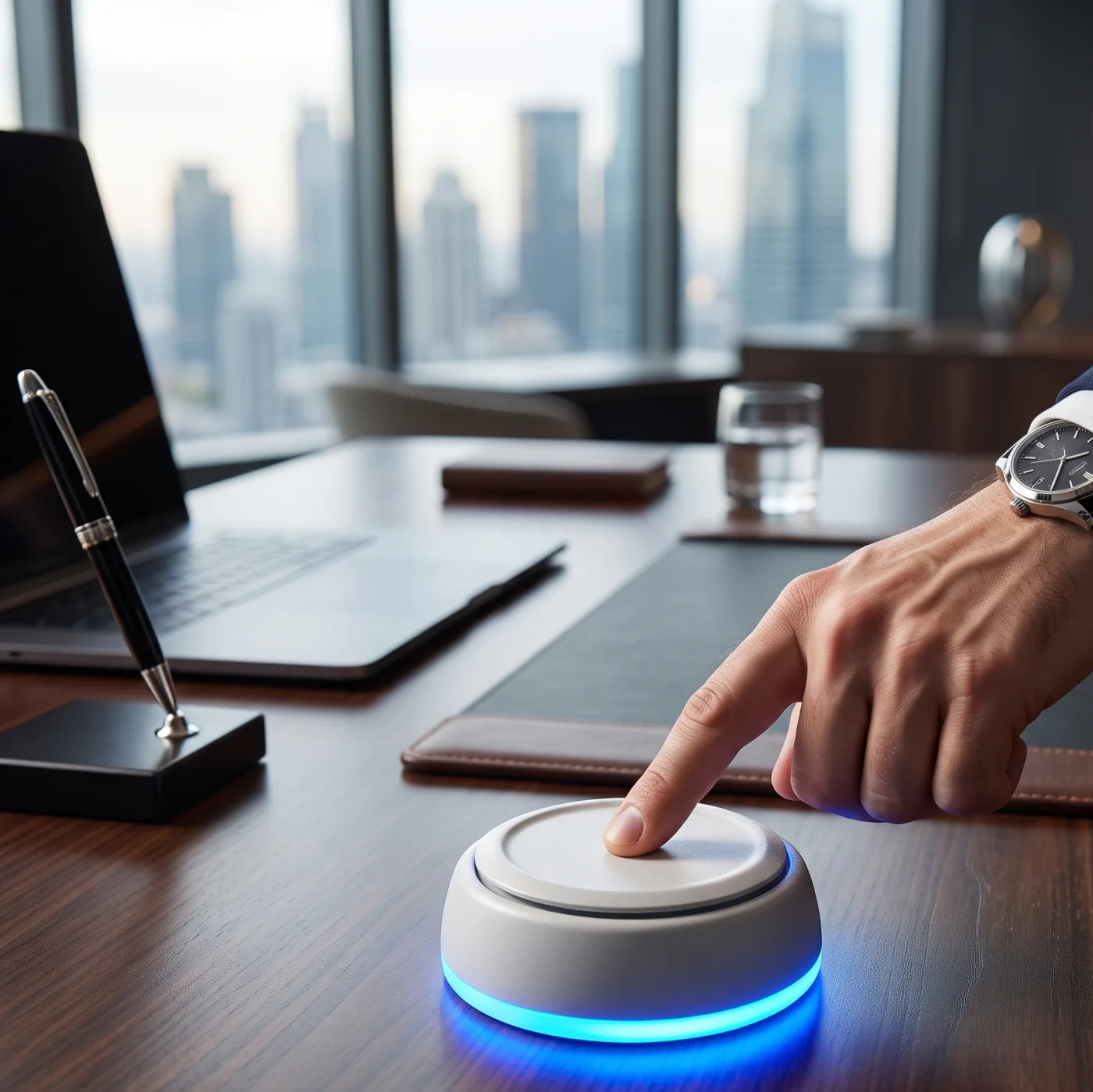
With a touch of the button on their desk, the executive sends a request for an assistant, refreshments or technical support without interrupting the meeting.
-
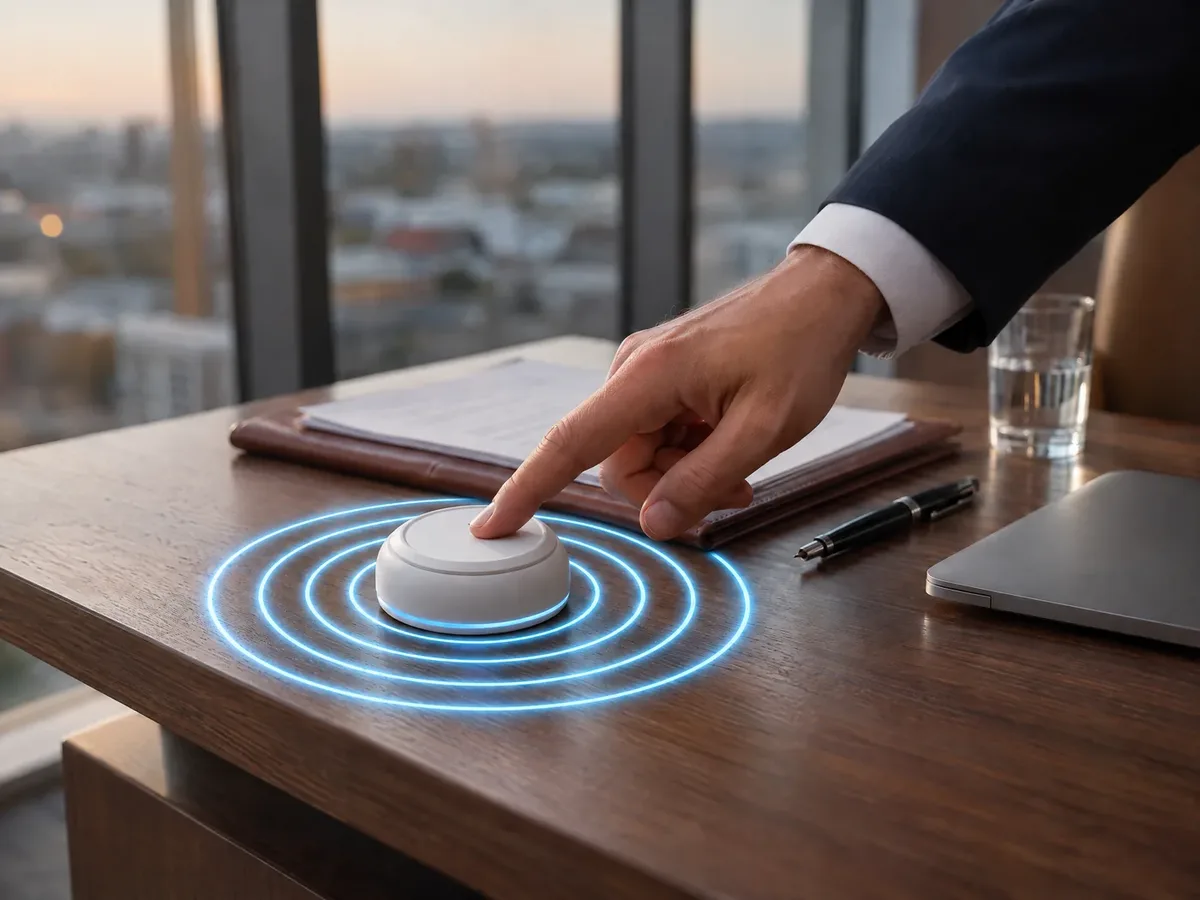 Step 02
The call is sent wirelessly
Your assistant sees which room the request came from, for example “Office 1 · Refreshments”.
-
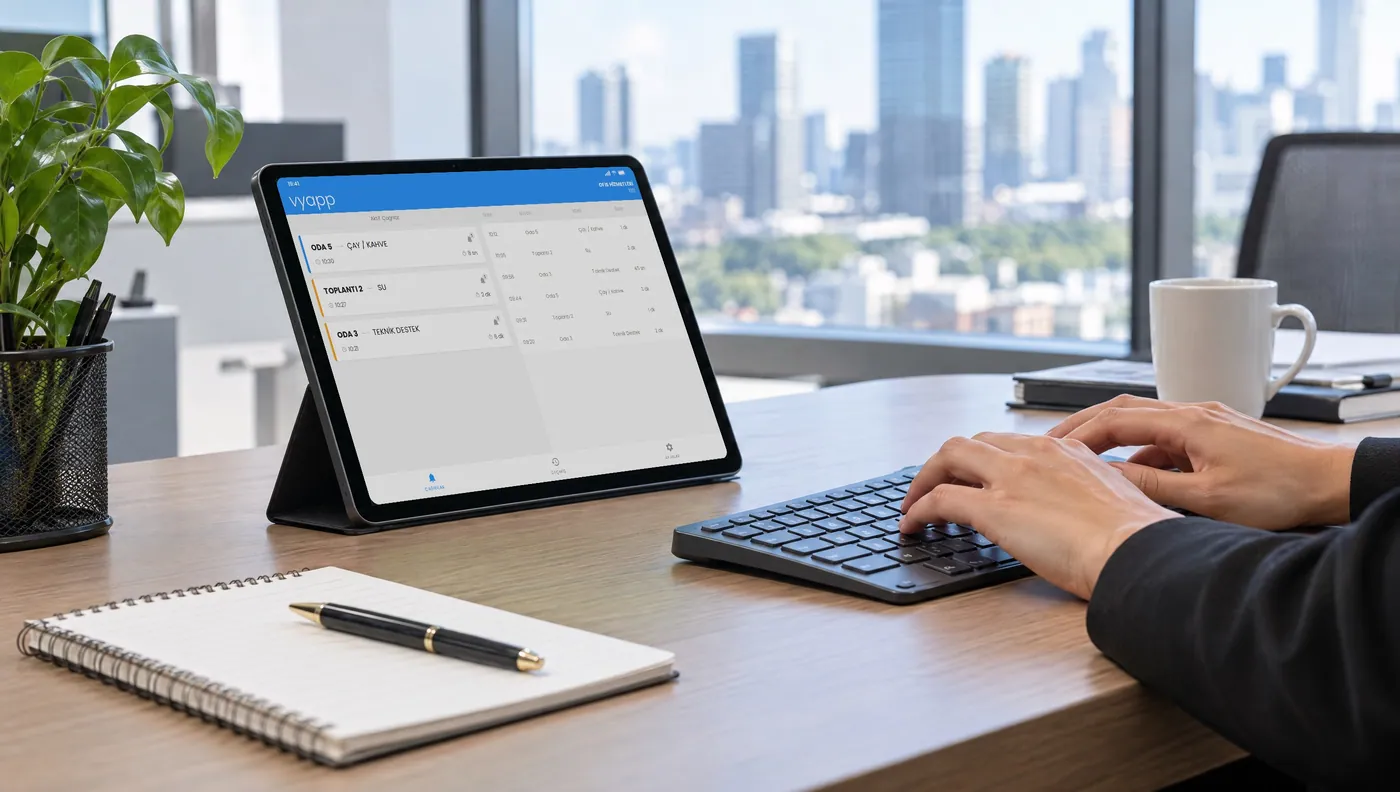 Step 03
The assistant is notified
The notification reaches the tablet, watch or phone of the secretariat or the relevant attendant, so the right person handles the right request.
How should the call start?
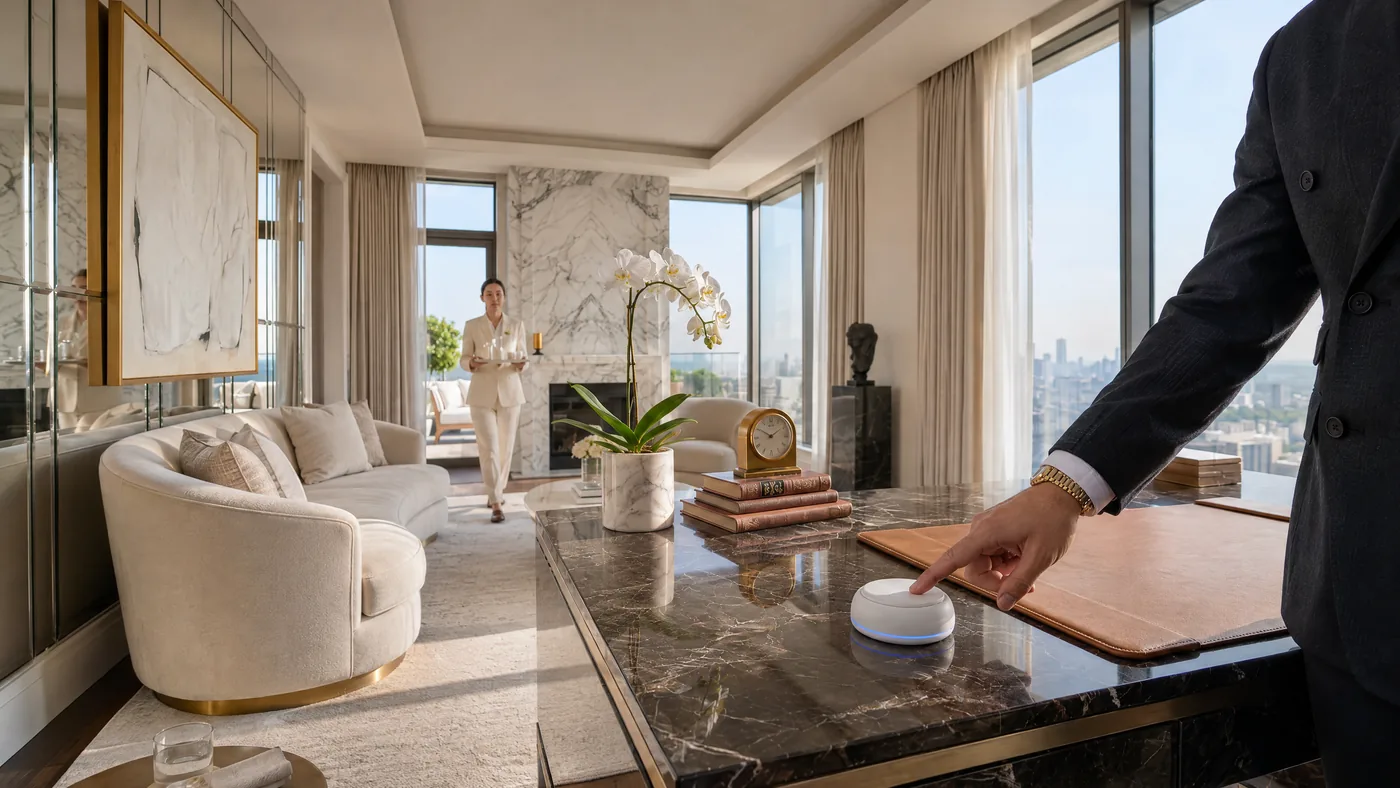
Physical Call Buttons
Send a call with a single touch from a set point.
Explore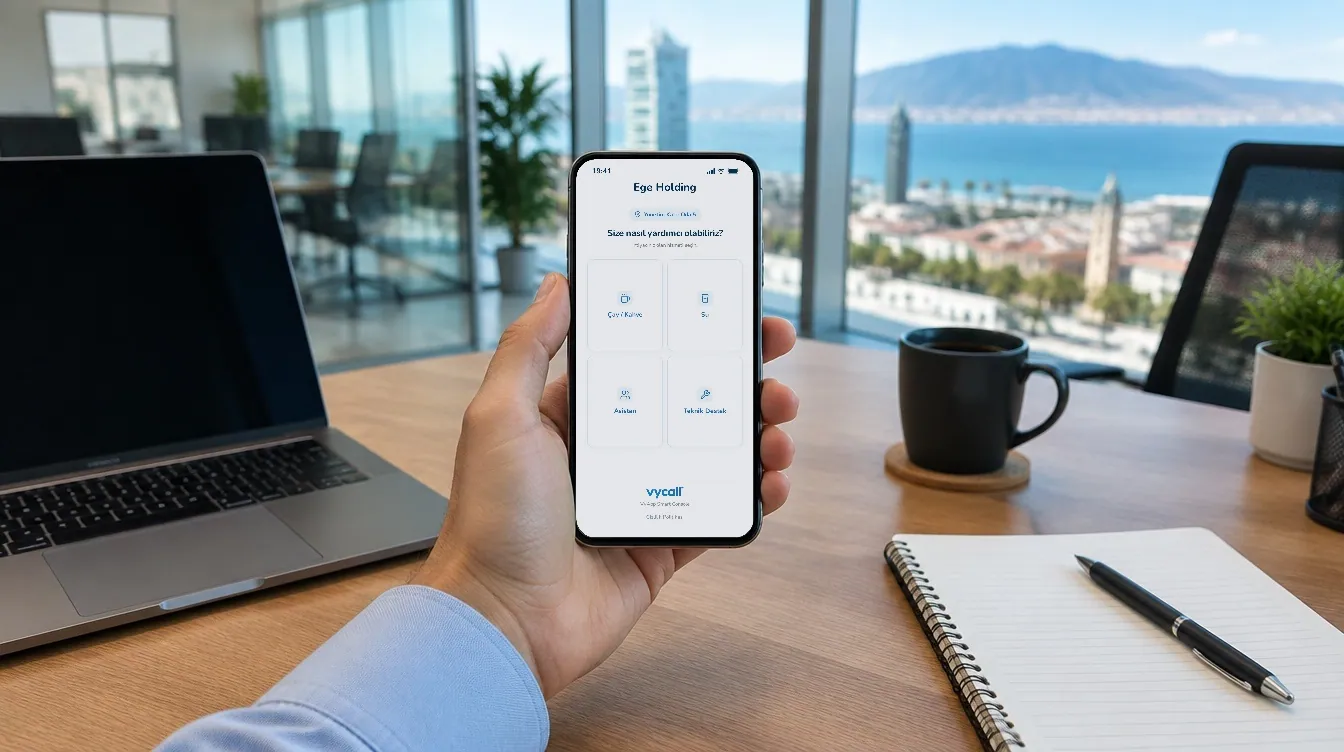
Virtual Call Buttons
Let’s review together which of the mobile app, NFC or QR options suits your space.
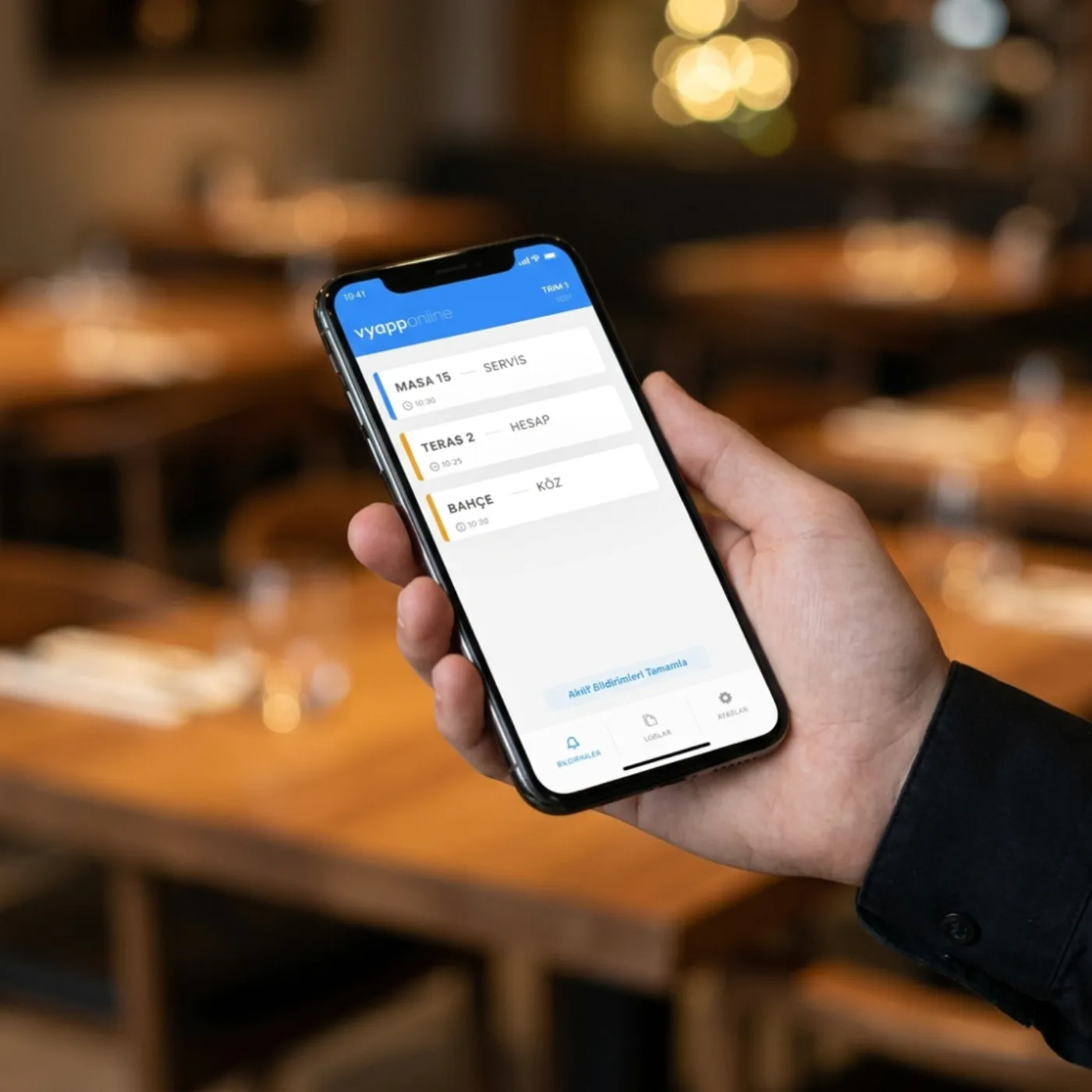
ExploreWhere should your team receive the notification?
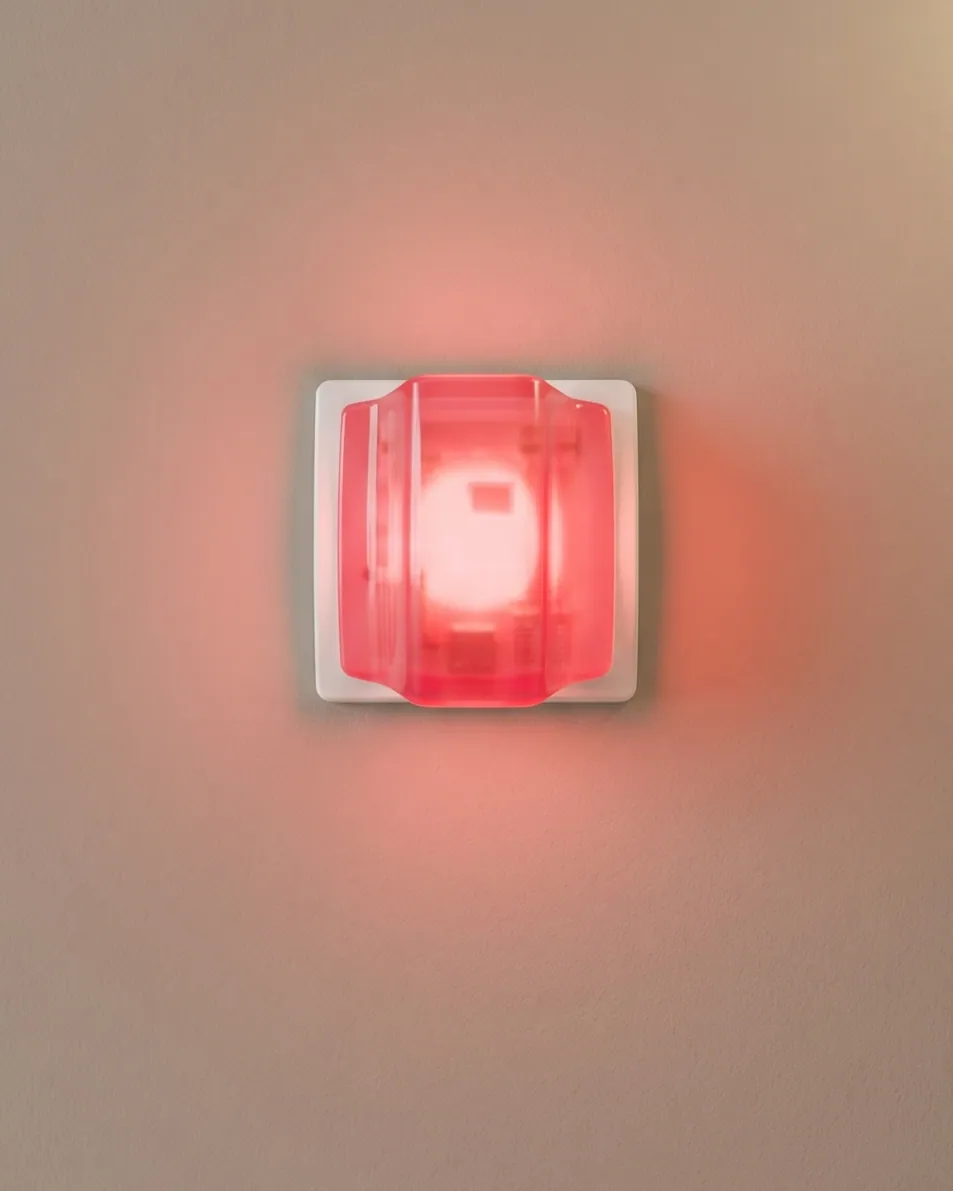
Bring call notifications to the screen or receiver device your team works with.
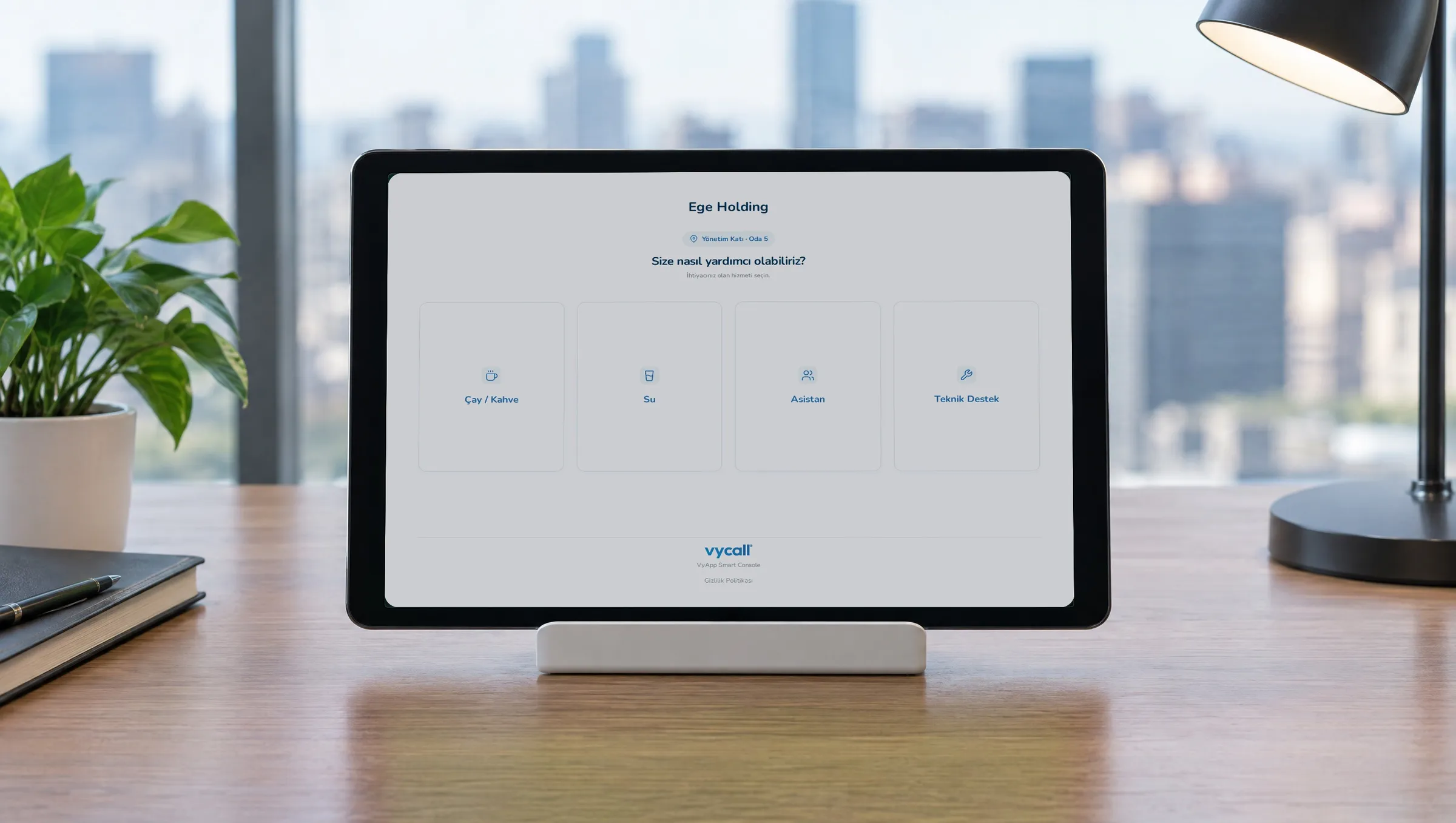
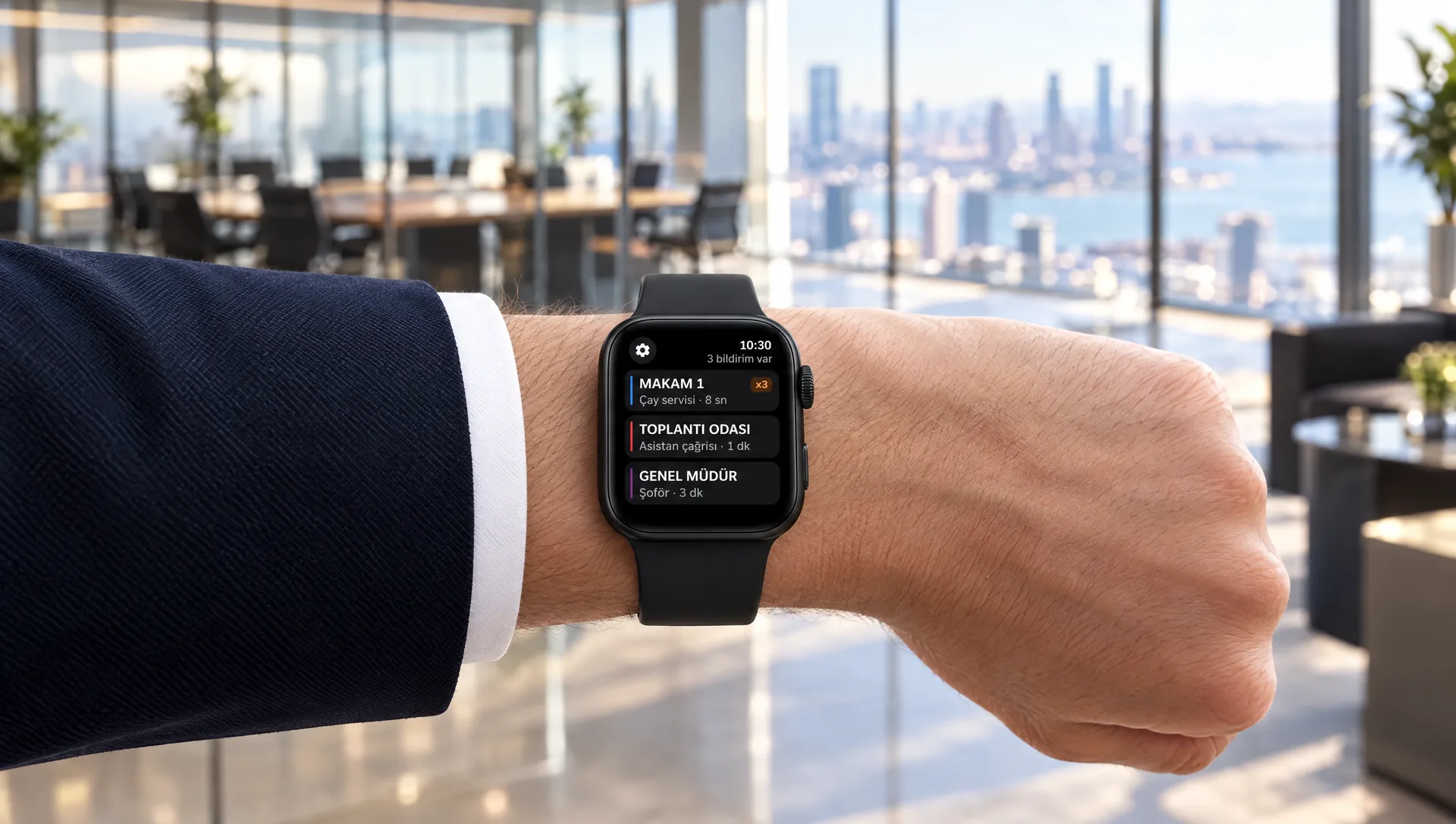
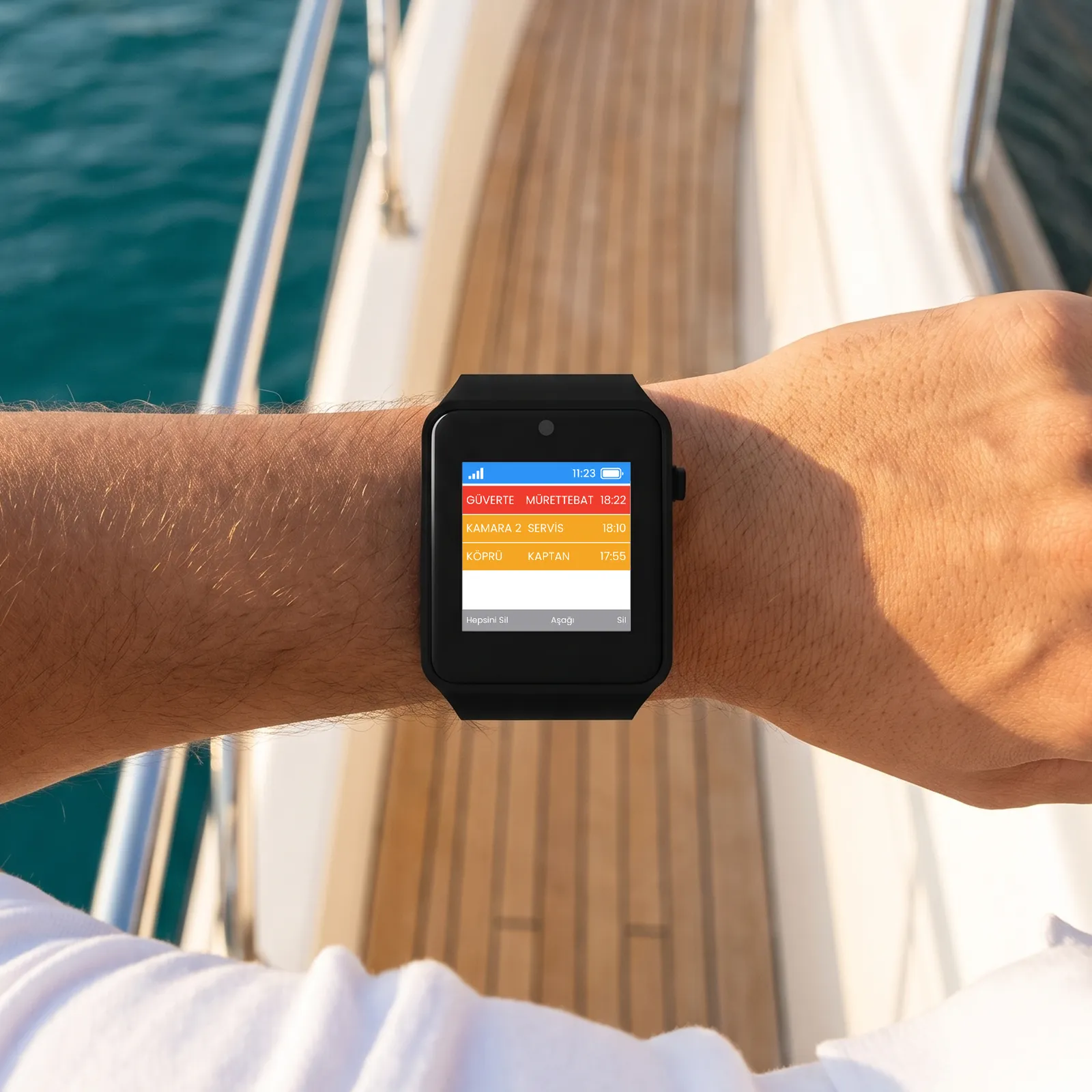
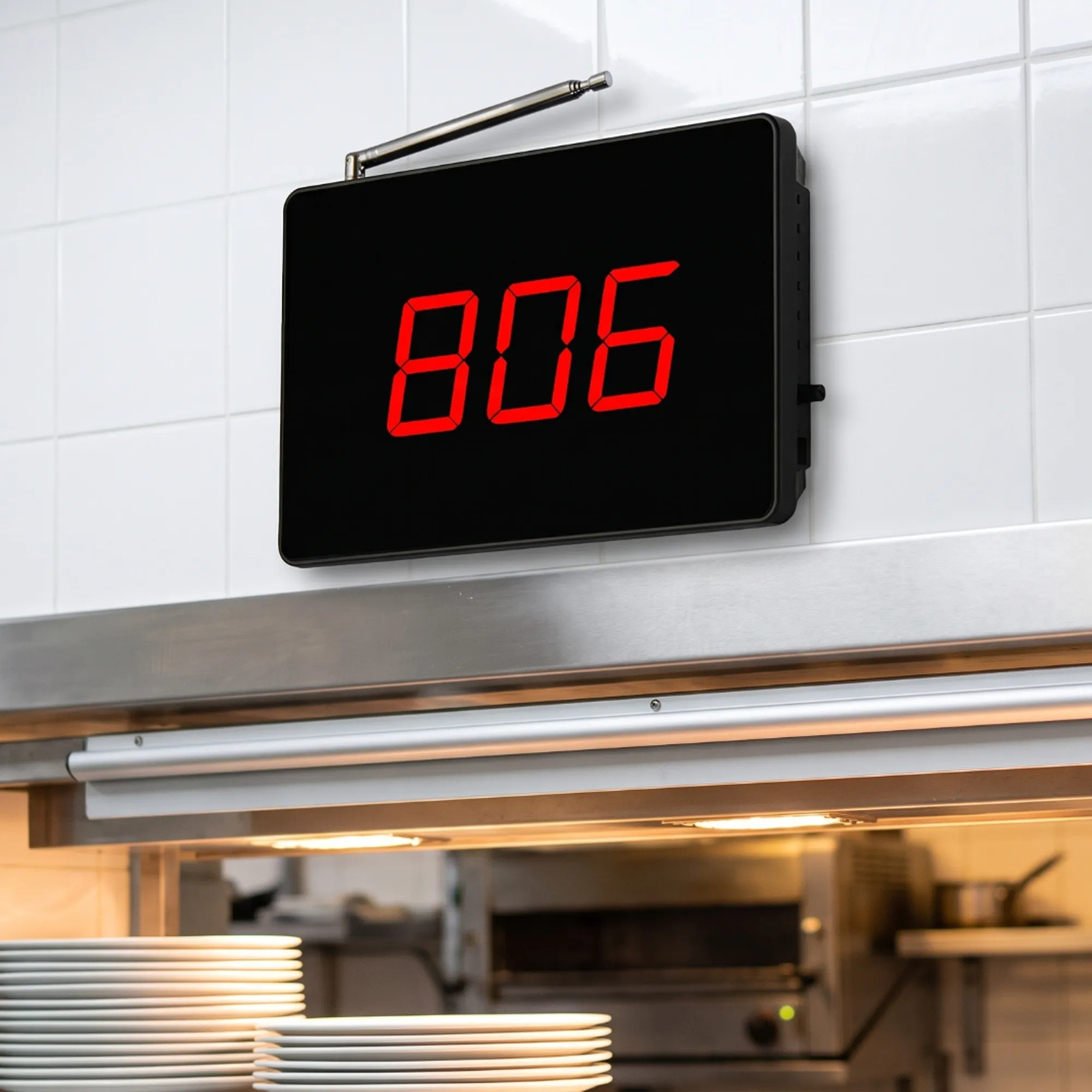
Make the right choice for your organisation.
01How does the executive calling system work?
03Does the button interrupt the meeting?
05How many executive or meeting rooms can one system handle?
07How long does the button battery last?
09Does it work in multi-storey buildings?
11What does the warranty cover?
02Should I choose a single-key or two-key button?
04Who sees the call and where?
06Are cables or wiring needed?
08Can a logo or call text be added to the buttons?
10How is it installed?
Let’s set up the call layout for your executive and meeting rooms together.
Share the number of rooms and the team that will receive the calls, and we will settle the button layout and notification option together.
Solutions used by 500+ businesses. We stay with you after installation.







-
2-Year Like-for-Like Replacement Warranty
Eligible hardware under warranty is replaced like-for-like, without delay.
-
Ongoing Support
Our technical team is available from installation through everyday use.
-
Easy Installation
We plan the right setup for your distances and site conditions together with you.
- Conformity
- ISO 9001Quality
- ISO/IEC 27001Information security
- ISO 20000IT service
- ISO 22301Business continuity
- ISO 14001Environment
- ISO 45001Occupational health
- ISO 10002Customer satisfaction
- ISO 31000Risk management
Technology solutions Vayotek builds for businesses.
 VayotekCustom Projects For Your Custom Projects Let’s talk about a technology project tailored to your business. We’ll review your needs together and build the solution that fits. Explore Vayotek
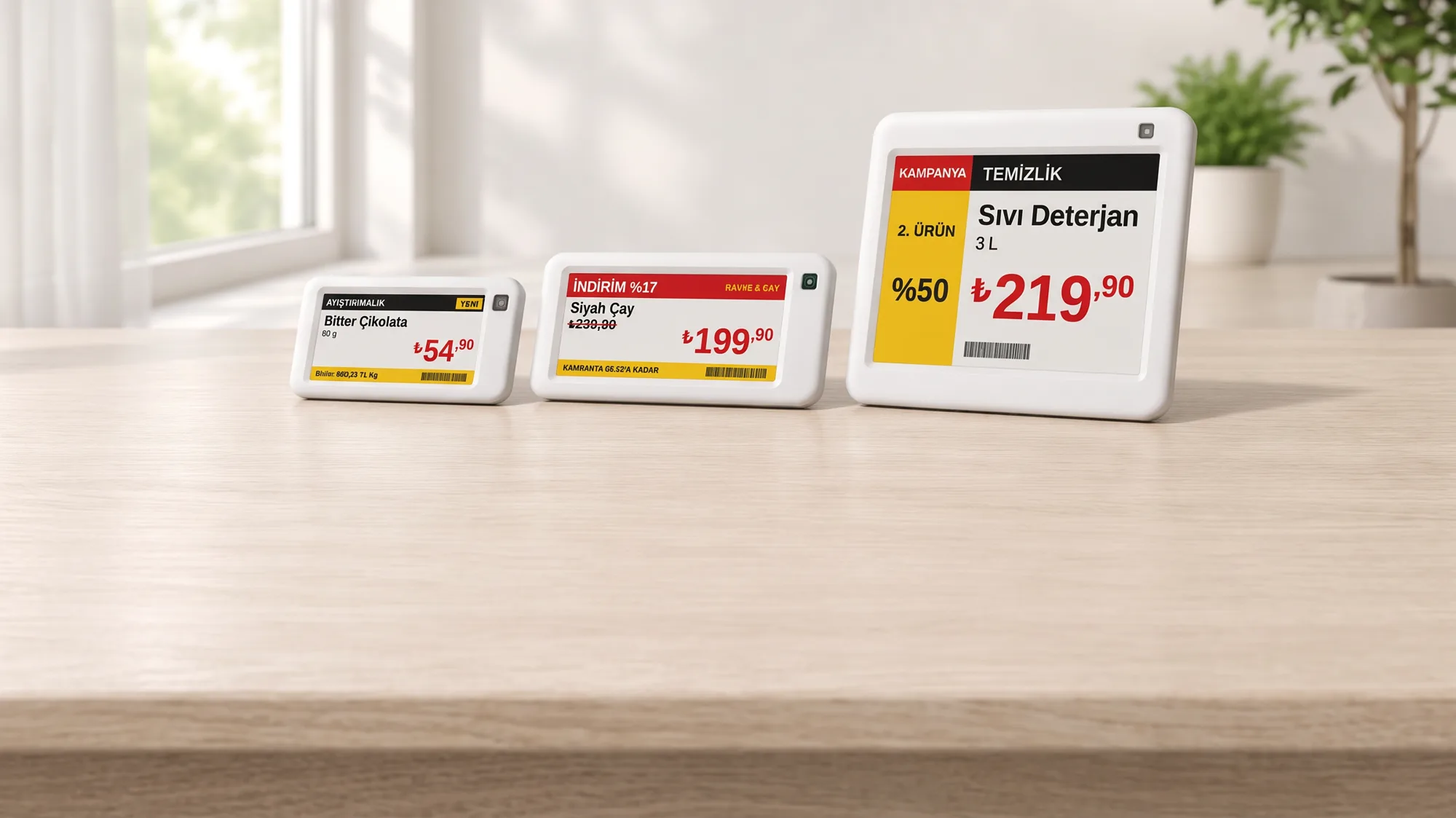 VyTagElectronic Shelf Labels Electronic Shelf Labels and Digital Information Displays Manage prices, promotions, product and information content on digital displays. Explore VyTag