













Update the Price
Change the price in your ERP, your POS or the VyTag management panel.

Shelf Labels
Information Displays
System & Accessories
Solutions
 Waiter Calling System
 Staff & Executive Calling System
 Self-Service Customer Calling System
 Factory Personnel Calling System
 Disabled Help Calling System
 Yacht Crew Calling System
 Buggy Vehicle Calling System
 Nurse Calling System
Products

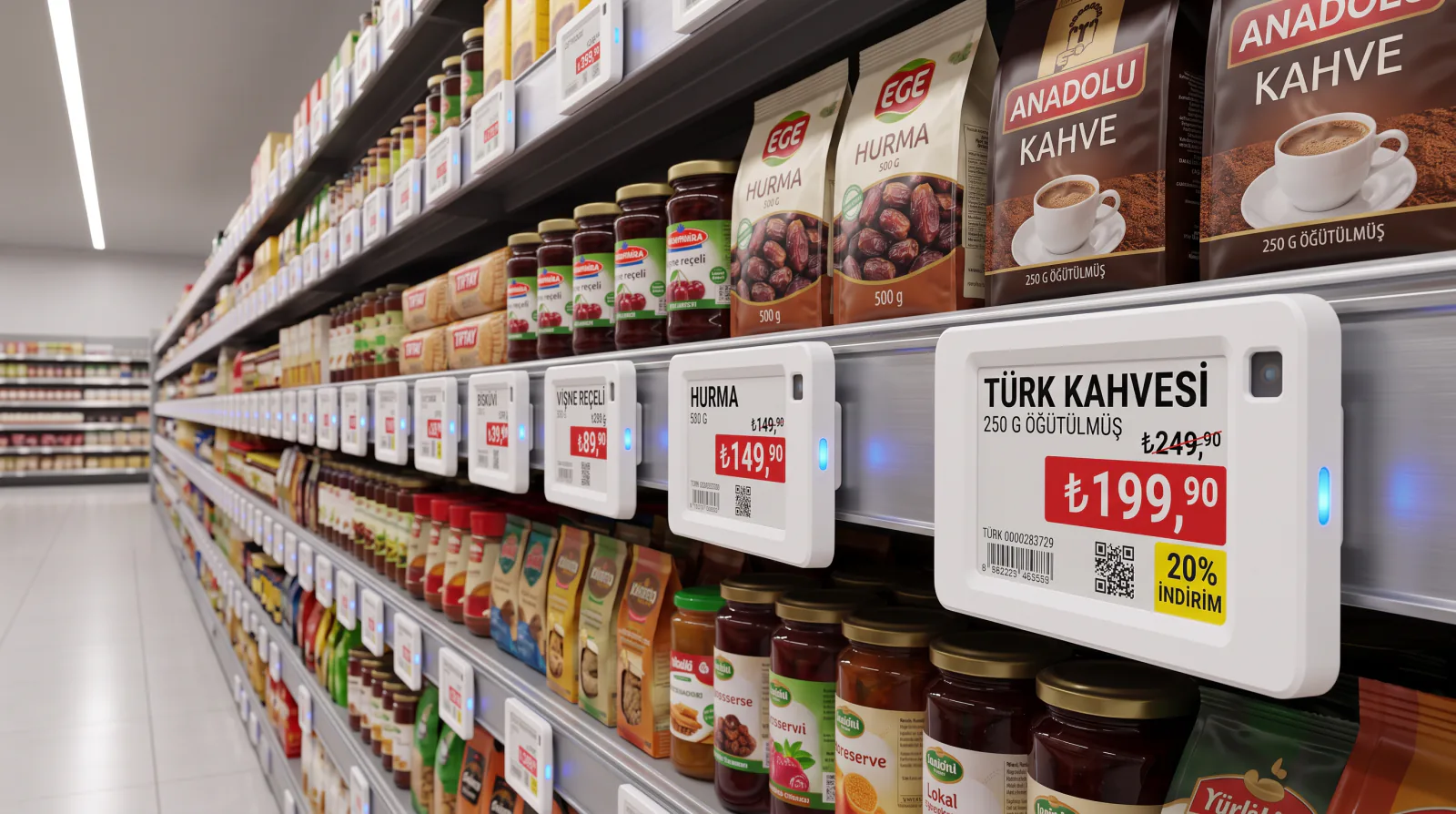
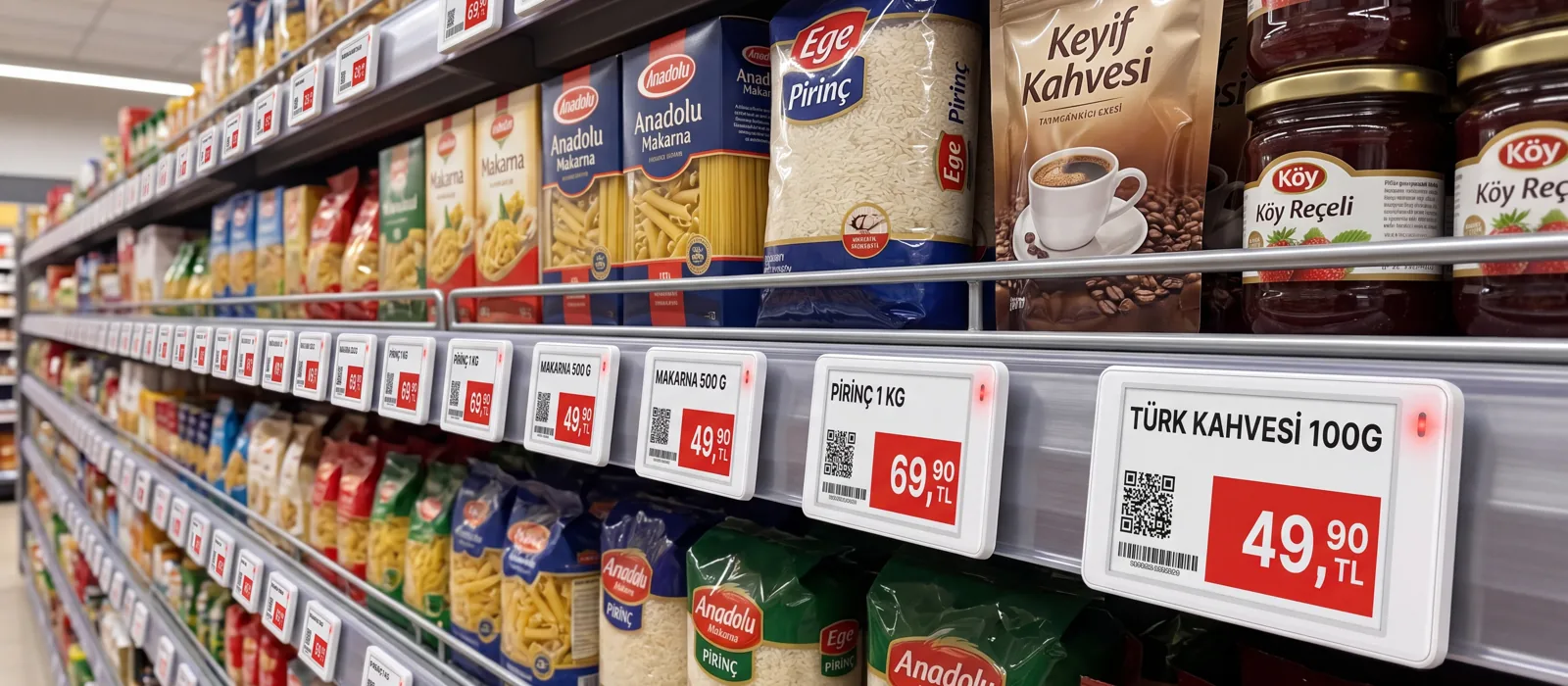
Manage prices, promotions and product information from one place with the VyTag electronic shelf label system. Update digital shelf and price labels through the gateway and cloud software across supermarkets, stores, pharmacies, cafes, warehouses and production sites.

You keep managing prices where you do today; the system carries that information to the shelf in three steps.
Change the price in your ERP, your POS or the VyTag management panel.
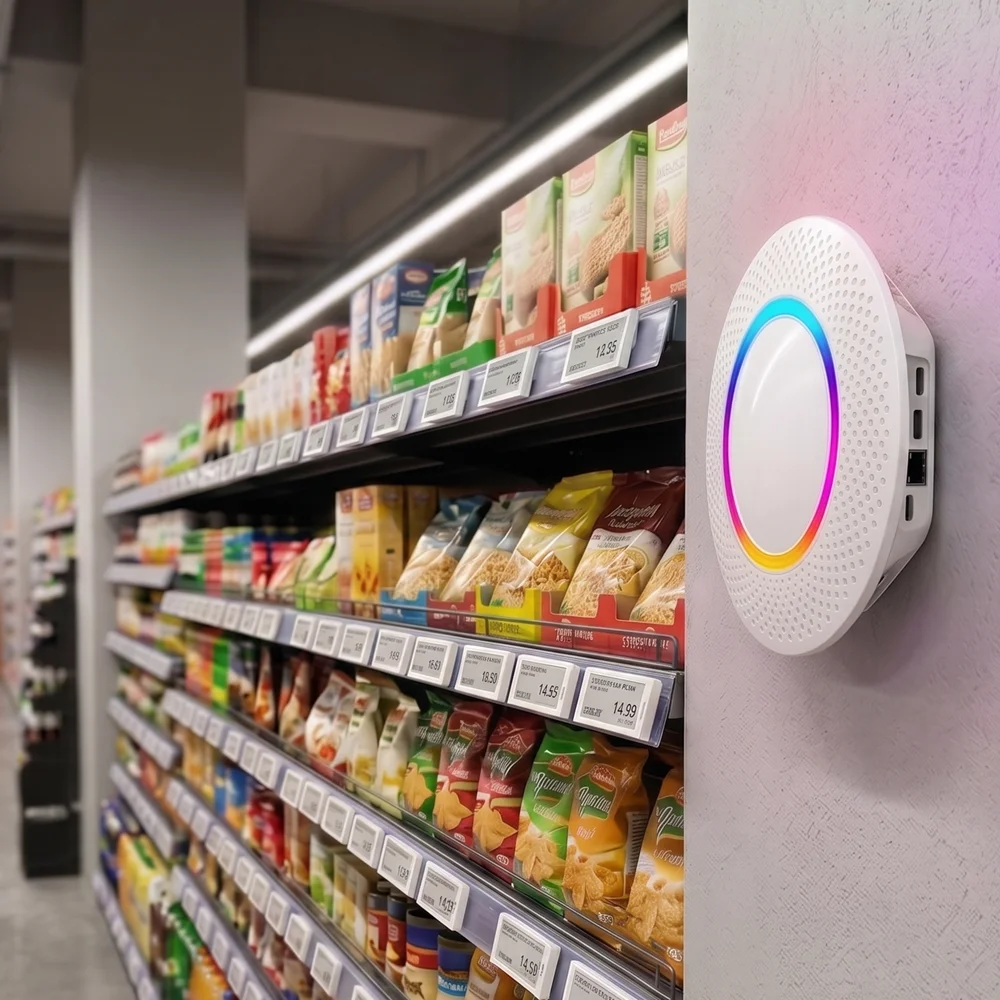
The VyTag Gateway carries the update wirelessly to the right labels.
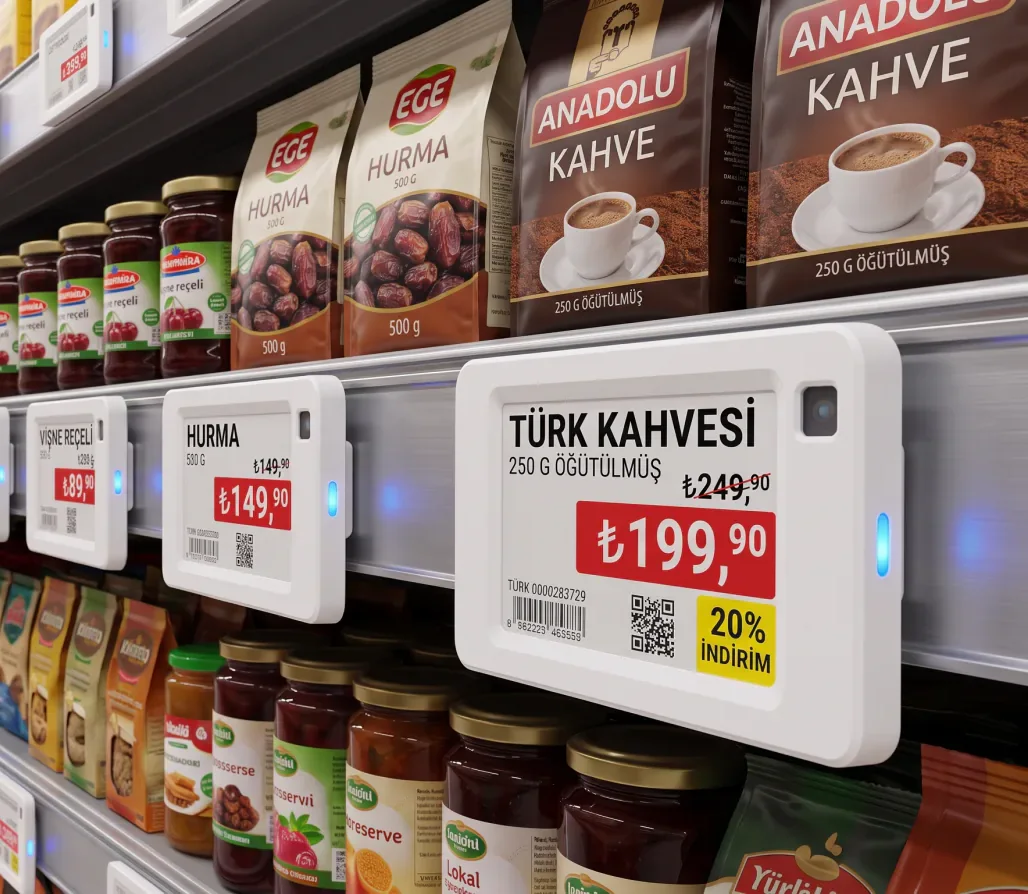
The labels show the current price and campaign information on screen.
Choose by your shelf size, your operating conditions and the information you need to show.


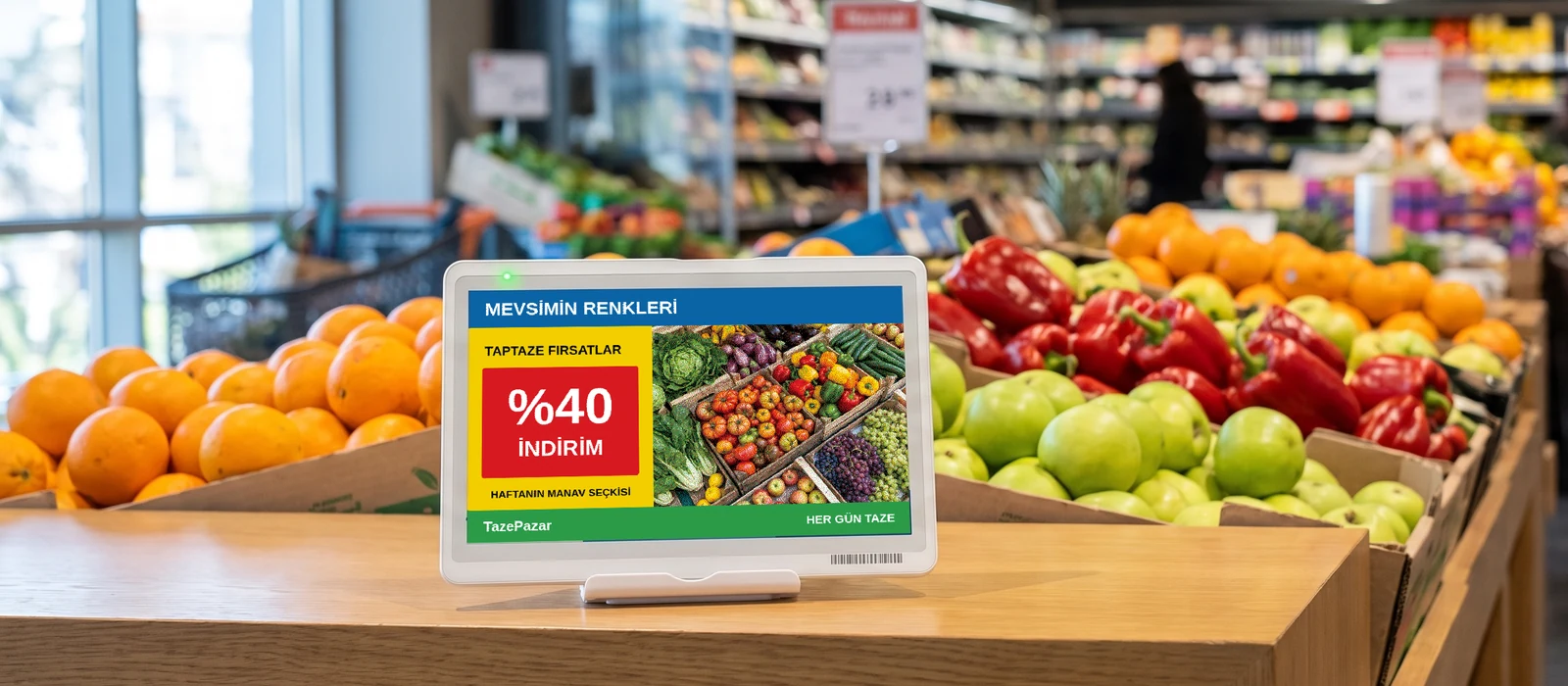
Pick your business and see the setup.

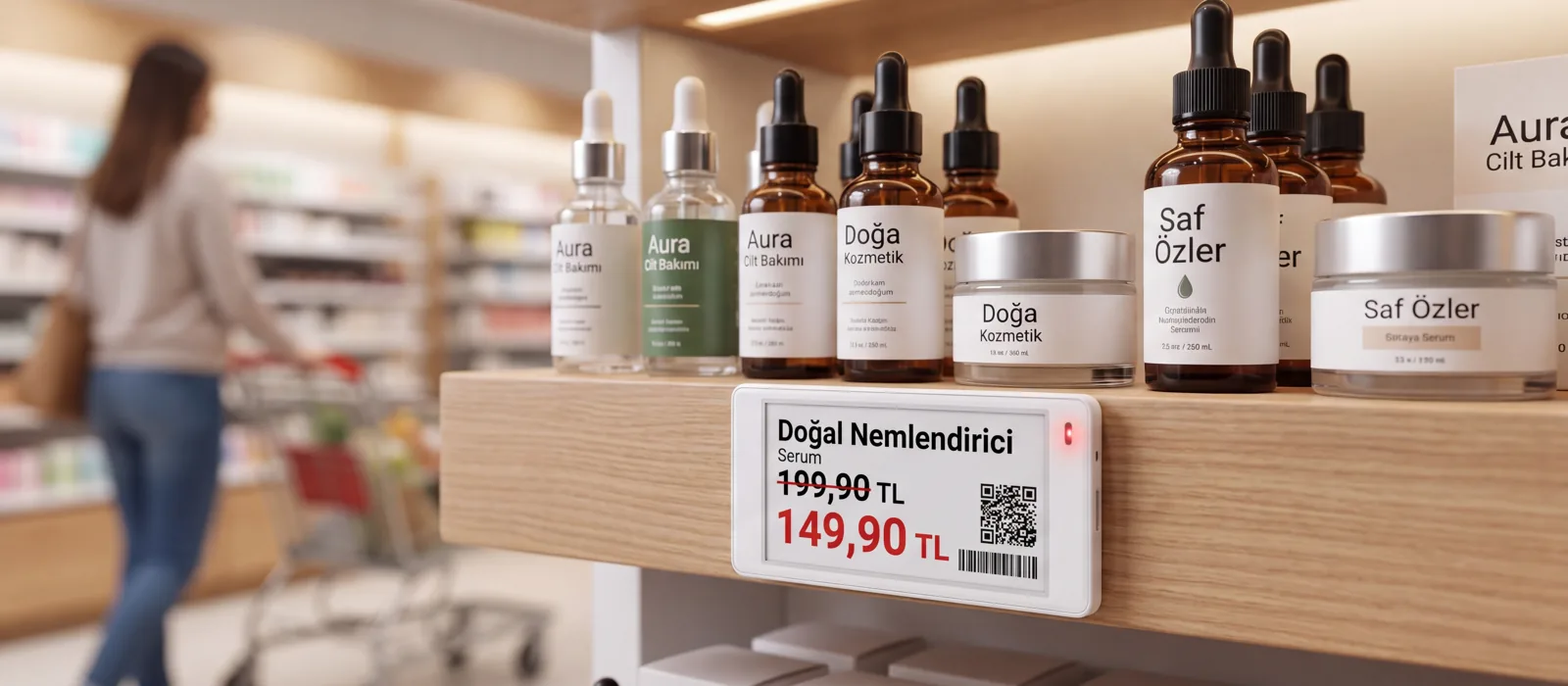

The installation is the same everywhere; only the product choice changes by area. Tap an area on the plan to see which product is used there and where the gateway covers from.
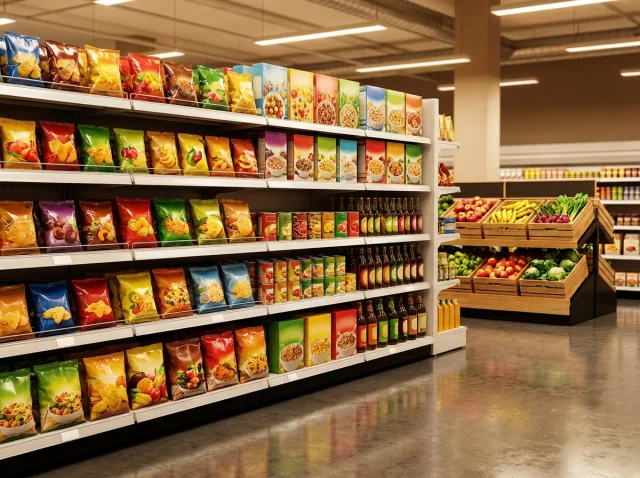
 Main ShelfThe body of the system; most of the labels are here. The 2.1" and 2.9" models are used and cost per label is what matters most.
 Cold ChainDamp, cold conditions are hard on a standard label. Freezer models are built for this job and operate down to −25 °C.
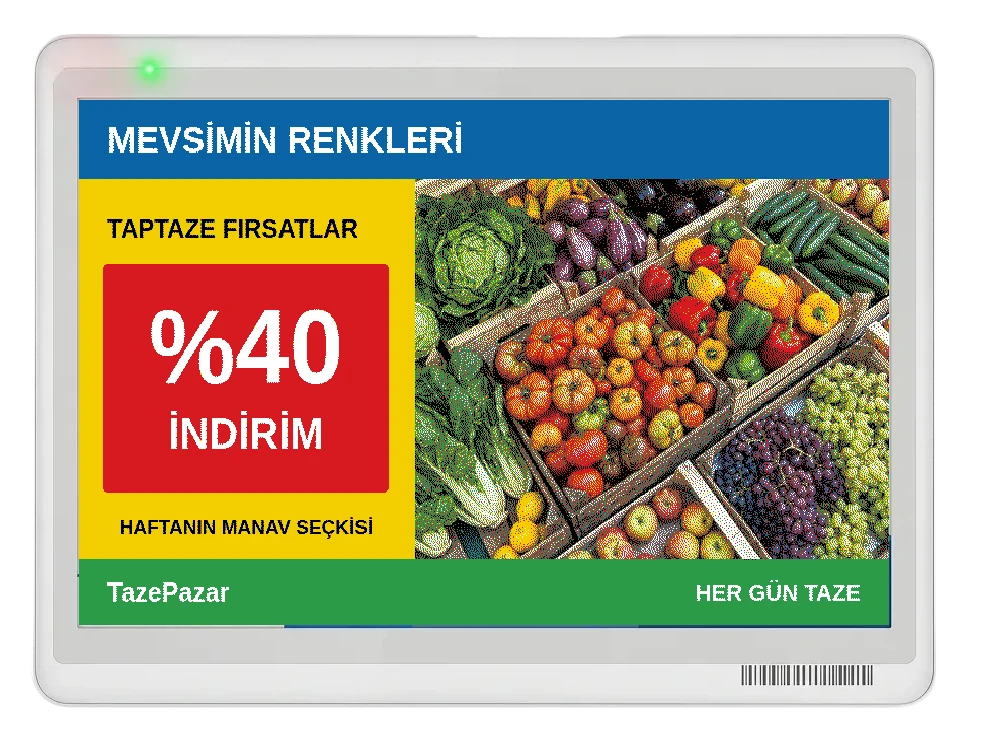 Promotion areasWhere short-lived campaigns are set up and taken down. When the campaign ends the info display returns to normal in one operation.
 Warehouse and back of houseLocation, stock and work-order information. Freezer models are used in cold rooms; long bar labels and information displays identify rack locations.
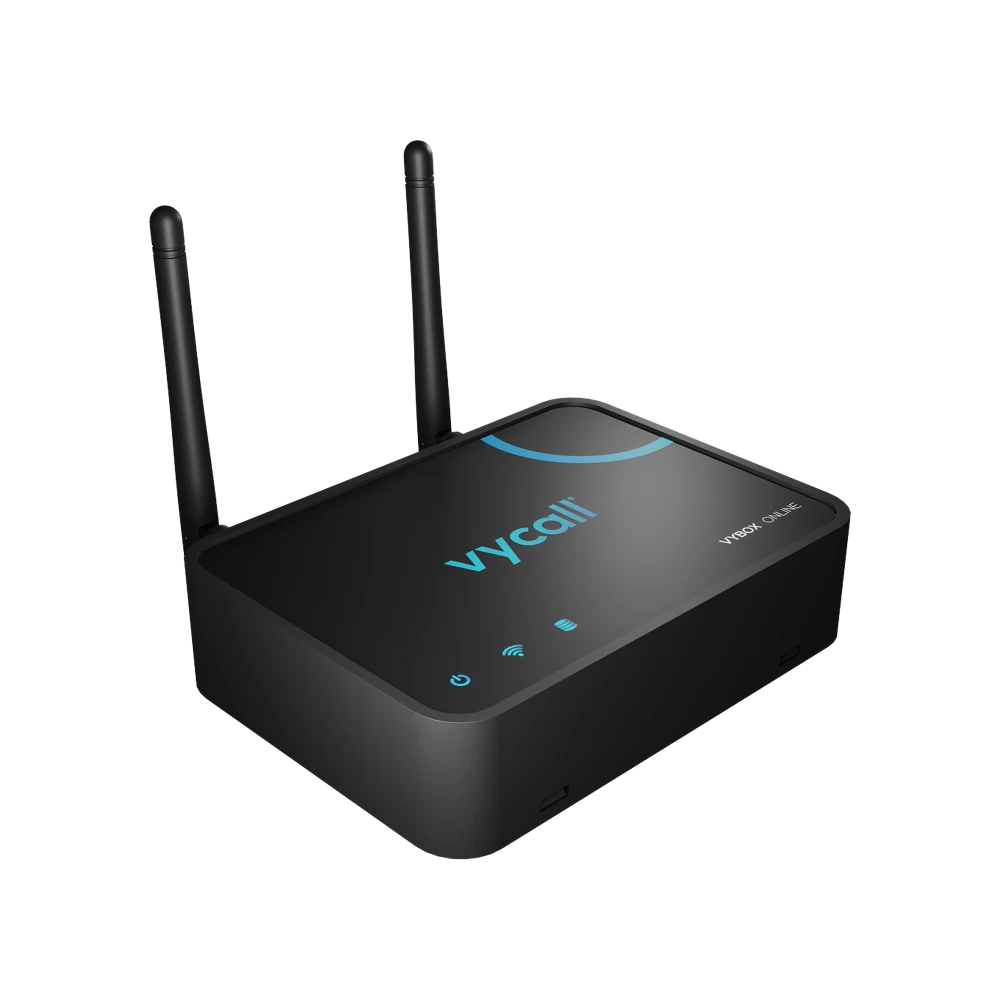
 VyTag GatewayThe gateway covering the area distributes the update from the software to every label on the shelf. Gateway One has a reference capacity of 3,000 labels across 300 m²; placement is planned during a site survey.
Your Brand
You decide what goes where on the label. The template is set up once and lands on every shelf the same way.
These are illustrative use scenarios prepared to explain the system; they are not real customer case studies.
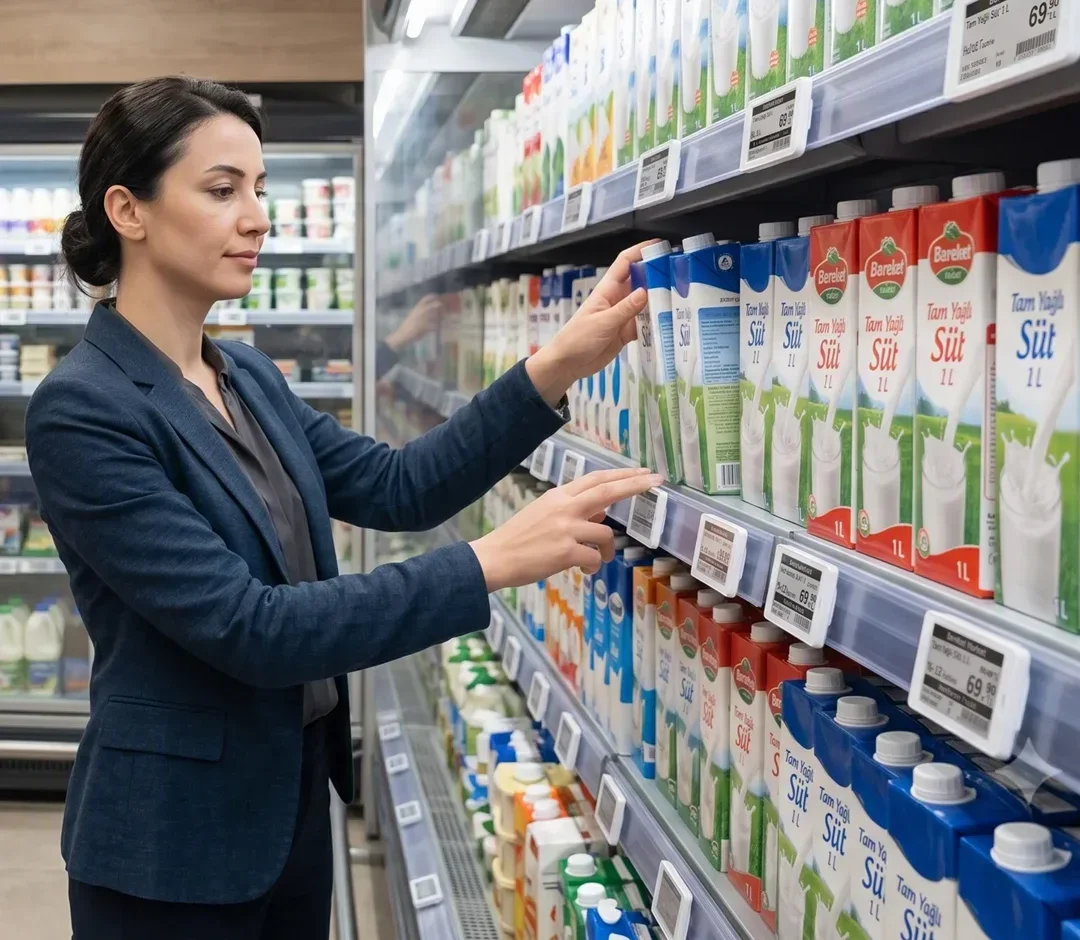
The new price list was printed by hand in every store, and the till and the shelf disagreed. With one panel connected to the central ERP and a gateway in each store, the price changes in one place and reaches every store according to the central schedule.
How it is usedRack addresses lived on paper, so pickers hit the wrong rack and lines went short. With a panel connected to the warehouse management software, long shelf labels and information displays, location and work-order information is updated centrally.
How it is used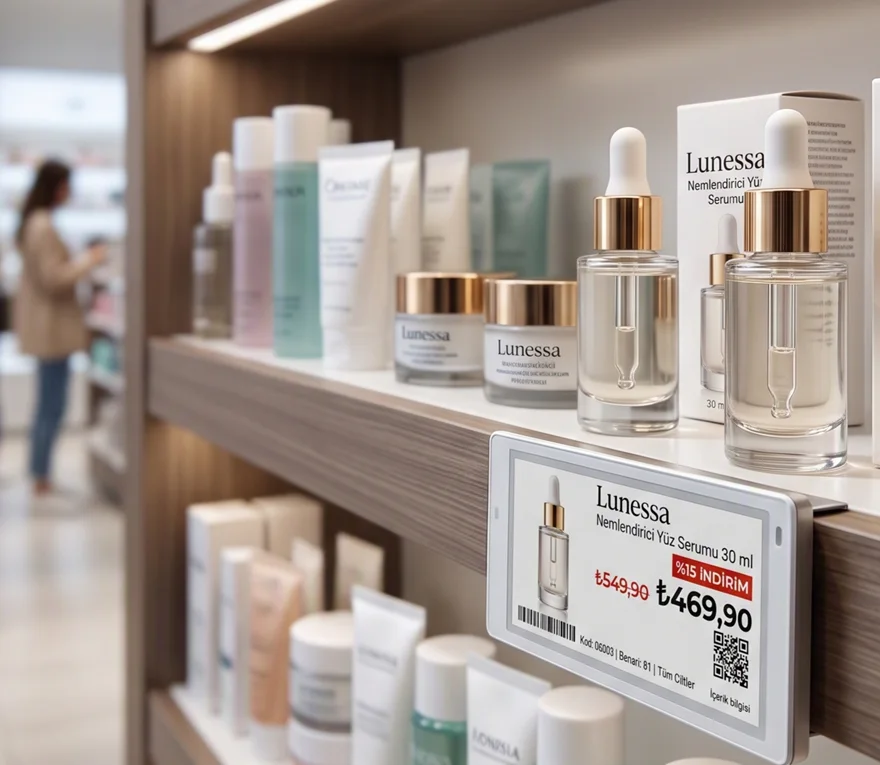
Promotion labels were swapped aisle by aisle, and when a discount ended the old price stayed on the shelf. Because every aisle needs a different label size, from cosmetics to white goods, a mixed installation is run from a single panel; a promotion starts and ends on the shelf according to the central schedule.
How it is usedNarrow medicine shelves carry a high label count and prices change often, so unit prices and barcodes on hand-printed labels went stale. Narrow bar labels go on the back shelf and larger screens on the dermocosmetics and window sections, with prices updated from one panel.
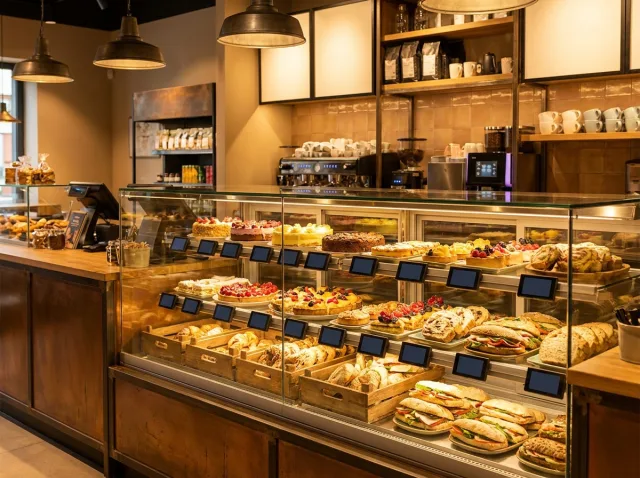
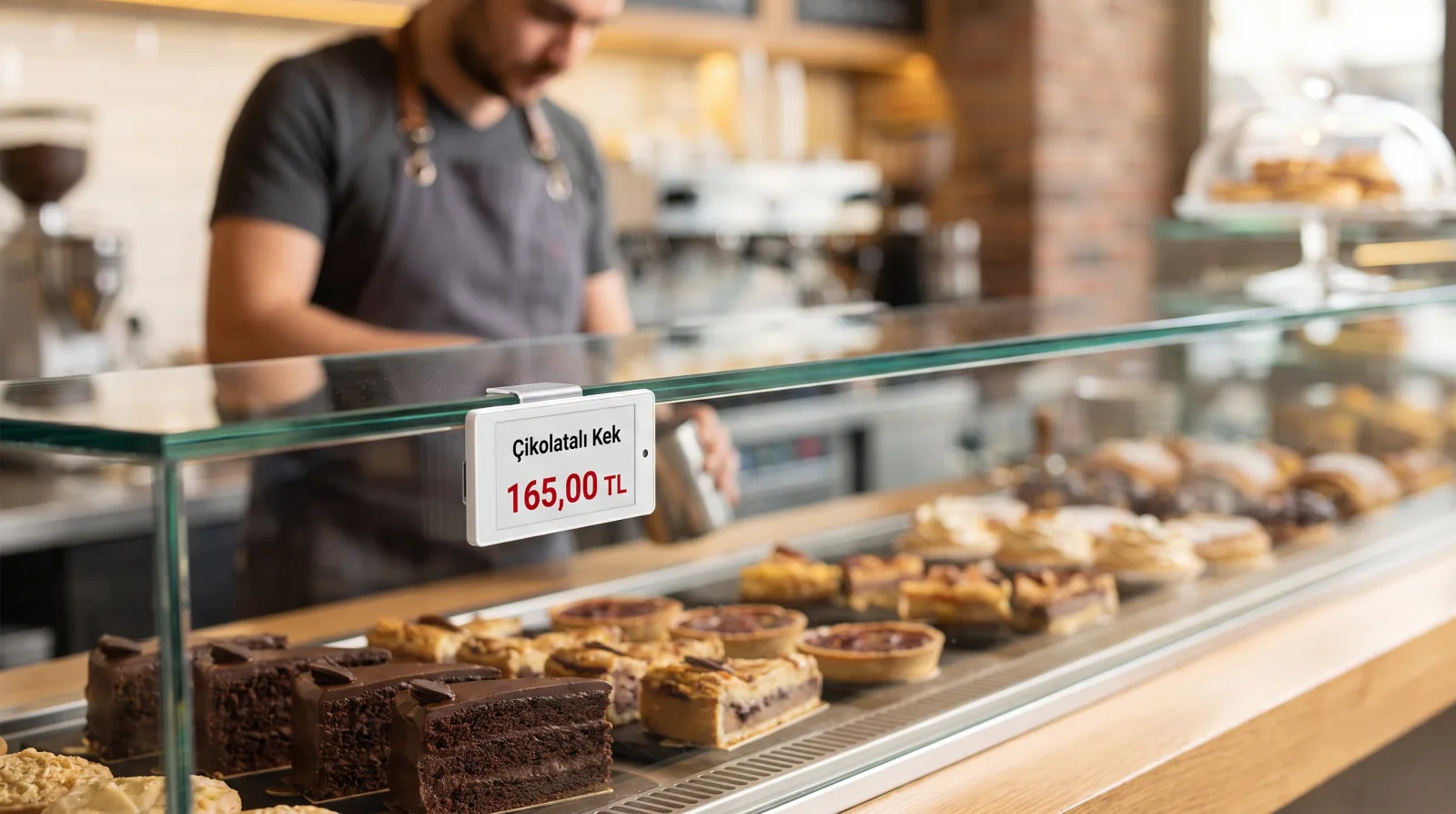
How it is usedEvery price change meant reprinting the board, while the label in the display case stayed out of date. A six-colour e-paper board goes behind the counter and small labels into the pastry and sandwich case; price and product changes through the day are made from the panel.
How it is usedOur systems are planned around your needs, set up easily and supported throughout use.


Frequently asked questions about installing, running and costing an ESL system.
It is a wireless label with an e-paper screen that shows a product’s price and information on the shelf. The price is sent from a central system and the label updates itself; printing, cutting and clipping paper labels disappears.
Three things: the number of labels, the models chosen and how many gateways are needed to cover the area. Most labels go on main shelves; standard, water-resistant, freezer and information display models are installed only where needed. Once the shelf metres and the areas involved are clear, the setup is costed for your case.
The management panel offers integration over a REST API. Your existing system remains the price source; the ESL only reflects that price on the shelf. The scope is assessed against the software you use.
Yes, and this is the recommended route. A chosen aisle or a single store is set up so you can see the system running in your own operation; the rollout is planned after the result is reviewed.
It starts with a needs analysis; a product and gateway plan is drawn up for your shelf layout, a pilot is installed, the ERP/POS integration is done, and then the installation is completed and your team is trained on the panel.
Battery life depends on the model, update frequency and ambient temperature. The portfolio includes battery-powered and rechargeable displays; rechargeable models require periodic charging.
Labels do not need permanent mains wiring. Rechargeable displays need periodic charging; the gateway requires power and a network connection. Gateway One can receive power over PoE on a suitable Ethernet network.
The manufacturer reference for Gateway One is 3,000 labels across 300 m². Actual capacity and gateway count are planned for the model, layout, walls and label density.
Updates sent from the software are distributed to the relevant labels. Completion time depends on label count, content size and gateway layout.
Separate models and mounting accessories exist for the cold chain; freezer models operate down to −25 °C. The aisle type is determined during the survey.
Labels can be replaced one by one and the system keeps running. On some models the battery can be replaced by the user, which lowers the running cost.
We will respond to your request as soon as possible.
Would you rather not fill in a form?
Reach us directly — the same team answers.
Call Us Send an Email Contact UsTürkiye Office · HQ
İzmir Technology Base, Gülbahçe Mah. İçmeler Cad. No:14/1 Office B05
Bilişim Vadisi, Urla / İzmir 35433, Türkiye
MENA Office · Dubai
Level 21, Al Habtoor Business Tower
Dubai Marina, Dubai, UAE
We will respond to your request as soon as possible.
Talebiniz alındı
Ekibimiz en kısa sürede size dönecek. Teşekkür ederiz.