











The Button Is Pressed
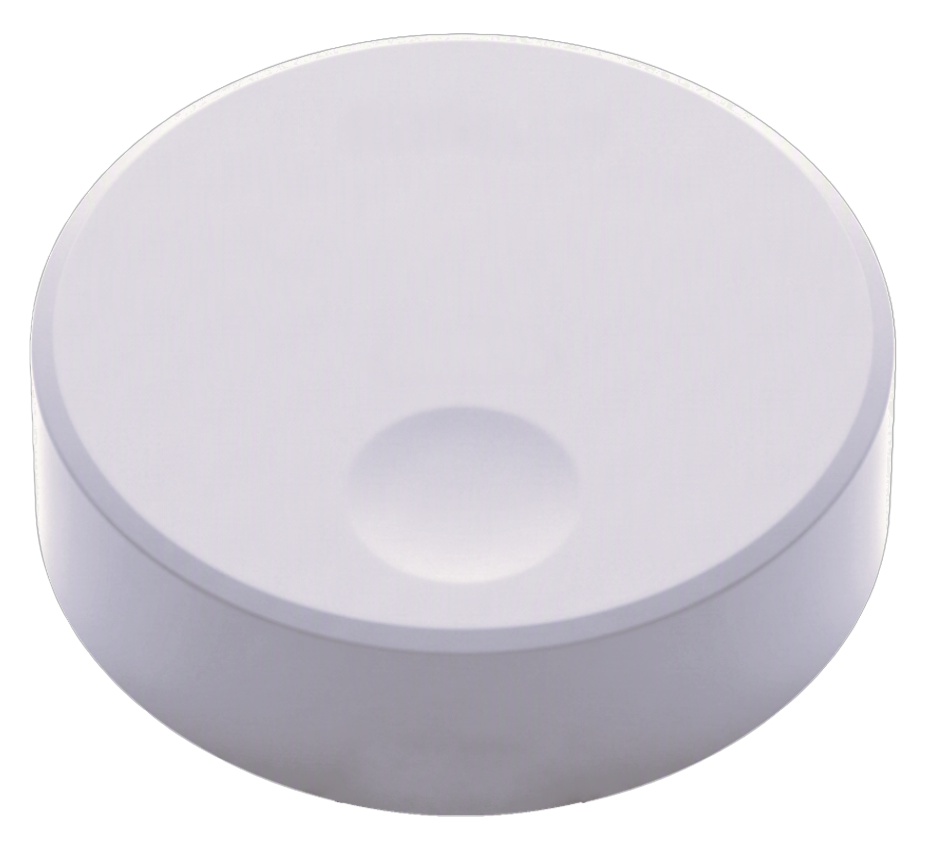
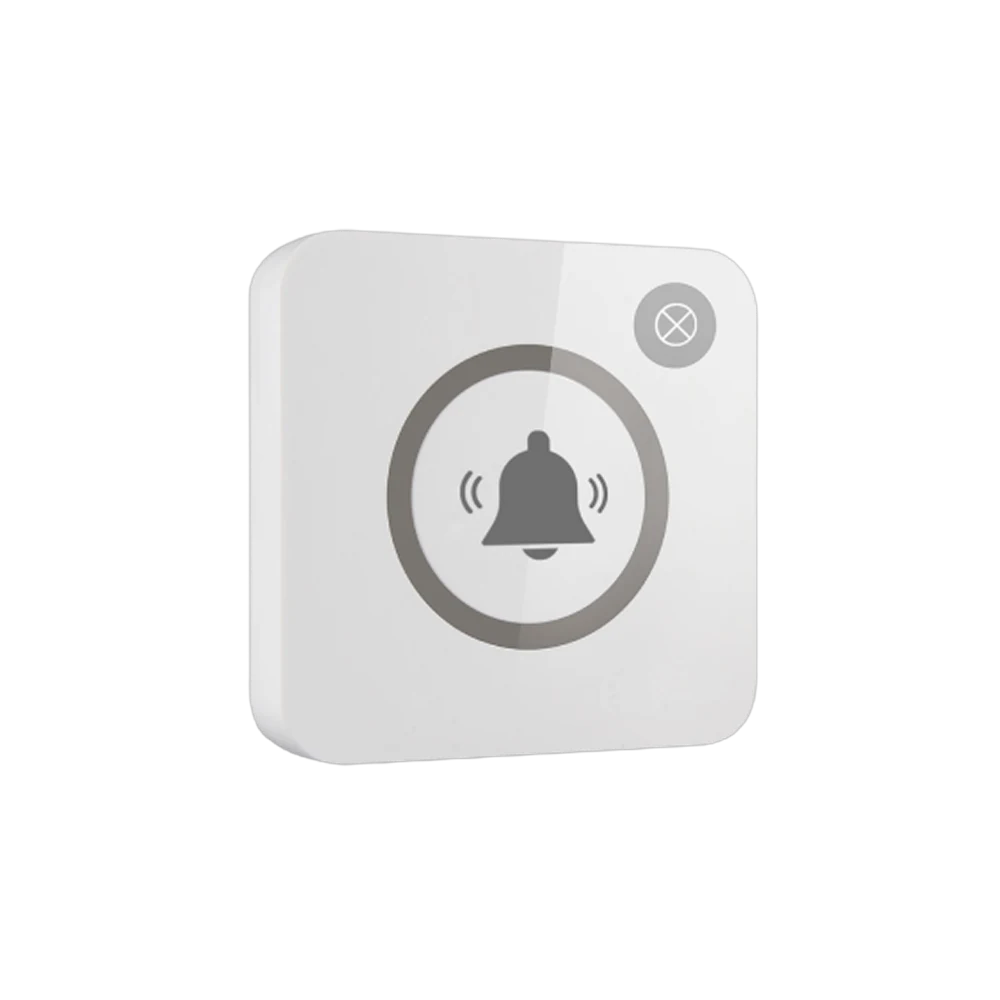
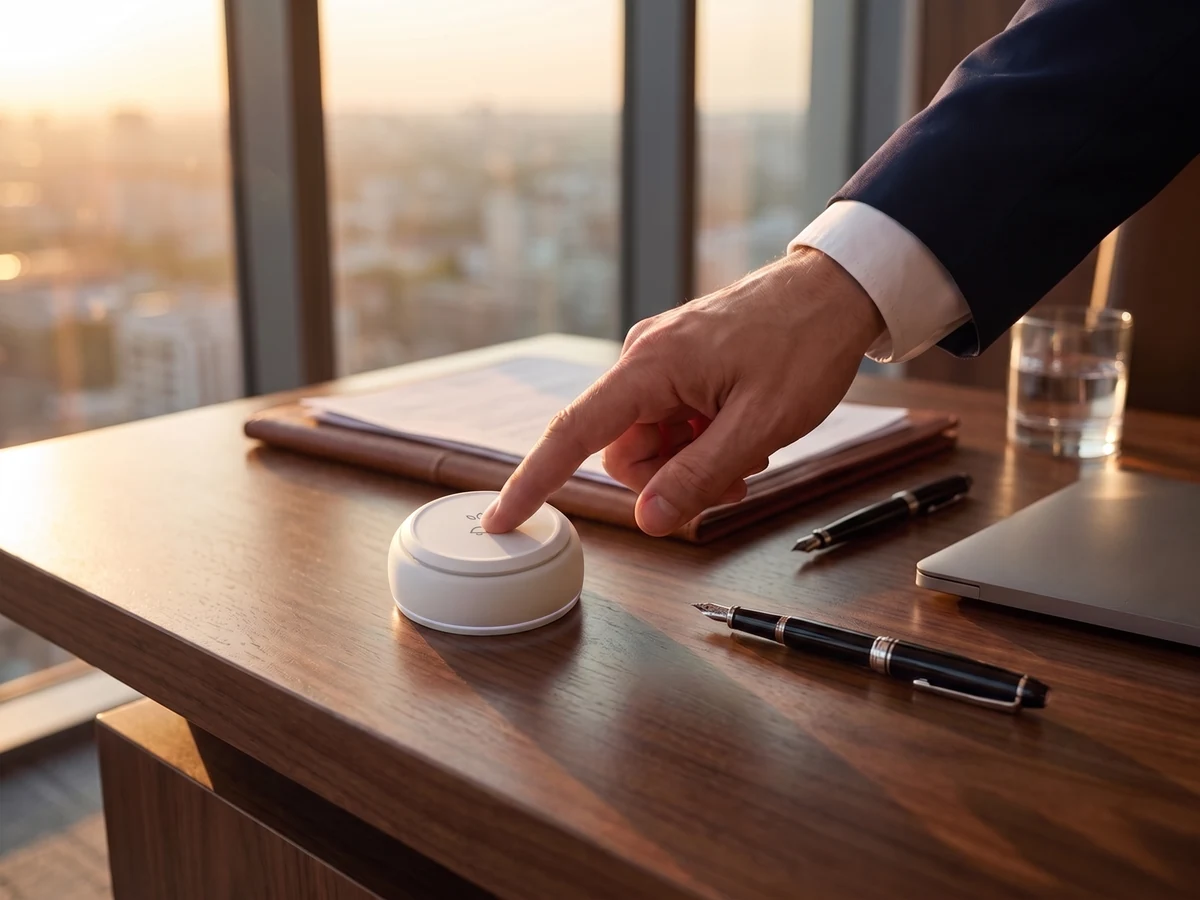
The executive sends a request for the secretary, refreshments or technical support with the B300 button on the desk.
Buttons can be prepared for different needs such as the assistant, refreshments or support.

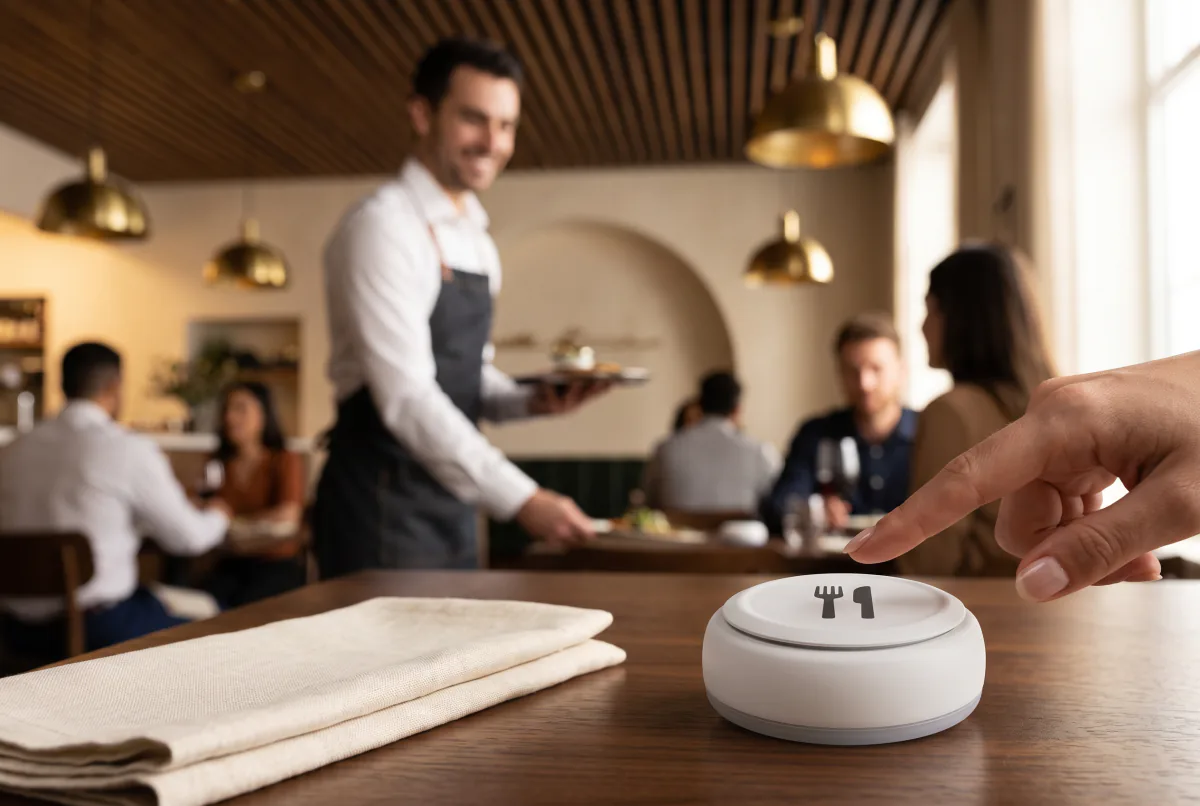
 Waiter Calling System
 Staff & Executive Calling System
 Self-Service Customer Calling System
 Factory Personnel Calling System
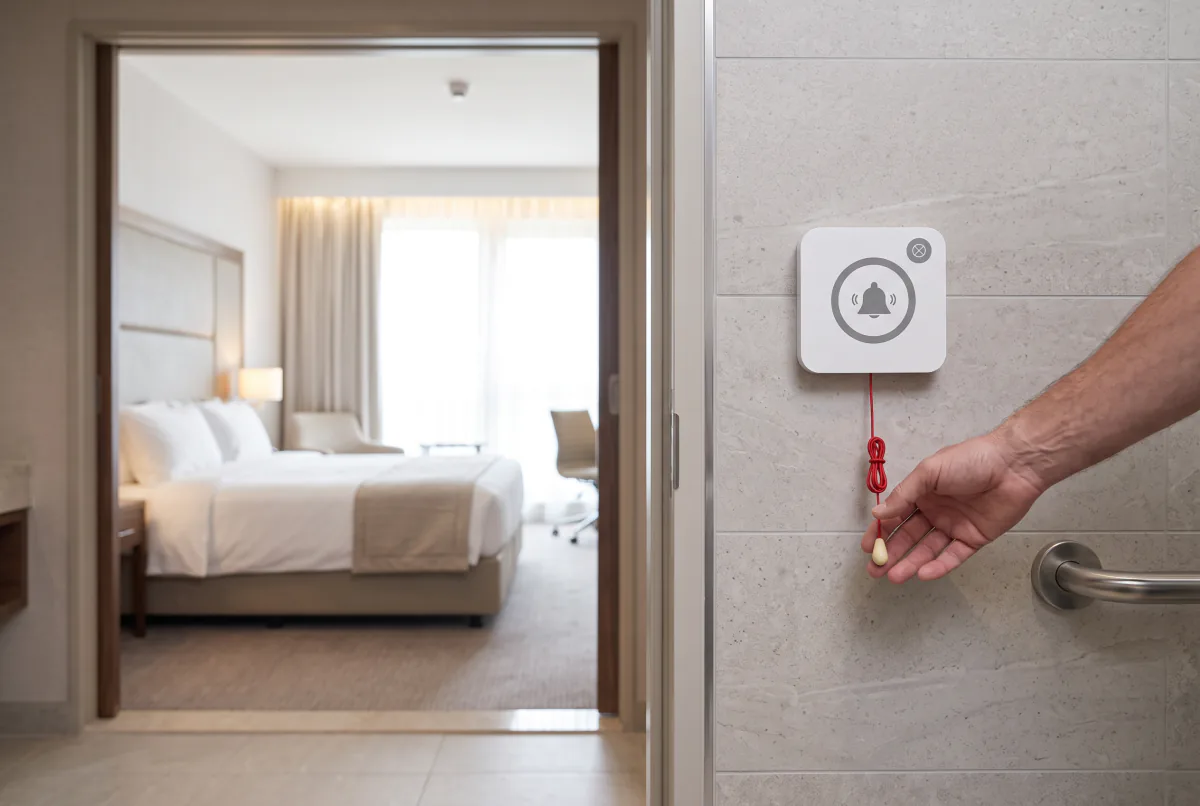
 Disabled Help Calling System
 Yacht Crew Calling System
 Buggy Vehicle Calling System
 Nurse Calling System
 Self-Service Customer Calling SystemSound, light and vibration tell the customer their order is ready.
Solutions
 VyTag Electronic Shelf LabelsOverview · products and solutions
Products
 All Shelf Labels
 Standard Shelf Labels
 Water-Resistant Shelf Labels
 Freezer Shelf Labels
 Information Displays
 Gateway & Software
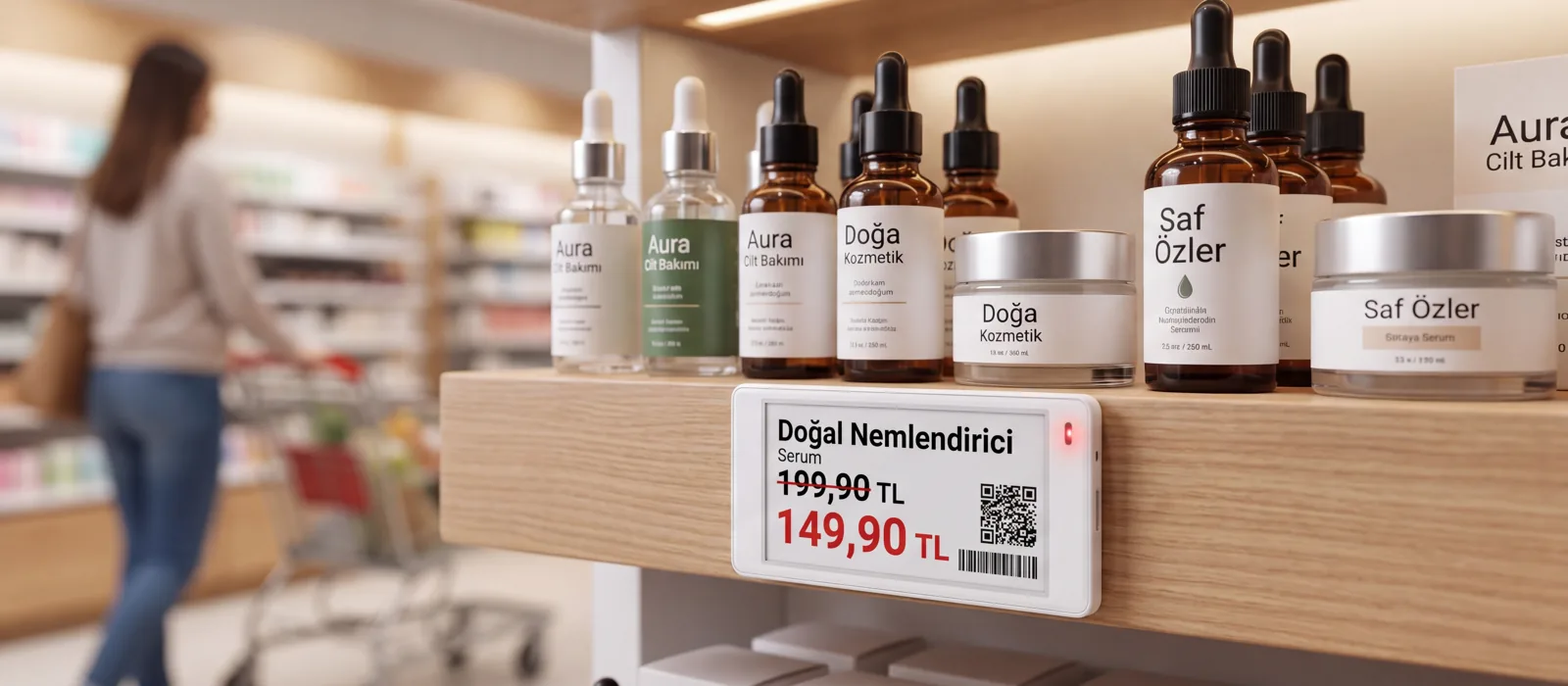
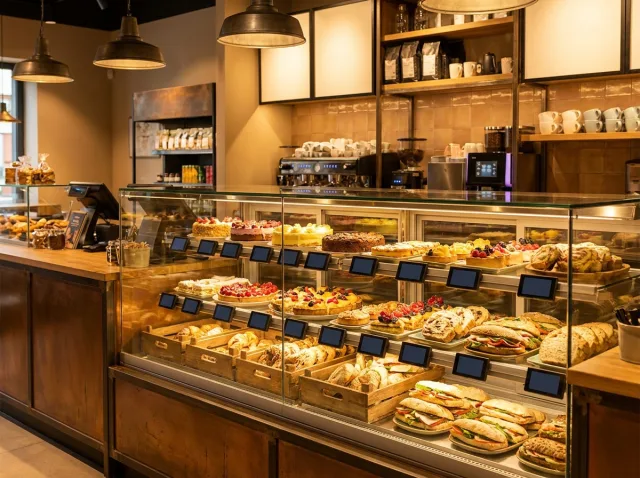
 AccessoriesPrice changes in a single actionWhen the new price list arrives, don’t change thousands of labels by hand. A single gateway manages 3,000 labels across 300 m²; installation and support from Türkiye.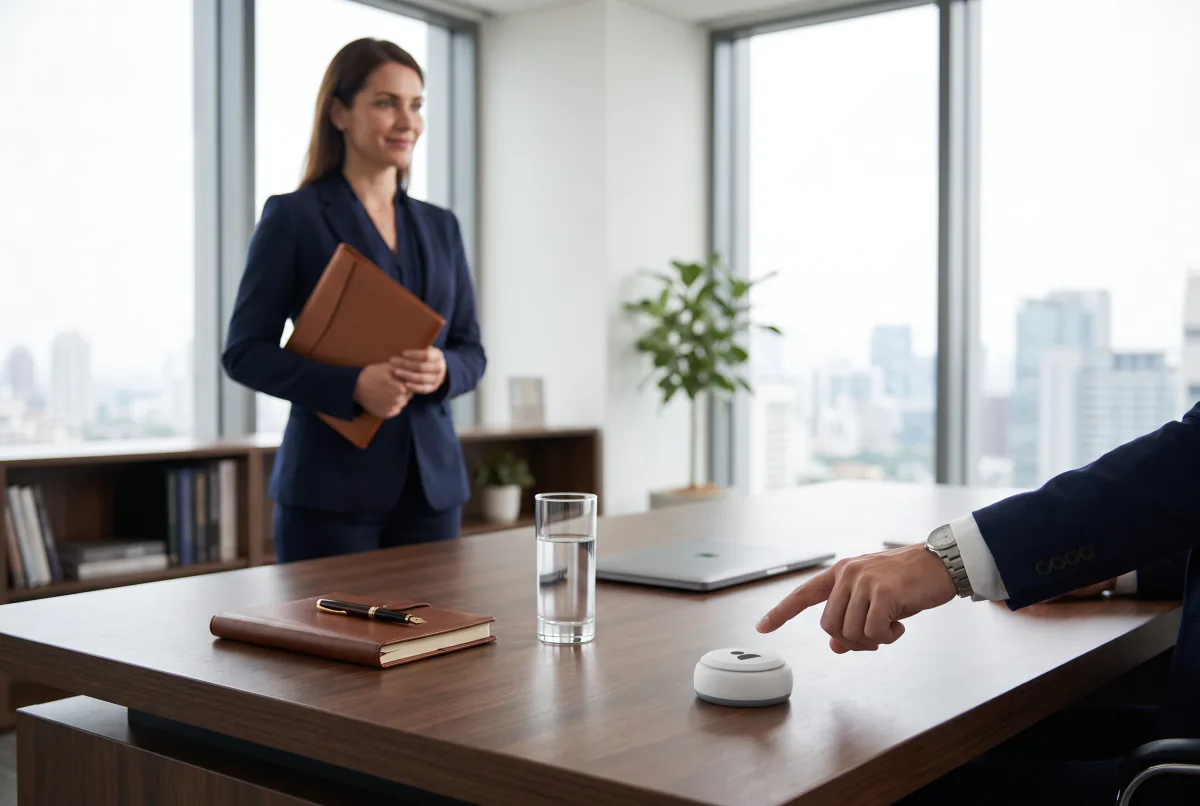
Wireless Calling Systems
An executive call button lets a manager call their assistant or the service team with one key; the request reaches the right person directly.

The executive sends the request from the desk with a single touch; the wireless signal reaches the receiver and the right staff member sees which room is calling.
The executive sends a request for the secretary, refreshments or technical support with the B300 button on the desk.
Buttons can be prepared for different needs such as the assistant, refreshments or support.
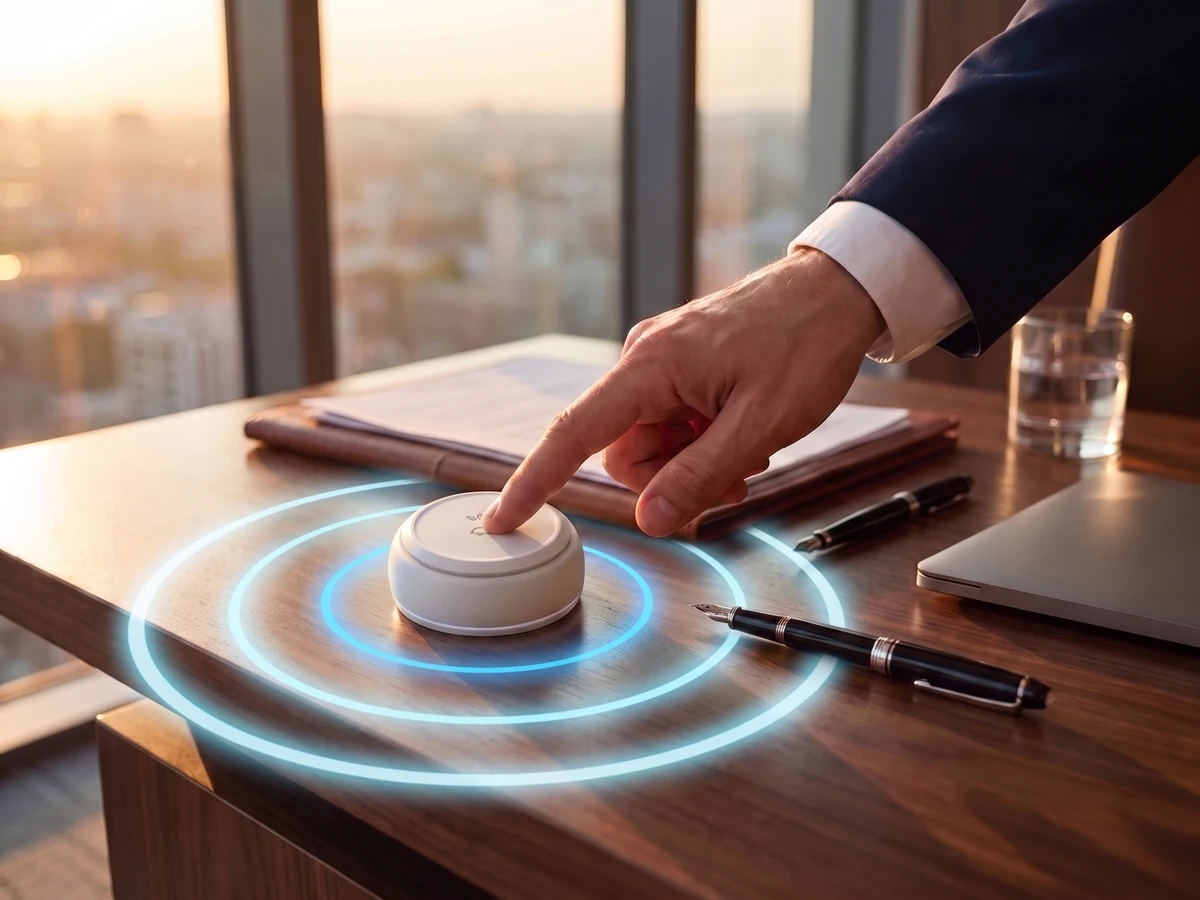
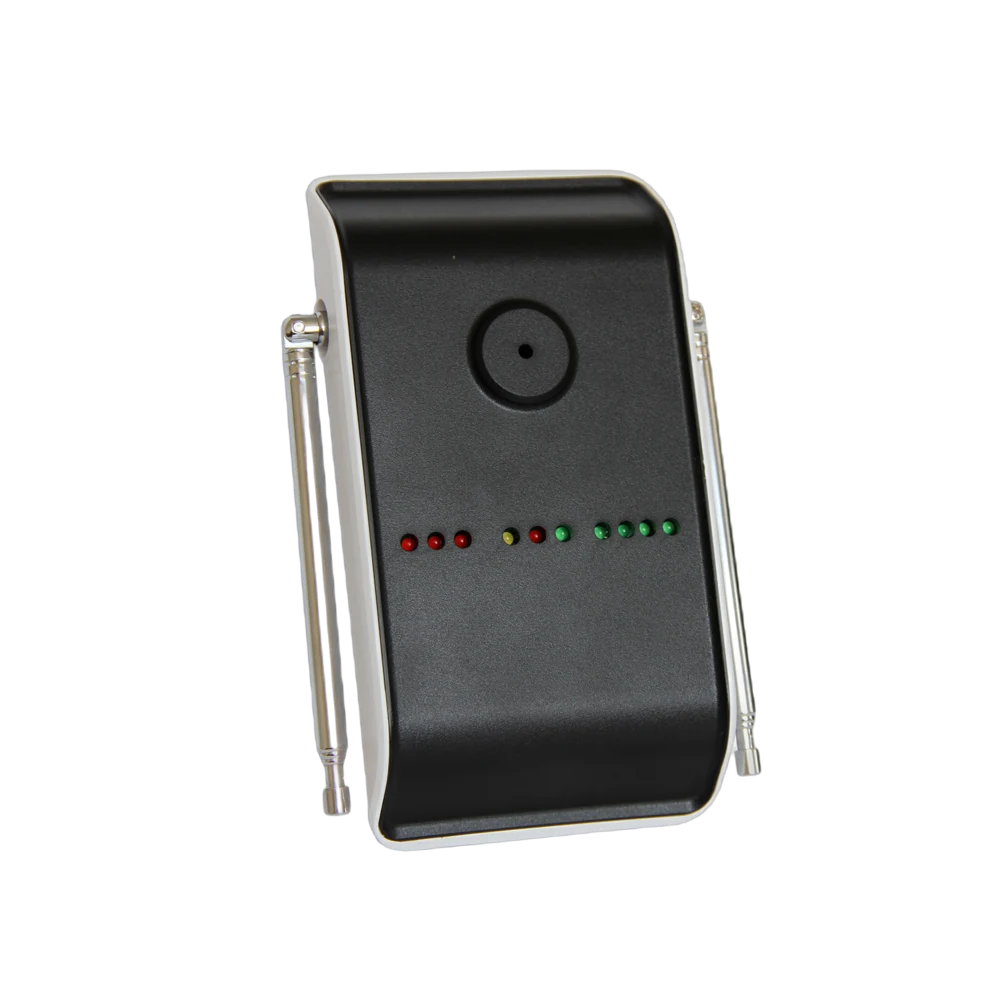
The signal from the button is sent wirelessly to the receivers chosen for your organisation.
The system is planned around the size of the venue and the layout of its areas.
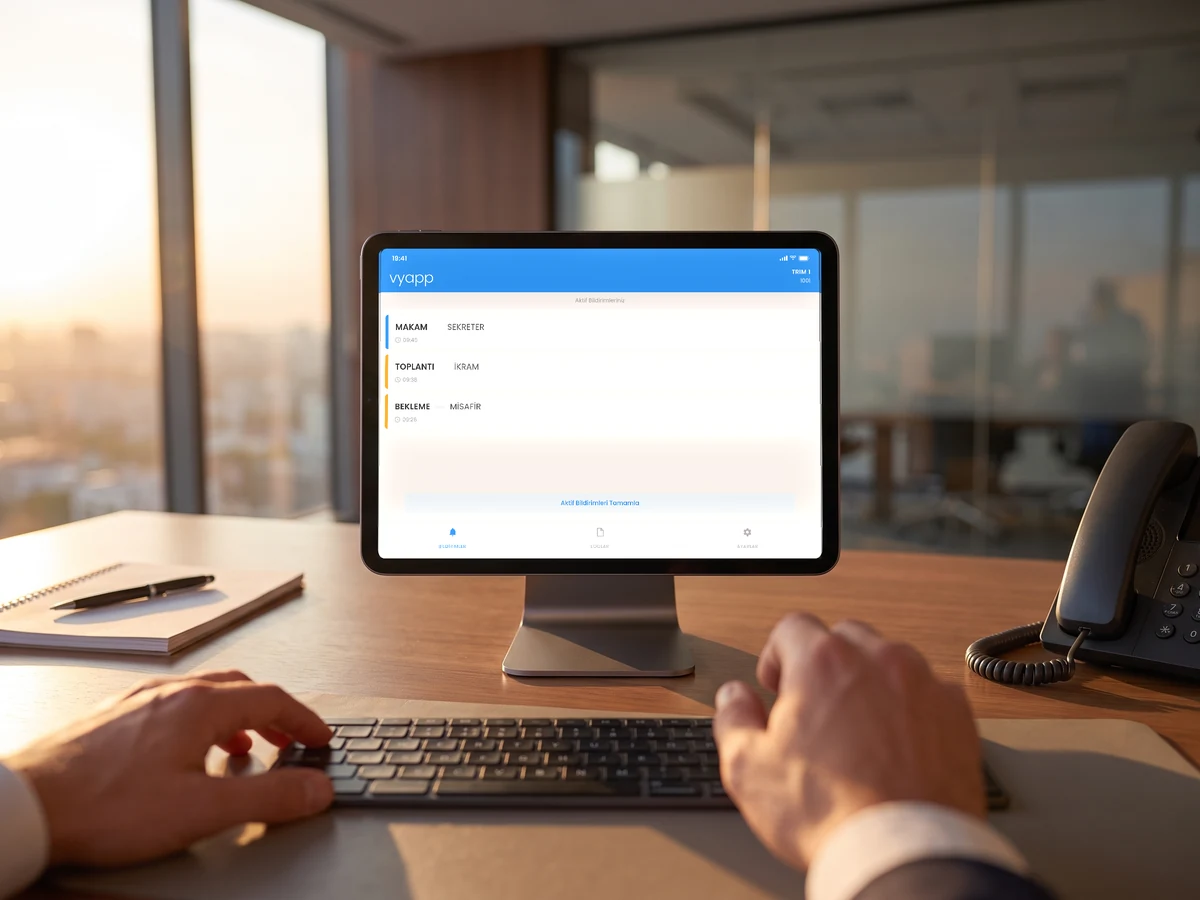
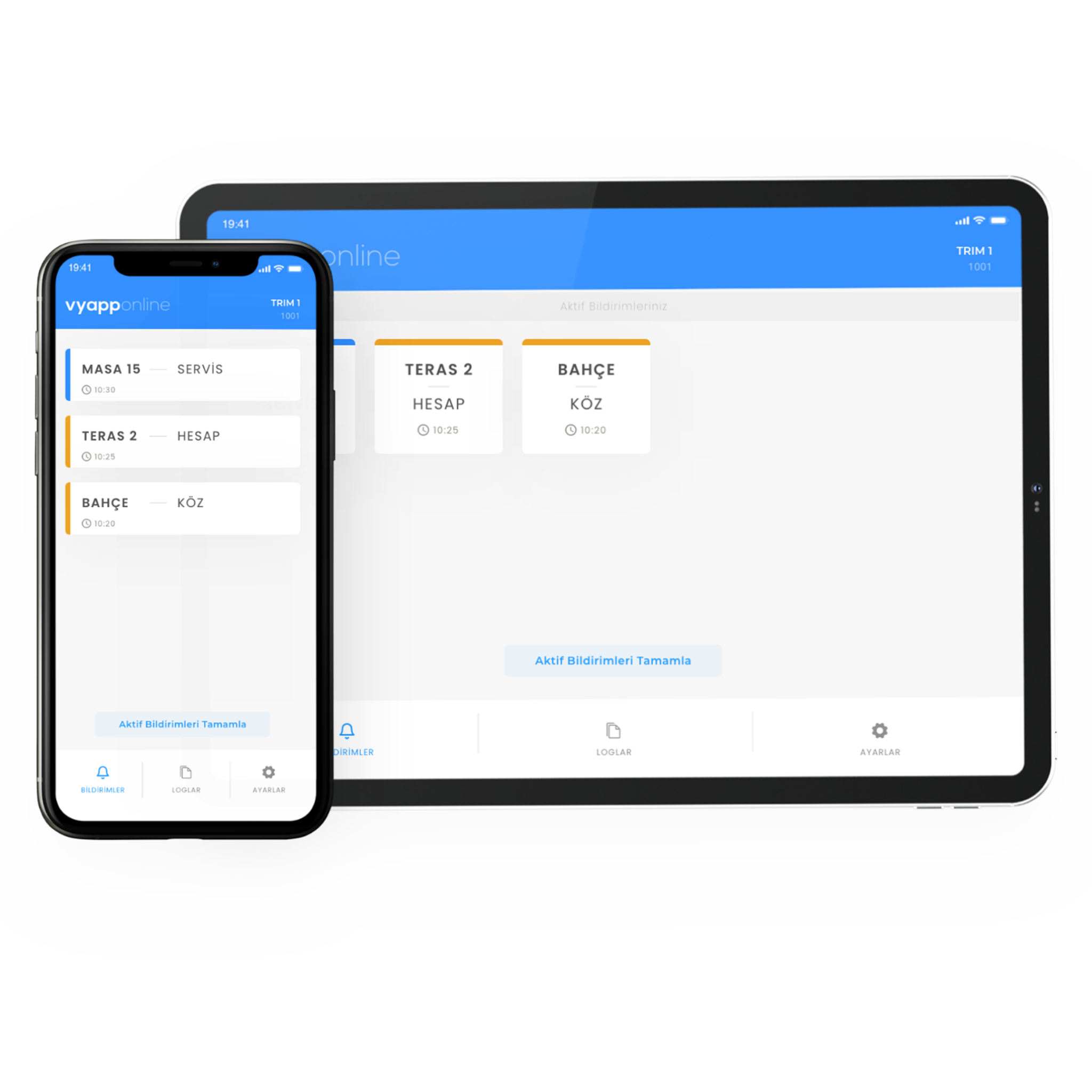
Staff see which room the call came from on the tablet at the secretary's desk and head to the right floor.
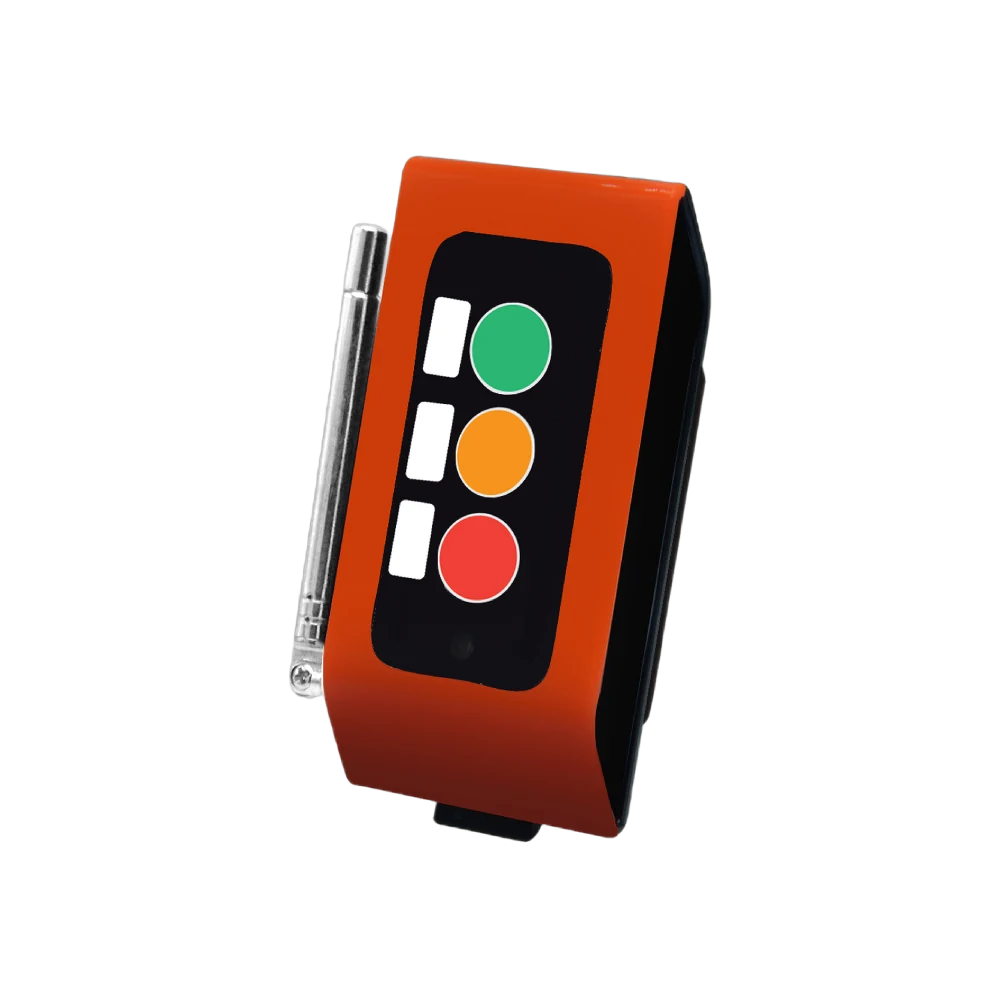
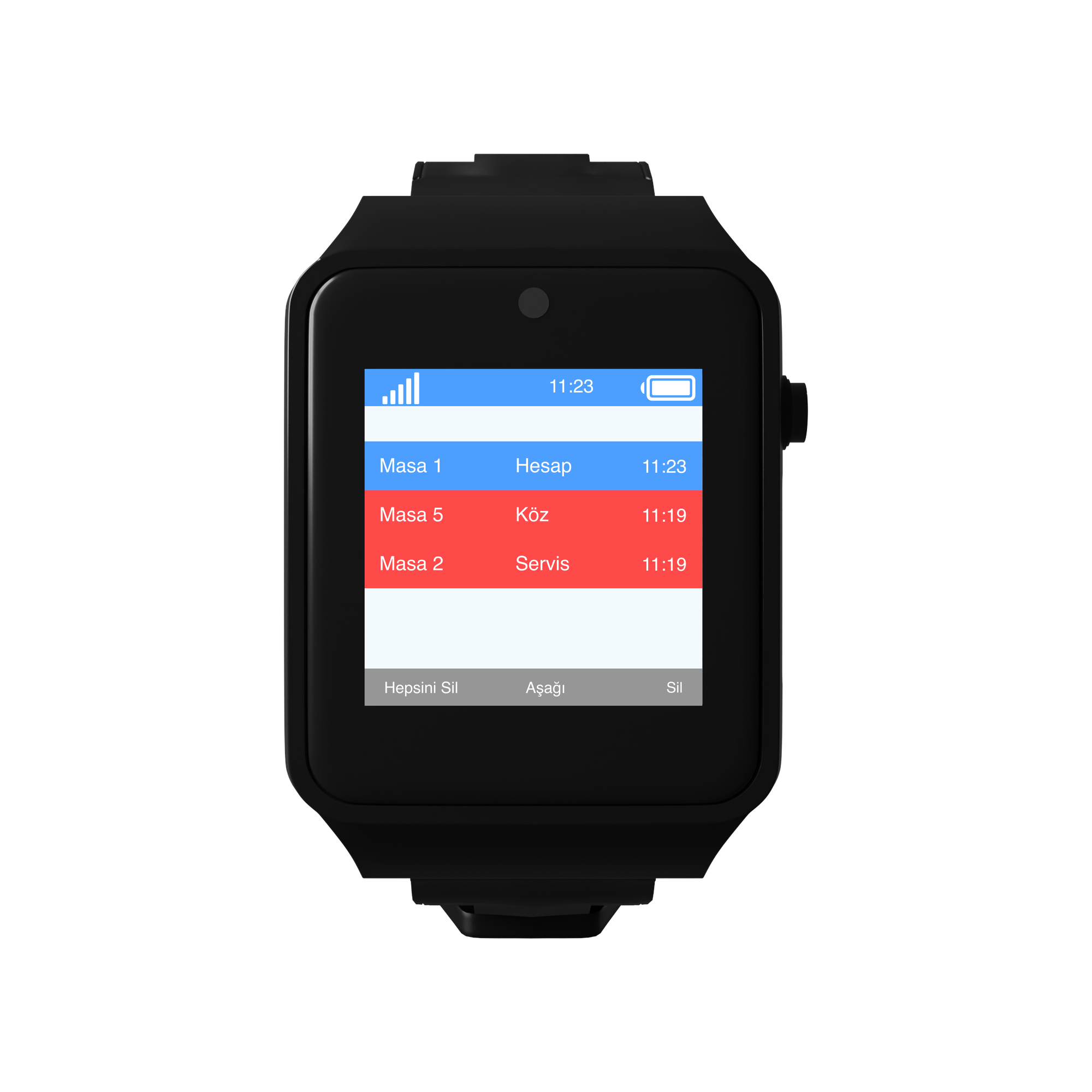
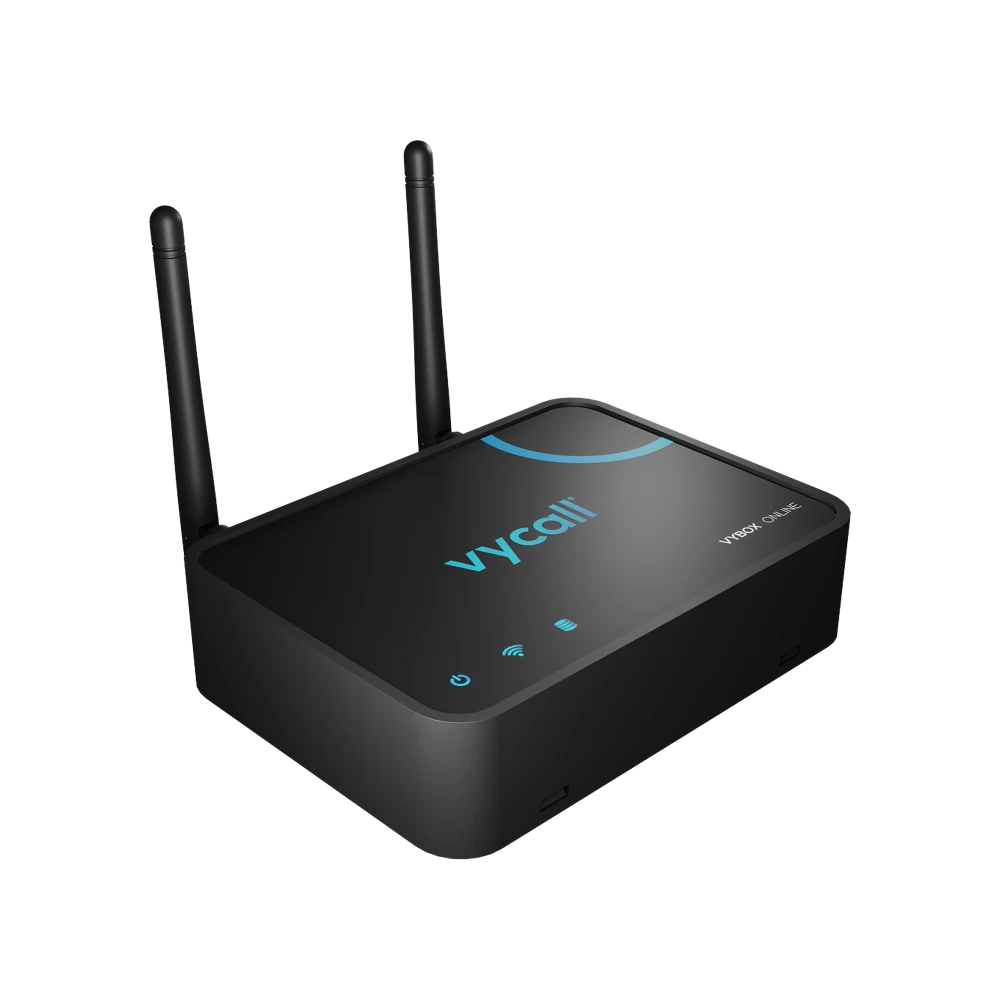
Alongside the tablet, a pager, a fixed display or Vybox can also be used as a receiver.
The same installation works in the executive office, the meeting room and the open office — tap an area on the plan and see where the call travels.
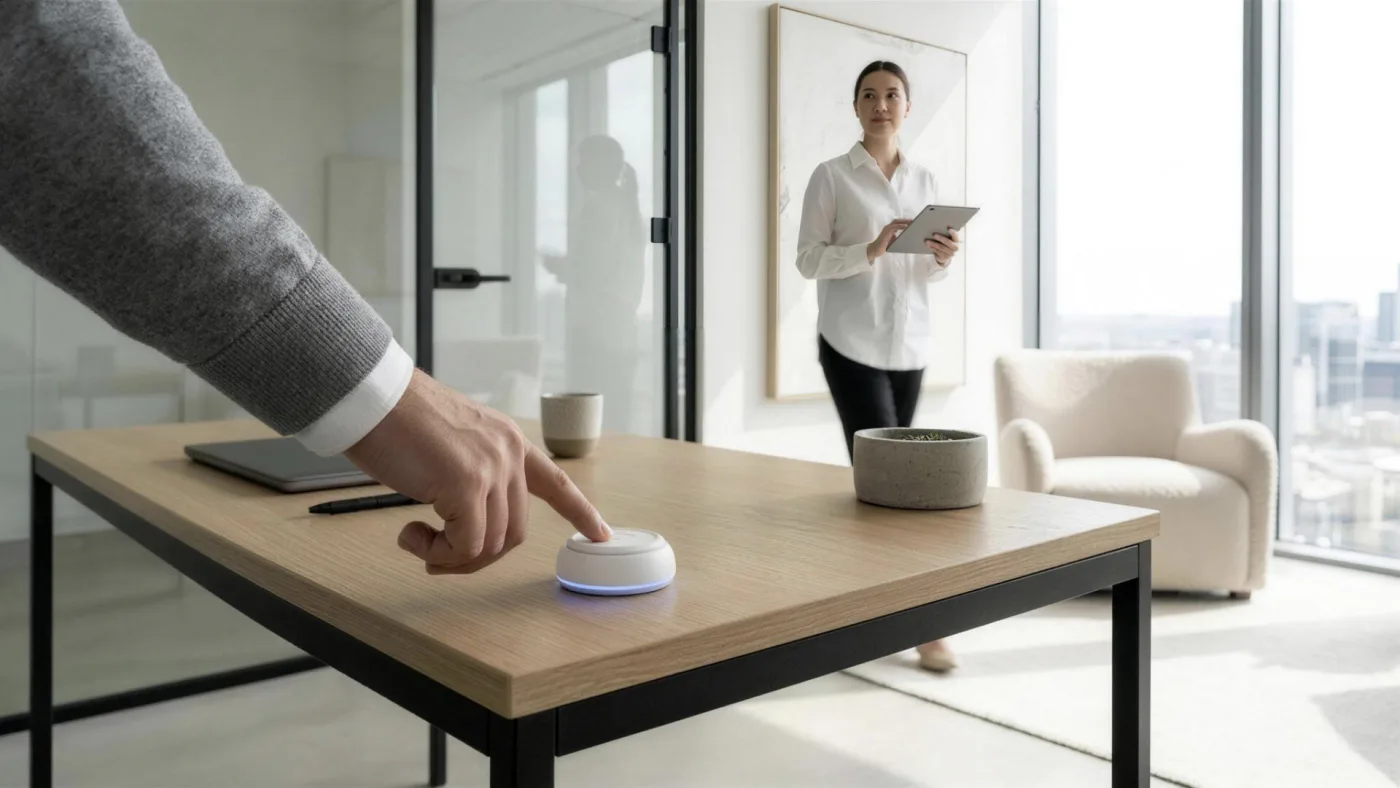
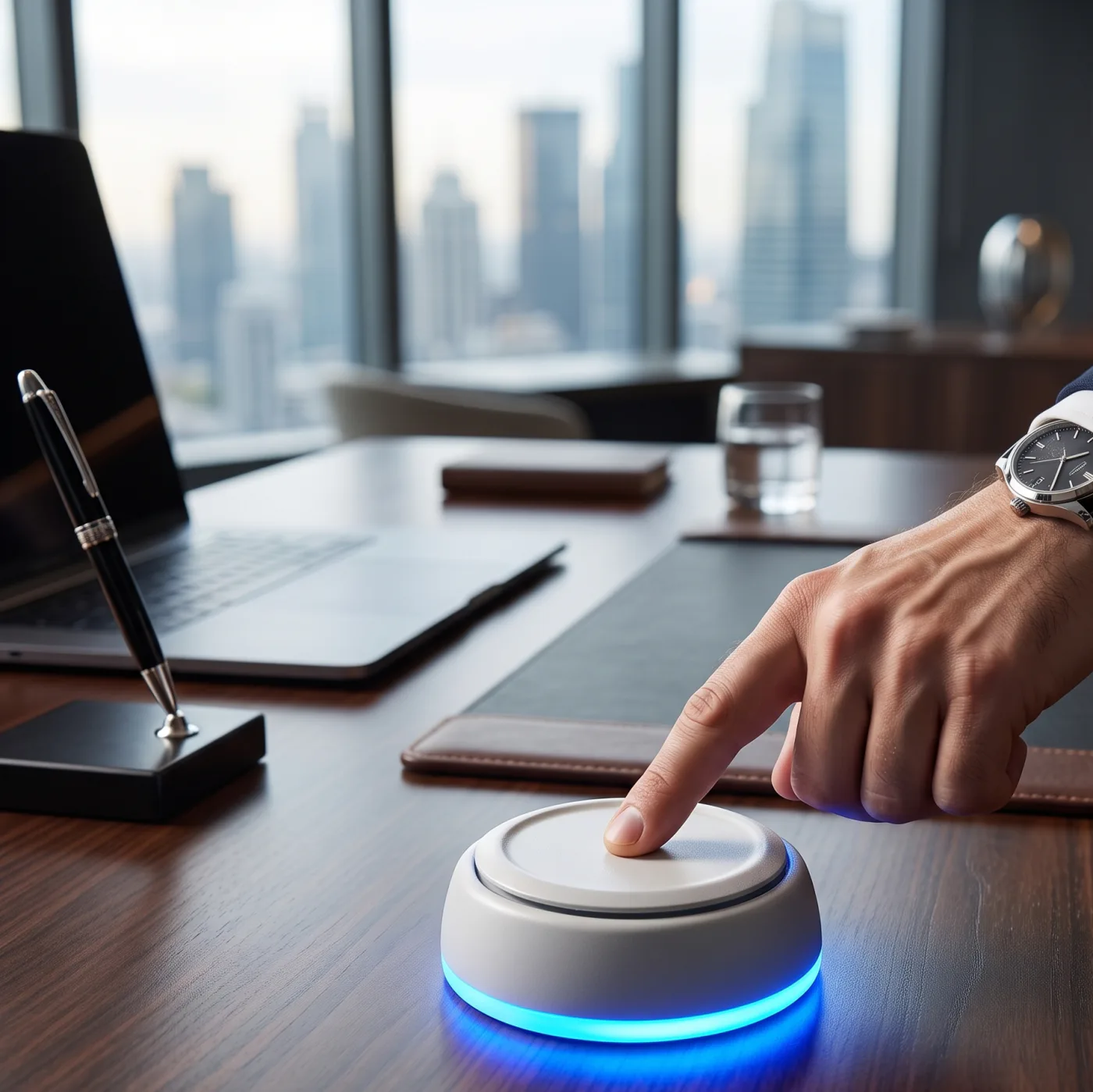
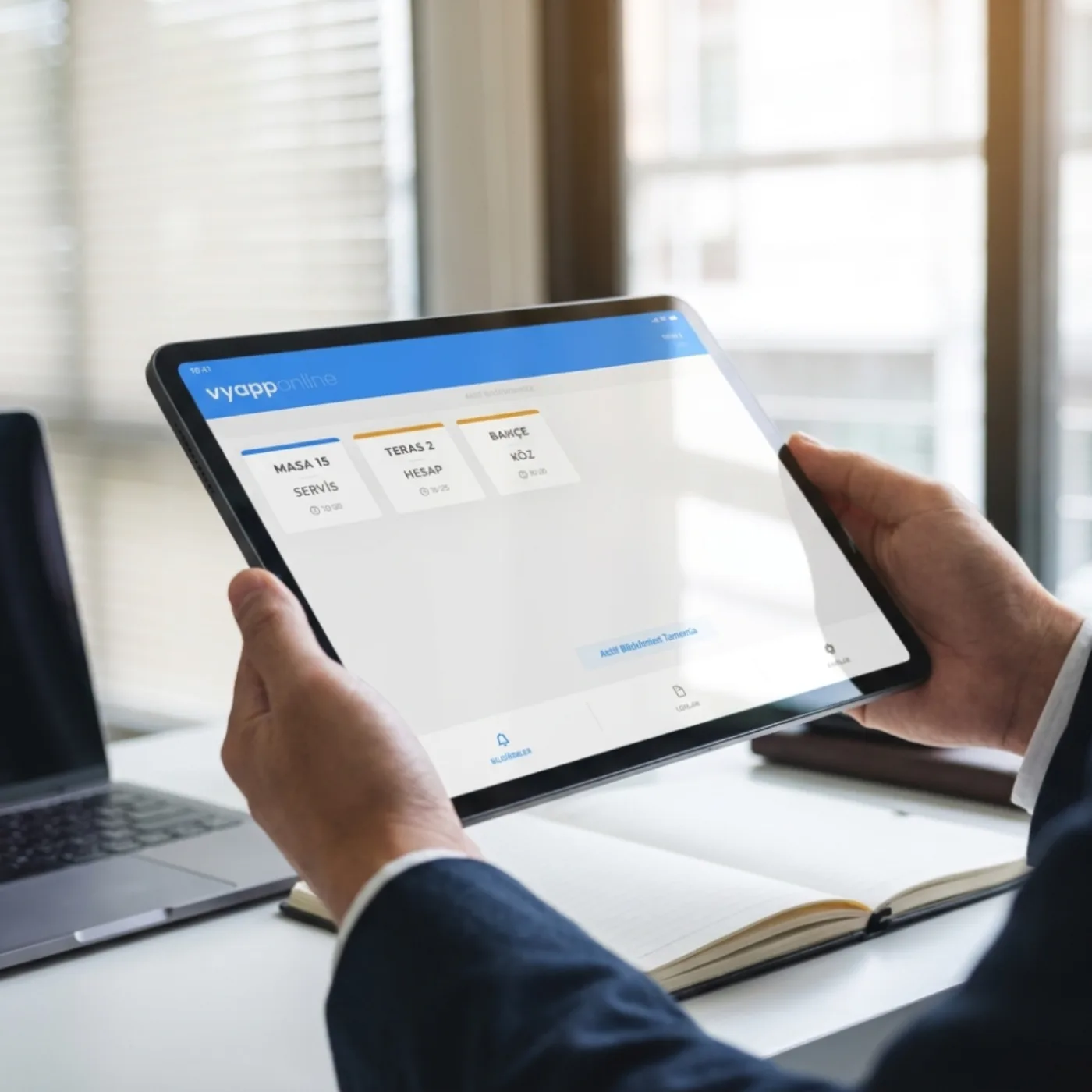
The system is not an off-the-shelf mould: call points, keys and the notification flow are set up around your business, and the buttons are produced to your corporate identity.
Two installations from the field — where the button goes, who the notification reaches.
There is a two-key button on the executive's desk: one calls the assistant, one calls the refreshment attendant. The meeting is not interrupted, the door is not opened, nobody is phoned.
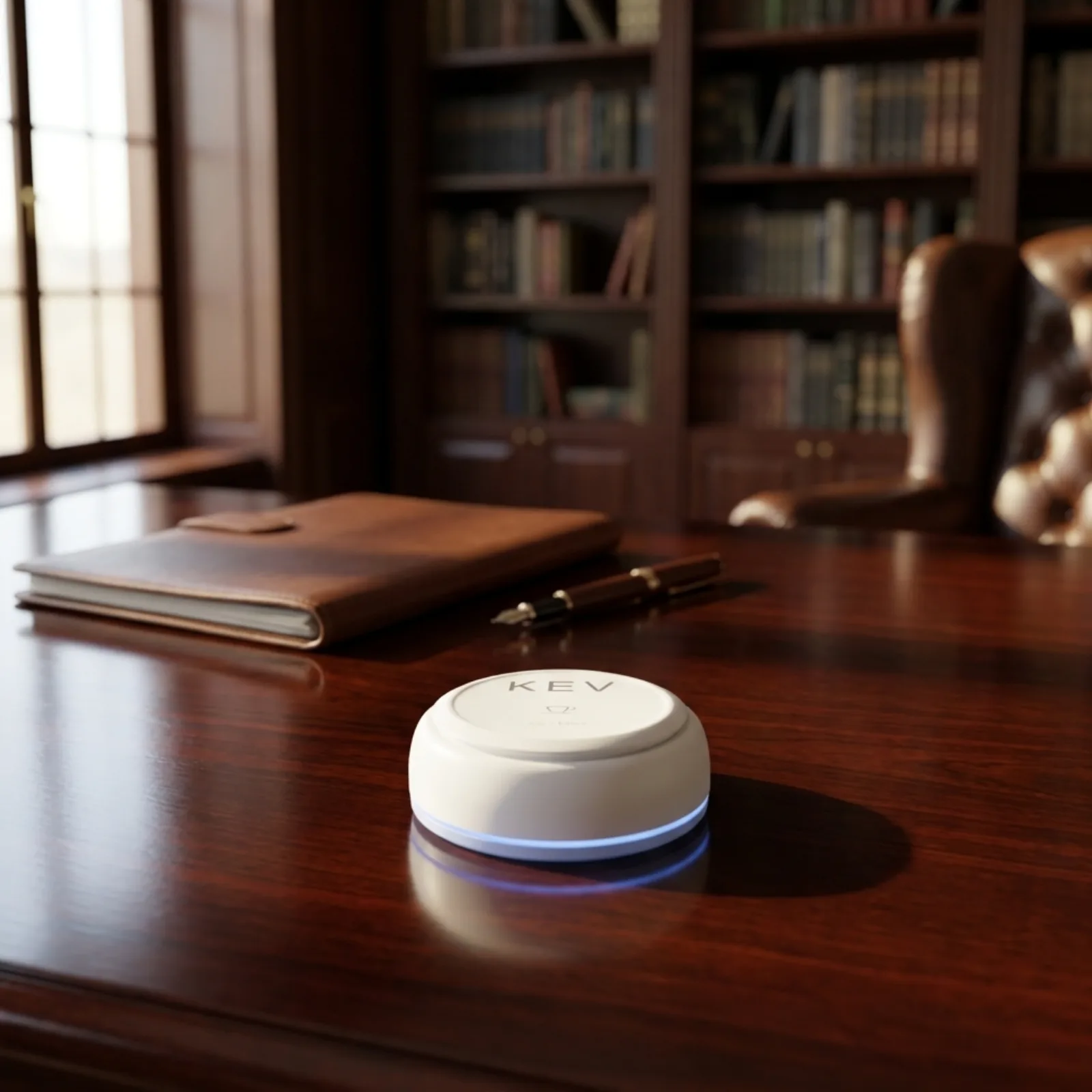
There is a button in the living room, on the terrace and by the pool. The owner does not go looking for staff and the staff do not walk the house; who called from where is written in the notification.
Our systems are planned around your needs, set up easily and supported throughout use.


The most asked questions about installation, use and technical details.
Yes, both describe the same system. Staff call bell, staff call button and executive call bell are different names for the same installation: a button placed on a desk or wall sends the call to the device of the person concerned.
A staff call bell is a practical calling solution for quick, orderly communication with staff in offices, executive floors and corporate spaces.
Being wireless, it sends a signal with one key without any cabling and the calls reach the receivers instantly.
With its professional design and dependable operation it suits executive offices and corporate environments.
Staff call bell systems install quickly and can be brought into service without disrupting the existing way of working.
Yes. Staff calls on the shop floor and at the till, and requests between the stockroom and the sales area, are all handled by the same installation; the number of buttons and the receiver type are set by the area.
With dependable wireless infrastructure, routing to the right person and a design suited to corporate use, it offers a practical, long-lasting and professional solution for executive calling.
We will respond to your request as soon as possible.
Would you rather not fill in a form?
Reach us directly — the same team answers.
Call Us Send an Email Contact UsTürkiye Office · HQ
İzmir Technology Base, Gülbahçe Mah. İçmeler Cad. No:14/1 Office B05
Bilişim Vadisi, Urla / İzmir 35433, Türkiye
MENA Office · Dubai
Level 21, Al Habtoor Business Tower
Dubai Marina, Dubai, UAE
The same system, in different businesses. Choose yours and see the installation.
A staff and executive calling system is a wireless calling solution that keeps communication quick and orderly in offices, management floors and executive areas. A staff call button sends a notification to the staff member concerned with one key; a wireless executive call button lets managers pass on requests practically and keeps the workflow moving. The same installation is also searched for as an executive call bell or a staff call bell; all three describe the same system.
The heaviest use is in public sector and corporate executive offices: in positions such as a general manager, a department director or a district governor, the private secretary or the secretariat is called with one key. Because there is no need to call through the door or pick up the phone while a meeting continues, the order of the room is not disturbed.
The system is used in office floors, executive rooms, meeting rooms, public institutions and retail stores — anywhere internal communication is heavy. Because requests are routed to the right unit, communication delays fall, task allocation becomes clear and the operation runs in better order.
Calls sent through a staff call bell or an executive call button reach the receiver screen, a pager or the management panel instantly. This keeps communication between teams fast, routes requests to the right units and makes the workflow more orderly. The wireless infrastructure needs no extra cabling and is brought into service without disrupting the existing way of working.
The management panel allows all call requests in the organisation to be viewed, routed and reported in real time. Metrics such as response times and call density can be monitored, and routing rules can be defined by area and team.
When choosing a corporate staff calling system, not only the product matters but also the technical infrastructure behind it, the support team and long-term sustainability. Vycall offers solutions developed to speed up an organisation's operational communication, strengthen coordination between departments and make the workflow more efficient.
Quick, trouble-free installation
An experienced and attentive technical support team
Instant notification and uninterrupted communication infrastructure
Durable, corporate-quality hardware
Wireless and multi-receiver models
Tracking, routing and reporting with a management panel
Wireless corporate calling solutions make communication easier in modern workplaces with quick installation, flexible use and a stable signal. They need no cabling or infrastructure and, being portable and modular, can be extended as the organisation grows.
When staff can reach the team they need the moment they need it, the workload lightens, communication errors fall and the working environment becomes more orderly. The devices can be customised to the organisation's identity: a logo and wording are printed on the button surface and the key functions are configured by department.
We will respond to your request as soon as possible.
Talebiniz alındı
Ekibimiz en kısa sürede size dönecek. Teşekkür ederiz.