




 Waiter Calling System
 Staff & Executive Calling System
 Self-Service Customer Calling System
 Factory Personnel Calling System
 Disabled Help Calling System
 Yacht Crew Calling System
 Buggy Vehicle Calling System
 Nurse Calling System
 Self-Service Customer Calling SystemSound, light and vibration tell the customer their order is ready.
Solutions
 VyTag Electronic Shelf LabelsOverview · products and solutions
Products
 All Shelf Labels
 Standard Shelf Labels
 Water-Resistant Shelf Labels
 Freezer Shelf Labels
 Information Displays
 Gateway & Software
 Accessories
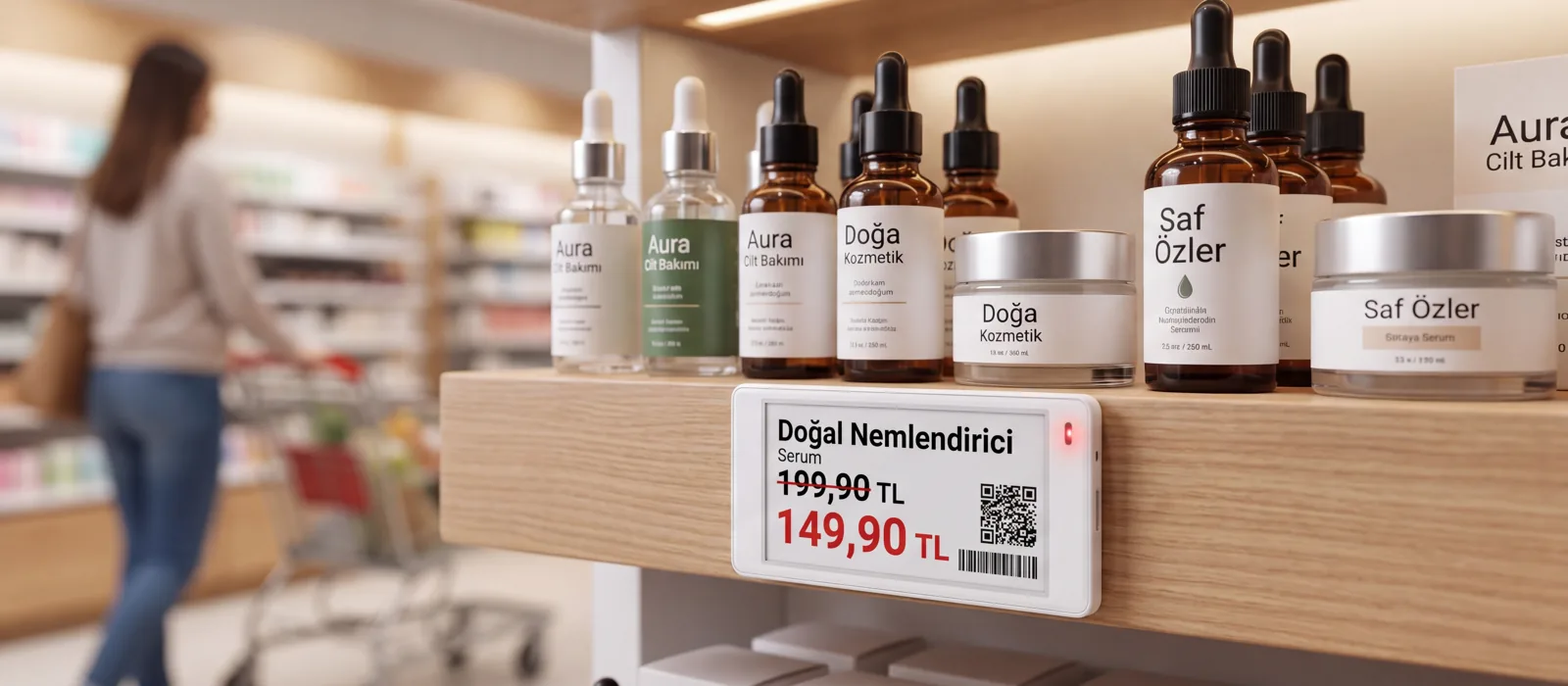
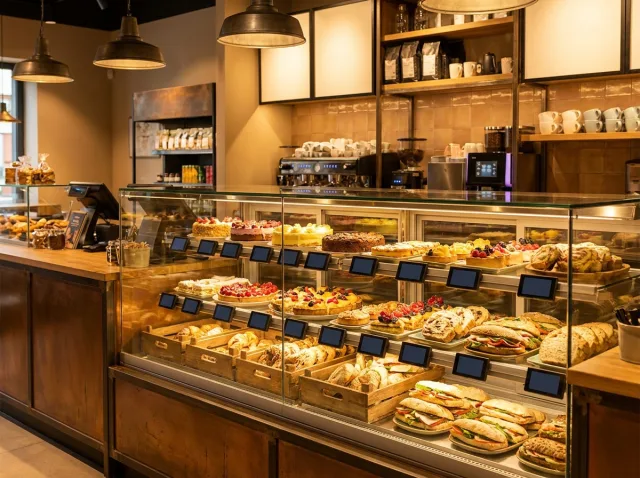
Price changes in a single actionWhen the new price list arrives, don’t change thousands of labels by hand. A single gateway manages 3,000 labels across 300 m²; installation and support from Türkiye.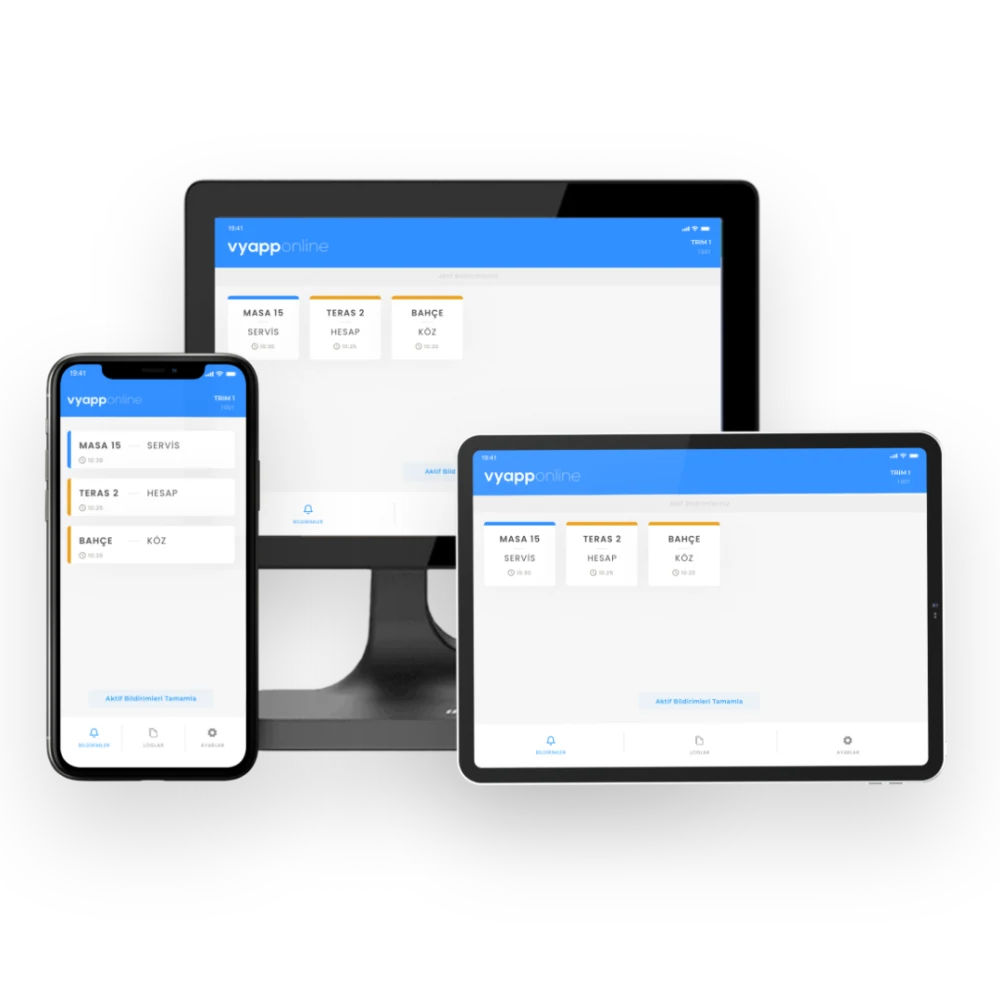
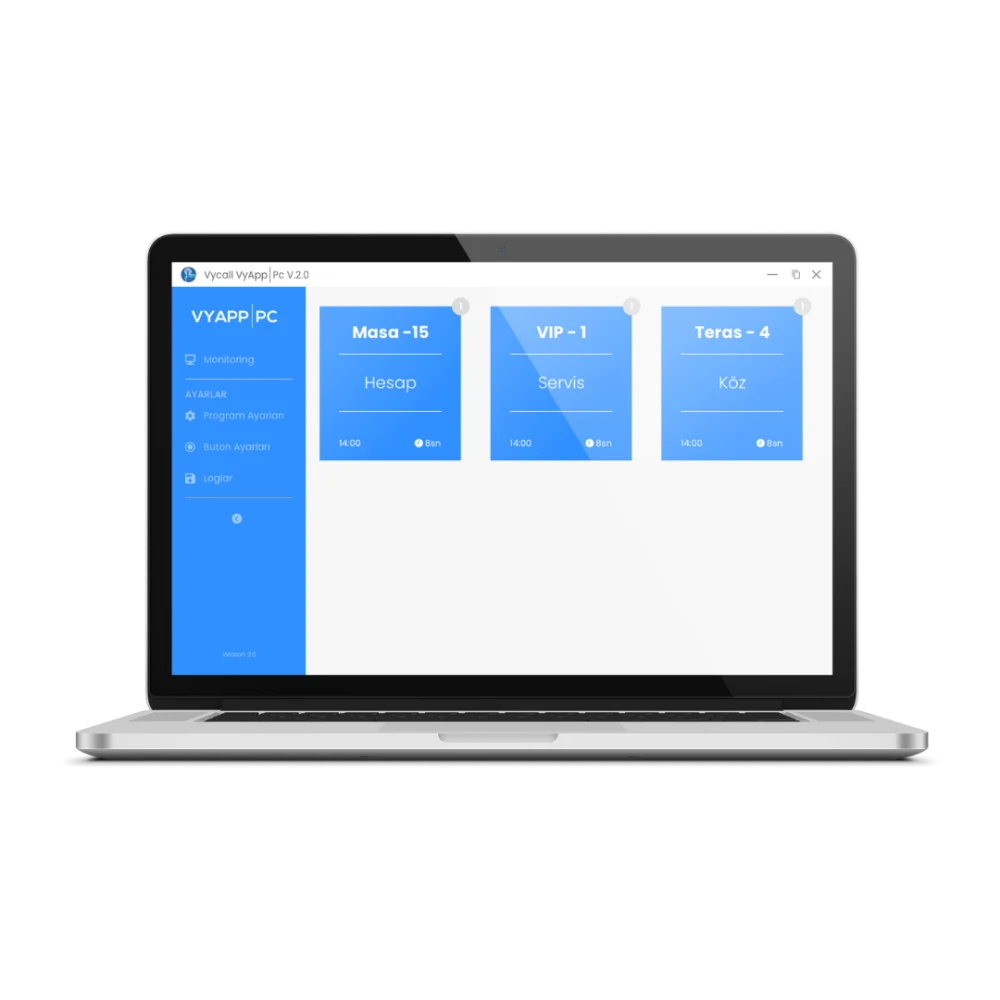
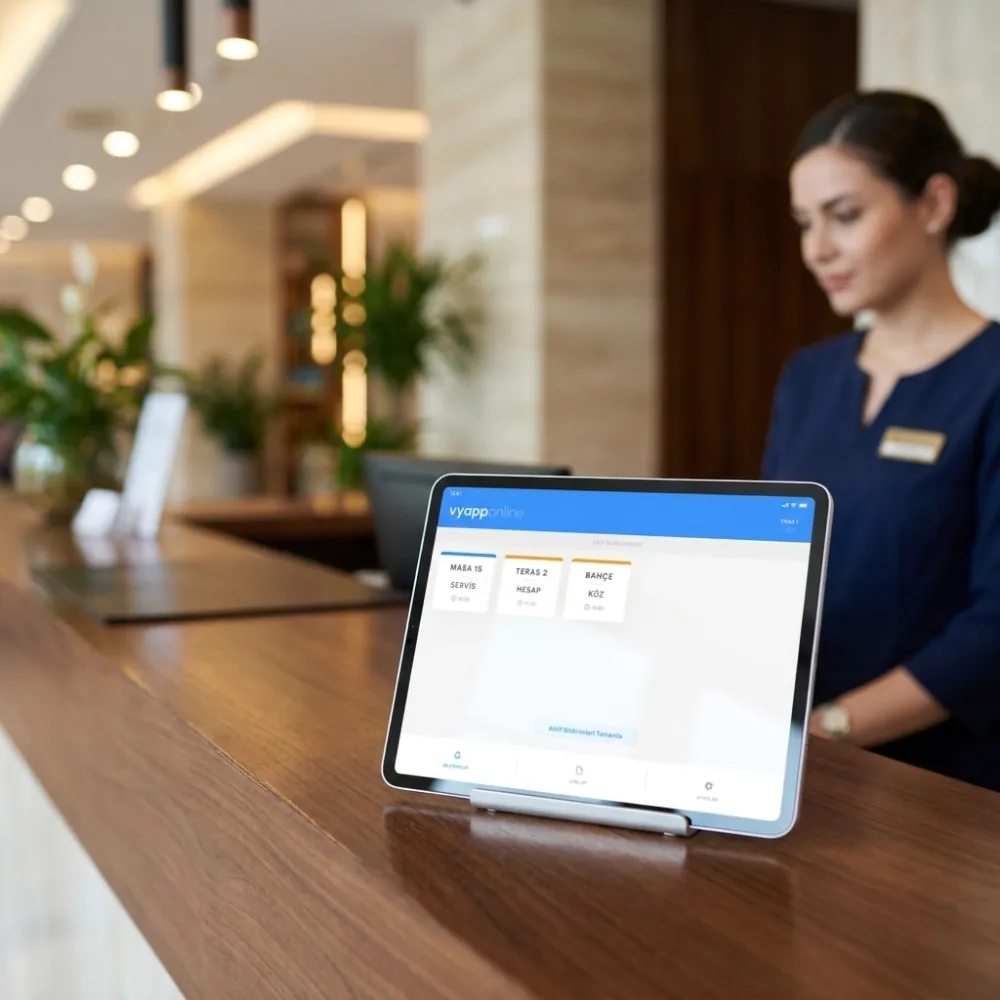
At reception, in the kitchen, in a pocket
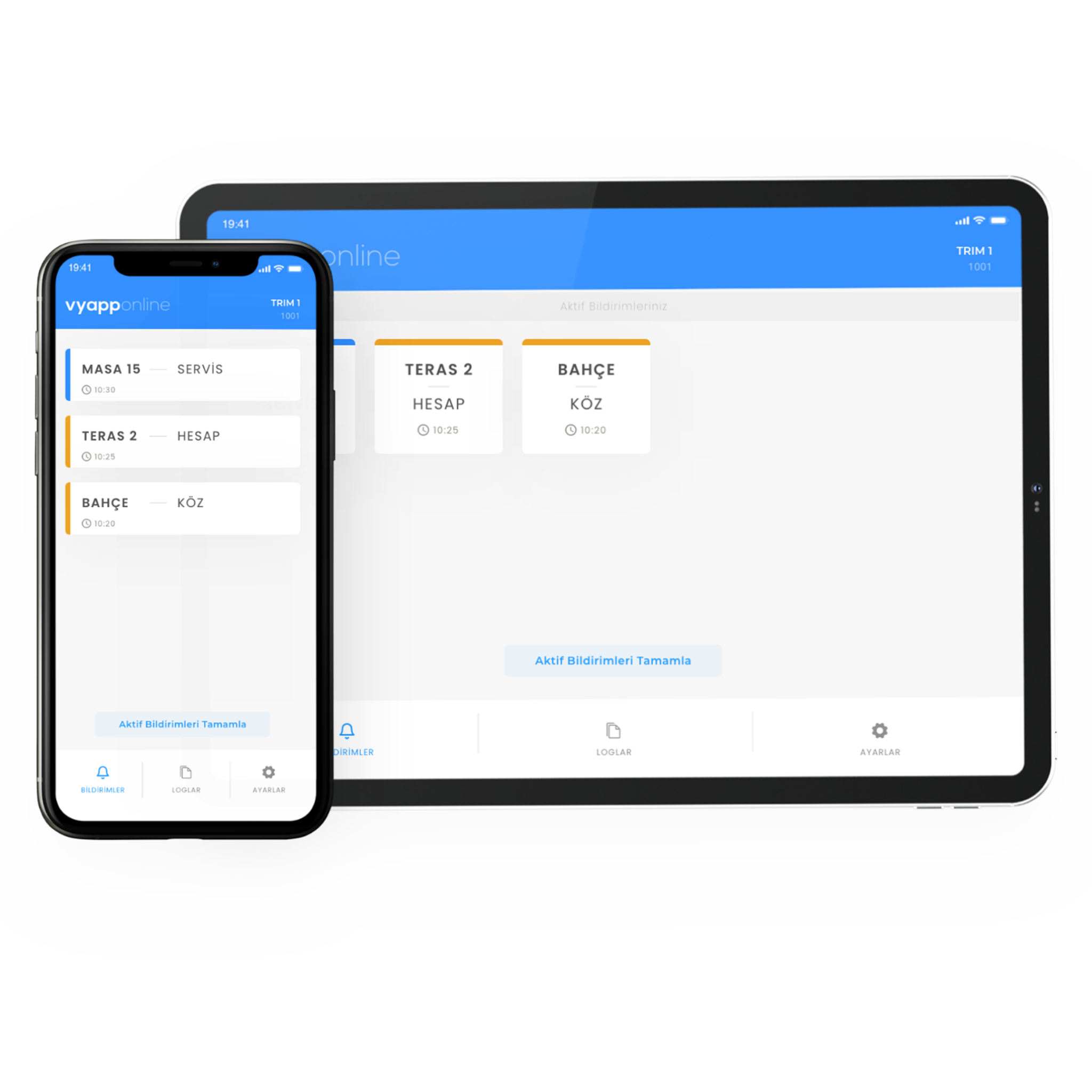
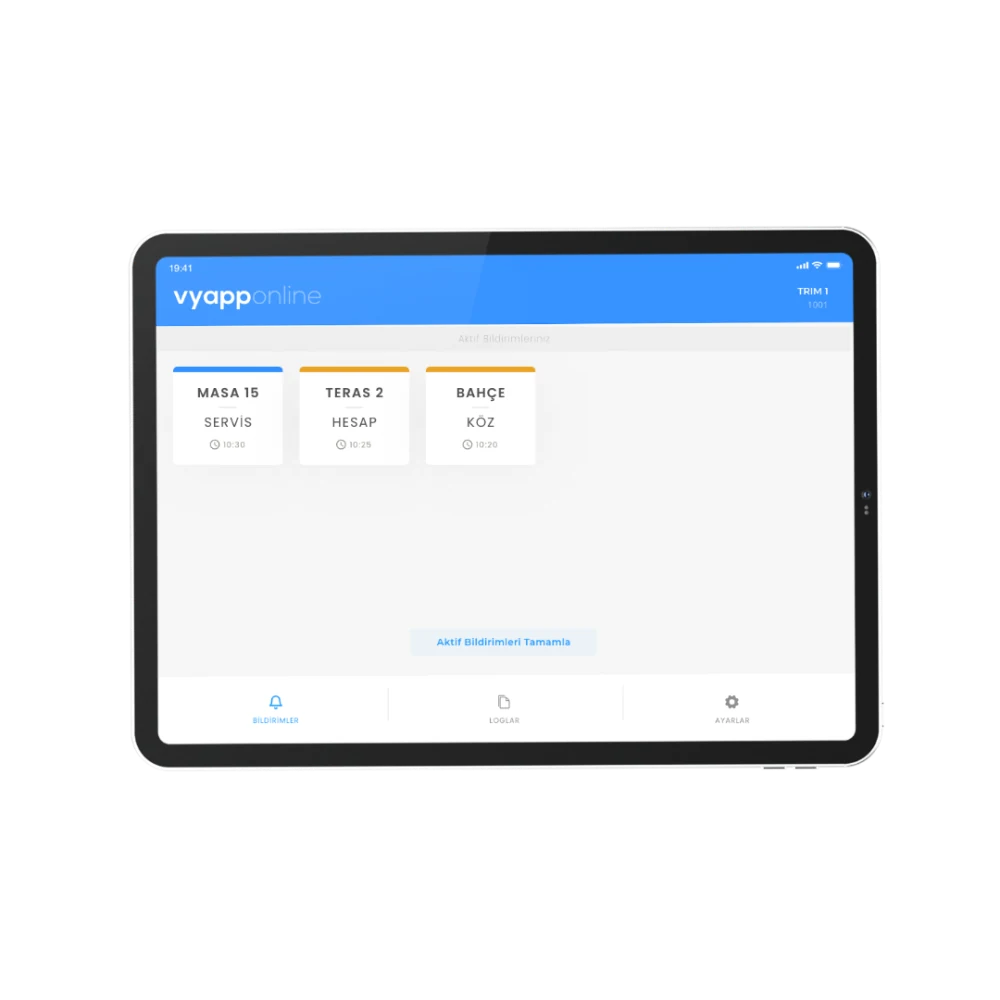
Calls land on the phone, the tablet and the web panel at the same time. Even when the shift changes, no call is stuck on one device.
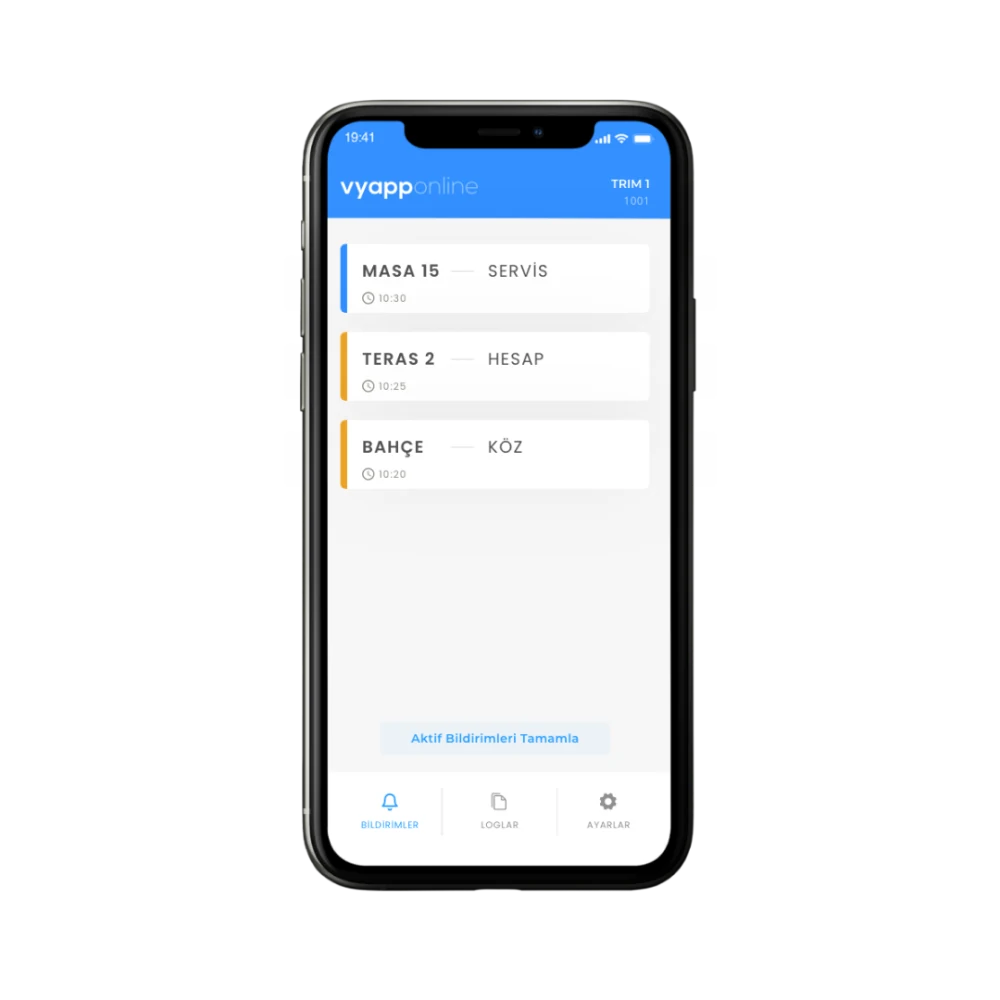
What You See on the Phone
How the Call Reaches the Phone
It arrives as a notification on the phone the moment it is made, and leaves the list once someone responds.
- Instant push notification
- A live call feed
- Sound mode, reminders and silent mode
- The button name appears in the call — keys can be named

How the System Is Set Up
The whole system at a glance, from button to phone.
The diagram shows three things at once: VyApp Smart Call works with RF buttons as well as QR and virtual buttons · the VyApp Smart Gateway sits at the centre of the system · the output goes two ways, to the mobile app and to the management panel on the web.
The Two Parts That Make the System
The gateway that carries the call to the cloud and the panel that manages it — both part of the same installation.
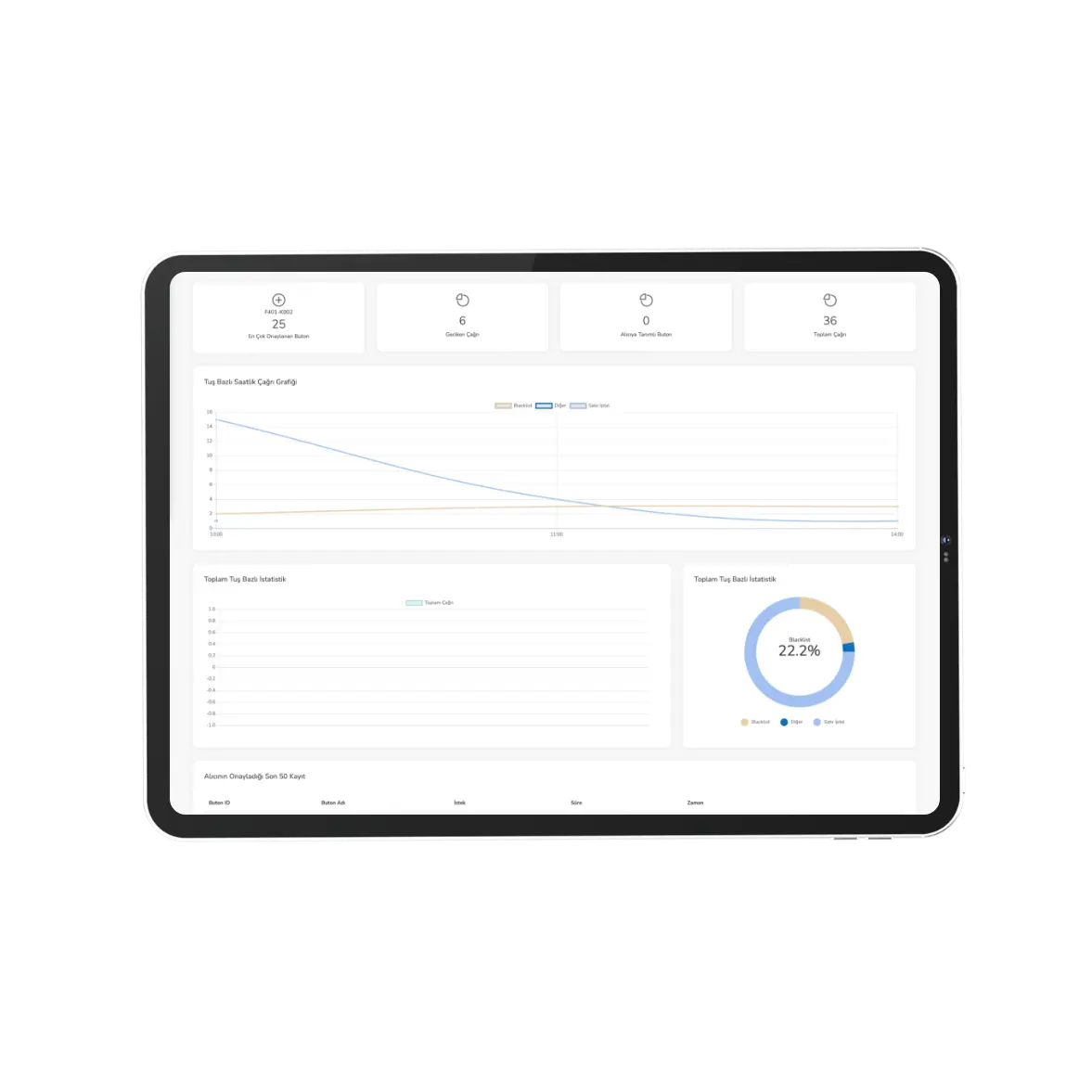
Management Panel
You manage who the call goes to, who responded and how long it took, from the browser.
- Registering buttons and naming keys
- Notification scenarios and sound modes
- Call history and detailed logging
- Two different view modes
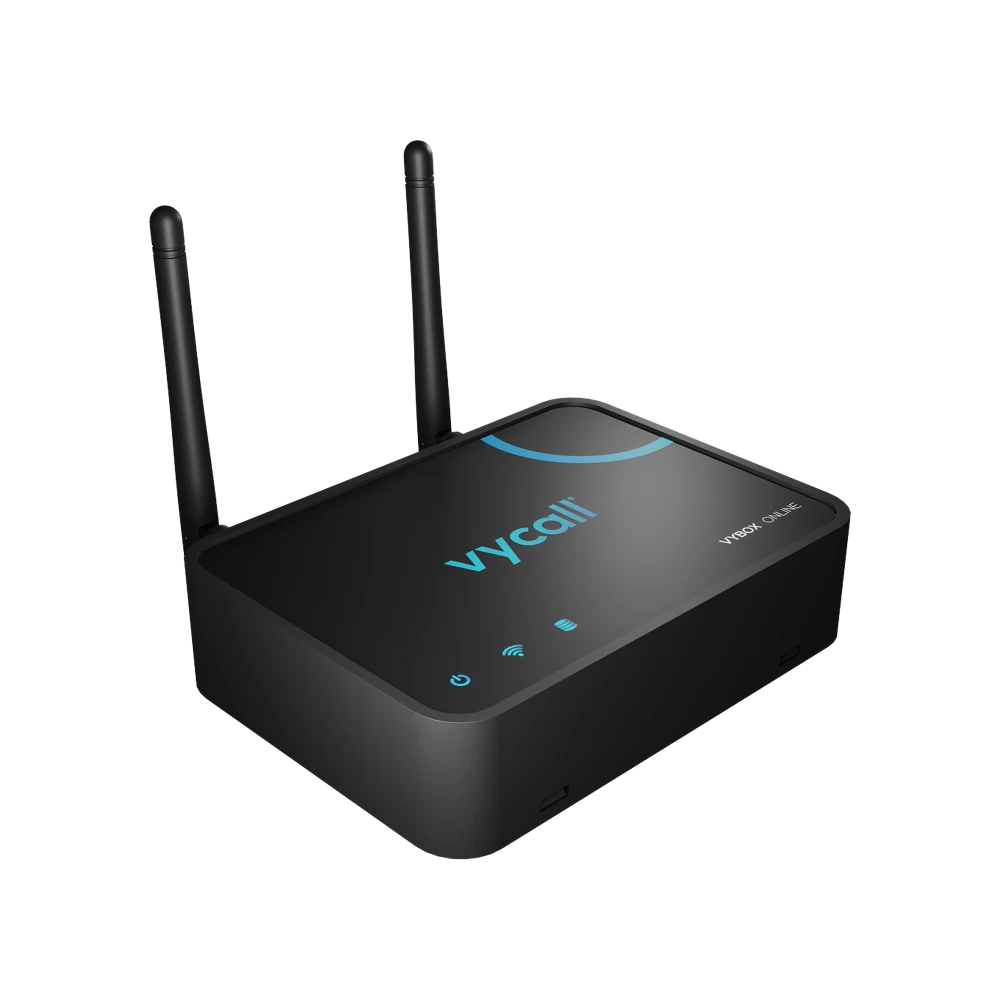
VyApp Smart Gateway
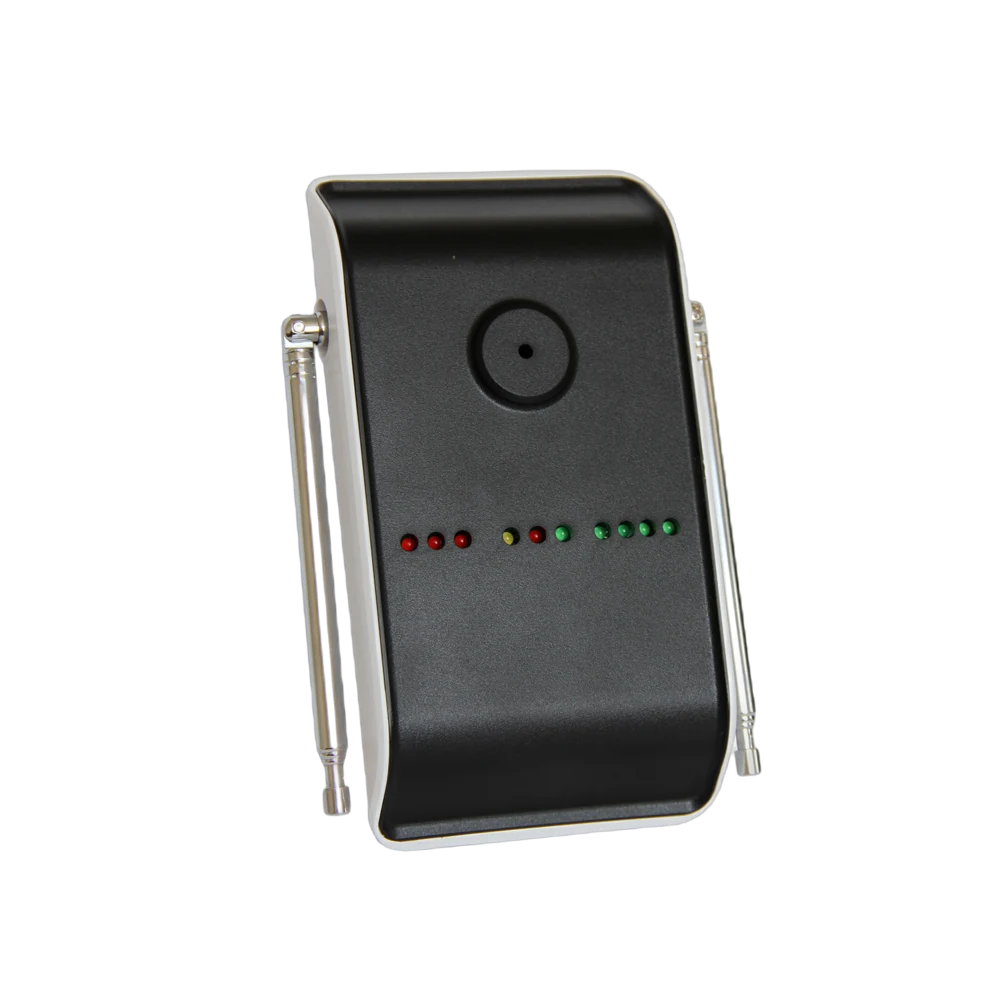
It carries the 433 MHz call from the buttons to the cloud over Wi-Fi or Ethernet, and from there the call becomes an instant notification on the phone. Vayotek runs the server — no server is installed on site. The quantity and layout are settled at the site survey, based on the size of the area and the number of buttons.
- RF reception range of up to 300 m in open areas
- Connects over Wi-Fi (2.4 GHz) or RJ45 Ethernet
- Three status LEDs: power · network · server connection
- DC 5V USB power — no battery, it runs continuously
- Configured from the web interface
- The quantity follows the area to be covered
Which Buttons It Works With
Alongside physical call buttons, QR and virtual buttons also work with VyApp Smart Call.
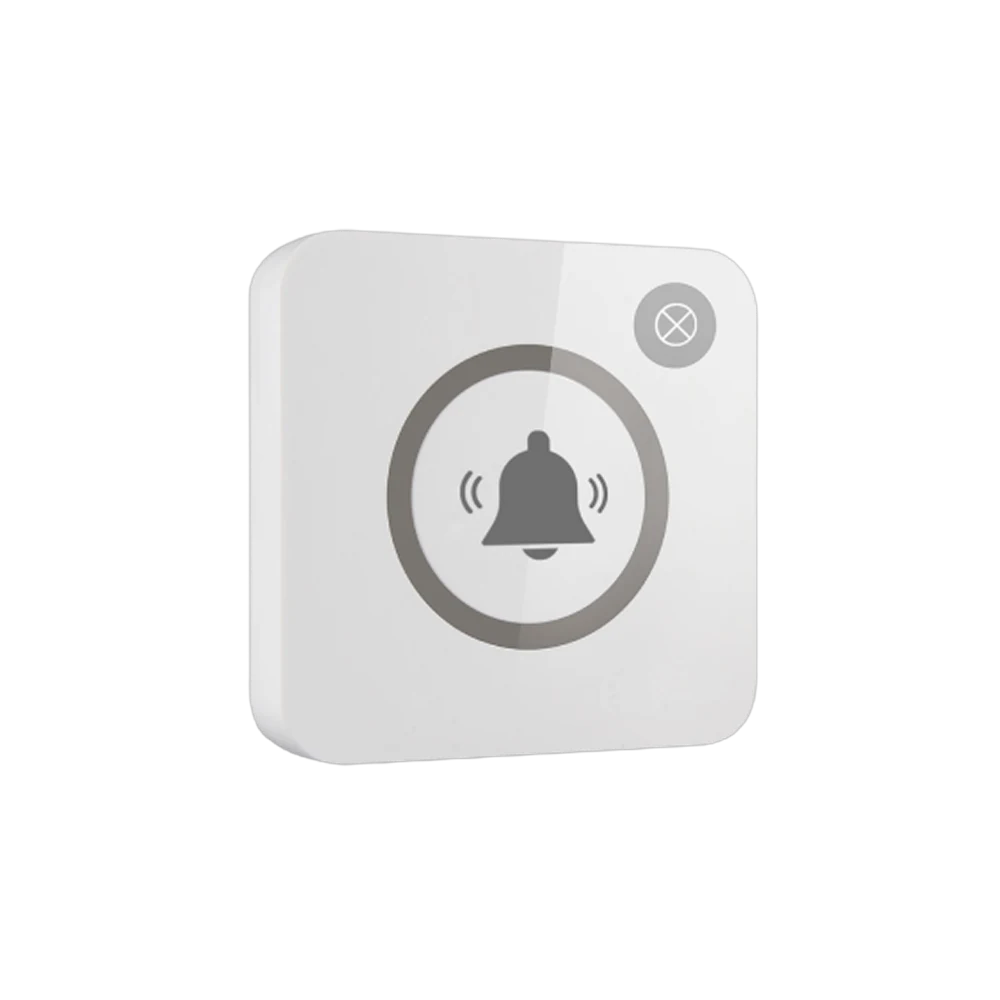
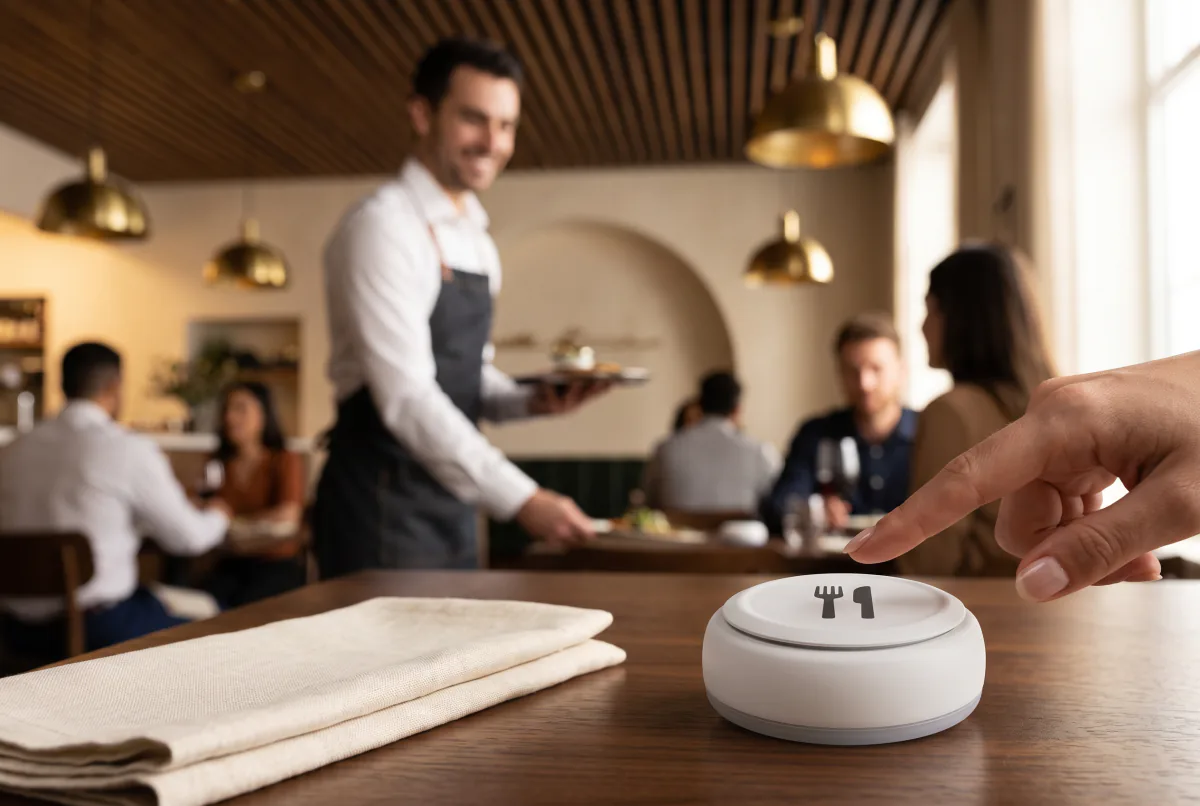
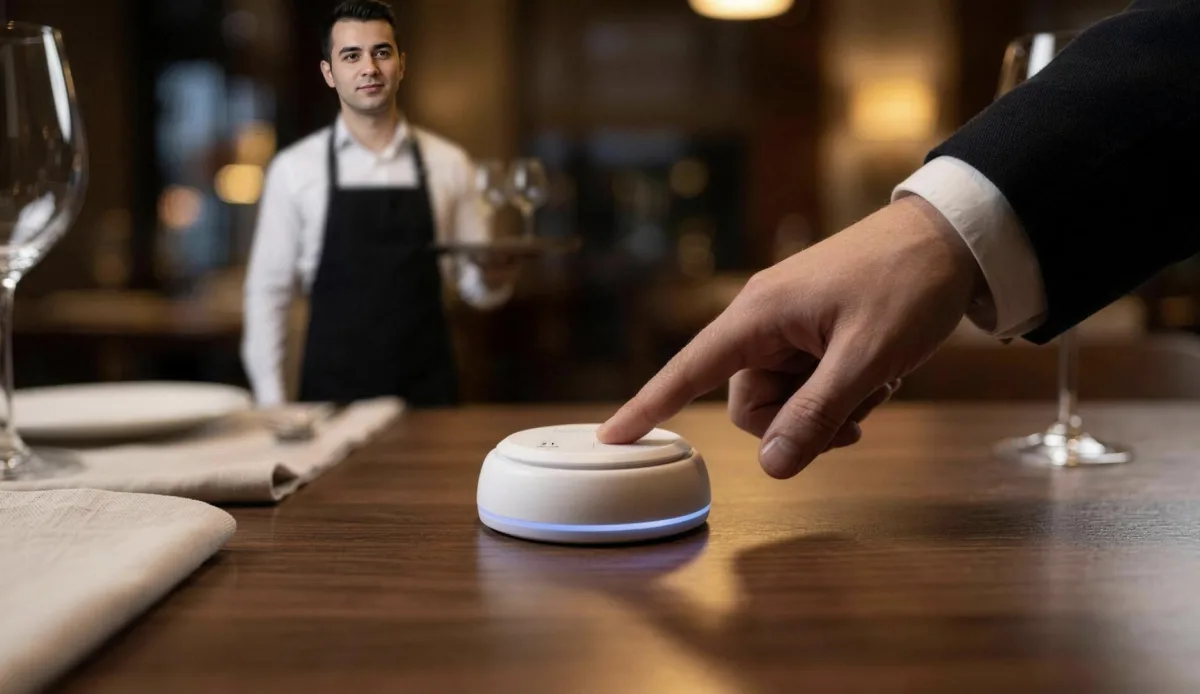 Premium ButtonsThe button a guest presses on the table — printed with your logo
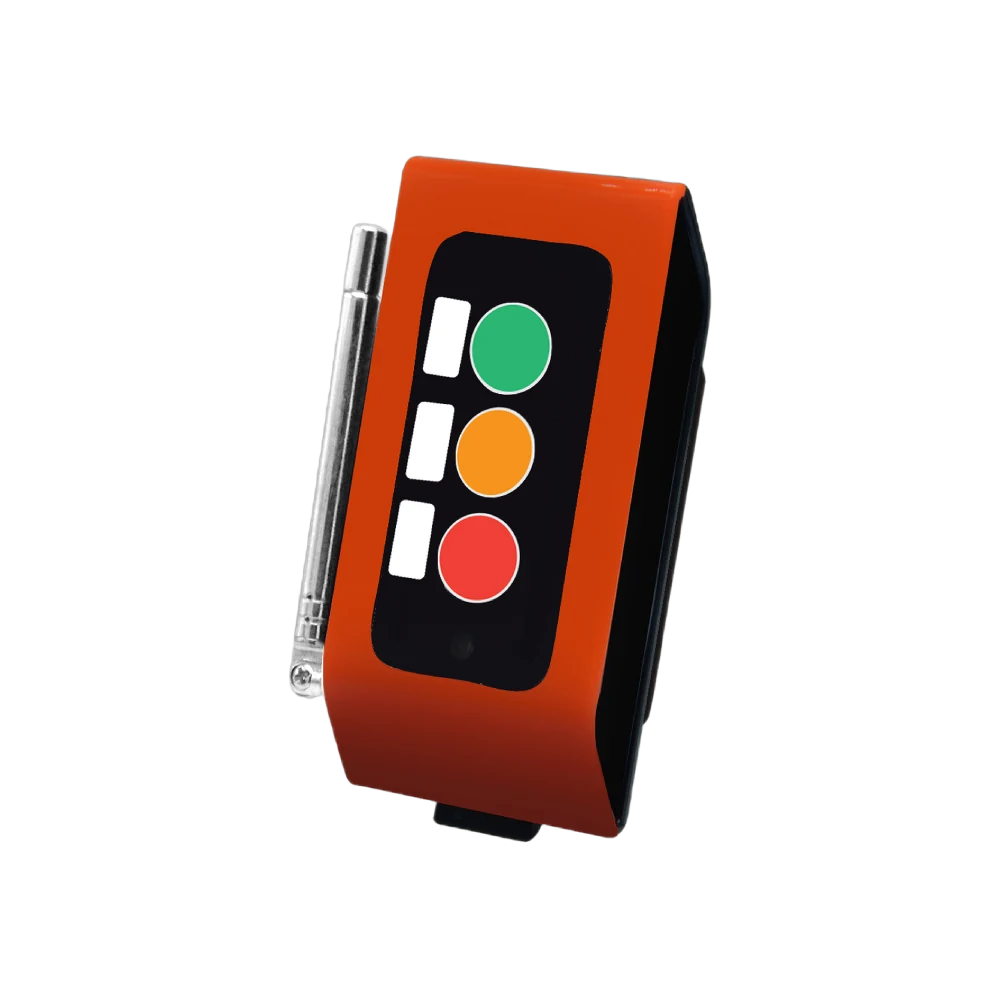
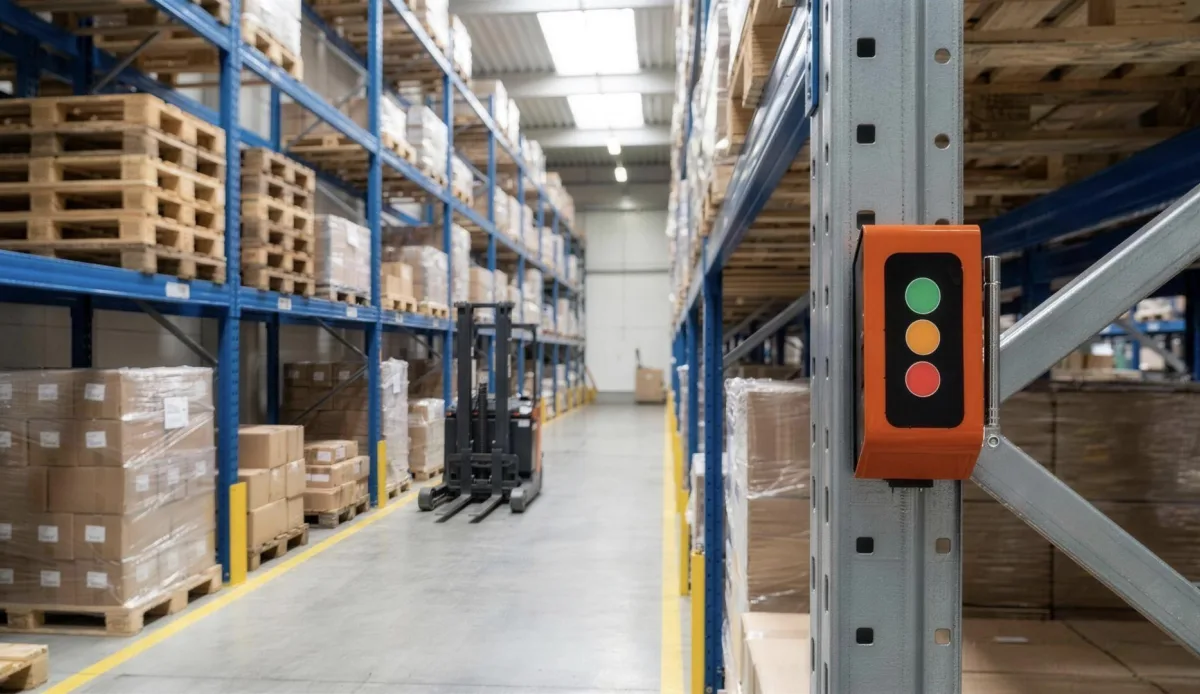 Industrial ButtonsSends three separate calls from one button on the line and in the warehouse
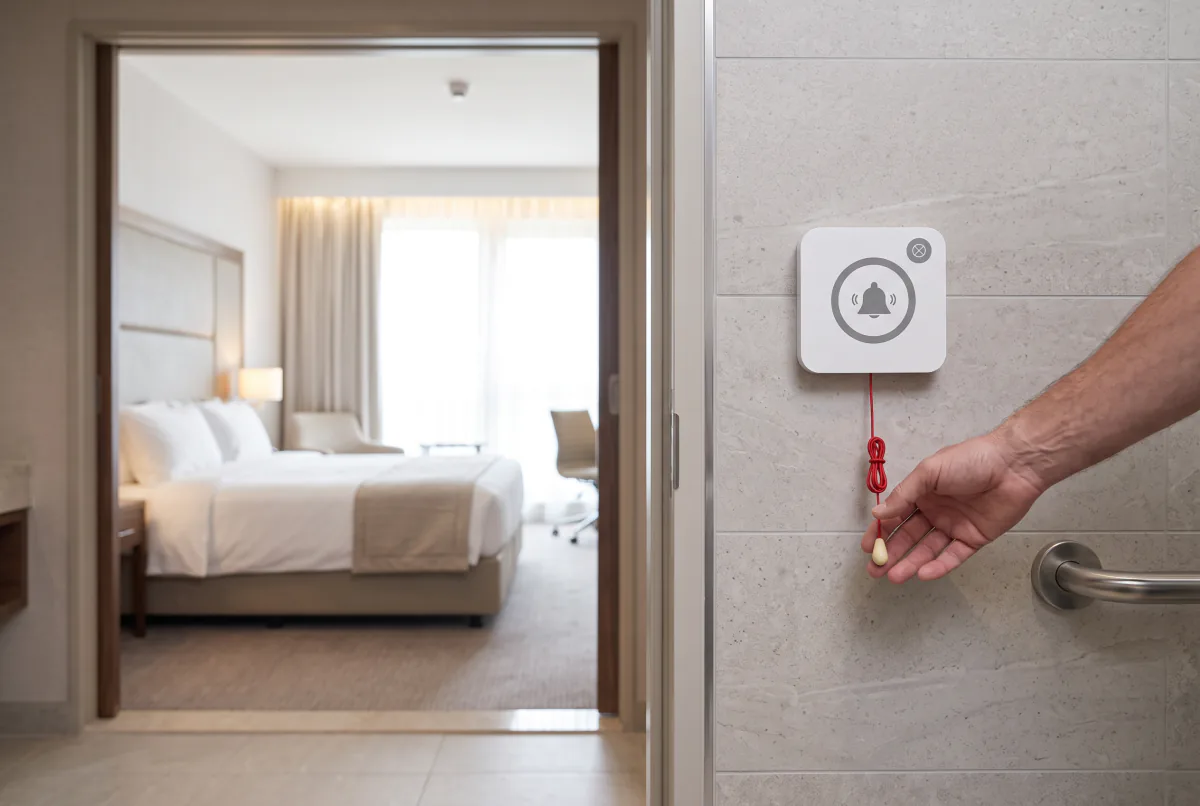
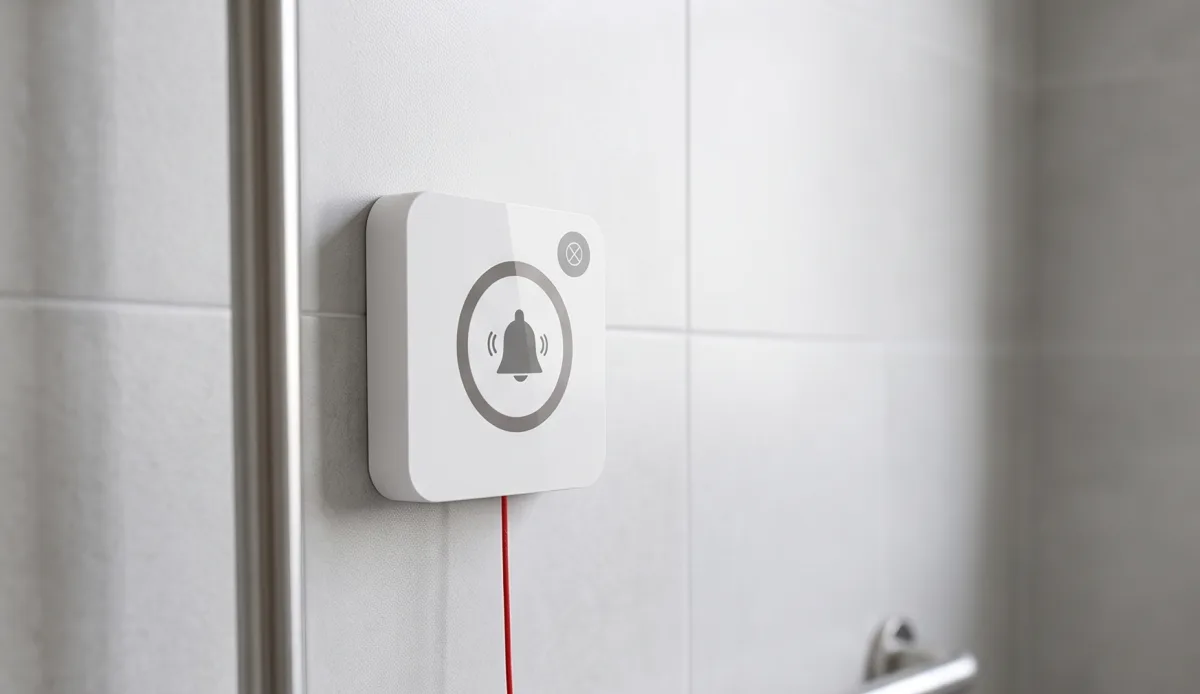 Help ButtonsPull-cord and single-key help calls in accessible areas
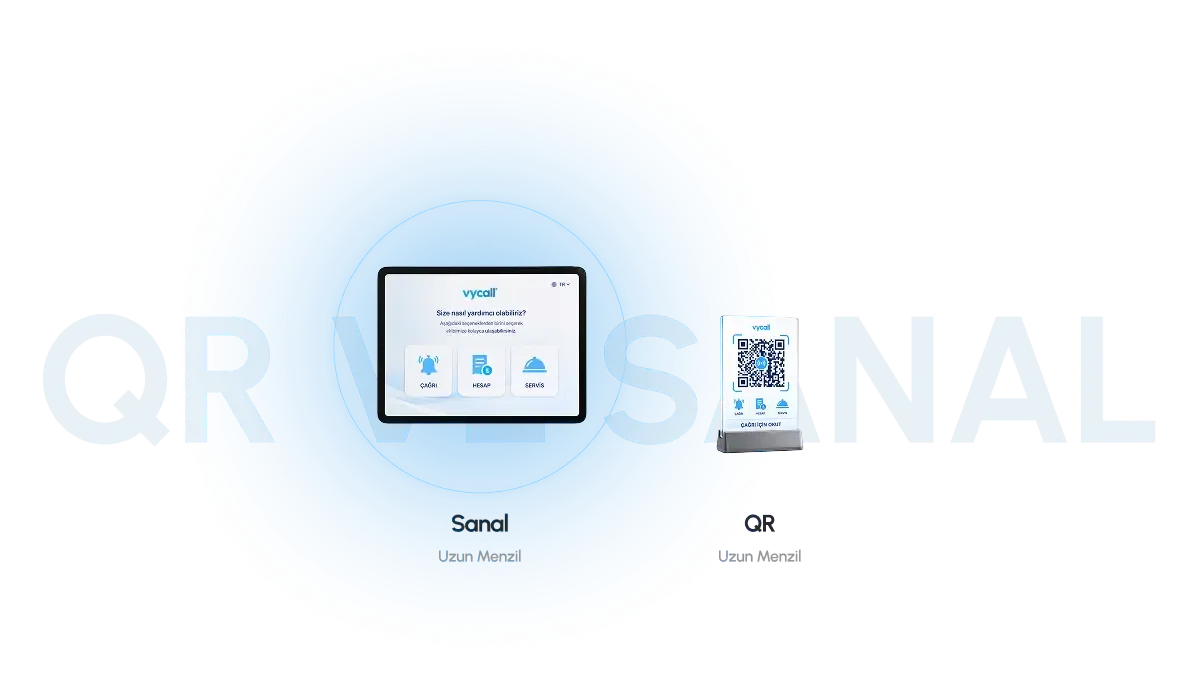 QR and Virtual ButtonsHardware-free calling — the guest scans the table code with a phone
System Requirements
| Software type | A cloud-based call and notification management platform |
|---|---|
| Platform support | iOS · Android · web browser |
| Integration | Works together with the VyApp Smart Gateway |
| Notification technology | Push notification |
| User access | One active user per session |
| Language support | Turkish · English · German · Arabic |
| Alert types | Sound modes · reminder notifications · silent mode |
| Reporting | Call history and detailed logging |
| Infrastructure requirement | An active internet connection |
| Licensing | Annual licence · subscription model |
Where It Is Used
Where the team moves around the floor and the call has to reach a person.


Frequently Asked Questions
The questions we hear most before a quote.
It runs on iOS and Android phones and tablets, and in a web browser.
Turkish, English, German and Arabic. On export installations the interface language is chosen per user.
It carries the wireless call from the buttons to the cloud. The quantity follows the size of the area and the number of buttons, and is settled at the site survey.
Buttons are registered and keys are named from the management panel; you decide the notification scenarios.
Yes. The panel keeps the call history and a detailed log.
VyApp Smart Call is offered as an annual licence on a subscription model; updates and support are included for the licence period.
Get a Quote
We will respond to your request as soon as possible.
Would you rather not fill in a form?
Reach us directly — the same team answers.
Call Us Send an Email Contact UsTürkiye Office · HQ
İzmir Technology Base, Gülbahçe Mah. İçmeler Cad. No:14/1 Office B05
Bilişim Vadisi, Urla / İzmir 35433, Türkiye
MENA Office · Dubai
Level 21, Al Habtoor Business Tower
Dubai Marina, Dubai, UAE
Get a Quote
We will respond to your request as soon as possible.
Talebiniz alındı
Ekibimiz en kısa sürede size dönecek. Teşekkür ederiz.