





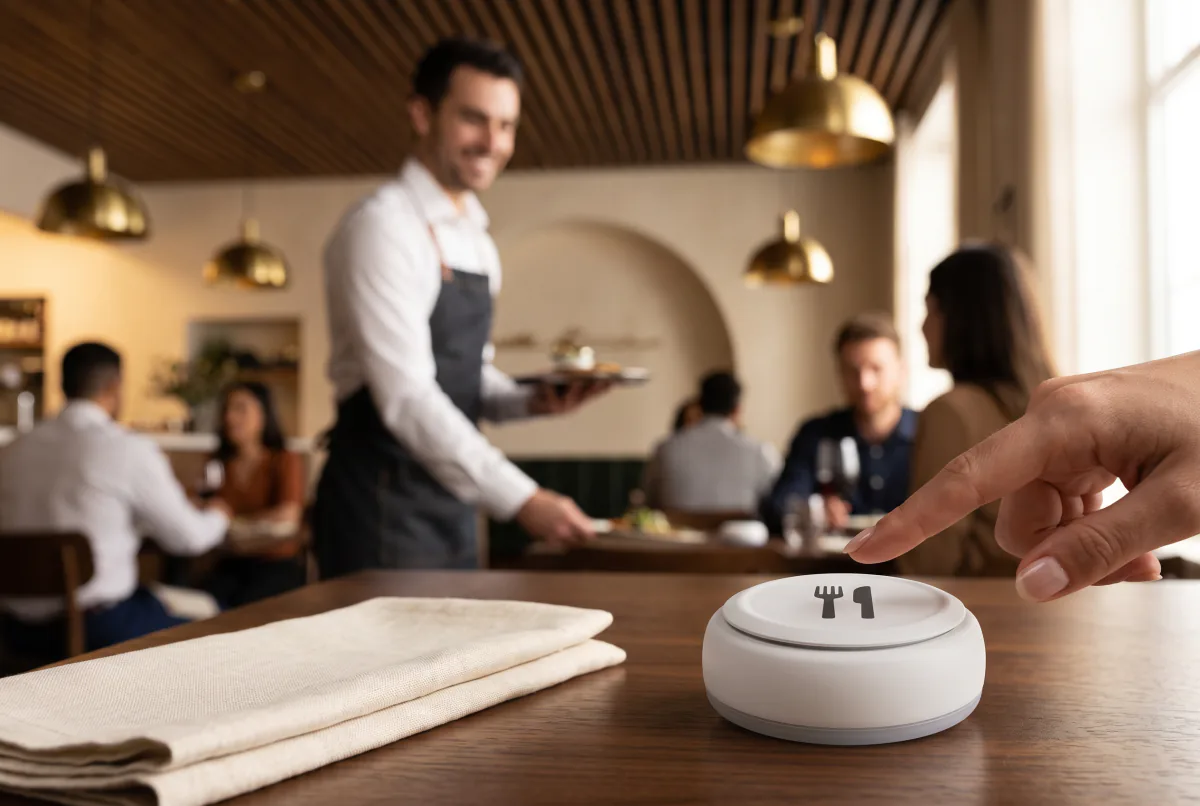
 Waiter Calling System
 Staff & Executive Calling System
 Self-Service Customer Calling System
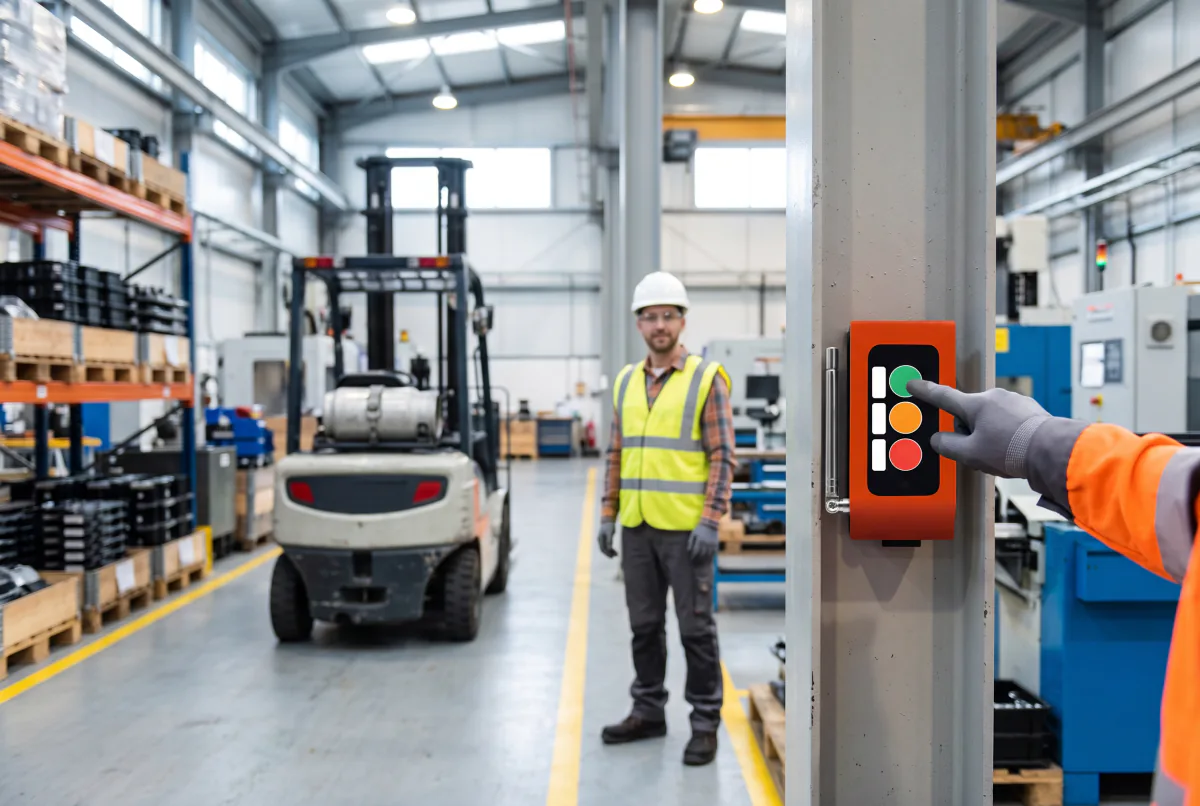
 Factory Personnel Calling System
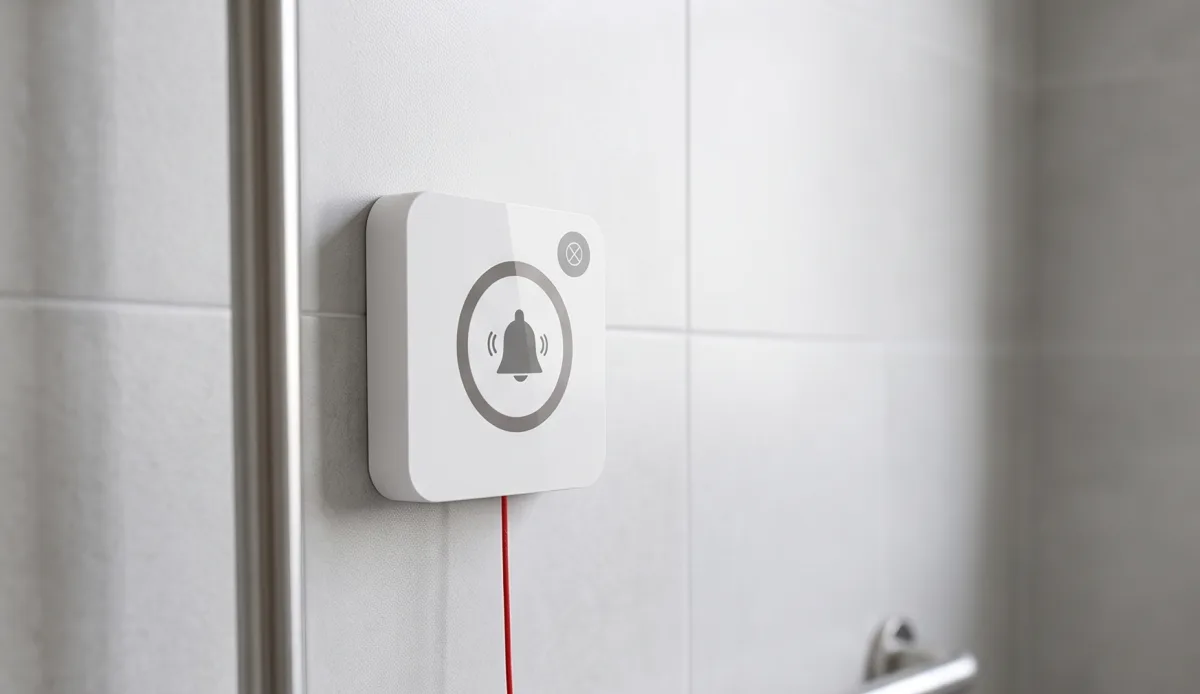
 Disabled Help Calling System
 Yacht Crew Calling System
 Buggy Vehicle Calling System
 Nurse Calling System
 Self-Service Customer Calling SystemSound, light and vibration tell the customer their order is ready.
Solutions
 VyTag Electronic Shelf LabelsOverview · products and solutions
Products
 All Shelf Labels
 Standard Shelf Labels
 Water-Resistant Shelf Labels
 Freezer Shelf Labels
 Information Displays
 Gateway & Software
 Accessories
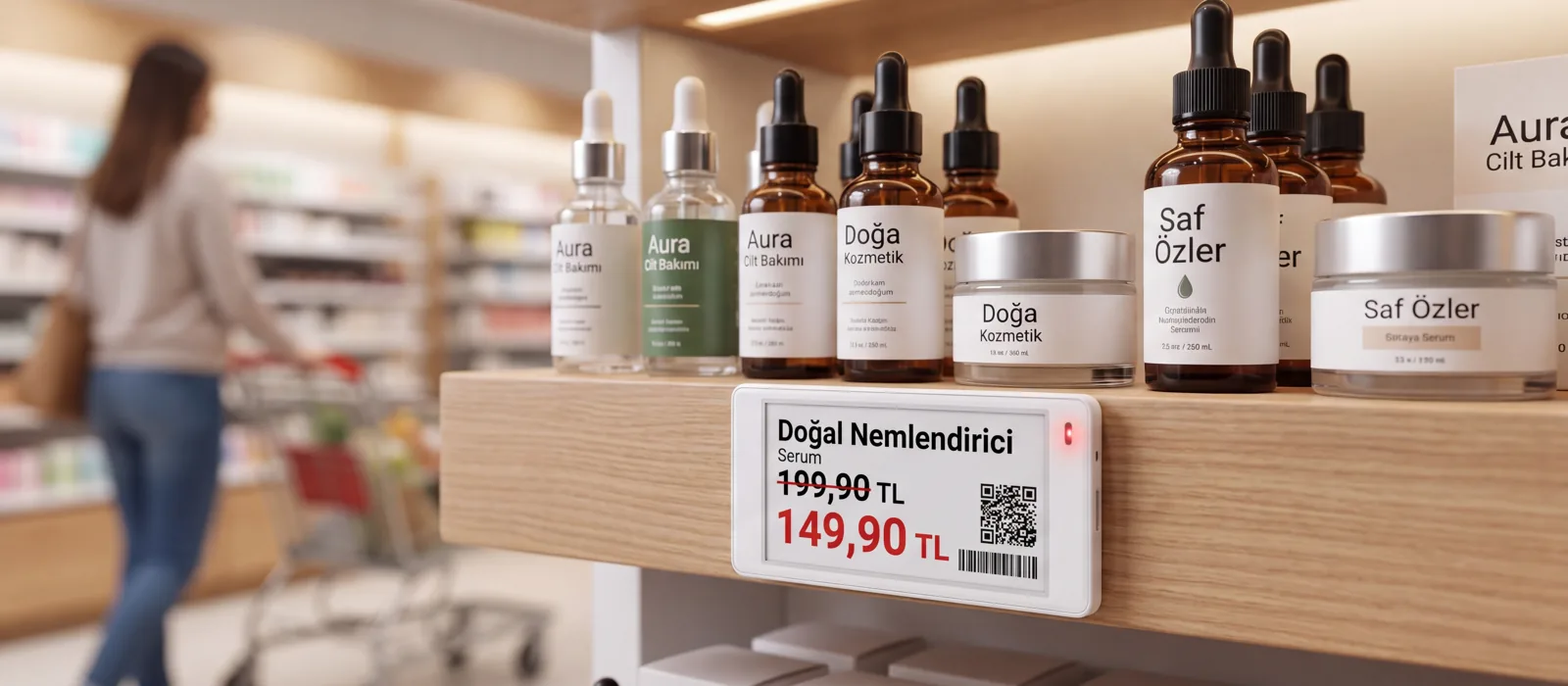
Price changes in a single actionWhen the new price list arrives, don’t change thousands of labels by hand. A single gateway manages 3,000 labels across 300 m²; installation and support from Türkiye.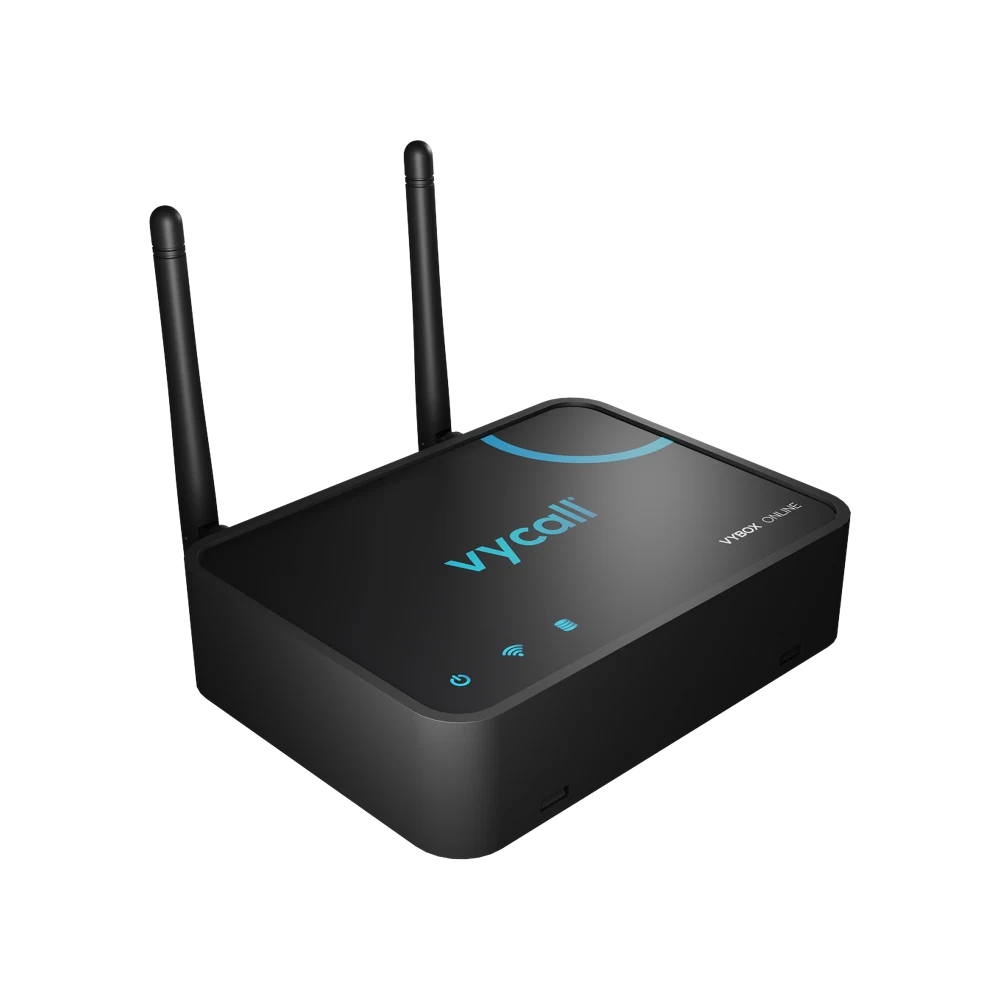
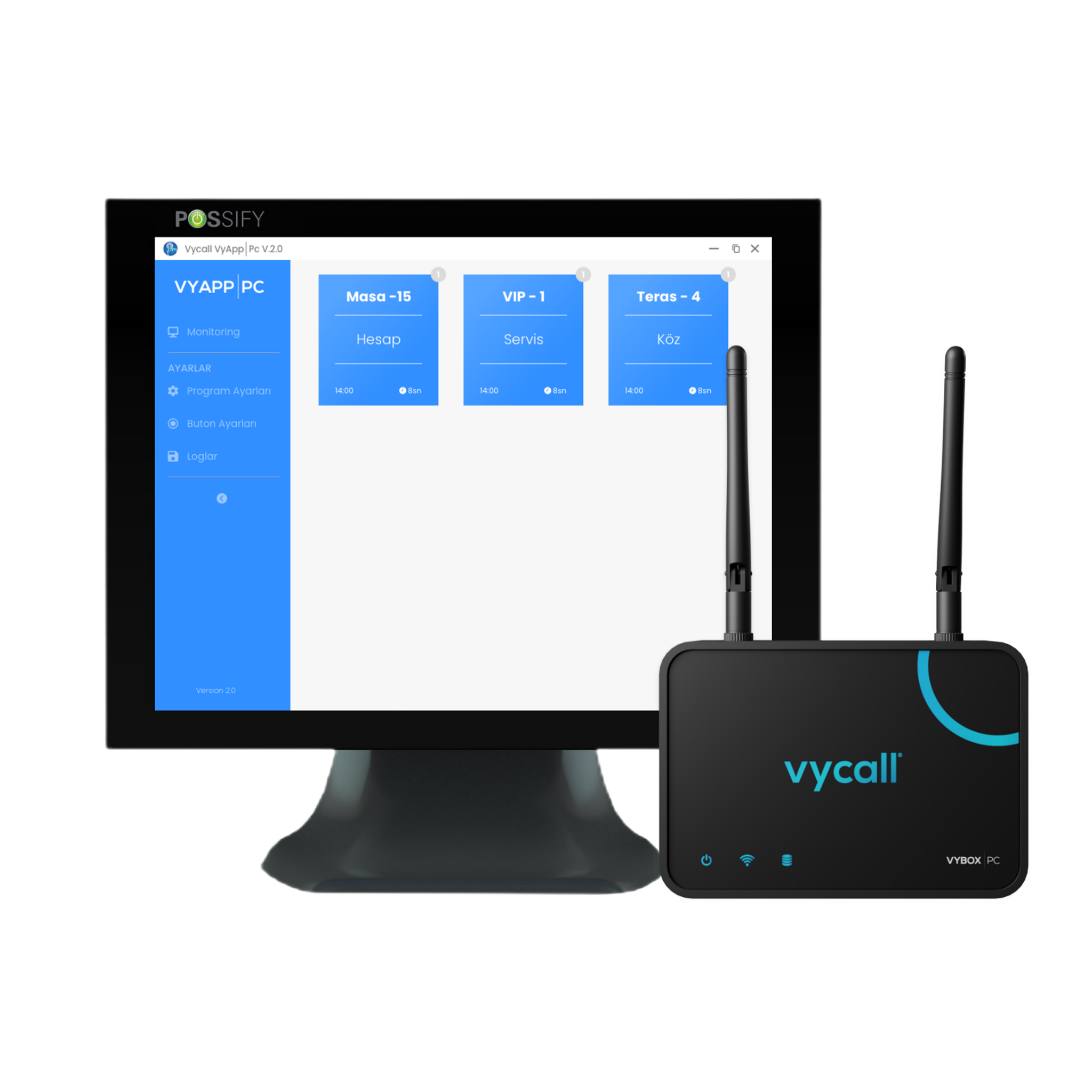
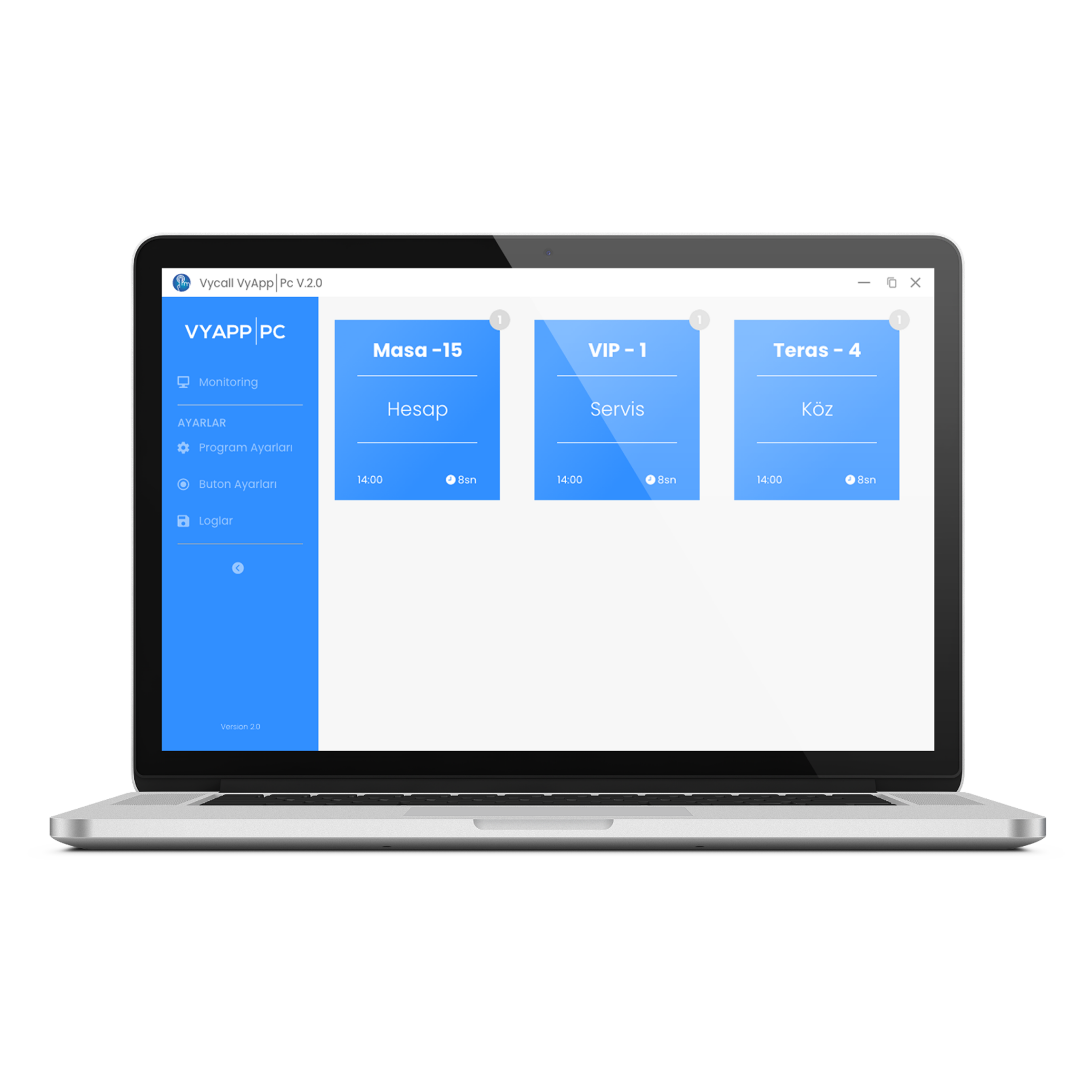
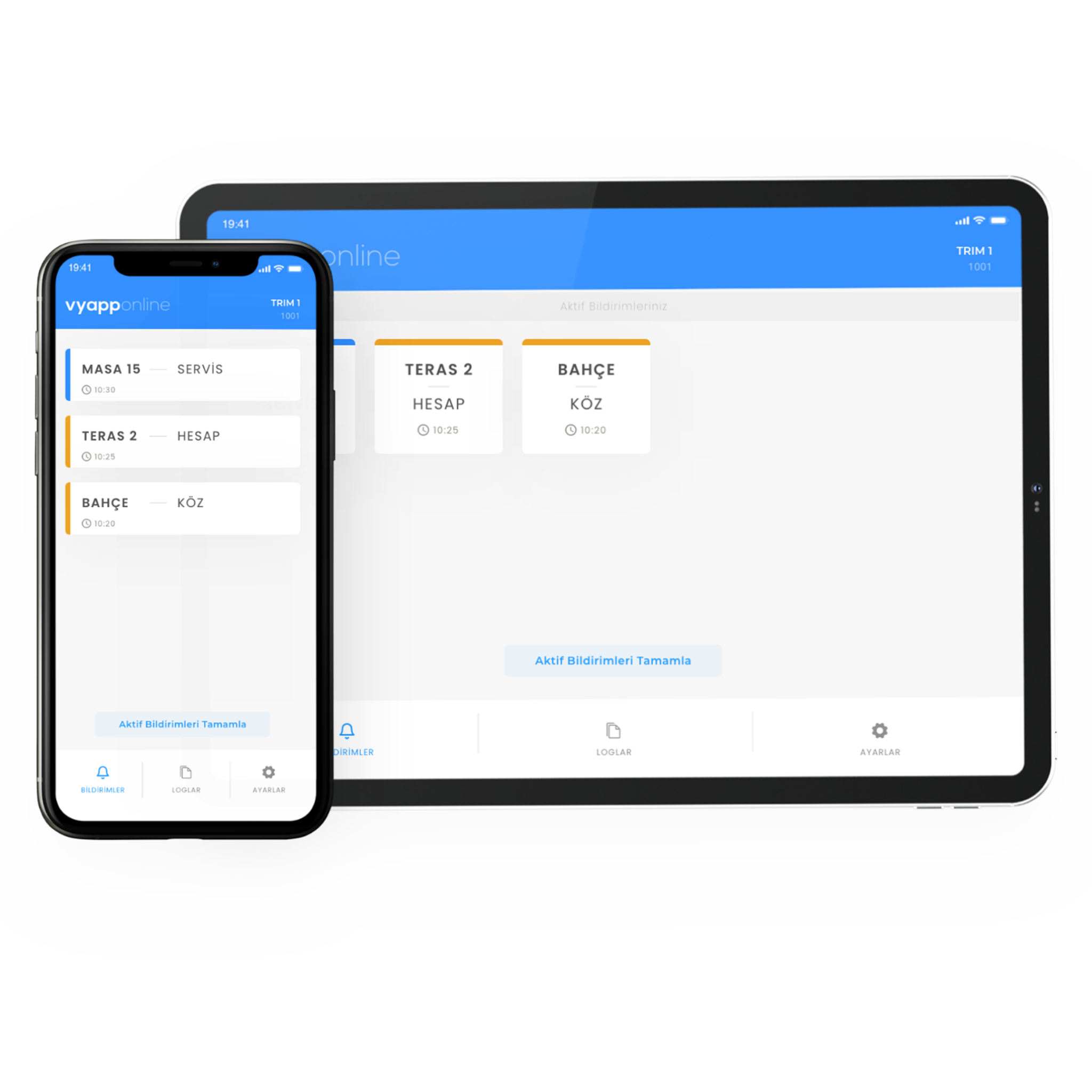
What You See on the Screen
How the Call Reaches the Computer
The moment a call arrives it appears as a notification in the bottom-right corner of the desktop.
- Live call view
- Overdue-call warnings and reminder notifications
- Call logging and history viewing
- The button name appears in the call — keys can be named

How the System Is Set Up
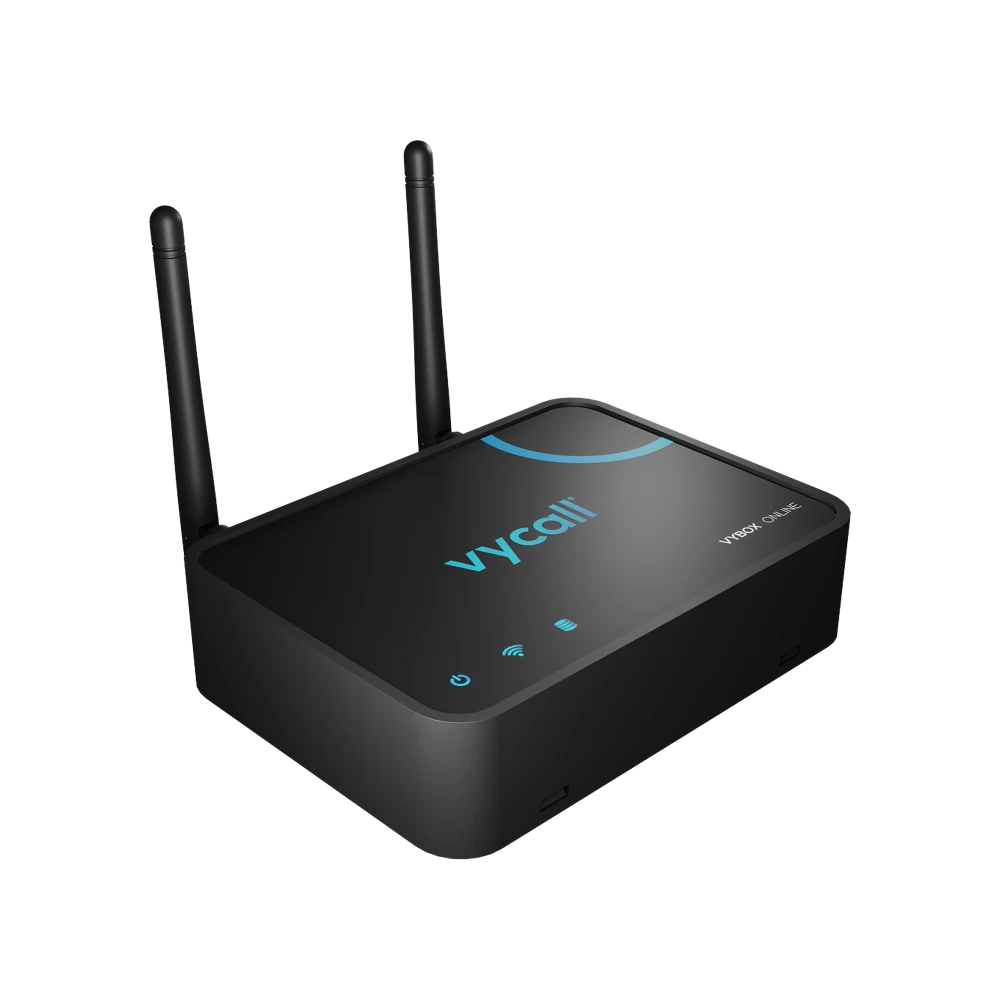
Three boxes, one direction — installation finishes in a single step.
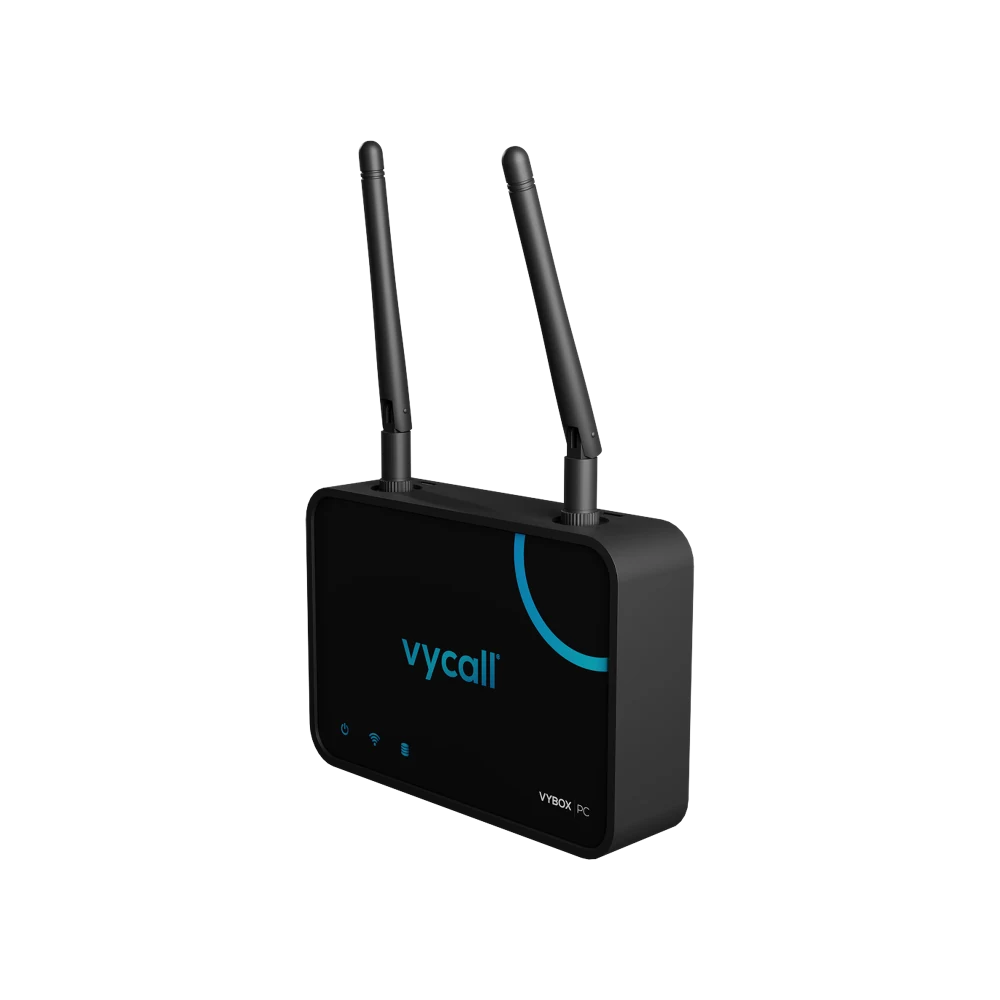
The VyBox connects directly to the buttons: plug it into the computer, pair the buttons, and calls start landing on the desktop. No separate gateway or internet connection is part of the setup.
Which Buttons It Works With
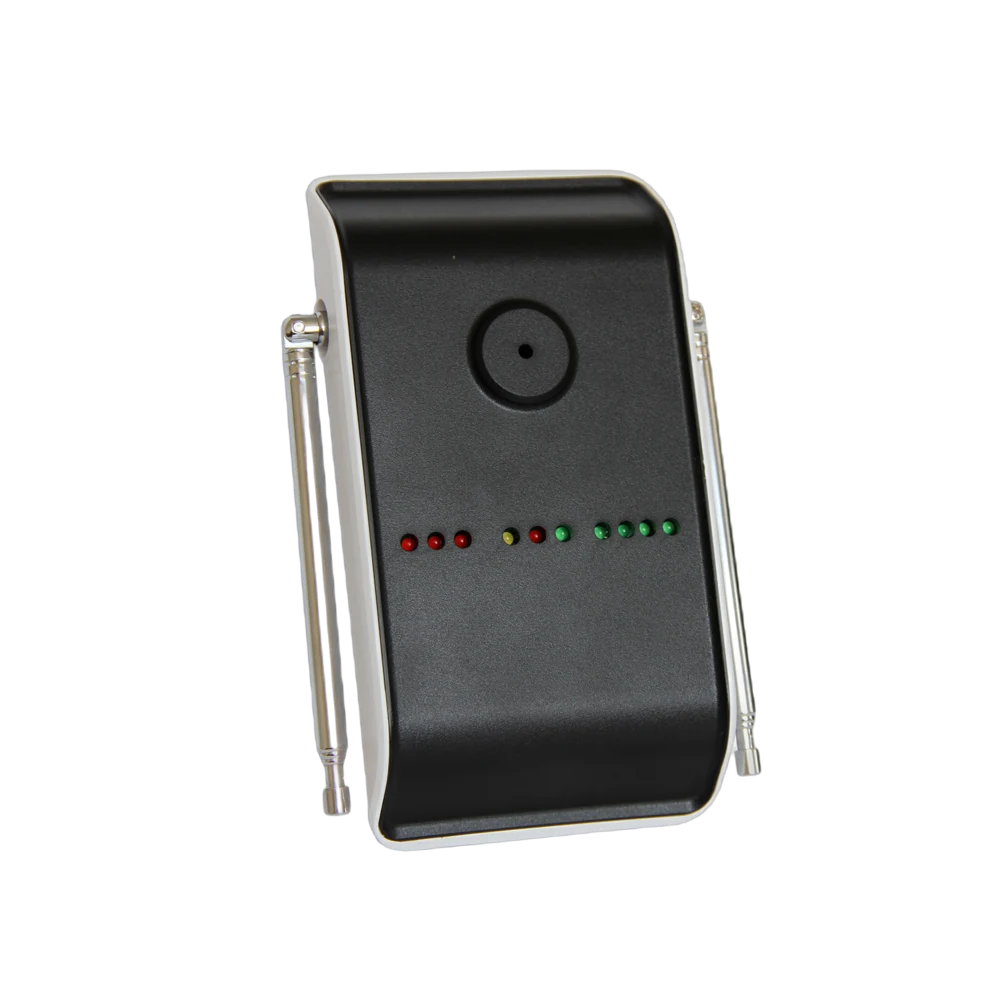
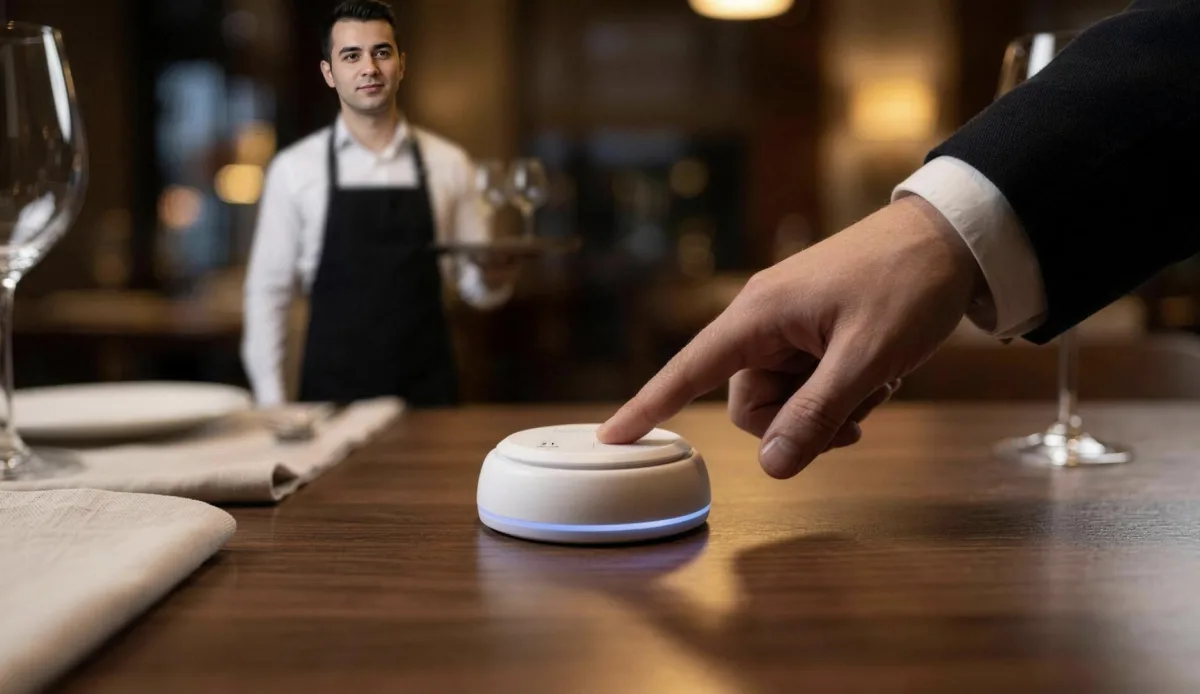
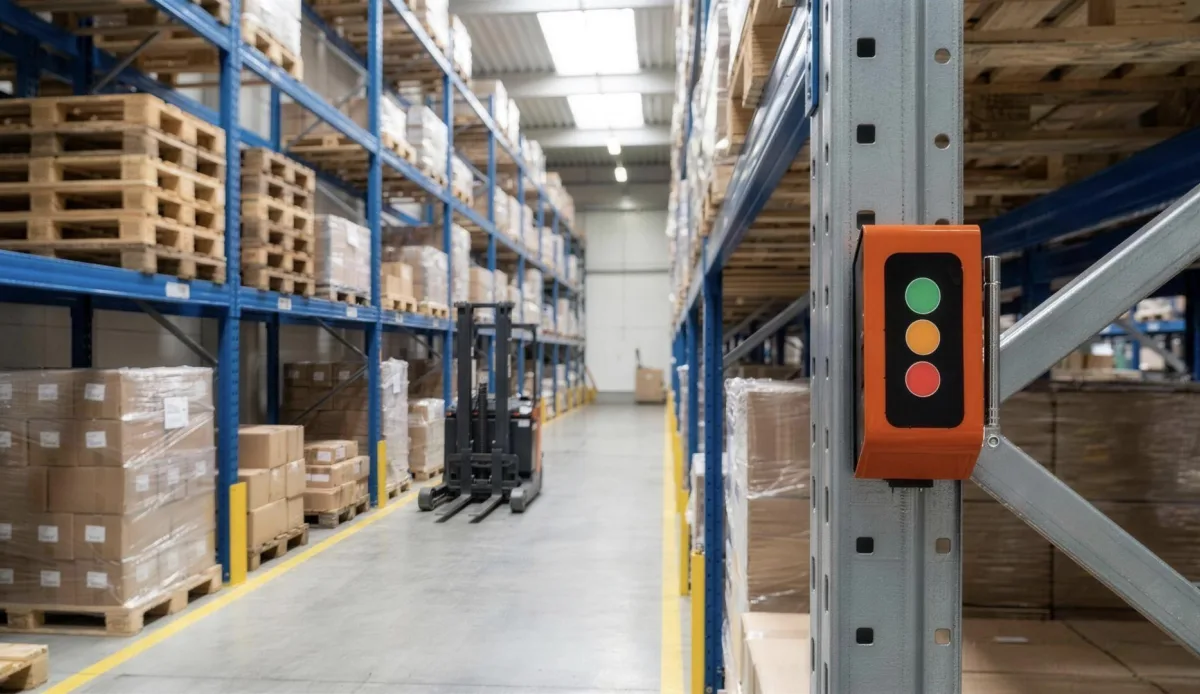
It is installed alongside all three button families in the Vycall 433 MHz ecosystem.
System Requirements
| Communication technology | 433 MHz RF |
|---|---|
| Connectivity | USB · Bluetooth |
| Platform support | Windows · Android |
| Signal range | Up to 300 m in open areas |
| Language support | Turkish · English |
| Notifications | Reminder and overdue-call notifications |
| Reporting | Logging and past-call viewing |
| Button management | Registering buttons and naming keys |
| Housing material | Compact ABS case |
| Power input | 5V 1A adapter |
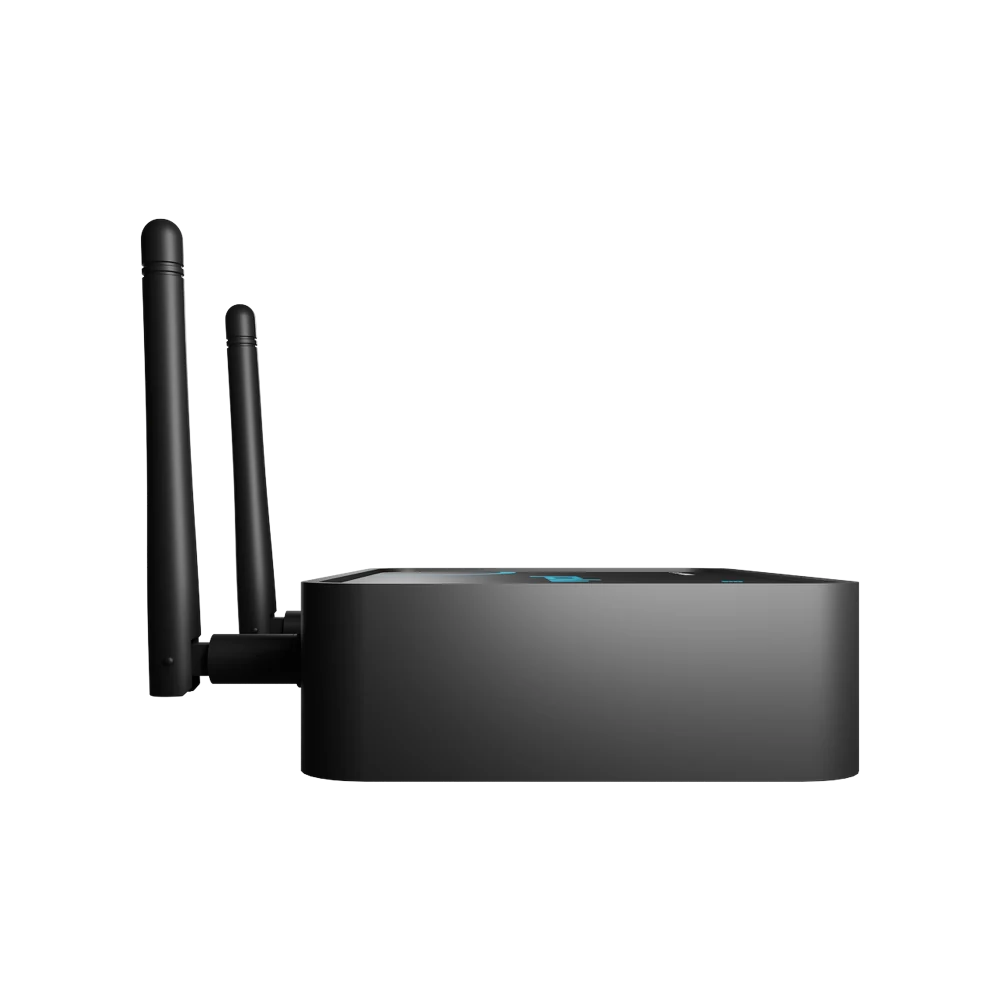
| Product dimensions | 109 × 74 × 26 mm · antenna 195 mm |
| Net weight | 121 g |
| In the box | VyBox Receiver · antenna · adapter · connection cable |
| Licence | Lifetime · with the VyBox Receiver only |
| Certification | CE · RoHS · RED 2014/53/EU |
Where It Is Used
At points where someone is always at a computer — reception, the till, the production office.

Frequently Asked Questions
The questions we hear most before a quote.
No. The VyBox connects directly to the buttons and runs locally; once plugged into the computer, calls start landing on the desktop.
It runs on Windows computers and on Android tablets and phones.
Over USB or Bluetooth. The box contains the VyBox Receiver, an antenna, an adapter and a connection cable.
It receives signals up to 300 metres in open areas. On large sites this is extended with a signal repeater.
No. The VyBox software is licensed for life and is used only together with the VyBox Receiver.
The VyBox delivers the call to the computer, so no notification arrives while the computer is off. Where cover must be continuous it is installed alongside a display or a pager.
Get a Quote
We will respond to your request as soon as possible.
Would you rather not fill in a form?
Reach us directly — the same team answers.
Call Us Send an Email Contact UsTürkiye Office · HQ
İzmir Technology Base, Gülbahçe Mah. İçmeler Cad. No:14/1 Office B05
Bilişim Vadisi, Urla / İzmir 35433, Türkiye
MENA Office · Dubai
Level 21, Al Habtoor Business Tower
Dubai Marina, Dubai, UAE
Get a Quote
We will respond to your request as soon as possible.
Talebiniz alındı
Ekibimiz en kısa sürede size dönecek. Teşekkür ederiz.