

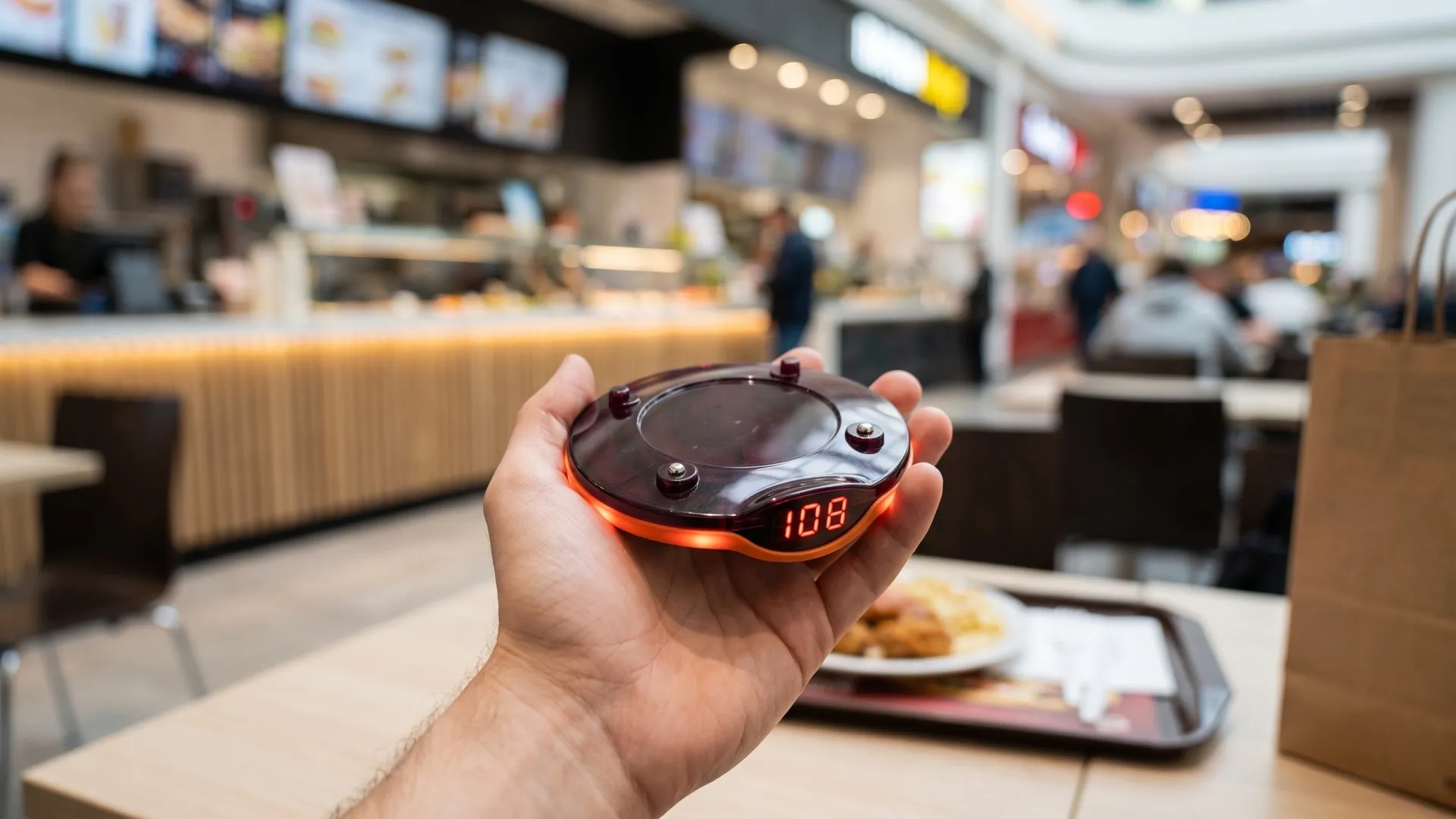
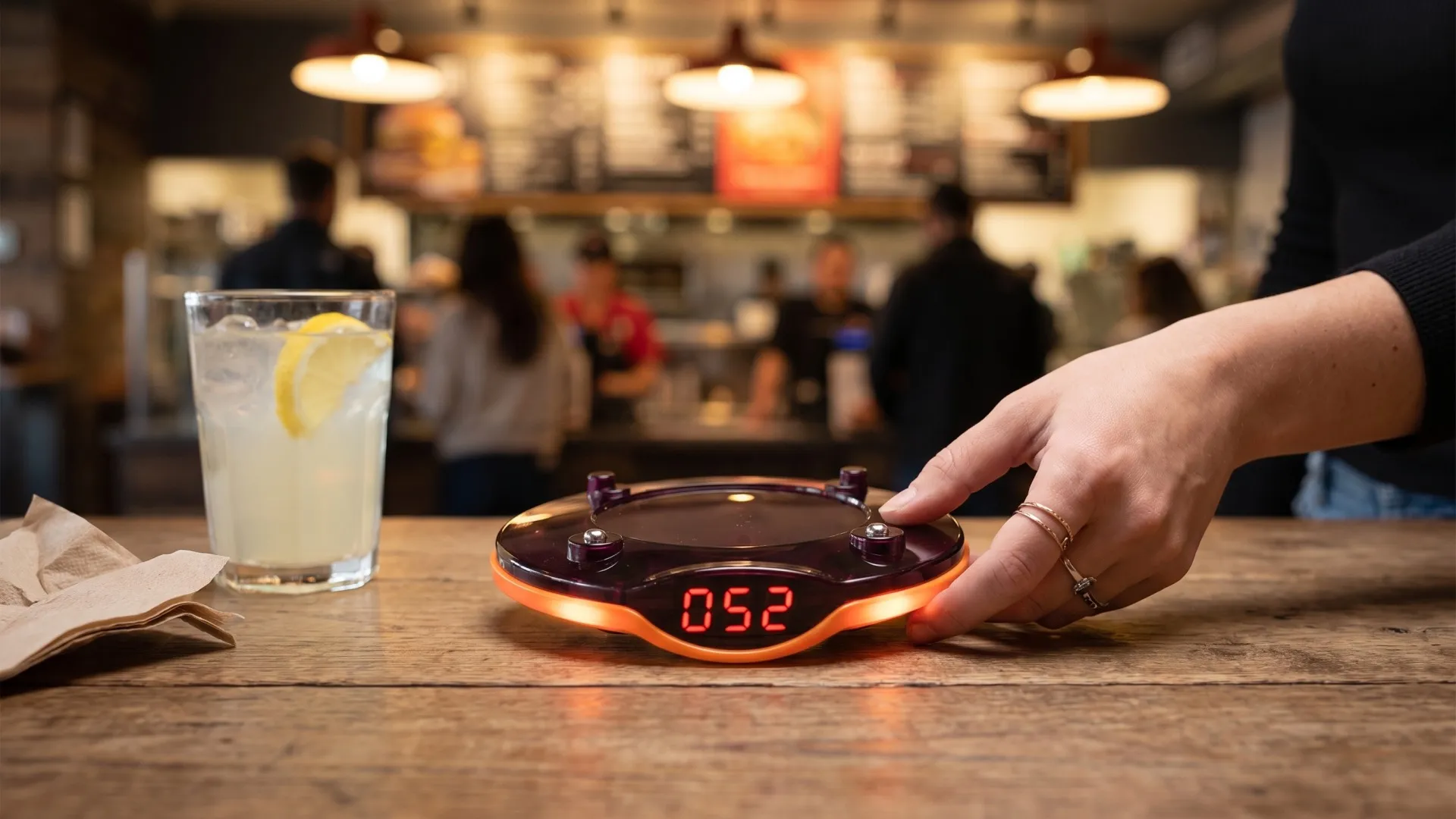
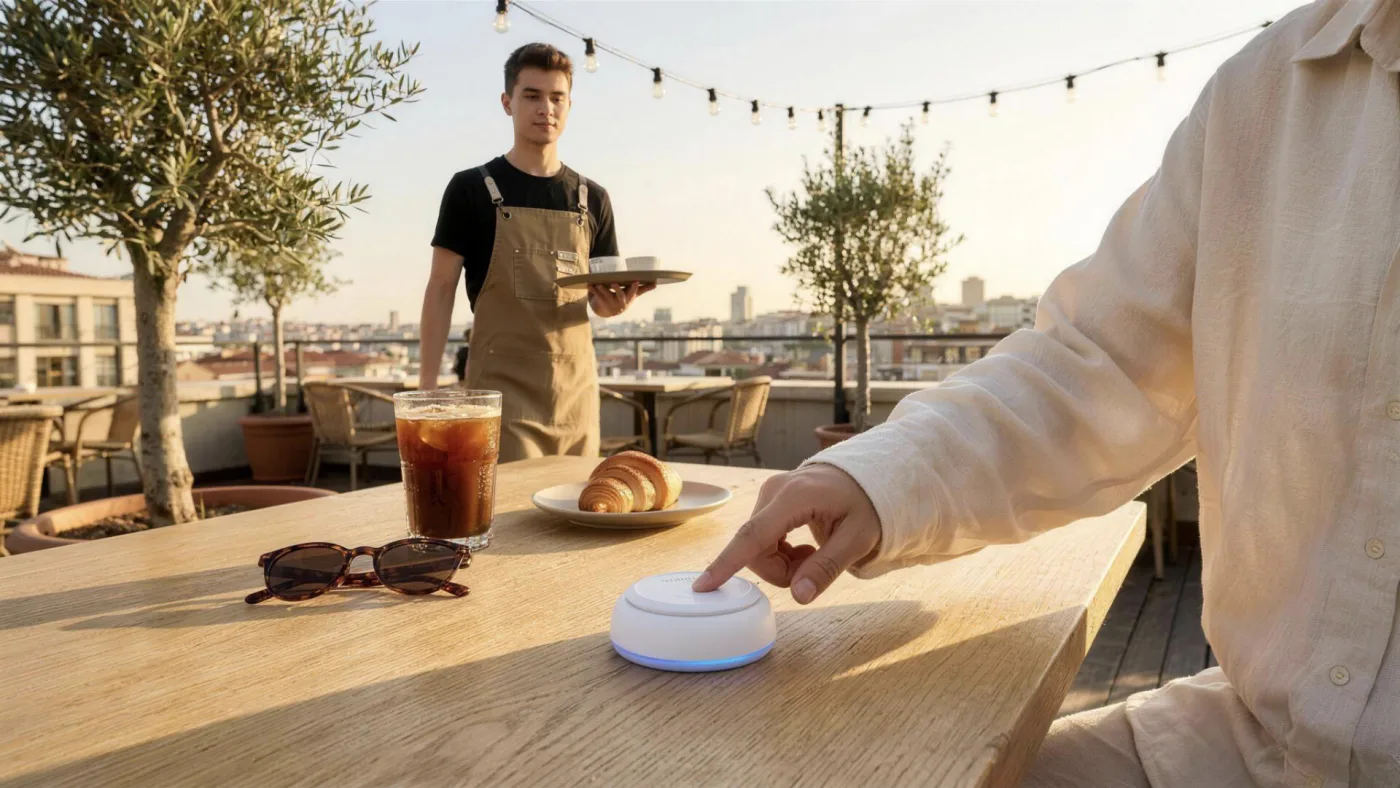
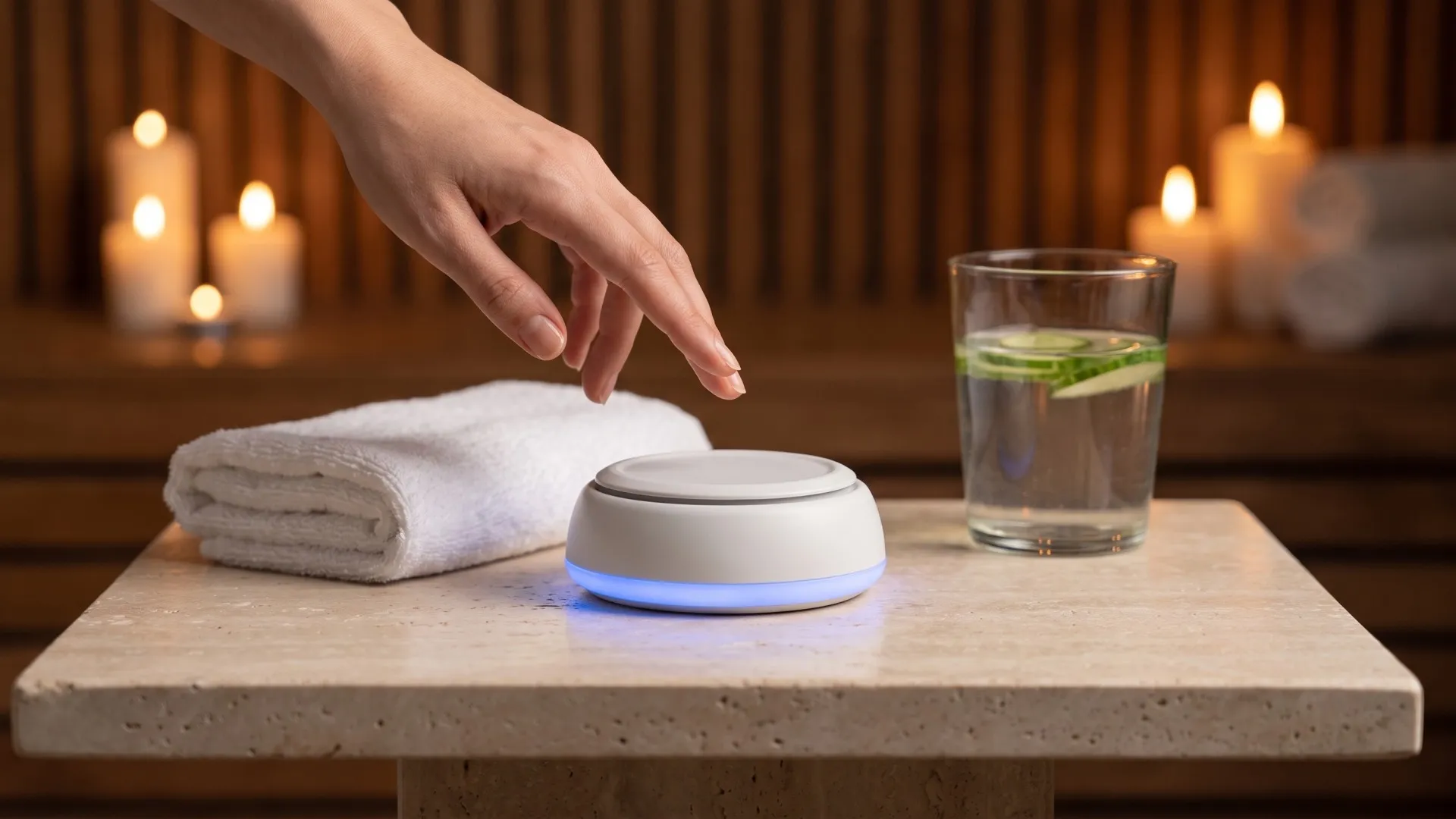


FACTORY · RETAIL · HOUSEHOLD STAFF · CARE AND NURSING
StaffCalling Systems
From factories to shops, from homes to care homes: send each request from where it arises to the right staff. Choose the solution that fits your service area.

Choose the calling solution that fits your service area.
Every solution works with the same basic flow; the call points, receivers and notification setup are planned for your service area.
-
 01
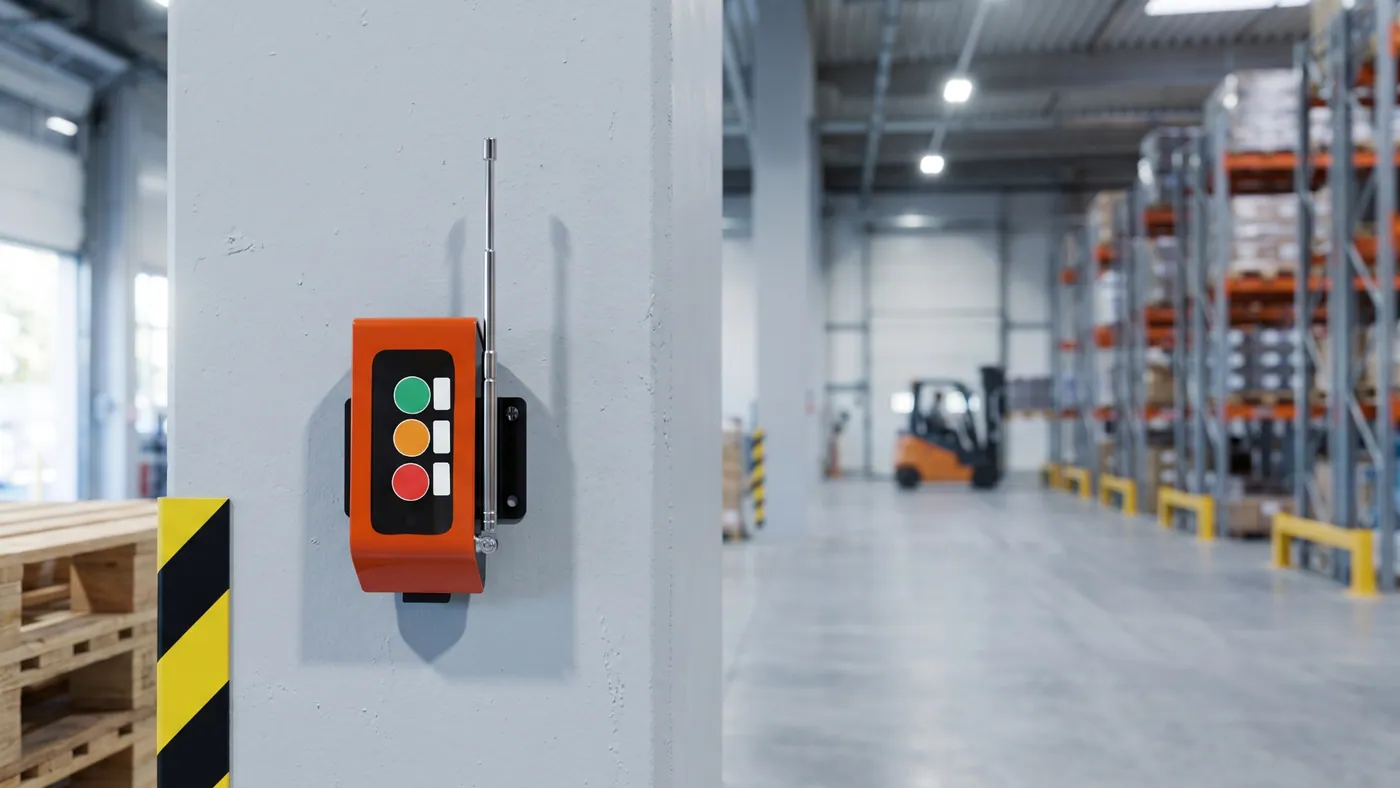
Factory and Warehouse Calling
Send staff needs on the line, at stations and in the warehouse to the responsible team.
Contact Us -
 02
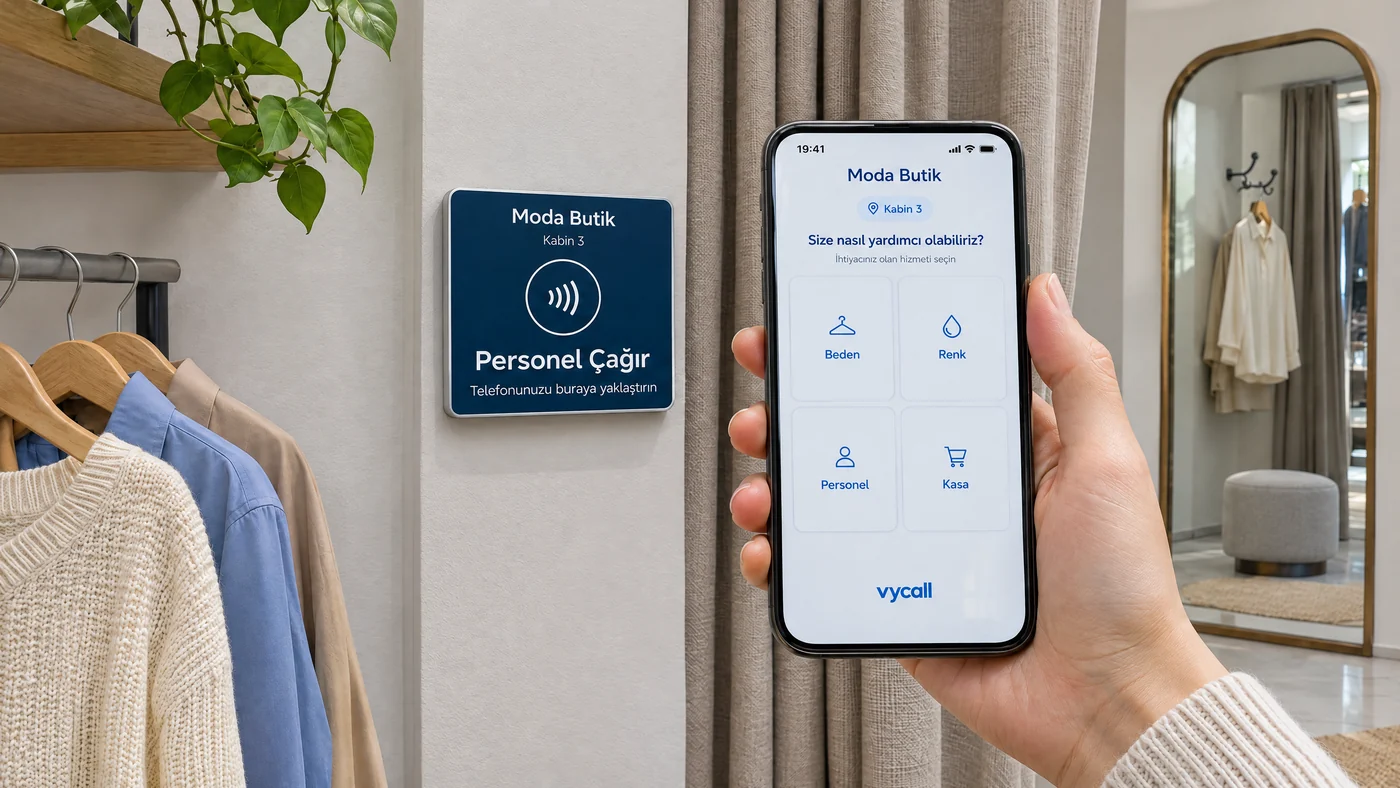
Retail Store Calling
Send customer or staff needs at the aisle and checkout to the store team.
Contact Us -
 03
Household Staff Calling
Send requests from the living room, terrace or poolside to household staff, showing where they came from.
Contact Us -
 04
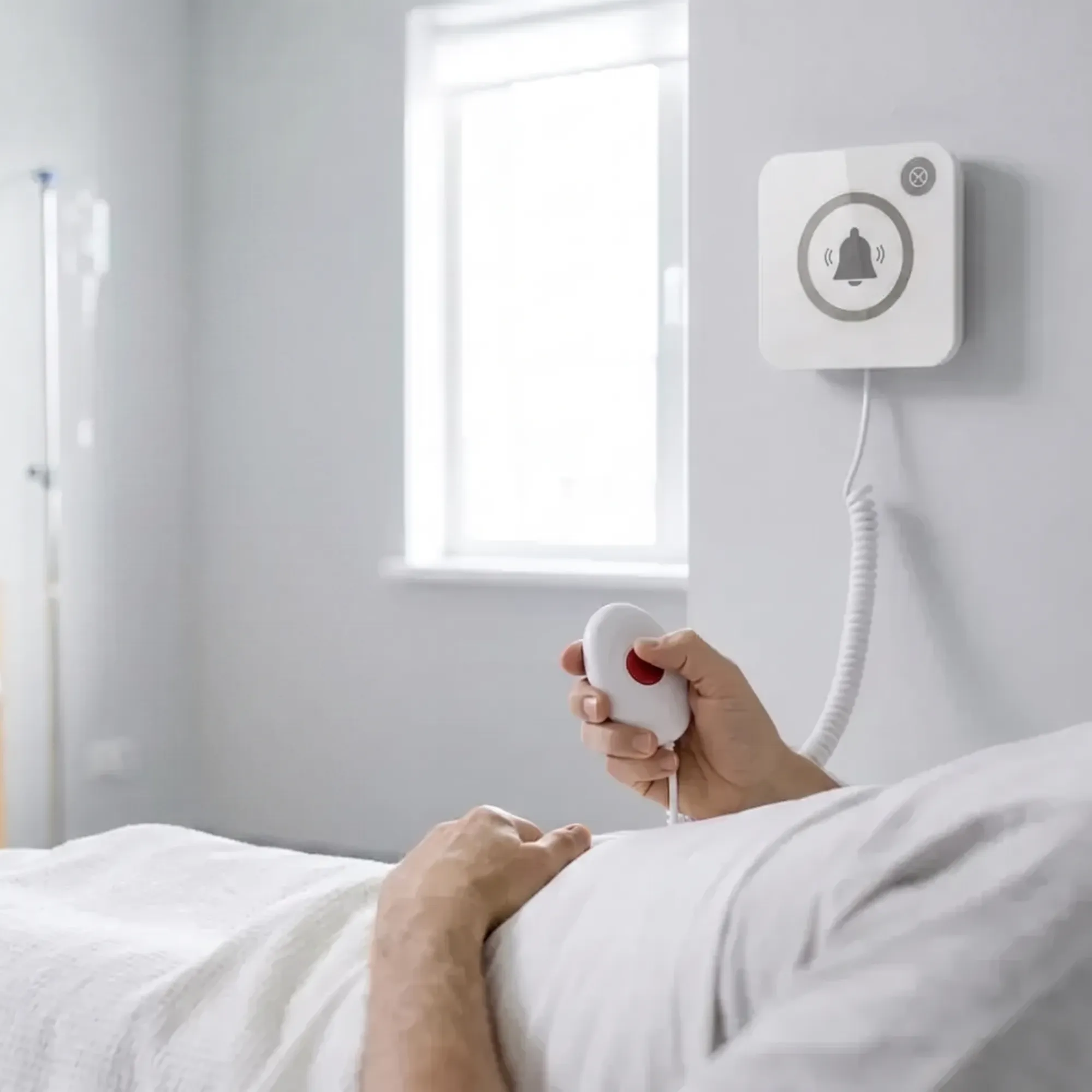
Care and Nurse Calling
Send non-emergency help requests from the bedside or care point to the team.
Contact Us -
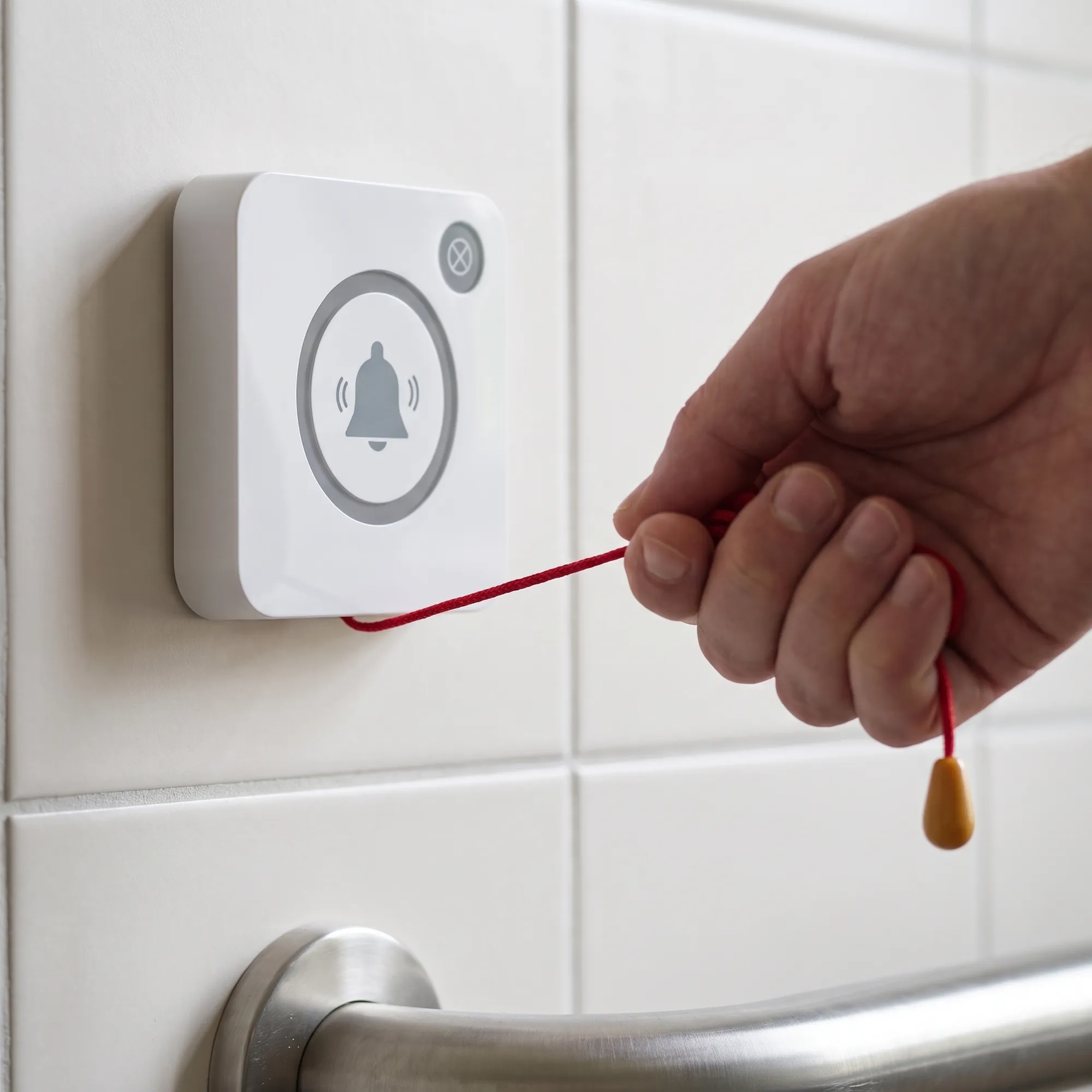 05
Accessible Help Calling
Send help requests from accessible toilets and rooms to the right staff, showing where they came from.
Explore the Solution -
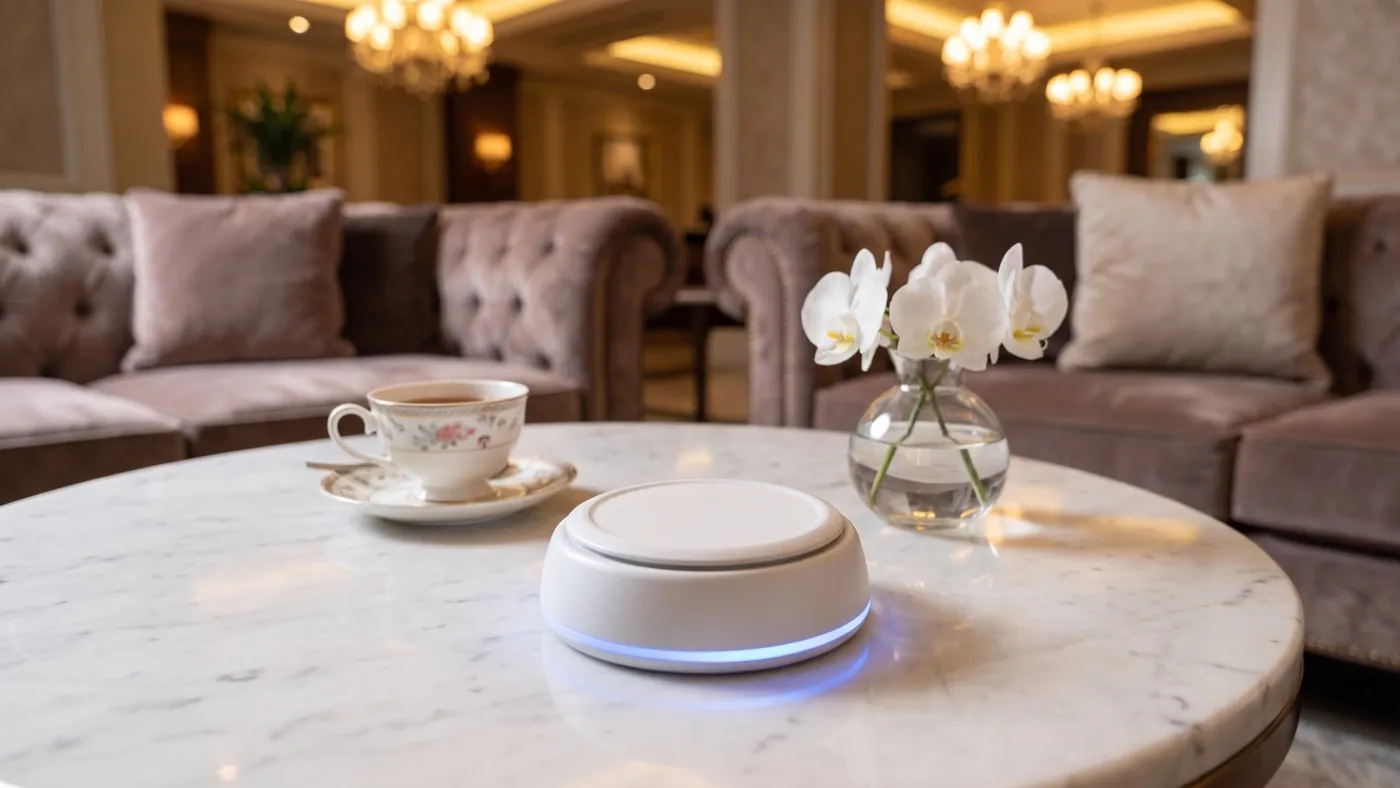 06
Hotel and Reception Calling
Send guest requests from rooms, the lobby and shared areas to reception or the relevant team.
Contact Us
Calling solutions for waiters, executives and yachts.
The same infrastructure is set up for its own use in service, management and crew areas.
-
 01
Waiter Calling
Send service requests from tables, sunbeds and lounges to the right waiter.
Explore the Solution -
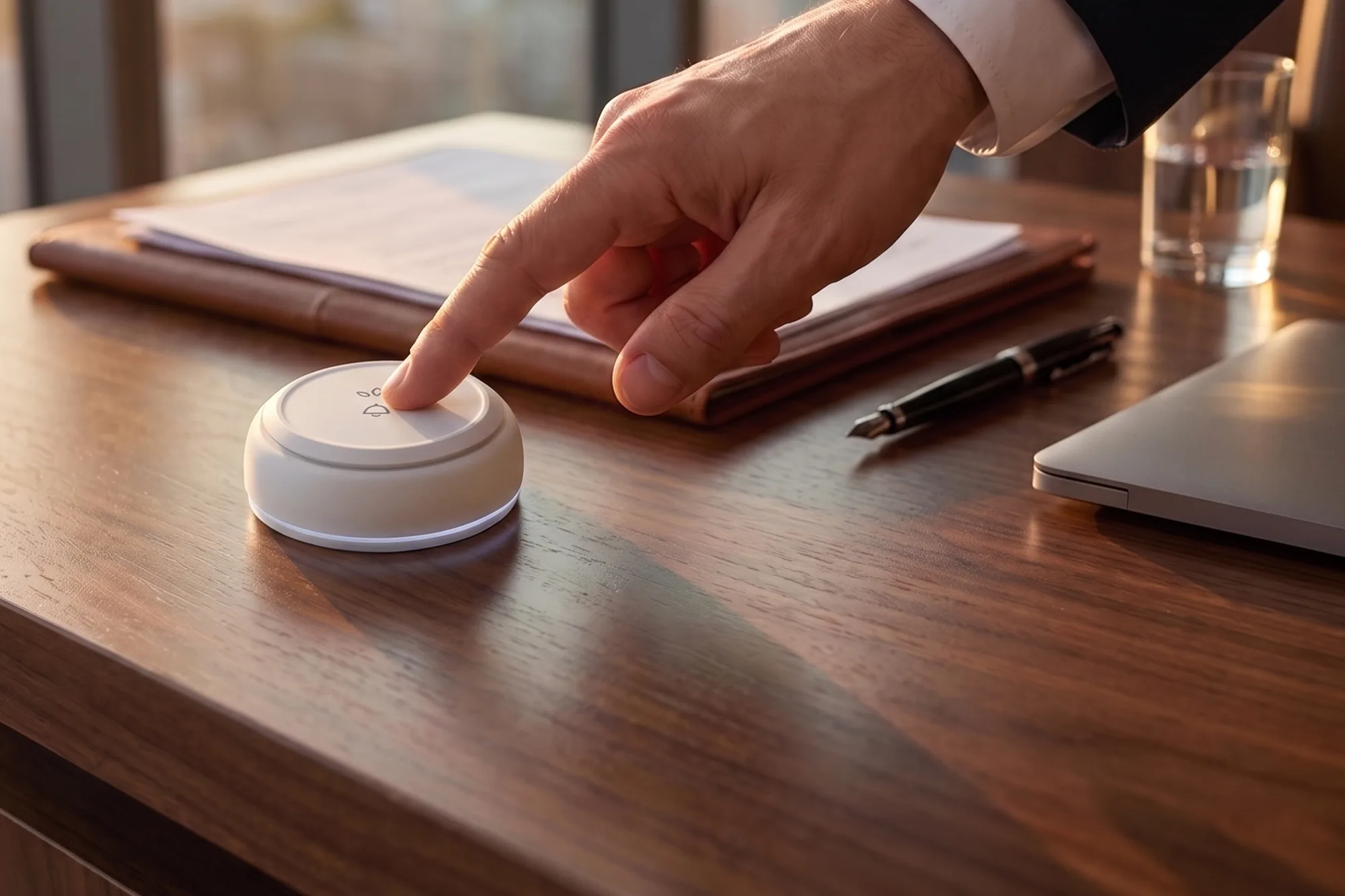 02
Executive Calling
Send calls from executive offices and meeting rooms to an assistant or attendant.
Explore the Solution -
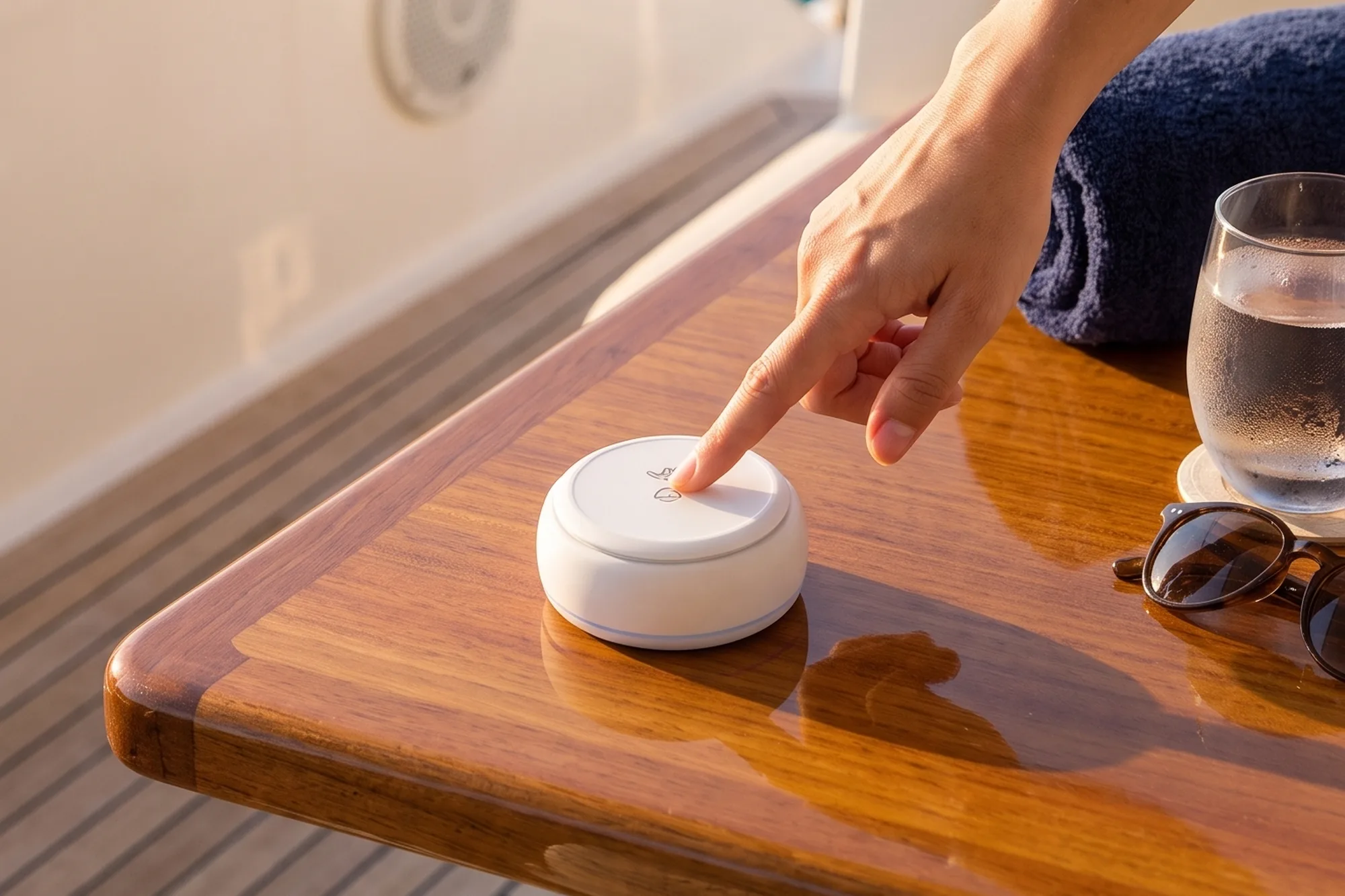 03
Yacht Crew Calling
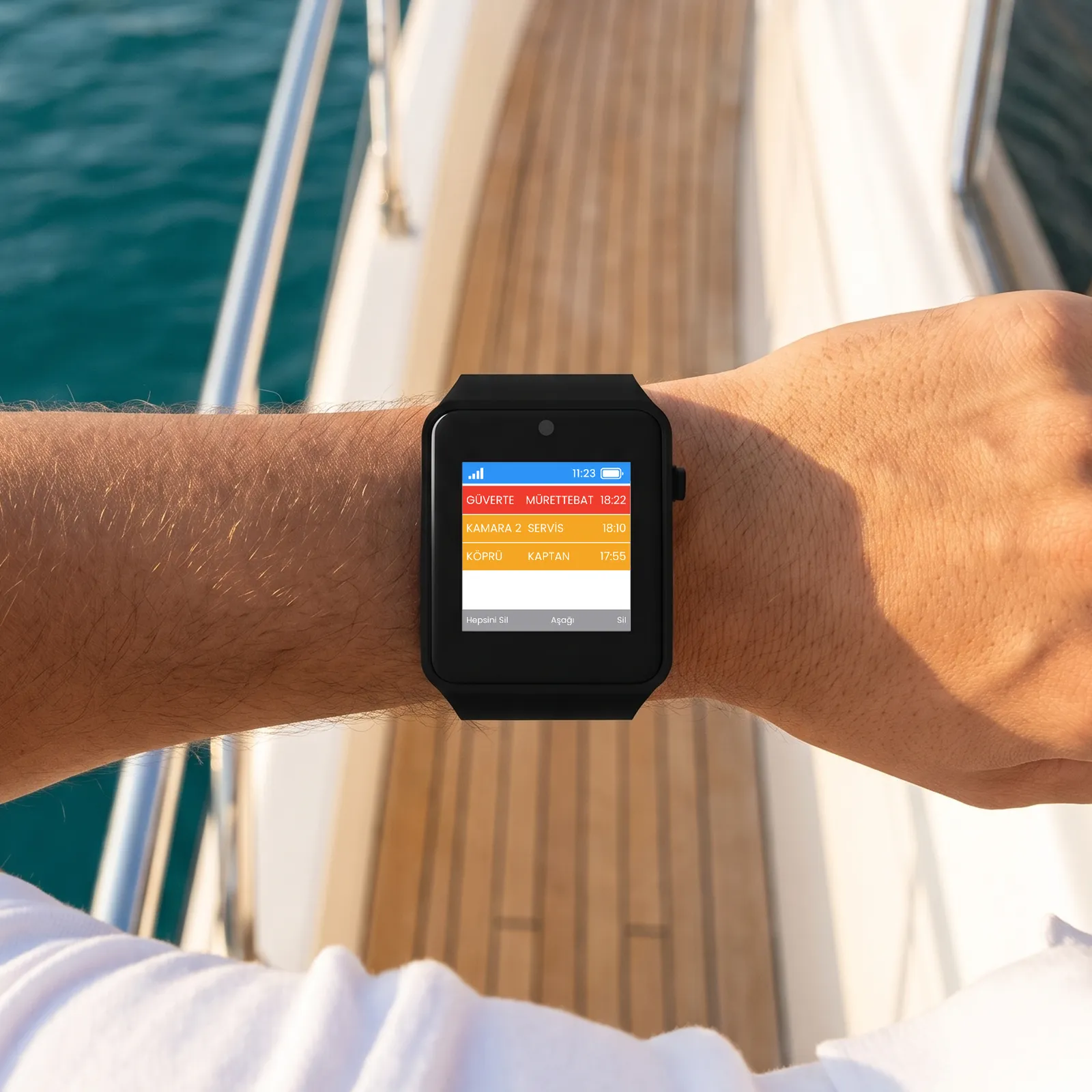
Deliver guest requests from the flybridge, sunbeds and cabins to the crew.
Explore the Solution
The request of an executive, employee or guest reaches the right staff in three steps.
- Office
- Retail Store
- Factory
- Residence
- Care Home
- Hotel
-
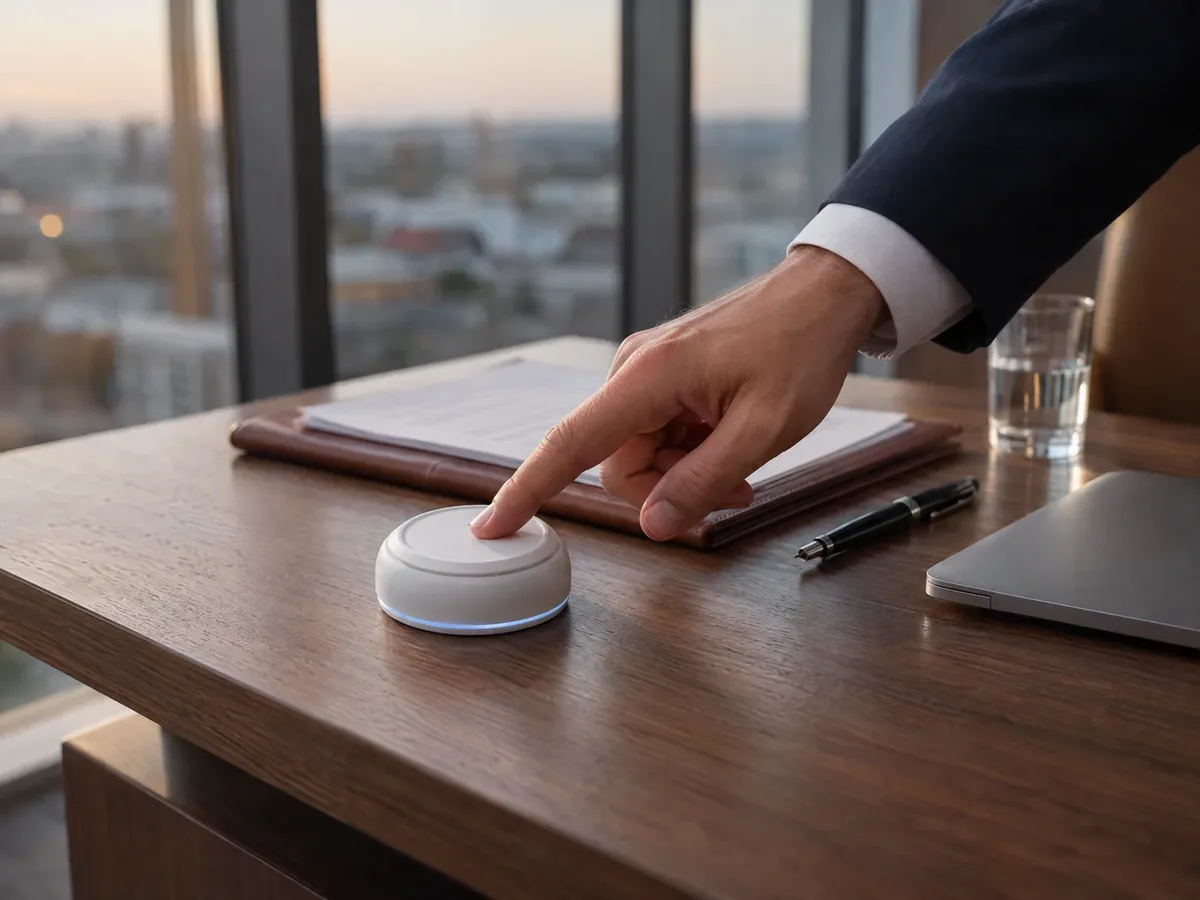 Step 01
A call is sent
The executive, employee or guest makes a request by touching the button where they are.
-
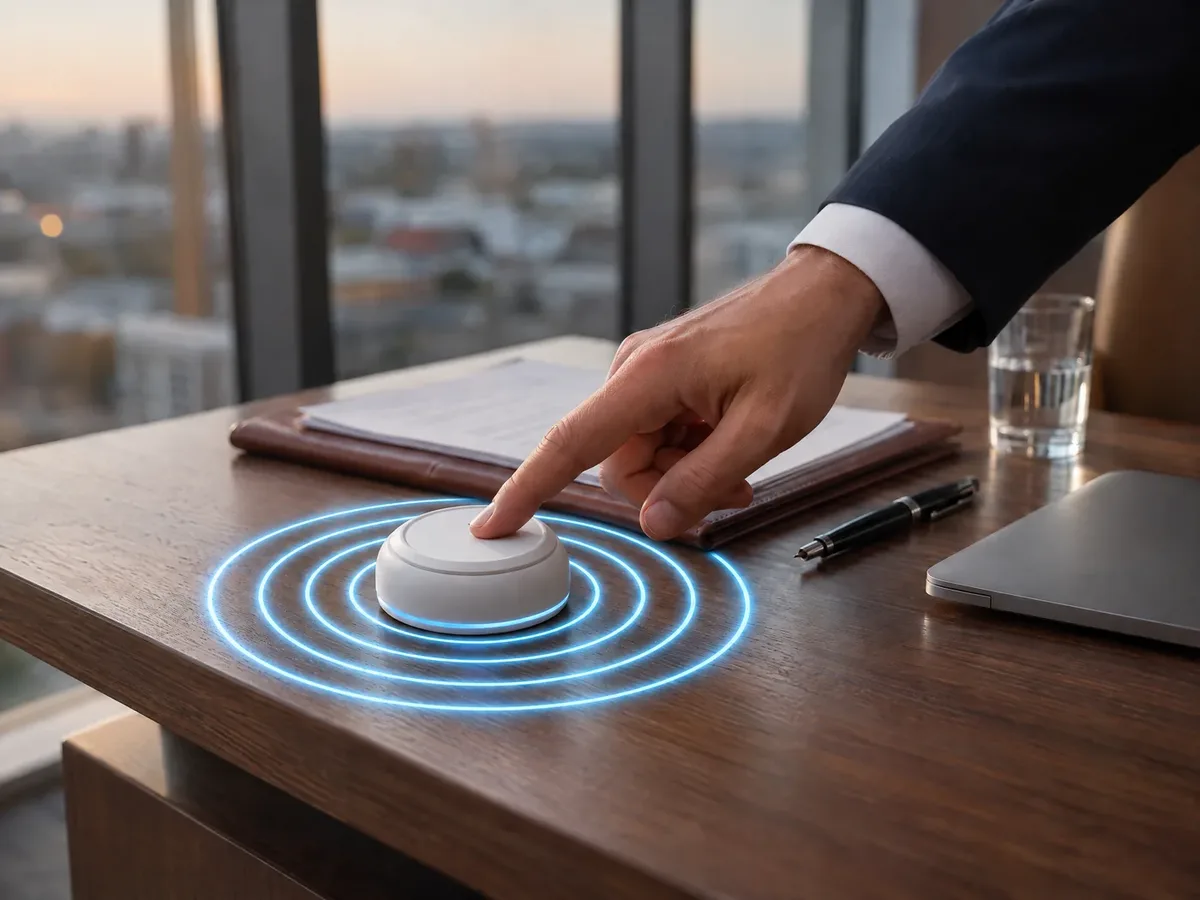 Step 02
The call is sent wirelessly
The relevant team sees which room the help call came from.
-
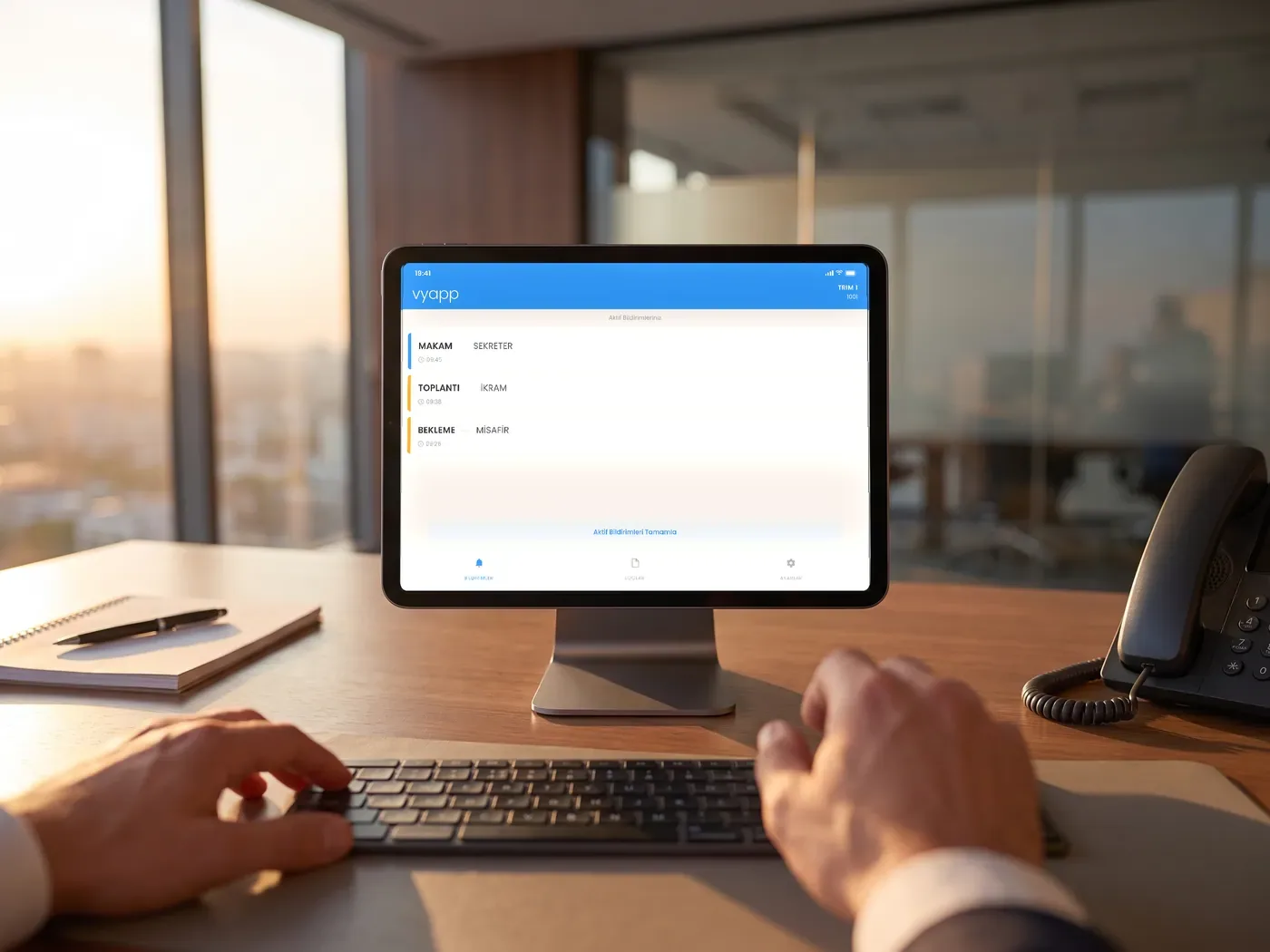 Step 03
The right staff member is notified
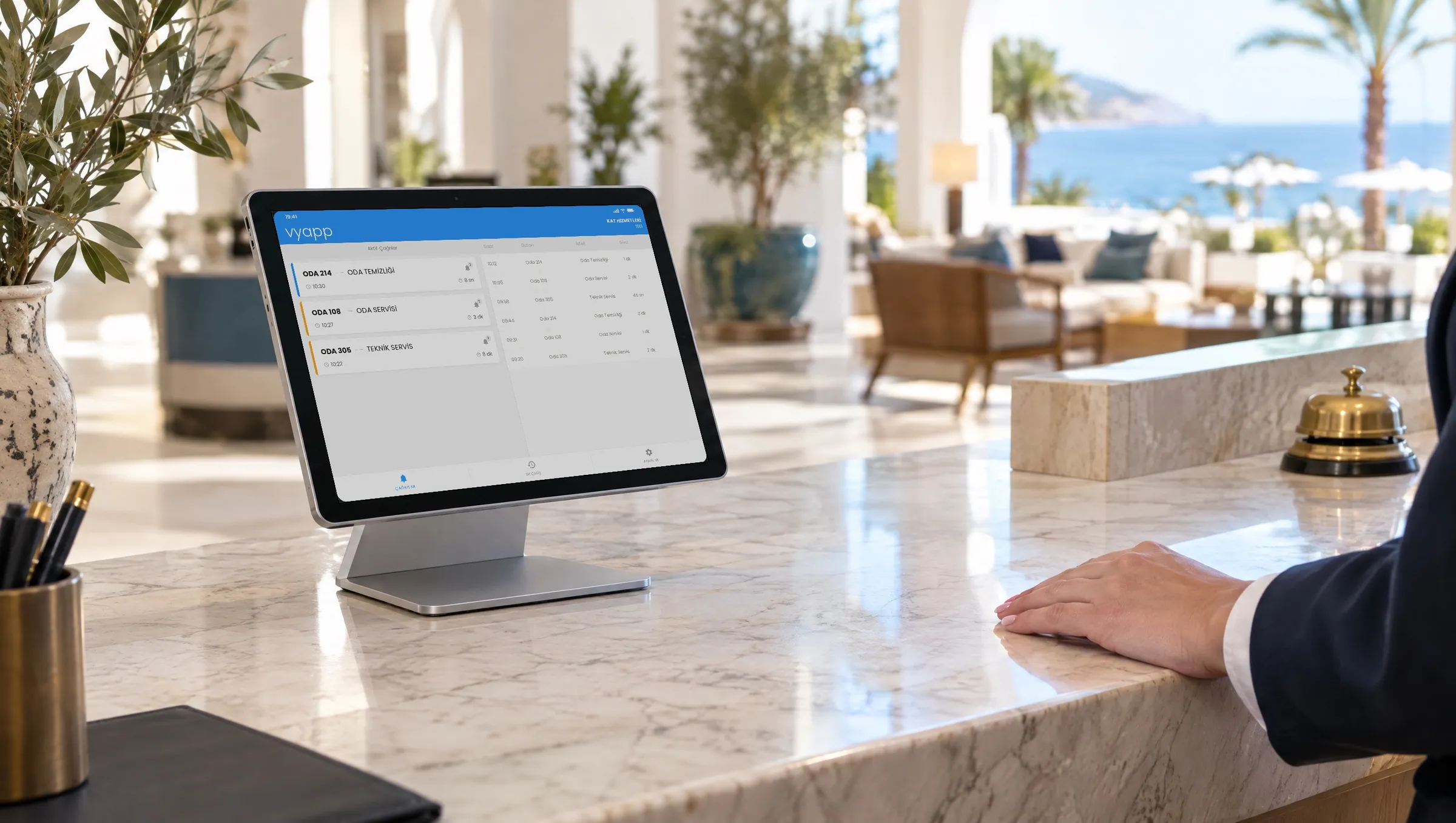
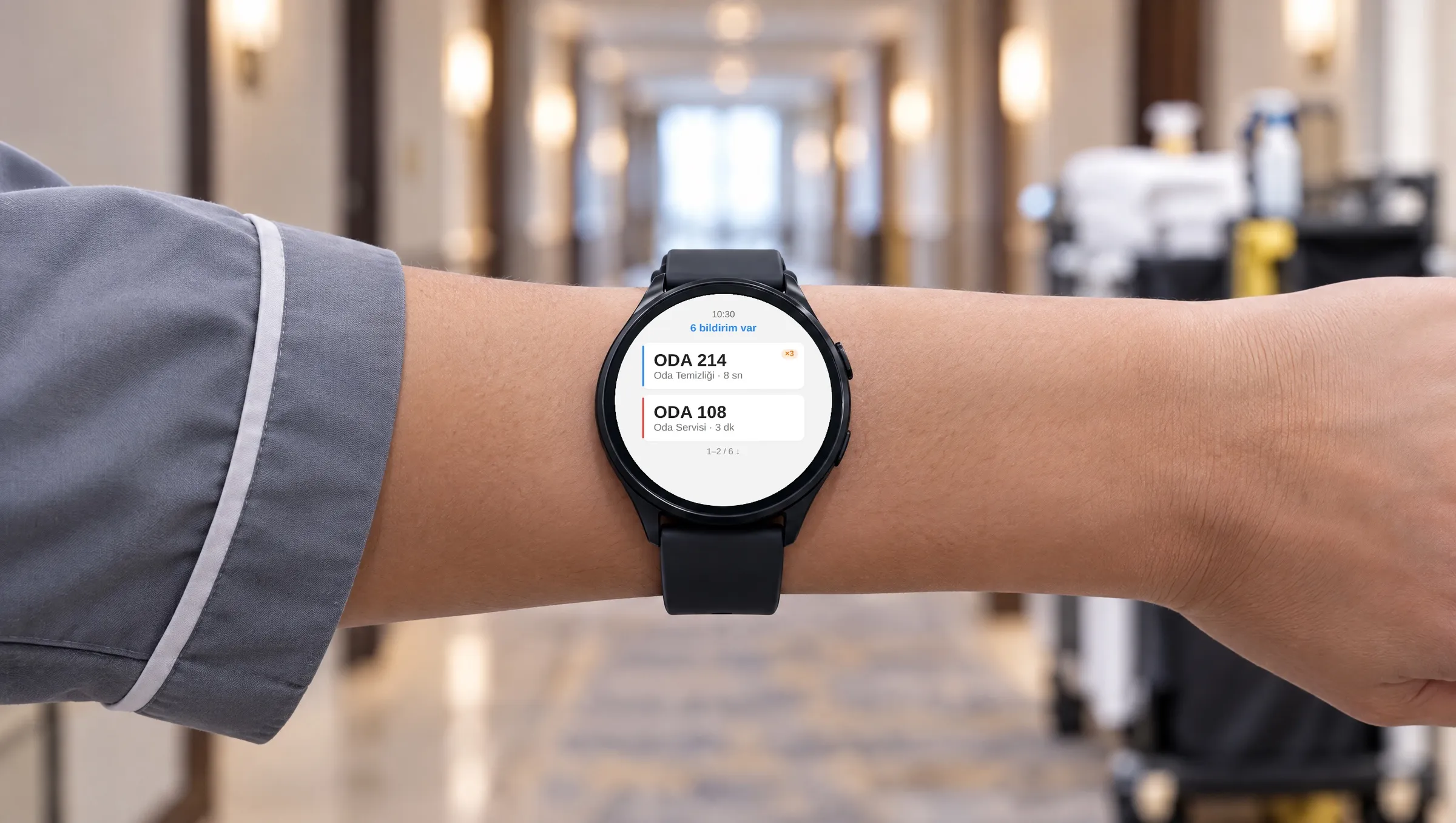
The notification reaches the tablet, watch or phone of the staff assigned to that request, so the right person heads to the right point.
How should the call start?
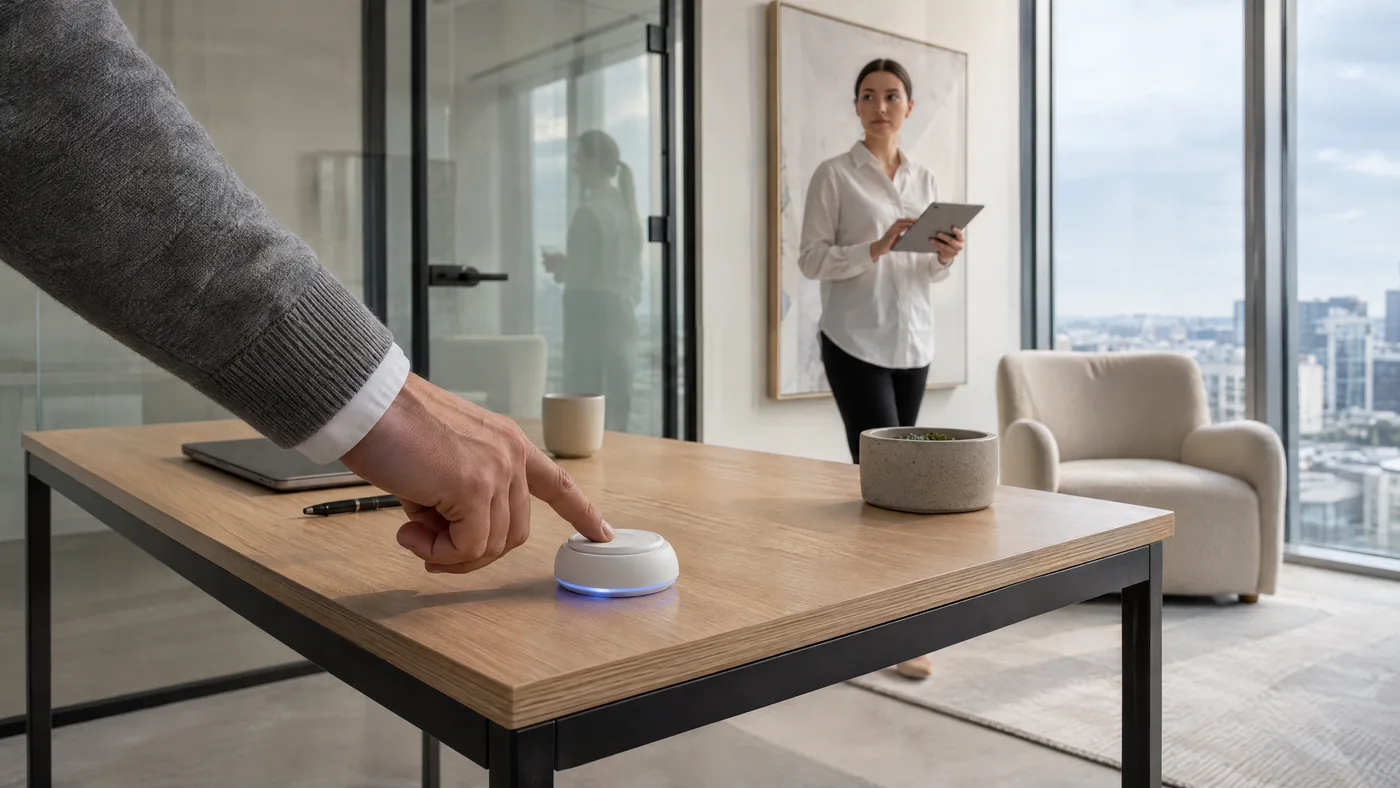
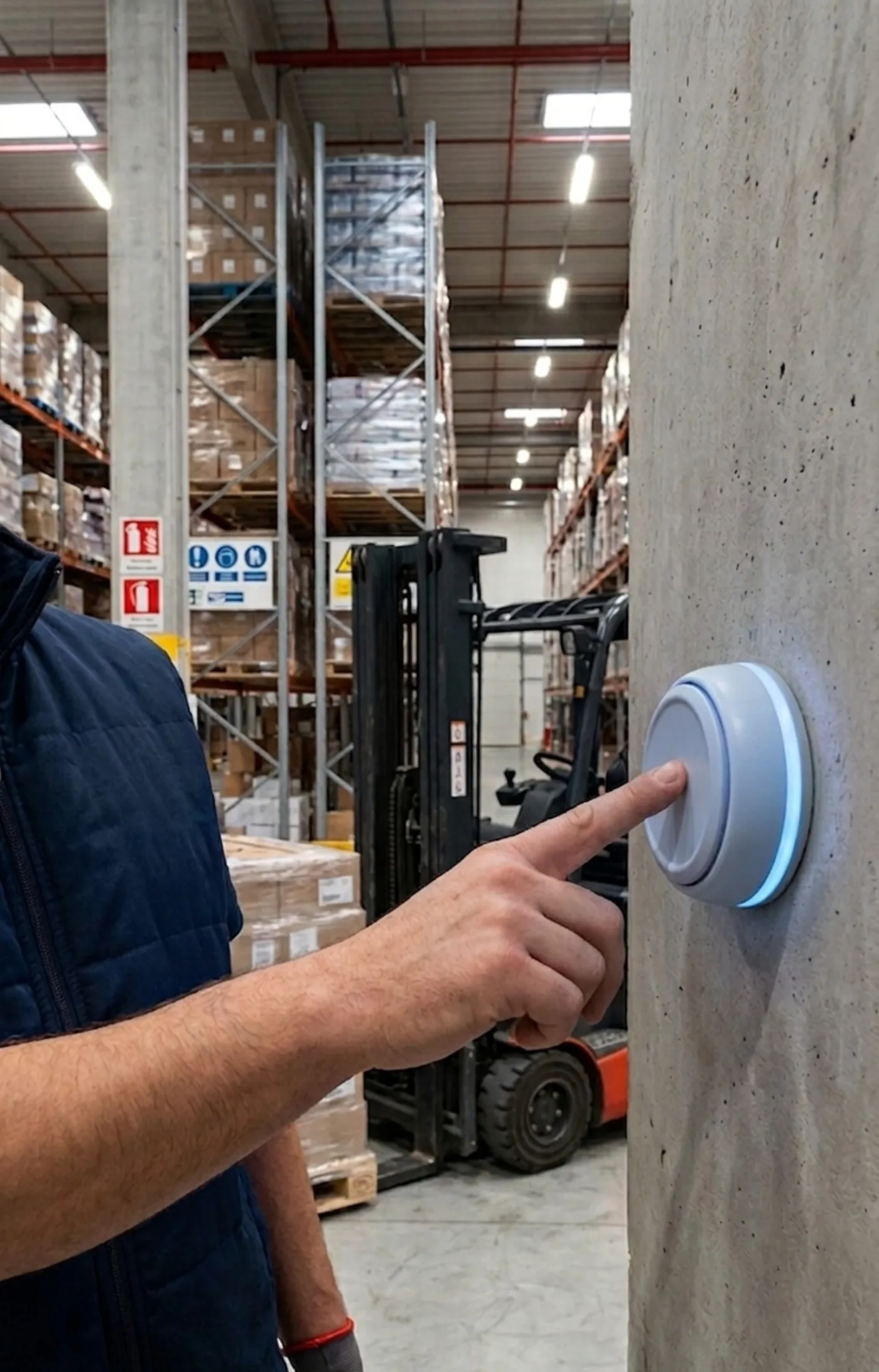
Physical Call Buttons
Send a call with a single touch from a set point.
Explore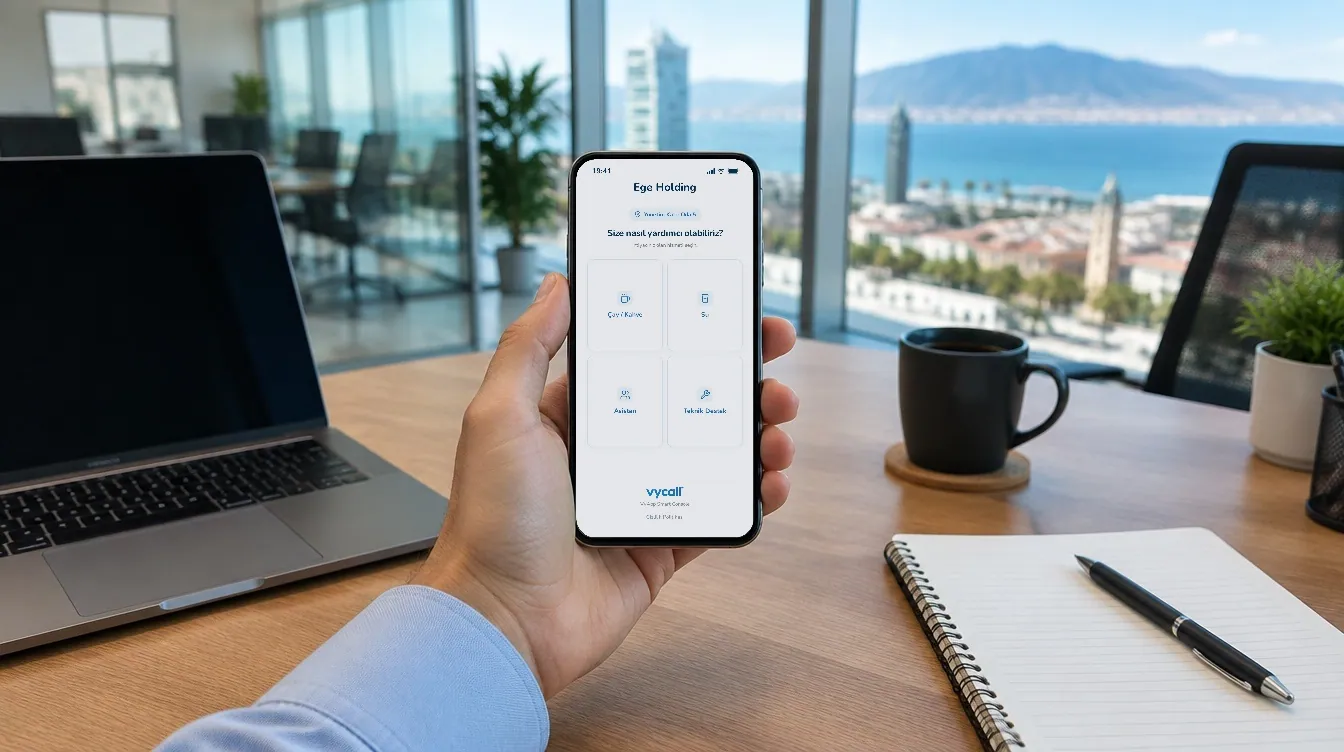
Virtual Call Buttons
Let’s review together which of the mobile app, NFC or QR options suits your space.
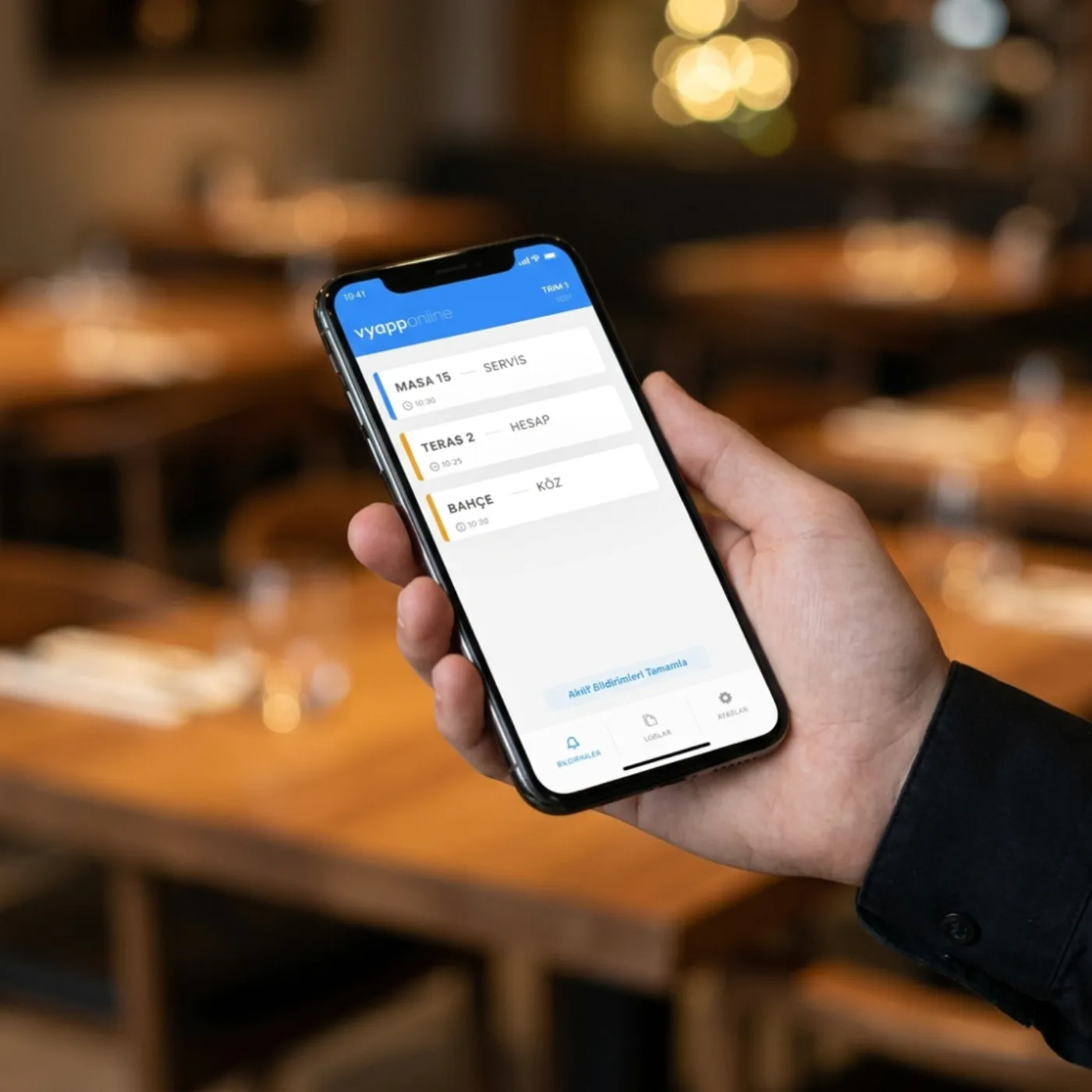
ExploreWhere should your team receive the notification?
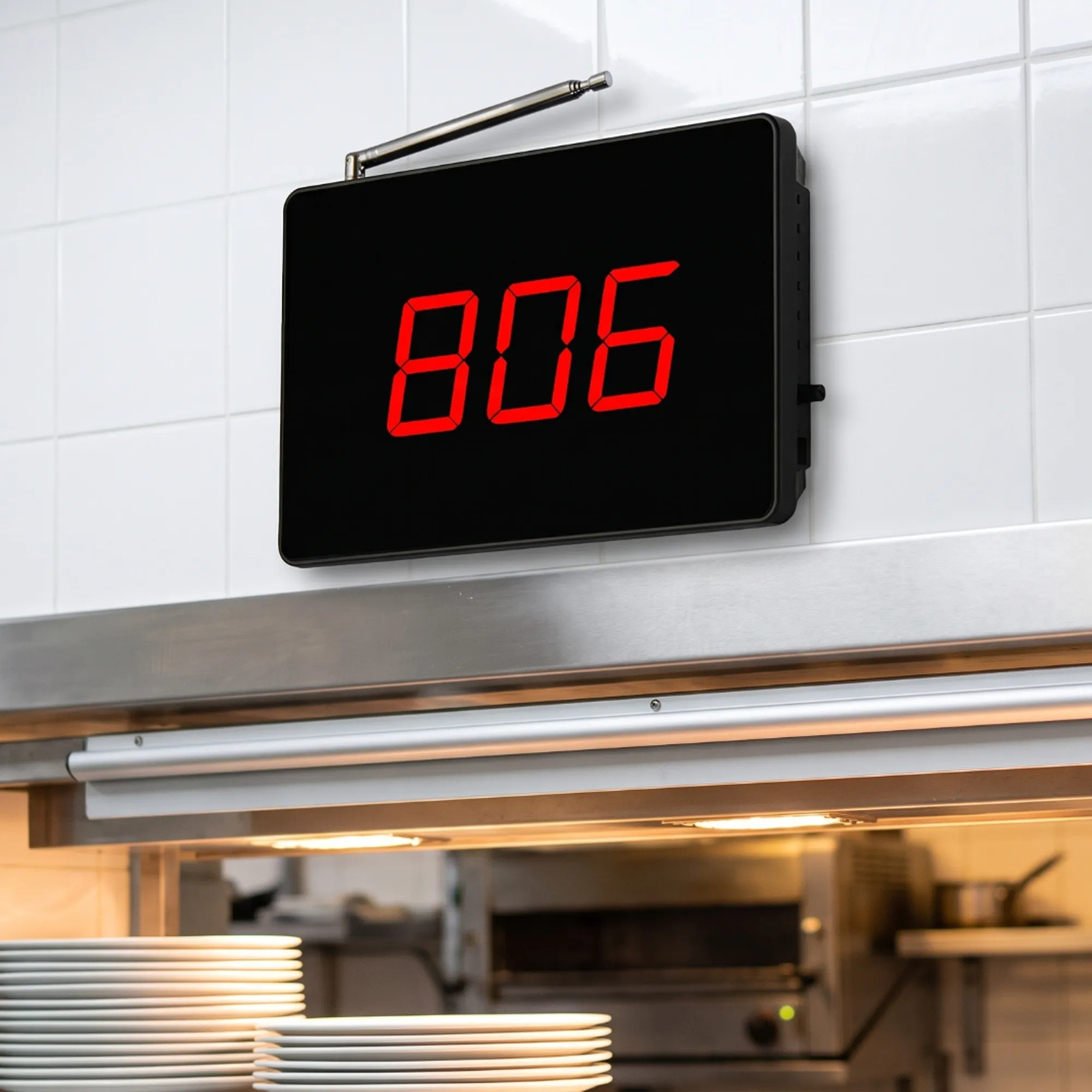
Bring call notifications to the screen or receiver device your team works with.

Define the right scope for your organisation.
01Which solution is right for me?
02Which button is used where?
03Can more than one solution be used in the same business?
04Which receiver should I choose?
05Can it be used for nurse or care calls?
06Can it be used for home care?
07Is the internet needed?
08Is the range enough for large sites?
09How is it installed?
10What does the warranty cover?
Let’s decide together which solution suits you.
Share your call points and the team in charge, and we will settle the call method and notification option together.
Solutions used by 500+ businesses. We stay with you after installation.








-
2-Year Like-for-Like Replacement Warranty
Eligible hardware under warranty is replaced like-for-like, without delay.
-
Ongoing Support
From installation onwards, our technical team is available throughout use.
-
Easy Installation
We plan the right setup for your distances and site conditions together with you.
- CE Conformity
- ISO 9001Quality
- ISO/IEC 27001Information security
- ISO 20000IT service
- ISO 22301Business continuity
- ISO 14001Environment
- ISO 45001Occupational health
- ISO 10002Customer satisfaction
- ISO 31000Risk management
Technology solutions Vayotek builds for businesses.
 VayotekCustom Projects For Your Custom Projects Let’s talk about a technology project tailored to your business. We’ll review your needs together and build the solution that fits. Explore Vayotek
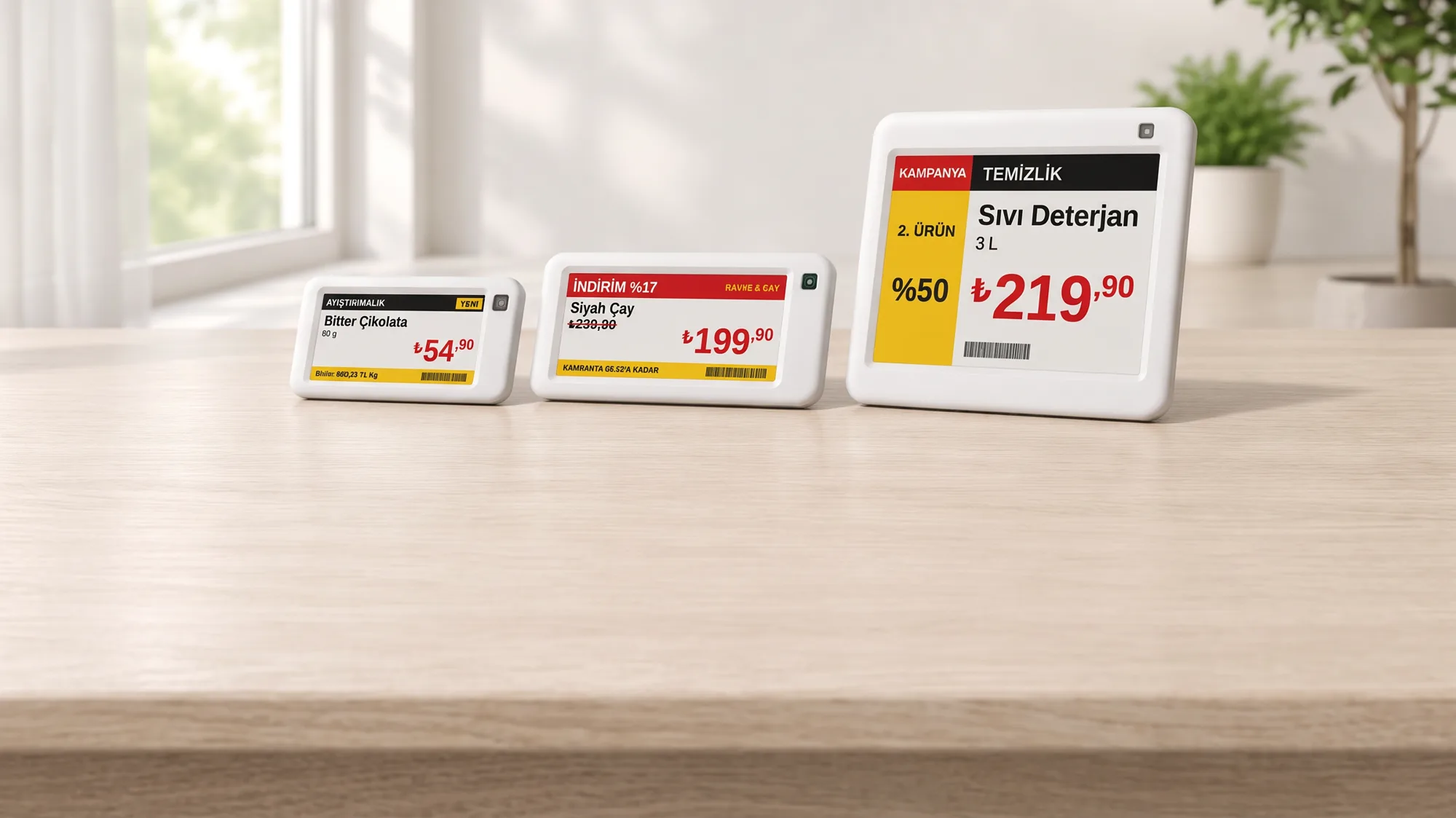 VyTagElectronic Shelf Labels Electronic Shelf Labels and Digital Information Displays Manage prices, promotions, product and information content on digital displays. Explore VyTag