




 TR
TR
- Vycall
- 18 July 2026
Electronic Shelf Label Systems for Retail Stores
Electronic shelf label systems for retail stores allow prices, promotional content and product details to be updated centrally and displayed on digital screens throughout the store.
From electronics and cosmetics to home improvement, fashion and homeware, modern retail stores often manage large product catalogues and frequent promotional campaigns.
Paper labels must be reprinted whenever information changes. Electronic shelf labels allow the same display to be updated repeatedly, making them suitable for retail environments that require more flexible and consistent product communication.
What Is an Electronic Shelf Label System for Retail Stores?
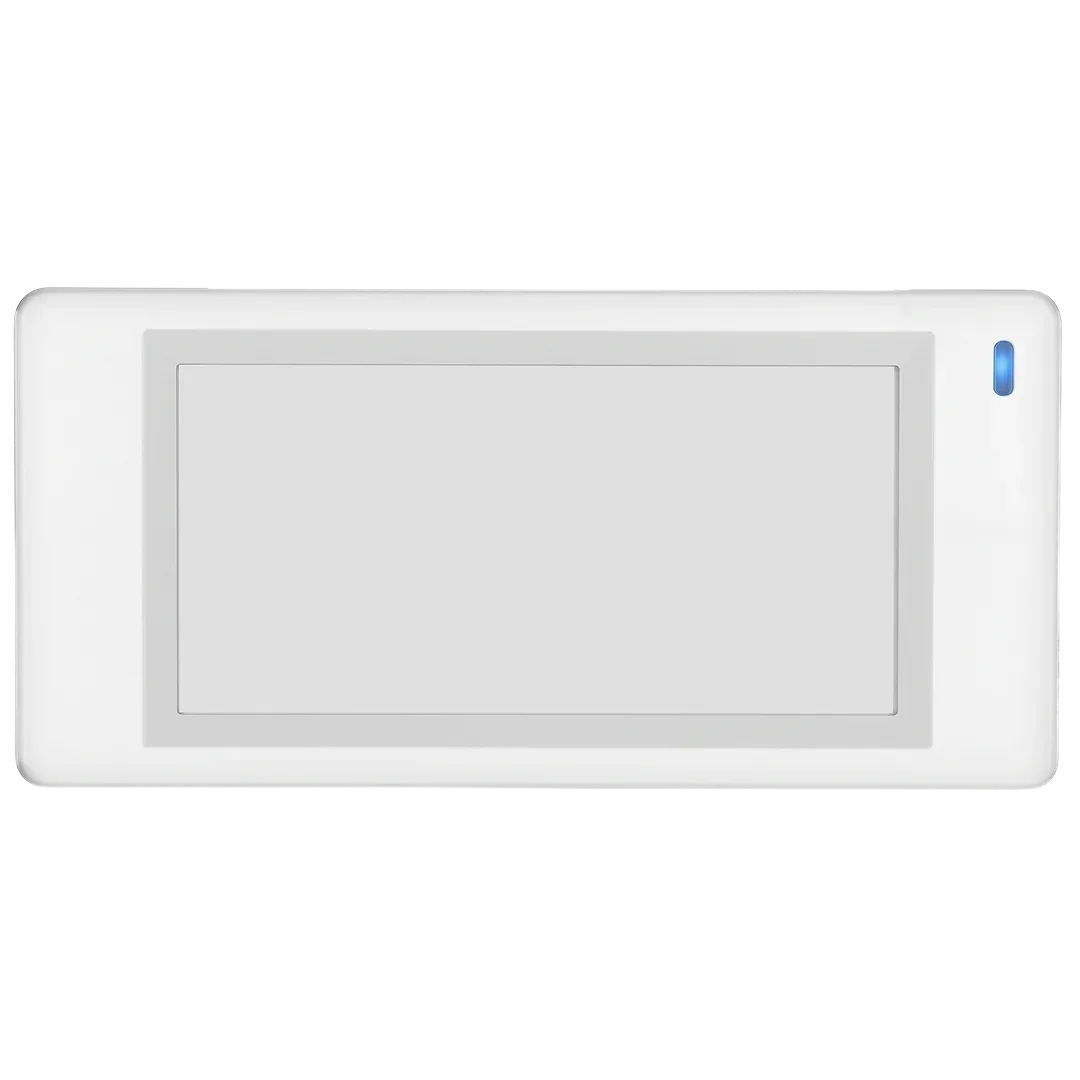
A retail electronic shelf label is a digital e-paper screen installed on shelves, display stands, hanging rails or product areas.
Depending on the label model and store requirements, the screen may display:
- Product name
- Model or variation
- Current price
- Previous price
- Promotional price
- Discount percentage
- Technical specifications
- Colour or size options
- Barcode or QR code
- Stock information
- Warranty period
- Energy rating
- Campaign end date
Electronic shelf labels can therefore support more than price presentation. They can also provide selected information that helps customers compare products and make purchasing decisions.
How Do Electronic Shelf Labels Work in Retail Stores?
1. Product information is transferred to the platform
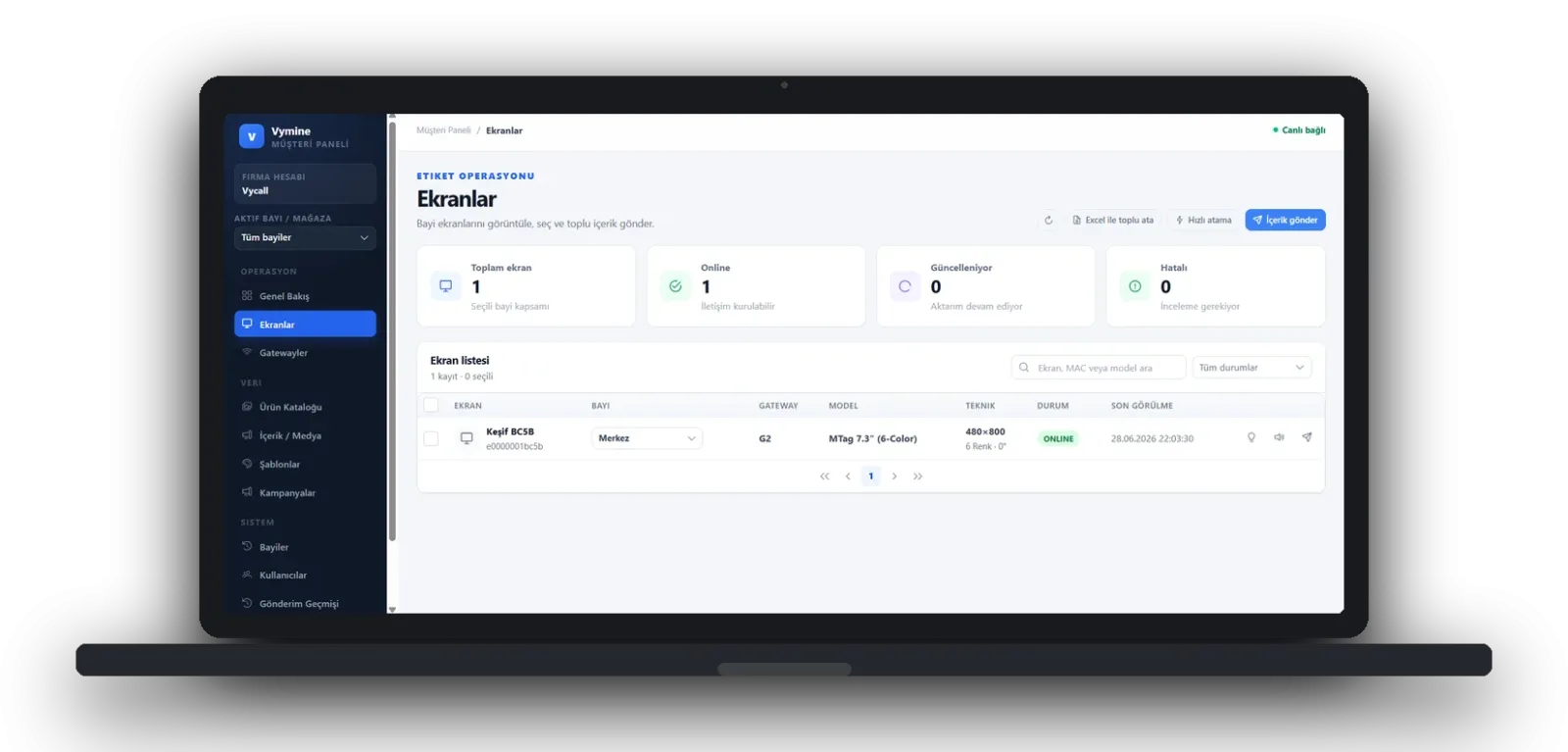
Prices, product codes, campaign details and technical information are entered into the central ESL management software.
The data may be obtained from:
- ERP software
- POS systems
- E-commerce platforms
- Product information management systems
- Central campaign management tools
2. Labels are paired with products
Each electronic label is associated with the relevant SKU or product code.
When a product is moved or replaced, the label can be paired with another item.
3. Store templates are created
Retailers may prepare different layouts for:
- Standard pricing
- New-season products
- Limited-time campaigns
- Clearance items
- Member prices
- Technical product information
- Low-stock products
4. Updates are transmitted through the gateway
Changes are sent wirelessly to a single label, a product group, a selected branch or several store locations.
5. Delivery status is monitored
The management platform can confirm whether the updated content has reached the relevant label.
In multi-store operations, central teams may monitor campaigns and pricing across different branches from the same platform.
Vycall Tip: Do not treat an electronic shelf label as a screen that displays only a price. Use the available space to present one or two key product features that genuinely help customers make a decision.
Benefits of Electronic Shelf Labels for Retail Stores
Centralised price and campaign management
Campaigns prepared at head office can be distributed to selected branches through a controlled digital process.
This helps retailers apply the same campaign dates, prices and design structure across multiple stores.
Support for online and in-store consistency
When e-commerce and physical store information are managed through compatible data sources, consistency between channels can be improved.
Correct product codes and campaign rules remain essential for successful synchronisation.
Better product comparison
In categories such as electronics, home improvement and homeware, customers often need more than a price.
Electronic labels may display information such as:
- Screen size
- Storage capacity
- Energy consumption
- Product dimensions
- Material type
- Warranty period
- Package quantity
- Size or colour
Stronger promotional visibility
Old price, new price, discount percentage and campaign duration can be displayed through a dedicated promotional template.
Colour-supported e-paper screens can make selected promotional areas more noticeable.
Reduced label replacement workload
Employees do not need to print and replace a physical label after every price change.
The operational benefit becomes more significant as the number of products and branches increases.
A standardised retail presentation
The same typography, price hierarchy and campaign structure can be applied across all departments and locations.
Paper Price Tags vs Digital Retail Labels
| Feature | Paper Price Tags | Electronic Shelf Labels |
|---|---|---|
| Price changes | Require new printing | Updated centrally |
| Multi-store management | Each branch implements changes | Can be controlled centrally |
| Campaign launch | Requires employee replacement | Can be scheduled |
| Product details | Limited by print layout | Configured through templates |
| Design consistency | May vary between prints | Standard templates can be used |
| Update verification | Requires physical inspection | Status can be monitored |
| Initial cost | Lower | Requires infrastructure investment |
| Reusability | Reprinted after changes | The same screen is updated |
Retail Store ESL Use Case
Consider a consumer electronics retailer operating ten branches and preparing a weekend campaign.
Prices for selected televisions, headphones and small appliances are scheduled to change on Friday evening and return to standard levels on Monday morning.
With an electronic shelf label system, the workflow may be organised as follows:
- The central team prepares the promotional product list.
- Discounted prices and campaign dates are reviewed.
- A promotional template is assigned to the products.
- Updated information is sent to the relevant labels in selected branches.
- Store managers confirm the updates.
- Standard prices are restored when the campaign ends.
This structure supports a more controlled campaign process. Its success still depends on accurate product data, stable communication infrastructure and clearly defined approval responsibilities.
Which Types of Retail Stores Can Use Electronic Shelf Labels?
Electronics stores
Labels may display model, storage capacity, screen size, warranty and energy information.
Cosmetics stores
Product volume, promotional price, discount percentage and short descriptions can be presented.
Home improvement stores
Dimensions, material type, unit price, package quantity and stock codes may be displayed.
Home and lifestyle stores
Product dimensions, colour options, set contents and promotional information can be managed.
Pet stores
Product type, package size, age group and price can be displayed clearly.
Sports stores
Model, available sizes, colour options and campaign information may be included.
Fashion stores
Labels may display size, colour, product model and price.
The selected mounting accessories should be compatible with shelves, rails, hangers or display stands.
What Should Retail Stores Consider When Selecting an ESL System?
Product volume and campaign frequency
The operational value of centralised management generally increases as the number of products, branches and price changes grows.
Screen size
A compact screen may be sufficient for products that only require a price.
Larger labels may be more appropriate for technical products, promotional displays or items requiring several specifications.
Integration structure
Product codes must be consistent across ERP, POS and e-commerce systems.
Using different codes for the same item across multiple platforms can make integration more complex.
Mounting accessories
Different solutions may be required for:
- Standard shelf rails
- Hanging displays
- Glass surfaces
- Tabletop stands
- Product demonstration areas
- Clothing rails
Store lighting
Labels should be tested under real in-store lighting before the final model and template are approved.
User permissions
Head office and branch employees should be assigned appropriate access rights.
Pricing, campaign and template permissions can be separated according to role.
Technical support
Retailers should evaluate support for:
- Initial installation
- Software updates
- Battery management
- Label replacement
- Integration maintenance
- New branch expansion
- Gateway configuration
Vycall Tip: Select label sizes according to information density. Compact labels are suitable for standard pricing, while larger screens are more effective for technical details and prominent campaigns.
Frequently Asked Questions
Can QR codes be displayed on electronic labels?
Yes, when the label resolution and template design are suitable. QR codes should be tested with different smartphones under real store lighting.
Can multiple stores be managed from the same platform?
Yes. A compatible management structure can support central control of several branches with separate permissions for stores, departments and users.
Are electronic labels used only for displaying prices?
No. They may also display technical specifications, promotional dates, barcodes, QR codes, stock status and short product information.
Are ESL systems suitable for small retail stores?
Suitability is not determined only by store size. Product volume, campaign frequency, employee workload and pricing complexity should be evaluated together.
Digitise Price and Product Management Across Your Stores
Your product range, number of branches, campaign structure and existing software infrastructure should be assessed before selecting the appropriate electronic shelf label configuration.
Explore Vycall digital shelf label solutions to review electronic labels, gateway infrastructure and central management options.
Contact Vycall to identify the most suitable electronic shelf label system for your retail operation.