



ESL Gateway Systems · Mini, One, Pro

Gateway systems

The connection between your labels and the software

Set up the wireless connection between the management software and the displays on the shelf with Mini, One or Pro, depending on the size of the area and your network.

Three models

Handle the same job at different scales

Compare the technical values of the model that suits your layout, network infrastructure and display density.

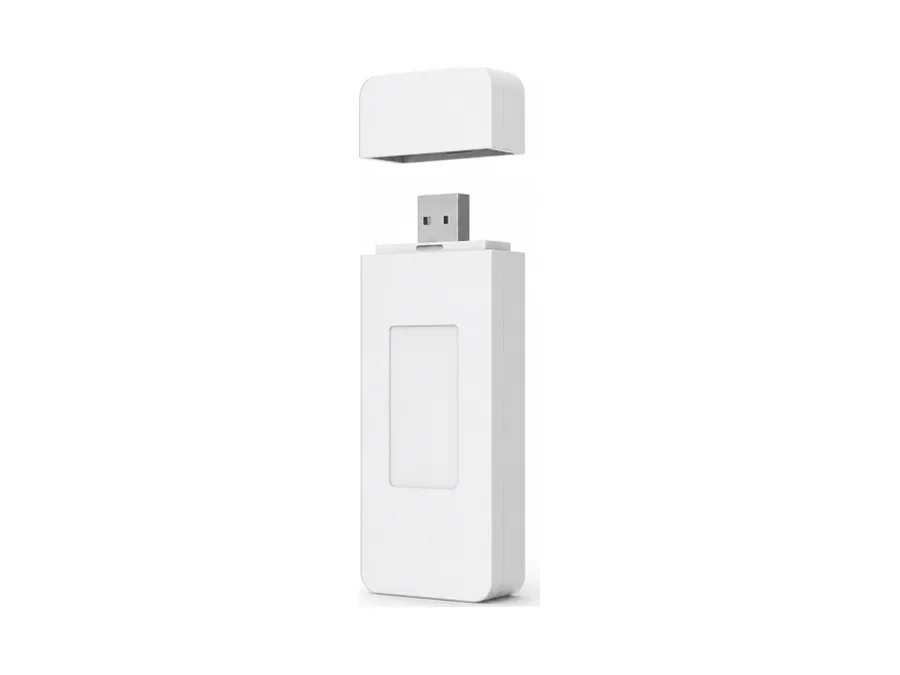
VyTag Gateway Mini – ESL Gateway Systems · Mini, One, Pro Compact

VyTag Gateway Mini

Small store and single-aisle installation.

Network connection
Wi‑Fi 2.4 GHz
Display communication
Wireless
Power
USB-A
Open-area range
Over 15 m
Housing
92.2 × 38.8 × 15.2 mm
Weight
52.1 g
Suitable area
Small store, single zone
Get a Quote for VyTag Gateway Mini
VyTag Gateway One – ESL Gateway Systems · Mini, One, Pro Standard store

VyTag Gateway One

Standard gateway with Ethernet connection.

Network connection
Ethernet and Wi‑Fi
Display communication
BLE 5.0
Power
5 V adapter or PoE
Open-area range
Up to 30 m
Housing
Ø150 × 36 mm
Weight
165 g
Suitable area
Single store, multiple zones
Get a Quote for VyTag Gateway One
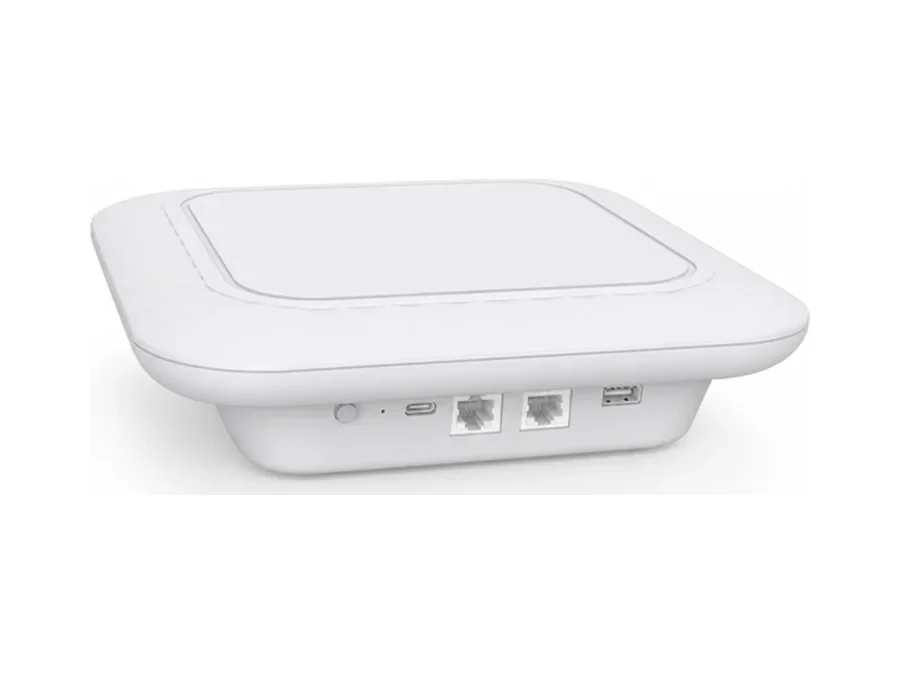
VyTag Gateway Pro – ESL Gateway Systems · Mini, One, Pro Large area

VyTag Gateway Pro

Large areas and high label counts.

Network connection
2 × RJ45 and dual-band Wi‑Fi (2.4 / 5 GHz)
Display communication
10 simultaneous BLE channels
Power
12 V or PoE Type 4
Open-area range
Large area, planned coverage
Housing
220 × 220 × 53.5 mm
Weight
892.8 g
Suitable area
Large store, warehouse, dense installation
Get a Quote for VyTag Gateway Pro
Role in the system

Updates from the software reach the shelf through the gateway.

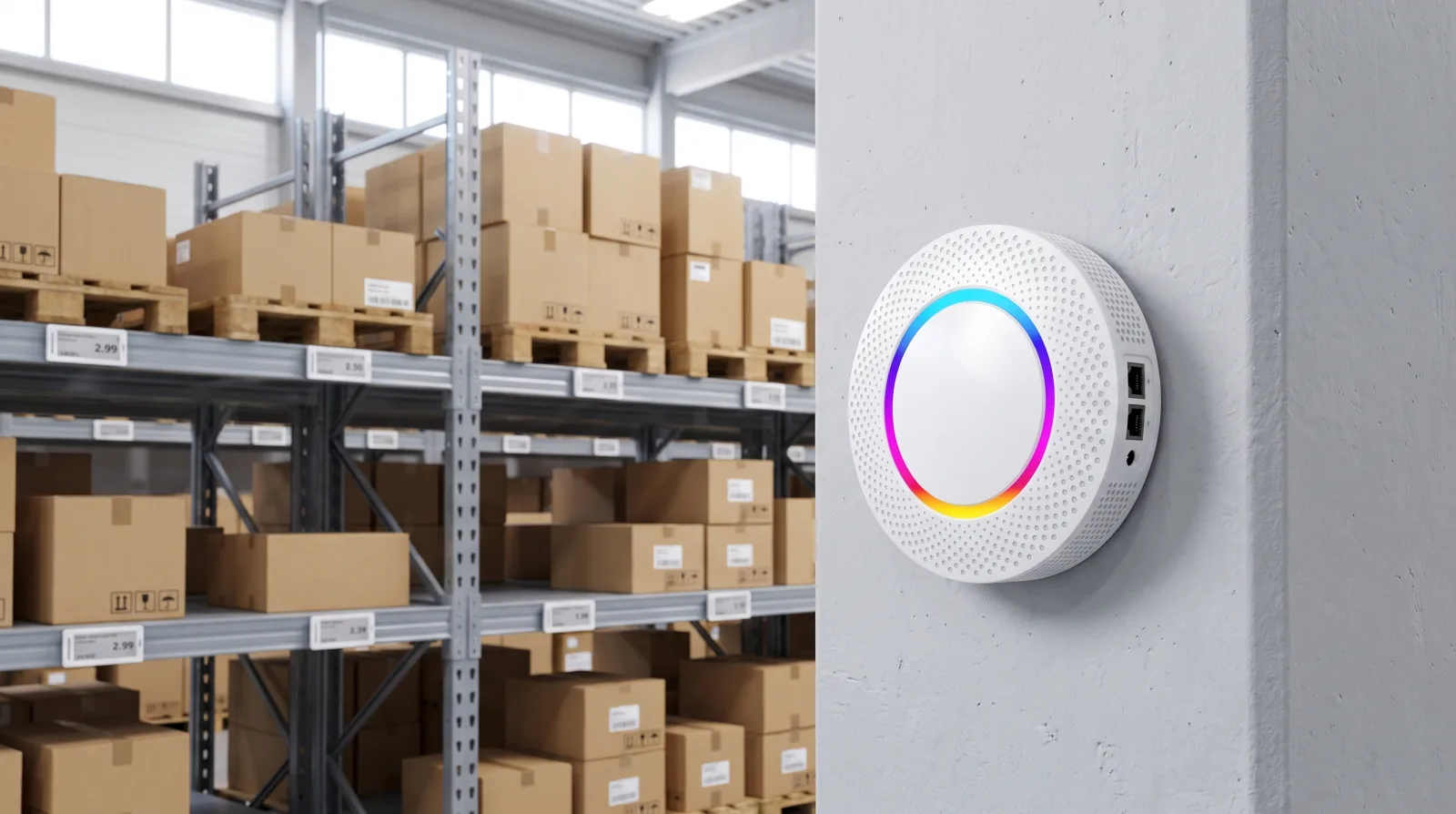
The gateway is placed on the store's ceiling or wall. It receives price and content changes from the software and sends them wirelessly to the relevant labels and displays.

  • A bridge between software and displays
  • Connects to your store network via Ethernet or Wi‑Fi
  • Update results are monitored in the software panel
VyTag gateway mounted on a column in a warehouse aisle
Choosing

Don't choose a model by floor area alone

Open-area values are affected by shelves, walls and electromagnetic conditions in a real store.

01 Floor plan Floors, rooms, walls and shelf layout directly affect coverage.
02 Display density The total number of displays and their distribution across zones are assessed.
03 Network setup The model is chosen based on available Wi‑Fi, Ethernet and PoE.
04 Update flow How often content changes and operational expectations are taken into account.
Realistic expectations

Let's plan the right connection for your space

Share your number of shelves and displays; let's determine the right connection setup for your business together.

01 Single store Standard floor plan and controlled display density.
02 Multiple zones Several gateways are planned through layout and coverage measurement.
03 Multiple branches Each branch's local network and site conditions are handled separately; all are managed from the same software.
Let's Plan Your Project Together

Let's place the gateways according to the project plan.

Share your store sketch, number of displays and network setup; we'll prepare a model and placement proposal.

Send Us Your Request

We’ll get back to you as soon as possible.

How should we contact you?

The information in this form is processed only to respond to your request. See our Privacy Notice (KVKK).