
-
Industries
-
Products
Shelf LabelsInformation DisplaysSystem & Accessories
-
Wireless Calling SystemsPopular
SolutionsProducts



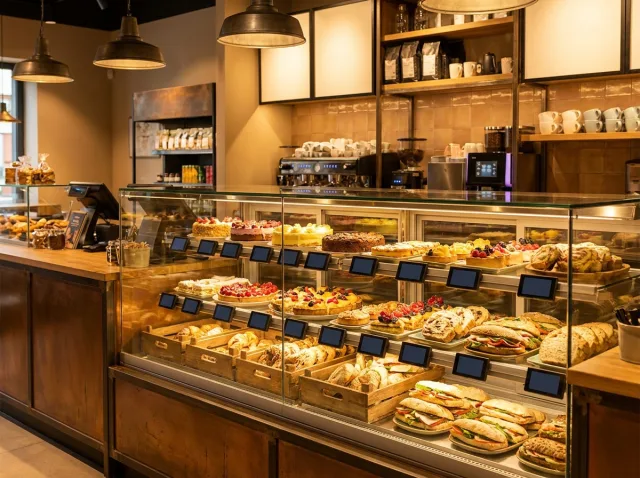


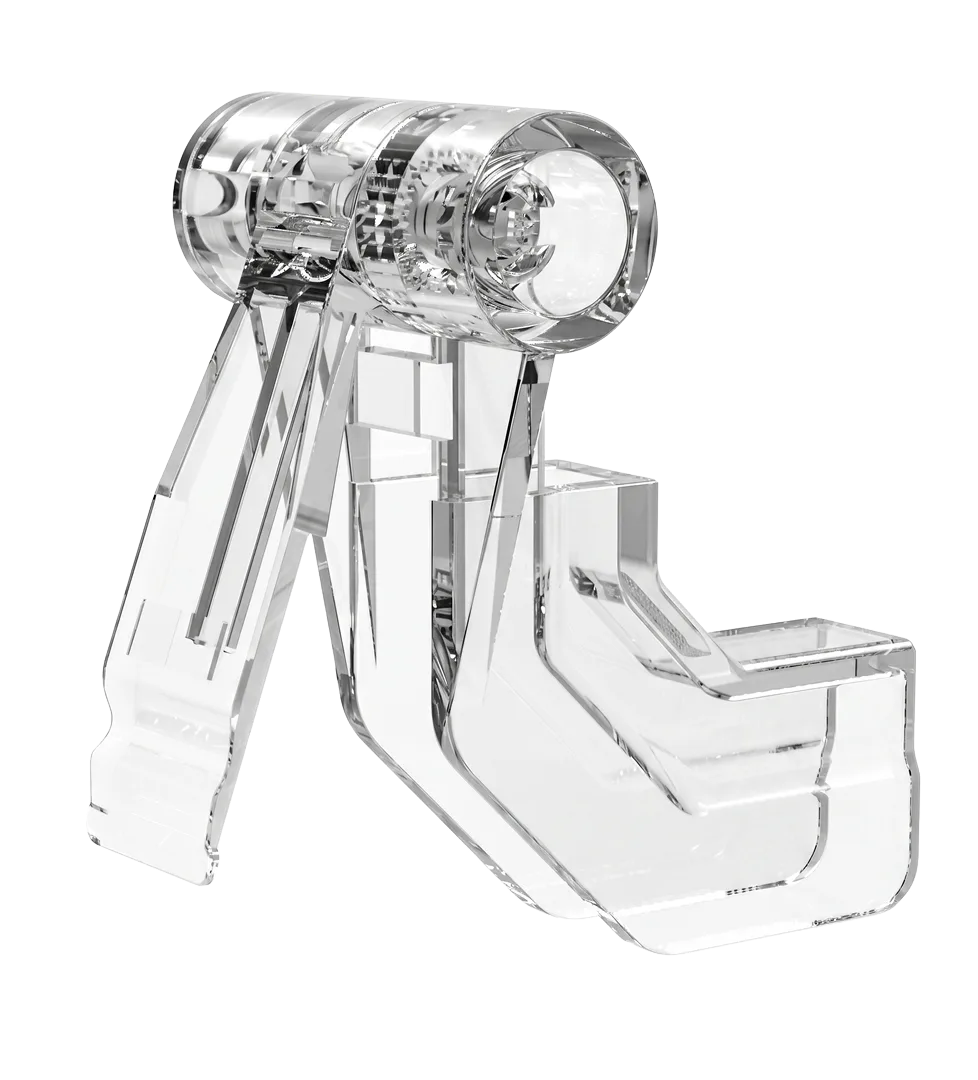

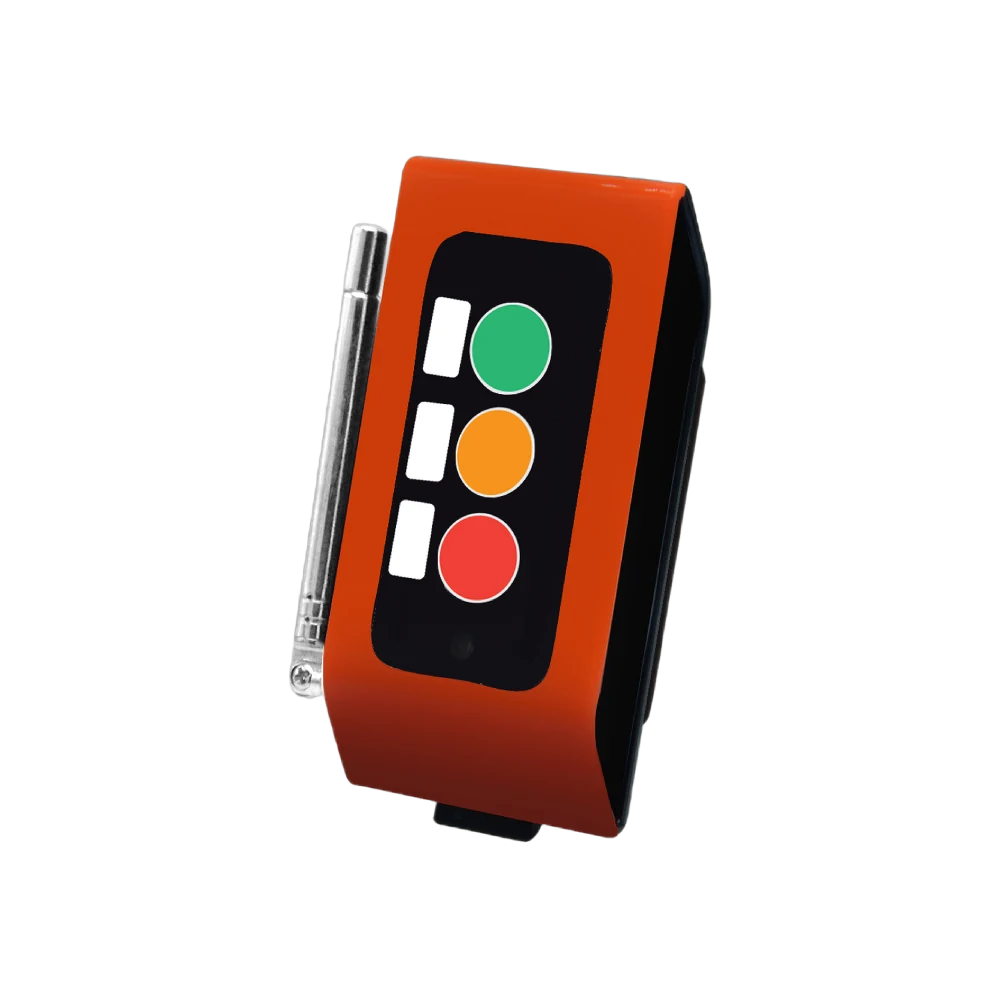

Shelf Labels
Information Displays
System & Accessories
Solutions
 Waiter Calling System
 Staff & Executive Calling System
 Self-Service Customer Calling System
 Factory Personnel Calling System
 Disabled Help Calling System
 Yacht Crew Calling System
 Buggy Vehicle Calling System
 Nurse Calling System
Products

How Do Electronic Shelf Labels Work?
A price changes in the POS, ERP, file or management panel; VyTag software sends the update through the gateway to the correct electronic shelf label. Four components, five steps.


From Price to Shelf in Five Steps
Data is received through the selected integration or file-import method and sent to the relevant labels.
The price is updated at its source
Changes come from a POS/ERP integration, price-list file or the management panel. The transfer method is defined during setup.
The VyTag software processes the information
The software reads the incoming data, knows which product belongs to which label and composes the new screen.
The gateway delivers the update
The update goes to the gateway at the right location, which distributes it wirelessly to the labels concerned.
The label screen refreshes
The e-paper screen shows the new content and holds it without consuming power — the shelf price matches the source.
The system state is monitored
The management screen shows which updates landed, which labels did not respond and the battery state.
The Four Components of the System
Four parts carry the chain. Three in the field, one in the browser.
The layer where data arrives and content is composed. Runs in the browser, needs no installation.
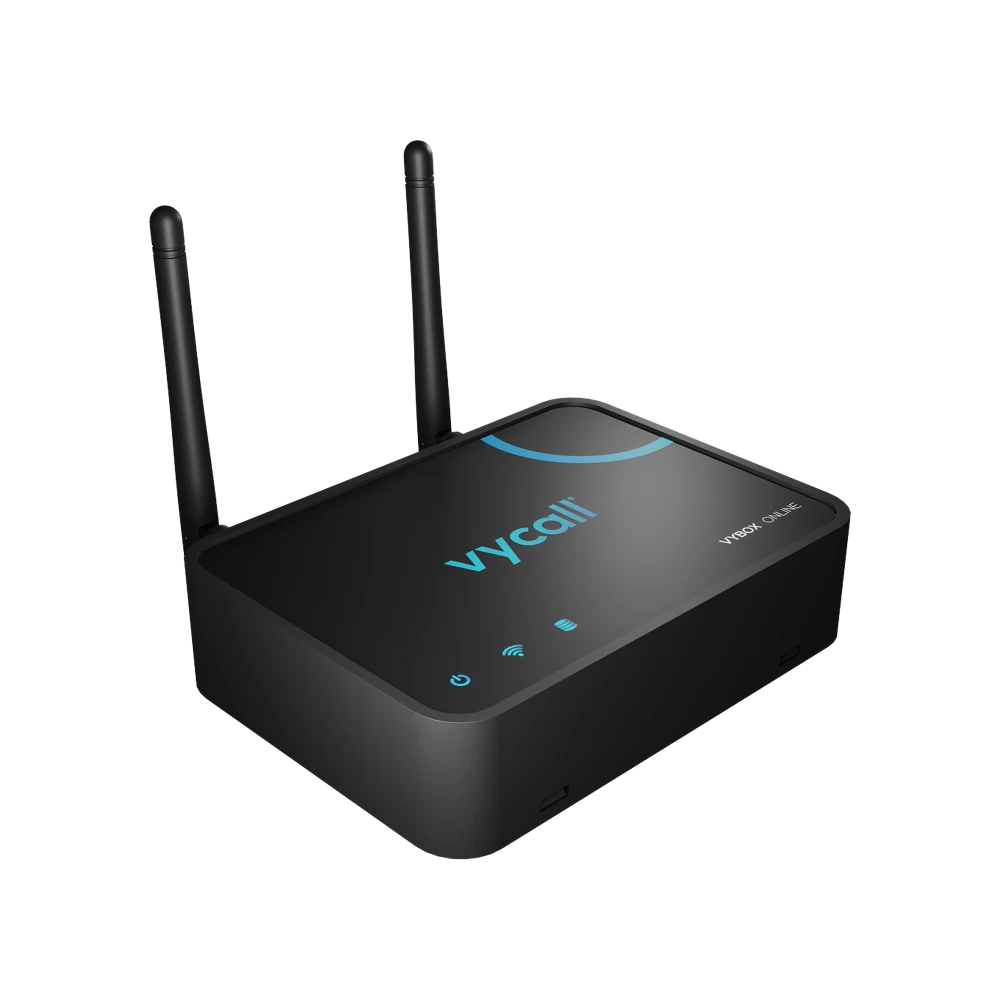
In the browserThe bridge between the software and the labels. Distributes updates wirelessly to the field.
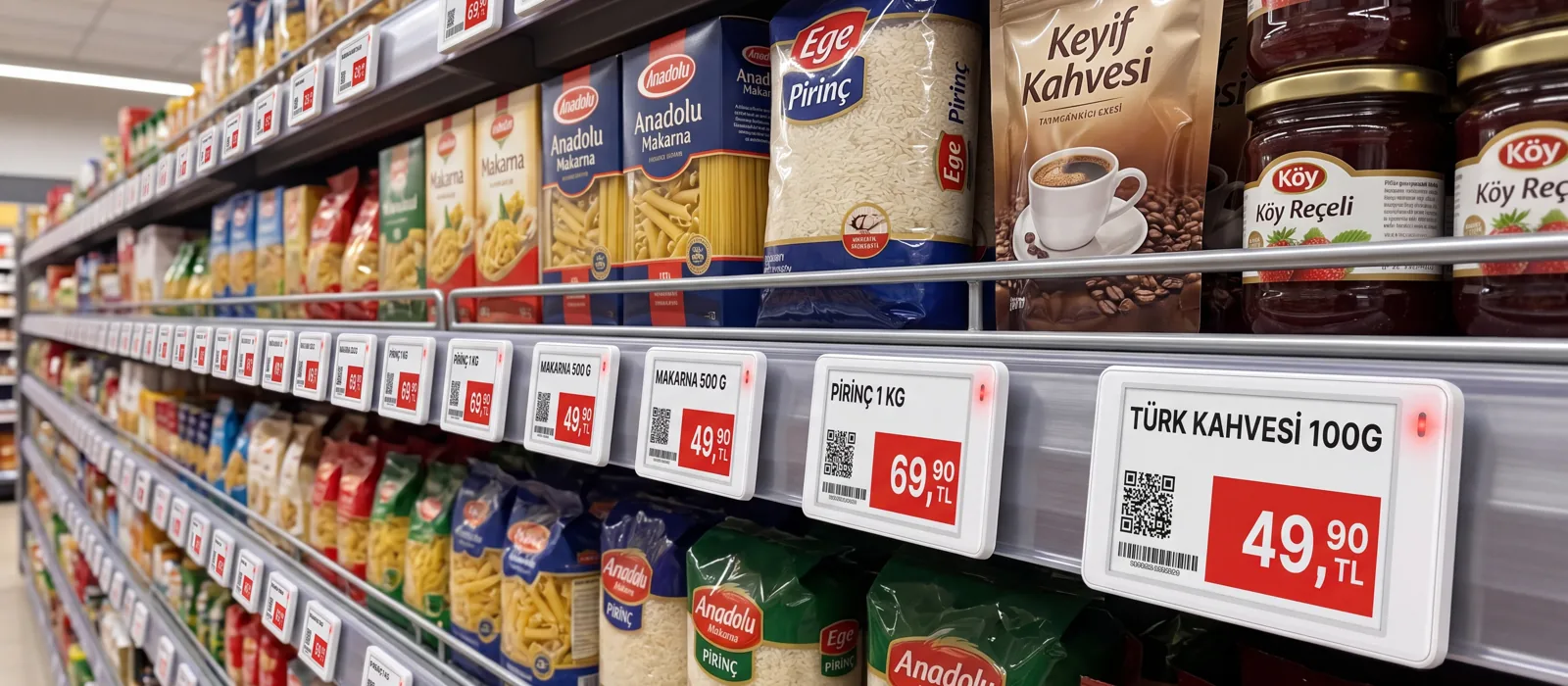
Ethernet · Wi-Fi · PoEWhere the price meets the customer. The e-paper screen holds its content without consuming power.
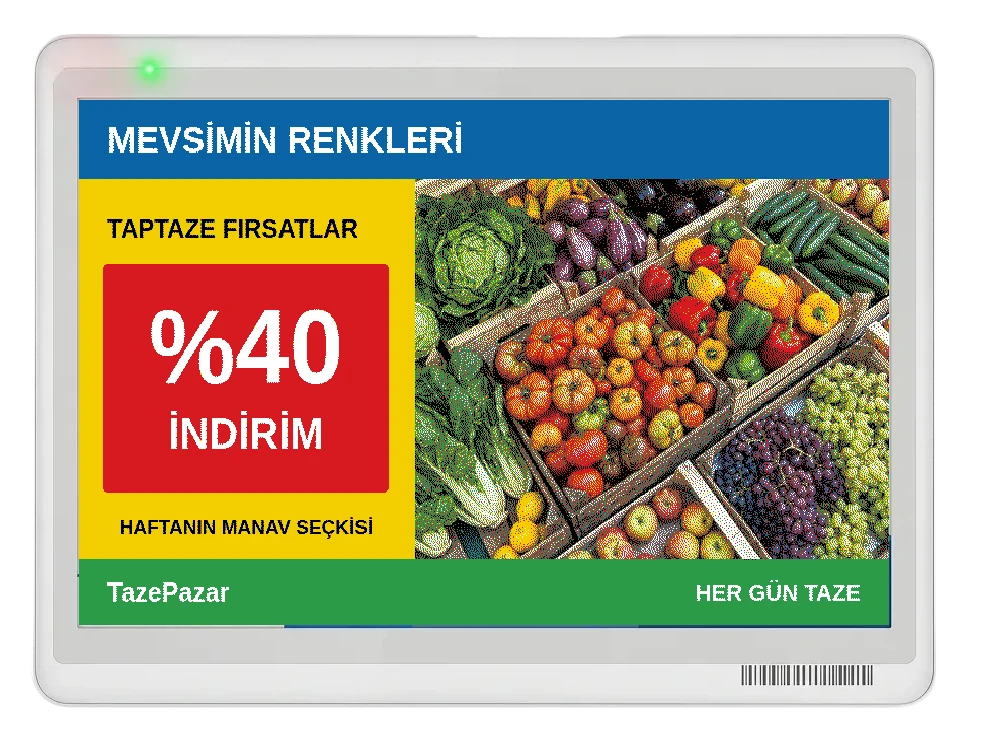
Standard · Water-resistant · FreezerThe large screen for campaigns, menus and location information. Managed from the same software.
7.3″ – 31.5″ · 6 modelsGet a Quote
We will respond to your request as soon as possible.
Would you rather not fill in a form?
Reach us directly — the same team answers.
Call Us Send an Email Contact UsTürkiye Office · HQ
İzmir Technology Base, Gülbahçe Mah. İçmeler Cad. No:14/1 Office B05
Bilişim Vadisi, Urla / İzmir 35433, Türkiye
MENA Office · Dubai
Level 21, Al Habtoor Business Tower
Dubai Marina, Dubai, UAE
Get a Quote
We will respond to your request as soon as possible.
Talebiniz alındı
Ekibimiz en kısa sürede size dönecek. Teşekkür ederiz.