
-
Industries
-
Products
Shelf LabelsInformation DisplaysSystem & Accessories
-
Wireless Calling SystemsPopular
SolutionsProducts








Shelf Labels
Information Displays
System & Accessories
Solutions
 Waiter Calling System
 Staff & Executive Calling System
 Self-Service Customer Calling System
 Factory Personnel Calling System
 Disabled Help Calling System
 Yacht Crew Calling System
 Buggy Vehicle Calling System
 Nurse Calling System
Products

ESL Software, Gateway and Integration
VyTag electronic shelf label software sends updates from a POS, ERP, API, Excel file or management panel through Gateway One to labels and information displays in the field.
How the System Works
You enter the change in one place; the system distributes the rest. All five steps are monitored from the management screen.
Every label is managed from one screen
It runs in the cloud and opens in a browser; nothing is installed on a computer. The software is Vayotek's own product — development, integration and support all come from Türkiye.
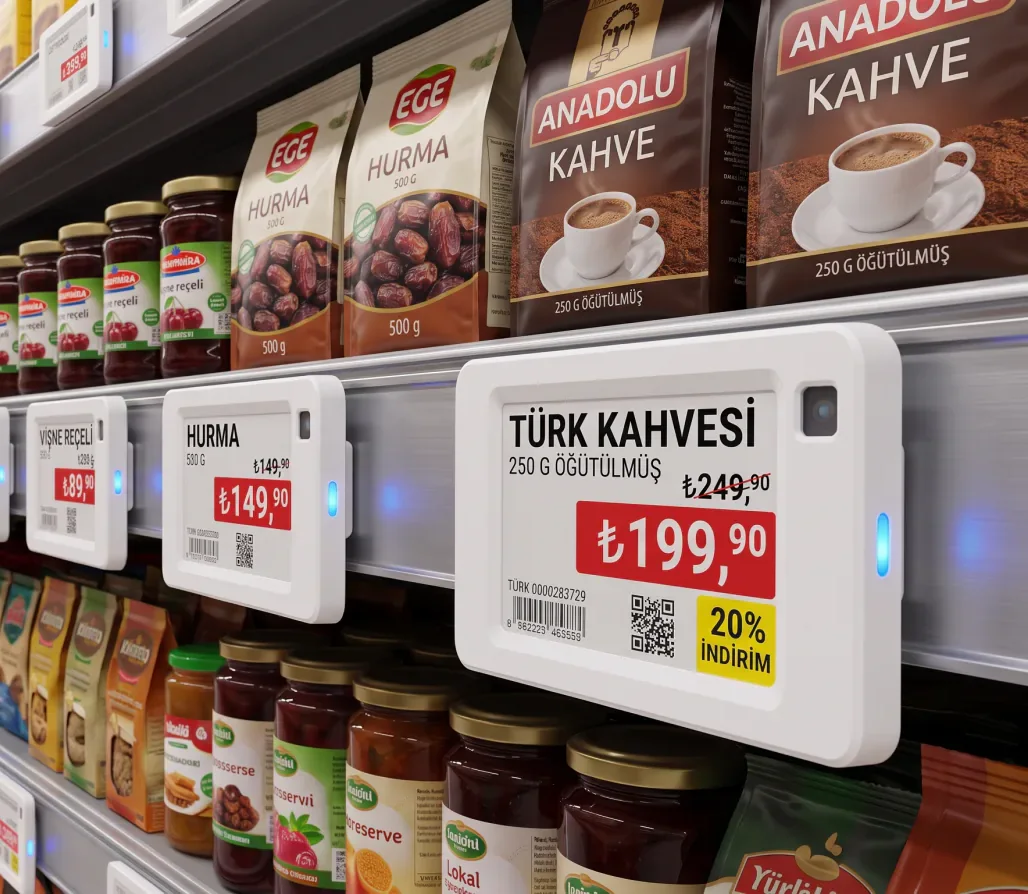
Product and price management
Product card, price, promotion and label pairing all live in one list. When a new product is added, this is where you set which label it goes to.
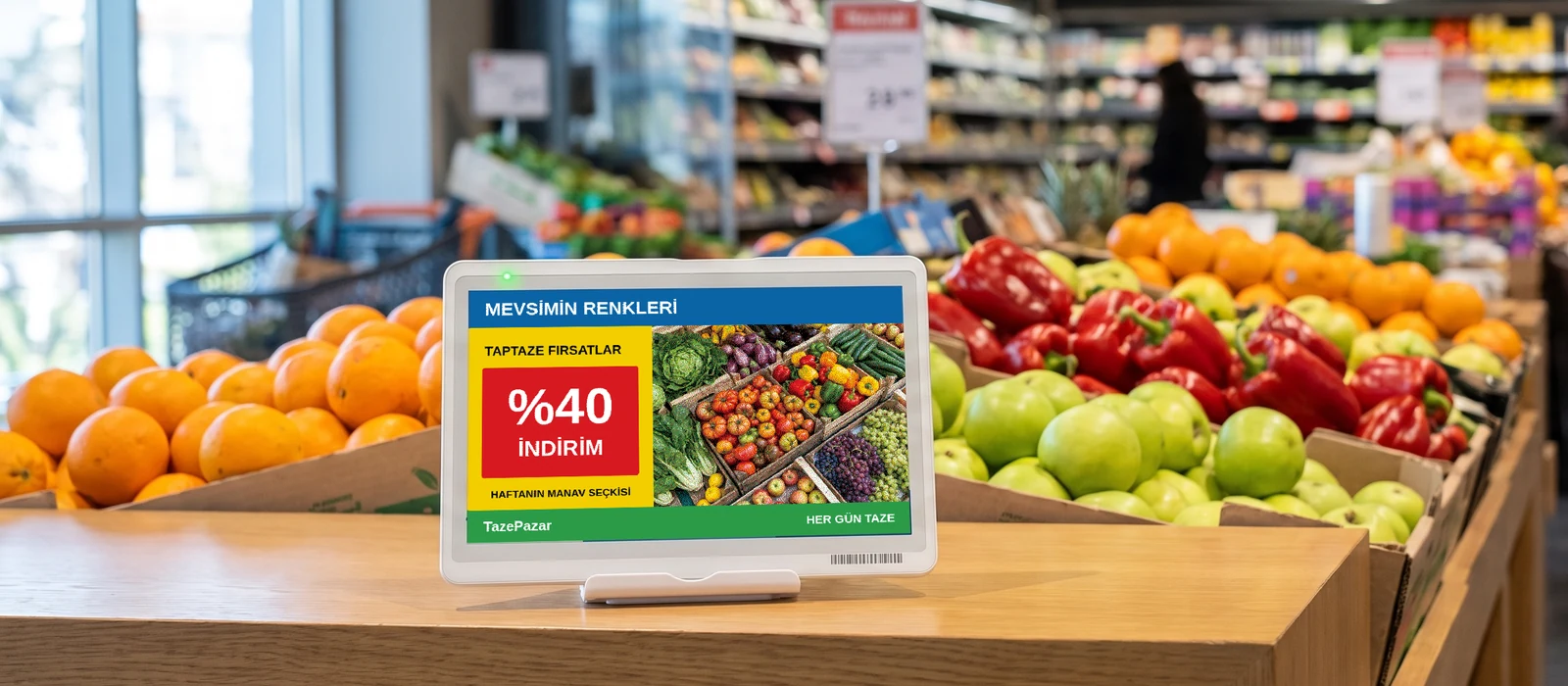
Bulk updates
During a campaign, hundreds of labels update in one operation. A change can be scheduled and takes effect by itself at the campaign hour.
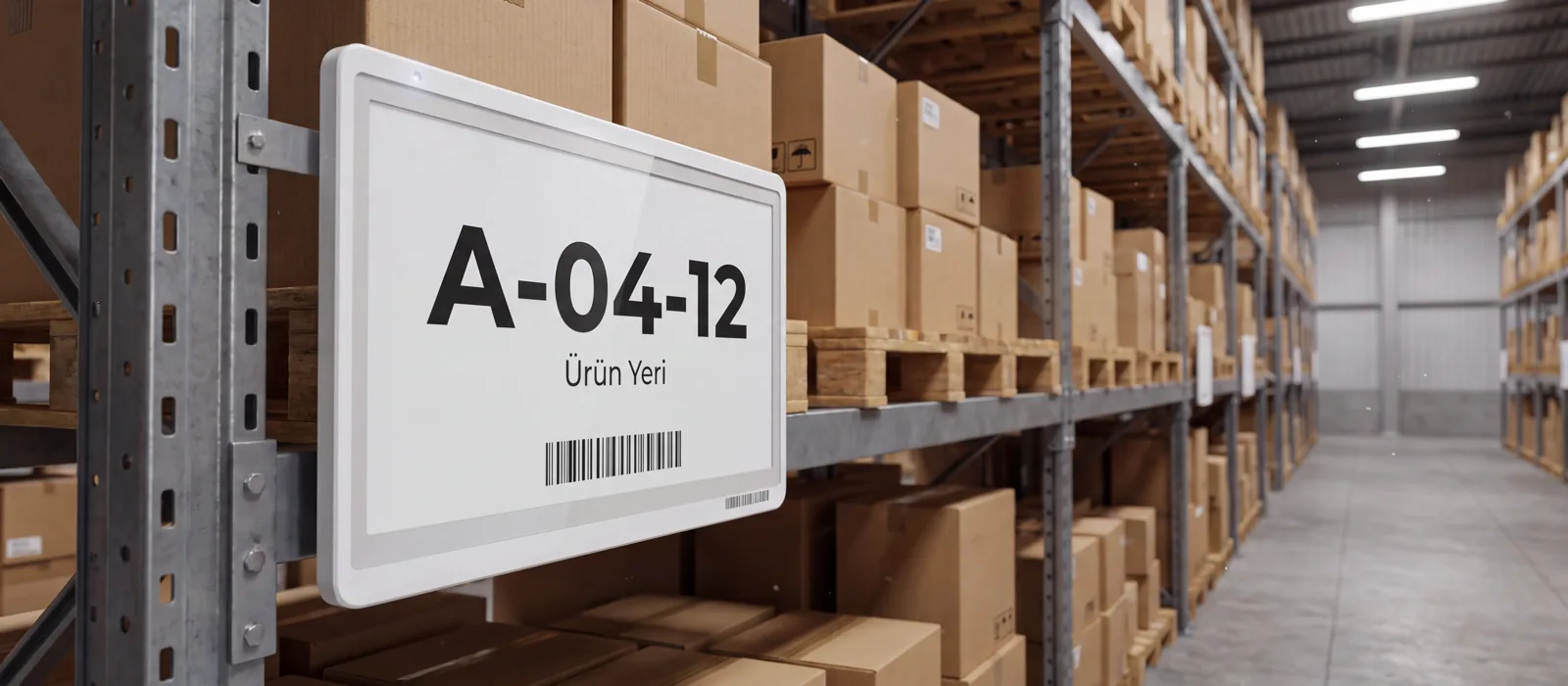
Monitoring and reporting
Which label updated, which one is waiting for a battery change, which area is out of coverage — all of it is listed and can be exported.
It works alongside your current system
Your price source stays where it is; which of the three connection methods fits is decided together during setup.
Tell us which POS or ERP you use in the quote form; the connection method is agreed before installation.

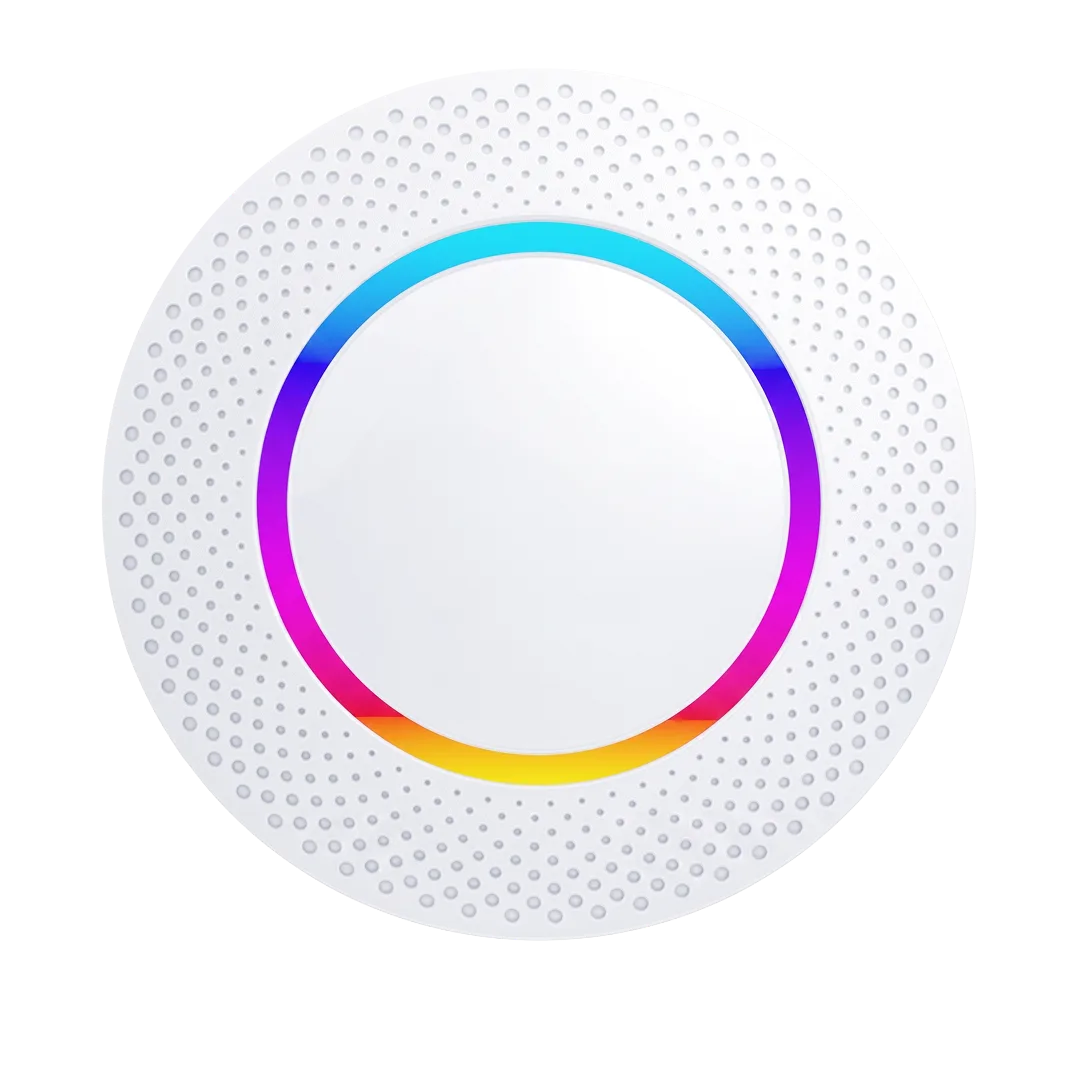
Gateway One · G1-E
The system’s primary connectivity device
It links the management software to the labels. Plug it in, connect it to the internet, and it talks to every label in its coverage area.
- Joins the network over Ethernet or Wi-Fi; PoE is a power option
- Talks to labels over 2.4 GHz BLE
- Gateway One reference: 3,000 labels across 300 m²
- Quantity and placement are set to your needs
How many gateways you need depends on the size of the area, the walls and the number of labels — the right count comes out of the site survey.
Gateway One is the primary model; the others are project options
Gateway One is used for standard installations. Mini and Pro are evaluated after discovery when network design or scale requires them.
Gateway selection depends on network infrastructure and label placement.
Gateway One · G1-E
Network, power and installation specifications.
| Model | VyTag Gateway One · G1-E |
|---|---|
| Device type | BLE to Cloud Gateway · shelf label gateway |
| Network interface | 1 × 10/100M RJ45 Ethernet · Wi-Fi 802.11 b/g/n (2.4–2.4835 GHz, up to 300 Mbps) |
| Label communication | Bluetooth Low Energy 2.4 GHz · 6 channels |
| Capacity | 3,000 labels across 300 m² |
| Protocols | HTTPS · MQTT (SSL/TLS) · TCP |
| Output power | 18 dBm (max) |
| Receiver sensitivity | −108 dBm @ 1 Mbps |
| Power | DC 5 V / 1 A (micro-USB) or 802.3af PoE |
| Firmware update | Over the air (OTA) · USB · over the network |
| Outer dimensions | Ø150 × 36 mm |
| Material | ABS · white |
| Weight | 155 g |
| Operating temperature | −10…+50 °C |
| Mounting | Suction cup · screw · horizontal placement |
| Indicator | Power and server connection status LED |
| Environment | 5 – 95% RH · non-condensing · indoor |
| Certification | CE · RoHS |
| Warranty | 24 months |
Management Software
Management, integration and access features.
| How it runs | Cloud-based · in the browser · no installation |
|---|---|
| Hosting | Cloud · on-premise server option |
| Supported browsers | Chrome · Edge · Safari (current versions) |
| Number of users | Unlimited · defined by permission level |
| Permissions | View · edit · administrator |
| Languages | Turkish · English |
| Template editor | Label design is built and edited inside the software |
| Product upload | Bulk import from Excel · API · manual entry |
| Bulk operations | Multi-select · scheduled update |
| Integration | POS and ERP connection · Excel import · API |
| Reporting | Update history · battery status · out-of-coverage label list |
| Export | Excel · CSV |
| Multi-store | Several locations managed from one account |
| Licensing | Per-store licence |
| Support | Remote support after installation |
Frequently Asked Questions
The questions we hear most before a quote.
It depends on the size of the area, the walls and the number of labels; the site survey settles it. We do not quote a fixed number on the page.
There are three ways to connect: a file transfer at set intervals, live transfer over the API, and manual entry in the software. Which one fits is decided together during setup.
What is on the labels stays on screen — e-paper spends no energy holding an image. When the connection returns, pending updates are sent.
A change sent from the software reaches the labels through the gateway. The time depends on the number of labels and the coverage layout.
No. The software is cloud-based, opens in a browser and needs no installation. For businesses whose data has to stay in-house, an on-premise installation is also possible; which one fits is decided at the quote stage.
Yes. The software has a template editor: you decide what information sits where on the label, the type size and the layout. Different templates can be defined per product type.
Three ways: bulk import from an Excel file, an automatic feed over a POS or ERP connection, and one-by-one entry in the software. In most installations the first load is done with Excel and the rest runs through the integration.
The licence is per store. All stores are managed from one account; head office sees every location in the same panel.
There is no user limit; each user is defined with view, edit or administrator permissions.
Get a Quote
We will respond to your request as soon as possible.
Would you rather not fill in a form?
Reach us directly — the same team answers.
Call Us Send an Email Contact UsTürkiye Office · HQ
İzmir Technology Base, Gülbahçe Mah. İçmeler Cad. No:14/1 Office B05
Bilişim Vadisi, Urla / İzmir 35433, Türkiye
MENA Office · Dubai
Level 21, Al Habtoor Business Tower
Dubai Marina, Dubai, UAE
Get a Quote
We will respond to your request as soon as possible.
Talebiniz alındı
Ekibimiz en kısa sürede size dönecek. Teşekkür ederiz.