














How is a buggy called from the villa door in a resort?
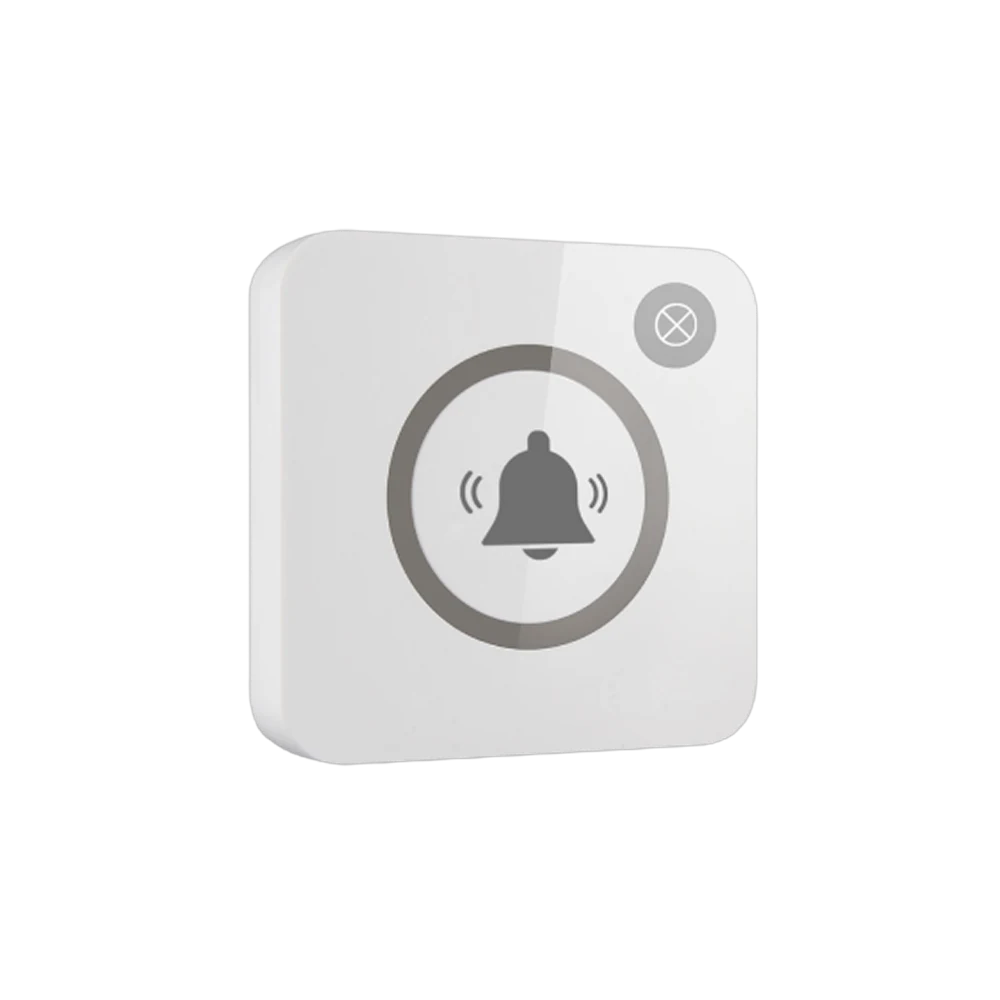
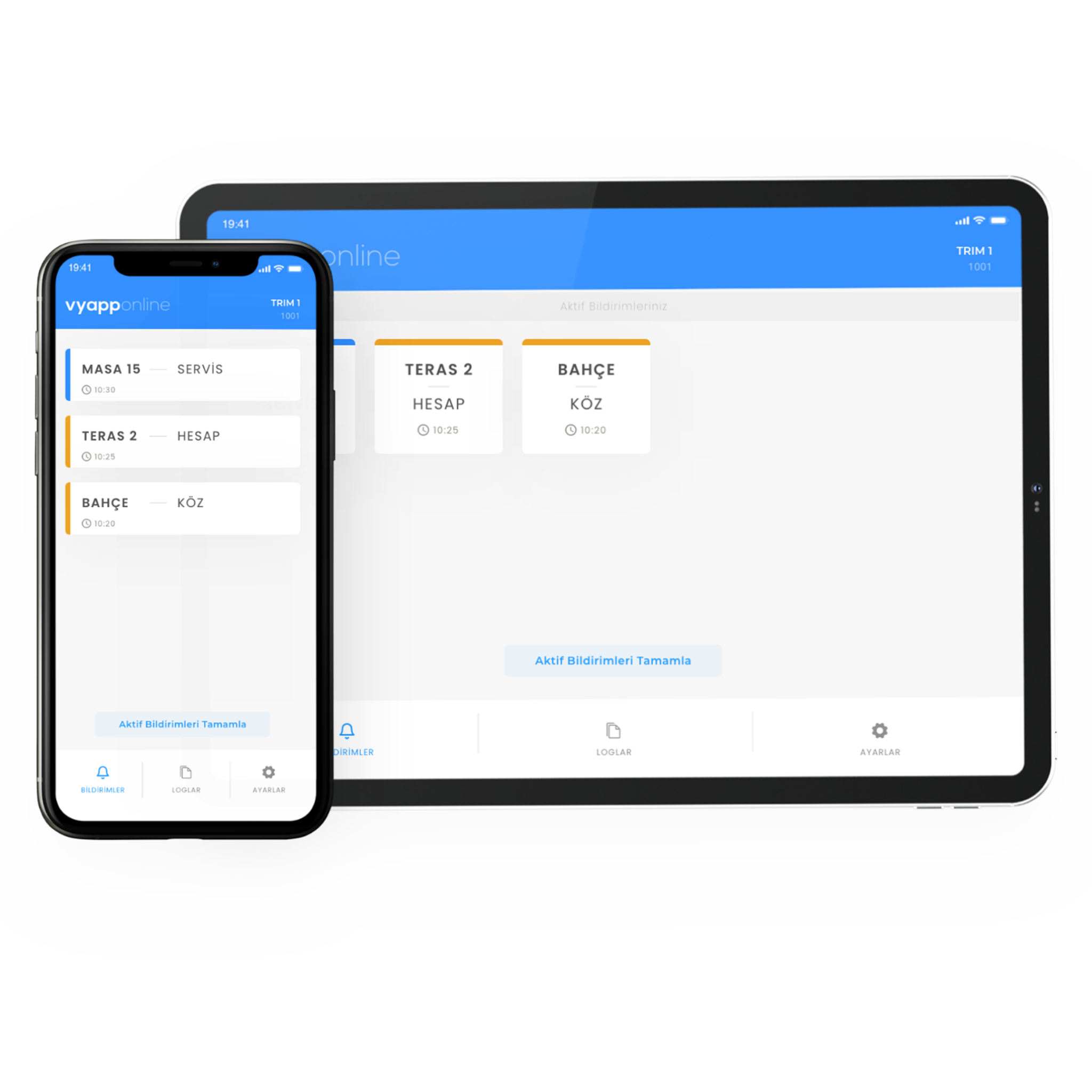
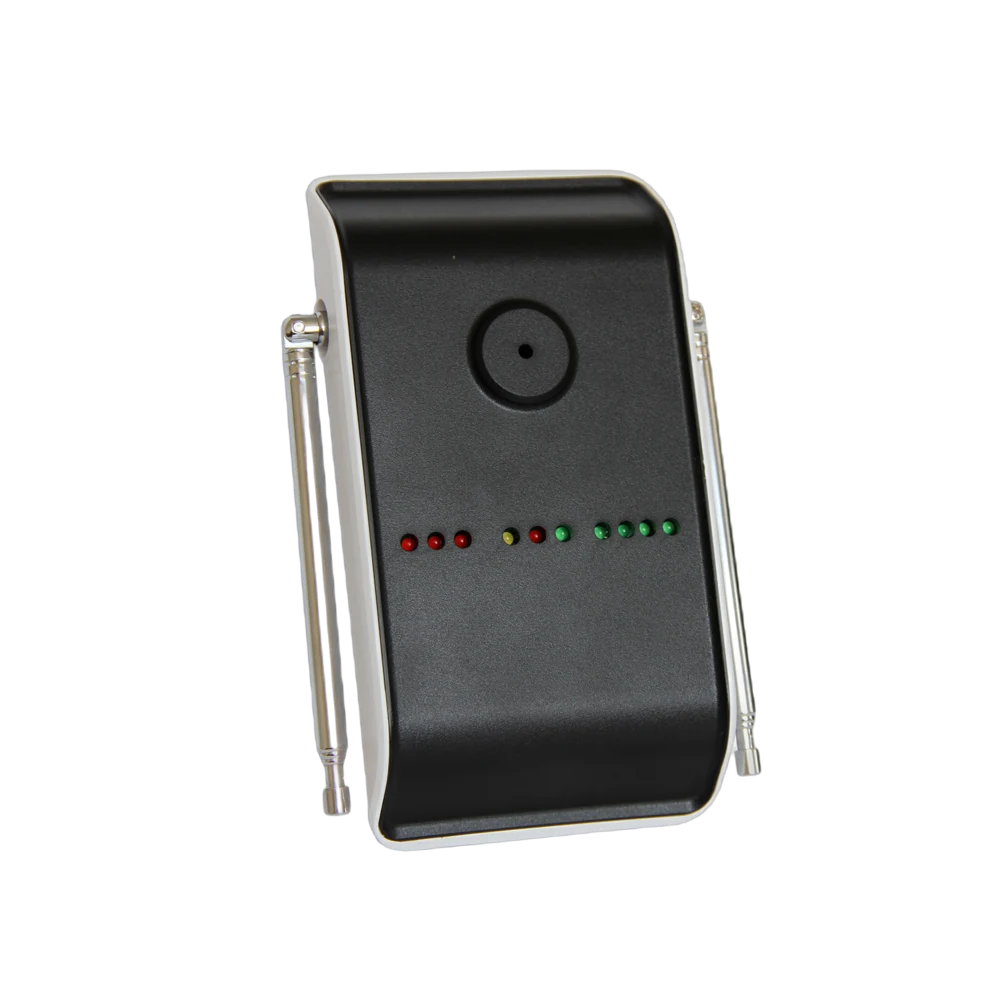
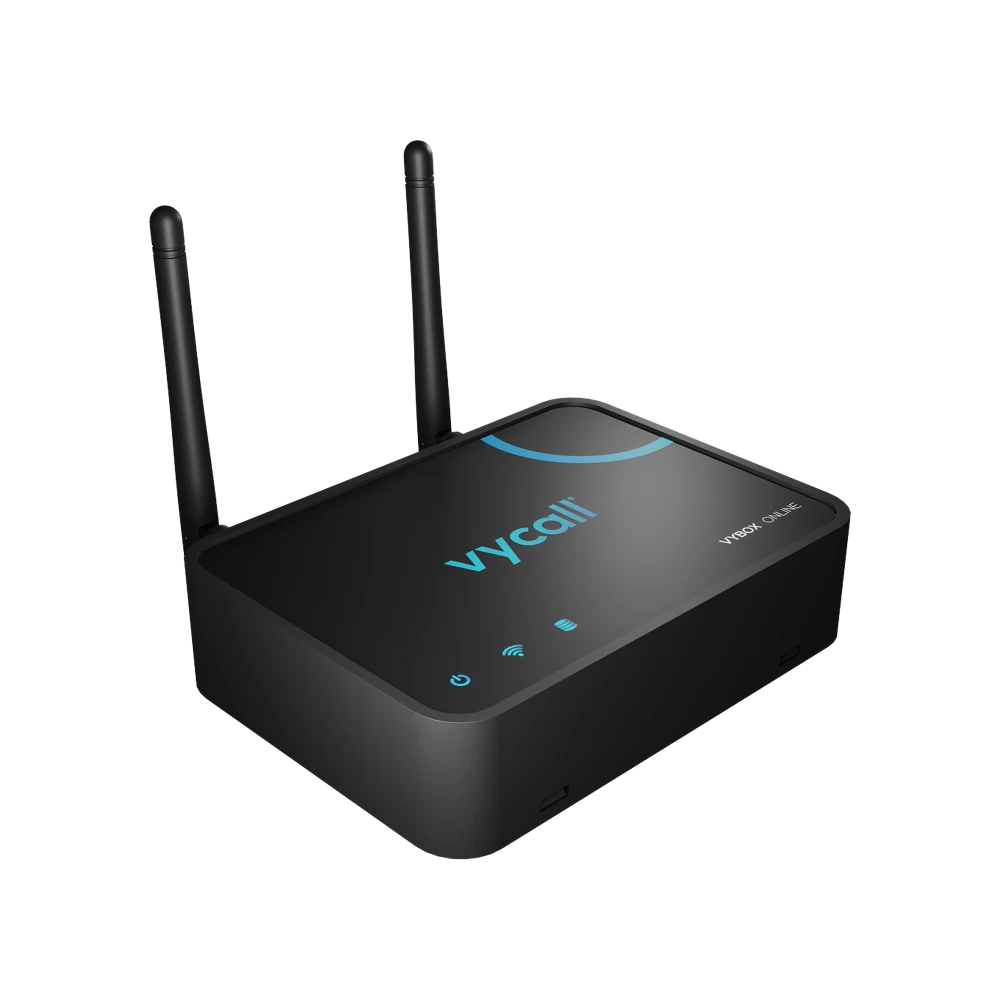
The guest leaves their room, does not call reception and does not wait at the roadside for a vehicle to pass; they press the button at the villa door. The notification goes to the buggy team on the grounds — "Villa 24 · Buggy" — and the driver sets off knowing which point to head for. Which device it lands on is the property's choice: the driver's phone, a pocket pager, the screen in the transport office, or all of them. Where the grounds are wide and the villas scattered, repeaters go to the points in between; with VyApp Smart Call notifications arrive instantly over the internet.
Below we describe how this is set up across the grounds: which points get a button, who receives the notification, how the busy hours go and how many points are needed.
Which points get a button?
Call points in a resort go where guests stop wanting to walk.
| Point | Where the button goes | Key |
|---|---|---|
| Villa and bungalow entrance | On the wall, beside the door | Buggy |
| Lobby and reception exit | On the wall, beside the exit door | Buggy |
| Beach and beach club exit | On a post or the cabin wall | Buggy |
| Jetty and marina | Clamped to a post | Buggy |
| Restaurant and amphitheatre exit | On the wall | Buggy |
| Spa and facility entrances | Beside the door | Buggy |
At most points a single key is enough; what is being asked for is obvious. A two-key layout is only installed where the vehicle is called for two different purposes: one for carrying guests, one for luggage and the technical team.
Why a button rather than a phone call? Because phoning requires the guest to know the number, the line to be free and their location to be described. With a button the location is already known — the call comes from wherever the button is fitted.
What happens on the guest side?
The button is pressed once, the light comes on and the guest sees that the vehicle has been called. No phone is picked up, no number is dialled, no location is described.
On wide grounds, transport is what most affects guest satisfaction. Waiting at the roadside without knowing when the buggy will arrive is one of the moments in a holiday that produces the most complaints. The button removes that uncertainty: the call has gone, the vehicle is on its way.
Who receives the notification, on which device?
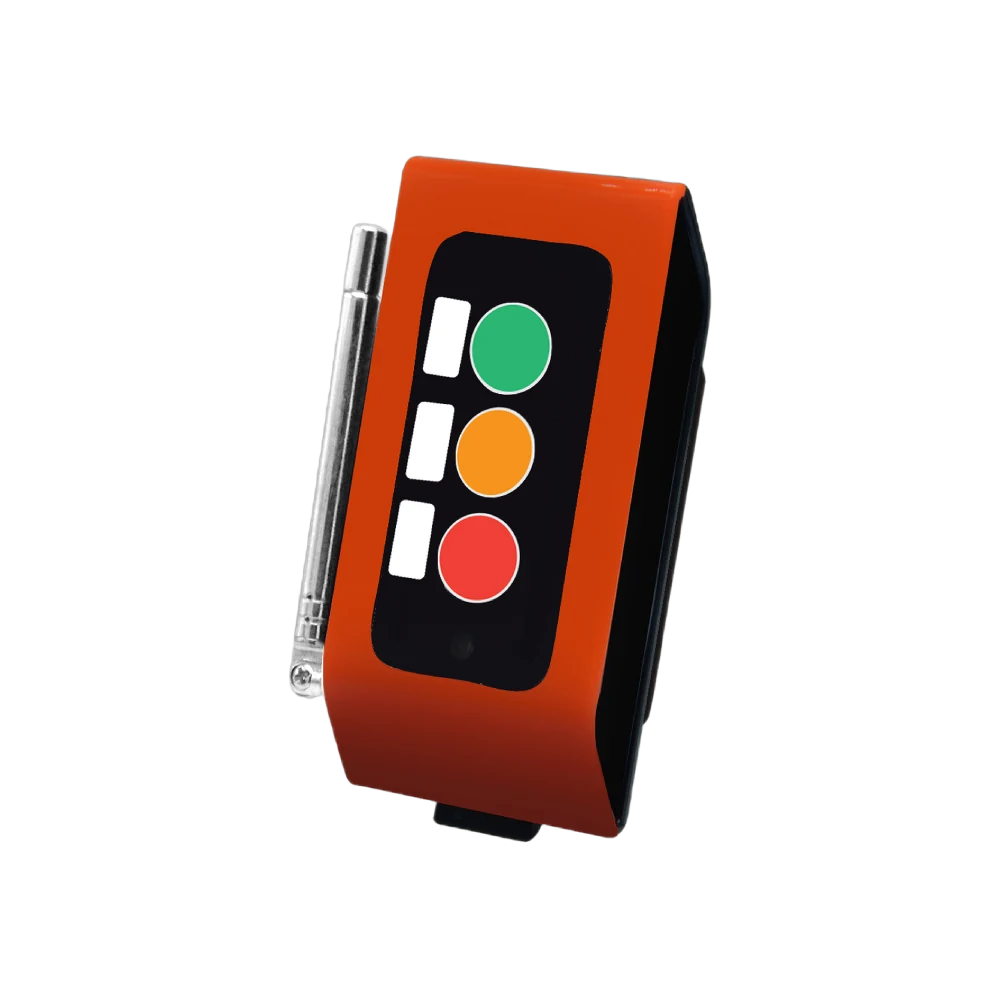
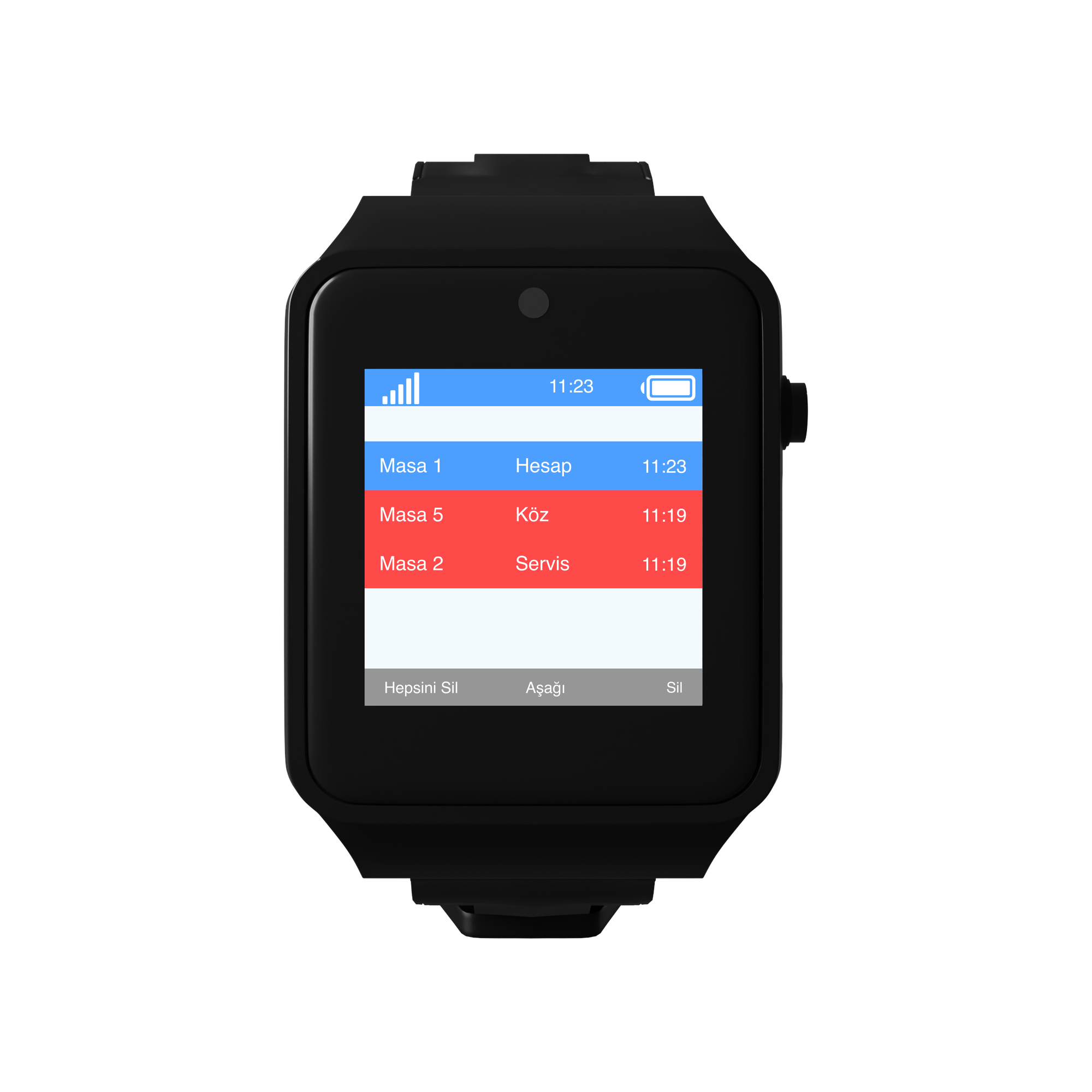
- To the driver's device — the terminal on the vehicle, their phone or a pocket pager. The notification carries the point name.
- To the screen in the transport office — a D20 display. Waiting points stay on a list; at busy hours the vehicles are dispatched from there.
- To reception — as an additional point in properties where guest relations should see it too.
The information shown is always in the same form: point + request. "Jetty · Buggy". Point names are defined with the names on the property's own map.
The same notification can reach more than one device. In most resorts the terminals on the vehicles and the screen in the transport office work together: as the driver sets off, the office also sees which point is waiting.
How do the busy hours go?
Morning, breakfast time. Movement from the villas to the restaurant begins. Several points call at once; they are all listed in order of arrival and the vehicles work through the queue.
Midday, beach traffic. The beach and pool exits are the busiest points. A guest who does not want to walk in the heat presses the button.
Evening, restaurant and amphitheatre. Demand concentrates as programmes end. Seeing the waiting points on a list settles where the vehicles are sent without discussion.
Check-in and check-out hours. The lobby button works for guests with luggage; where a second key is defined, a luggage vehicle is called.
End of day. The panel shows how many calls came from each point and the response times. If one point is consistently kept waiting, a vehicle is shifted there the next day — the transport plan is shaped by that table across the season.
How many points are needed?
A typical distribution for a resort with villas and beach access:
| Point | Quantity | Button |
|---|---|---|
| Villa and bungalow entrances | 30 | B300, single key |
| Lobby and reception exit | 2 | B300, 2 keys |
| Beach and beach club | 4 | B300, single key |
| Jetty and marina | 2 | B300, single key |
| Restaurant, amphitheatre, spa exits | 6 | B300, single key |
| Total | 44 buttons |
On the receiving side: one terminal per vehicle or pocket pagers for the drivers, one screen in the transport office. Because the grounds are wide, repeaters are planned in between.
What is watched during installation?
Open ground and distance. Resort grounds are wide; the distance between the villa groups and the transport office is measured before installation and repeaters go to the points in between. Skip this step and the distant villas fall into "works sometimes".
Sun and rain. A water resistant, white body is chosen at outdoor points; a dark body heats up in the sun and the print fades.
Height. The button sits at standing height beside the door; a guest arriving with luggage should not have to bend down.
Point names. The names in the system are written the same as the property's own map. "Villa 24" must be villa number 24 on the site map as well.
Printing. The property's logo and the word "BUGGY" are printed on the button; the guest reads it as a service of the property.
Battery. The button runs on a battery and no cable is run to the villas; the battery level is monitored from the panel.
