














How is a forklift called in a factory?
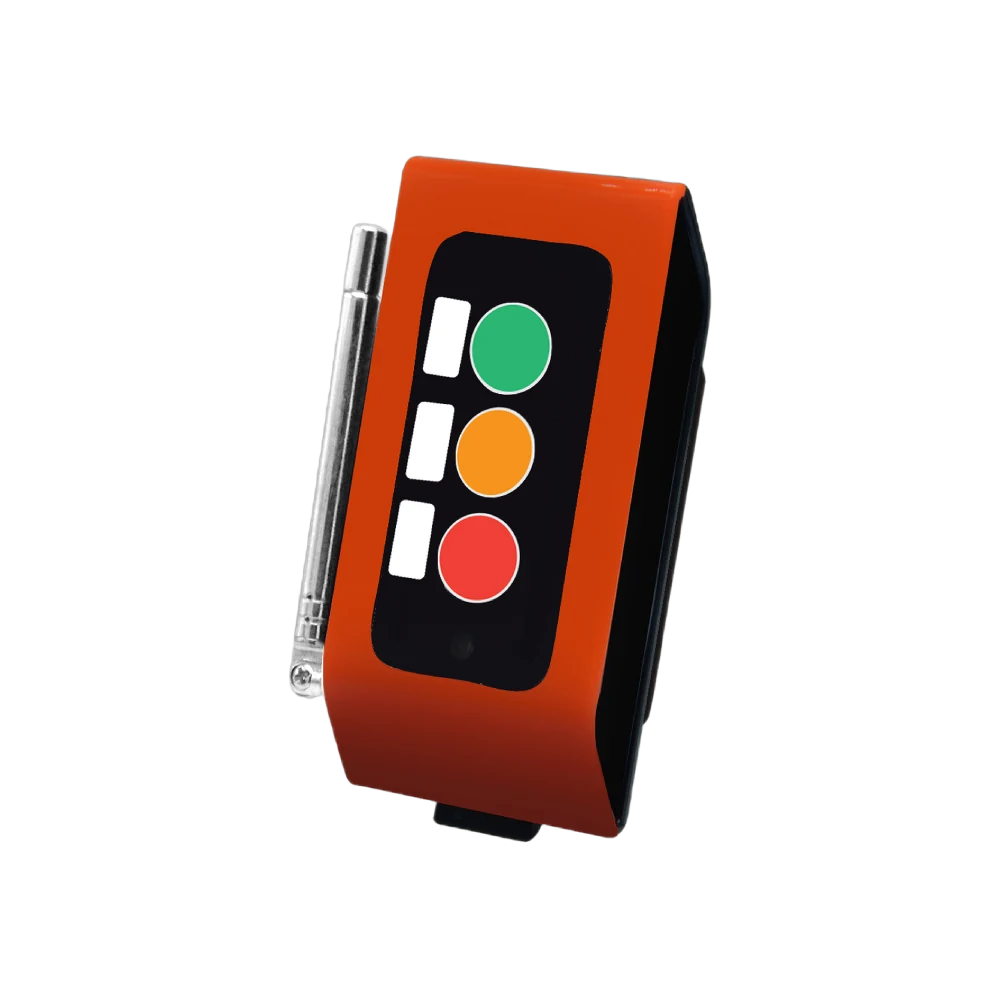
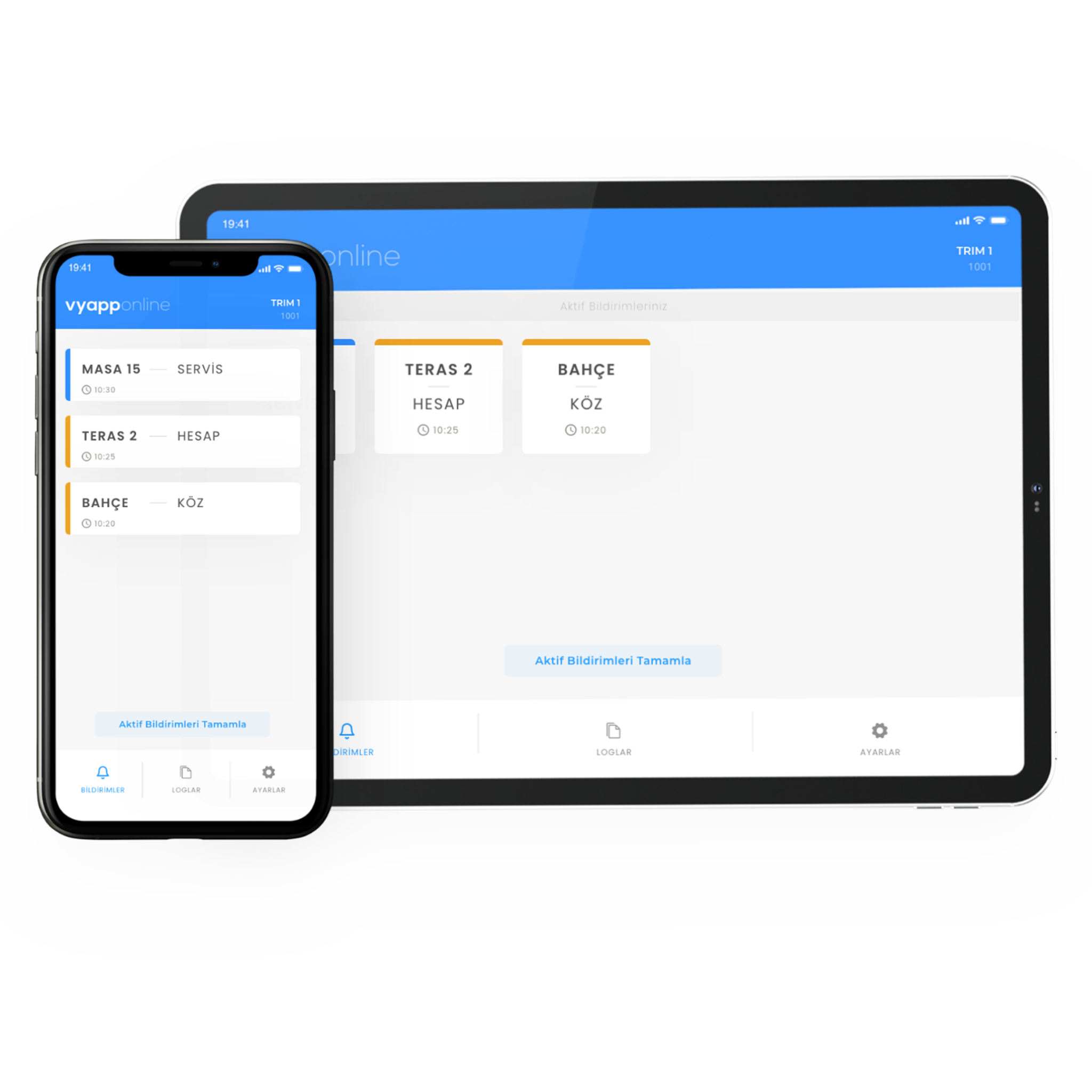
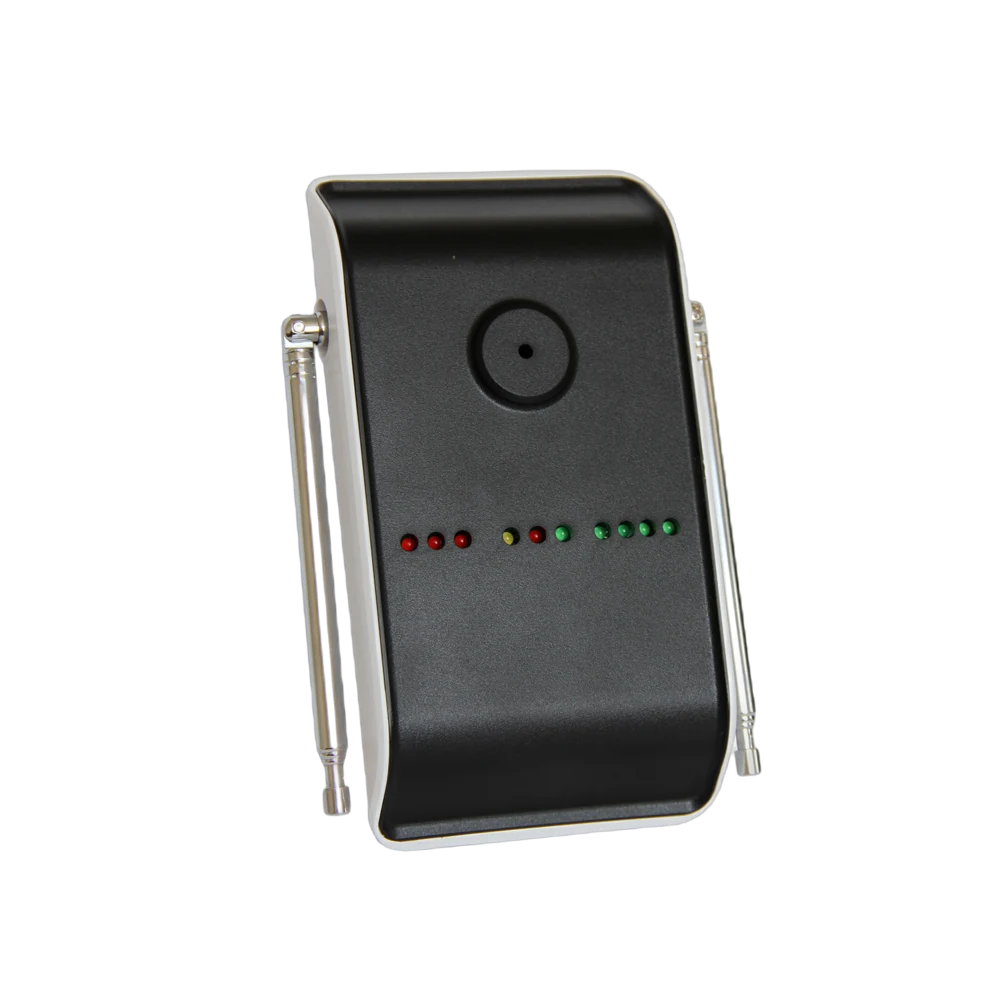
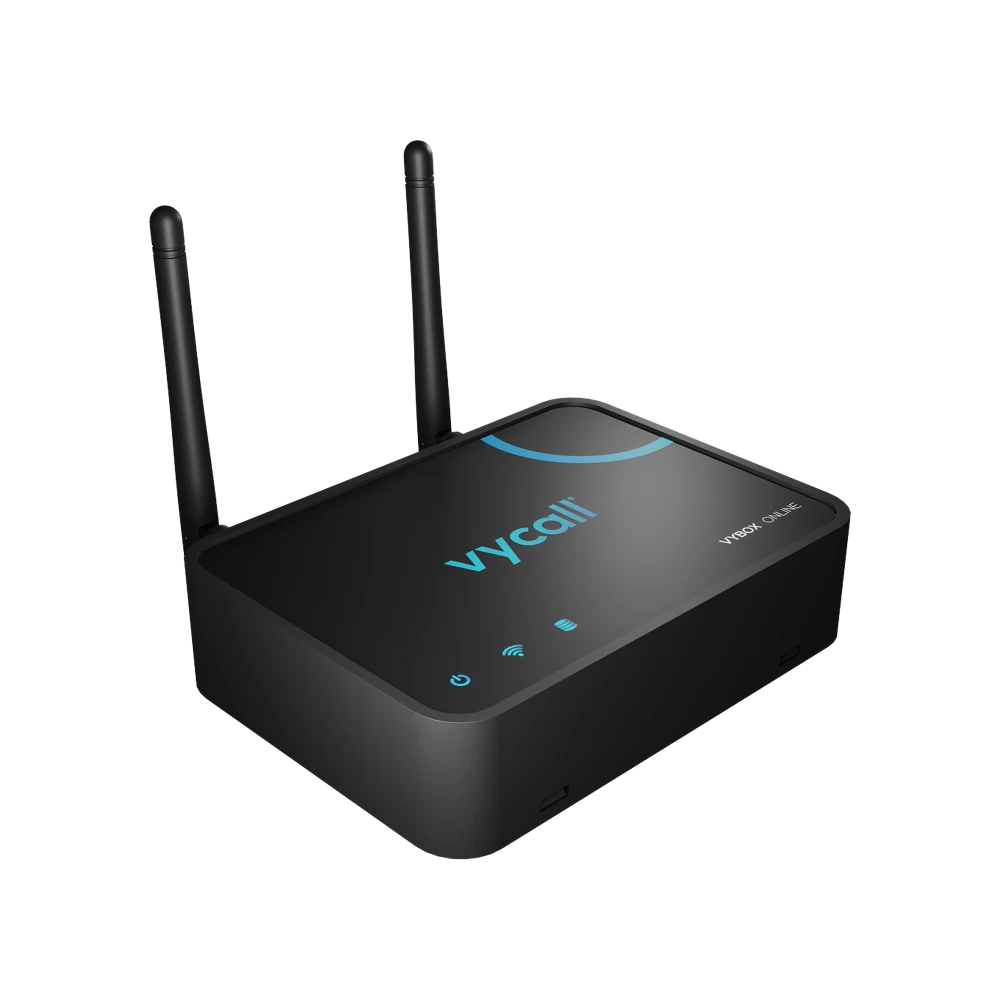
The pallet is about to fill; the operator does not leave the line to go looking for a forklift, they press the forklift key on the button fixed to the station post. The notification goes to the forklift team on the floor for that shift — "Line 3 · Station 07 · Forklift" — and the truck sets off knowing where it is going and what for. Which device the notification lands on is the plant's choice: the terminal on the vehicle, a handheld, the screen in the shift office, or all of them. If the line and the warehouse are far apart a repeater goes in between, and with VyApp Smart Call notifications arrive instantly over the internet.
The other two keys on the same button are for other jobs: one calls maintenance and support, one calls the team leader. Below we describe how this is set up on the line and how it is used across a shift.
Three keys, three different calls
In a factory it matters as much why the notification was sent as who it went to. A single-key button says "somebody come" and leaves it unclear who. With three keys the request separates as it leaves:
| Key | Who it reaches | When it is pressed |
|---|---|---|
| 1 · Forklift | The forklift team on the floor | Pallet full, empty pallet needed, raw material out, product due at the shipping area |
| 2 · Support | Maintenance and technical support | Machine stopped, a jam, a quality doubt, a material fault |
| 3 · Team Leader | Shift supervisor / line manager | A decision is needed, the line will stop, staff are short, the work order will change |
This split fixes two things on the floor. First, the forklift operator's screen fills only with their own work. Second, only requests that genuinely need a decision reach the team leader.
Where is the button mounted?
| Area | Mounting point | Most used key |
|---|---|---|
| Production station | On the station post, at the operator's shoulder height | Forklift · Support |
| End of line / packing | On the conveyor guard rail | Forklift |
| Raw material feed point | On the rack leg | Forklift |
| Loading area, ramp head | On the ramp wall, beside the door | Forklift · Team Leader |
| Warehouse aisle head | On the racking, at the aisle entrance | Forklift |
| Quality control bench | At the bench edge | Support · Team Leader |
There is one rule for mounting: the button must be reachable with a glove on, at the right height and distance. If the operator takes a step to reach it, the position is wrong. Where there is vibration on the line the button is fitted to a separate post rather than directly to the machine body.
Because the button is wireless and battery powered it is unscrewed and refitted when the line layout changes. Since factory layouts change several times a year, this is where the difference from a cabled system shows up most concretely.
Who receives the notification, on which device?
Where the notification lands depends on who is being called and on how the plant works:
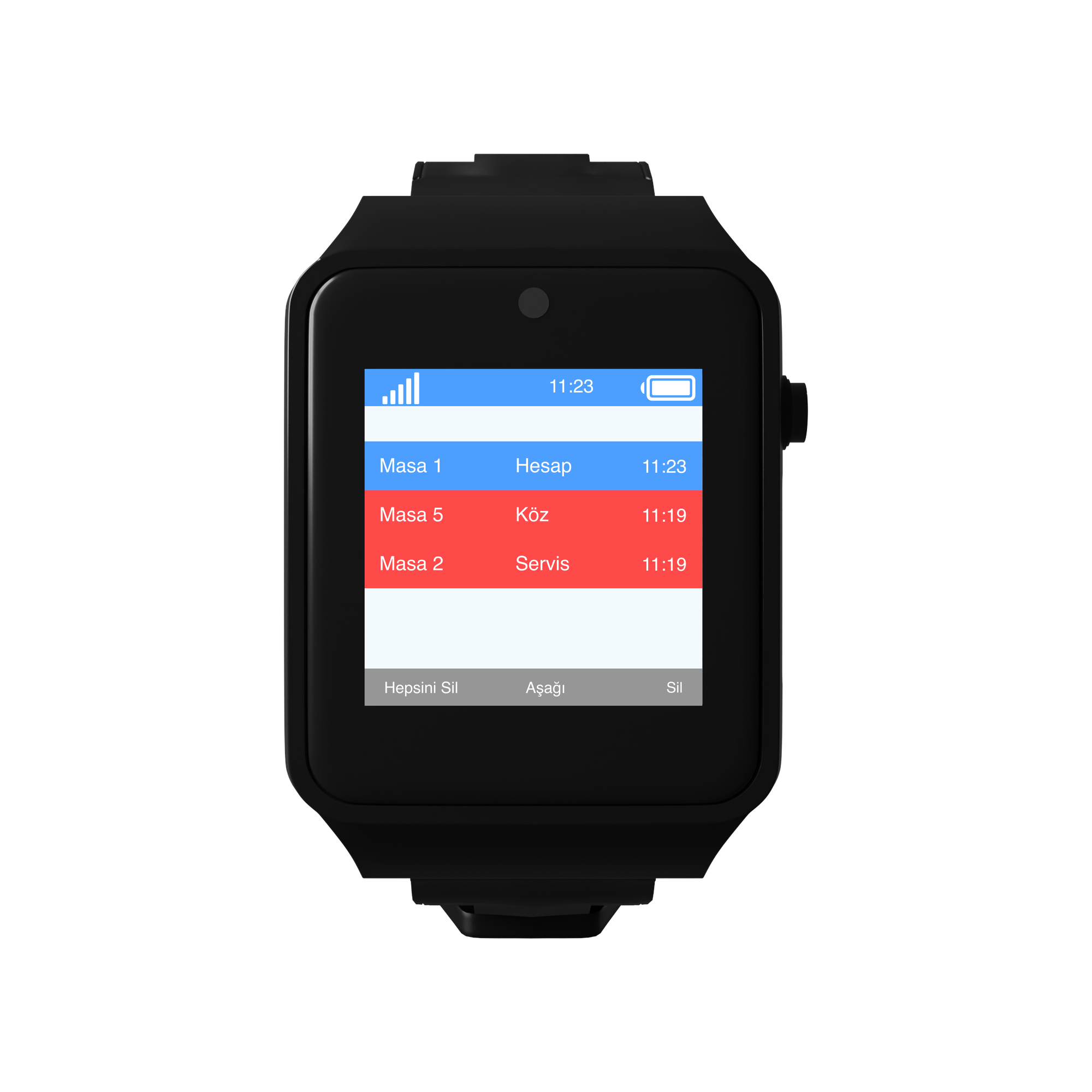
- To the forklift team — the terminal on the vehicle or a handheld running VyApp Smart Call. The notification carries the line, the station number and the request; whichever truck is nearest sets off.
- To the maintenance team — to the team's phones, all at once.
- To the team leader — to their phone and the office screen together.
- Visual alert — on noisy lines the notification is also wired to an L20 light indicator. The lamp lights above the station and the request is seen where it cannot be heard. Classic andon logic, without pulling cable.
The same notification can reach more than one device. In most plants the vehicle terminal and the shift office screen work together: while the forklift is on its way, the line manager also sees the waiting pallet.
How is it used across a shift?
Start of shift. The forklift team opens its terminal; which lines they are responsible for is already defined, and notifications from outside those lines do not appear on their screen.
While the line runs. A few boxes before the pallet is full, the operator presses the forklift key. The forklift sets off before the pallet is full rather than after it. The biggest gain we see in the field is in that small piece of timing: the line is not waiting for the forklift.
When a machine stops. The operator presses the support key. The maintenance team arrives knowing which station the request came from — there is no "which line, which machine" conversation over the radio.
At shipping time. The button at the loading ramp is the busiest button of the day. When a truck arrives the ramp attendant presses the forklift key; requests queueing in order make the waiting time at the ramp visible.
End of shift. The panel lists how many calls came from each station and the average response time. If one station constantly produces support calls the problem is there; the table shows it week by week.
How many buttons, how many receivers?
A typical distribution for a single-shift, mid-sized production plant:
| Point | Quantity | Device |
|---|---|---|
| Production station | 24 | F100, 3 keys |
| End of line / packing | 6 | F100, 3 keys |
| Raw material feed | 4 | F100, 3 keys |
| Loading ramp | 3 | F100, 3 keys |
| Warehouse aisle head | 6 | F100, 3 keys |
| Total | 43 buttons |
On the receiving side: one terminal per forklift, the app on the maintenance team's phones, one screen in the shift office and a light indicator in noisy sections. If the plant is large or on several floors, repeaters go in between.
What is watched during installation?
Metal and range. A factory is a hard environment for signal: steel racking, machine bodies, concrete walls. The range that reaches 800 metres in the open shortens inside a covered production area. That is why a site survey is done before installation; if the line is far from the warehouse or the ramp, repeaters go to the points in between. Skip this step and the system becomes one that "works sometimes".
Vibration. The button is not fitted to the body of a machine that vibrates. A separate post or guard rail is used.
Gloves. The operator presses with a work glove on. The F100's keys are large for exactly this reason; thin-key office style buttons do not work on a production line.
Labelling. The line and station number is written on every button and the same number is defined in the panel. Everyone reading "Station 07" the same way depends on this.
Key printing. What goes on the three keys changes from plant to plant. In some it is "FORKLIFT / SUPPORT / LEADER", in others icons. UV printing puts the plant's own terminology on the button — using the word already spoken on the floor is the cheapest way to shorten training.
Shift handover. The system is defined per shift; the notification goes to the team on the floor at that hour. Nothing is switched by hand at the change of shift.
