

















How is a nurse called in a patient room?
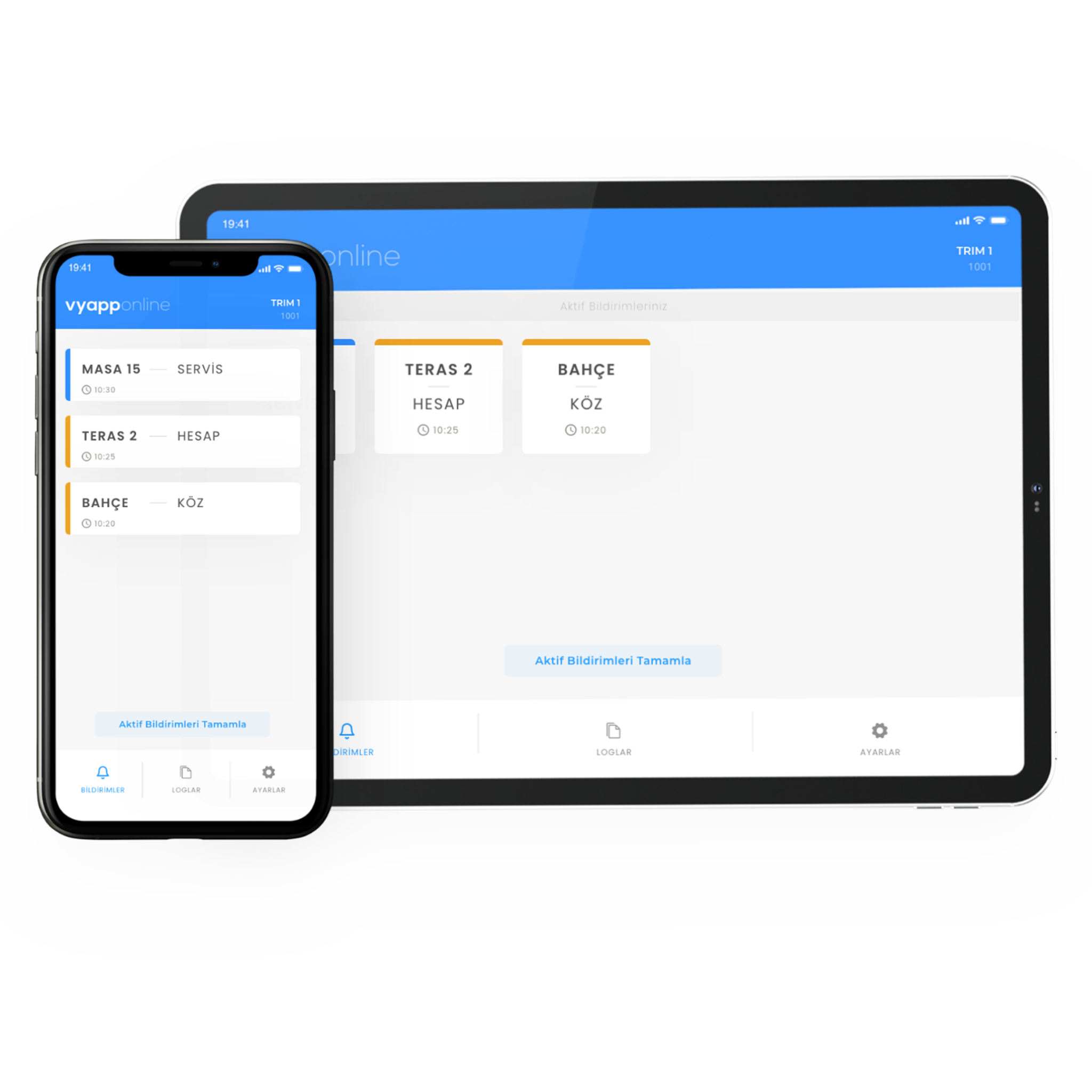
The patient does not try to make themselves heard or send their companion into the corridor; they press the button beside the bed or pull the cord in the bathroom. The notification goes to the nurse desk and that floor's nurse together — "Room 214 · Bed 2" — and whoever comes knows which room and which point called. Which device it lands on is the organisation's choice: the desk screen, the nurse's pocket pager, their phone or all of them. Where there are many floors and blocks a repeater goes in between.
Below we describe how this is set up in the room: which points get a button, how far the cord reaches in the bathroom, who receives the notification and how calls are recorded.
Which points in the room get a button?
| Point | Device | Why |
|---|---|---|
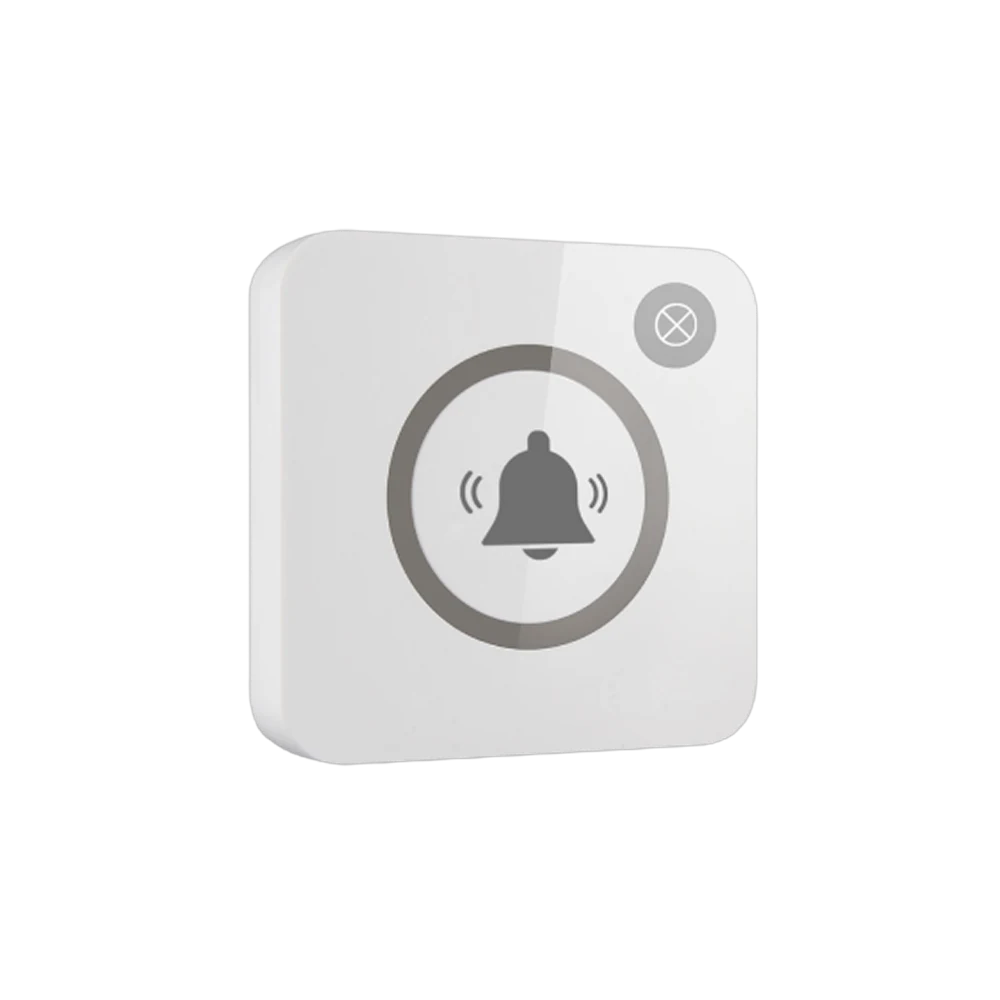
| Bedside (one per bed) | B300, single key | Within reach from a lying position |
| Bathroom, beside the WC | P200PL, pull cord | Must be pullable from a seated position and from the floor |
| Inside the shower | P200PL, pull cord, wet area body | The point with the highest risk of slipping |
| Beside the companion's chair | B300, single key | So the companion can call without leaving the patient |
| Corridor and waiting area | B300, single key | Where support is needed while standing |
A separate button per bed. In a double room a single button does not carry which patient called. When the bed number appears in the notification, the nurse heads for the right bed the moment they enter.
Why does the bathroom cord reach the floor? Because the patient asking for help may not be standing. A button left high on the wall is out of reach for someone who has fallen; the end of the cord must reach close to the floor and nothing may block it.
What happens for the patient and the companion?
One touch is enough; the light flashes once and the call is seen to have gone. The patient does not have to raise their voice and the companion does not have to step into the corridor looking for a nurse.
The gain is clearer still on the companion's side: they can call without leaving the patient. At night this removes the problem both the patient and the ward experience most.
Who receives the notification, on which device?
In healthcare the call is not left to one person; at least two points are defined together:
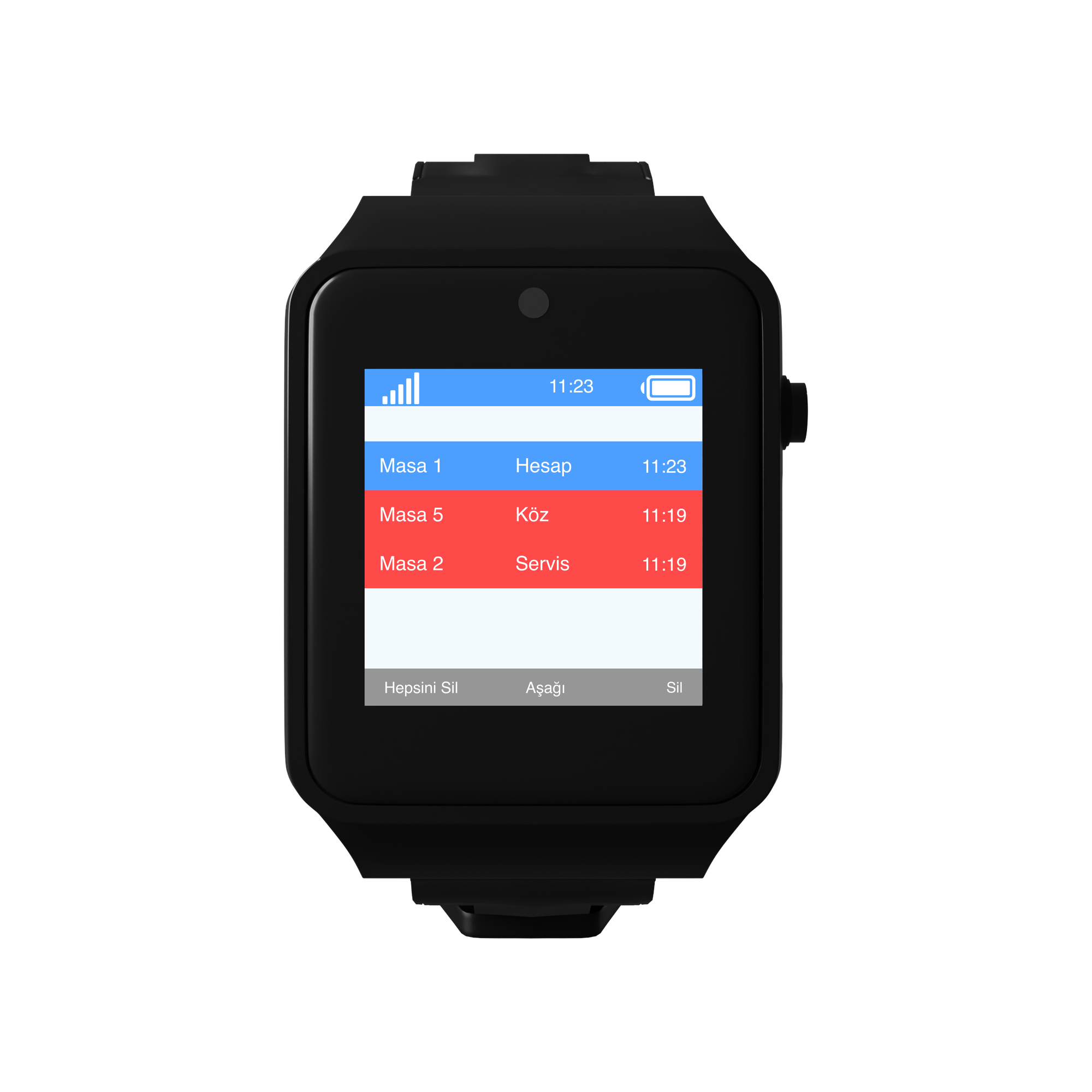
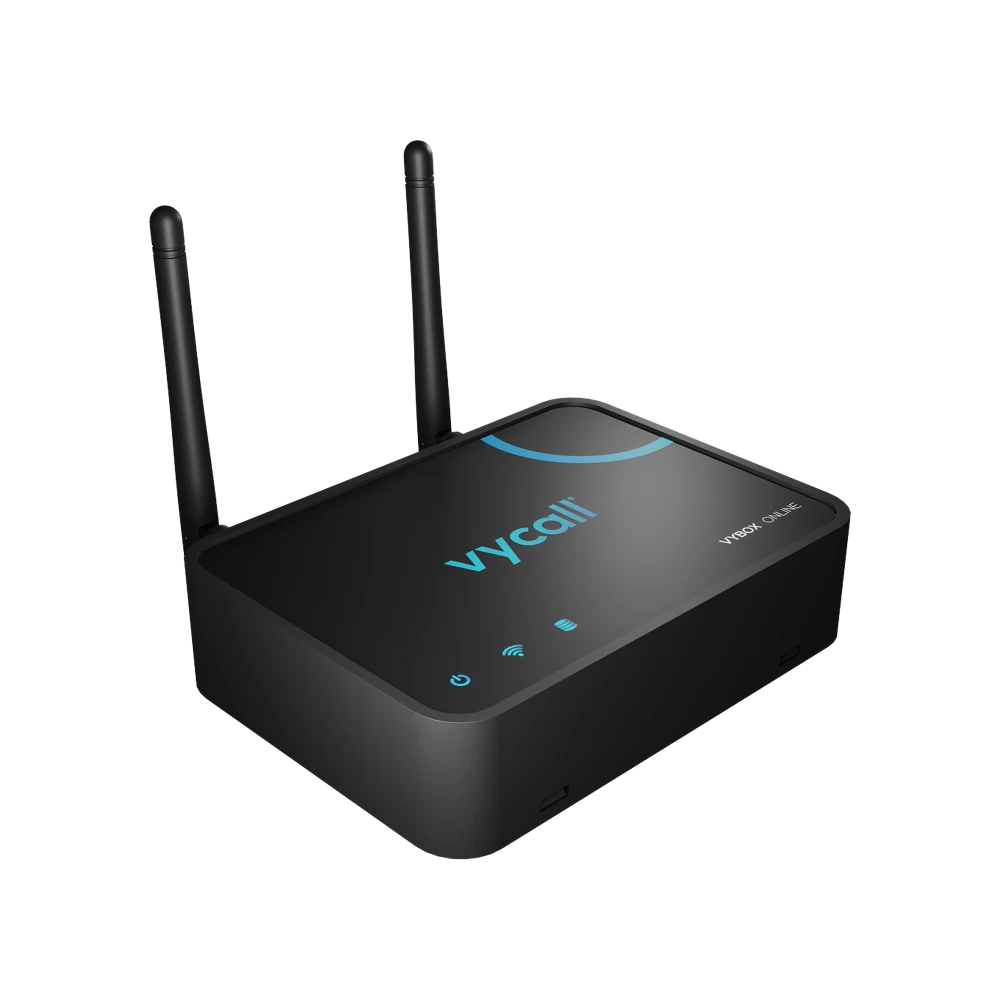
- To the screen at the nurse desk — a D20 display or VyBox PC Receiver installed on the desk computer. Waiting rooms stay on a list.
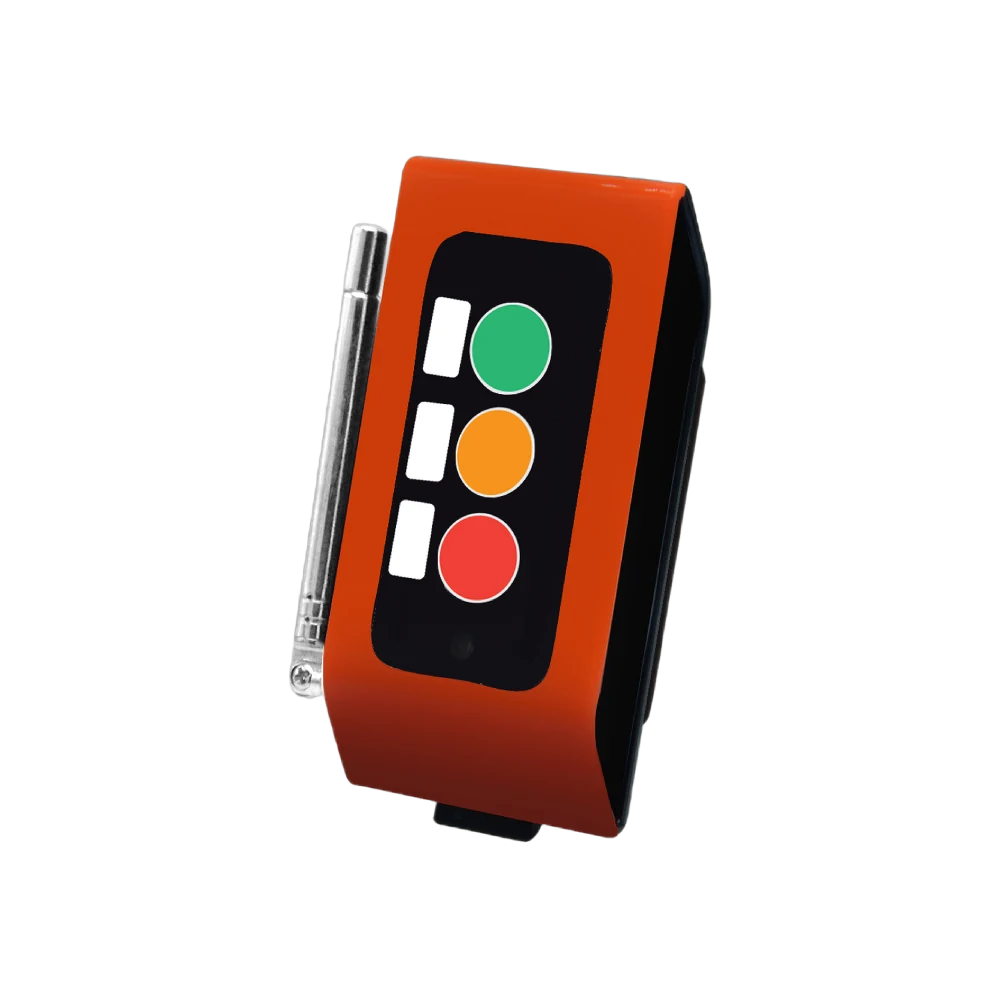
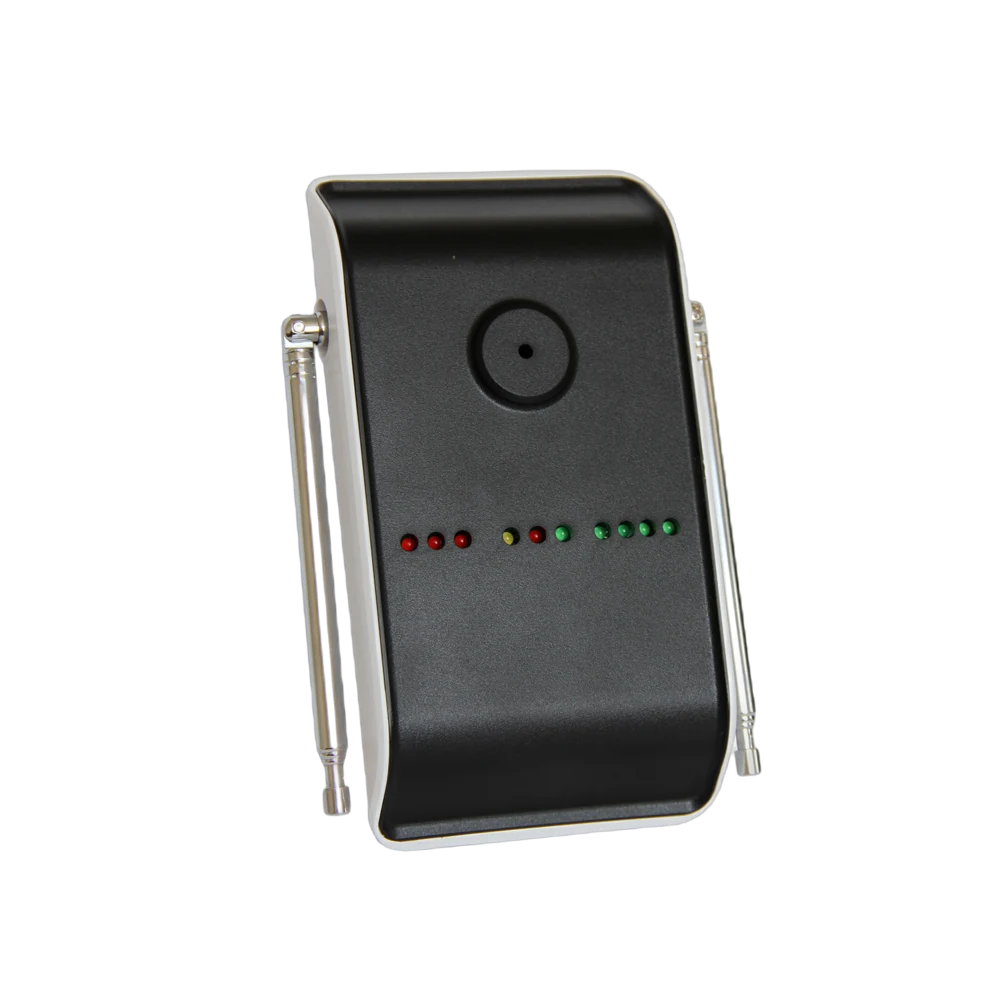
- To the floor nurse's device — their pocket pager or phone. They receive it while away from the desk.
- To the lamp above the door — L20. Which room it is can be seen from the corridor.
The information shown is always in the same form: room + bed + point. "Room 214 · Bed 2 · Bathroom".
The same notification can reach more than one device, and this is the recommended setup here: the desk screen, the floor nurse's device and the lamp above the door receive the call together.
How are calls recorded?
The call time is recorded. Which room, which point and at what time stays in the panel.
Response time is measured. In discussions about service quality a table speaks instead of guesswork.
It accumulates per room and per shift. Which room and which shift produces more calls becomes visible; staff distribution is planned by looking at that table.
Night and day separate out. If call density differs on the night shift, the team plan changes accordingly.
How many points are needed?
A typical distribution for a 40-bed ward:
| Point | Quantity | Device |
|---|---|---|
| Bedside (per bed) | 40 | B300, single key |
| Room bathrooms | 20 | P200PL, pull cord |
| Inside the shower | 20 | P200PL, pull cord |
| Companion's chair | 20 | B300, single key |
| Lamp above the door | 20 | L20 Light Indicator |
| Nurse desk screen | 2 | D20 Display |
| Total | 100 points + 22 receivers |
Also on the receiving side: pocket pagers or VyApp Smart Call for the floor nurses. In multi-storey and multi-block buildings repeaters are planned.
What is watched during installation?
Wireless installation. It is installed in an existing building without opening walls or running cabling. The ward does not have to close; this is the main reason it is preferred.
Cord length. The end of the bathroom cord must reach close to the floor and must not be blocked by a towel rail, a bin or a grab rail.
Bed number. The number in the system is defined identically to the ward's own bed numbering. Different numbering is the detail that causes the most errors on a night shift.
Wet areas. A body suited to wet areas is chosen at bathroom and shower points.
Hygiene. Device surfaces must be wipeable; in healthcare this is a requirement.
Two-receiver rule. The call is defined to appear at a minimum of two points; a system wired to a single screen goes silent when the desk is empty.
Battery. The buttons run on batteries, the level is monitored from the panel and only the ones that warn are changed.
