
















How is guest–crew communication set up in a yacht cabin?
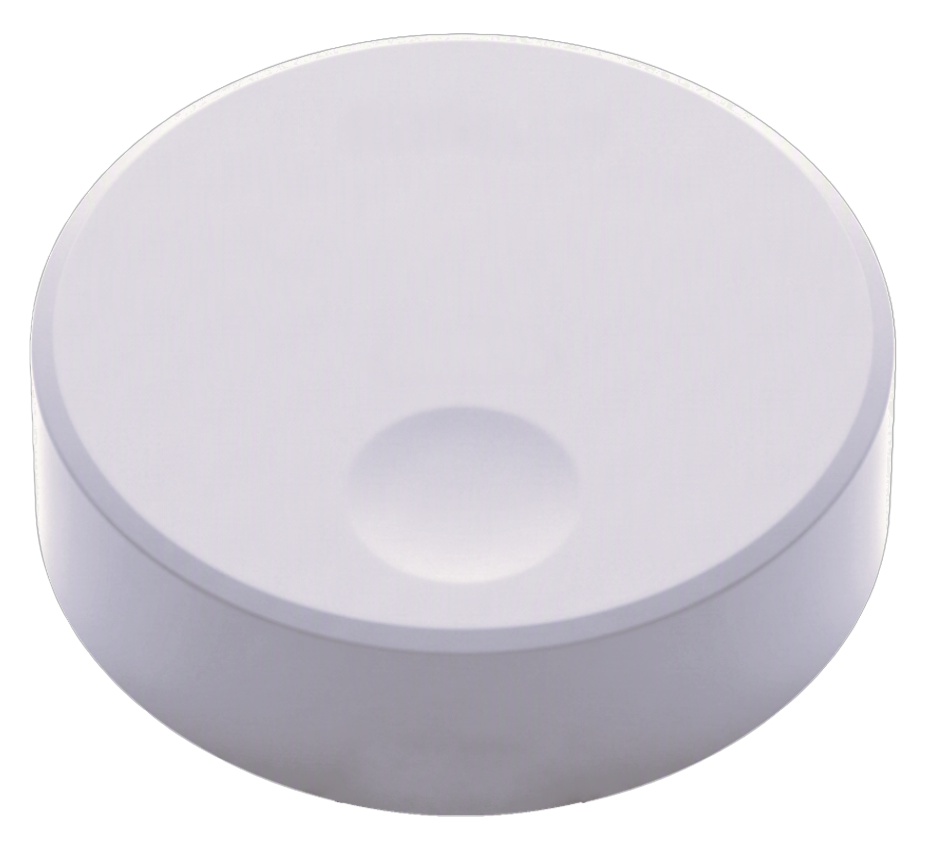
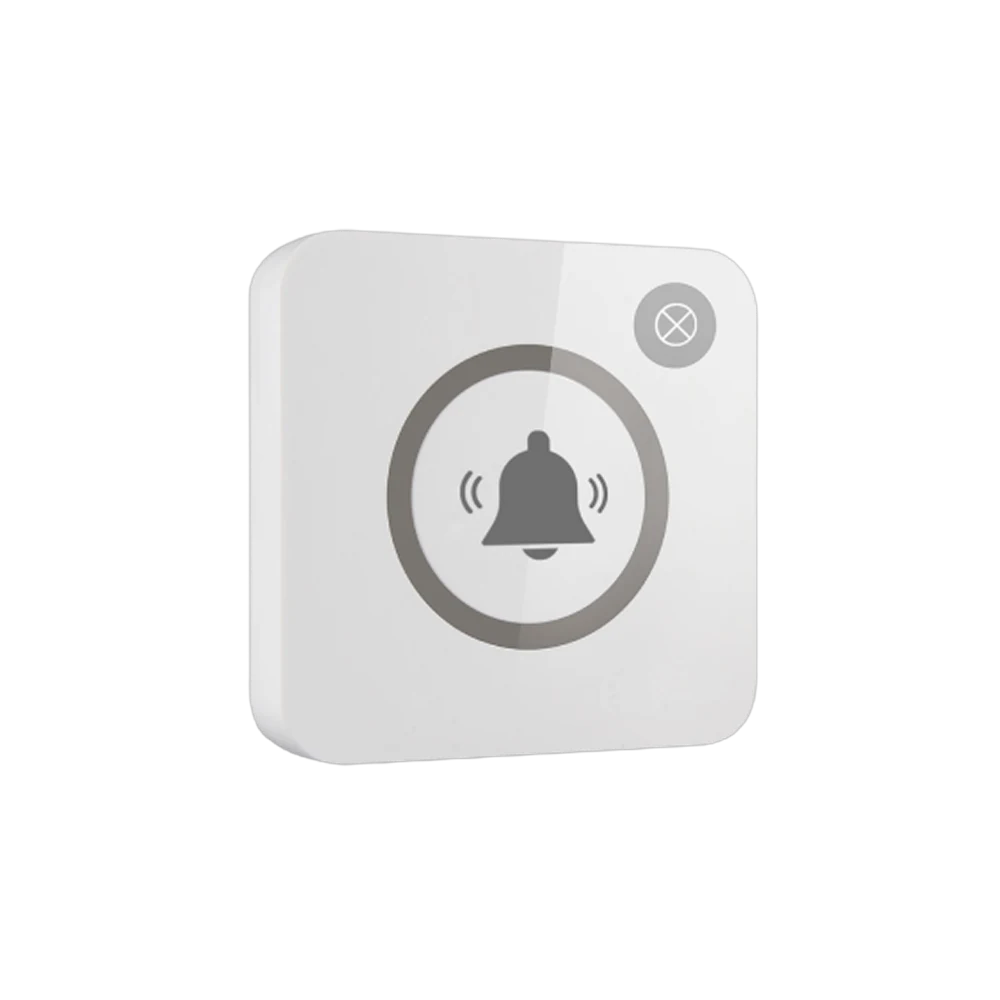
The guest in the cabin does not open the door and call down the corridor or phone the crew; they touch the button on the bedside table. The notification goes to the crew on service at that moment — "Cabin 2 · Service" — and whoever comes knows which cabin they are going to and why. Which device it lands on is chosen to suit the boat: the crew's pocket pager, phone or the screen in the galley. If signal struggles between the lower deck and the main deck a repeater goes in between; with VyApp Smart Call notifications arrive instantly over the internet.
Below we describe how this is set up on board: where in the cabin the button sits, what each key carries, who receives the notification and how a charter week goes.
Where do the buttons go in cabins and indoor areas?
| Area | Where the button goes | Key 1 | Key 2 |
|---|---|---|---|
| Master cabin | On the bedside table and at the bathroom entrance | Service | Refreshments |
| VIP and guest cabin | On the bedside table | Service | Refreshments |
| Cabin bathroom | Wet area body, on the bulkhead | Help | — |
| Main saloon | On the side table | Service | Refreshments |
| Dining saloon | At the table edge | Service | — |
| Corridor and stair head | On the bulkhead | Crew | — |
Why two keys? Because the two most frequent requests in a cabin come from different places: one concerns the crew themselves, the other the galley. When the refreshment key is pressed preparation starts immediately and the crew do not walk to the cabin and back.
The single-key button in the cabin bathroom serves a different purpose: help. On long passages and on boats carrying elderly guests this point is asked for in particular.
What happens on the guest side?
One touch is enough; the light flashes once. The guest does not open the door to look down the corridor or try to guess where the crew are.
For a charter guest the real difference is this: the feeling of disturbing someone in order to ask disappears. A silent, one-touch request is used more comfortably than calling out — especially at night.
Who receives the notification, on which device?
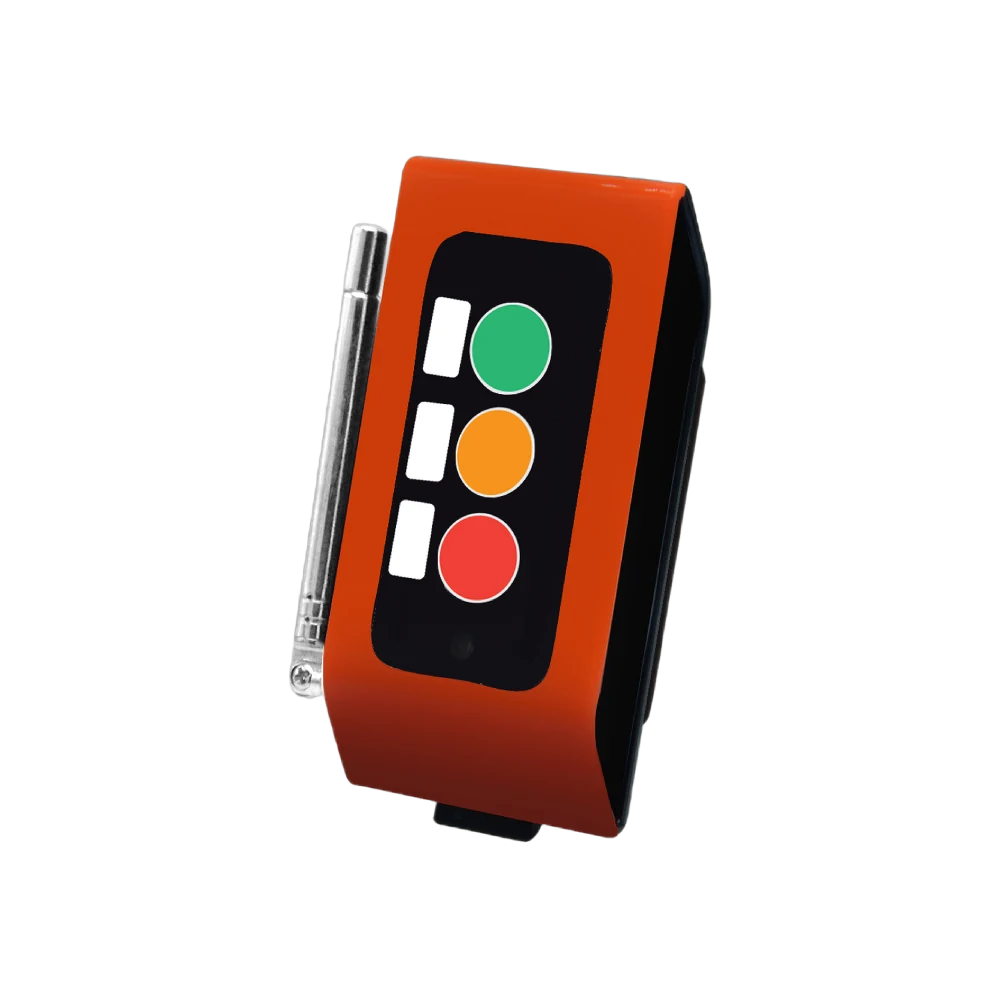
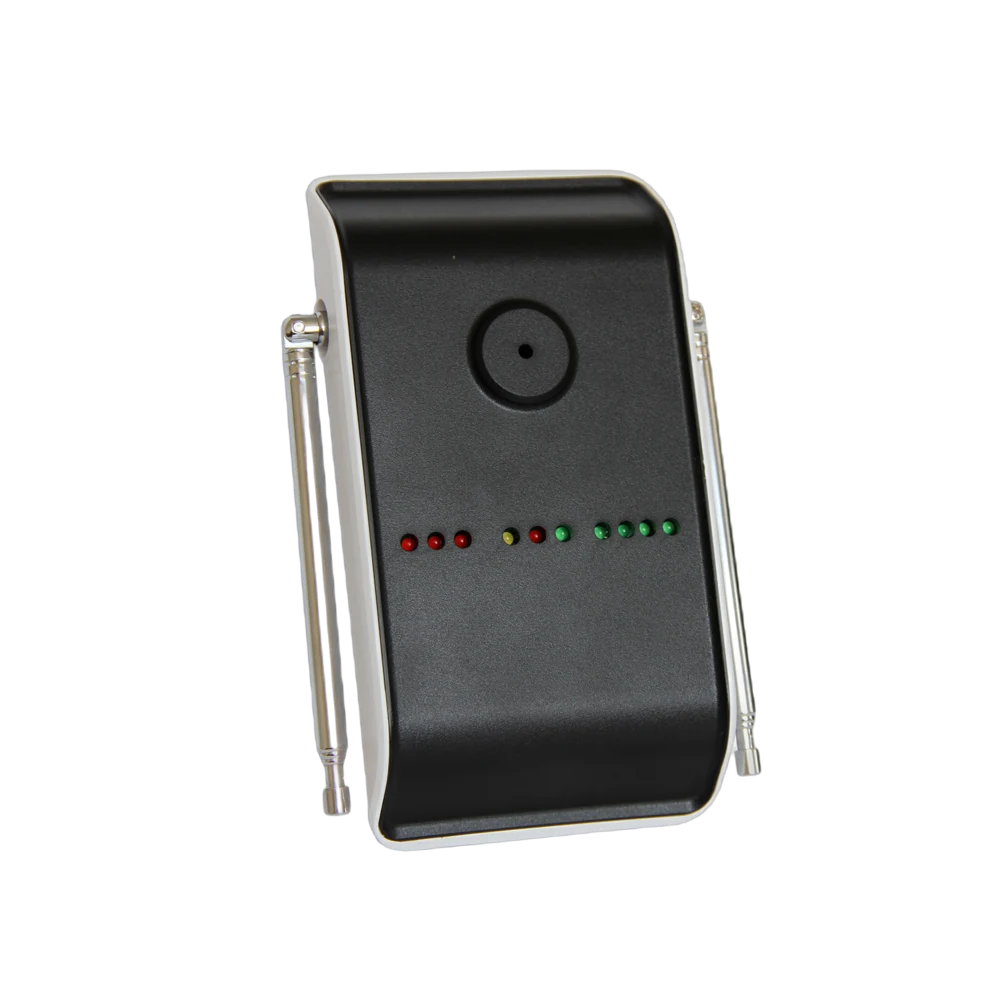
- To a pocket pager — A35WP. The crew on service are alerted by vibration; at night the boat stays quiet.
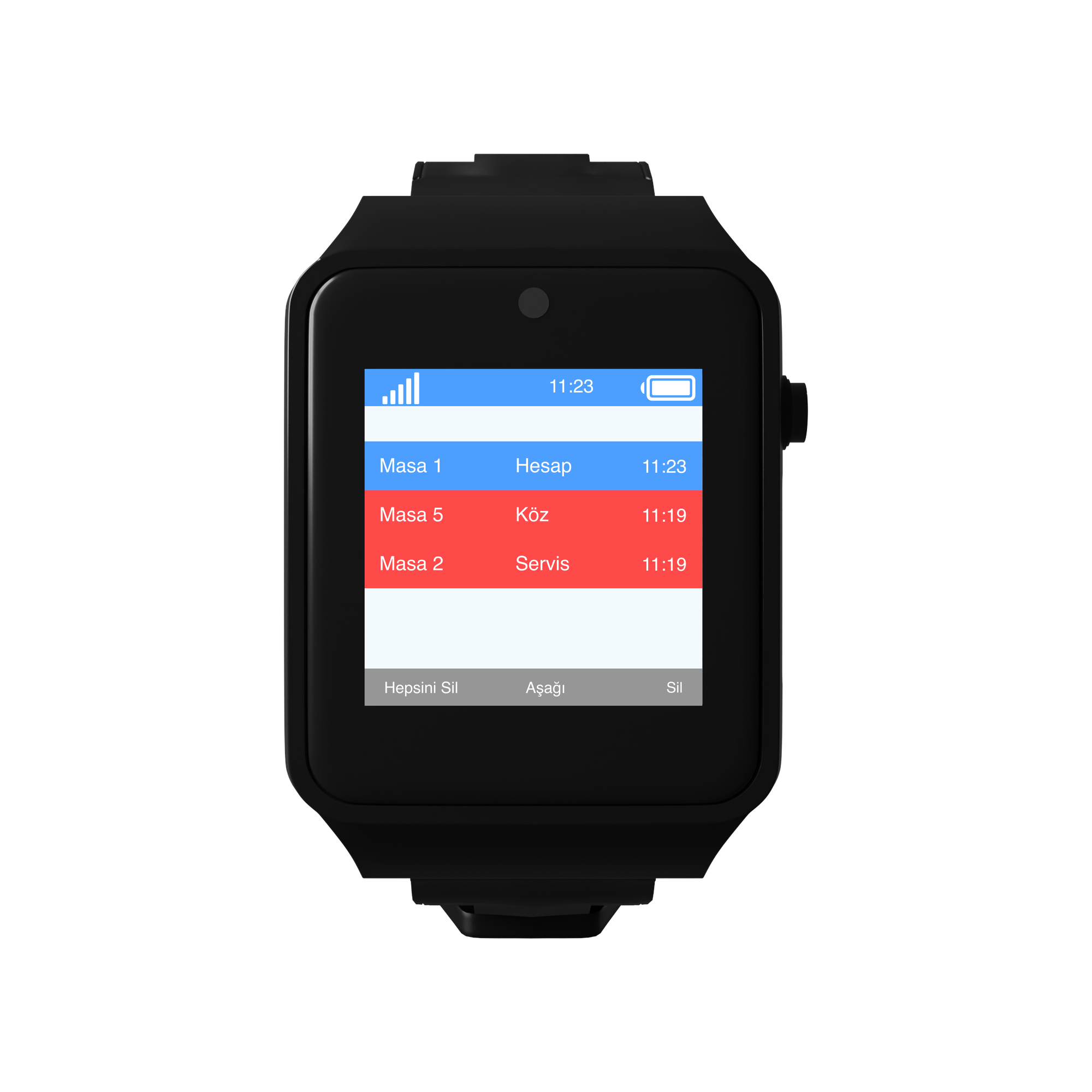
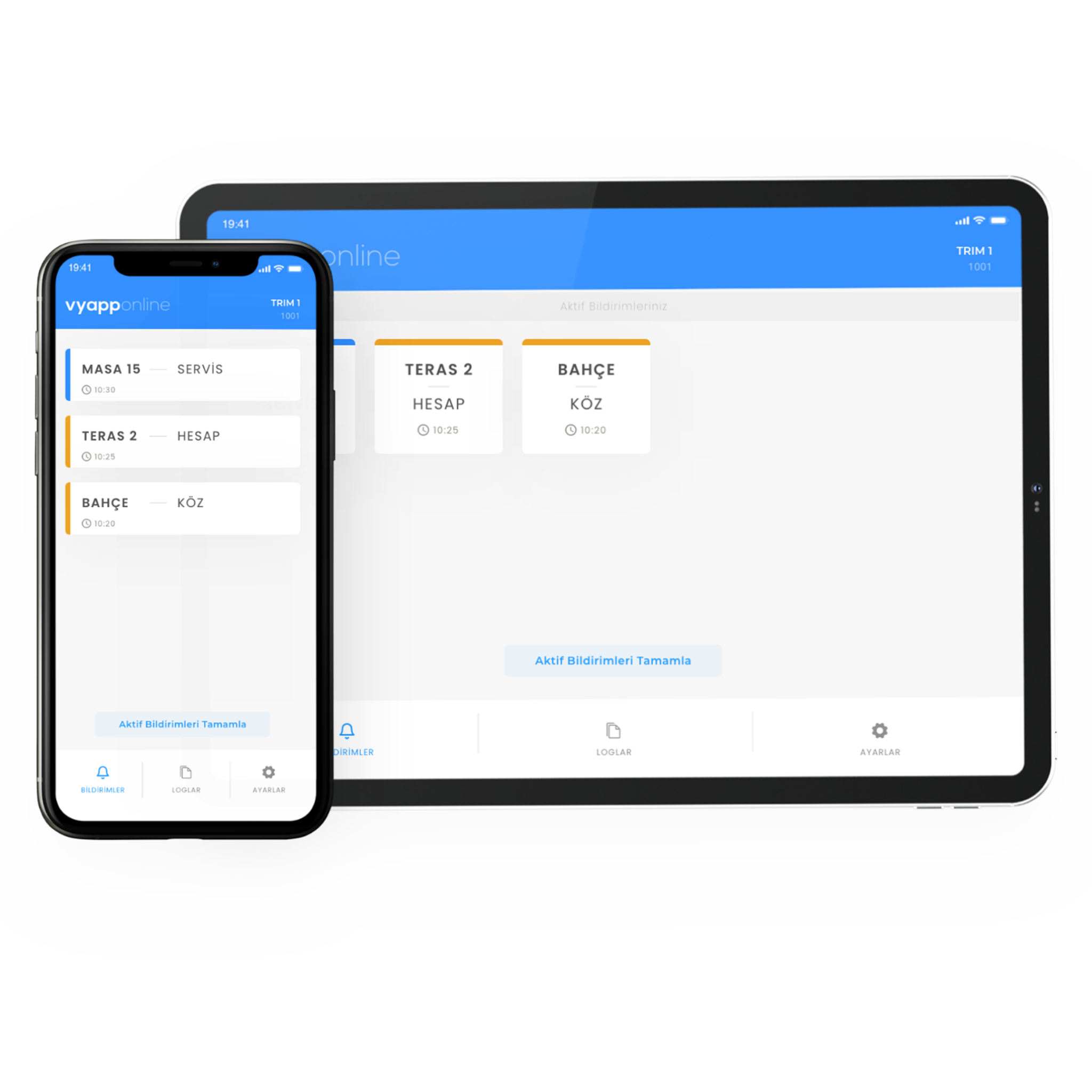
- To a phone — with VyApp Smart Call. The chief and the captain can see the same notification.
- To the screen in the galley and mess — a D20 display. Waiting requests stay on a list and refreshment preparation is tracked from there.
The information shown: cabin/area + request. "VIP Cabin · Refreshments". Cabin names are defined with the boat's own naming.
The same notification can reach more than one device. On the night watch this is used in particular: the notification reaches both the watch crew's pager and the screen in the mess.
How does a charter week go?
At guest check-in. The button is shown during the cabin tour; explaining it takes one sentence. After "press this whenever you need something" the guest asks nothing further.
Daytime, between deck and cabin. Guests move between the deck and their cabins. Because the buttons on both sides run on the same system, the crew never have to go looking for a guest.
Meal service. The button in the dining saloon is the busiest indoor point. Requests made at the table during service go straight to the galley.
At night. A call from a cabin is delivered silently; the watch crew are alerted by vibration and the other cabins do not wake.
End of the week. The panel shows how many calls came from each point and which hours were busiest. In charter operations this table is used to organise the crew shift plan.
How many buttons are needed?
A typical distribution for a yacht with four guest cabins:
| Area | Quantity | Button |
|---|---|---|
| Master cabin (bedside + bathroom) | 2 | B300, 2 keys + single key |
| VIP and guest cabins | 3 | B300, 2 keys |
| Cabin bathrooms | 4 | B300, single key, wet area |
| Main saloon and dining saloon | 3 | B300, 2 keys |
| Corridor and stair head | 2 | B300, single key |
| Total | 14 buttons |
On the receiving side: pocket pagers for the crew on service, a screen in the galley and in the mess, VyApp Smart Call for the chief and the captain.
What is watched during installation?
Cabin decor. Indoors the button is chosen in a colour suited to the joinery and upholstery; it should not be an object at odds with the boat's interior design.
Wet areas. A wet area body is used in cabin bathrooms.
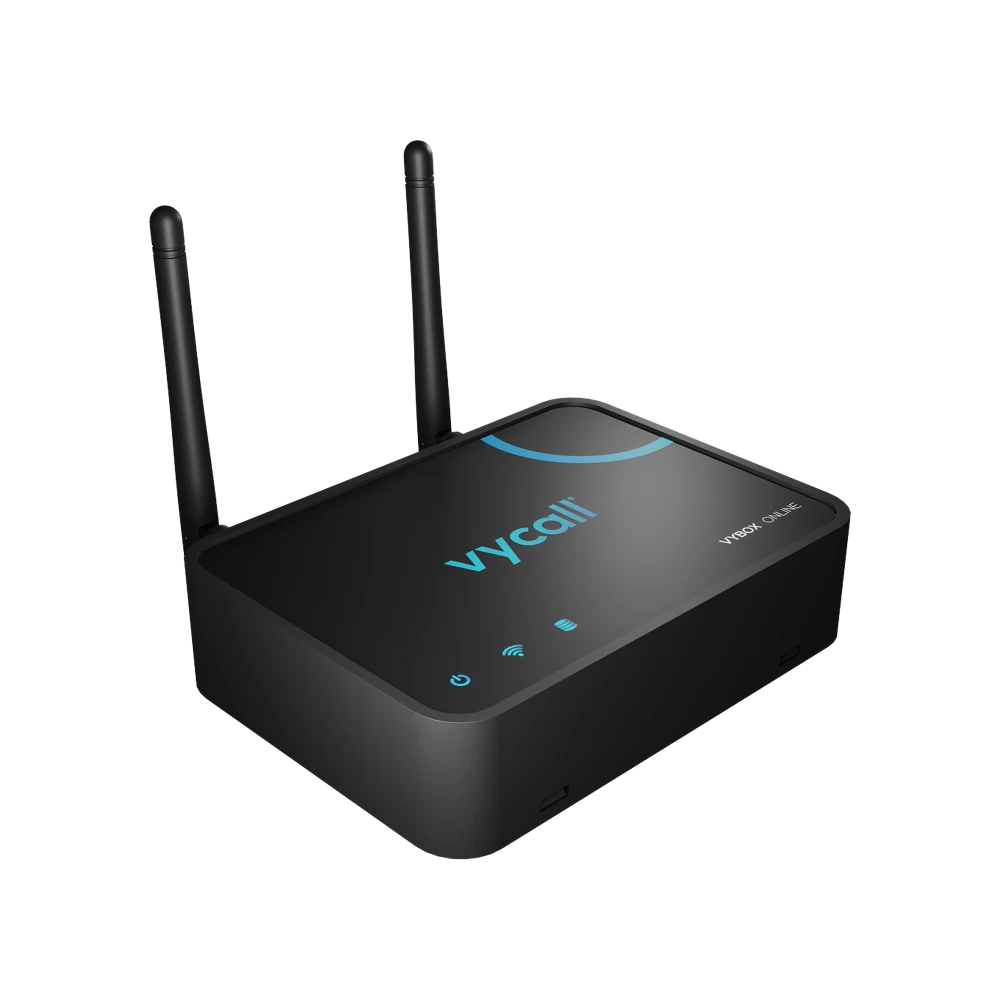
Hull and range. If there are steel or aluminium bulkheads between the lower deck cabins and the galley, a site survey is done and a repeater is added if needed.
Silent alerts. For night hours, vibration and screens are preferred over audible alerts.
Point names. Cabins are defined with the boat's own naming; on boats that say "VIP" rather than "Cabin 2", the system is set up the same way.
Wireless installation. On existing boats no joinery is lifted and no cabling is run; the buttons work on batteries and can be fitted without waiting for a refit.
