
















How is a help call set up in a care or nursing home?
The resident in their room does not try to make themselves heard or attempt to reach the corridor; they press the button beside the bed or pull the cord in the bathroom. The notification goes to the care attendant on that floor and the screen in the staff room together — "Room 12 · Bathroom" — and whoever comes knows which room and which point to head for. Which device it lands on is the organisation's choice: the attendant's pocket pager, their phone, the screen in the staff room, or all of them. Where the garden and common areas are far, a repeater goes in between.
Below we describe how this is set up on site: which points get a button, how far the cord reaches, who receives the notification and how a day goes.
Which points get a button?
In a care facility the call points are not limited to the rooms; every area where the day is spent is defined.
| Area | Device | Why |
|---|---|---|
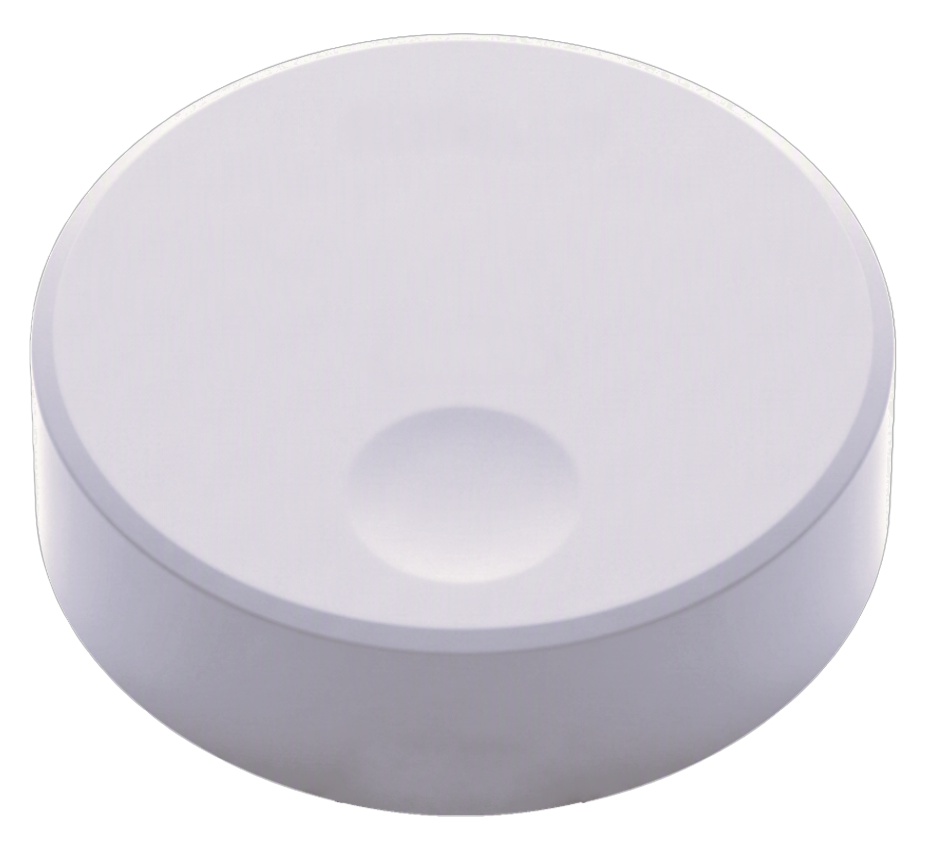
| Bedside | B300, single key | Within reach from a lying position |
| Bathroom, beside the WC | P200PL, pull cord | Must be pullable from a seated position and from the floor |
| Inside the shower | P200PL, pull cord, wet area body | The point with the highest risk of slipping |
| Room entrance and corridor | B300, single key | Where support is needed while walking |
| Common lounge and dining room | B300, single key | Most of the daytime is spent here |
| Garden and terrace | B300, outdoor body | The most used area in the summer months |
Why does the cord reach the floor? Because the person asking for help may not be standing. The situation met most often in care facilities is a fall; a button left high on the wall is of no use at that moment. The end of the cord must reach close to the floor and nothing may block it.
What happens for the resident?
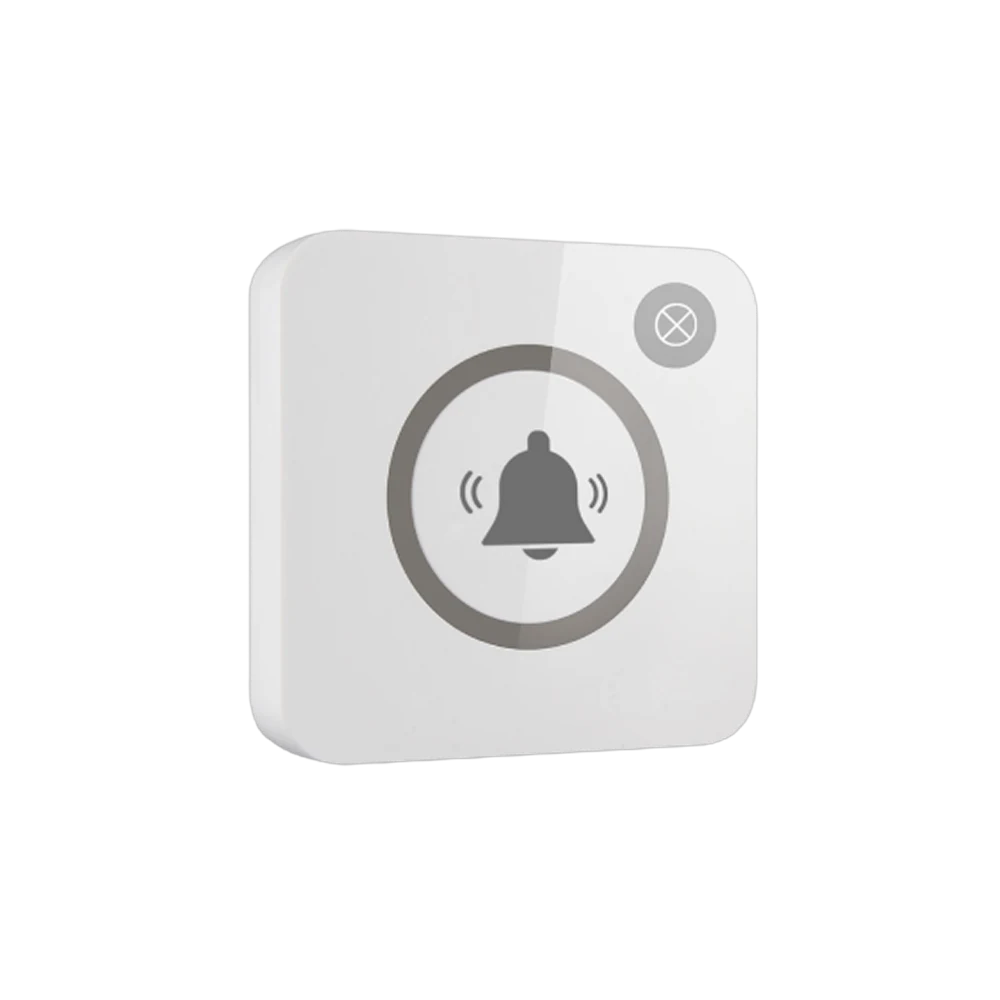
A single touch or a pull on the cord is enough. The light flashes once and the call is seen to have gone — for an elderly user this feedback is the detail that gives the most confidence: they are not left wondering whether anything happened.
Nothing has to be taught. The icon and the single key create no confusion even for residents with memory difficulties; multi-key layouts are not preferred in this field.
Who receives the notification, on which device?
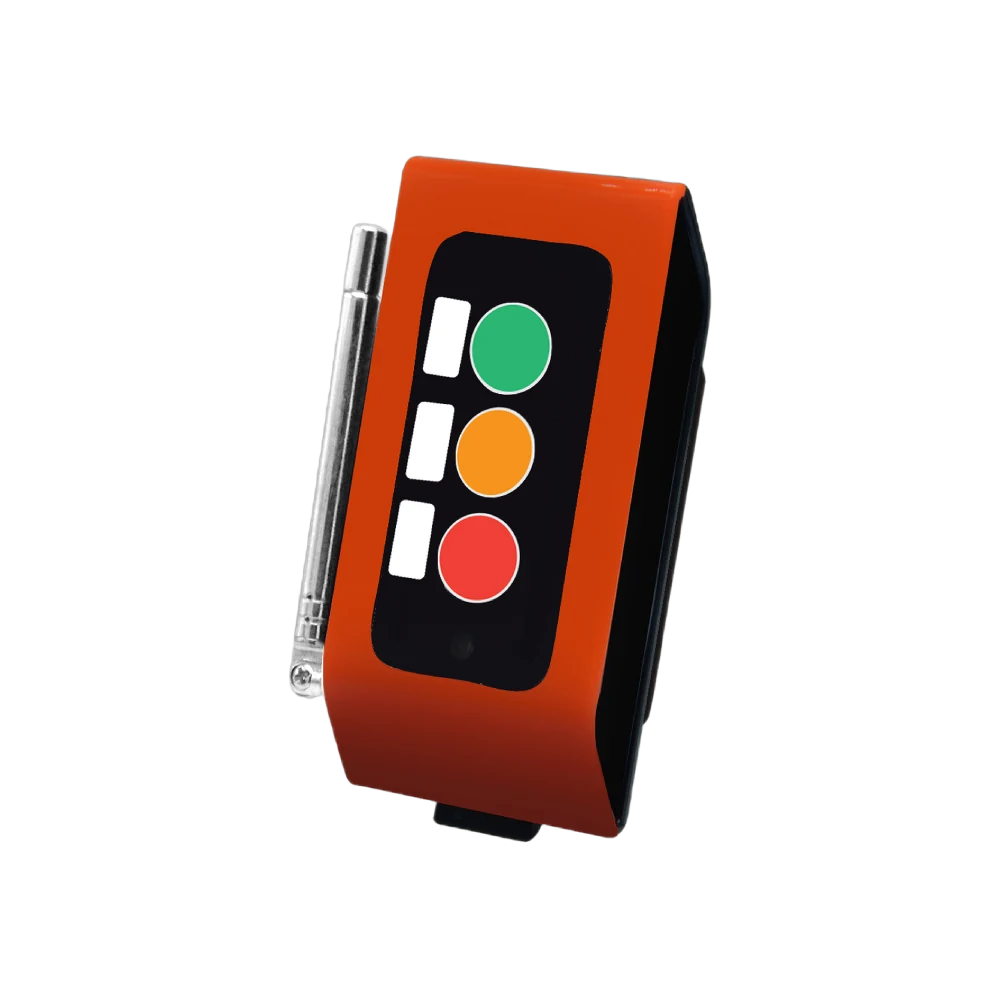
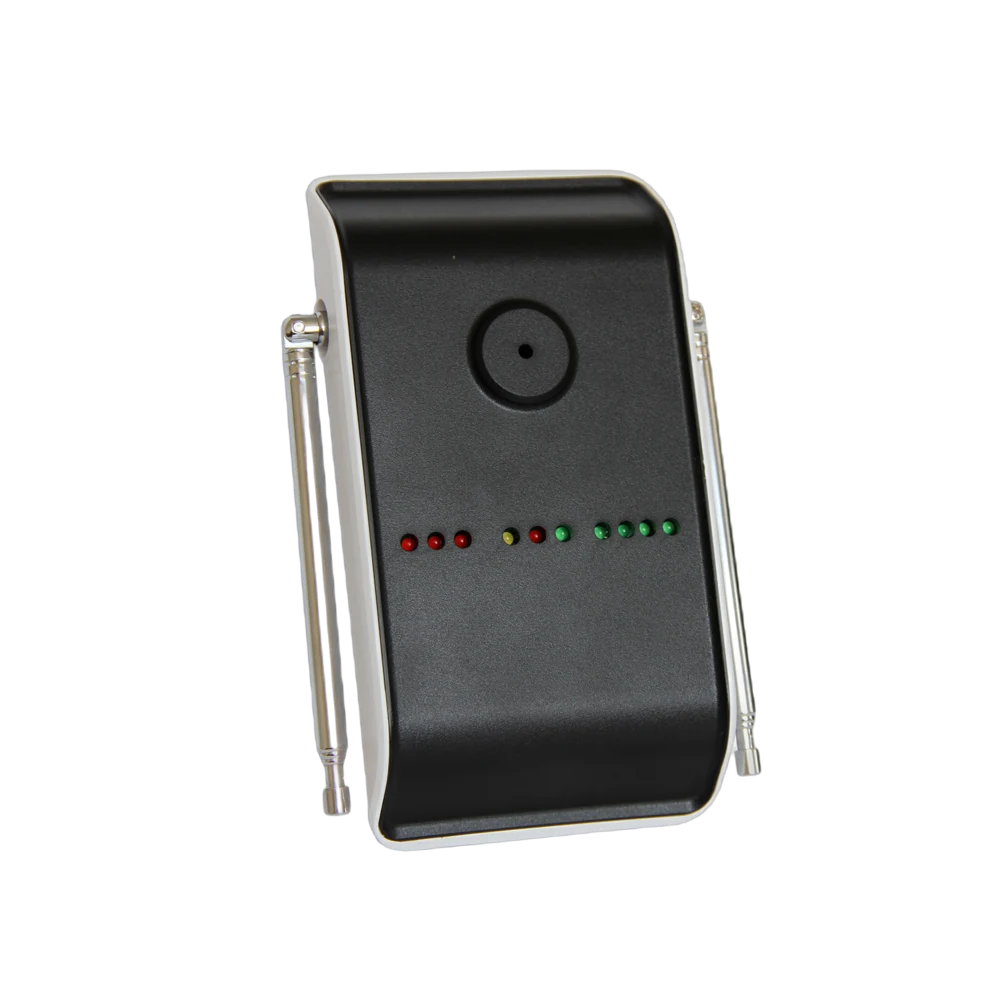
- To the care attendant's pocket pager — A35WP. The most practical route for a team constantly on the move; it alerts by vibration and makes no sound in the corridors.
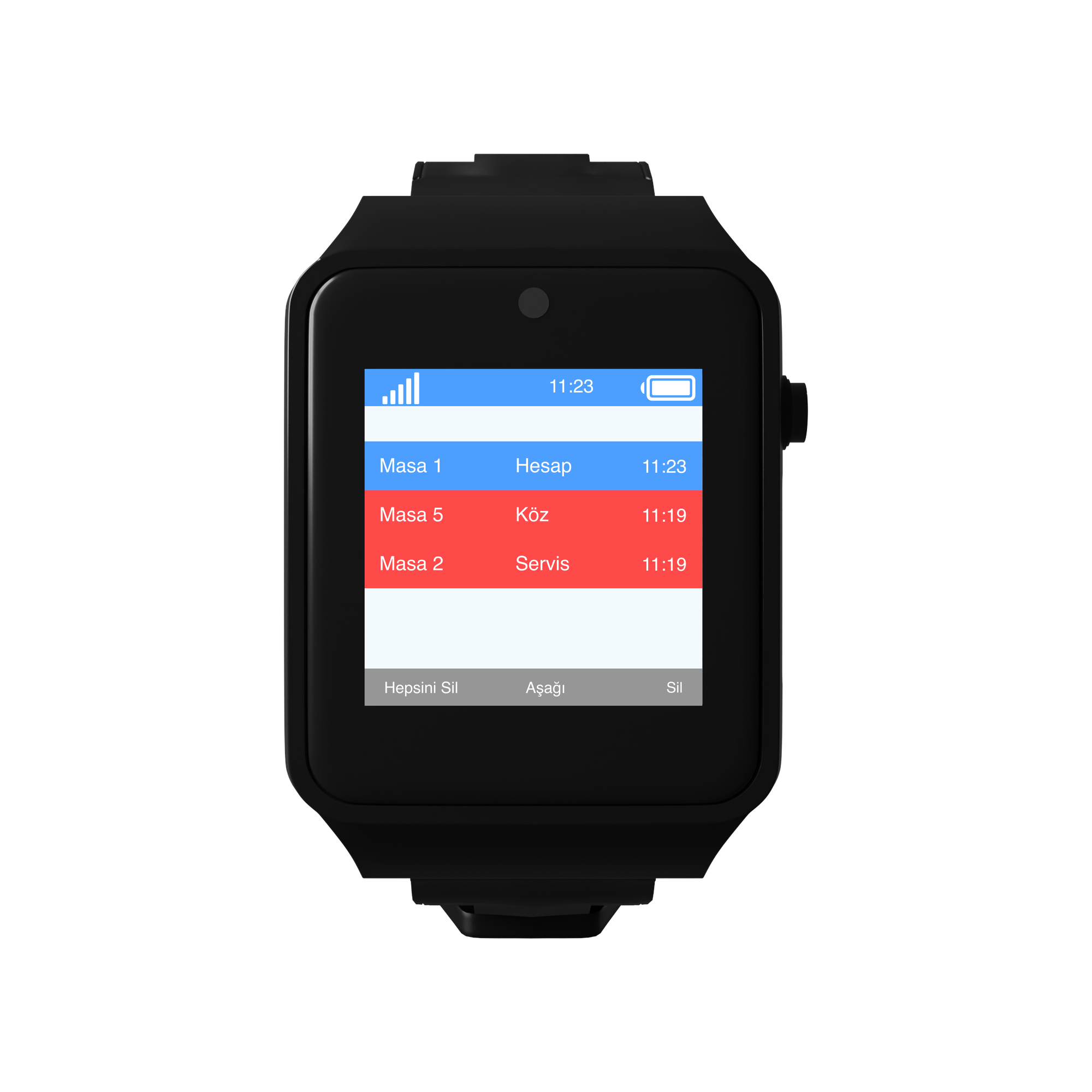
- To the screen in the staff room — a D20 display. Waiting rooms stay on a list.
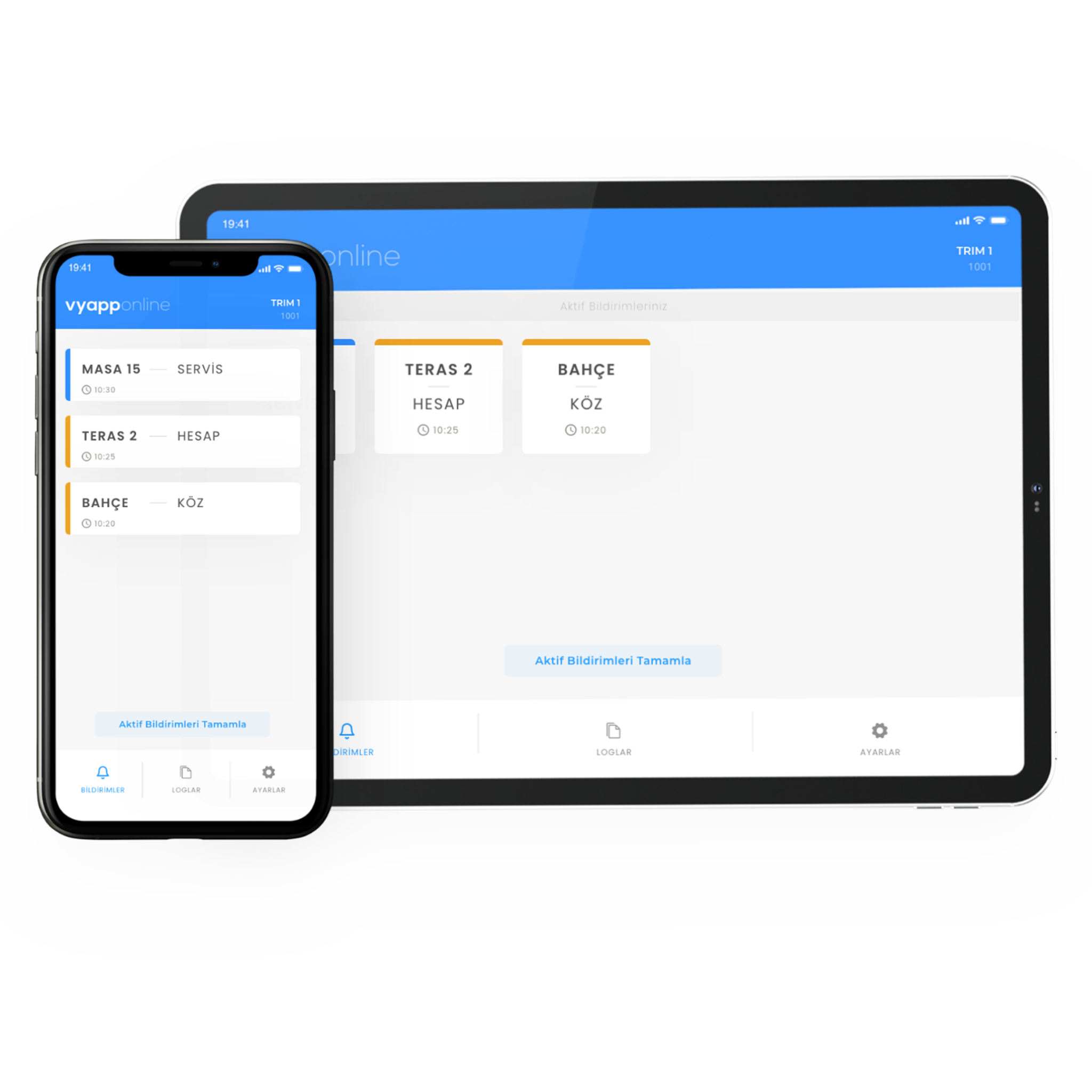
- To a phone — with VyApp Smart Call. The shift supervisor sees the same notification.
- To the lamp above the door — L20. Which room it is can be seen from the corridor.
The information shown: room + point. "Room 12 · Bathroom".
The same notification can reach more than one device; this is the standard setup in care facilities: the attendant's pager and the screen in the staff room receive the call together.
How does a day go?
Morning care. Preparation begins in the rooms. The bathroom buttons are the most used points of the day; the attendant is called when support is needed.
Daytime, common areas. Most residents are in the lounge and the garden. The buttons here remove the need for the attendant to walk constant rounds.
Afternoon, rest hours. The rooms are quiet; the call is delivered silently and a vibrating pager is used.
Evening and night. The team shrinks on the night shift and it matters even more that the call reaches the right place. The notification goes both to the attendant on duty and to the screen in the staff room.
End of day. The panel shows how many calls came from each room and point, along with the response times. If one room constantly produces calls, the care plan is reviewed.
How many points are needed?
A typical distribution for a 40-resident care facility:
| Area | Quantity | Device |
|---|---|---|
| Bedside | 40 | B300, single key |
| Room bathrooms | 24 | P200PL, pull cord |
| Shower and shared bathrooms | 8 | P200PL, pull cord |
| Corridor and room entrances | 10 | B300, single key |
| Common lounge and dining room | 6 | B300, single key |
| Garden and terrace | 4 | B300, outdoor |
| Total | 92 points |
On the receiving side: pocket pagers for the care attendants, one screen in the staff room, VyApp Smart Call for the shift supervisor. Repeaters are planned for the garden and outbuildings.
What is watched during installation?
Wireless installation. Most care facilities operate in existing buildings. Because the button runs on a battery, no walls are opened, no cabling is run and no room is emptied.
Cord length and obstruction. The end of the cord must reach close to the floor and nothing may block it. This is the first item checked after installation.
A single key. Multi-key layouts are not preferred in this field; one key and a large icon require no learning.
Contrast. The button must not be the same colour as the wall; high-contrast printing is used for residents with impaired vision.
Garden and outbuildings. Where open areas sit far from the main building, a site survey is done and a repeater goes to a midpoint.
Silent alerts. A vibrating pager and the lamp above the door are preferred over audible alerts in corridors; the facility stays quiet during rest hours.
Records. Keeping the calls in the panel is asked for in internal reporting and in keeping families informed.
