















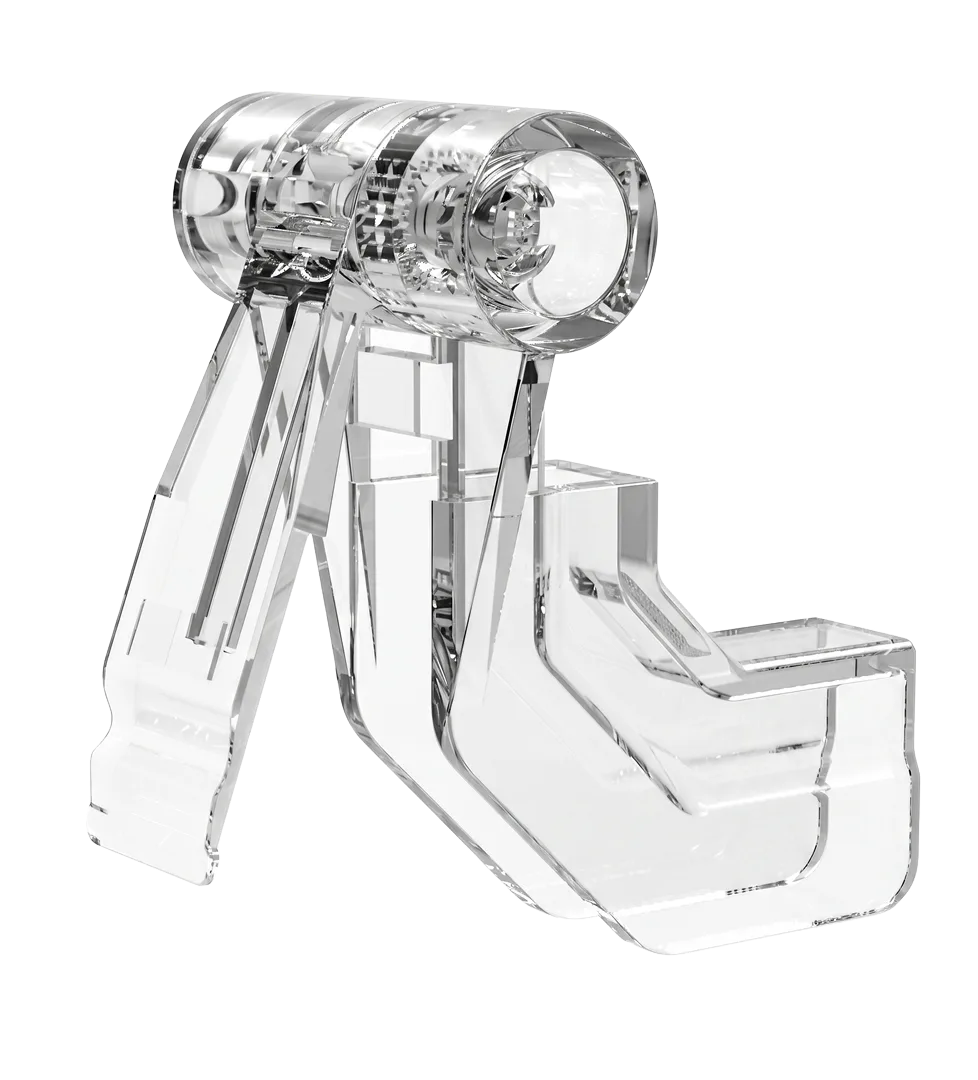

How are maintenance and support called on the production line?
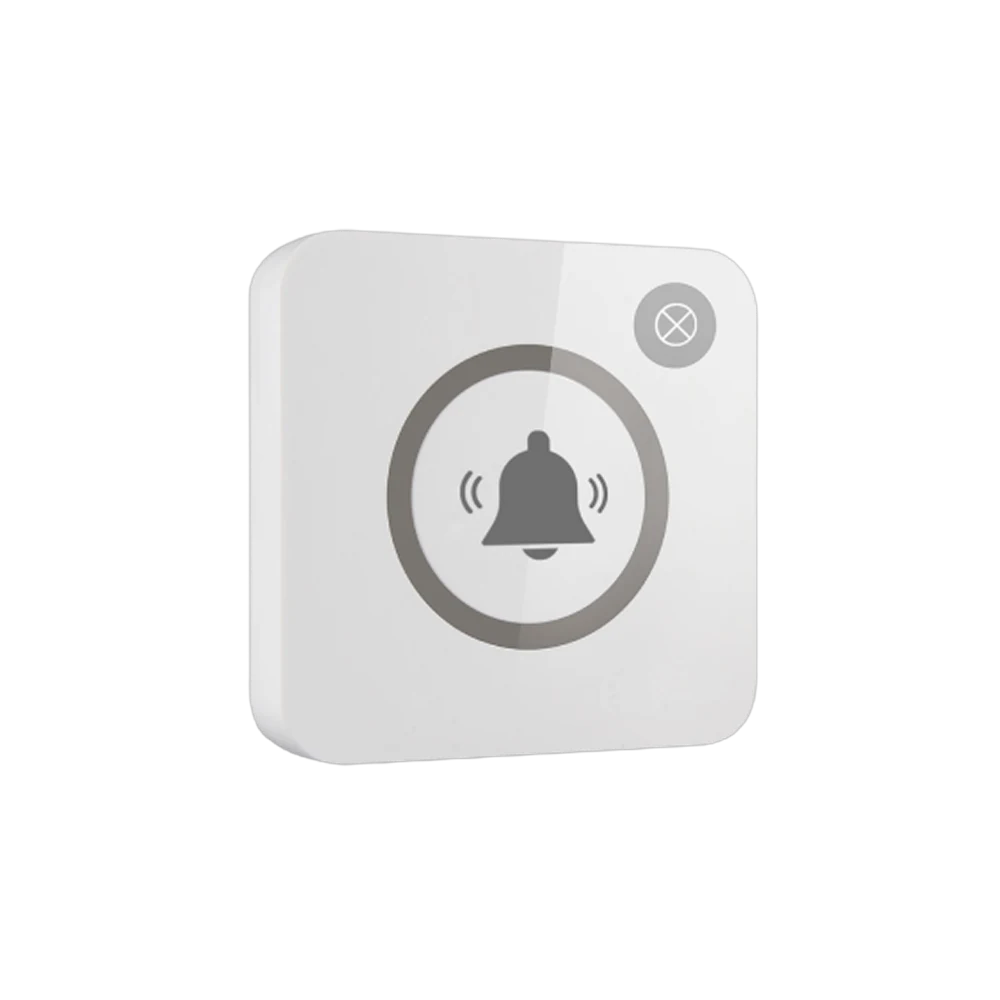
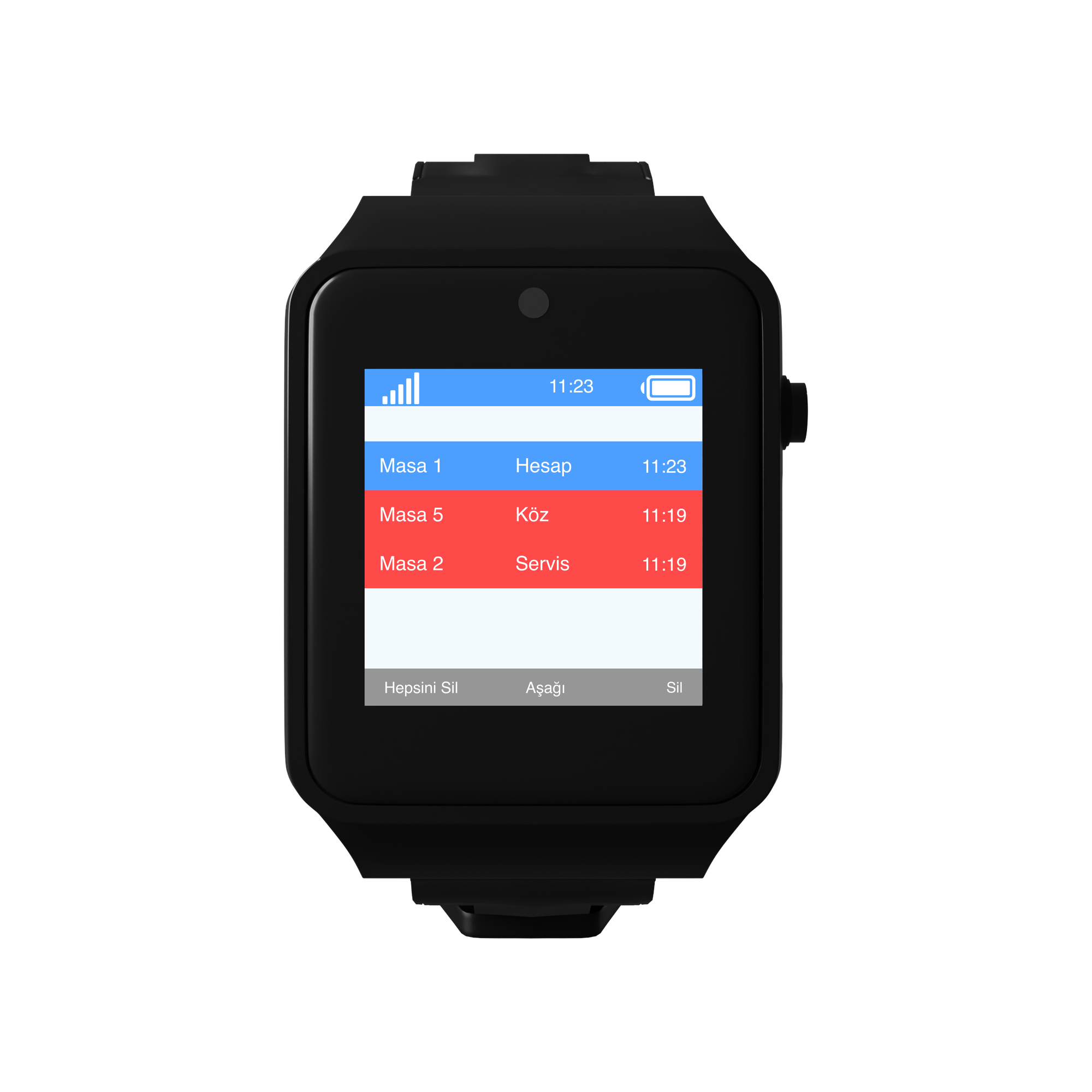
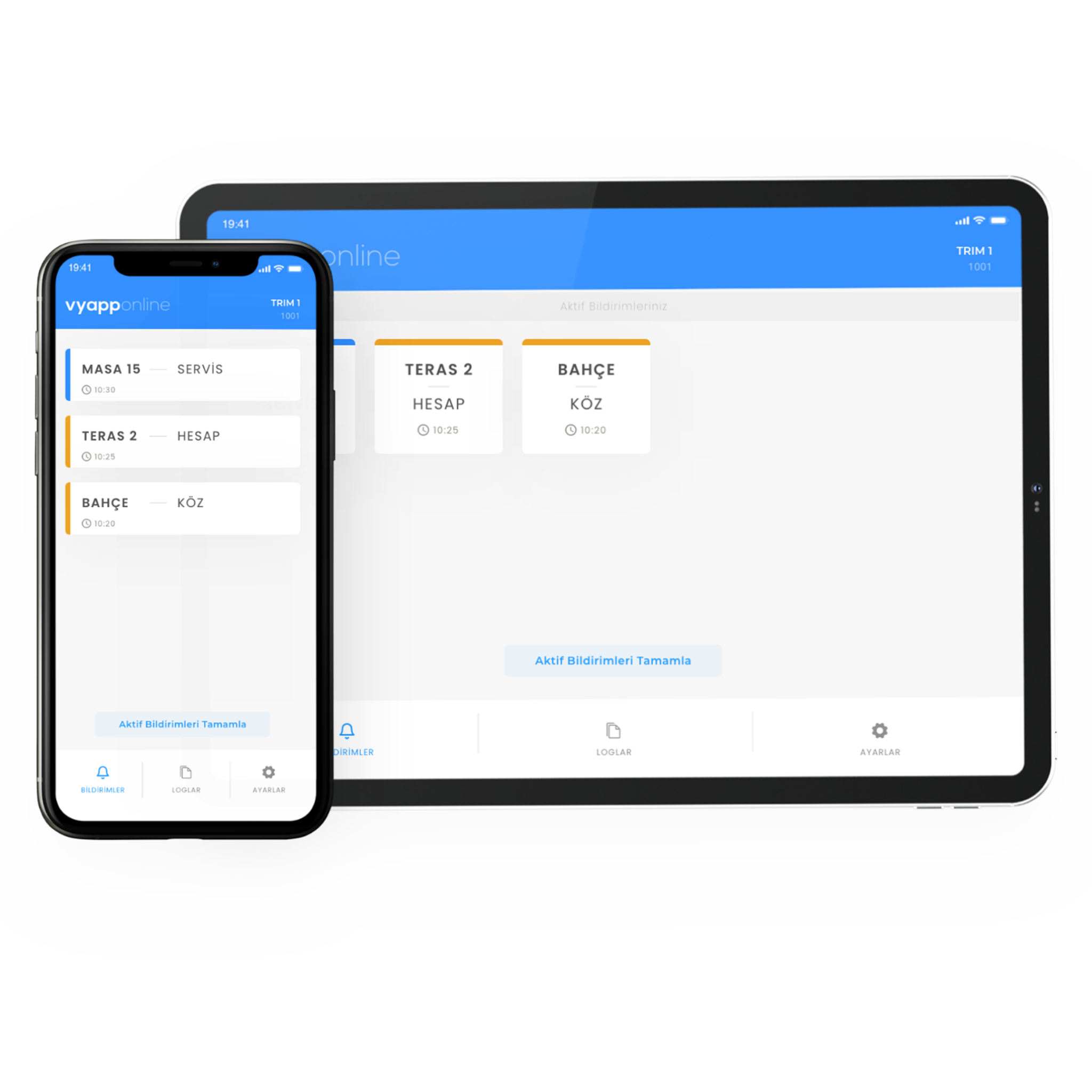
The machine stops; the operator does not leave the line to go looking for the supervisor, they press the support key on the button fixed to the station post. The notification goes to the maintenance and technical support team — "Line 2 · Station 11 · Support" — and the team sets off knowing which machine they are going to and why. Which device it lands on is the plant's choice: the maintenance team's phones, a handheld, the screen in the shift office, or all of them. In noisy sections the same call lights the indicator above the station; if the line is far from the maintenance workshop a repeater goes in between.
Below we describe how this is set up on the line: where the button is mounted, what each key carries, who receives the notification and how downtime is recorded.
Which key for which situation?
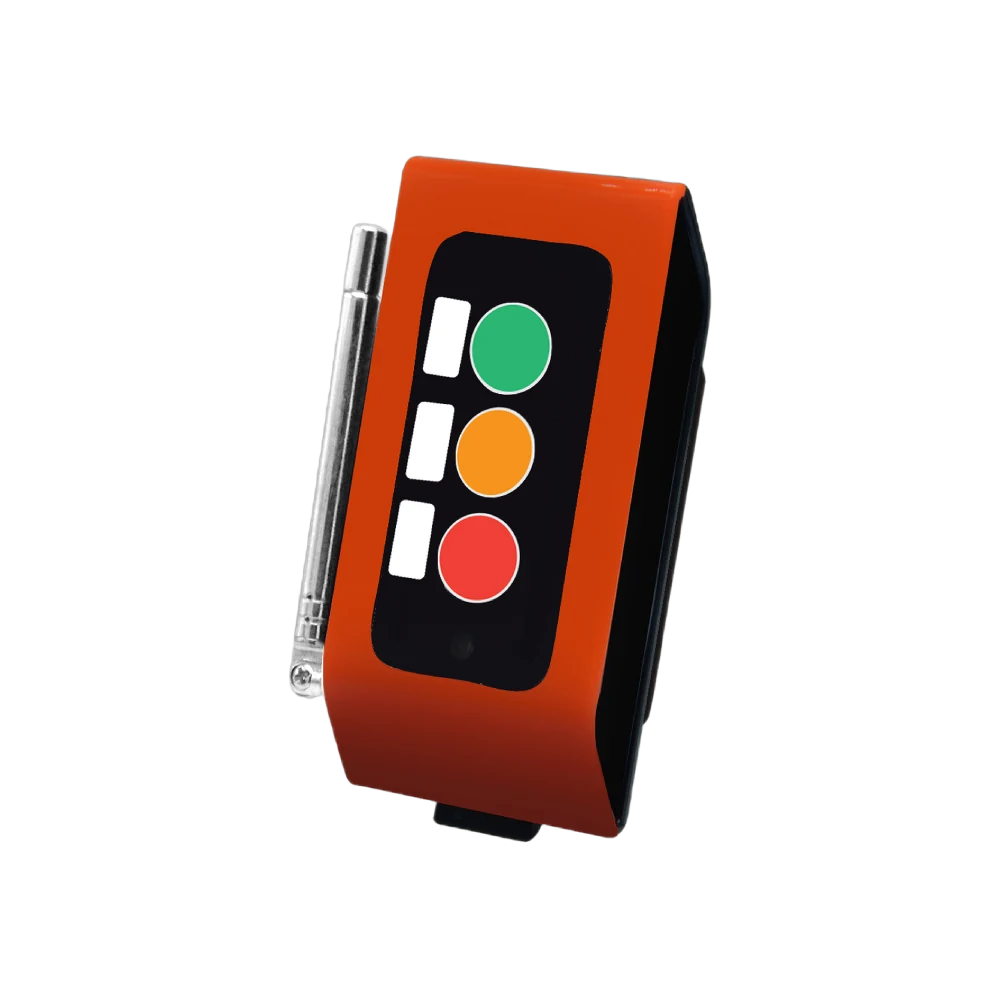
The same three-key button carries both the forklift and the support call; this page covers the situations where the second key is used.
| Situation | Key pressed | Who it reaches |
|---|---|---|
| Machine stopped, a fault | Support | Maintenance and technical support |
| A jam, a feed error | Support | Maintenance |
| Quality doubt, a dimensional drift | Support | Quality control |
| Material arrived faulty | Support | Quality + line manager |
| A decision is needed, the line will stop | Team Leader | Shift supervisor |
| Pallet full, raw material out | Forklift | Forklift team on the floor |
Why a separate key? Because "the machine stopped" and "the pallet is full" are the work of different teams. With a single key every call goes to everyone, the screens fill up and after a while nobody looks. Thanks to the key split, only maintenance work sits on the maintenance team's screen.
What happens on the operator's side?
The operator does not leave the line. They press the key, stay at the machine and wait for the team. There is no "which line, which machine" conversation over the radio; the information already went with the notification.
The point most noticed in the field is this: the operator used to either go looking for someone or send word with the colleague next to them. Both pulled a person off the line. Now nobody leaves their station.
Who receives the notification, on which device?
- To the maintenance team — their phones, all at once. Whoever on the team is free sets off.
- To the screen in the shift office — a D20 display. Which station is waiting stays on a list.
- To quality control — a quality doubt call can be defined to a separate point.
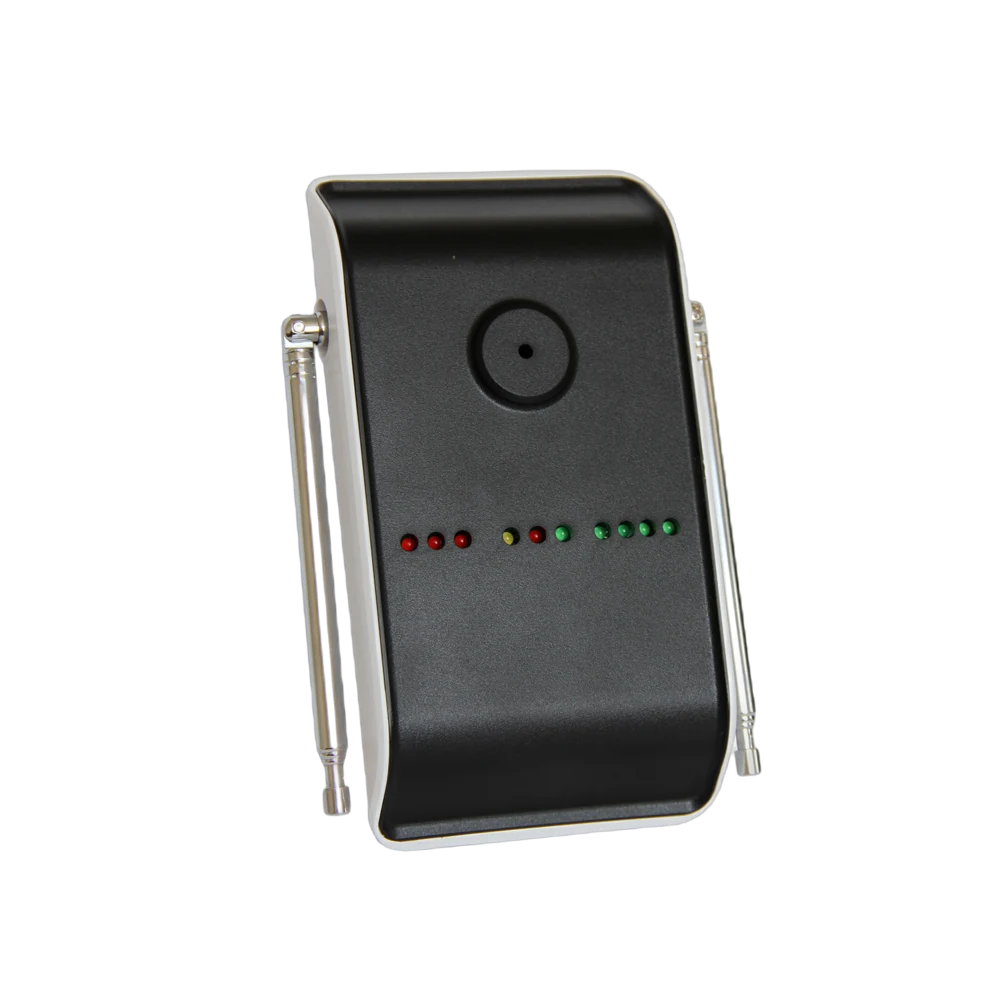
- To the light indicator above the station — L20. On a noisy line the call is seen; classic andon logic, without pulling cable.
The information shown is always in the same form: line + station + request. "Line 2 · Station 11 · Support".
The same notification can reach more than one device and this arrangement is standard in a factory: the maintenance team's phones, the office screen and the station lamp receive the call together.
How is downtime recorded?
This is the part of the page that concerns the production manager.
The moment of the call is recorded. The time the support key was pressed stays in the panel.
Response time is measured. How long the call took to be answered is visible; how long the line waited stops being guesswork.
It accumulates per station. How many support calls came from each station is gathered in a weekly table. If one machine constantly produces support calls the problem is that machine — the table shows it by itself.
Shifts can be compared. The number of calls the same line produces on different shifts guides maintenance planning and training needs.
All three things expected of an andon system — raise a call, show it, record it — are met without pulling cable.
How many buttons, how many receivers?
A typical distribution for a mid-sized plant with two lines:
| Point | Quantity | Device |
|---|---|---|
| Production station | 24 | F100, 3 keys |
| Quality control bench | 4 | F100, 3 keys |
| End of line / packing | 6 | F100, 3 keys |
| Light indicator above the station | 10 | L20 Light Indicator |
| Shift office screen | 2 | D20 Display |
| Total | 34 buttons + 12 receivers |
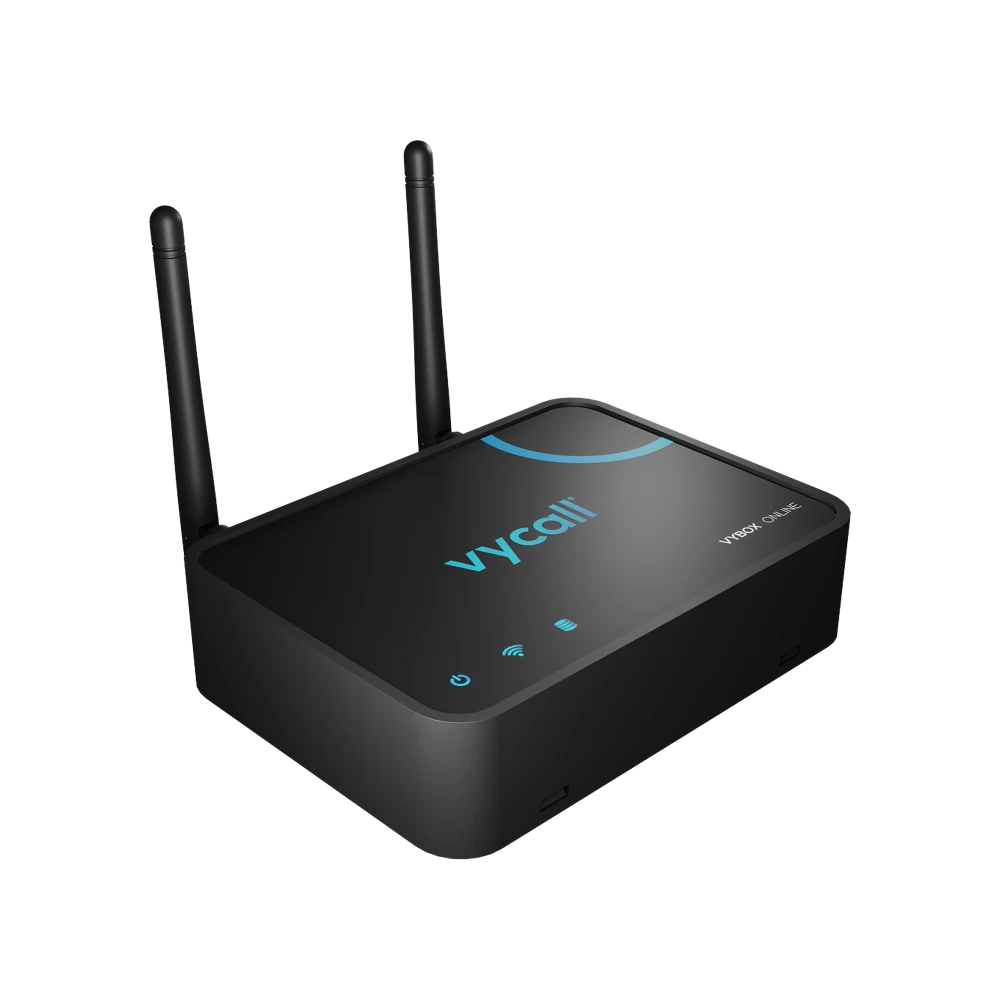
Also on the receiving side: VyApp Smart Call on the maintenance team's phones. If the plant is large or on several floors, repeaters go in between.
What is watched during installation?
Metal and range. Steel racking, machine bodies and concrete walls make signal harder. The range that reaches 800 metres in the open shortens inside a covered production area; a site survey is done before installation and repeaters are planned if needed.
Vibration. The button is fitted to a separate post or guard rail rather than to the body of a machine that vibrates.
Gloves. The F100's keys are sized to be pressed with a work glove on; thin-key office style buttons do not work on a line.
Lamp position. The light indicator is placed above the station, at a height visible from both ends of the line.
Labelling. The line and station number is written on every button and the same number is defined in the panel.
Key printing. The plant's own terminology is printed: "FORKLIFT / SUPPORT / LEADER" or words specific to the site. Using the word already spoken on the floor shortens training.
