















How is staff called from the executive office?
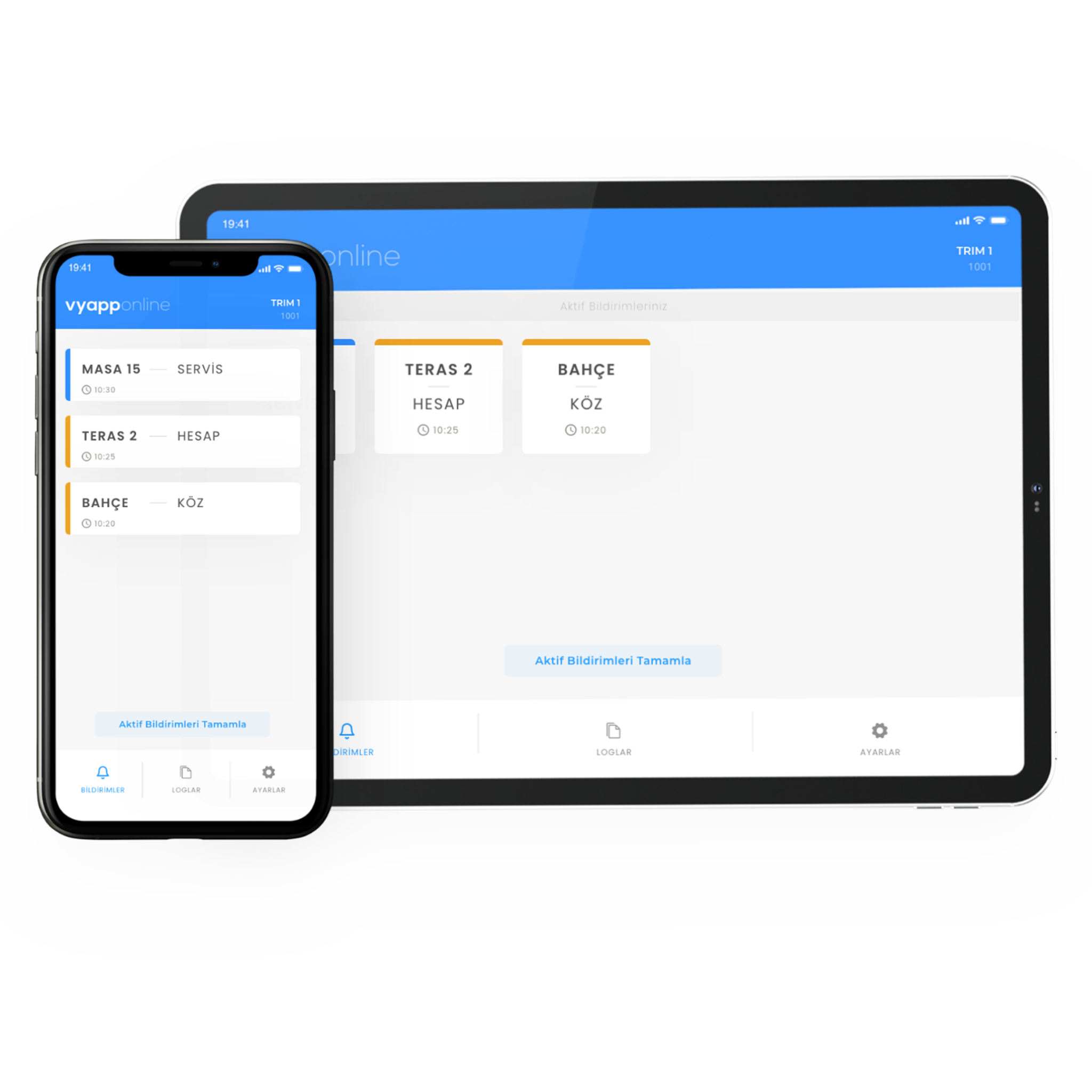
The executive does not break off mid-sentence to reach for the phone or open the door and call out; they touch the button on the desk. The notification goes straight to the assistant's device — "Executive · Assistant" — and the assistant knows why they were called before walking in. Which device it lands on is the organisation's choice: the assistant's computer, phone, desk screen or pocket pager. If the executive floor and the secretariat are on different floors a repeater goes in between; with VyApp Smart Call notifications arrive instantly over the internet.
Below we describe how this is set up: where the button sits on the desk, which key calls whom, where the notification goes and how a day goes.
Where does the button go, which key calls whom?
In an executive office the button sits somewhere visible but unobtrusive: the top right corner of the desk, next to the phone. In a meeting room it goes at the head of the table, according to the seating.
| Area | Where the button goes | Key 1 | Key 2 |
|---|---|---|---|
| Executive office, desk | On the desk, next to the phone | Assistant | Refreshments |
| Meeting room | At the head of the table or fixed under it | Refreshments | IT support |
| Interview and waiting room | On the side table | Assistant | Refreshments |
| Reception hall | On the console, numbered | Refreshments | Attendant |
| Public sector executive floor | On the desk + a screen in the clerks' room | Clerks | Refreshments |
Why two keys? Because "come in" and "bring tea" are not the same job. With two keys the assistant sees whether the call is to talk or for refreshments; on a refreshment request they notify the kitchen directly and nobody walks into the office twice. In meetings with visitors, refreshments is the most used key.
If a third request is needed (documents, technical support) a second button is added to that room.
What happens on the executive's side?
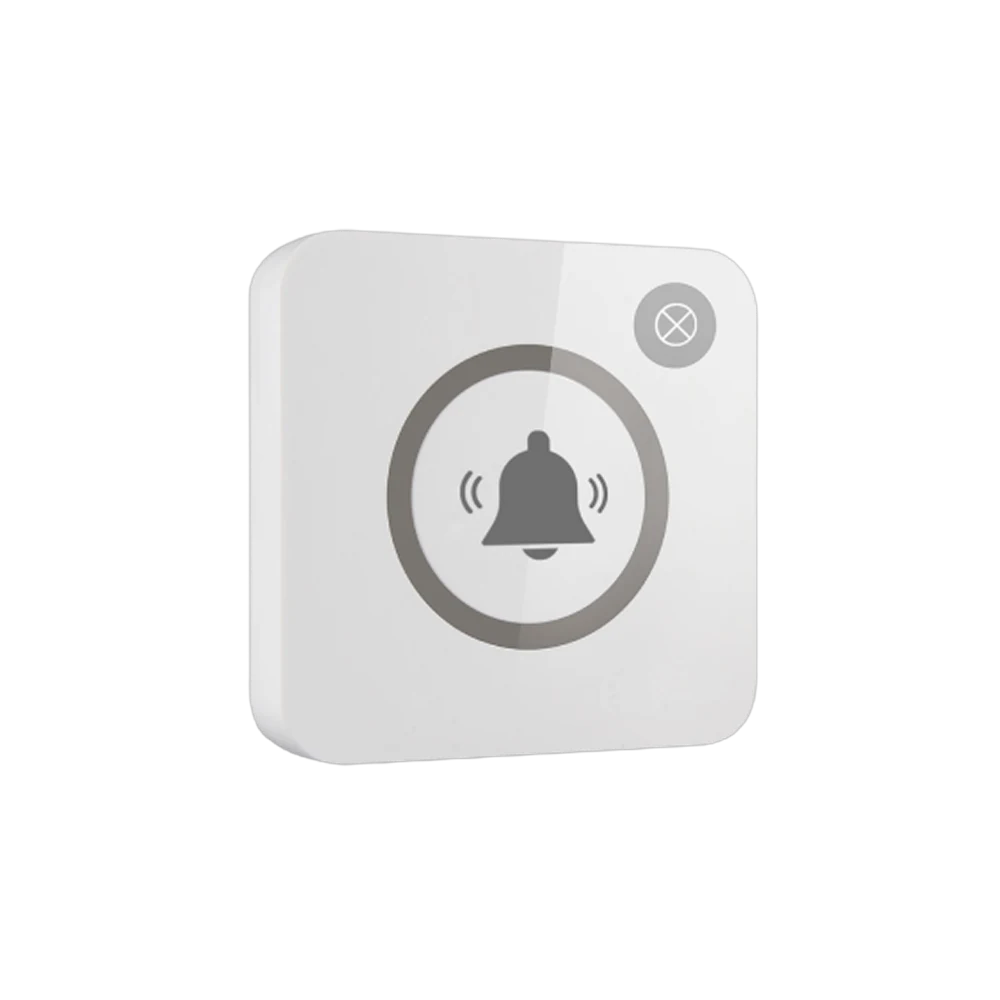
One touch is enough. The light on the button flashes once, the executive sees that the call has gone and carries on speaking. No phone is picked up, no extension is dialled, and the visitor in the room is not left wondering who is being called. Because the only object on the desk is a button, the flow of the conversation is not broken.
It is noticed on the corporate appearance side too: printed with the organisation's logo, the button on the desk does not look like something added afterwards.
Who receives the notification, on which device?
The organisation decides where the notification lands:
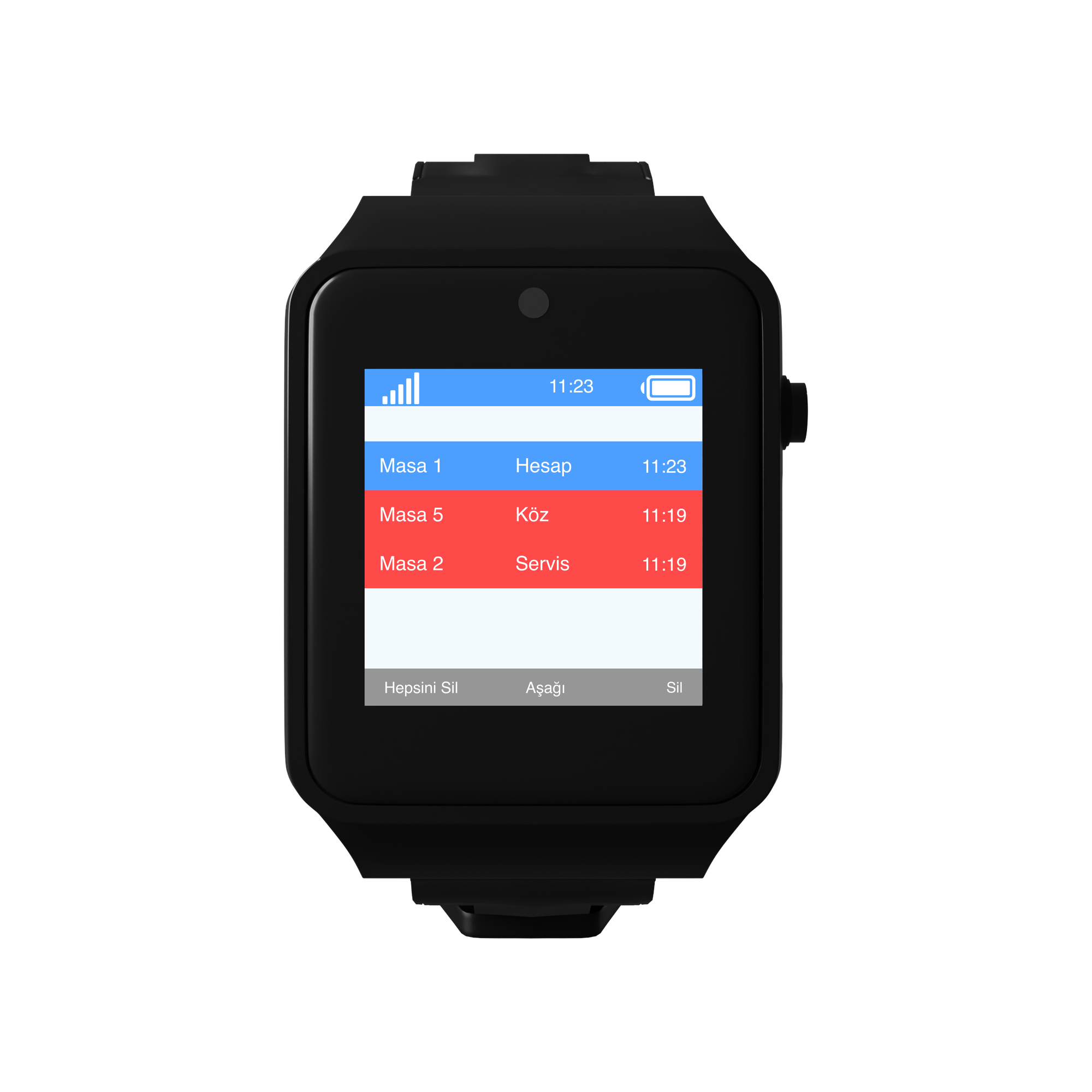
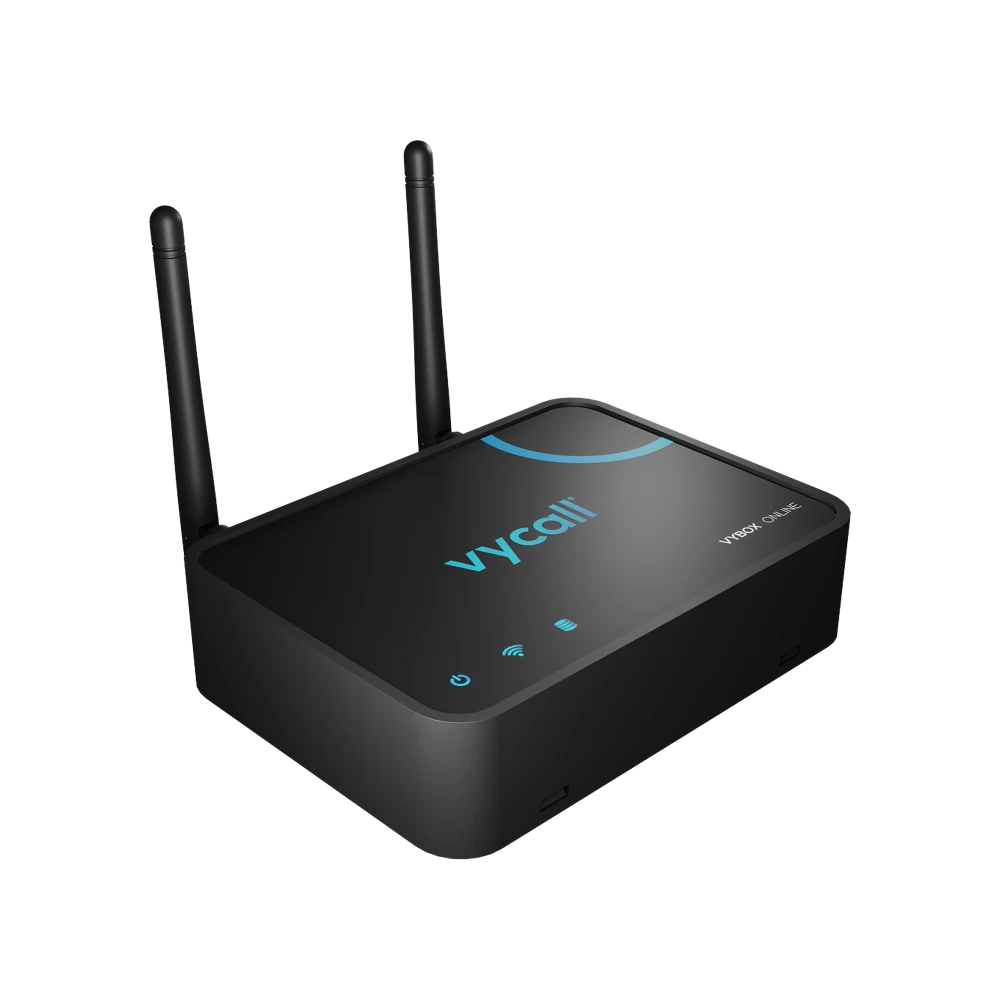
- To the screen on the assistant's desk — a D20 display or VyBox PC Receiver installed on their computer. While at the computer the assistant sees the notification in the corner of the screen.
- To a phone — with VyApp Smart Call. The assistant or an administrative officer receives it while away from the desk.
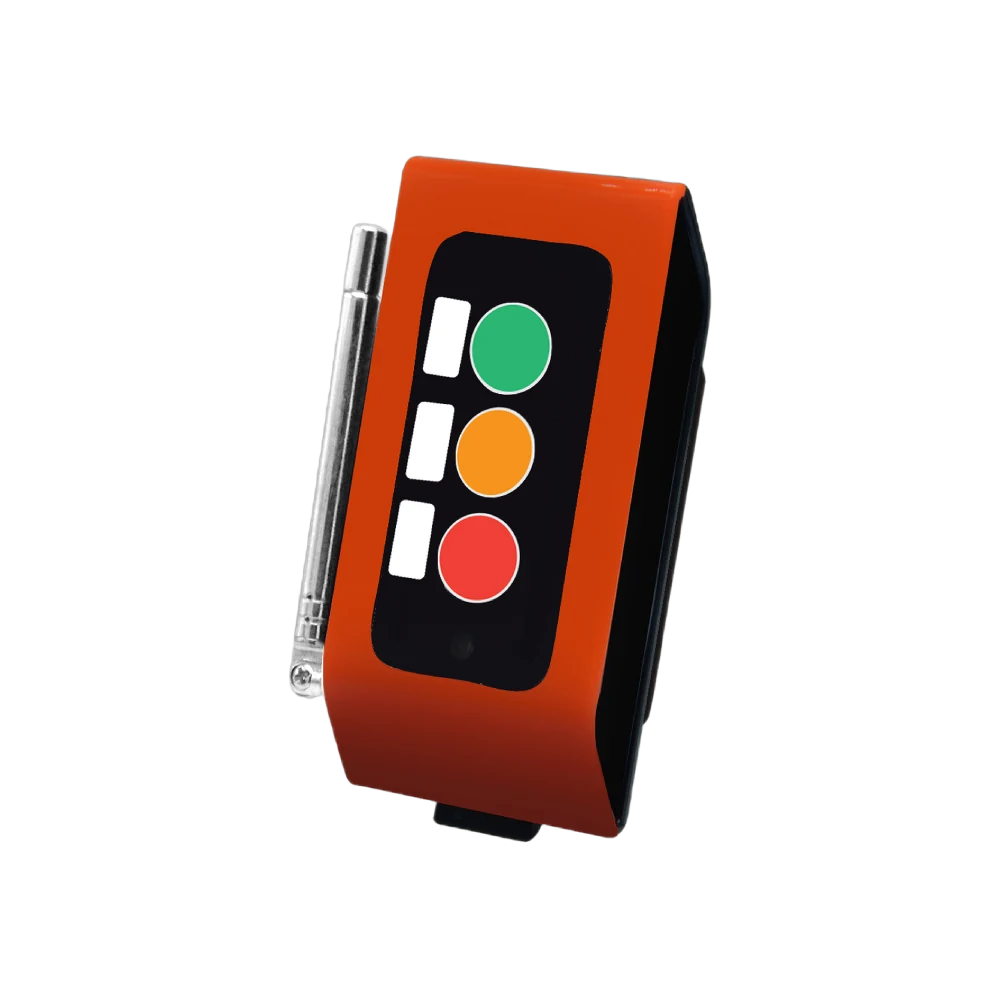
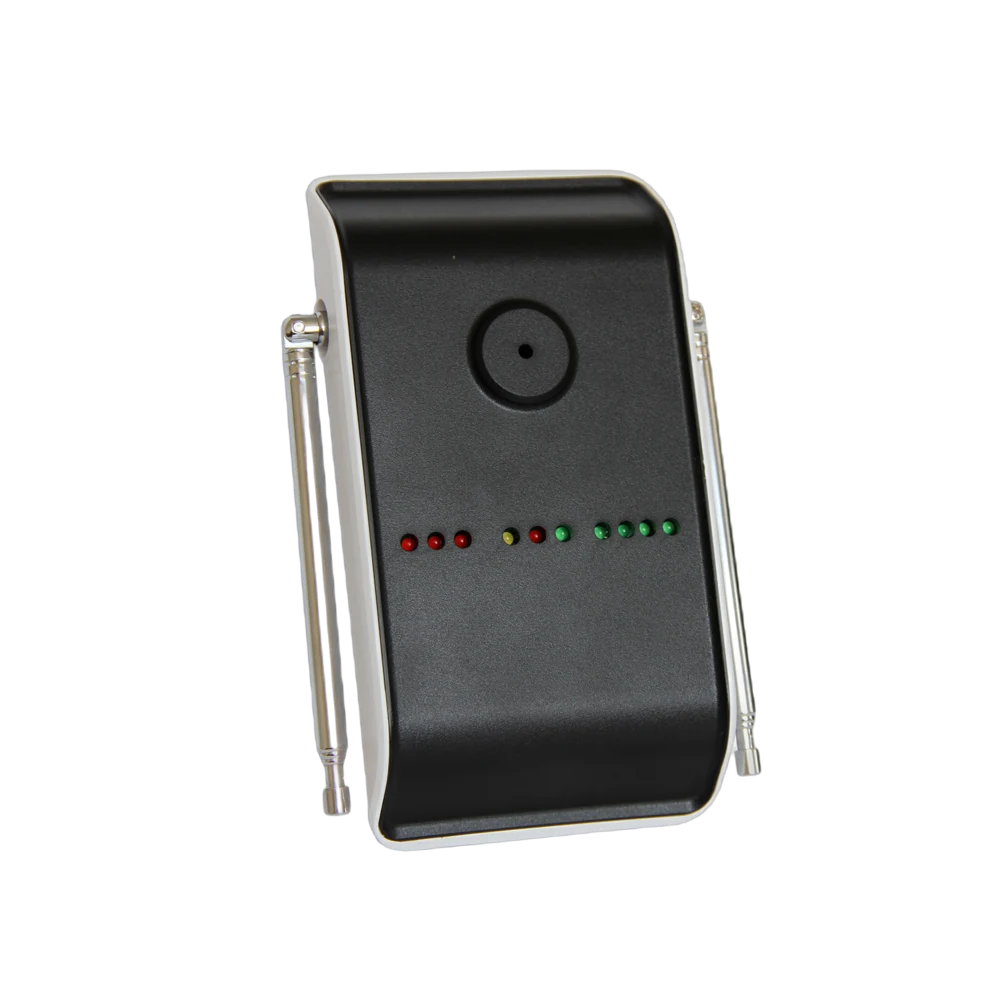
- To a pocket pager — A35WP. Used for the refreshment attendant who is constantly on the move; it alerts by vibration and makes no sound in the corridor.
The information shown is always in the same form: room + request. "Meeting Room 2 · Refreshments". In organisations with many executive rooms the rooms are numbered, so the officer in the clerks' room sees at a glance which office called.
The same notification can reach more than one device. In most organisations the assistant's screen and the refreshment attendant's pocket pager work together: when the refreshment key is pressed the assistant is aware of it too.
How does a day go?
Morning, first meeting. The executive sits down and the first visitor of the day arrives. The refreshment key is pressed once; the tea attendant arrives with the tray and nobody calls through the door.
During a meeting. The button in the meeting room sits at the head of the table. Refreshments are topped up while the presentation continues, and if there is a technical problem the second key calls the IT officer; nobody leaves the meeting.
Midday, heavy document traffic. Notifications are listed on the assistant's screen in order of arrival. When two offices call at the same moment the order does not get confused.
Afternoon, away from the floor. While the assistant is in the archive or on another floor the notification reaches their phone. A call from the executive office is not lost just because the assistant is away from the desk.
End of day. The panel shows how many calls came from each room. In corporate offices this table is usually used to organise the day plan of the refreshment and administrative team.
How many buttons are needed?
A typical distribution for a head office floor:
| Area | Quantity | Button |
|---|---|---|
| Executive offices | 6 | B300, 2 keys |
| Meeting rooms | 4 | B300, 2 keys |
| Interview and waiting rooms | 3 | B300, 2 keys |
| Reception hall | 2 | B300, single key |
| Total | 15 buttons |
On the receiving side: one screen or VyBox PC Receiver at the secretariat, pocket pagers for the refreshment attendants, VyApp Smart Call on the administrative team's phones.
What is watched during installation?
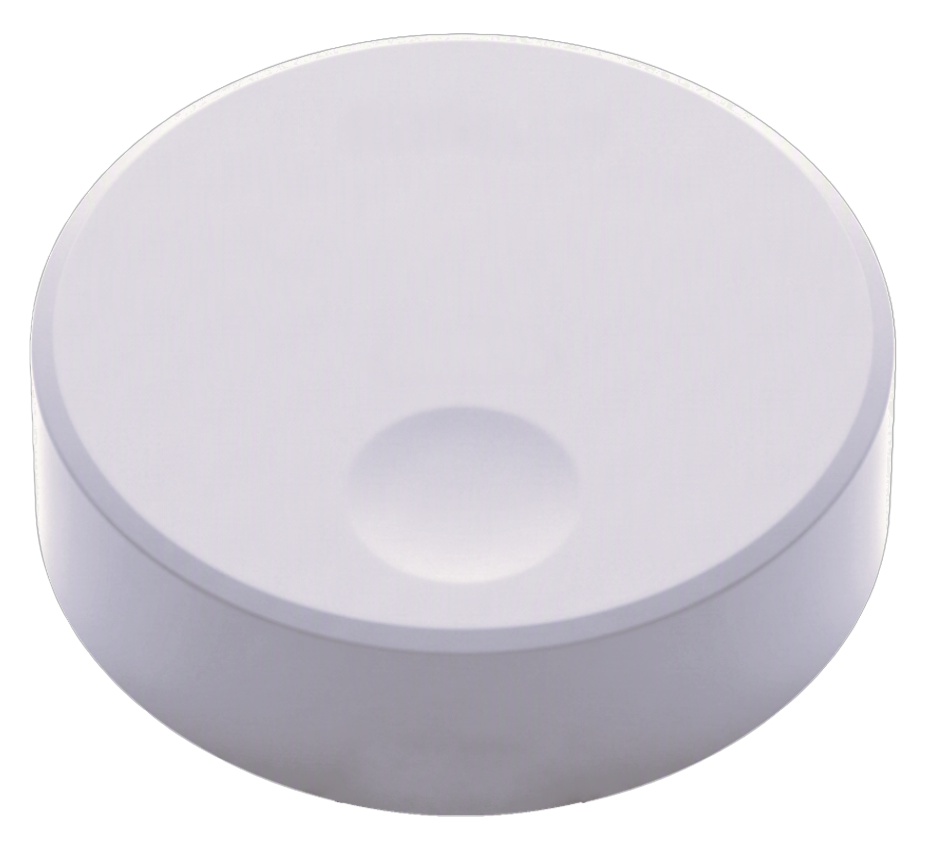
Appearance. An executive office is a space with a considered design. The button is matched to the desk set with a white or dark body option, and the organisation's logo is printed on it.
Position. The button must be reachable from where the executive sits without stretching. In meeting rooms the model fixed under the table is preferred; it does not catch the eye on the tabletop.
Floor difference. If the executive floor is on a different level from the secretariat or the kitchen, a site survey is done before installation and a repeater goes to a midpoint.
Key printing. The organisation's own terminology is used: "ASSISTANT / REFRESHMENTS", or "CLERKS / REFRESHMENTS" in the public sector. Using the word already spoken on site shortens training.
Quiet. Audible alerts are not wanted in an office; the notification appears on a screen or the pocket pager alerts by vibration.
Battery. The button runs on a battery and no cable reaches the desk. The battery level is monitored from the panel.
