














How does staff communication work in a residence?
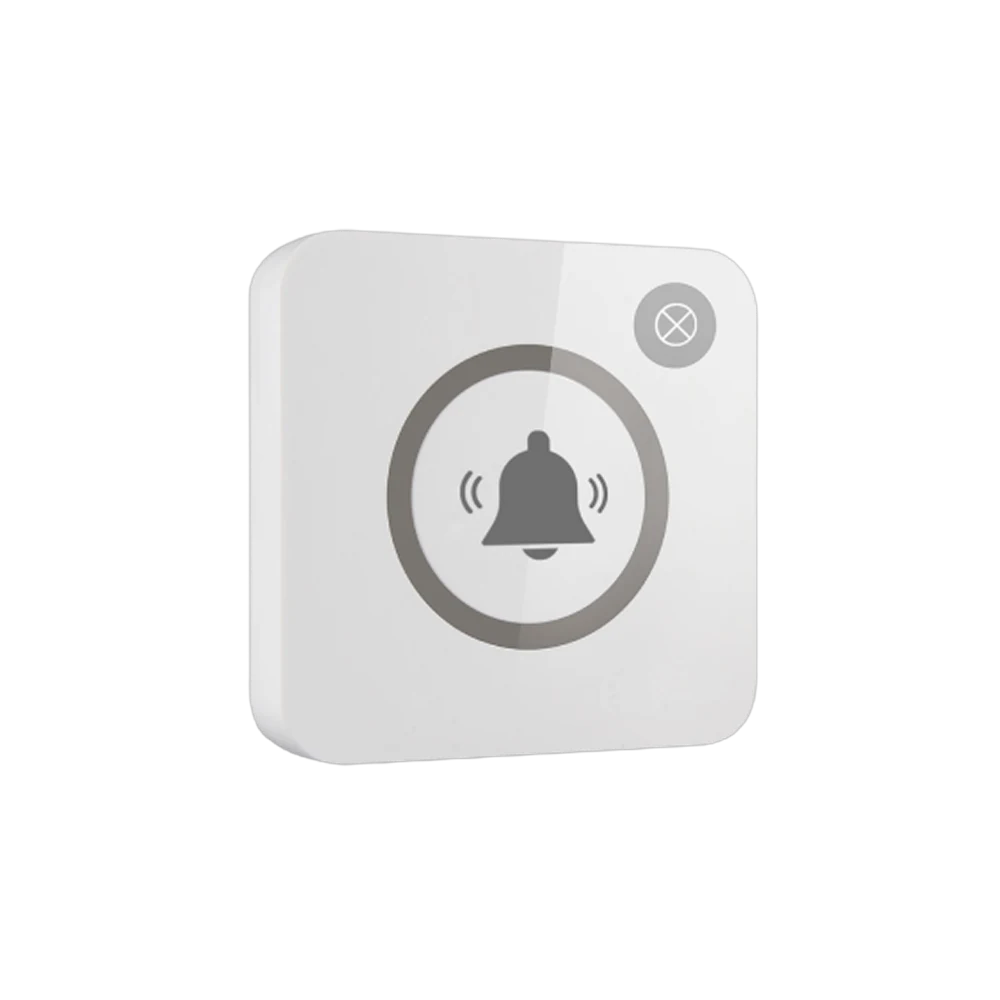
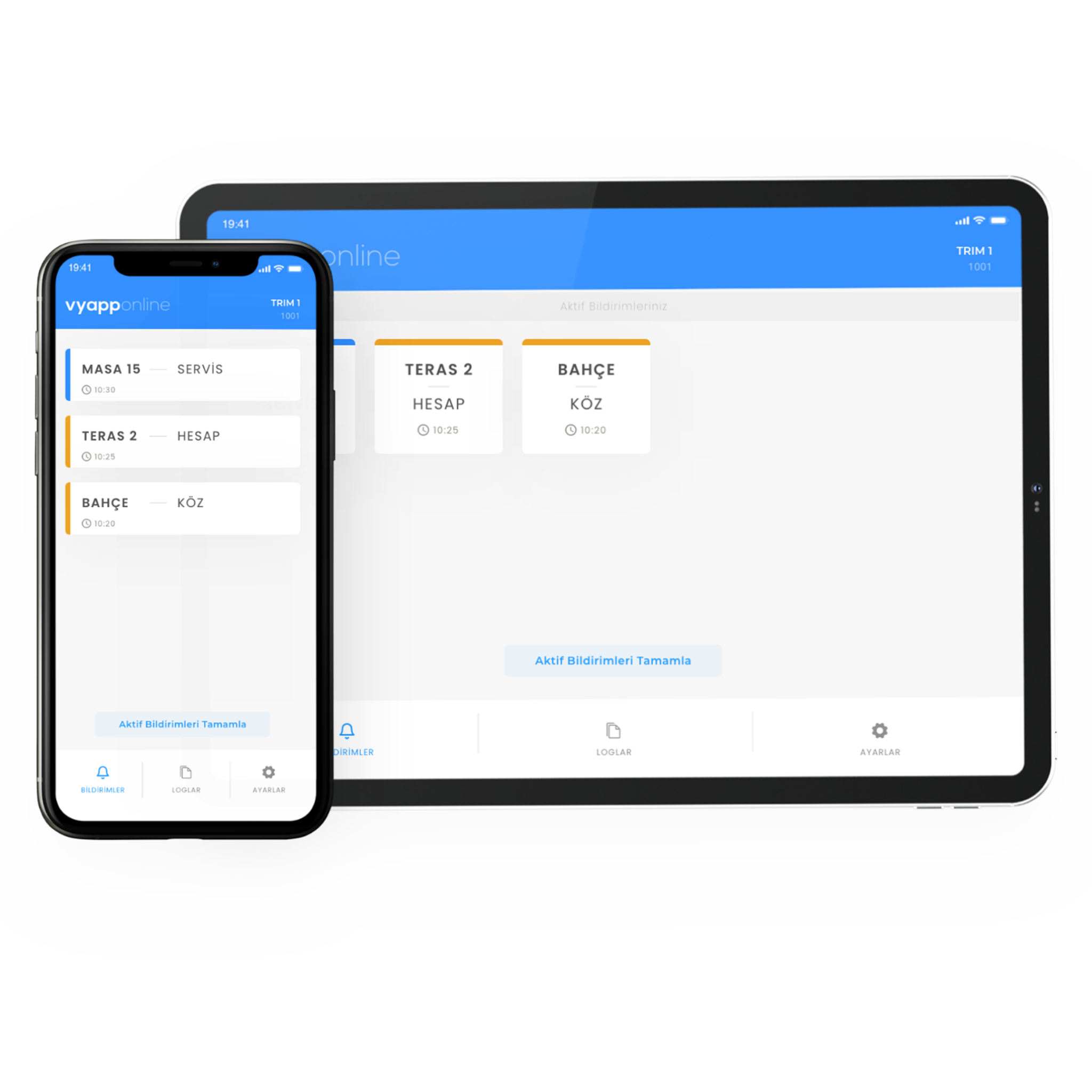
The owner does not phone the staff or call out from the stairs; they touch the button in the room they are in. The notification goes to the device the staff member carries — "Pool · Service" — and they know where in the house they are going and why. Which device it lands on is chosen to suit the household: the staff phone, a pocket pager or the screen in the kitchen. If the garden and pool sit far from the house a repeater goes in between; with VyApp Smart Call notifications arrive instantly over the internet.
Below we describe how this is set up in a home: which rooms get a button, what each key carries, where the notification goes and how a day goes.
Which rooms get a button, what does each key do?
Call points in a home are few; the places where the day is spent are chosen.
| Area | Where the button goes | Key 1 | Key 2 |
|---|---|---|---|
| Living room | On the side table or beside the armchair | Service | Refreshments |
| Terrace and garden | Fixed to the table | Service | Refreshments |
| Poolside | On the sunbed table, water resistant body | Service | Towel |
| Bedroom and suite | On the bedside table | Service | — |
| Entrance and front door | On the wall, at the greeting point | Attendant | Security |
Why two keys? Because the two most frequent requests in a home differ from each other: one is "come", the other is "bring". When staff see a refreshment notification they leave the kitchen with it in hand; they do not walk over empty handed and back again. By the pool the second key is usually towels.
If there is an elderly family member or someone who needs care, a pull-cord model is added to the bedroom and bathroom; it becomes a separate call point running inside the same system.
What happens on the owner's side?
One touch. The light flashes once and the call is seen to have gone. There is no need to phone, to call a name, or to walk the house looking for someone. On days with visitors the difference is clearest: the owner sitting in the living room can ask for refreshments without breaking off the conversation.
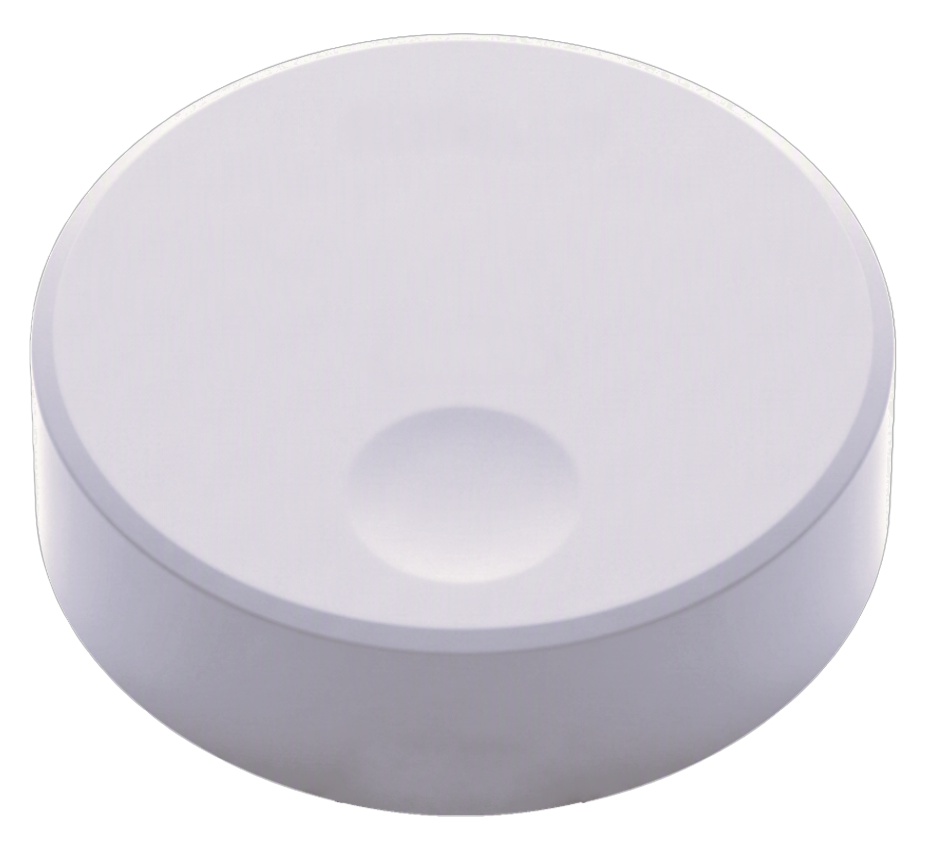
The button does not disturb the look of the home; a white or dark body is chosen and it sits as a small object on the side table.
Who receives the notification, on which device?
- To a phone — with VyApp Smart Call. Staff receive it on their own phone and see it in the garden, the laundry room or downstairs.
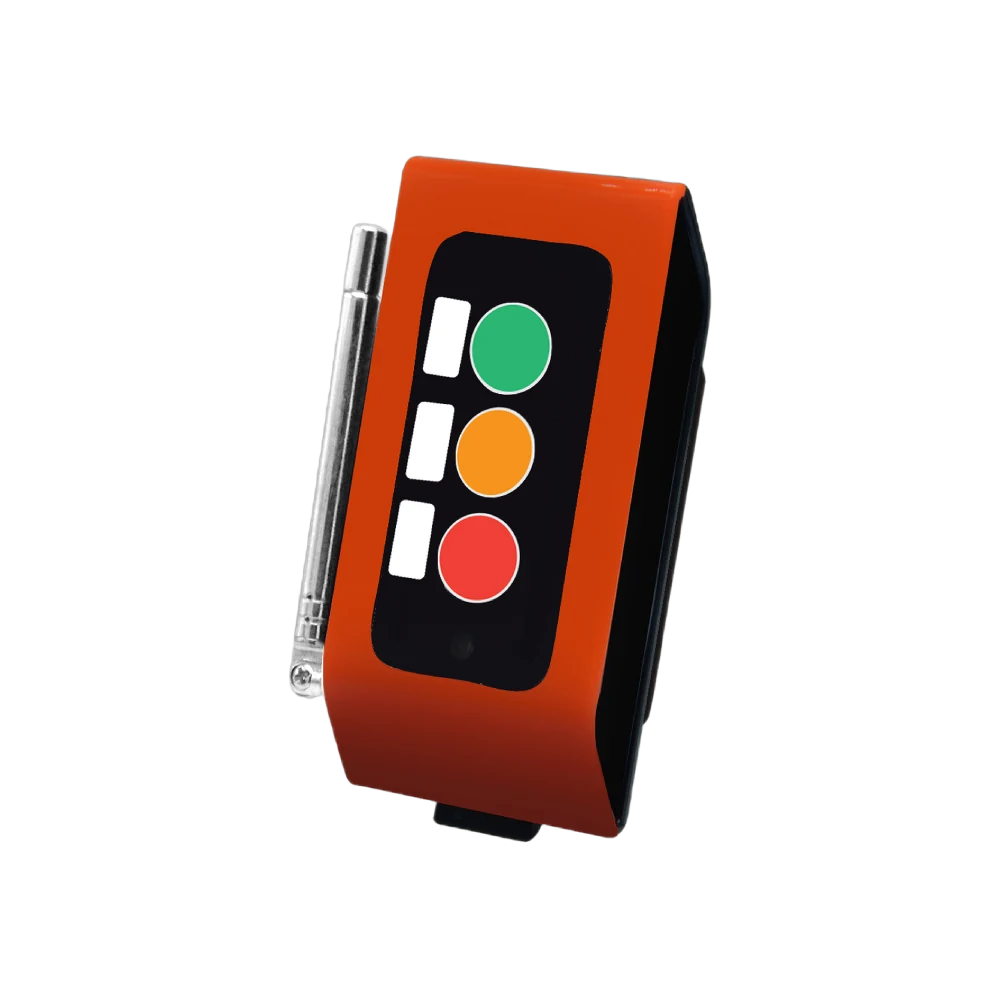
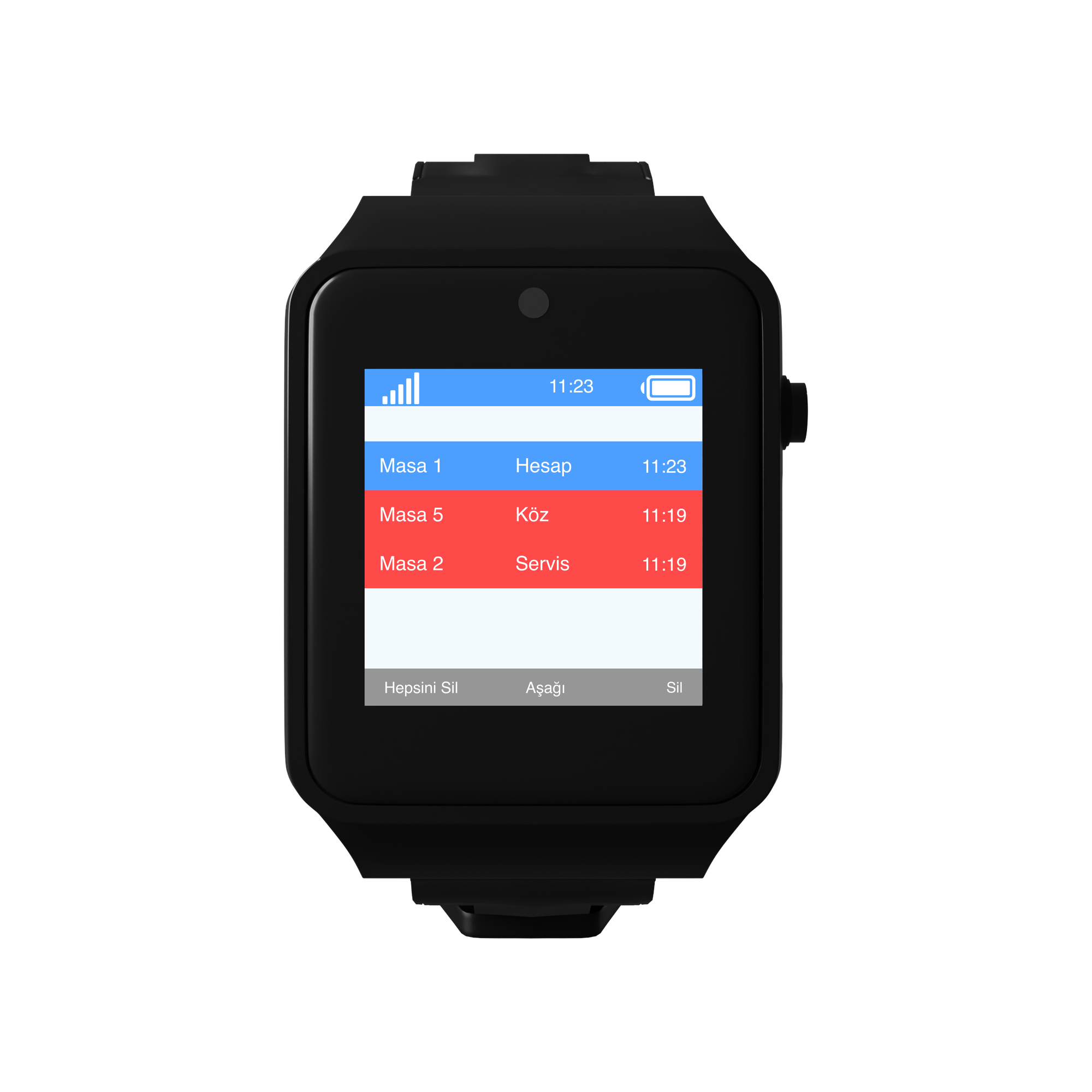
- To a pocket pager — A35WP. For staff who do not carry a phone; it alerts by vibration and makes no sound in the house.
- To the kitchen screen — a D20 display. Used in larger homes where several people work; which room called stays on the list.
The information shown: room + request. "Terrace · Refreshments". Room names are defined during installation, using the names the household itself uses.
The same notification can reach more than one device. In homes with several staff the kitchen screen and the pocket pager work together.
How does a day go?
Morning. Breakfast is laid on the terrace. The owner presses the refreshment key from the living room; staff arrive knowing what was wanted.
Midday, poolside. The pool button is the busiest point of the summer months. Towel and drink requests come from here and nobody walks into the house to call out.
A day with visitors. With guests in the living room the call goes quietly; the owner does not break off and staff do not wait at the door.
Evening. The bedroom button is the least used but the most valued point: when something is needed at night, no phone call is made.
General use. The panel shows how many calls came from each point. In large villas this table shows which hours the staff shifts concentrate in.
How many buttons are needed?
A typical distribution for a villa with a garden and pool:
| Area | Quantity | Button |
|---|---|---|
| Living and sitting rooms | 3 | B300, 2 keys |
| Terrace and garden | 2 | B300, 2 keys |
| Poolside | 2 | B300, 2 keys |
| Bedrooms and suite | 4 | B300, single key |
| Entrance and front door | 1 | B300, 2 keys |
| Total | 12 buttons |
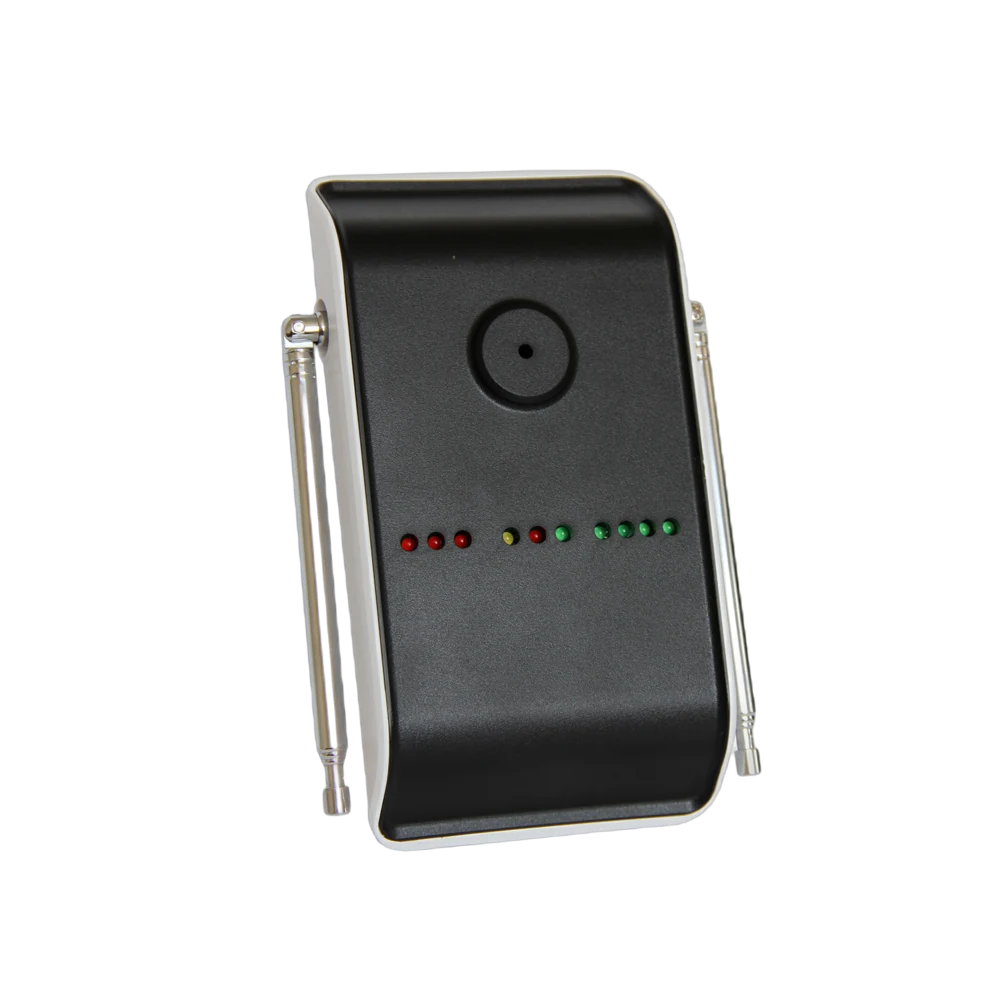
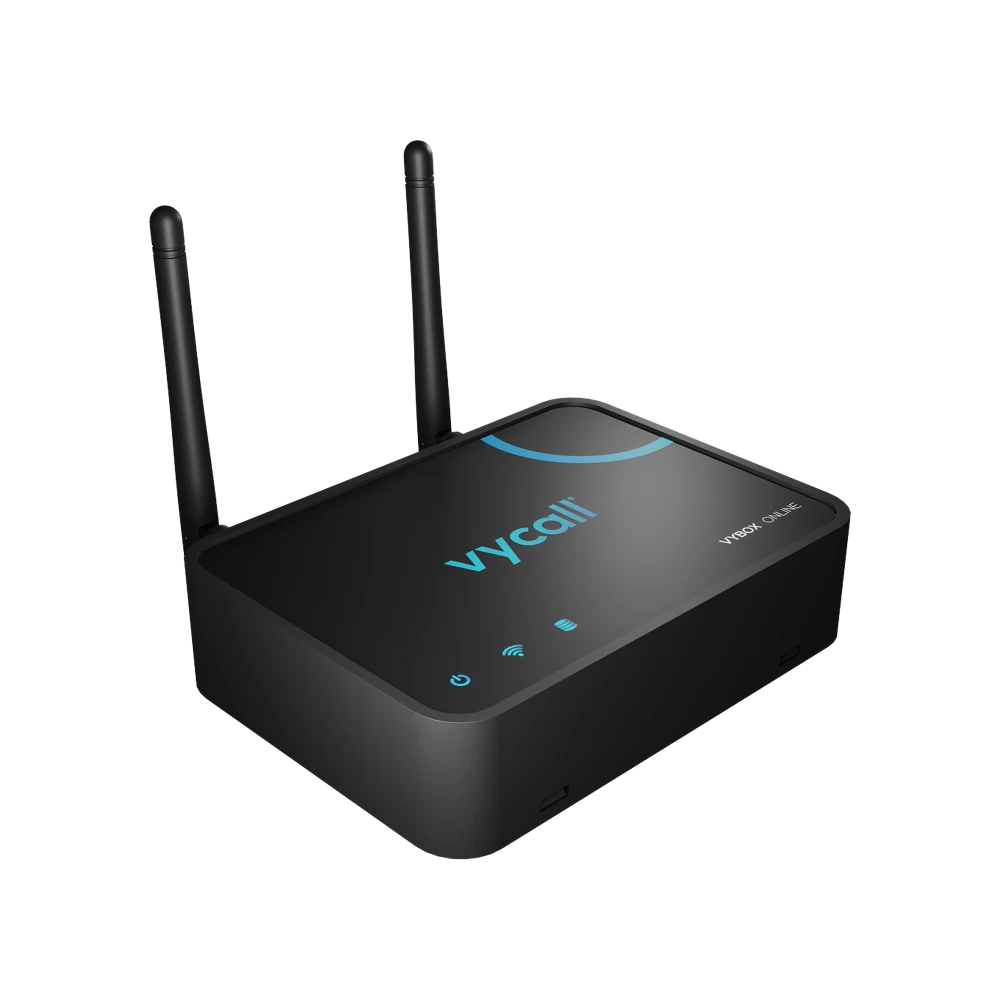
On the receiving side: VyApp Smart Call or a pocket pager for the staff, one screen in the kitchen. If the garden and pool are far from the main building a repeater goes to the point in between.
What is watched during installation?
Home aesthetics. A device should not stand out in a home. The body colour is chosen to suit the furniture, and plain white is preferred for wall-mounted points.
Wet areas. A water resistant body is chosen for the poolside and around bathrooms.
Distance. The villa garden, pool and outbuildings can sit far from the main house. A site survey is done before installation and repeaters are planned for distant points.
Quiet operation. Audible alerts are not wanted in a home; the notification is given by vibration and on screen.
Privacy. The system carries the call only: which point it was pressed from and what was asked for. There is no audio, video or location tracking.
Battery. The button runs on a battery; no cable reaches the wall or the side table, and the battery level is monitored from the panel.
