















How are valet and shuttle called in the car park?
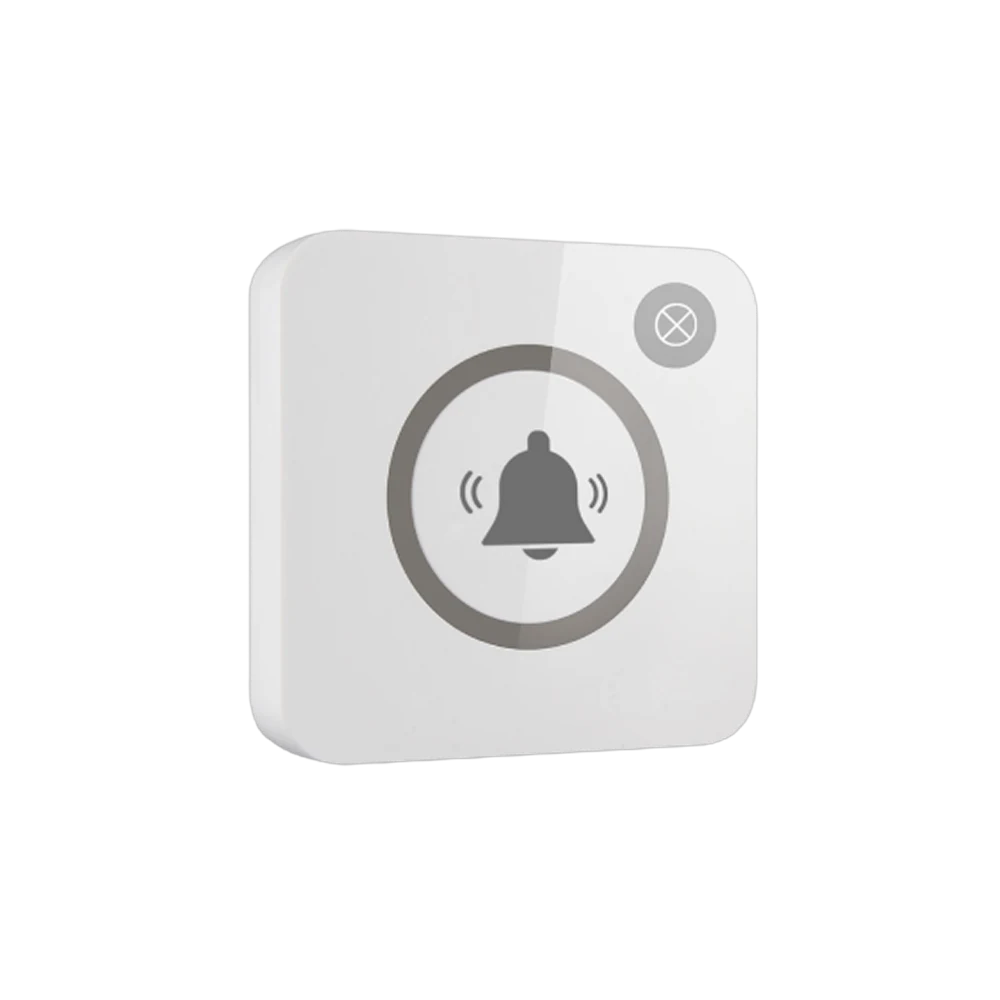
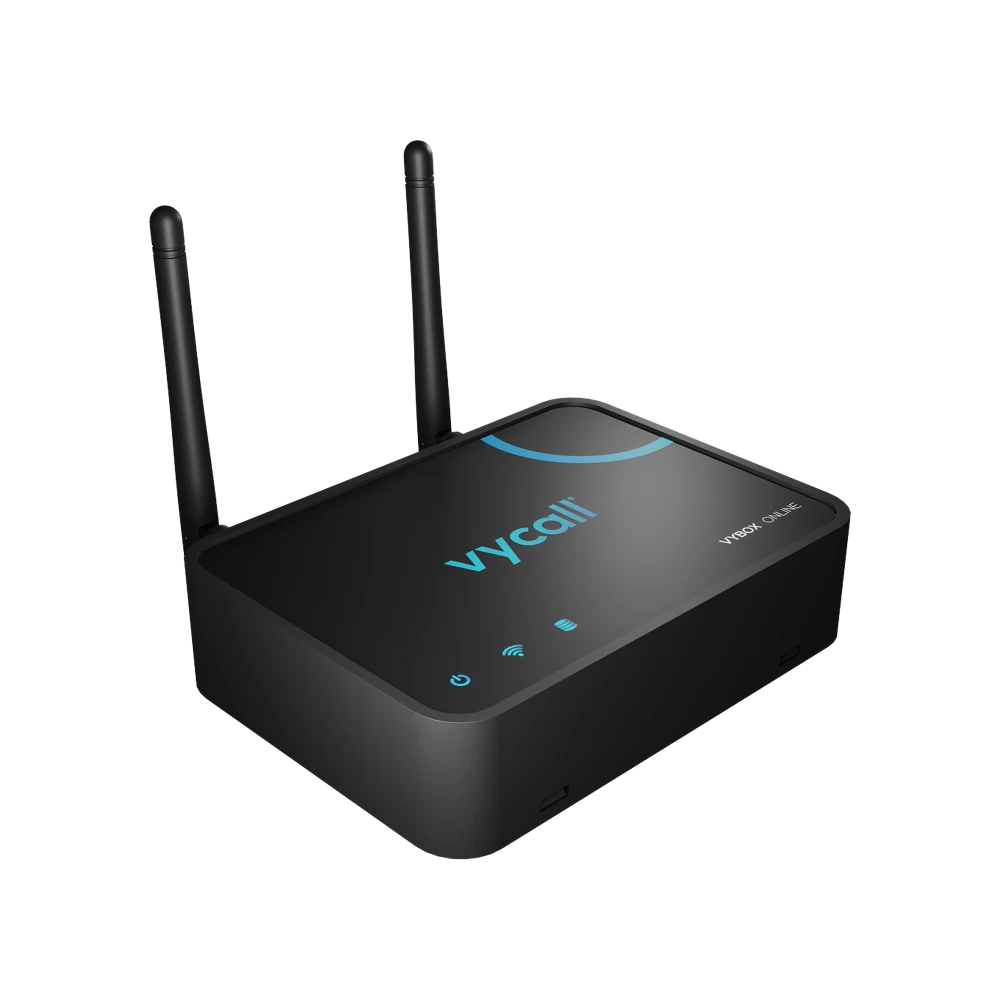
The guest does not stand in front of the valet booth waiting to see whether anyone comes out; they press the button at the point. The notification goes to the valet team — "Main Entrance · Valet" — and the team sets off knowing which point called. The buttons on the car park levels do a second job: when a guest still at their car needs help, the notification goes through the same system. Which device it lands on is the operator's choice: the valet team's phone, a pocket pager, the screen in the booth, or all of them. Because concrete and metal make signal harder in a covered car park, repeaters go between the levels.
Below we describe how this is set up in the field: which points get a button, what each key carries, who receives the notification and how the busy hour goes.
Which points get a button, what does each key do?
| Point | Where the button goes | Key 1 | Key 2 |
|---|---|---|---|
| Main entrance valet point | On a post or the booth wall | Valet | Luggage |
| Second entrance / side door | On the wall | Valet | — |
| Car park level entrances | In the lift lobby, on the wall | Valet | Help |
| Accessible parking area | On the wall, at an accessible height | Help | Valet |
| Delivery and loading point | On the ramp wall | Shuttle | — |
| On-site vehicle stop | On a post | Shuttle | — |
Why two keys? Because there are two different needs in a car park: bringing the car and asking for help. When both sit on one key the team sets off without knowing what they will meet. Split apart, a help call can be prioritised.
The button in the accessible parking area serves a distinct purpose: when support is needed getting out of the car, the call goes directly. On the accessibility side this point is increasingly asked for.
What happens on the guest side?
One touch. The light comes on and the call is seen to have gone. There is no need to knock on the booth window, look to see whether anyone is inside, or phone reception.
In a hotel this falls in the first and last five minutes of a stay — the two moments that form a guest's first and last impression of the property. Being met without waiting at arrival and departure is a detail that carries weight in how the property is judged.
Who receives the notification, on which device?
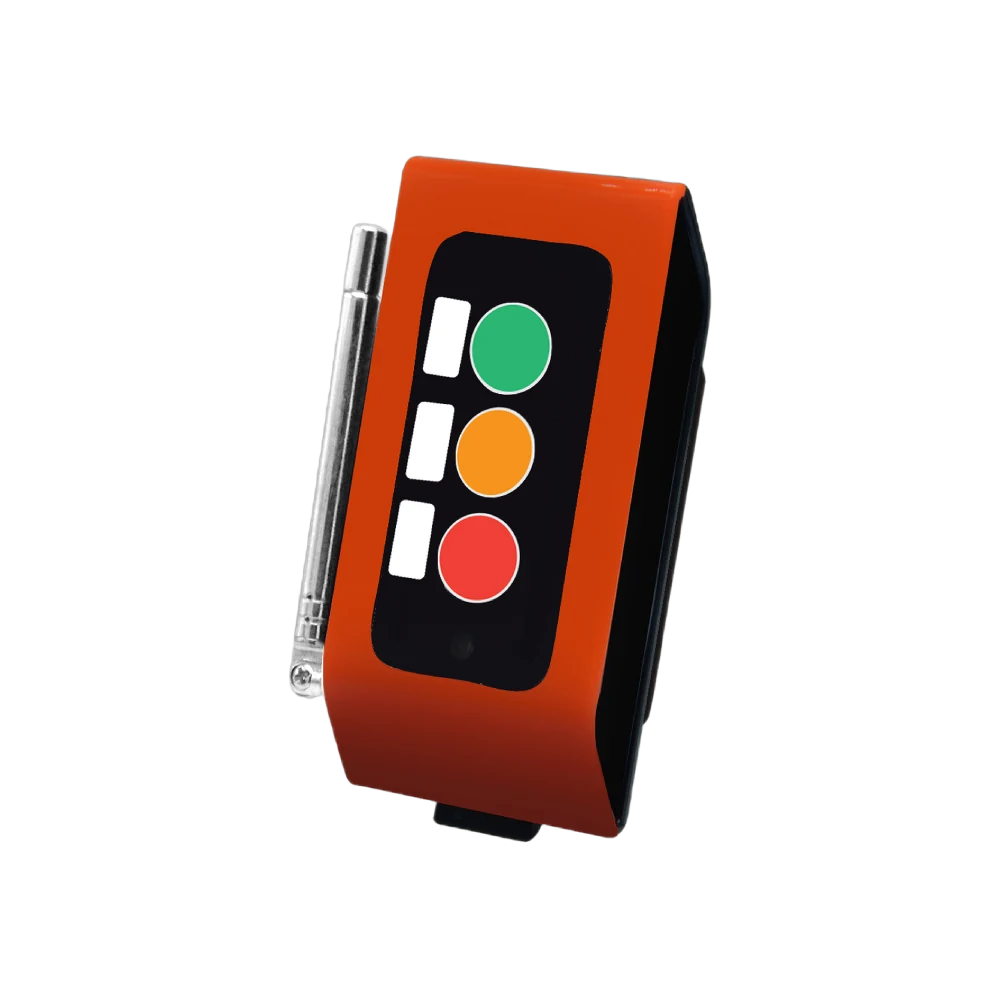
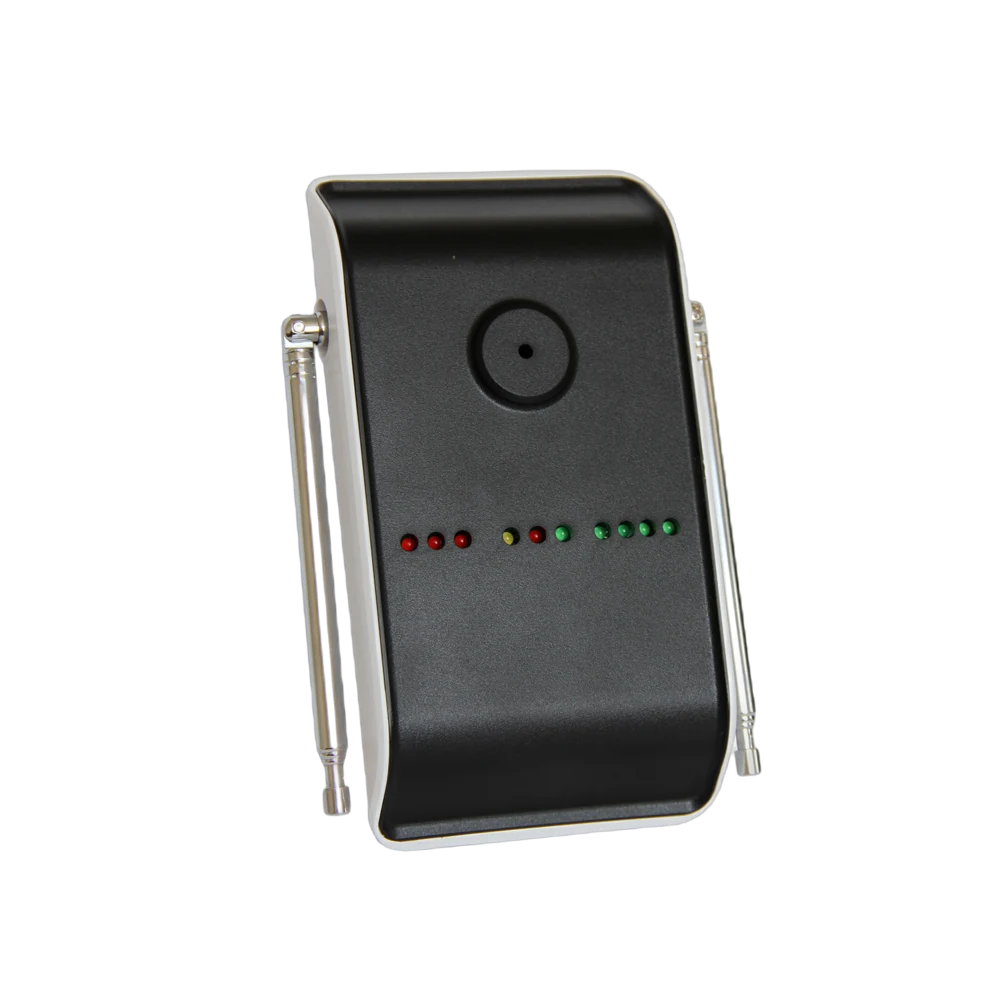
- To the valet team's pocket pager — A35WP. The most practical route for a team constantly on the move; it alerts by vibration.
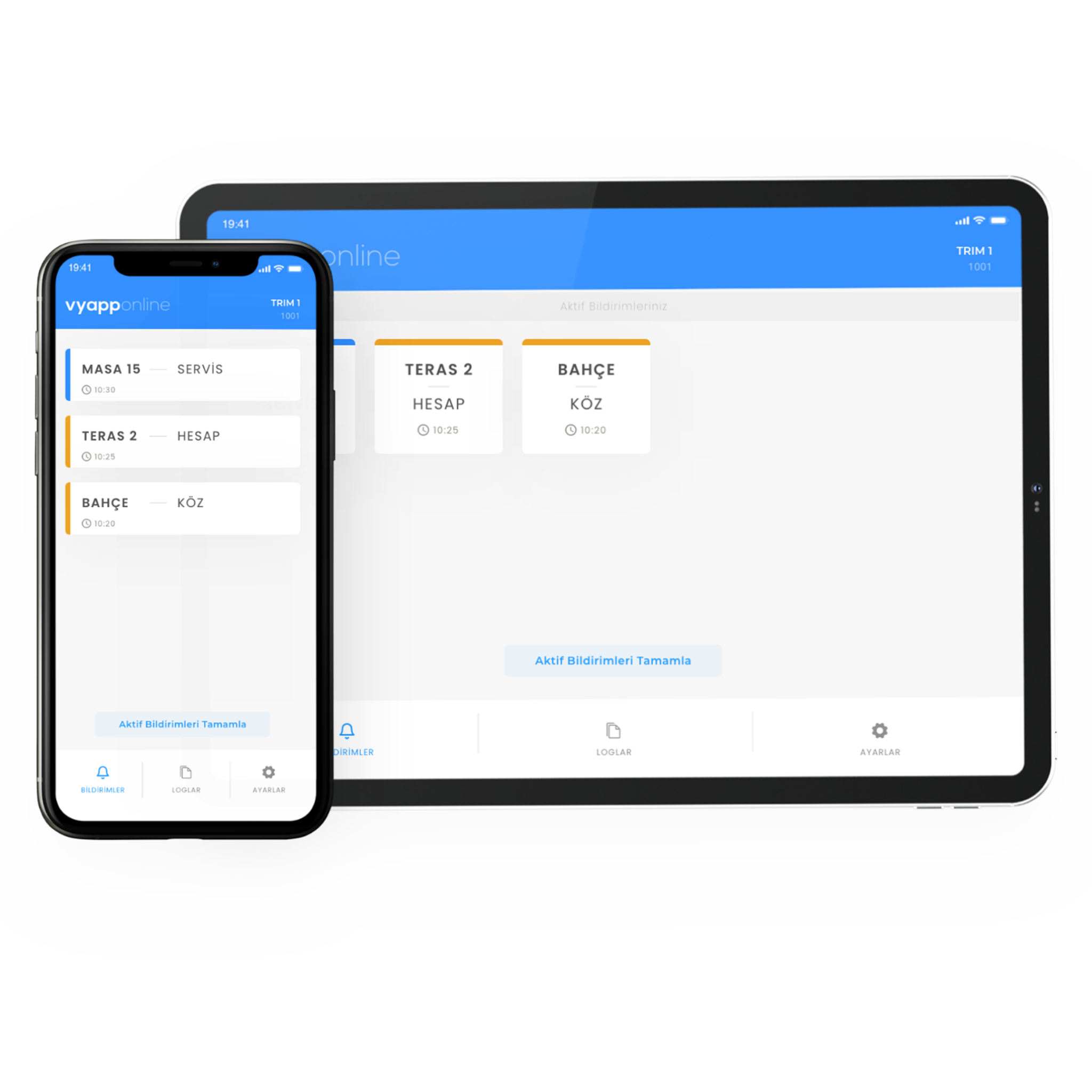
- To a phone — with VyApp Smart Call. The shift supervisor sees the same notification.
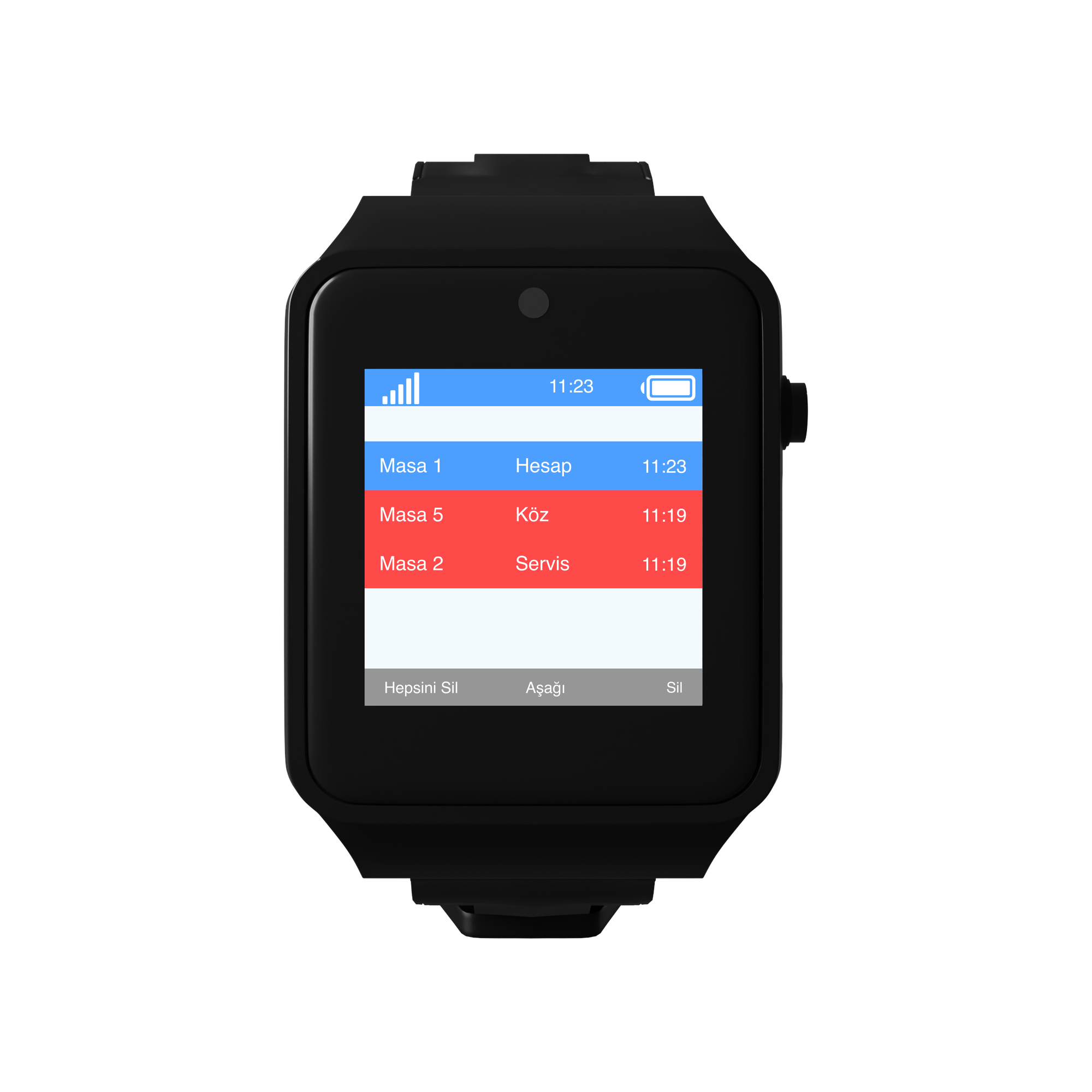
- To the screen in the valet booth — a D20 display. Waiting points stay on a list.
- To the security centre — defined as an additional point for help calls coming from the car park levels.
The information shown: point + request. "Level -2 · Help".
The same notification can reach more than one device. For a help call from a car park level this is asked for in particular: the notification goes to the valet team and to security together.
How does the busy hour go?
Check-out time. Several guests want their cars at once. Calls are listed in order of arrival; the team works through the queue and there is no "who asked first" argument.
Evening, restaurant exit. The heaviest valet traffic in a hotel happens at this hour. The main entrance button works back to back.
At shopping centre closing. The buttons on the car park levels are used more for help: a car will not start, keys locked inside, support needed in the accessible parking area.
On rainy days. Guests should not be left waiting outside; the button is pressed from a covered area and the car is brought to the door.
End of day. The panel shows how many calls came from each point and the average response time; shifts and team size are planned from that table.
How many buttons are needed?
A typical distribution for a property with a hotel and a multi-storey car park:
| Point | Quantity | Button |
|---|---|---|
| Main entrance valet point | 2 | B300, 2 keys |
| Second entrance and side doors | 2 | B300, single key |
| Car park level entrances (1 per level) | 4 | B300, 2 keys |
| Accessible parking area | 4 | B300, 2 keys |
| Delivery and loading point | 1 | B300, single key |
| Total | 13 buttons |
On the receiving side: pocket pagers for the valet team, one screen in the booth, VyApp Smart Call for the shift supervisor. In a covered car park repeaters go between the levels.
What is watched during installation?
Concrete and metal. A covered car park is a hard environment for signal. A site survey is done for the transitions between levels and repeaters are planned; skip this step and the lower levels fall outside coverage.
Height. The button sits at standing height; in the accessible parking area it goes at a height reachable from a seated position.
Visibility. The button must not disappear against the colour of a column or wall, and the wording on it must be readable from a distance.
Weather. A water resistant body is chosen in open car parks and at outdoor valet points.
Point names. The names in the system are written the same as the car park's own level and door naming.
Battery. The button runs on a battery; no cabling is run to the car park levels and the battery level is monitored from the panel.
