















How is a help call set up in an accessible hotel room?
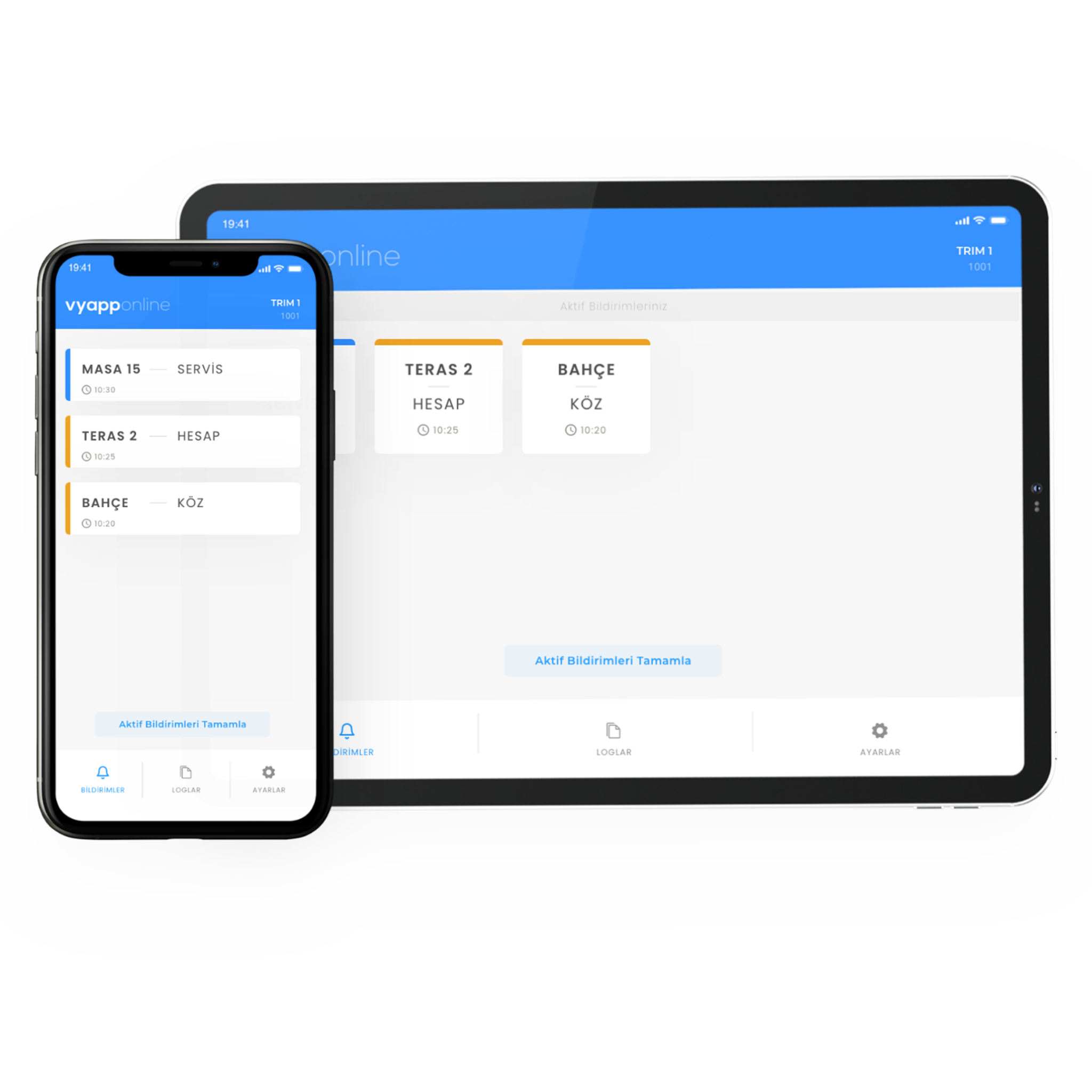
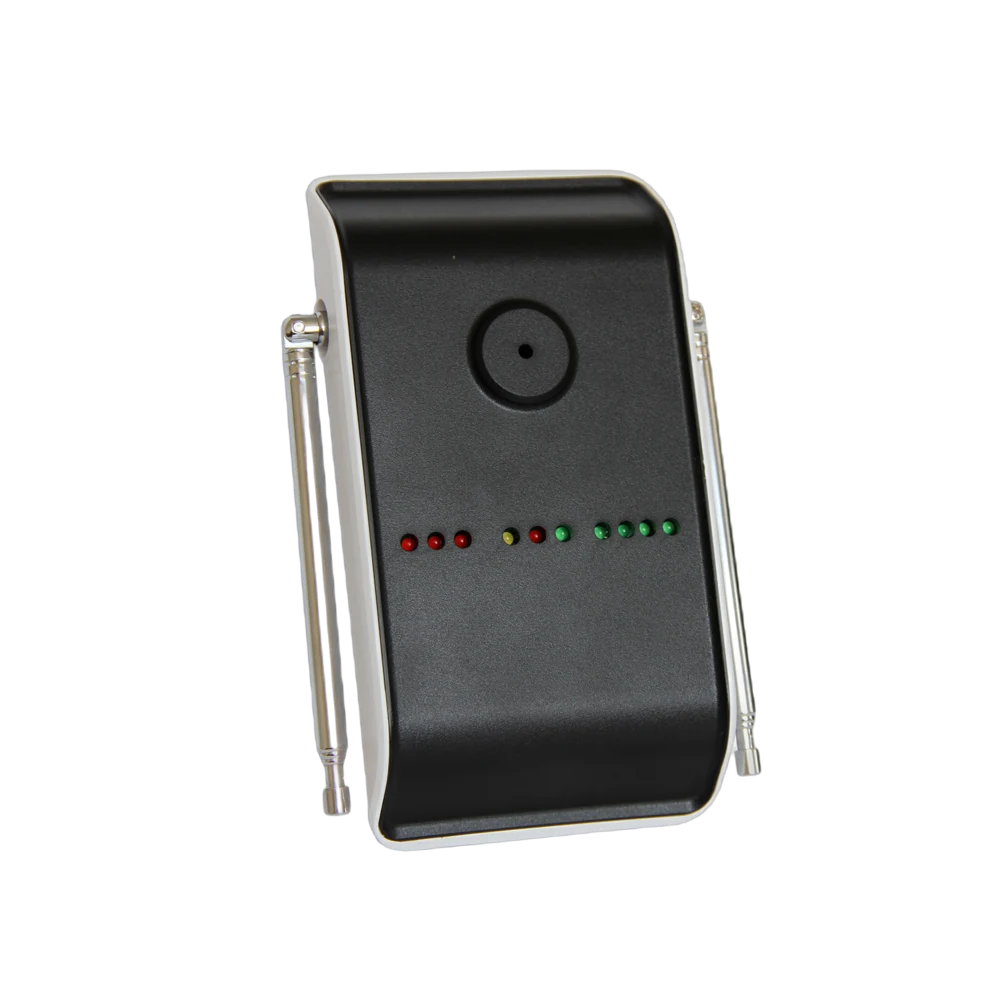
The guest in the room does not reach for the phone or knock on the door; they press the button beside the bed or pull the cord in the bathroom. The notification goes to reception and that floor's attendant together — "Room 118 · Help" — and whoever comes knows which room and which point called. Which device it lands on is the hotel's choice: the reception screen, the floor attendant's phone, a pocket pager or all of them. Where there are many blocks a repeater goes in between; with VyApp Smart Call notifications arrive instantly over the internet.
Below we describe how an accessible room is equipped: which points get a button, how far the cord reaches in the bathroom, who receives the notification and what happens after the call.
Which points in the room get a button?
Two points work as though mandatory in an accessible room: the bedside and the bathroom. The others are added according to the room plan.
| Point | Device | Why |
|---|---|---|
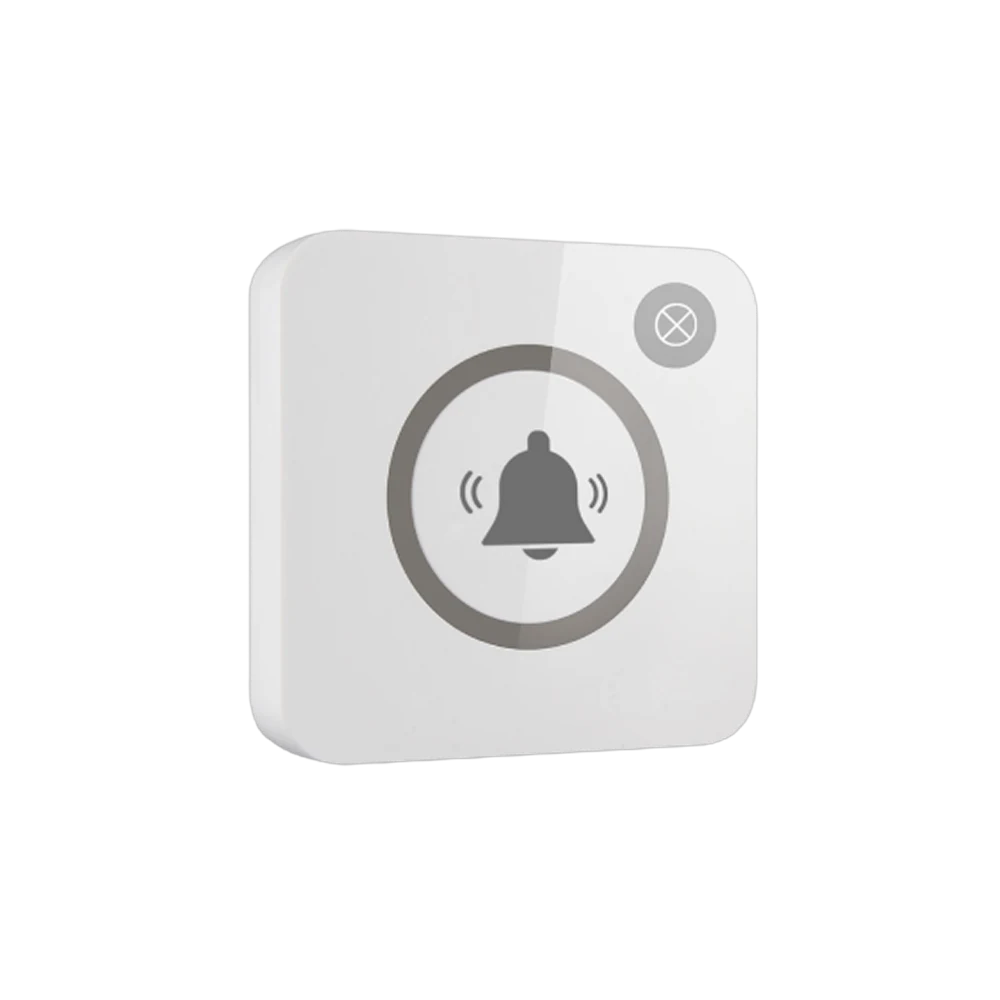
| Bedside, at bedside table height | B300, single key | Reachable from the bed |
| Bathroom, beside the WC | P200PL, pull cord | Must be pullable from a seated position and from the floor |
| Inside the shower | P200PL, pull cord, wet area body | The point with the highest risk of slipping |
| Room entrance | B300, single key | Where support is needed at the door |
| Balcony and terrace | B300, single key | In accessible rooms with a balcony |
Why does the bathroom cord reach the floor? Because the guest asking for help may not be standing. A button left high on the wall is out of reach for someone who has fallen; the end of the cord must reach close to the floor and nothing may block it.
What happens on the guest side?
One movement is enough: press the button or pull the cord. The light flashes once and the guest sees the call has gone — there is no need to try to be heard.
For a guest who asked for an accessible room, this equipment is noticed more than the other details of the room. After grab rails and door width, this call arrangement is what makes the hotel's accessibility claim concrete.
Who receives the notification, on which device?
In a hotel this call is not left to one person; at least two points are defined together:
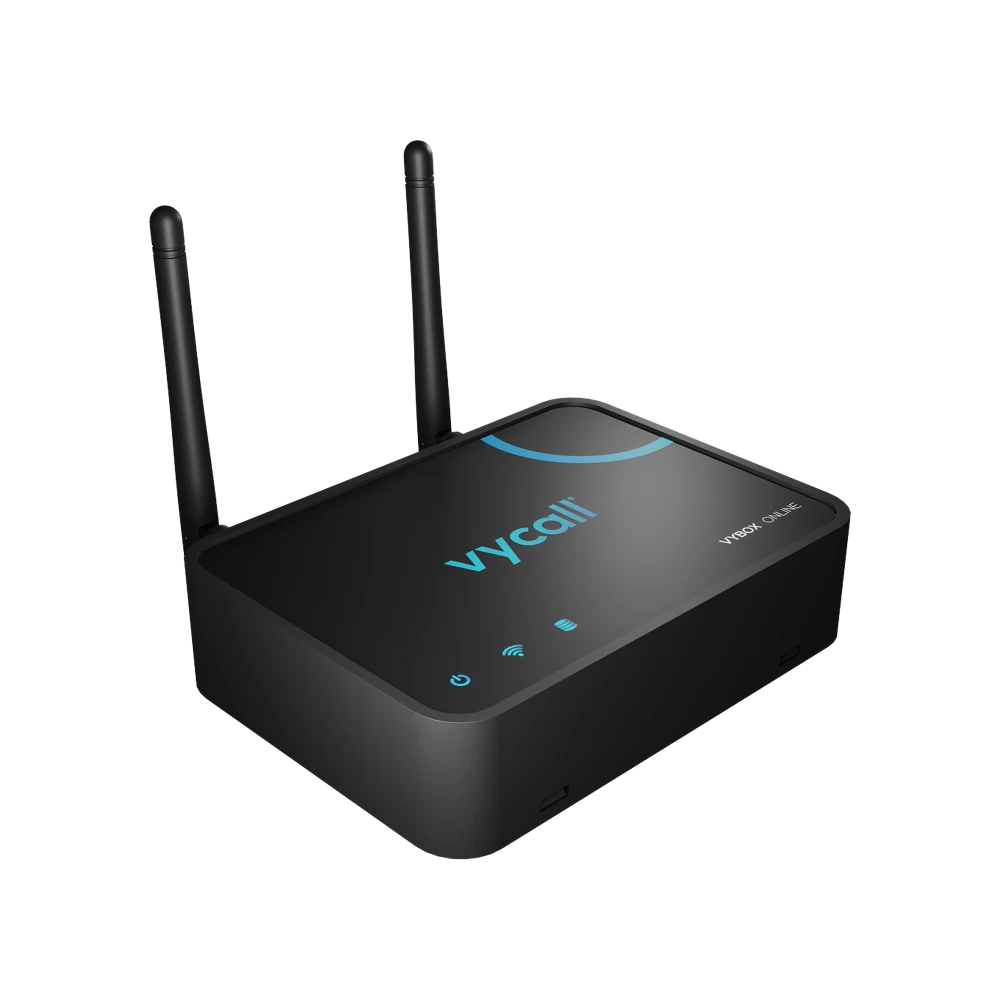
- To reception — a D20 display or VyBox PC Receiver installed on the reception computer. Someone is there at every hour, including at night.
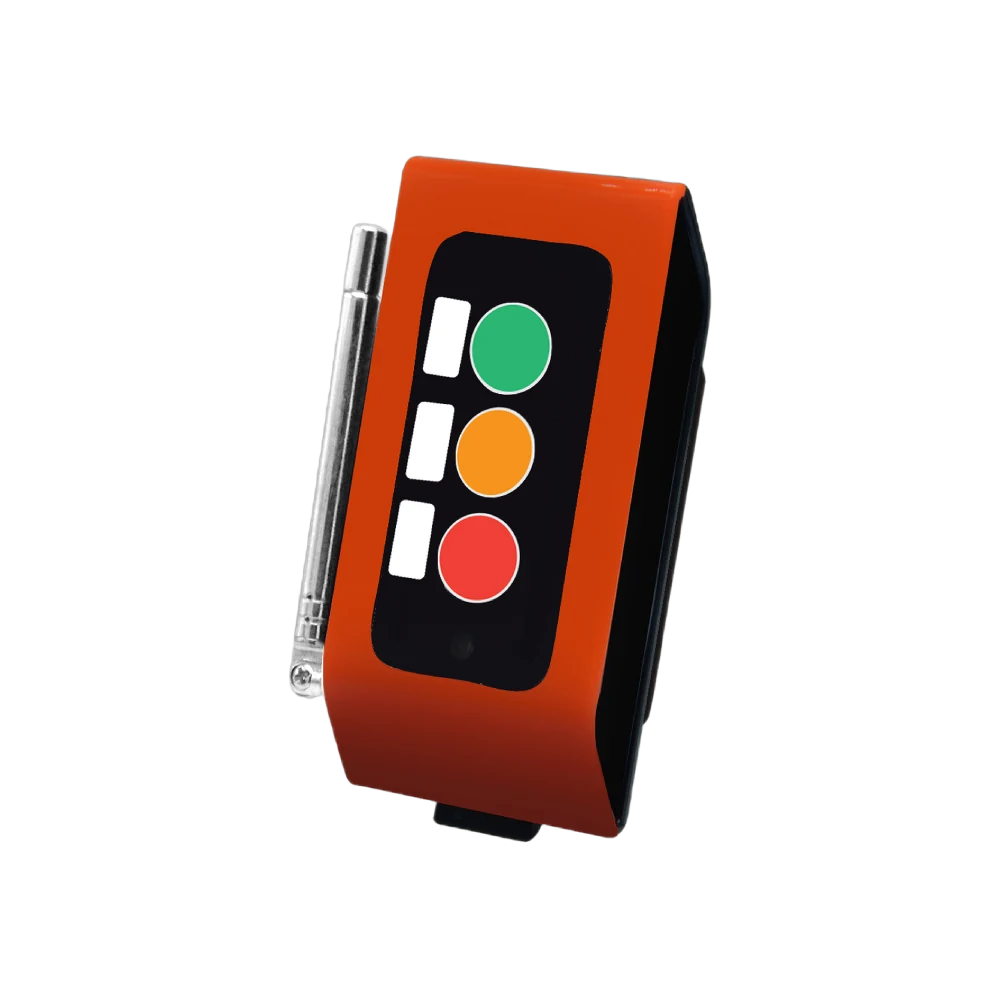
- To the floor attendant's device — their phone or pocket pager. Usually the person who arrives fastest.
- To the security team — as an additional point in resorts with large grounds.
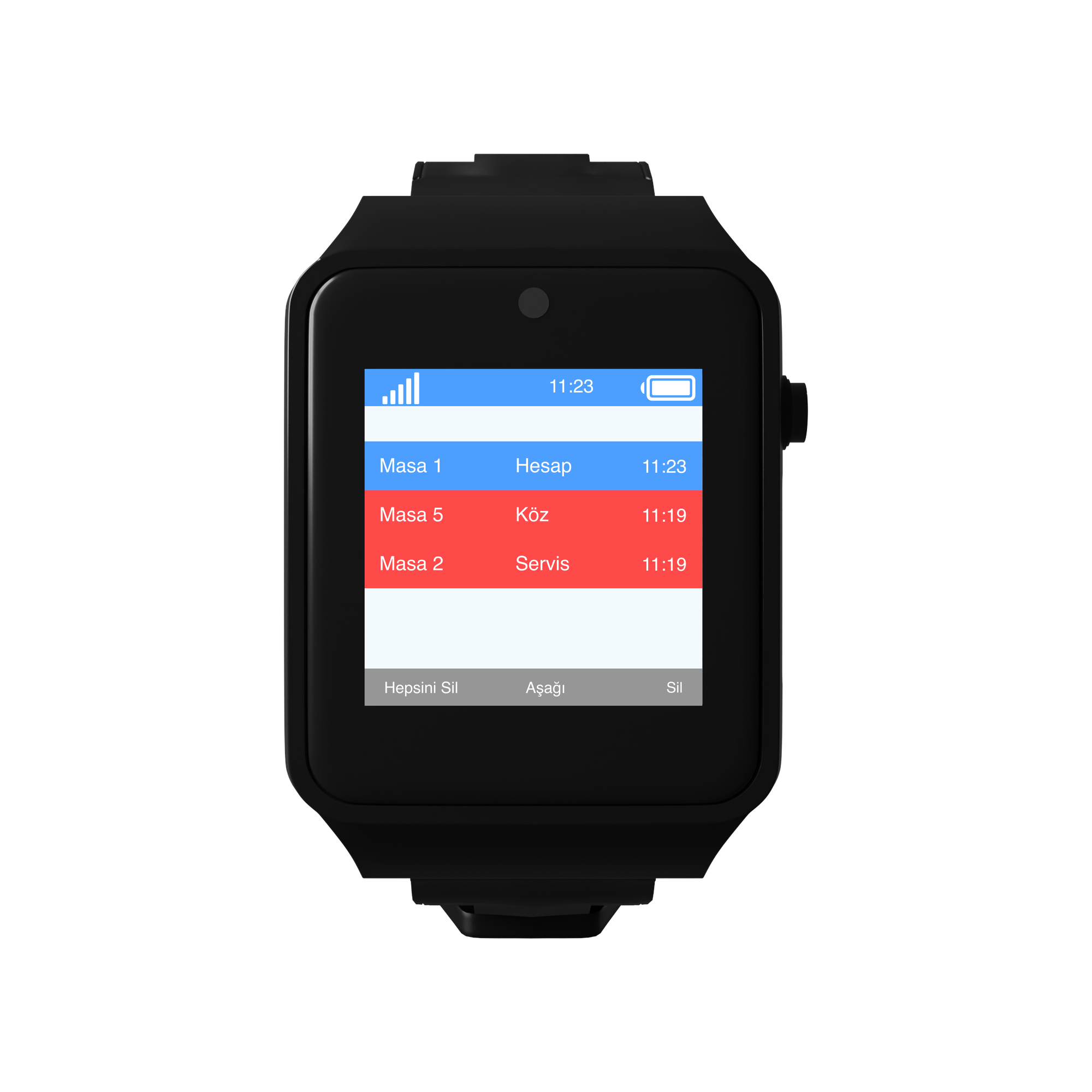
The information shown is always in the same form: room number + point. "Room 118 · Bathroom". The point tells whoever arrives where to head the moment they enter the room.
The same notification can reach more than one device, and this is the recommended setup here: the reception screen and the floor attendant's device receive the call together.
What happens after the call?
The attendant goes to the room. Because the room number and the point are in the notification, no searching is needed.
Procedure applies at the door. How help is given depends on the hotel's own arrangements; the system carries the call and closes its part.
The call is closed. From the button or from the panel.
A record remains. Which room, which point and at what time stays in the panel. This is the concrete data used in accessibility reporting and in guest feedback.
How many points are needed?
A typical distribution for a hotel with 12 accessible rooms:
| Point | Quantity | Device |
|---|---|---|
| Bedside | 12 | B300, single key |
| Bathroom beside the WC | 12 | P200PL, pull cord |
| Inside the shower | 12 | P200PL, pull cord |
| Room entrance | 6 | B300, single key |
| Public area accessible WC | 6 | P200PL, pull cord |
| Total | 48 points |
On the receiving side: one screen at reception, pocket pagers or VyApp Smart Call for the floor attendants. Where the blocks are far apart, repeaters are planned.
What is watched during installation?
Cord length. The end of the bathroom cord must reach close to the floor and must not be blocked by a towel rail, a bin or a grab rail.
Wet areas. A body suited to wet areas is chosen at shower and bathroom points.
Bed height. The bedside button must be within reach from a lying position and must not end up behind the bedside table.
Room number. The number in the system is defined identically to the hotel's room number. Different numbering is the detail that causes the most errors on a night shift.
Two-receiver rule. The call is defined to appear at a minimum of two points; a system wired to a single screen goes silent when nobody is at the desk.
Appearance. The button is chosen in a colour suited to the room decor with the help icon printed on it; the guest understands what it is without an explanation.
