













How is a waiter called from the table in a restaurant?
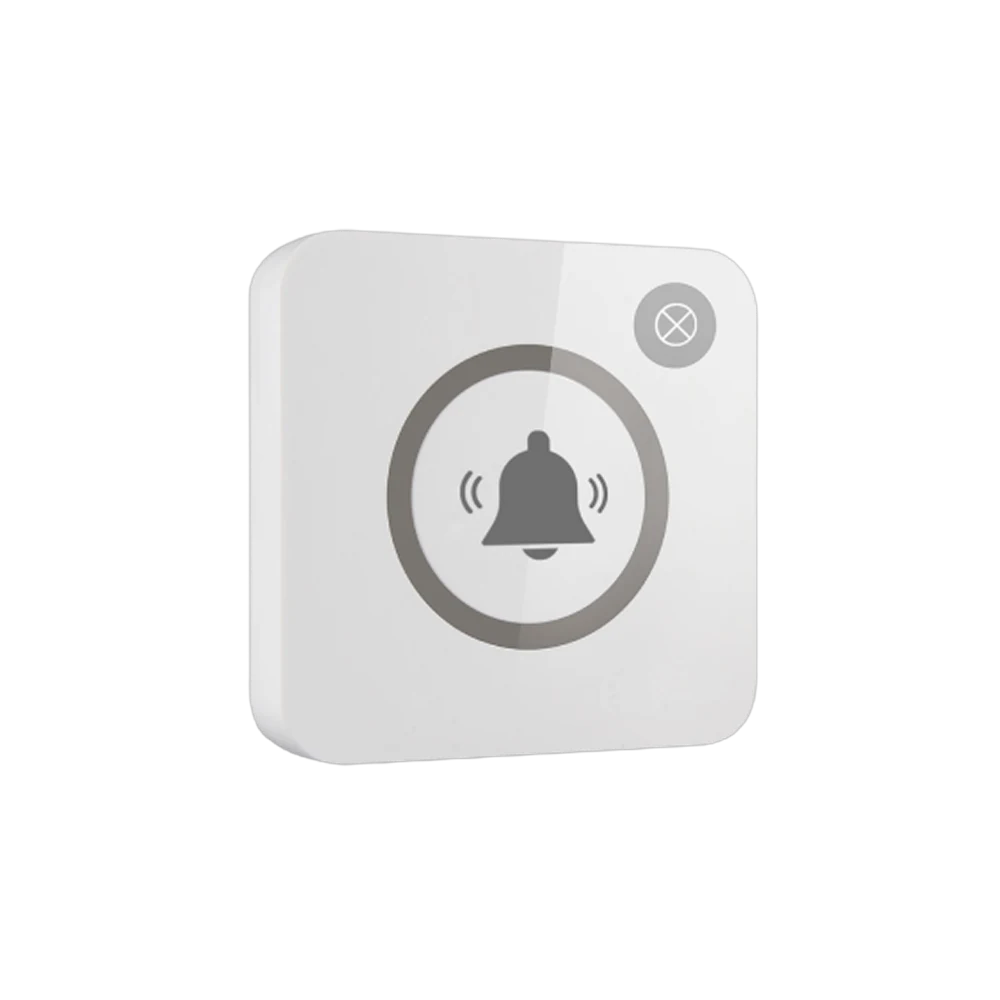
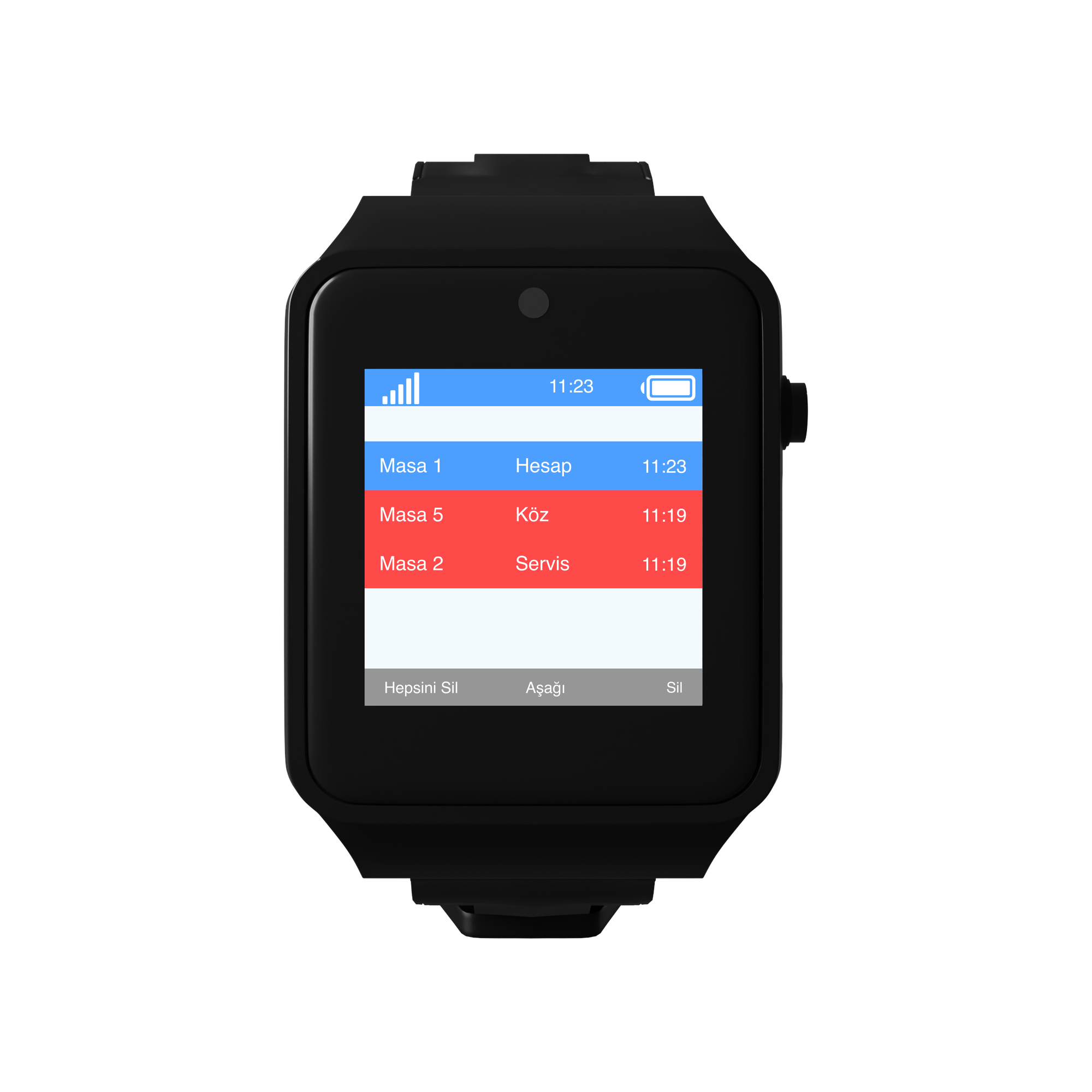
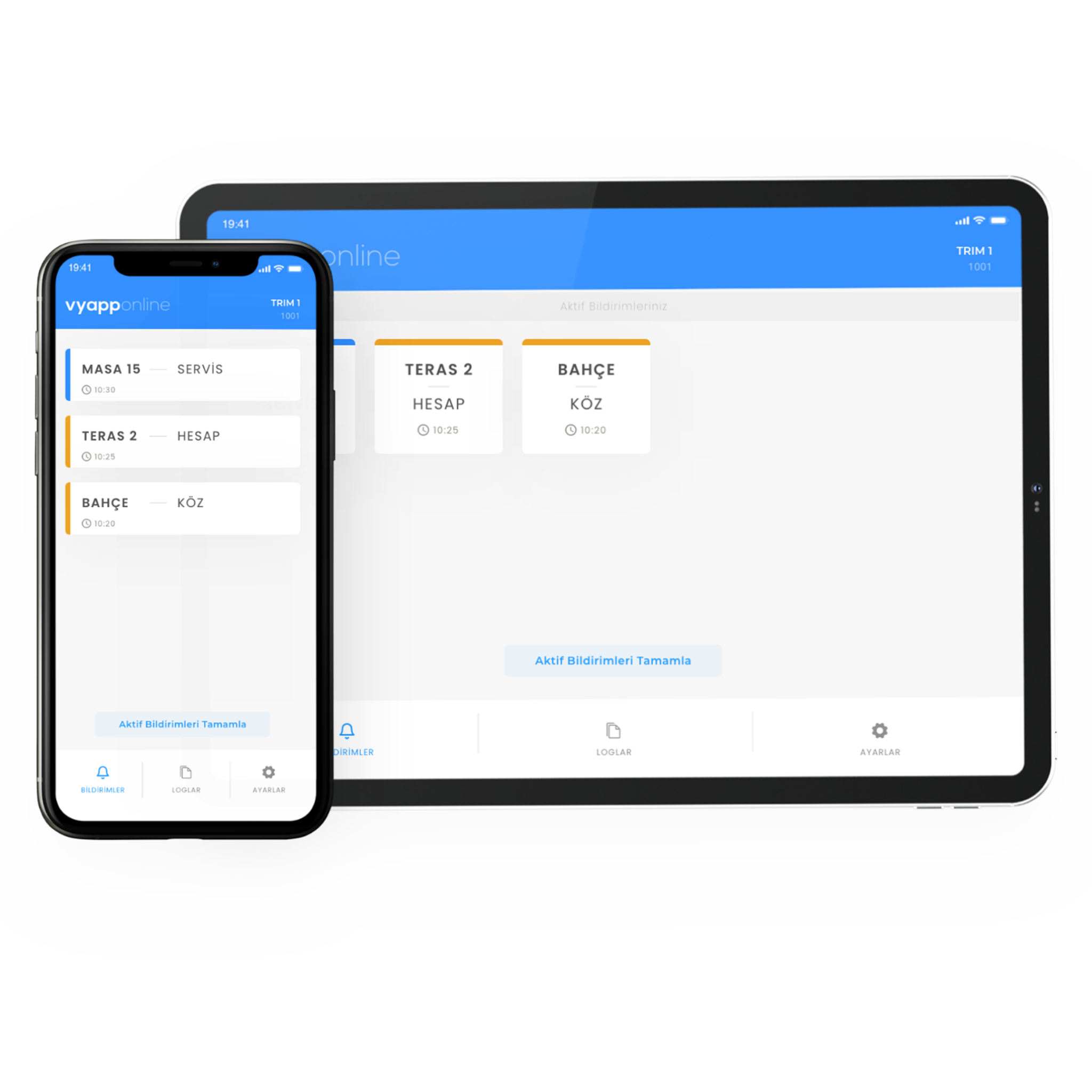
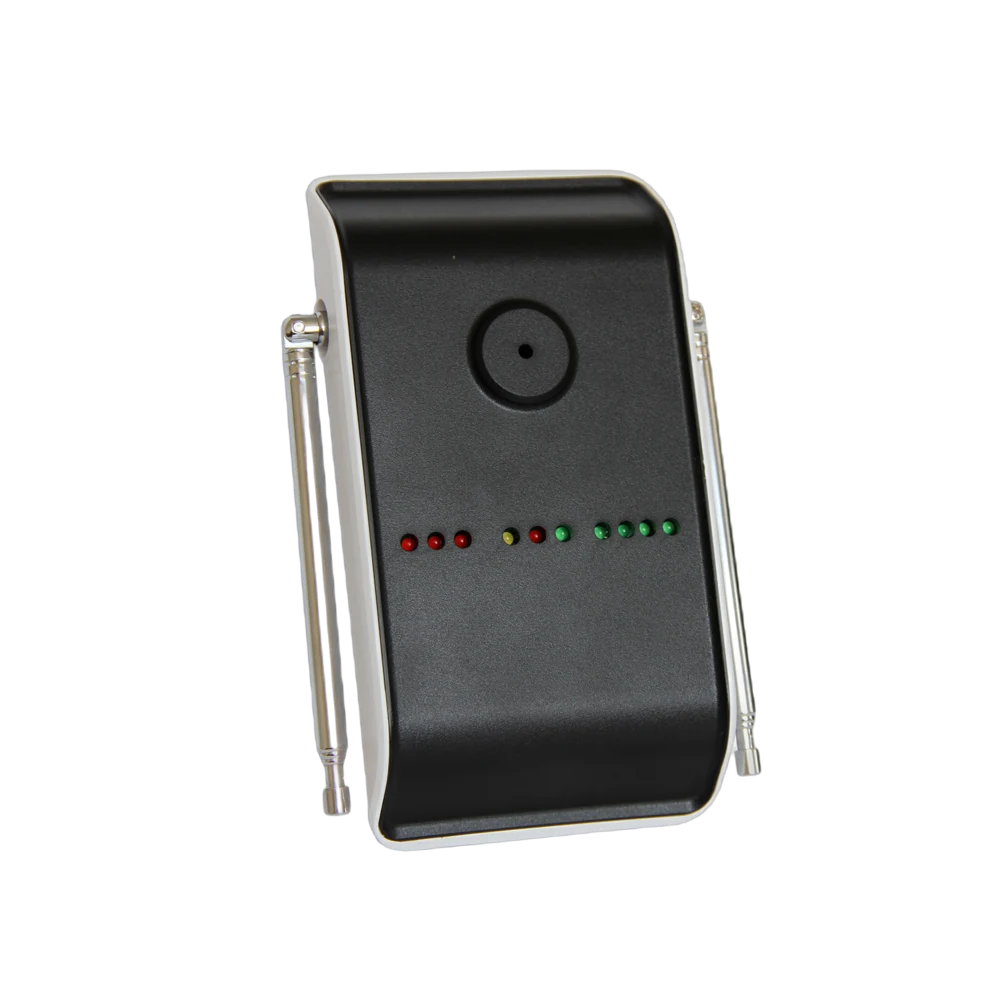
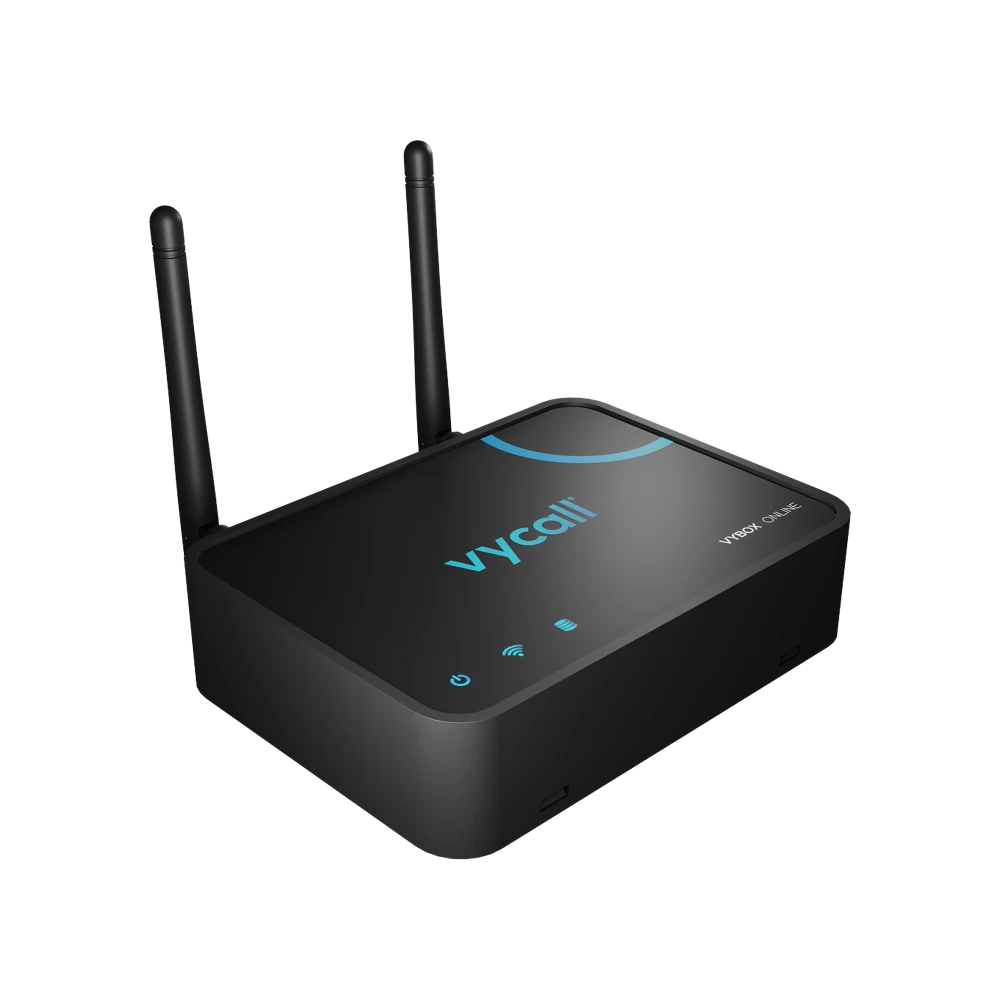
The guest does not interrupt the conversation to look for a waiter or raise a hand; they reach for the button at the edge of the table and press "Service". The notification goes to that section's waiter at that moment — "Table 12 · Service" — and the waiter knows which table they are going to and why. Which device it lands on is the operator's choice: the waiter's phone, a pocket pager, the screen at the kitchen pass, or all of them. If the dining room, terrace and garden are far apart a signal repeater goes in between; with VyApp Smart Call notifications arrive instantly over the internet.
Below we describe how this is set up in the field: where on the table the button is fitted, which key carries which request, who receives the notification and how an evening service goes.
Where on the table does the button go, what does each key do?
The layout changes with the area. On a table for two the button sits beside the menu stand; on the terrace it is fixed down because of the wind; at the bar counter one key is enough. This is the layout we install most often:
| Area | Where the button goes | Key 1 | Key 2 |
|---|---|---|---|
| Dining room table | At the table edge, beside the menu stand | Service | Bill |
| Terrace and garden | Stuck to the table or seated in a stand | Service | Bill |
| Bar counter | On the guest side of the counter | Service | — (one key is enough) |
| Booth and private section | On the side table, numbered | Service | Bill |
| Shisha and lounge area | On the side table, within the guest's reach | Service | Coals / Bill |
Why two keys? Because "send a waiter" and "I would like the bill" are not the same job. These are the two most frequent requests in the dining room; when the waiter sees a bill notification they take the card machine with them and do not walk twice. On a service request they come empty handed, because what is wanted will be discussed at the table.
If a third request is needed (shisha coals, a high chair) a second button is added to that section, or a virtual button goes on the table via QR.
What happens on the guest side?
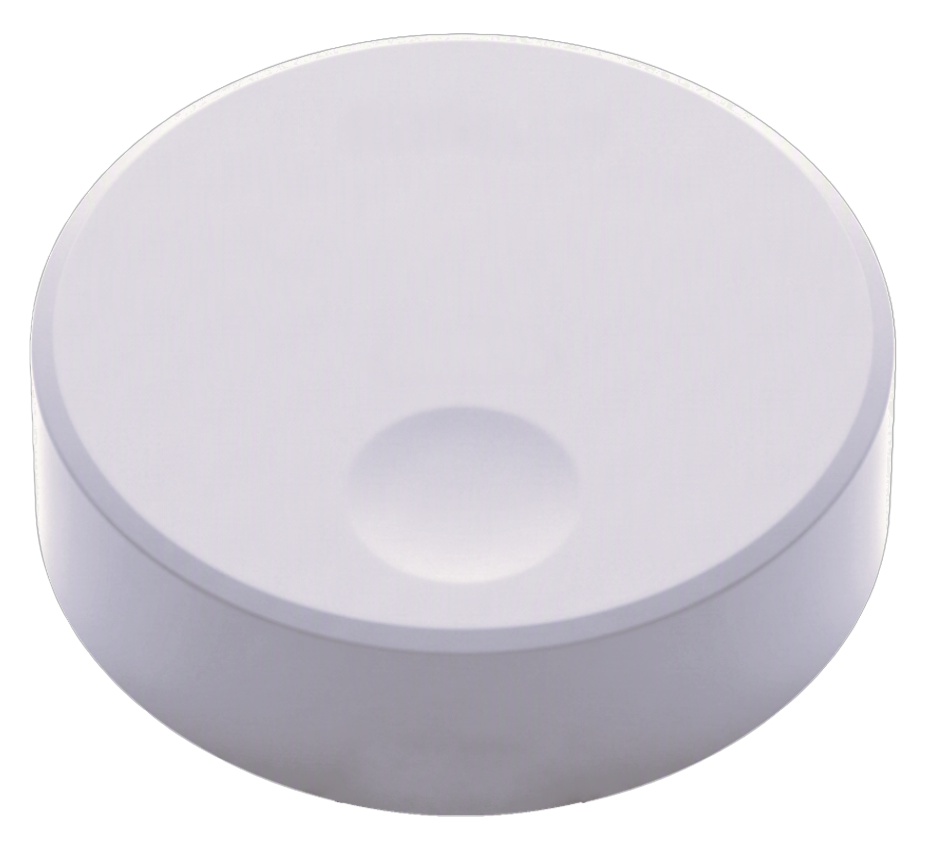
The guest's only movement is a single tap. The blue light in the base flashes once, the guest sees that the request has gone and returns to the conversation. When the waiter reaches the table they do not open with "yes please?", they get straight to the job: with the card machine if the bill key was pressed, to take the order if the service key was pressed.
The two words on the button ("SERVICE" / "BILL") and the icon explain everything; venues with heavy tourist traffic print icons instead of words. What guests appreciate most is this: the waiter arriving at the table already knows what was wanted.
Who receives the notification, on which device?
The operator decides where the notification lands. All three routes are used in restaurants:
- To a phone — with VyApp Smart Call. The waiter receives it on their own phone and carries no extra device. Because notifications travel over the internet the waiter sees them instantly whether they are in the dining room, on the terrace or in the kitchen.
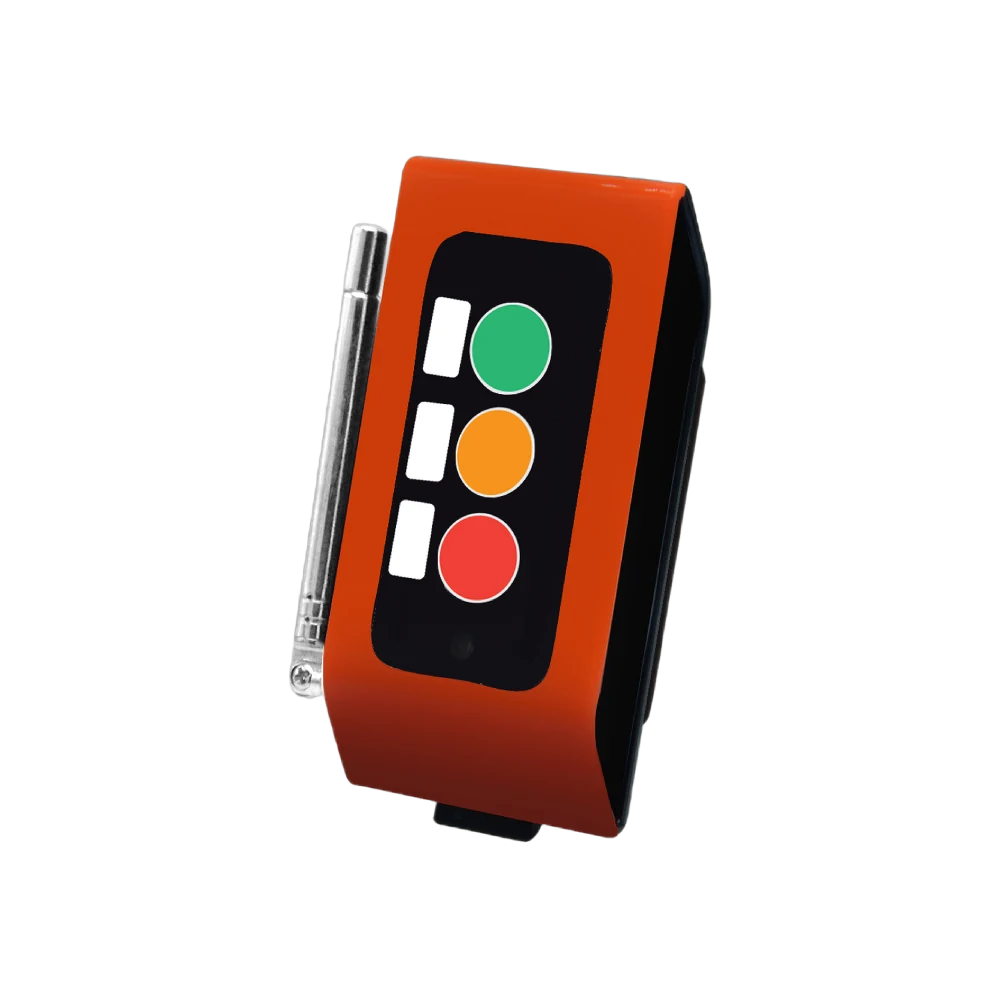
- To a pocket pager — A35WP. Used where staff do not work with their phones; it alerts by vibration and makes no sound in the dining room.
- To a wall screen — a D20 display at the service pass or by the kitchen door. It lists the waiting tables; the head waiter sees the whole floor at a glance.
The information shown is always in the same form: section + table number + request. "Terrace 04 · Bill". The number is kept identical to the table number in the POS so the waiter can go straight there without checking the floor plan.
The same notification can reach more than one device. In most venues the section waiter's phone and the screen at the service pass work together: while the waiter is on the way, the head waiter also sees the state of the floor.
How does an evening service go?
Before opening. The buttons are placed while the tables are laid. Because the button is battery powered and wireless it moves when the table layout changes, when two tables are joined or when the terrace is closed.
First hour, order rush. The service key works hard as the tables fill. Notifications are listed in order of arrival and the waiter starts with the oldest; there is no "who asked first" argument.
Mid service. A second drink, extra sauce, a plate for a child — all one key. Instead of a waiter constantly scanning the room, the pattern becomes a waiter going to the table that called. As empty rounds drop, the same team covers more tables.
Towards closing, bill traffic. This is when the second key works. The guest asks for the bill without getting up and the waiter arrives with the card machine; the table clears sooner. On busy evenings this is the part that most visibly affects table turnover.
End of day. The panel shows how many calls came from each section and the average response time. If one section is consistently slow, the next day's waiter distribution changes accordingly.
How many buttons are needed?
A typical distribution for an 80-table restaurant with a terrace:
| Area | Quantity | Button |
|---|---|---|
| Dining room tables | 40 | B300, 2 keys |
| Terrace and garden tables | 30 | B300, 2 keys |
| Booth and private section | 6 | B300, 2 keys |
| Bar counter | 4 | B300, single key |
| Total | 80 buttons |
On the receiving side: VyApp Smart Call on the waiters' phones and one screen at the service pass. If there is a thick wall between the terrace and the kitchen, a repeater goes to the point in between.
What is watched during installation?
Table layout. The button must be within reach from where the guest sits. A button placed in the middle of the table ends up under the plates during service; the edge is preferred.
Fixing. A loose button goes missing or falls while the table is being cleared. In the dining room it is seated in a stand; on terrace tables it is fixed with double-sided industrial tape.
Numbering. The button number matches the table number in the POS. This is the detail that most shortens the time it takes the waiter to reach the right table.
Printing. The venue's logo and the request wording are UV printed on the button. The object on the table looks like part of the venue.
Range. The dining room, terrace and garden run on the same system. If the garden is far or there is a thick wall in between, a site survey is done before installation and a repeater goes to a midpoint.
Battery. The button runs on a battery and no cable reaches the table. The battery level is monitored from the panel and only the ones that warn are changed.
