















How is help called from an accessible toilet?
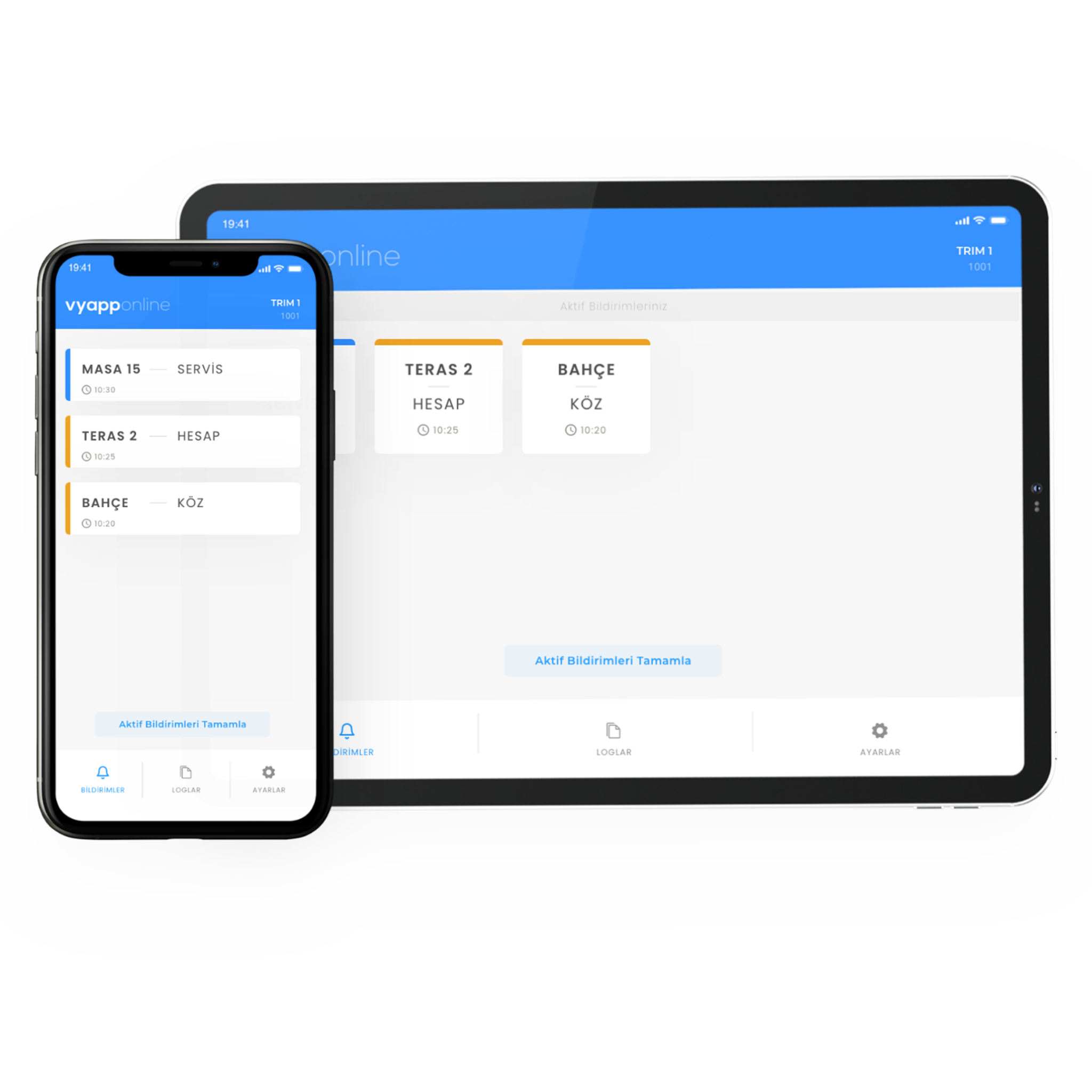
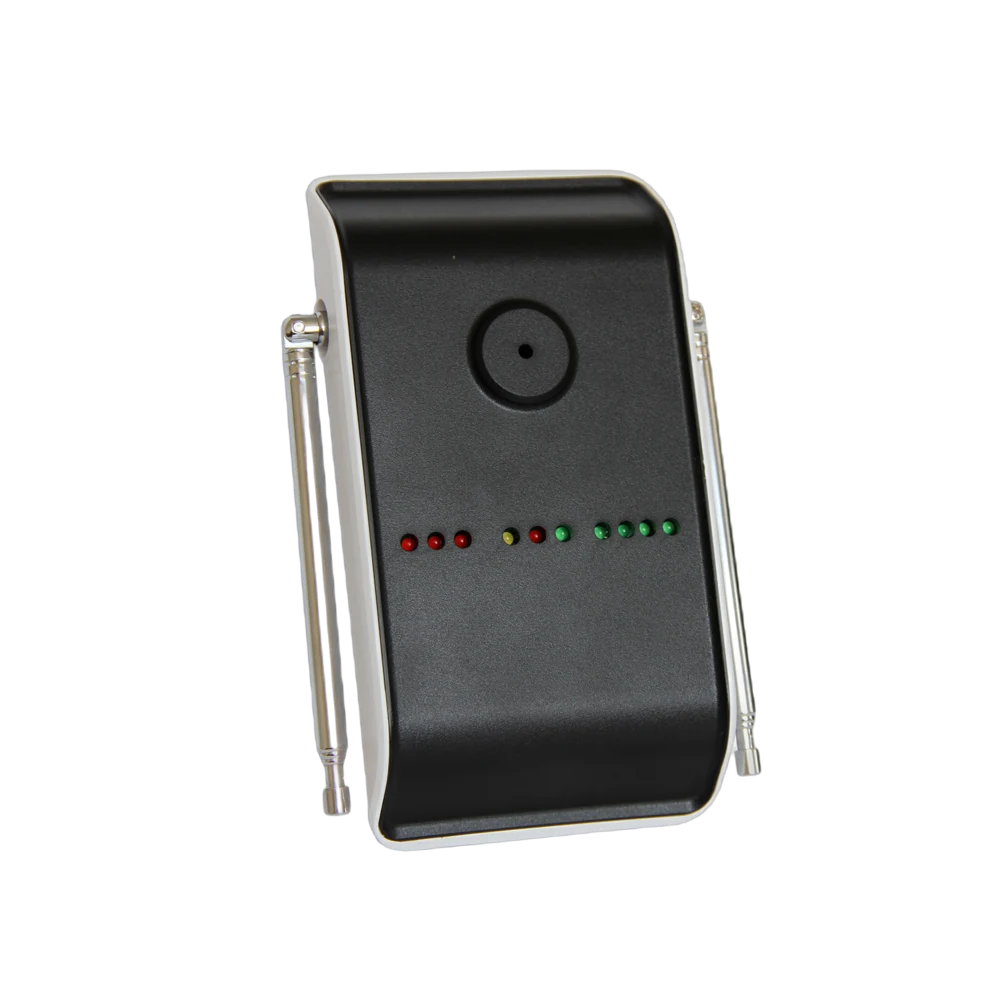
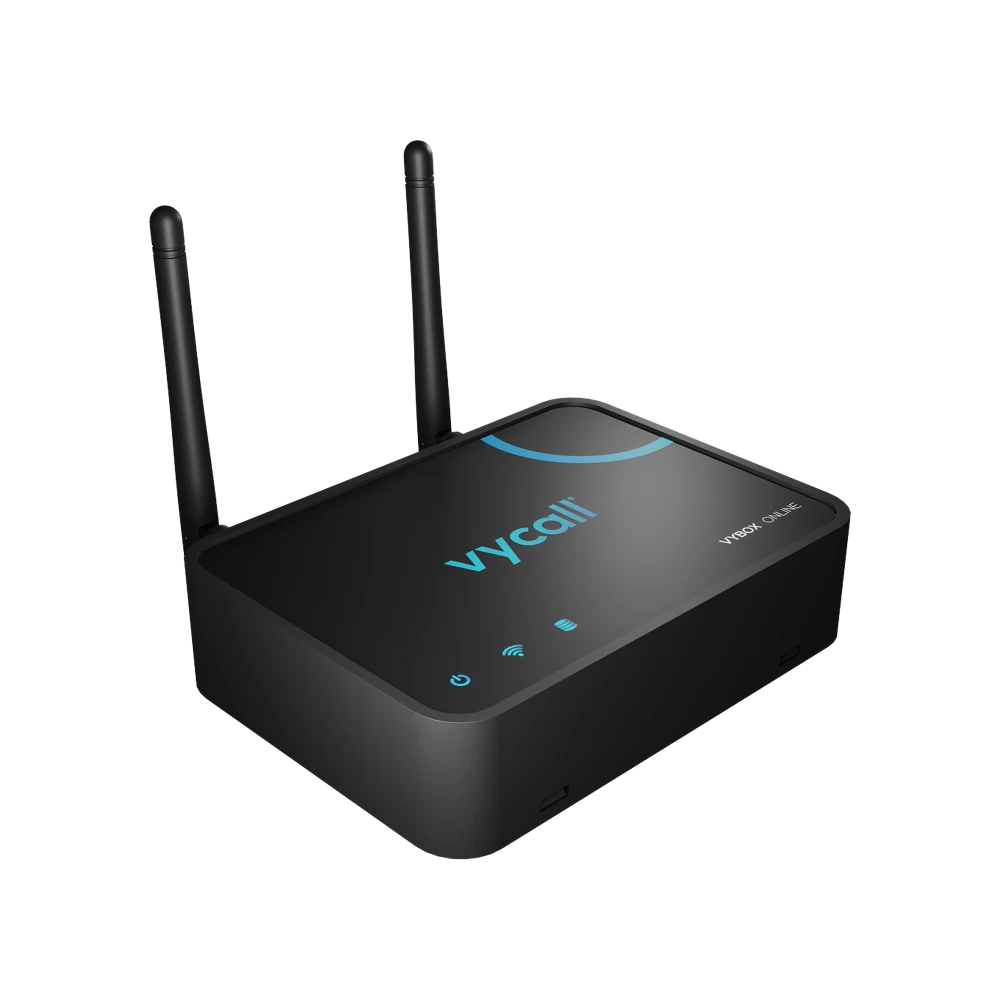
Someone who needs help in the cubicle does not knock on the door or try to make themselves heard; they pull the cord beside them or press the button. The notification goes to that floor's attendant — "Ground Floor · Accessible WC" — and the attendant sets off knowing exactly where to go. Which device it lands on is the operator's choice: the attendant's phone, a pocket pager, the screen at the information desk, or all of them. Where there are many floors or a wide area a repeater goes in between; with VyApp Smart Call notifications arrive instantly over the internet.
Below we describe how this is set up in the field: where in the cubicle and at what height the button is fitted, how far the cord reaches, who receives the notification and what happens after the call.
Where in the cubicle, at what height does the button go?
This is the most critical heading on this page; whether the system works at all depends on placement.
| Point | Where | Why |
|---|---|---|
| Beside the WC | On the wall, within reach from a seated position | The most used point |
| Floor level | The end of the cord reaches close to the floor | So it can be pulled from the floor after a fall |
| Shower and bathroom | A body suited to wet areas, inside the cubicle | The area with the highest risk of slipping |
| Beside the door | As a second point, on the entrance side | Reach for falls near the door |
| Around the basin | Optional | Where support is needed while standing |
Why does the cord reach the floor? Because the person calling for help may not be standing. A button left high on the wall is out of reach for someone who has fallen — this is the installation mistake we see most often in the field. The end of the cord must reach close to the floor and nothing may block it.
What happens for the person calling?
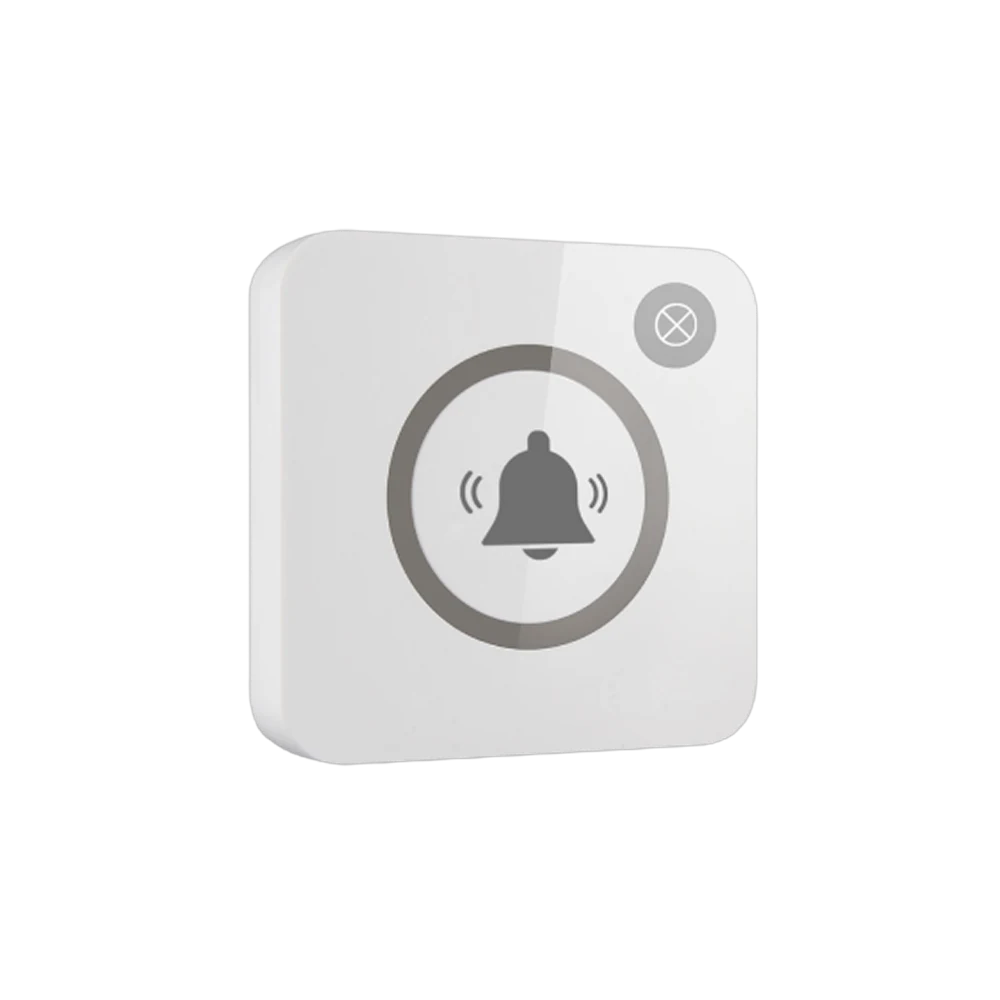
The cord is pulled or the button is pressed. The light on the button comes on to show the call has gone — for the person in the cubicle this is the most important information: there is no need to try to be heard, the call has gone.
Outside the cubicle an audible or visual alert is given: the lamp above the door lights, so an attendant passing along the corridor finds the right door.
Who receives the notification, on which device?
The operator decides where the notification lands; in accessibility most sites define more than one point together:
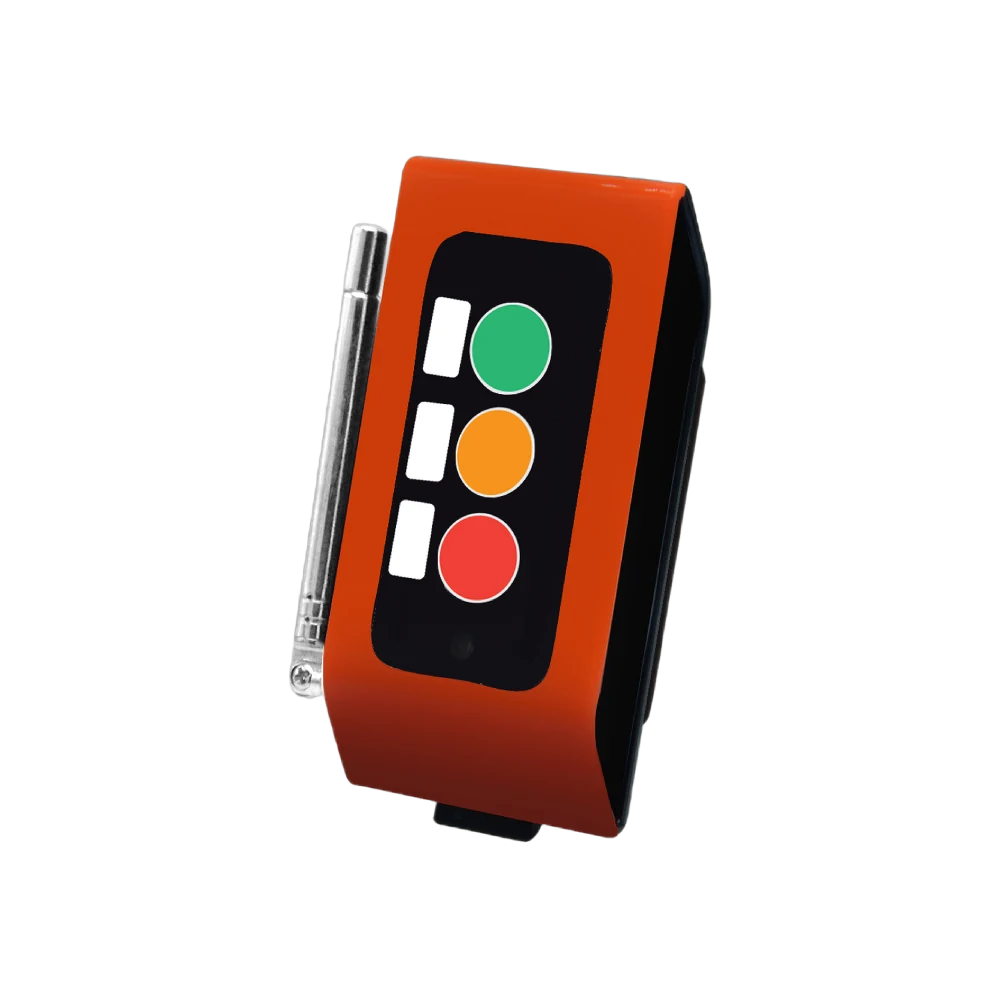
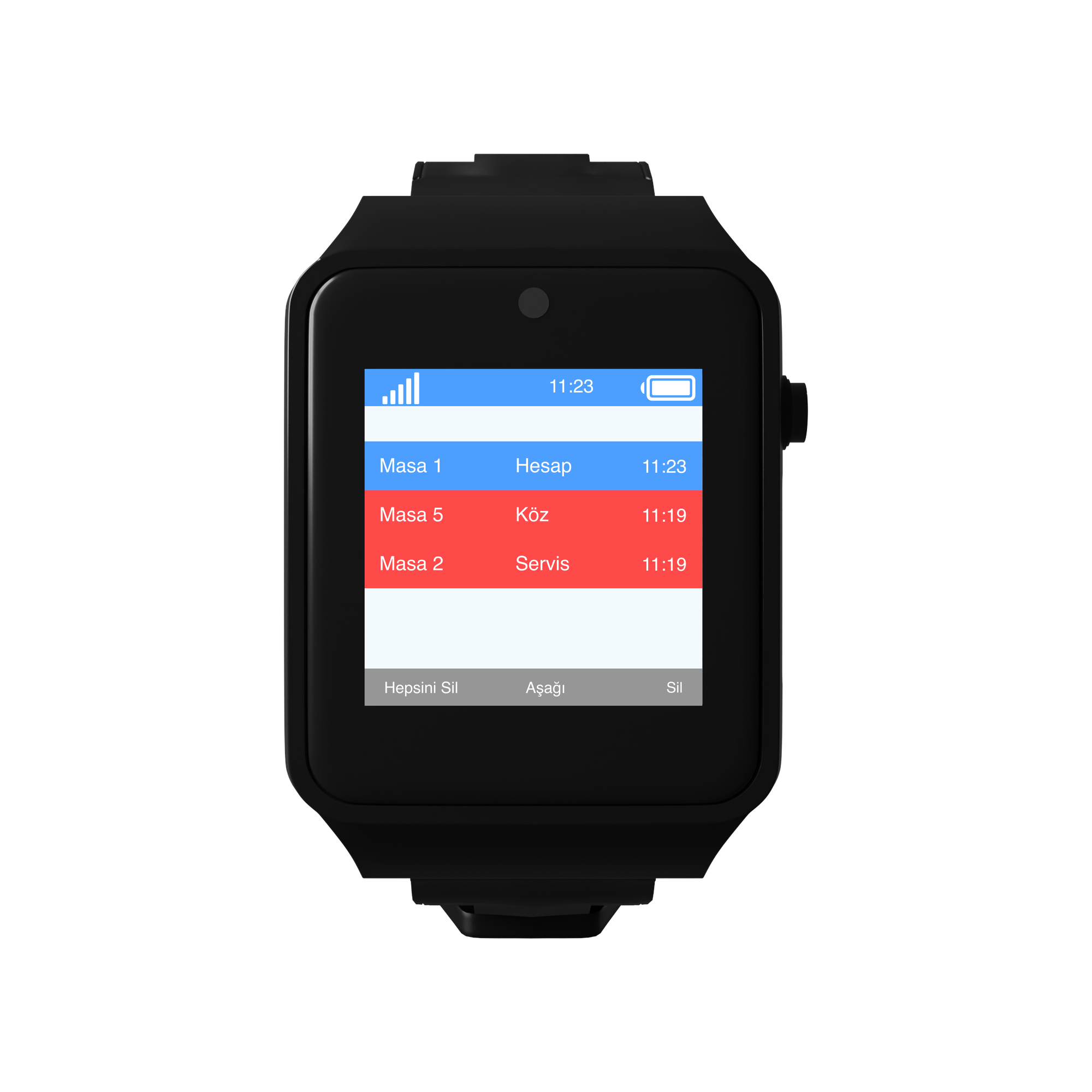
- To the floor attendant's device — their phone or pocket pager. The person working on that floor arrives fastest.
- To the screen at the information or security desk — a D20 display. The notification is also recorded.
- To the lamp above the door — L20. Which door it is can be seen from the corridor.
The information shown is always in the same form: floor + area. "1st Floor · Accessible WC". In sites with many cubicles a number is given.
The same notification can reach more than one device — and on this page that matters especially. The floor attendant's device, the screen at the security desk and the lamp above the door receive the same call together; the request is not left to one person to notice.
What happens after the call?
The attendant goes to the door. Because the notification carries the floor and the area, no searching is needed. If the lamp above the door is lit there is no hesitation in the corridor either.
Speaking at the door. The attendant calls out first; how help is given depends on the person's situation. The system closes its part here, the rest is the site's own procedure.
The call is closed. It is closed from the button or from the panel.
A record remains. Which cubicle called and at what time stays in the panel. This is the only concrete data used in accessibility audits and internal reporting.
How many buttons are needed?
A typical distribution for a mid-sized shopping centre:
| Area | Quantity | Device |
|---|---|---|
| Accessible WC cubicles (1 per cubicle) | 12 | P200PL, pull cord |
| Accessible shower / baby care room | 4 | P200PL, pull cord |
| Lamp above the door | 12 | L20 Light Indicator |
| Information and security screen | 2 | D20 Display |
| Total | 16 buttons + 14 receivers |
On the receiving side: VyApp Smart Call or pocket pagers on the floor attendants. In tall or wide buildings repeaters are planned between floors.
What is watched during installation?
Height and cord length. The end of the cord must reach close to the floor. A cord left at standing height is of no use after a fall.
Nothing in front of the cord. A bin, a cleaning trolley or a grab rail must not block it. This is the first item checked after installation.
Wet areas. A body suited to wet areas is chosen at shower and bathroom points.
Visibility. The colour of the button and the icon on it must be picked out from a distance; it must not be the same colour as the cubicle wall.
Notification point. The device the call goes to must always be carried by someone. A system wired only to a screen goes silent when nobody is at the desk — this is why at least two points are defined.
Records. Recording calls in the panel is asked for in accessibility reporting.
Battery. The button runs on a battery and no cabling is run into the cubicle; the battery level is monitored from the panel.
