















How is order ready notification done in a self-service restaurant?
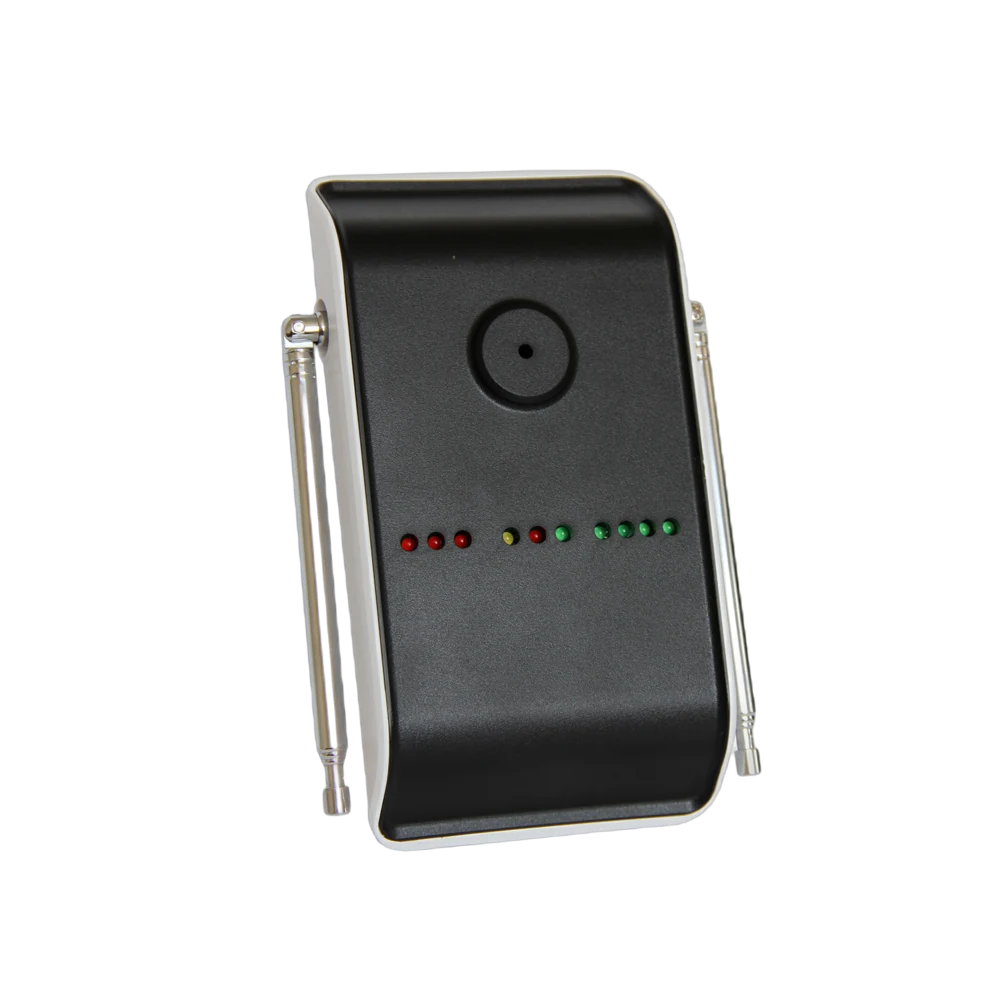
The customer places the order, takes a vibrating device from the till and moves to a table; they do not stand waiting at the counter. When the order is ready the key on the kitchen side is pressed, the device alerts by vibrating and lighting up, and the customer collects their tray. Instead of a queue there are people sitting in the dining area, and staff do not announce a name or a number for every plate.
Below we describe how this is set up in the field: when the device is handed over, what happens on the counter side, how many devices are needed and how the busy hour goes.
How does the system work at the counter?
The routine has three steps and is the same in every venue:
| Step | Where | What happens |
|---|---|---|
| 1 · Order | Till / counter | The order is taken and the customer is given a device from the charging stand |
| 2 · Preparation | Kitchen / pass | When the order is ready that device's number is keyed in |
| 3 · Collection | Counter | The device vibrates and lights up; the customer collects the tray and returns the device |
Devices charge when they are returned to the stand and the same device goes to the next customer. It is a closed loop running all day; staff have no extra step.
Why vibration instead of an announcement? Because announcements add noise to the room, go unheard when there is music or a crowd, and do not reach a customer who does not speak the language. A vibrating device has none of these problems: the device is on the customer's table and the alert goes straight to them.
What happens on the customer side?
The customer takes the device and sits down. While waiting they do not watch the counter; they look at their phone or talk, and they do not get up to check whether the order is ready. When the device vibrates they collect the tray and return the device to the stand.
Nothing needs explaining: the moment the device is put on the table it is clear what will happen. In food courts with heavy tourist traffic this is the part that helps most — even without a shared language, vibration says the same thing to everyone.
What happens on the staff side?
There is one movement on the kitchen side: keying in the device number when the order is ready. Staff do not scan the room looking for the customer, call out names or carry trays.
In busy venues this routine brings something else: the front of the counter clears. Because the crowd waiting for orders disperses, an arriving customer does not see a long queue and give up. Order becomes visible in the room.
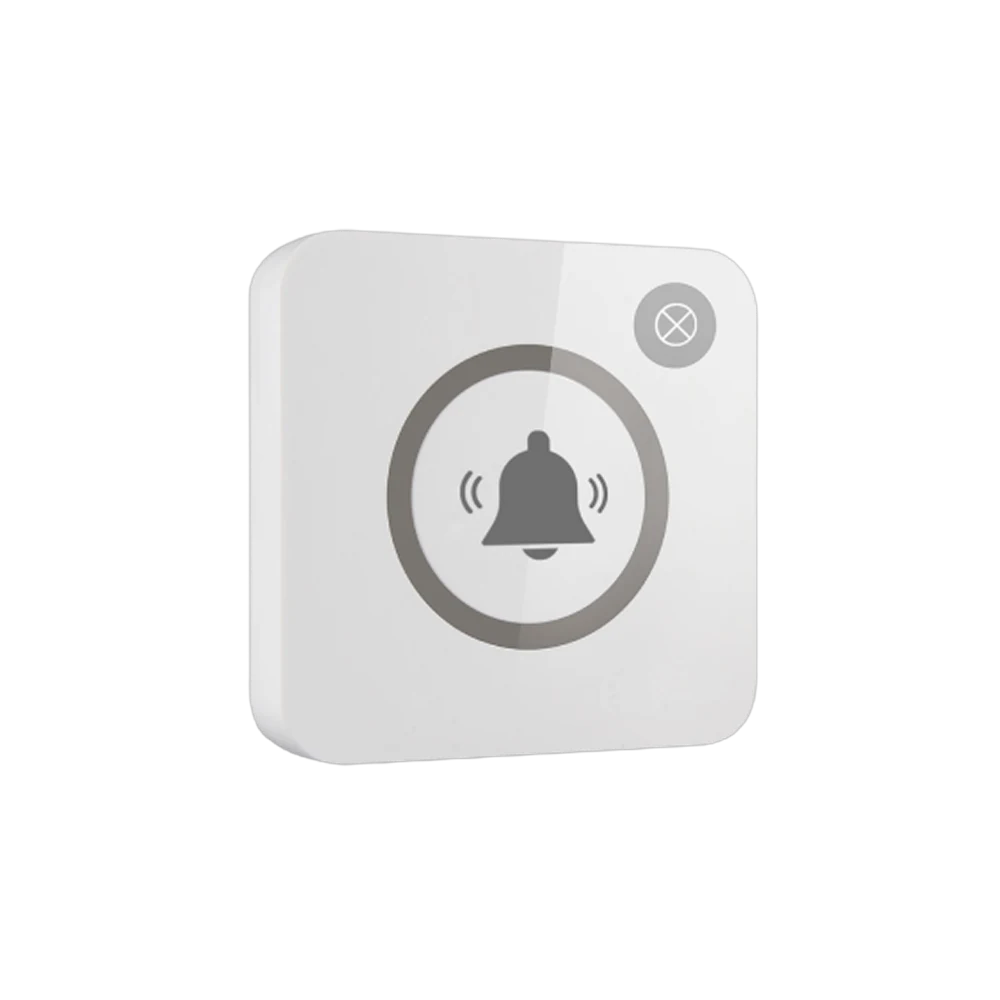
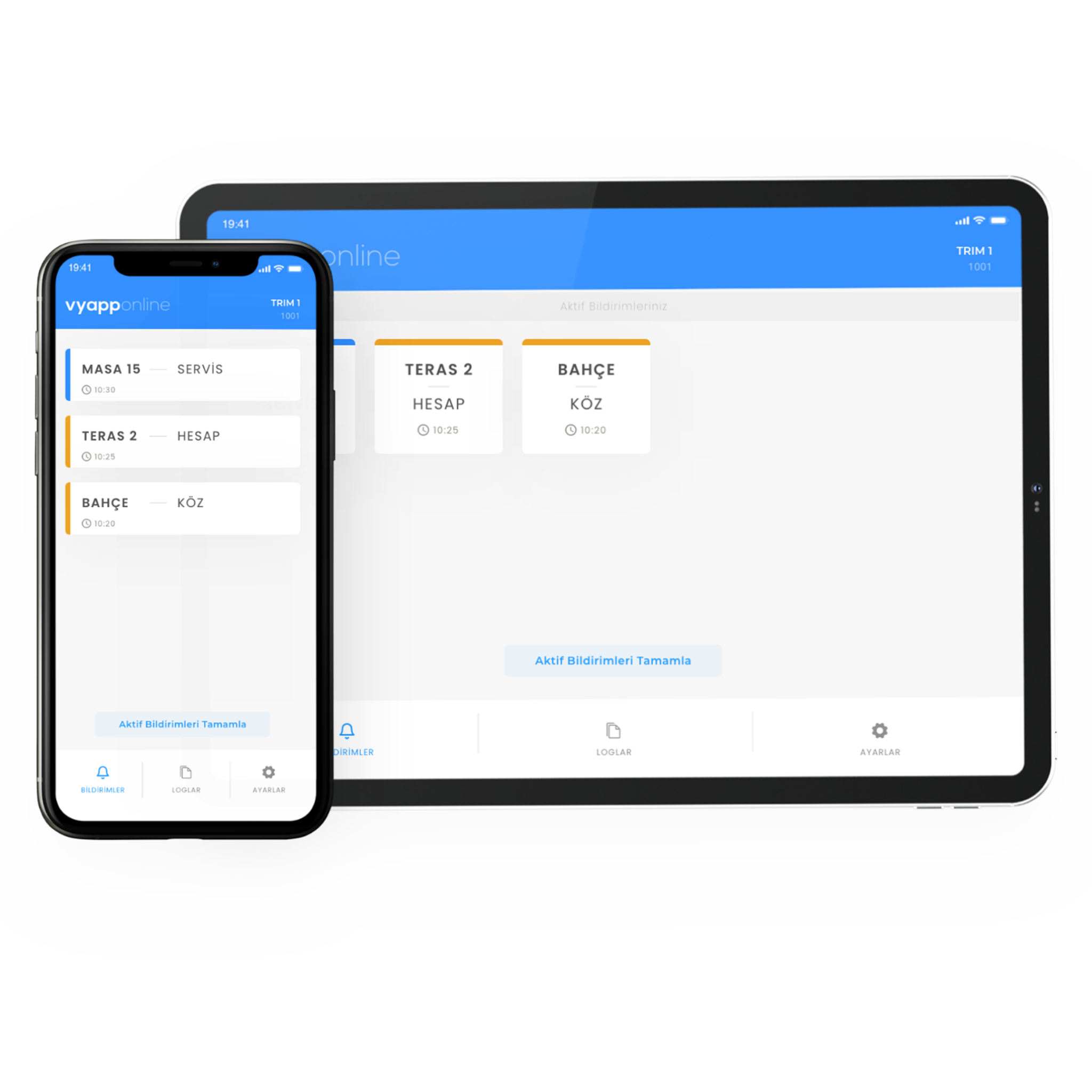
Alongside sending the order ready notification to the customer device, staff calling can run on the same system: tabletop buttons are added to send cleaning or tray collection notifications to the floor attendant.
How does the busy hour go?
Lunch opening. The devices are in the charging stand, all of them full. Orders start being taken at the till.
When the queue is longest. Because everyone who orders takes a device and moves to a table, the front of the counter flows. The queue is made of people ordering, not people waiting.
When the kitchen falls behind. Because the order sequence is tracked by device numbers there is no confusion. Whoever is ready is called; whoever is not sits at their table.
When the room fills. The device works when the customer sits at a distant table too; if the room is large or has columns, a site survey is done between the counter and the furthest table.
Closing. The devices are collected into the stand and left charging. At the end of the day the number of order calls and the average collection time can be seen from the panel.
How many devices are needed?
A typical distribution for a 120-seat self-service restaurant that peaks at lunchtime:
| Point | Quantity | Device |
|---|---|---|
| Customer paging device (by the number of orders waiting at once) | 30 | MC-S10 customer device |
| Charging and calling stand | 1 | MC-S10 stand |
| Floor attendant call button (table clearing) | 6 | B300, single key |
| Total | 30 devices + 6 buttons |
The rule for the device count is simple: as many devices as there are orders waiting in preparation at the busiest hour. Go below that and the queue comes back.
What is watched during installation?
Stand position. The stand goes right beside the till, so the customer places the order and takes the device in the same movement. Putting the stand further away turns it into an extra job for staff.
Device count. Calculated for the busiest hour. A set bought for the average does not cover lunchtime.
Room size. The distance between the counter and the furthest table is measured. In multi-storey food courts or wide rooms with columns, a repeater is planned.
Printing. The venue's logo is printed on the device. Since it is an object circulating in customers' hands, brand visibility is high.
Return. Returning the device to the stand should become a habit; the stand is placed visibly and on the way out.
Cleaning. The devices have wipeable surfaces; in a food area this is a requirement.
